Activity for User 107 - Bob Wills - bodori@comcast.net

avatar
Avatar

Close this Tab when done


882 Comments / 1062 Replies Posted

  = Current Round   = Previous Round
Group Round C/R Comment Date Image
96 Nov 23 Reply Try Generative AI fill instead. Just another available tool option. Nov 26th
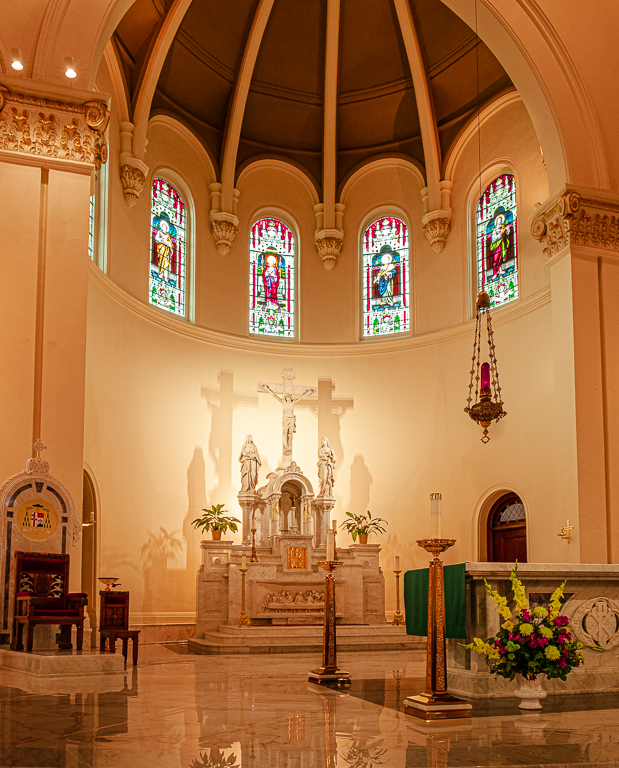
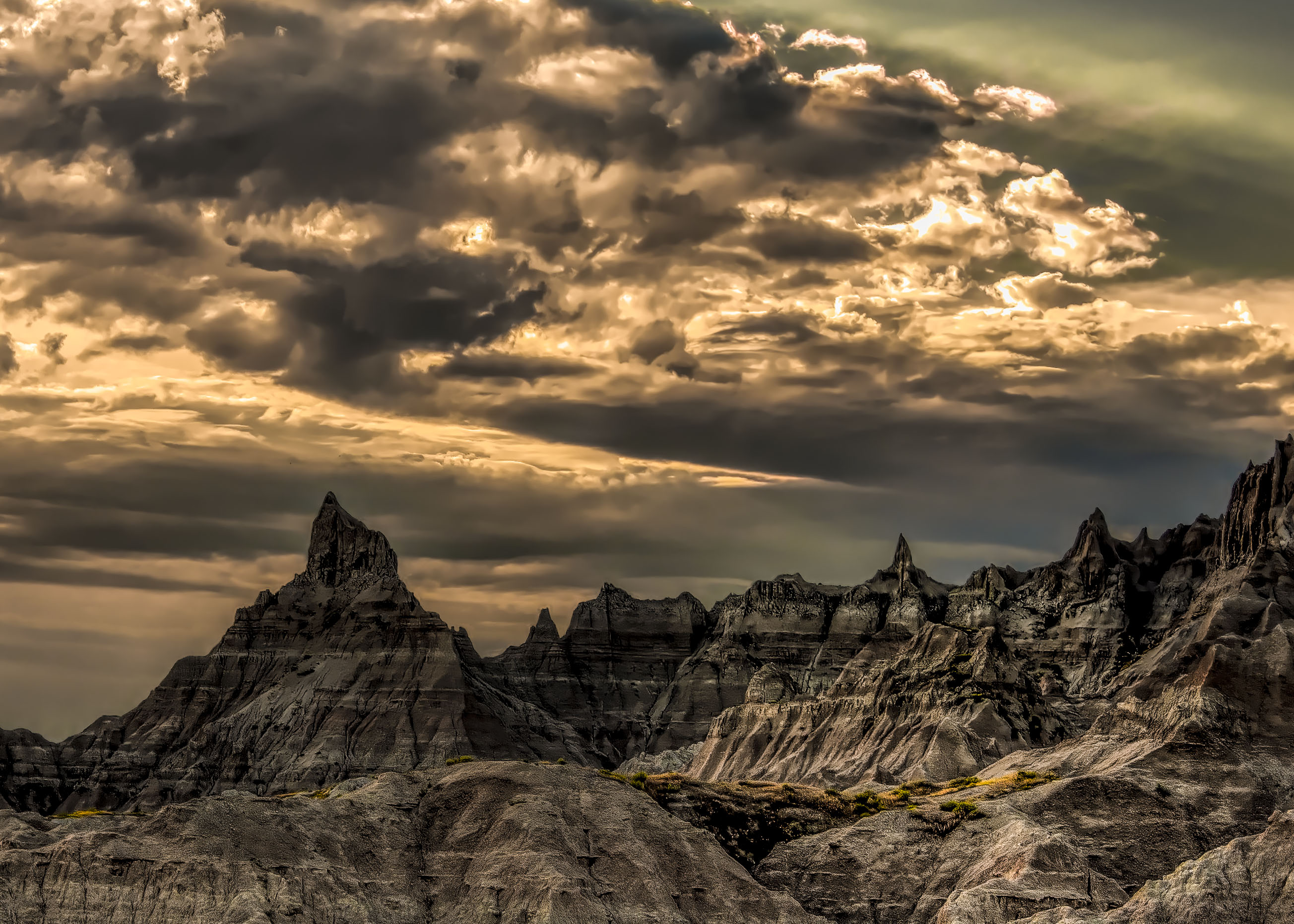
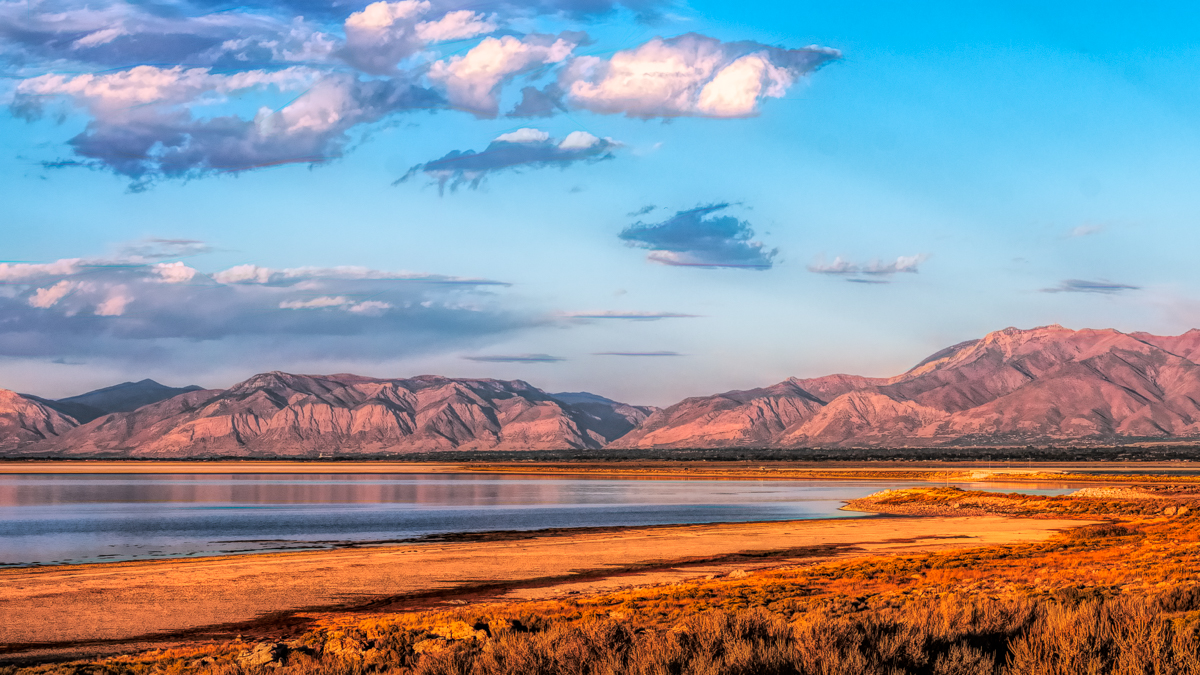
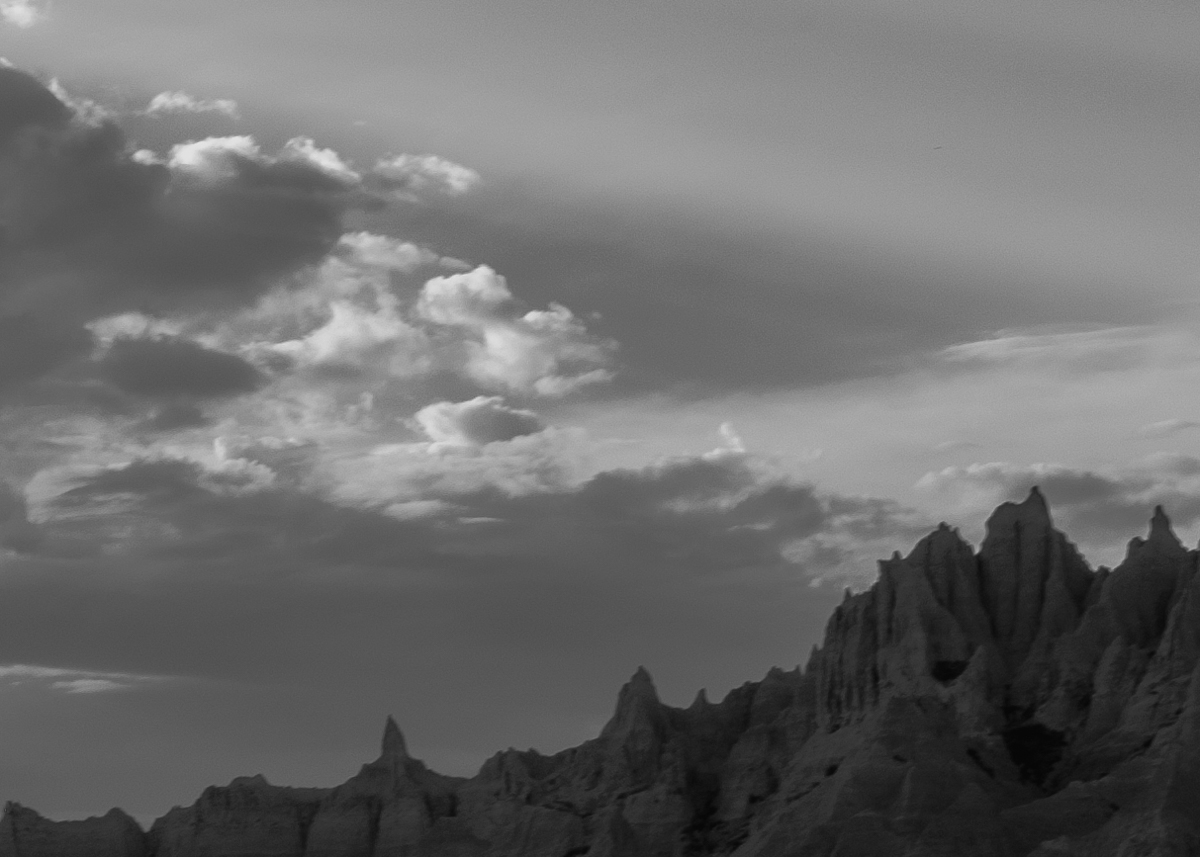
96 Nov 23 Reply This version just expands the too dark foreground. The Cathedral version submitted is closer to being better than this. You've made the sky even brighter.
I cropped the Cathedral in (16x9) modern screen Pano mode, slightly warmed everything and made the Mountain and Sky the subject.
If you had the time/endurance/equipment it might have been best to use a telephoto or normal lens. When using wide angle primes, we usually try to find a great foreground element, and in this scene, it really isn't needed. Your subject is obvious and just needs to be treated as best you can in post. Lightweight zooms save the legs.
Nov 26th
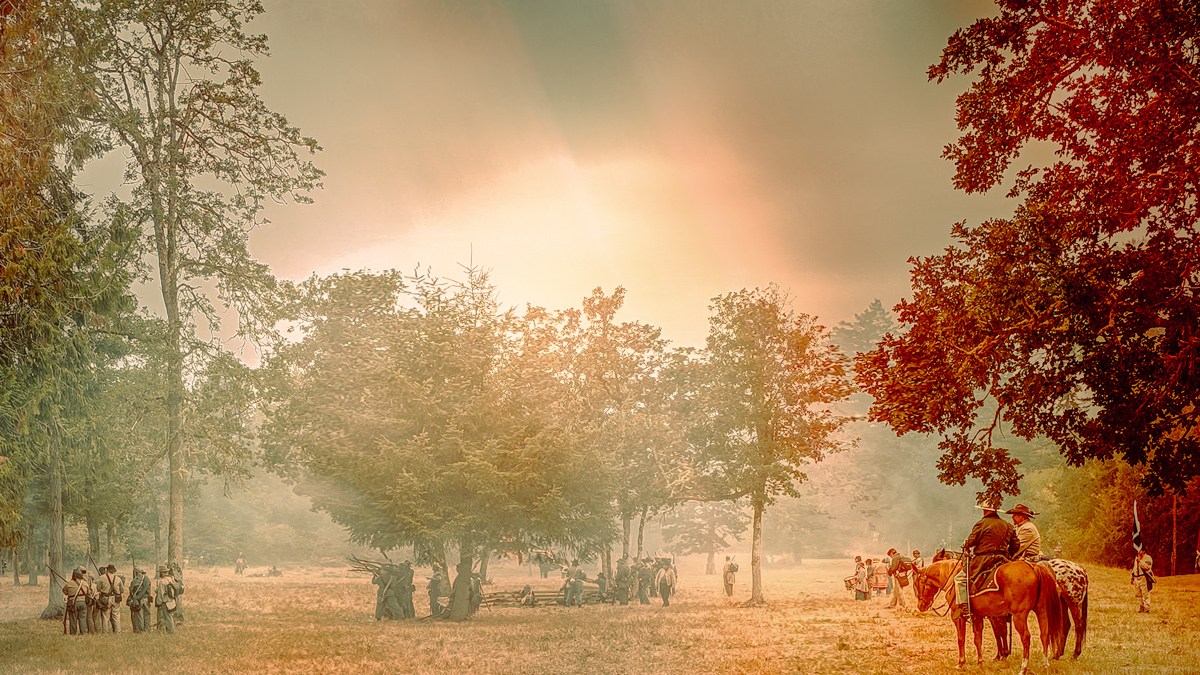
96 Nov 23 Reply I played with your color image some more and tried to keep the slash of light. I transformed the slash to make it bigger, admiring the red leaves. I then used a Selective Color adjustment layer, a curves adjustment layer, and a reflected gradient layer to add some pop. Finally, I cropped it. It isn't subtle as you would normally edit, but it is a fall color option. The biggest issue was I lost sharpness, but that is more my inadequacy than PS. Nov 25th
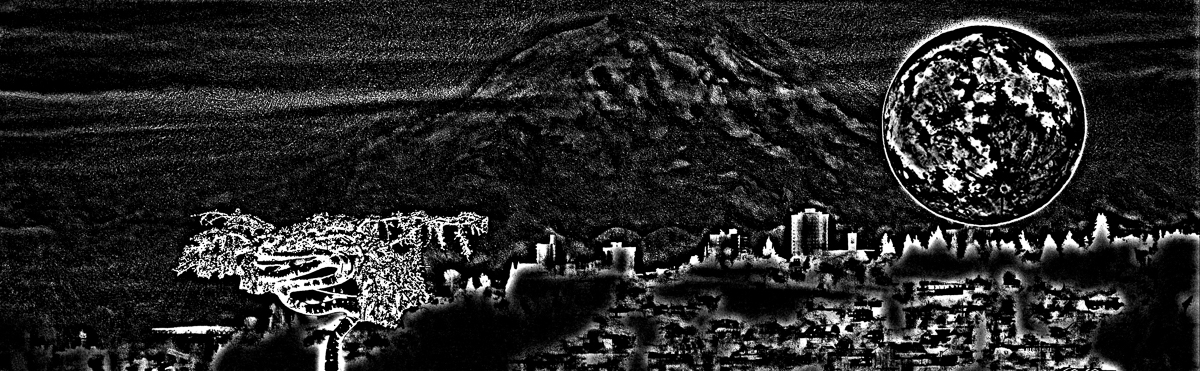
96 Nov 23 Reply I'm attaching a tone assessment image and to me the black areas still block the eye from traveling much, so I might work that a bit. The transform works for me, but I found it may be off level by -0.064 degrees. I'll just attach a second image to see what you think. Nov 18th
96 Nov 23 Reply Your original vision (as I see it) was to use the Vee created by the foreground as an entrance to the background. The foreground was too dark and limited where the eye travels. I worked a little again on cropping the vee equally using a ruler as a horizontal guide on the top of the V as the guide. Then I added some Selective Color to the Neutral and Black areas. I think the image is worth any work you put into it. You have three great elements, and your V can be turned into a compelling Z. Nov 18th
96 Nov 23 Comment Hi Biren,
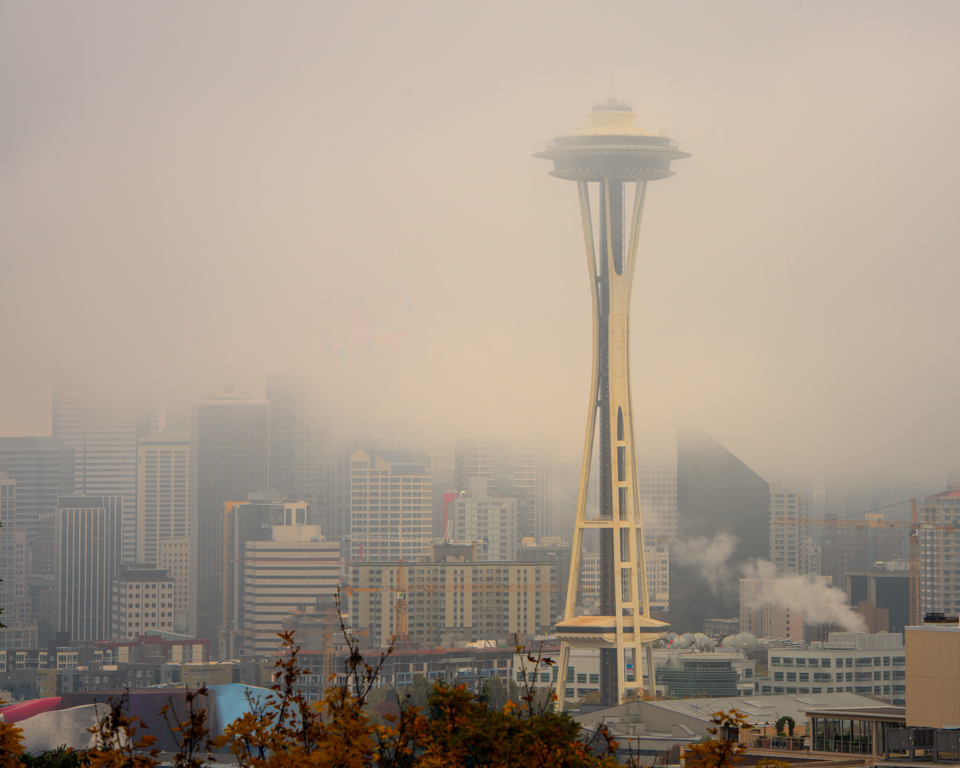
I like the view of the city. As when I traveled through the Suez Canal the overwhelming sand in the air dominated the color of everything. I don't think I would know if the colors were properly captured, but if the image is what you saw, it is fine. I played with masking the sky, then the city, and then adjusted the colors to my liking, not necessarily accurate. I agree with Robert that a transformation might eliminate the leaning buildings.
Nov 17th
96 Nov 23 Comment Hi Robert,
You have enough foreground that would work well with your lens choice, but I can tell you want the god rays to be prominent, and the flowers are an excellent supporting element. I would consider a crop and I used the LR point color mixer to bring out the yellows a little, but there are a gazillion methods to bring out the color you saw or wished to see. Beautiful work.
Nov 17th
96 Nov 23 Comment Hi Haru,
1. As presented it is too busy. Robert's image does have potential
2. It is much less busy in B&W as that eliminates all the colors. I didn't really do any editing after the conversion. Just wanted to see it myself.
Nov 17th
96 Nov 23 Comment Hi Gloria,
I'm going to suggest the same thing I'm going to say to Robert. A wide angle lens is best used with a great foreground. I may have considered using the 105 mm if it is sharp. If the subject is the amazing light on the tree, I would crop to make it larger. I am including my idea, but I couldn't remove the limbs well in LRCC.
I wish you had sent in a larger image. It is difficult to adjust anything on a 640 px image. Use the 1200 px on the long side Tom has given us.
Nov 17th
96 Nov 23 Reply Thanks, Robert.

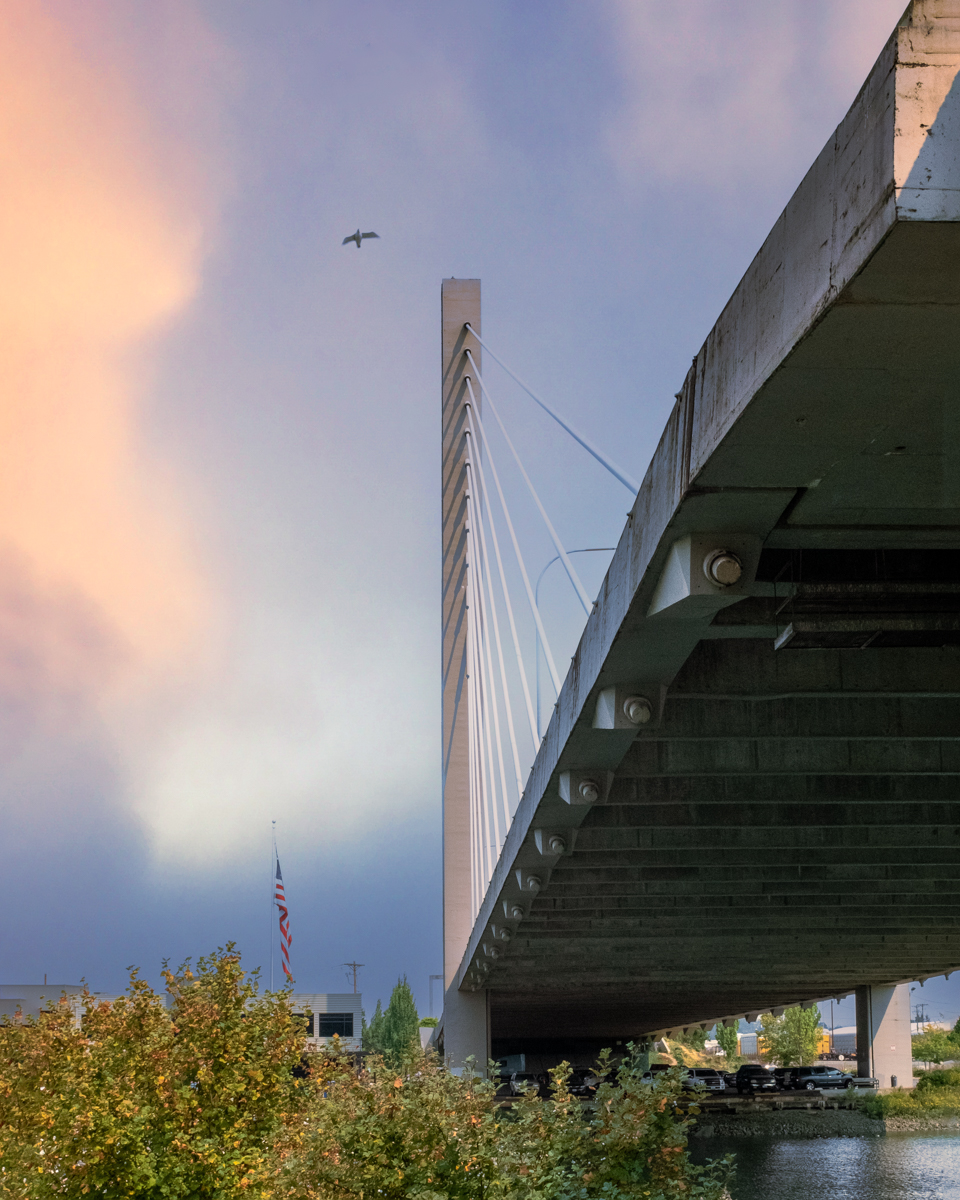
As always, your advice is thought provoking, and I wish my thoughts were as deep when I submitted the image. Dorinda is a full-time job for me right now, and we are so close to needing assisted living, I am unable to think beyond that.

But yes, I now see that the image is a contrast between man (huge bridge) and nature (little gull). That works for me. I will crop according to that and may change the color palette to B&W.
Nov 15th
96 Nov 23 Reply Thank you, Viren. I struggled. Nov 14th
96 Nov 23 Comment Thank you, Haru. I would call your curve ball a strike! Outside corner. Nov 14th
96 Nov 23 Reply Thank you, Gloria. I should have used the remove tool to subtract the cars. I'm not sure that the bridge can stand on just one leg, plus the second support intimates a second vertical cable support, at least in my mind. Nov 13th

5 comments - 8 replies for Group 96


5 comments - 8 replies Total


149 Images Posted

  = Current Round   = Previous Round
Group 18

Aug 25

Jul 25

Jun 25

May 25

Apr 25

Mar 25

Feb 25

Jan 25

Dec 24

Nov 24

Oct 24

Sep 24
Group 20

Dec 23

Oct 23

Aug 23

Jul 23

Jun 23

May 23

Apr 23

Mar 23

Feb 23

Dec 22

Nov 22

Oct 22

Sep 22

Aug 22

Jul 22

Jun 22
Group 23

May 22

Apr 22

Mar 22

Feb 22

Jan 22

Dec 21

Nov 21
Group 29

Jan 26

Nov 25

Oct 25

Sep 25

Aug 25

Jul 25

Jun 25

May 25

Apr 25

Jun 20

Apr 20

May 20

Mar 20

Feb 20

Jan 20

Nov 19

Oct 19

Sep 19

Aug 19

Jul 19

Jun 19

May 19

Apr 19

Mar 19

Feb 19

Jan 19

Nov 18

Oct 18

Sep 18

Aug 18

Jul 18

Jun 18

May 18

Apr 18

Mar 18

Feb 18

Jan 18

Nov 17

Oct 17

Sep 17

Aug 17

Jul 17

Jun 17

May 17

Apr 17

Mar 17

Feb 17

Jan 17
Group 33

Jun 20

May 20

Apr 20

Mar 20

Feb 20

Jan 20

Nov 19

Oct 19

Sep 19

Aug 19

Jul 19

Jun 19

May 19

Apr 19

Mar 19

Feb 19

Jan 19

Dec 18

Nov 18
Group 34

Dec 25

Nov 25

Oct 25

Sep 25
Group 96

Dec 23

Nov 23

Oct 23

Sep 23

Aug 23

Jul 23

Jun 23

May 23

Apr 23

Mar 23

Feb 23

Jan 23

Dec 22

Nov 22

Oct 22

Sep 22

Aug 22

Jul 22

Jun 22

May 22

Apr 22

Mar 22

Feb 22

Jan 22

Dec 21

Nov 21

Oct 21

Sep 21

Aug 21

Jul 21

Jun 21
Group 98

Nov 21

Oct 21

Sep 21

Aug 21

Jul 21

Jun 21

May 21

Apr 21

Mar 21

Feb 21

Jan 21

Dec 20

Close this Tab when done