|
| Group |
Round |
C/R |
Comment |
Date |
Image |
| 20 |
Jul 23 |
Reply |
Very Cool! |
Jul 24th |
| 20 |
Jul 23 |
Reply |
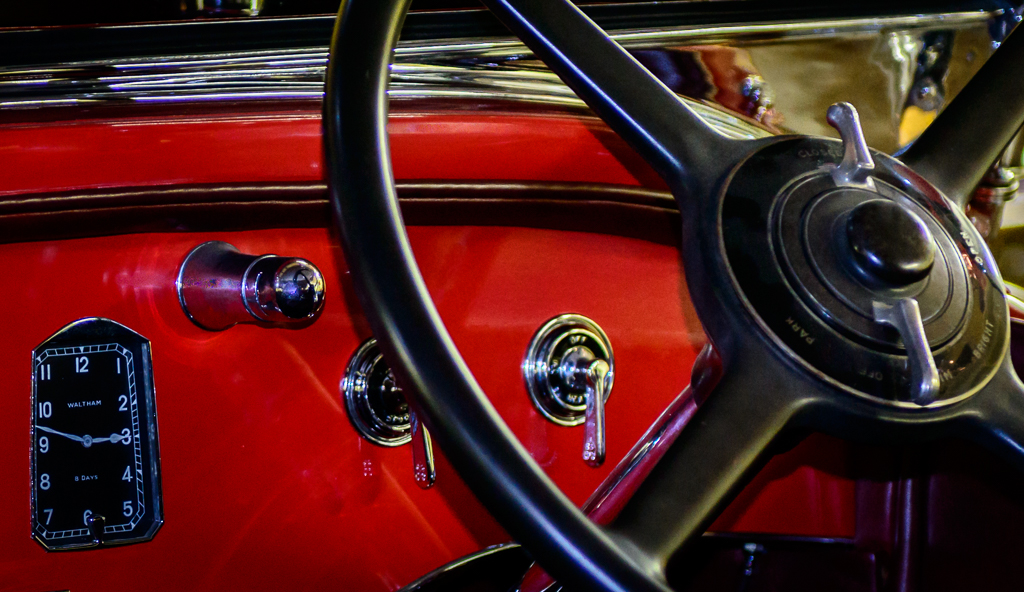
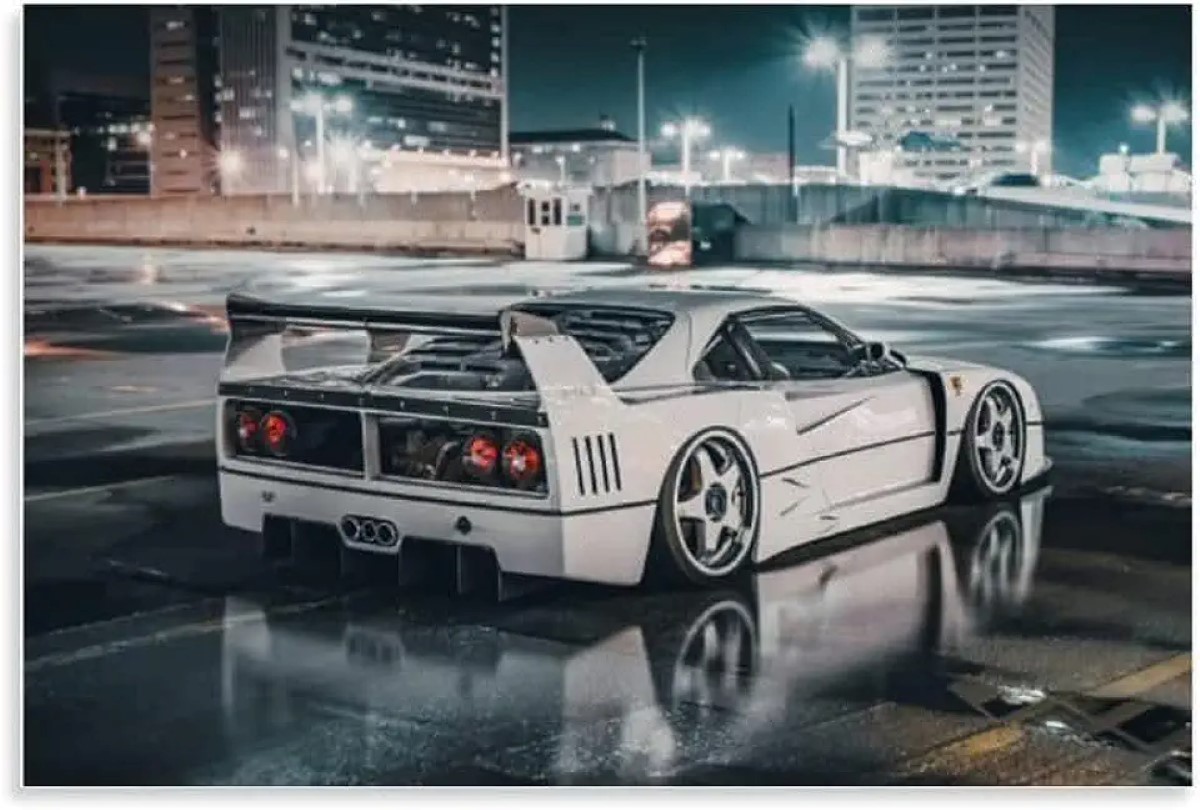
Thanks. Fred. I watched the judging at the Thurston County Fair (Olympia WA) yesterday and came away thinking that for the most part conservative processing appeals to judges more than creative, but a creative automobile composite, tonally flat, but processed like a graphics design magazine pro won best of show. That may make me fear AI more than anything. The National Geographics photographer judge gave a short answer to an AI question for the group of us. Kind of like this, but the interior was superimposed on the image. It was without a doubt near perfect. |
Jul 24th |
 |
| 20 |
Jul 23 |
Reply |
Live and learn. Thanks, Peter. I've never thought to go to, or use Pixilate for any reason. |
Jul 16th |
| 20 |
Jul 23 |
Comment |
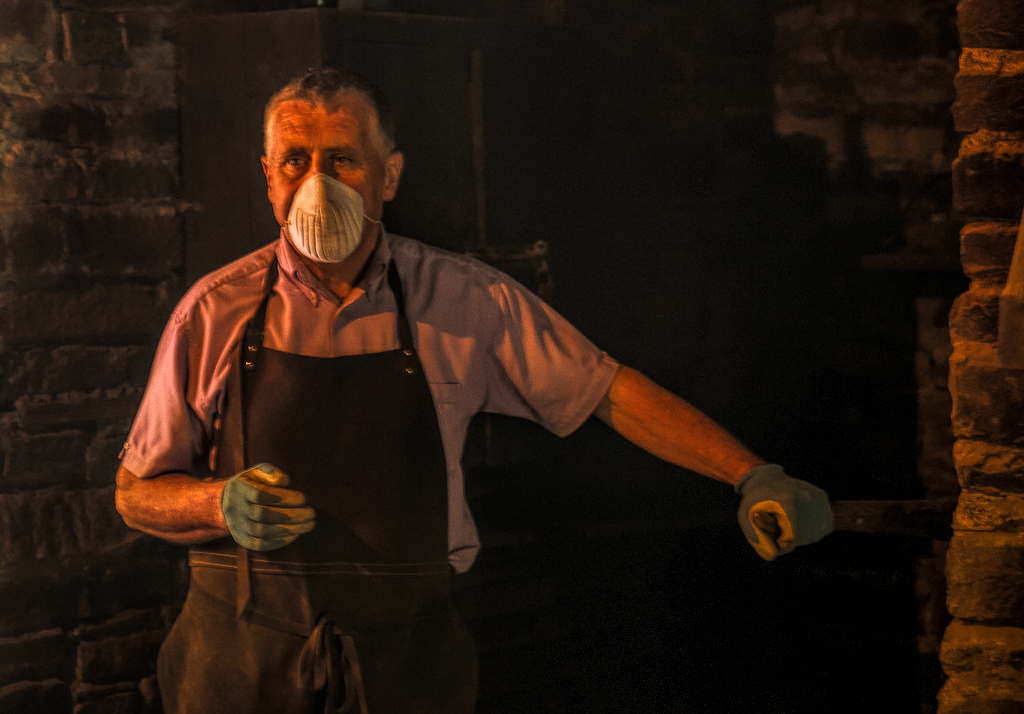
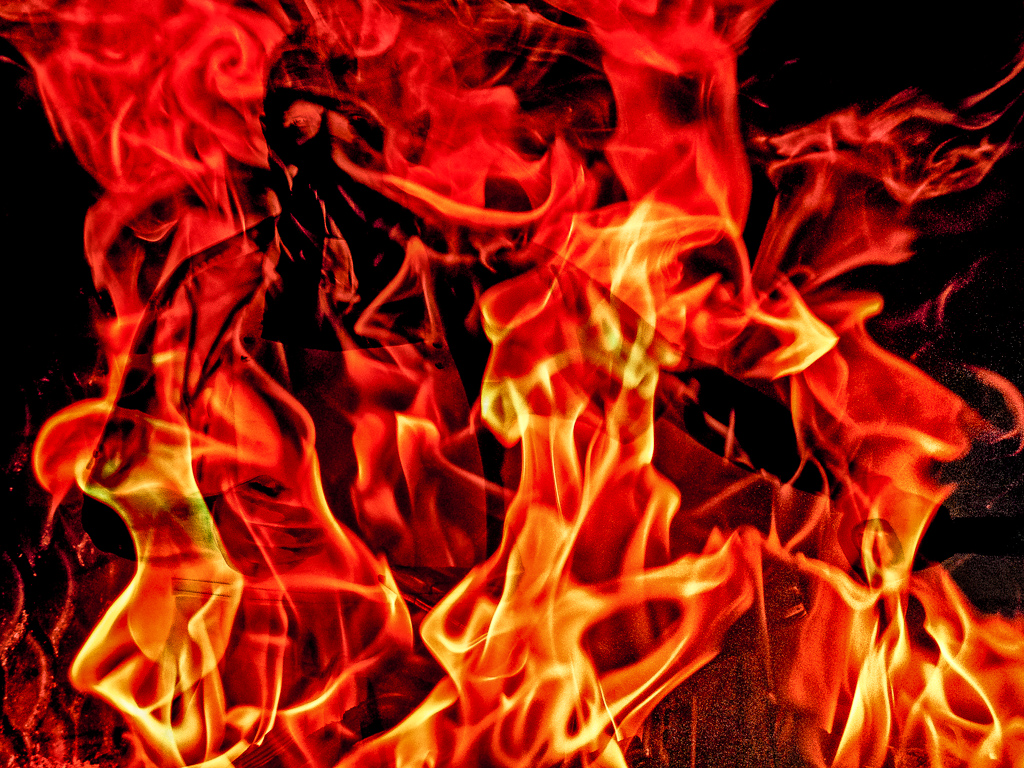
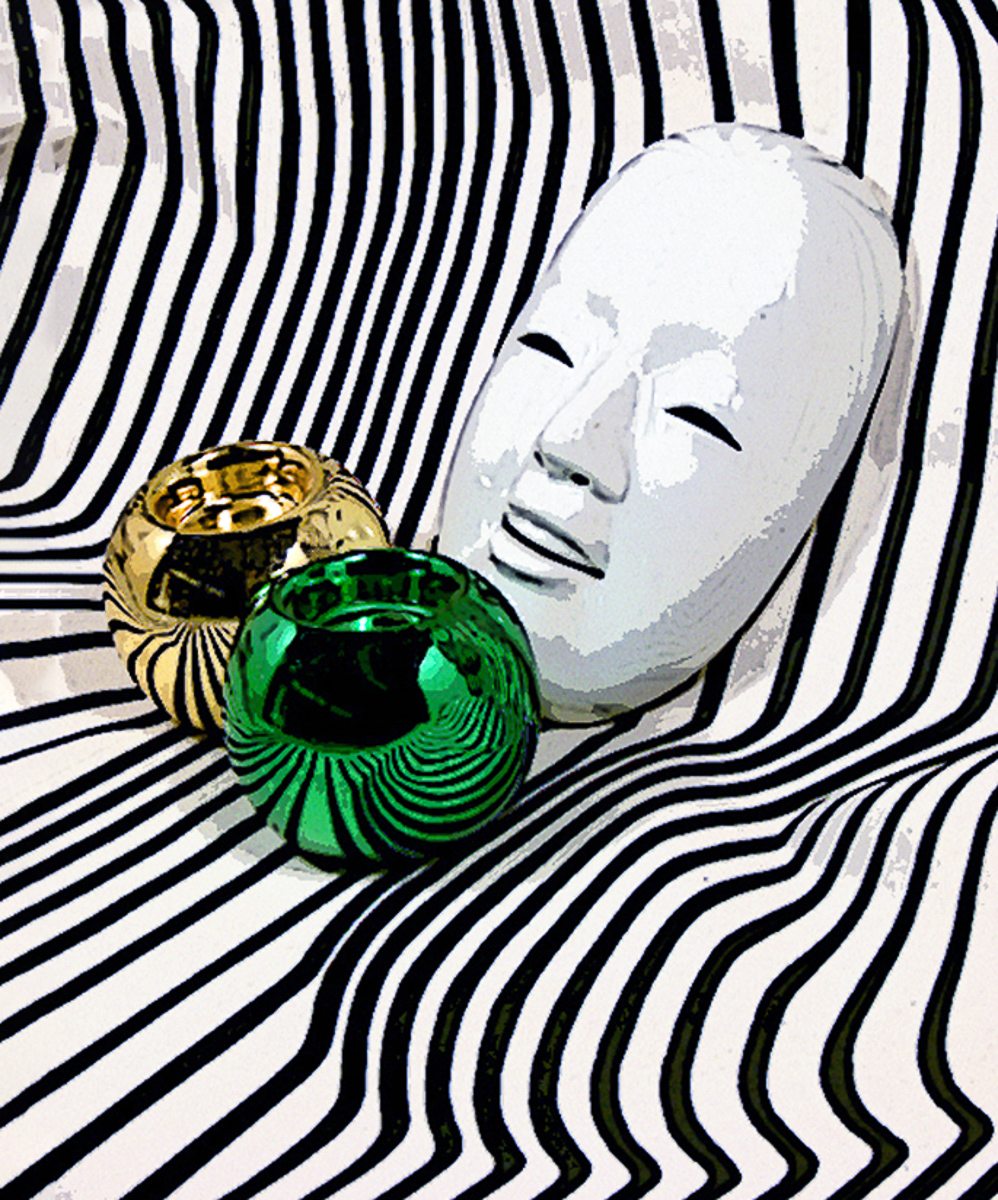
Highly creative image. Interesting texture, shadows, and color splash. Even the blow out of the mask is well done. I might consider a different crop.
My only suggestion would be to use the ruler tool and measure the distance from the right-most point of the mask to the edge of the frame. Then using that length measurement to add a vertical guide to set that distance to add canvas to the left from the yellow ball and crop the top similarly.
That addition and crop will add symmetry and balance to the image. I had to remove the border to make the new image, but you can redo a border anytime. |
Jul 15th |
 |
| 20 |
Jul 23 |
Reply |
Thank you, Peter. I'll need to look at the mezzopoint filter. I've never heard of it. Is it in ACR? |
Jul 15th |
| 20 |
Jul 23 |
Reply |
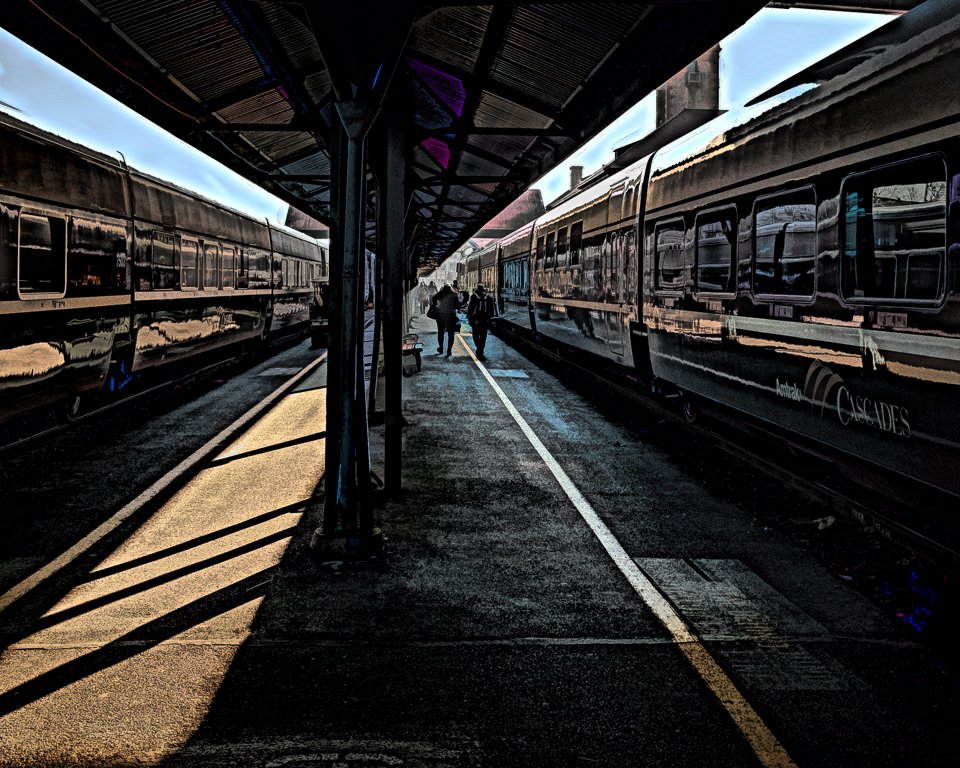
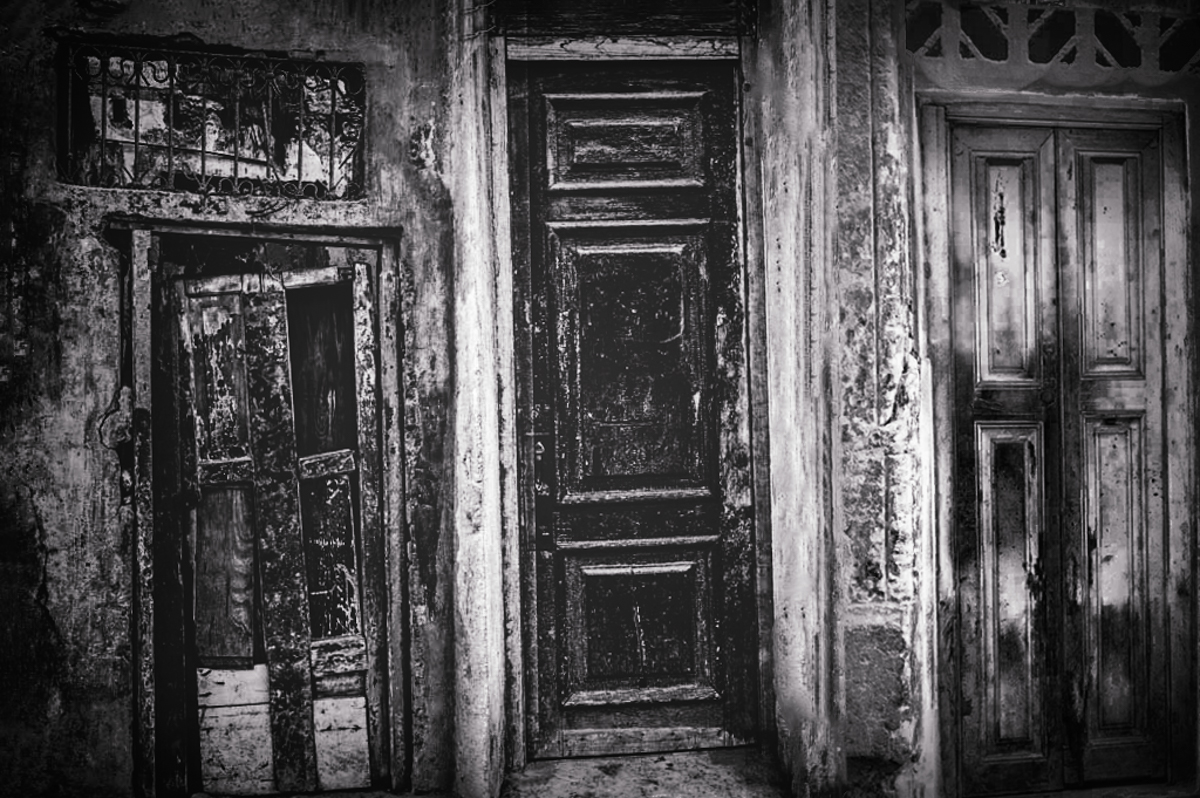
Sorry, Deborah. I forgot to attach my edit. I wasn't clear. I'd add the trim on the right door. Original #1. |
Jul 9th |
 |
| 20 |
Jul 23 |
Reply |
Thank you, Deborah. This study group is really helping me refine some skills. |
Jul 9th |
| 20 |
Jul 23 |
Reply |
Thank you, Angela. The green was nice for me, but led my eye out, which wasn't good placement for that color. |
Jul 9th |
| 20 |
Jul 23 |
Reply |
New guy! |
Jul 8th |
 |
| 20 |
Jul 23 |
Comment |
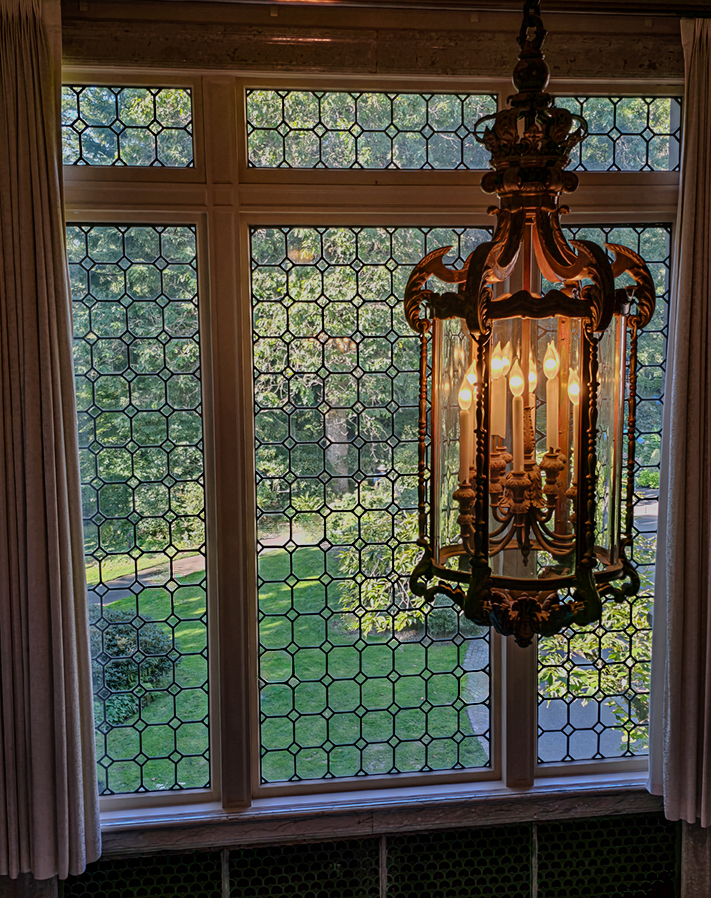
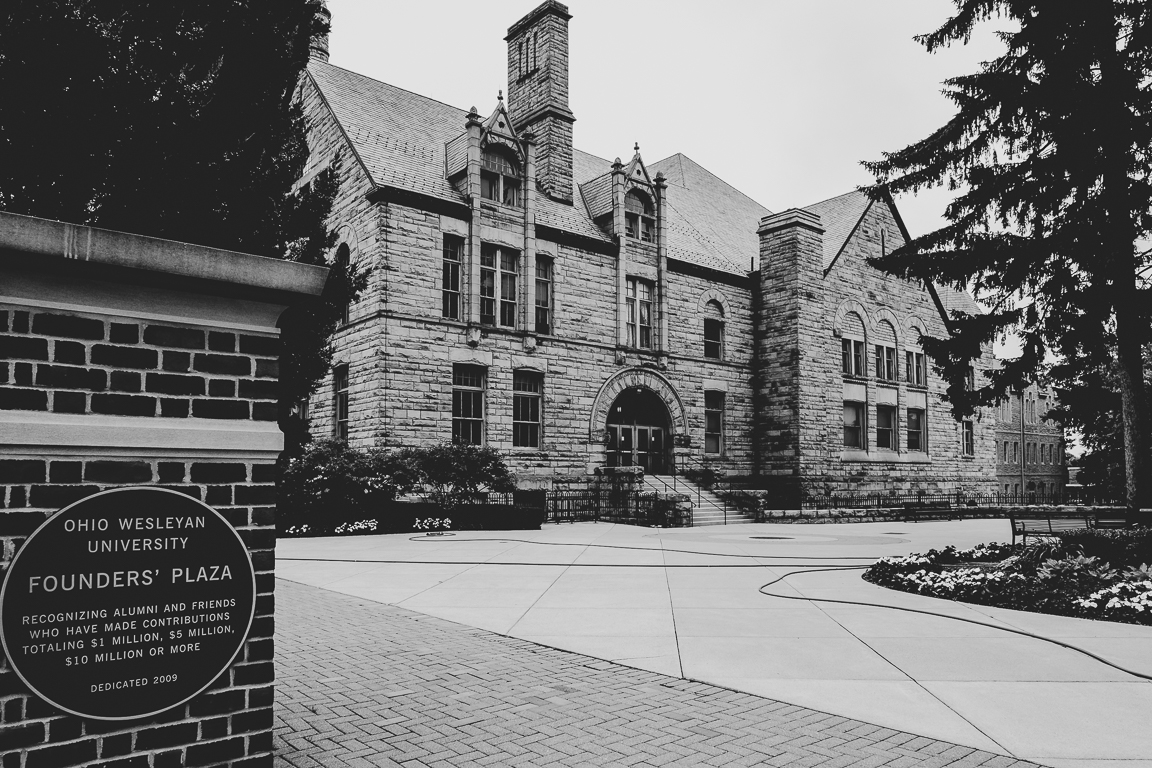
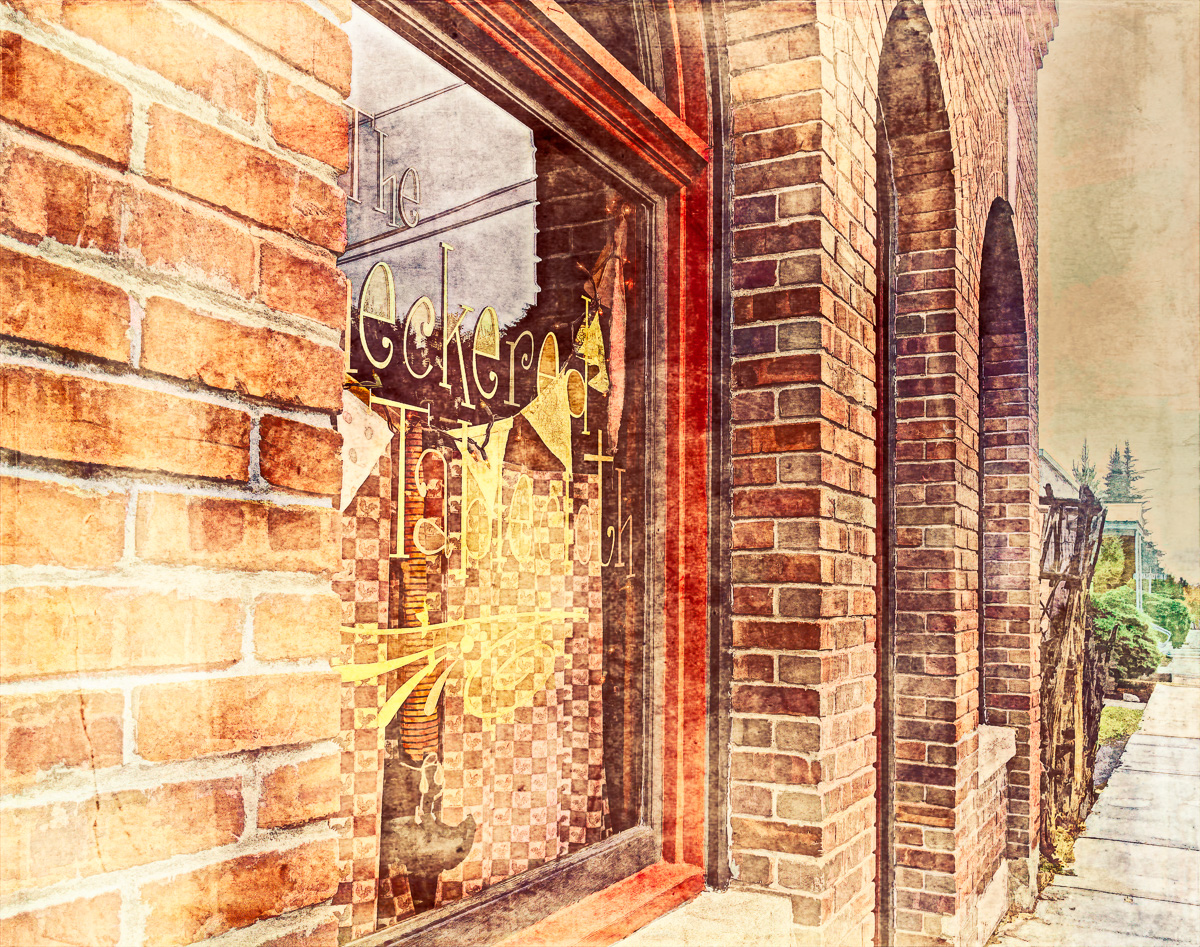
Makes a nice set, Deborah. I might consider this as a low key for added contrast, and I like the original colors too. Nicely taken images. I'd consider a perspective transform to get the decorative trim above the original door into the image. |
Jul 8th |
| 20 |
Jul 23 |
Comment |
Sorry about the shingles. Angela. We got the vaccine, and only my wife got them (twice but just a mild case.) Outstanding processing and the smoke image is well done. Get well soon. |
Jul 8th |
| 20 |
Jul 23 |
Comment |
Great work, Fred. The toy part is harder to see in his eye for me, but your grandson is great looking in his eye. Cider is an amazing animal being able to look up at your grandson and down at his toy simultaneously. Beagles have such sad looking eyes. |
Jul 8th |
| 20 |
Jul 23 |
Comment |
Hi Sam,
I have to say that not knowing either subject, that I get a creepy feeling from the way that he is looking at the young girl. The concept, however, is terrific and my only wish would be for him to be closer to the photograph. Good work. |
Jul 8th |
| 20 |
Jul 23 |
Comment |
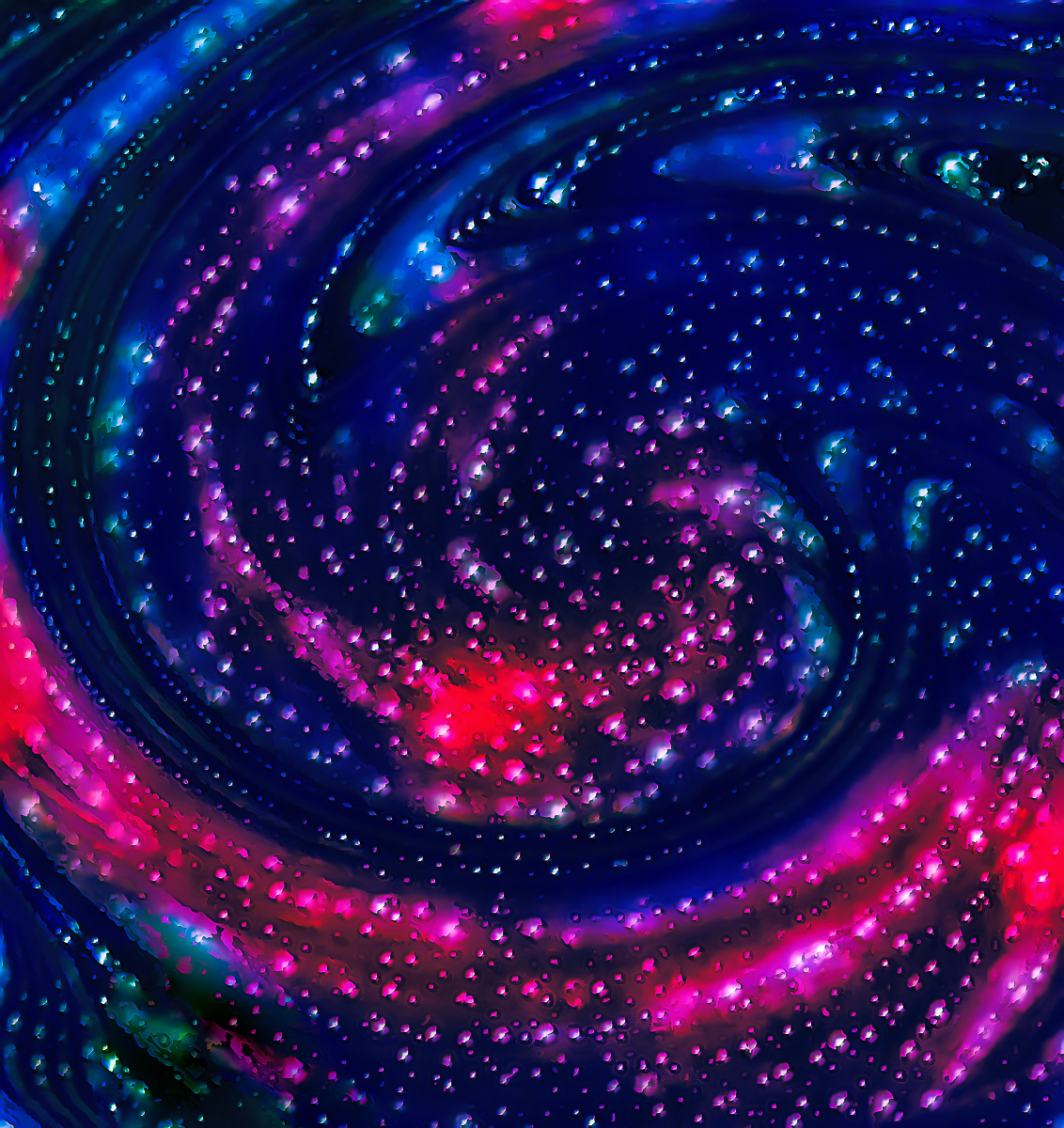
Welcome to DD20, Peter. Your image processing is ambitious, and it makes the whole too busy for me to enjoy. The painting on the corals has the most interest to me, and I would consider that area to be the most successful as your image. It covers up some of the glass reflections of the original, and the color pops. I'm not familiar with Corel, but if it has a selective color option, I might make two colors, green and yellow for instance, be dominant and push the other colors back to create some depth. As is the magenta, yellow, green, and blue all compete equally for my attention.
The removed catfish's shadow also needs removed. The remaining cat has lost part of his fins and whiskers, but the concept works for me. That could also be another successful image if it were cleaned up. I'm still learning a lot too, and these are just some things to consider. Good start. |
Jul 8th |
 |
| 20 |
Jul 23 |
Reply |
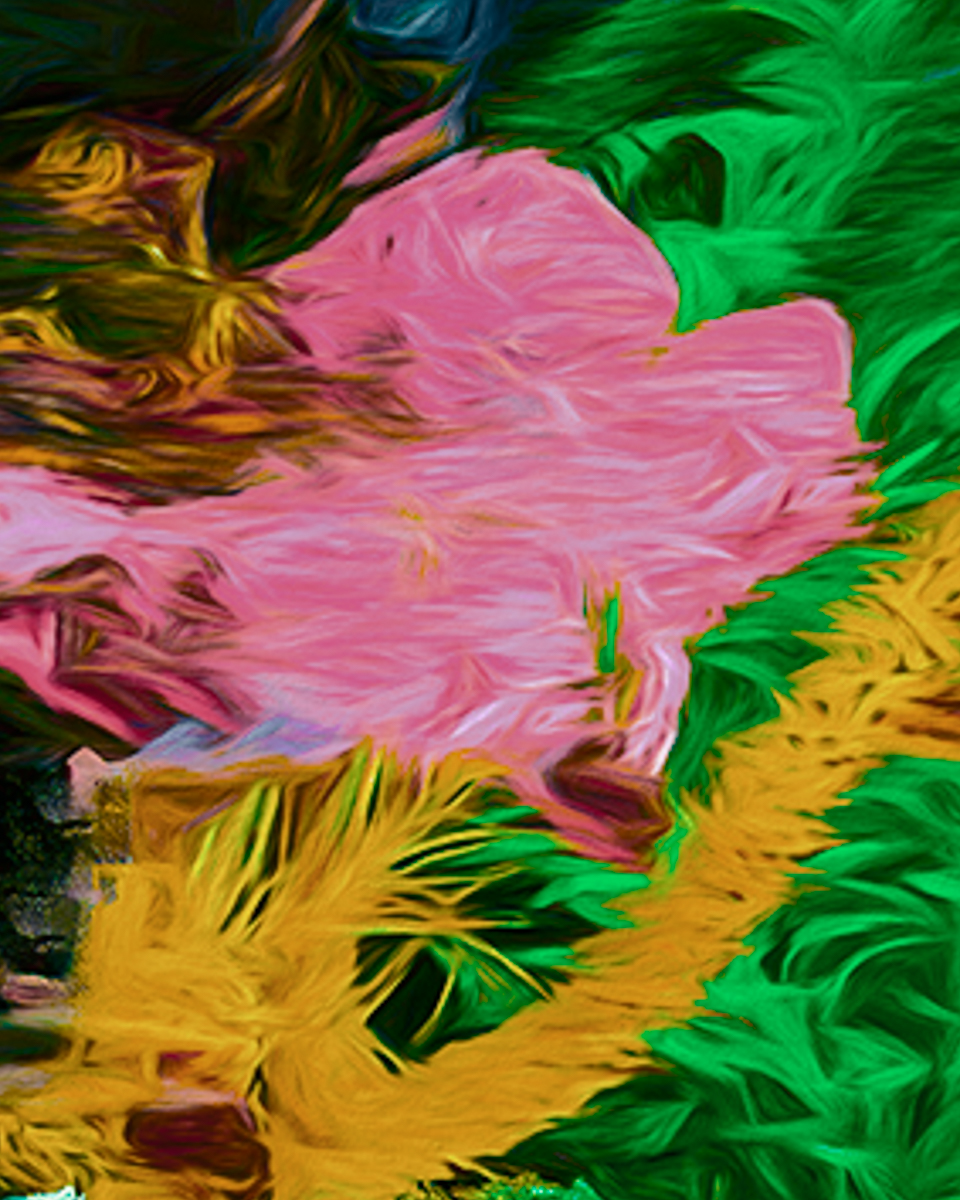
Thanks, Sam. I'll look at the green. It may lead my eye out of the frame. |
Jul 3rd |
6 comments - 9 replies for Group 20
|
| 96 |
Jul 23 |
Comment |
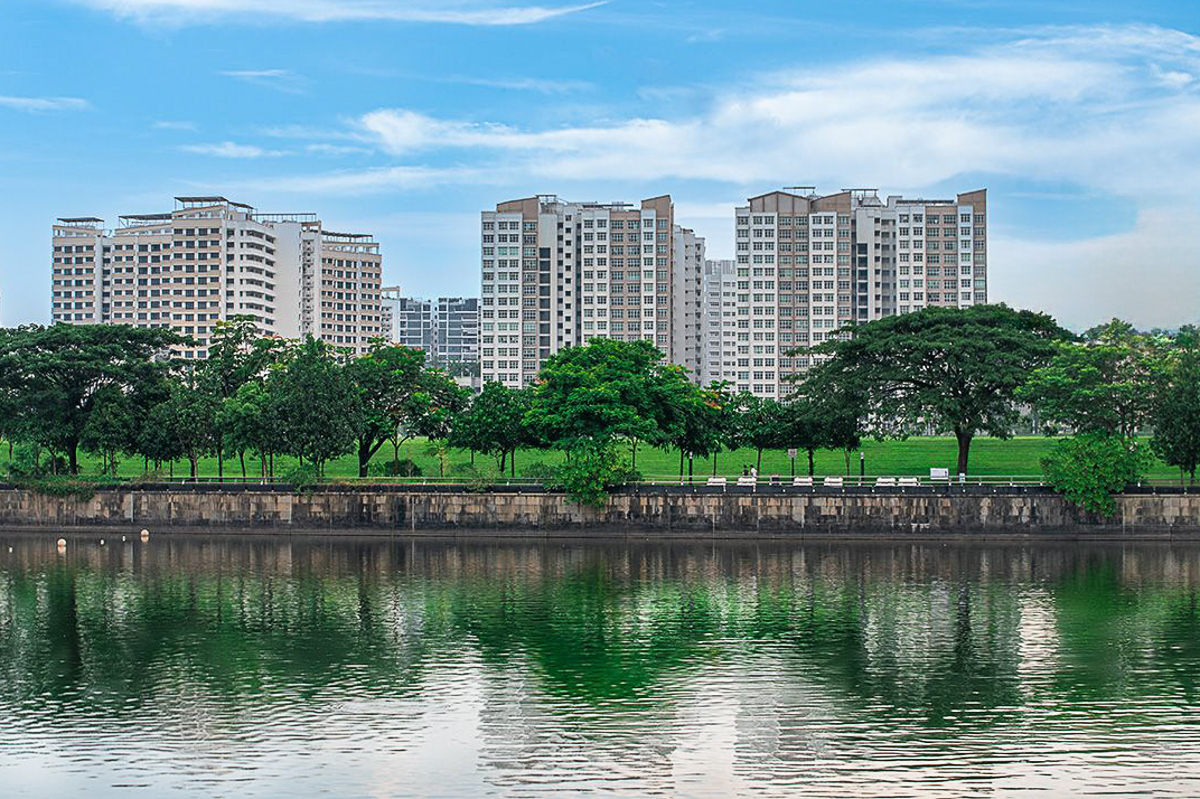
Hi Ye, I have always associated green in landscapes as representing renewal and growth. Singapore represents all that as well. If you have or can create more canvas. It might be nice to have somewhere to allow the eye to navigate around the image too, rather than just jump from layer to layer. My only other suggestion would be a sky crop. |
Jul 16th |
 |
| 96 |
Jul 23 |
Reply |
Thank you, Robert. I'm afraid the AI discussions will be ongoing for a while, but I agree with your thoughts. Excellent work on my image. I'll keep this masking technique in mind going forward. |
Jul 16th |
| 96 |
Jul 23 |
Reply |
Thank you Haru. Good explanation. I'm adding some of my limited technical thoughts about this image, and the further comments and replies. |
Jul 16th |
| 96 |
Jul 23 |
Comment |
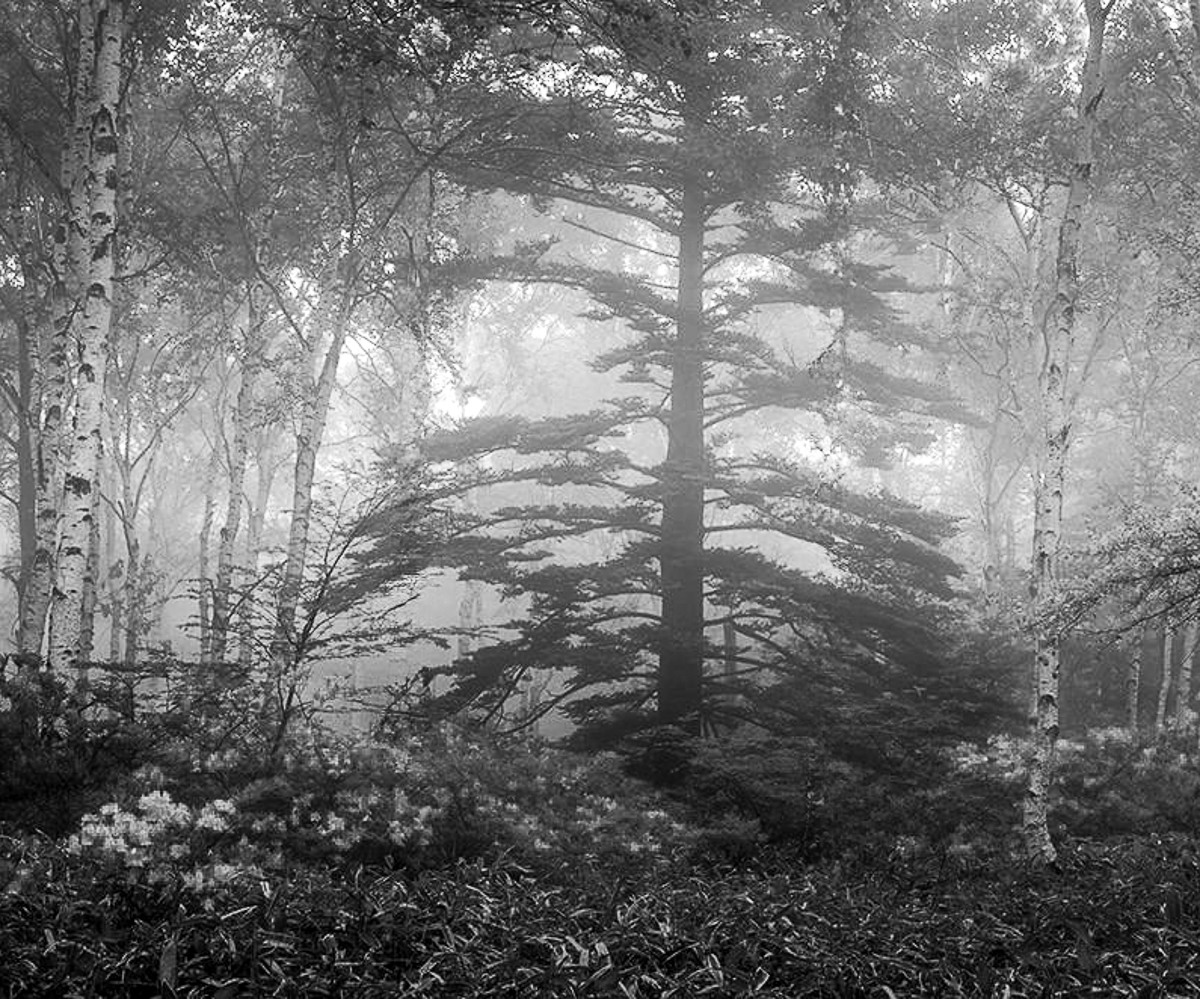
Next, I used the new remove tool in PS to eliminate the two white trees blocking your King. Then I converted it to a B&W and cropped it. It is less stark than RA's version but is another consideration.
I don't know if the feeling remains for you in B&W, but in color it is a long stretch for me to think a viewer would be drawn to a hidden partial silhouette, rather than the beauty of the two primary colors. You should follow your vision though (except in competition.) |
Jul 16th |
 |
| 96 |
Jul 23 |
Comment |
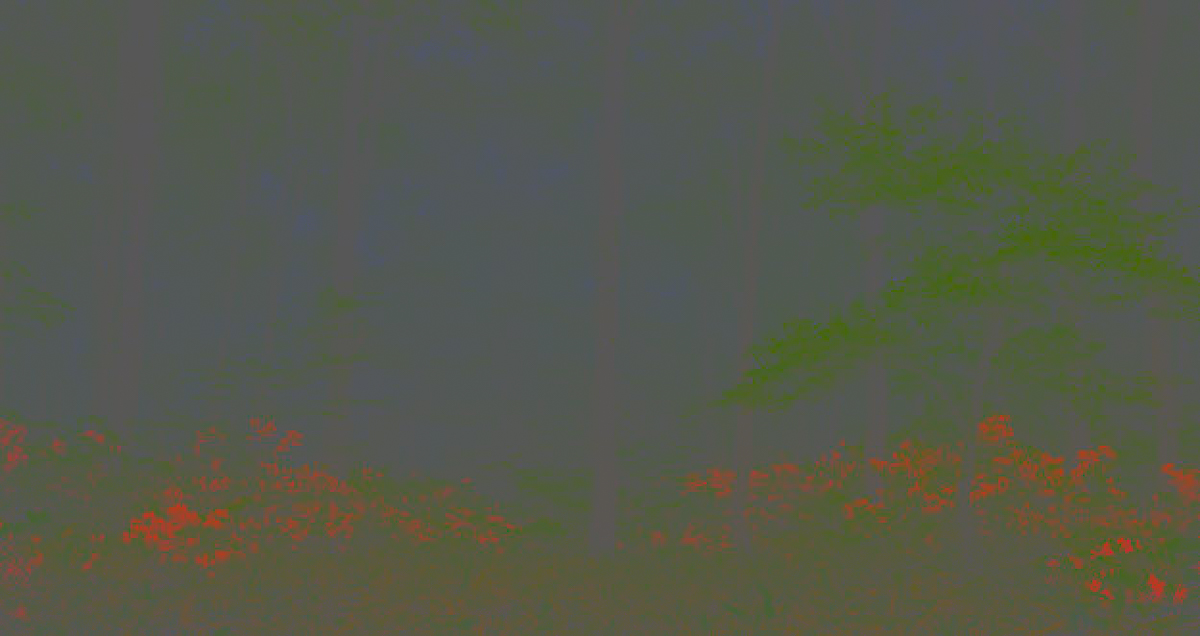
Wow, I am really impressed with RA's catch about the king tree being the subject. I was way off. My experience is that the eye is drawn to brightness and/or sharpness first, and that black is an eye stopper. Silhouettes are a different breed of image, where we see the shapes of things, bright/dark. In my first comment, I never saw the black tree, and my crops were based on what I did see as a color landscape image. First, I'll show you what your image colors look like with an Average Blur filter applied, and the mode changed to linear Light and Fill adjusted to @sixteen%. These would be similar to the colors at their average twenty per cent gray tone in camera. As you can see the King isn't seen at all. More to come. |
Jul 16th |
 |
| 96 |
Jul 23 |
Reply |
Thanks, Gloria. PSA hasn't made a statement about AI yet, but PID has decided not to add any AI study groups to either DDG, or DSG. They will consider setting up study groups dedicated to AI generated images. I hope my comments have helped. They help me to focus my thoughts about processing my own images too. |
Jul 15th |
| 96 |
Jul 23 |
Reply |
Thank you, Haru. Harsh light, I'm afraid.
"AI" as I understand it from what I have read, takes words typed into the program, and converts them into images. https://aperture.org/editorial/how-will-ai-transform-photography/ is a safe website that may help. Adobe has incorporated AI into some functioning tools (Which is all AI really is IMHO) like the spot removal tool, the remove tool, Neural filters, Content Aware tools, sky, background and object replacement, masking (around in photography since Ansel Adams.} Topaz Labs, Capture One and On1 are further along. They speed up your workflow as I use them, and I use to create actions in PS to do mundane or routine tasks. Because I shoot in RAW, images require some processing to turn the code into an image. If a profile gives me a good starting point, I'll use it. Profiles don't move any sliders, but Presets do. Auto tone is a real time saver for me. Hope that helps. AI will be here to stay, just like change from film to digital. It cannot replace the "artist" just the tools an artist has available. Photography has always been part imagination and part science/technology. Just keep creating what you "see." |
Jul 11th |
| 96 |
Jul 23 |
Comment |
Hi Gloria, I'm sorry I missed the Adriatic when I was in the Navy. We were supposed to visit Dubrovnik, but Tito died, and the US was unsure what the politics would be. I love the Med though, and you've captured it well. Probably a little soft for competition. The only suggestion would be to consider a Pano crop, and some simplification. |
Jul 6th |
 |
| 96 |
Jul 23 |
Comment |
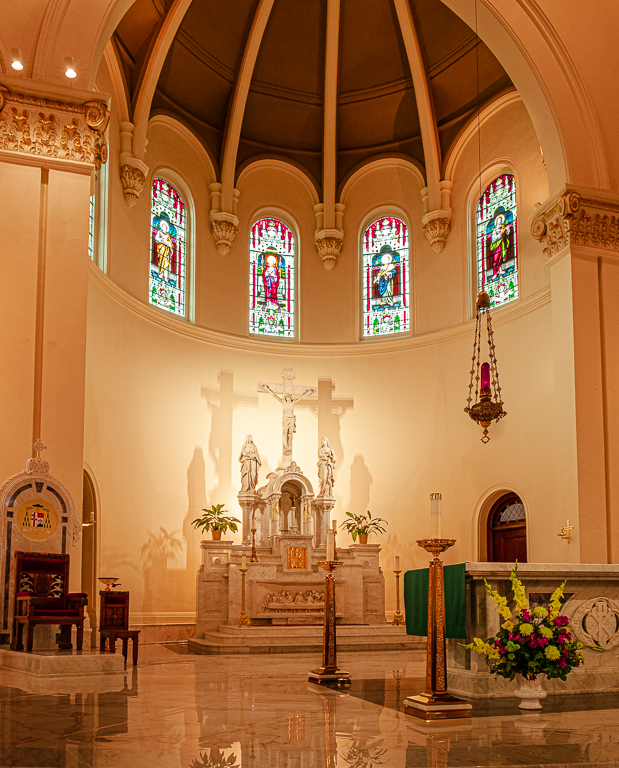
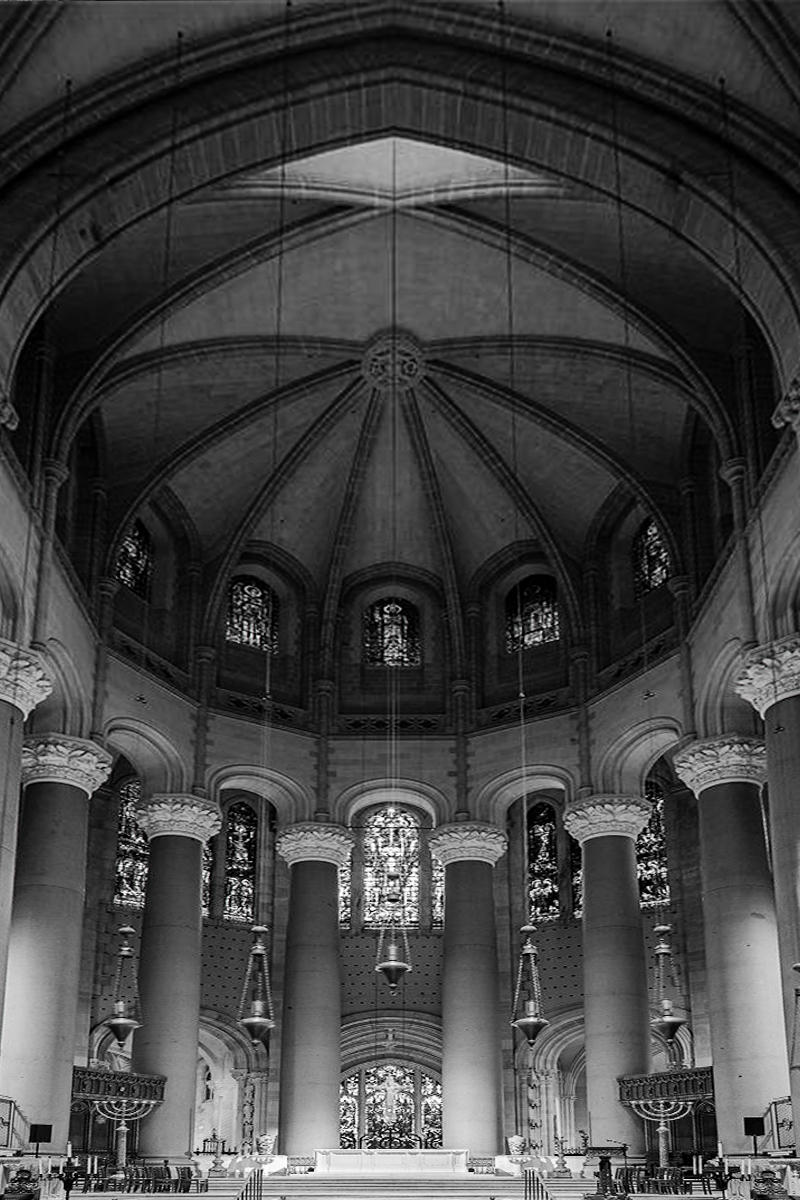
Hi Viren. I agree with Dan about getting this kind of architecture symmetrical. As shot with a WA lens, it seems tilted back to me. I usually place rulers horizontally and vertically then use perspective transform to get the columns and alters to align. |
Jul 6th |
 |
| 96 |
Jul 23 |
Comment |
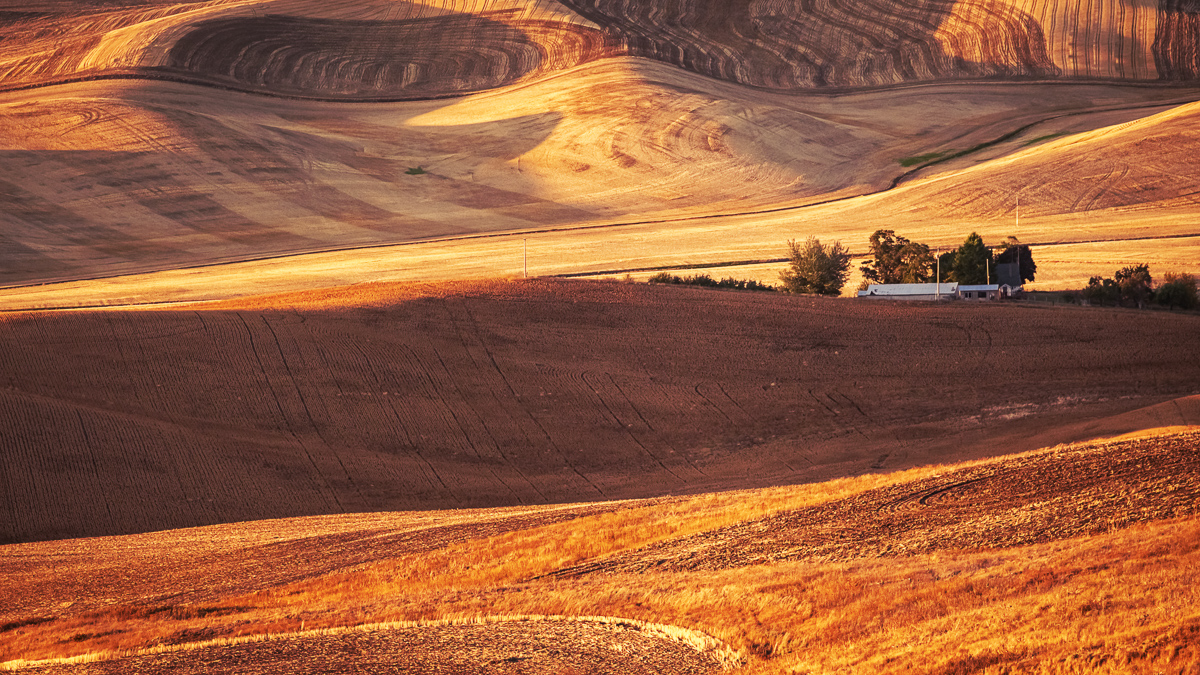
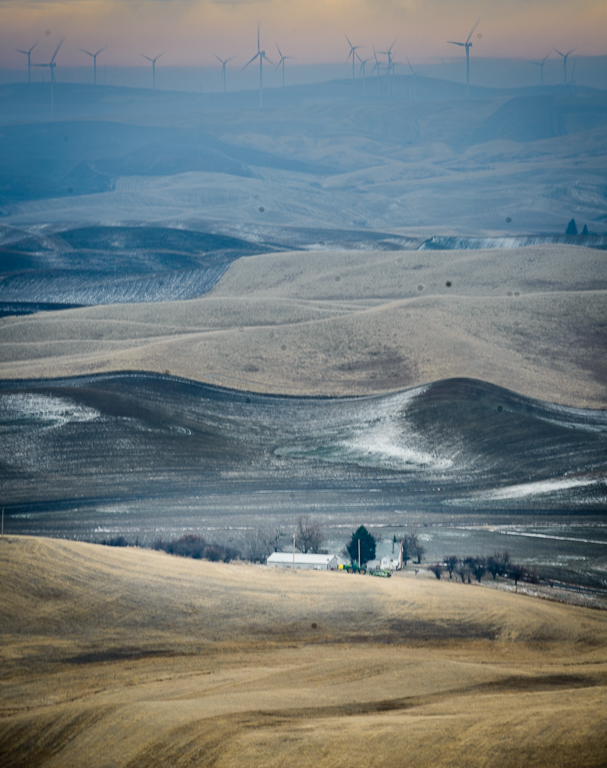
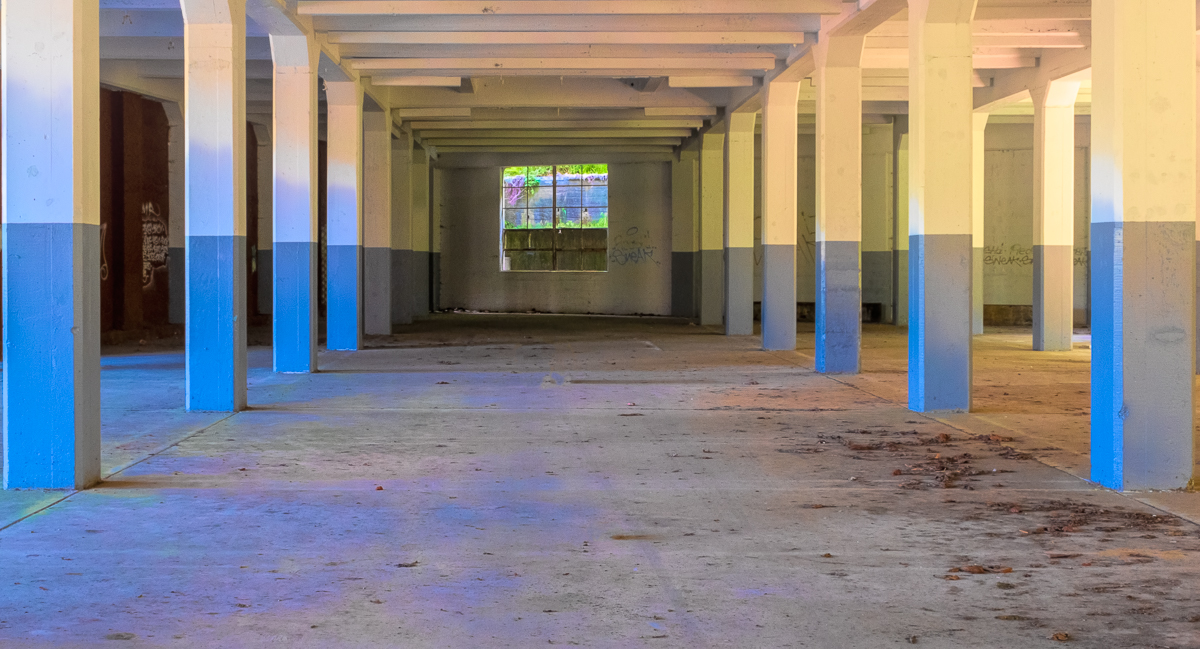
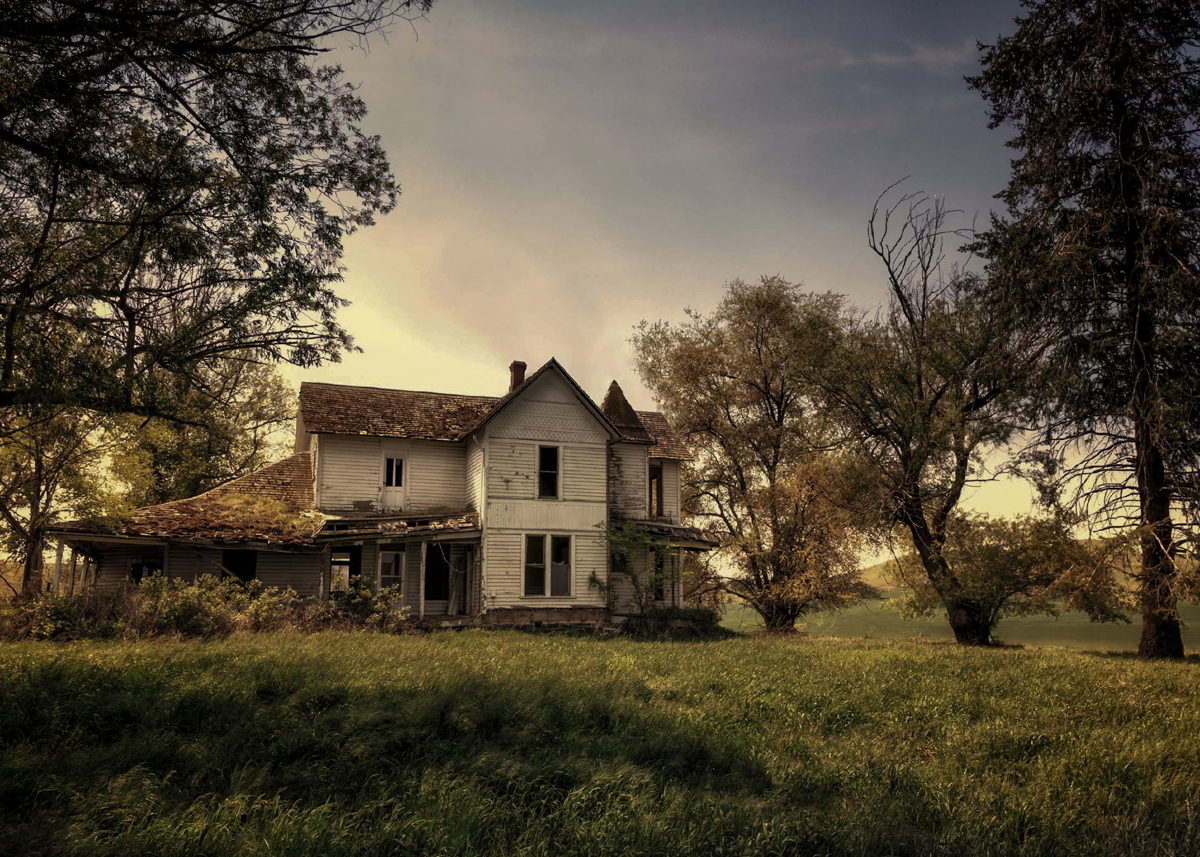
Hi Dan. I agree that your processing adds a subtle haunting feeling into a common feature of the Palouse-abandoned. The only suggestion I have is a slight crop. |
Jul 6th |
 |
| 96 |
Jul 23 |
Comment |
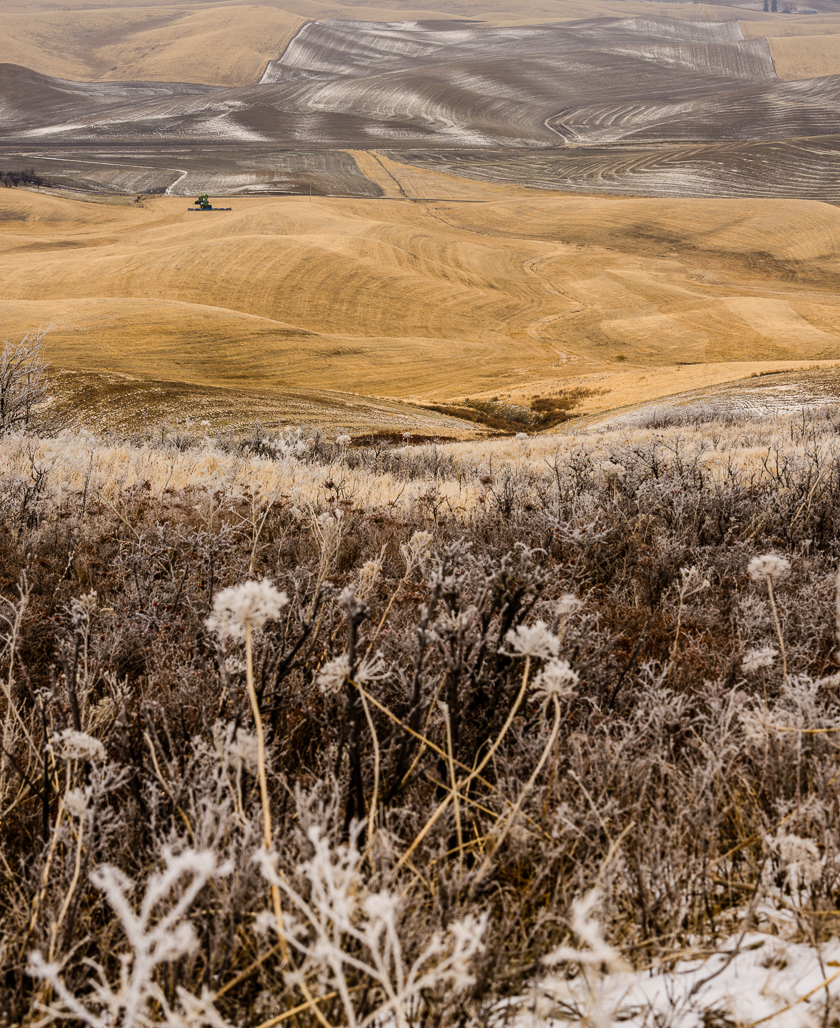
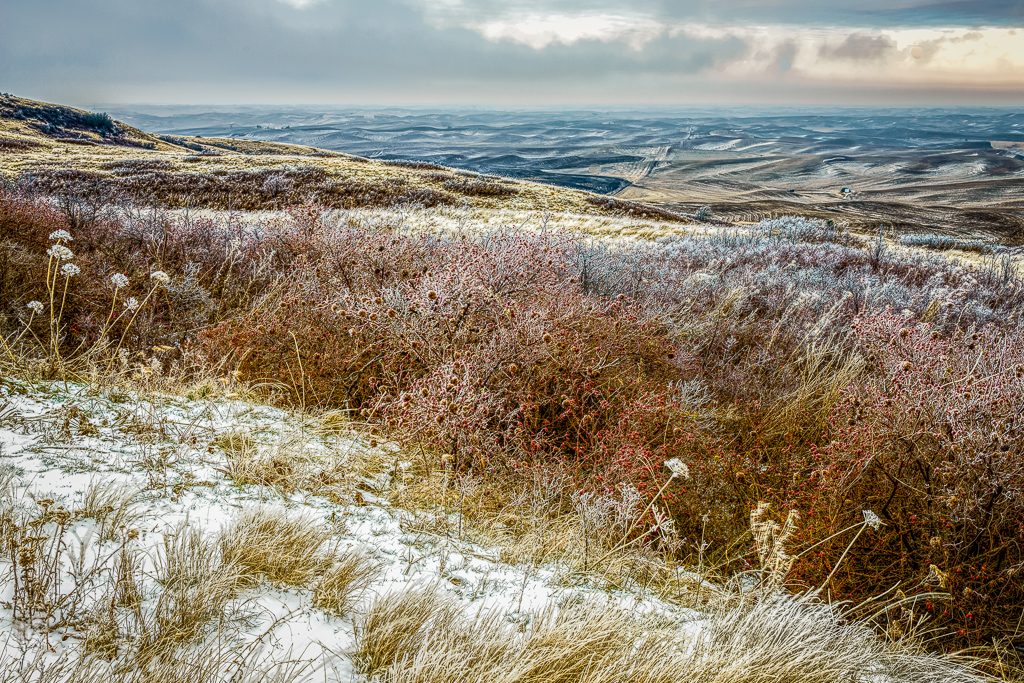
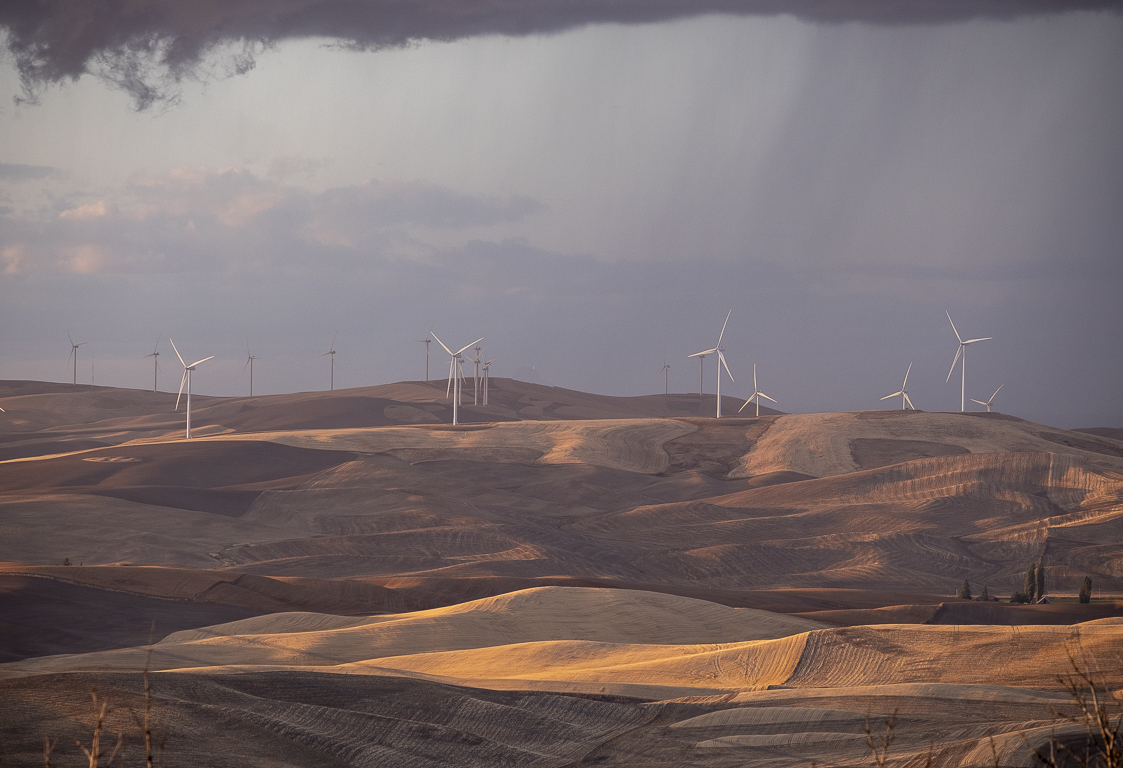
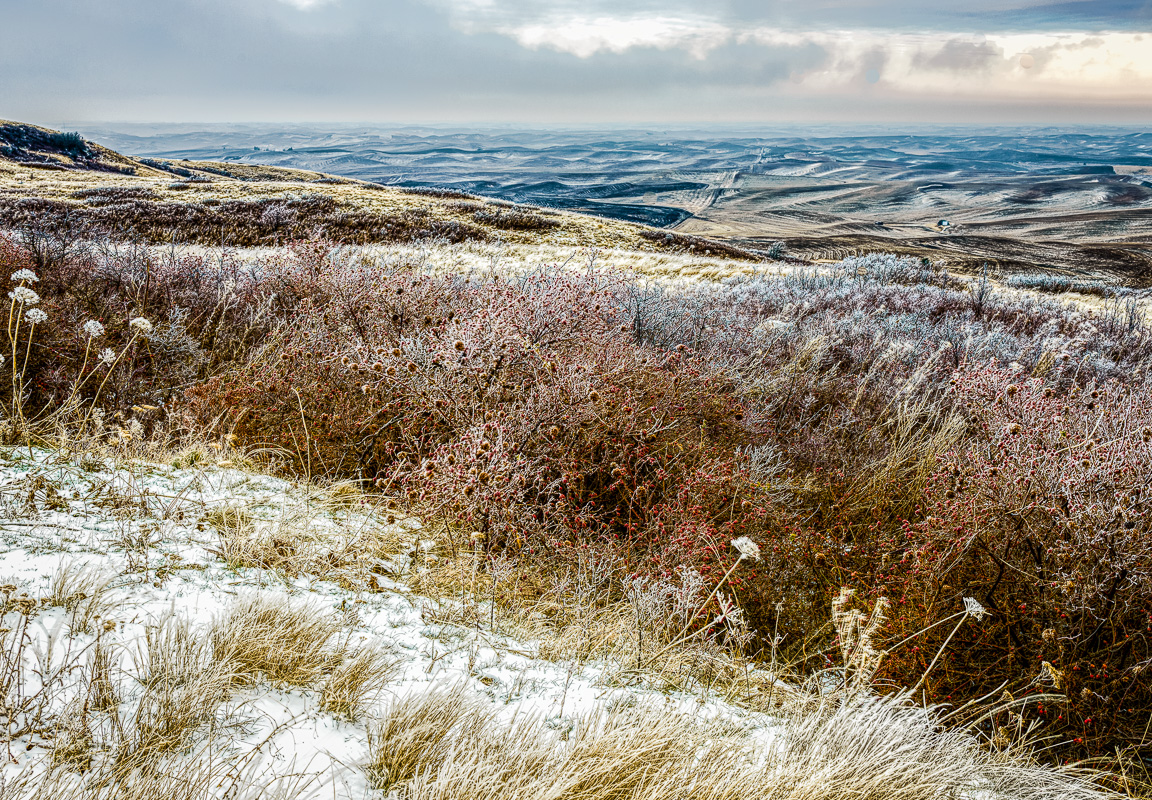
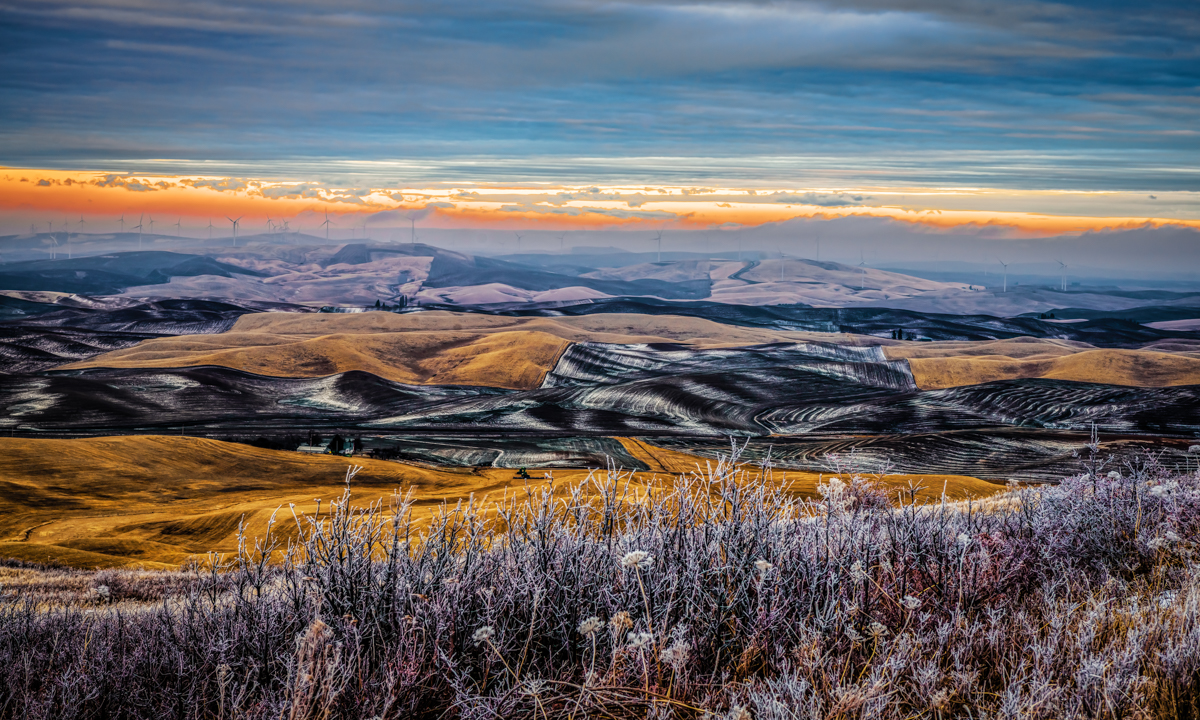
Hi Bob, I know how frustrating it can be to have an image that just seems to nag you to distraction. I find your Winter Morning to be extraordinary. I want more from this than subtle, but I understand. I took this similar image at Steptoe Butte in the Palouse and can't really get it right, although it hangs on a wall. It was 5 degrees F my morning. |
Jul 6th |
 |
| 96 |
Jul 23 |
Comment |
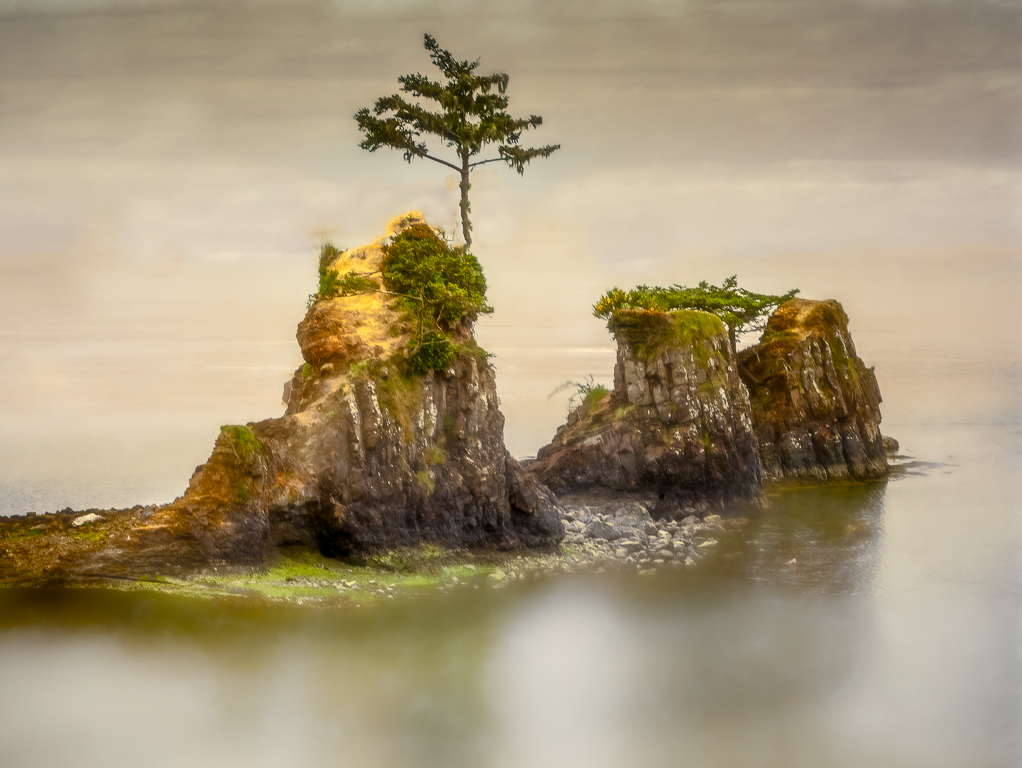
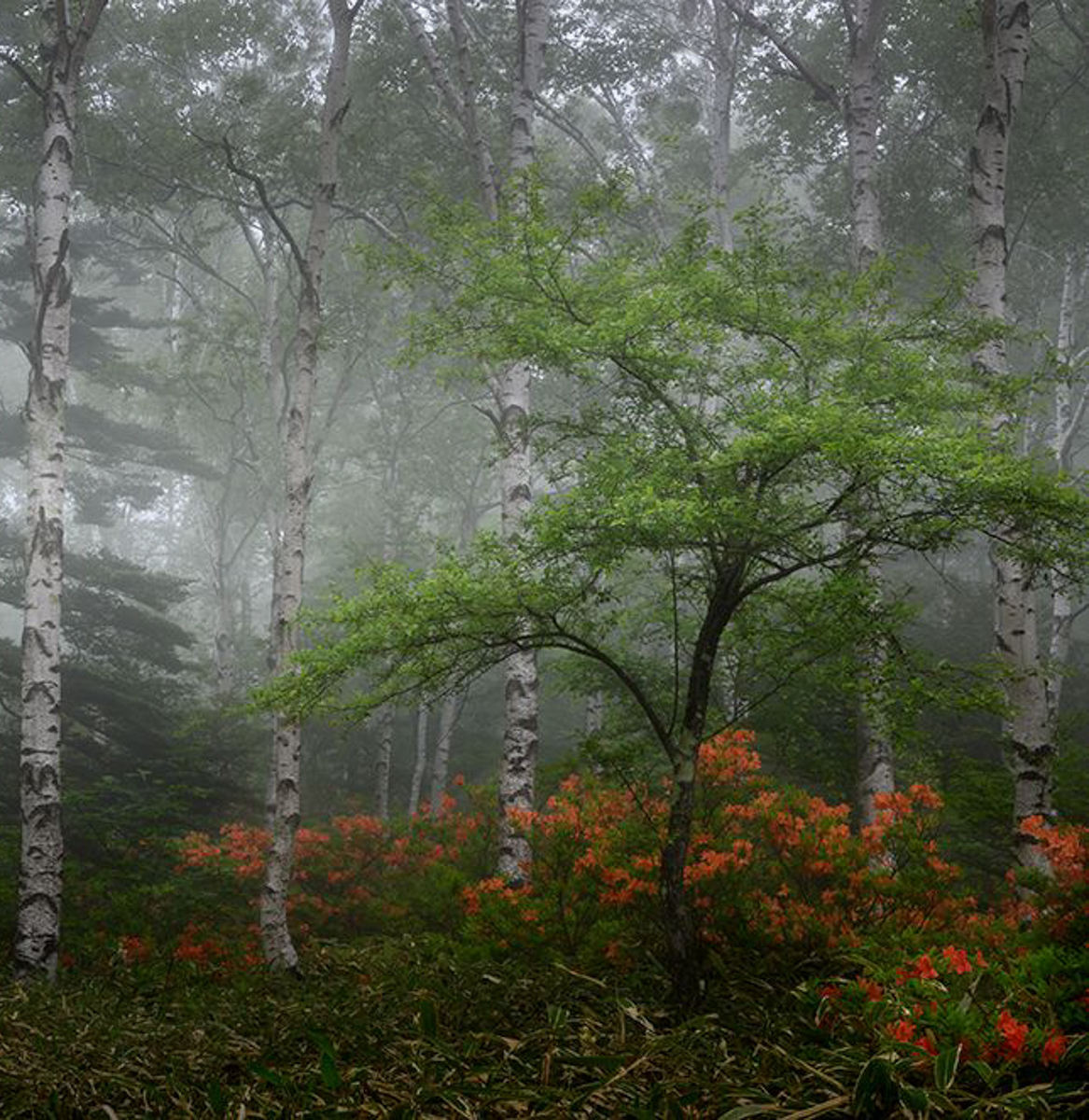
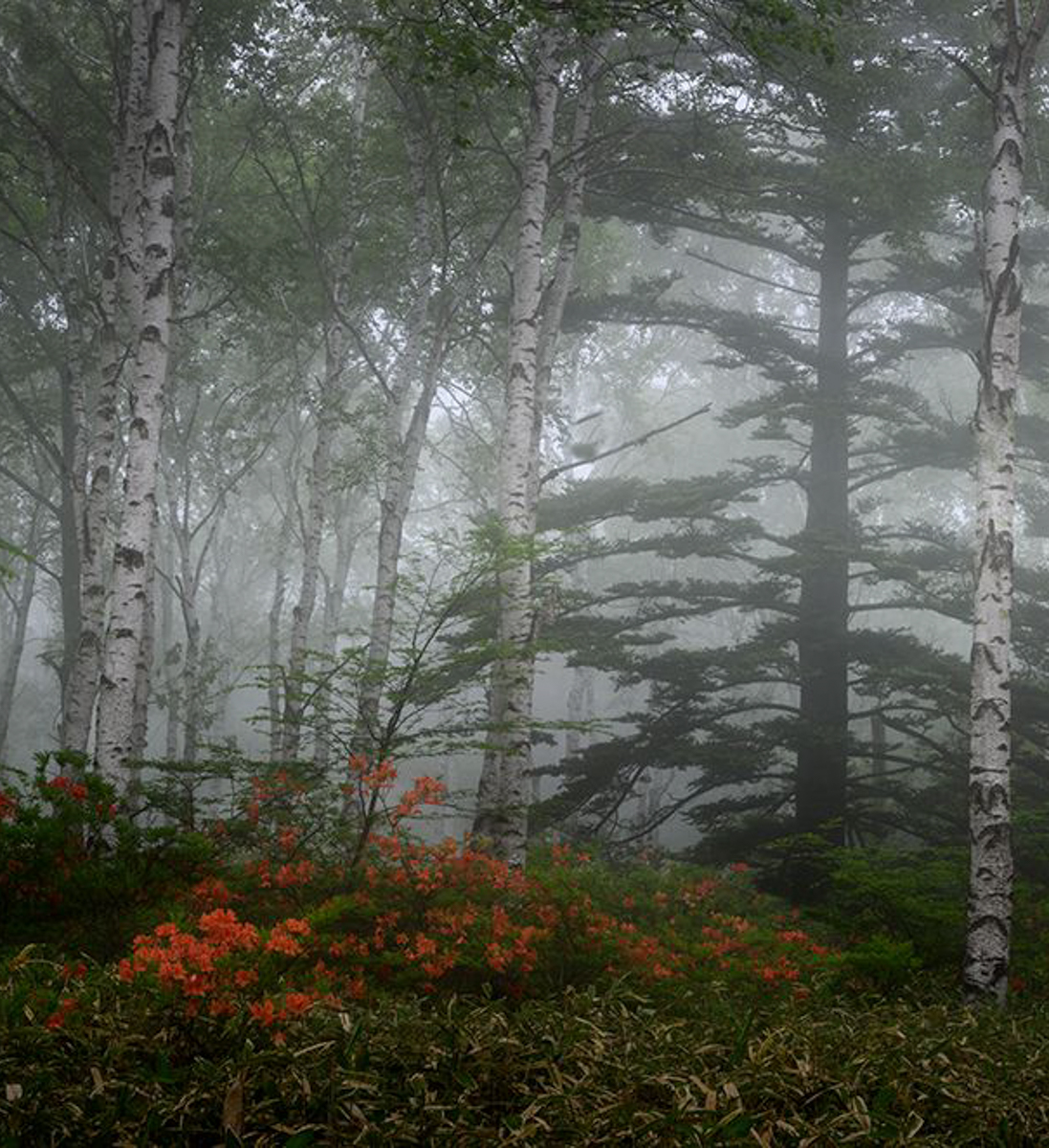
This has a little more interest for me. Both halves have nice stopper trees, keeping me in the frame. |
Jul 6th |
 |
| 96 |
Jul 23 |
Comment |
Hi Haru, I think your image has an ethereal look due to the fog. You captured it very well.
My eye bounces from the left half to the right half around the centered birch. The right image has the most interest, but both halves could stand alone. The right tree could use a path around it if you have more original or can add some canvas in Content Aware. |
Jul 6th |
 |
| 96 |
Jul 23 |
Reply |
Thanks, Dan. PSA will ultimately decide what AI can look like. We'll follow their guidelines when established. Barbara is starting that kind of a group, so I think it will test the theory that art could be generated from a verbal description. We are photographers in PSA, so I have doubts about that kind of AI being allowed.
1. I agree that the sky must fit. It helps to use a sky shot with the same lens, but I'm not rigid with that. I should change the hue more.
2. Gradients can help with the overall lighting of an image, especially for those of us with a late sleeper of a spouse. |
Jul 3rd |
| 96 |
Jul 23 |
Reply |
Thanks, Dan. I won't use beta applications as they are in testing and there are usually unknown side effects to testing machines and related programs. Because I would be unable to recognize or fix any of those related problems, I'll wait until a production release is available. The AI tools available in LR, ACR, PS and Topaz are sufficient for me. I use them to speed up my editing workflow. In this image I replaced the sky I had with one I deemed natural. I take a lot of sky and background images for my AI use.
I think apps like Midjourney and On1 are making Adobe hurry to catch up, but I'm in no hurry to cause my PC's problems I can't fix.
I am in favor of modern technology and have no other qualms. Ansel Adams used all the D&B technology available in his era to produce his work. The same could be said of Van Gogh, although he had to mix his own colors. I don't think bad artists like me can produce good AI images. That remains to be seen. DD will have an AI group that I'll quickly visit once up.
I hope that helps you comment further on my image. |
Jul 2nd |
9 comments - 6 replies for Group 96
|
15 comments - 15 replies Total
|