|
| Group |
Round |
C/R |
Comment |
Date |
Image |
| 20 |
Mar 23 |
Reply |
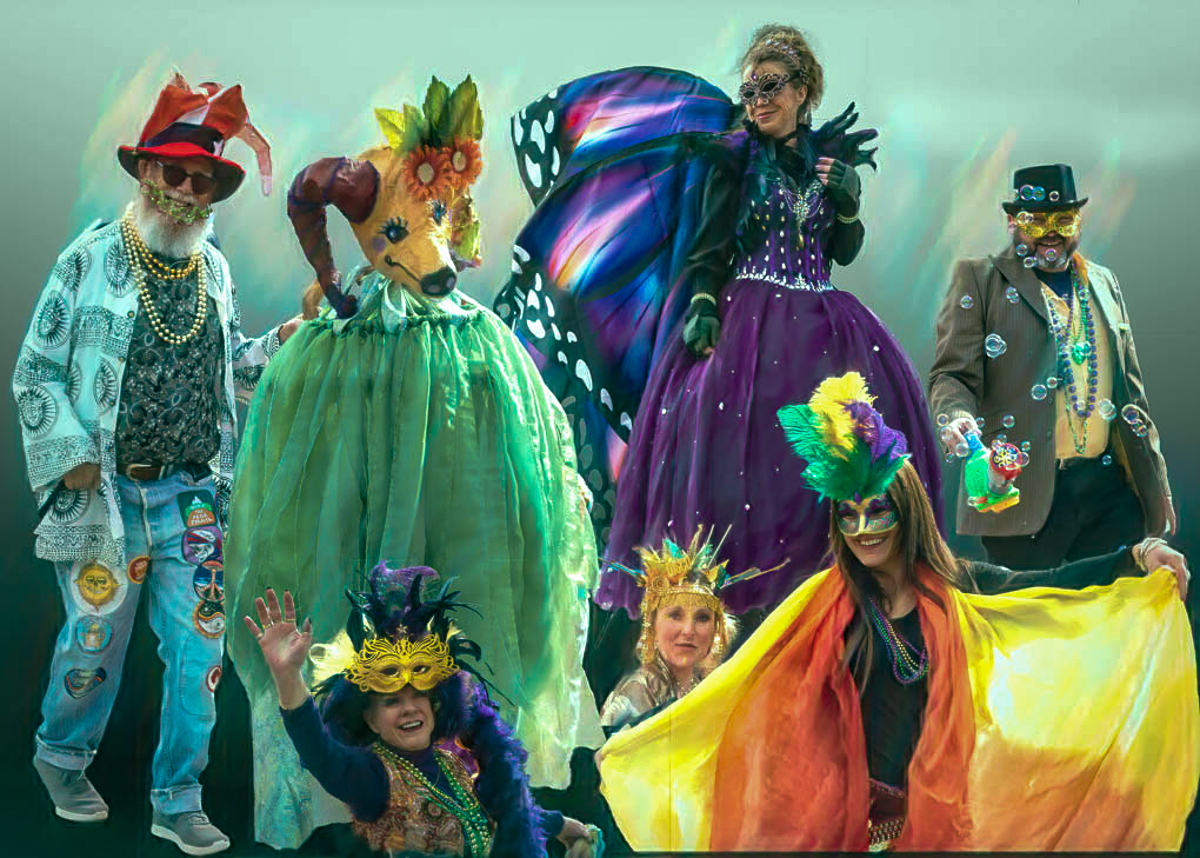
You're welcome. Consider blending the sliver from the collar a little rather than a hard line. I do see your intent to add depth. Maybe try adding some canvas to the right and duplicate that sliver near that left arm too. I'm really complicating an excellent work. Nice background selection. |
Mar 9th |
| 20 |
Mar 23 |
Reply |
Thanks Deborah. Blake Rudis explains using linear light as a go to blending mode at https://www.youtube.com/watch?=kqHSjwY9uVQ&t=12s.
Blending modes and especially blend-if (double click in a blsnk srea of a layer) are a fantastic way to composite images.
I added an auto tone in LRCC to my edit. |
Mar 8th |
 |
| 20 |
Mar 23 |
Comment |
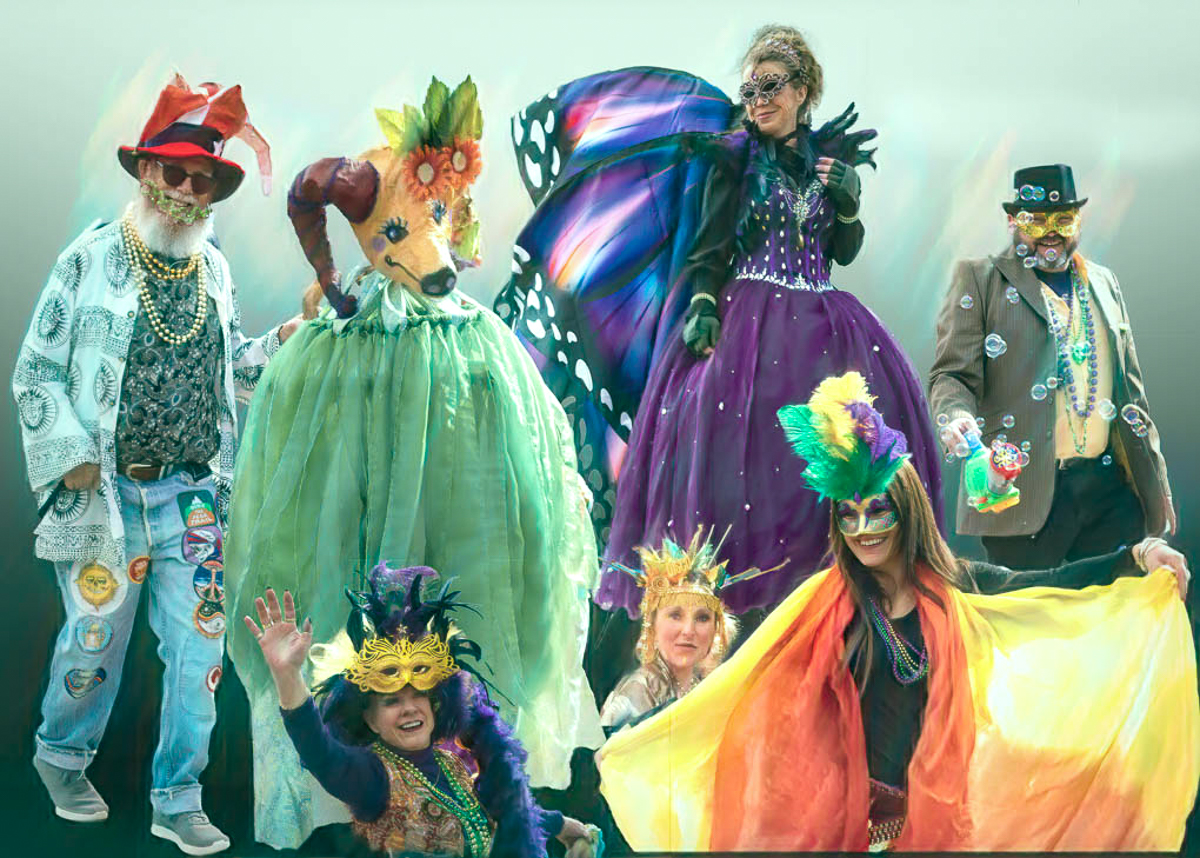
Welcome to the group, Deborah. I also am looking forward to your images and especially comments. I'm new also, and I really like the concept of your image. Mardi Gras is such a special time, and while New Orleans may be too dangerous now, I'm glad you were able to take images reflecting the celebrations in CO. The excitement is obvious in your images. I might consider adding a unifying layer. I added a solid color layer in PSCC, picking a teal from the animal's garb (?) but a gradient or any other color would work. I then selected Linear Light mode and adjusted the layer Fill to about 20%. |
Mar 8th |
 |
| 20 |
Mar 23 |
Comment |
Genuinely nice image, Angela. Bruce Michelotti's too (DD43). It is not manipulated any in an editing program, nor a combination of images/filters that make it your own. I'm unable to comment except to say I wish you had added elements.
I wonder about whether an image of a reflection of another artist's work (the iPad wallpaper) meets the definition of an ethical image. PSA has a lot of decisions to make in this age of AI. |
Mar 8th |
| 20 |
Mar 23 |
Comment |
Whimsical image, Fred. Your vision of the cactus flower is inspired. Creative allows a useless image (sorry) to be made into a fantasy dream, and yours is fantastic. I love the color choices too. |
Mar 8th |
| 20 |
Mar 23 |
Comment |
Great image Sam. Your use of an analogous color palette works quite well. I cannot figure out what the wall is unless it's wallpaper. I see the sliver at the bottom of the image that Angela pointed out. I'm not sure how to correct it but it should be fixable on a PSD layer.
Our homeless encampments seem to me to be more violent than at any time since the Great Depression. |
Mar 8th |
| 20 |
Mar 23 |
Reply |
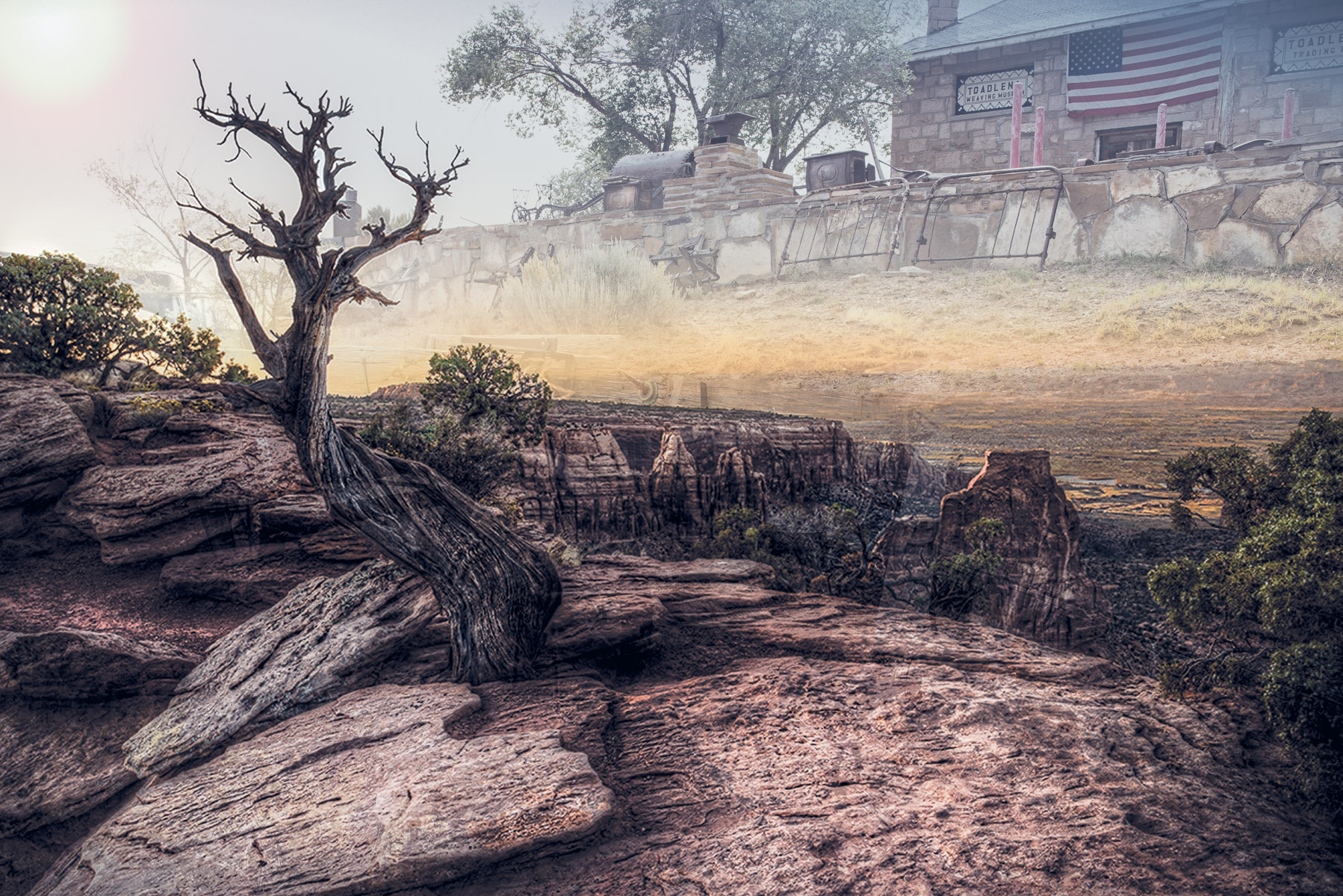
Thanks, Sam. I didn't add color grading to keep them separate. The hardest part for me was deciding which image to fade. I felt the landscape vision and not the TP was the principal element. |
Mar 2nd |
| 20 |
Mar 23 |
Reply |
Thank you, Deborah, and a big welcome to DD20. |
Mar 1st |
| 20 |
Mar 23 |
Reply |
I too saw that posed horse rider during the tour but didn't take the shot. Too many folks there. |
Mar 1st |
| 20 |
Mar 23 |
Reply |
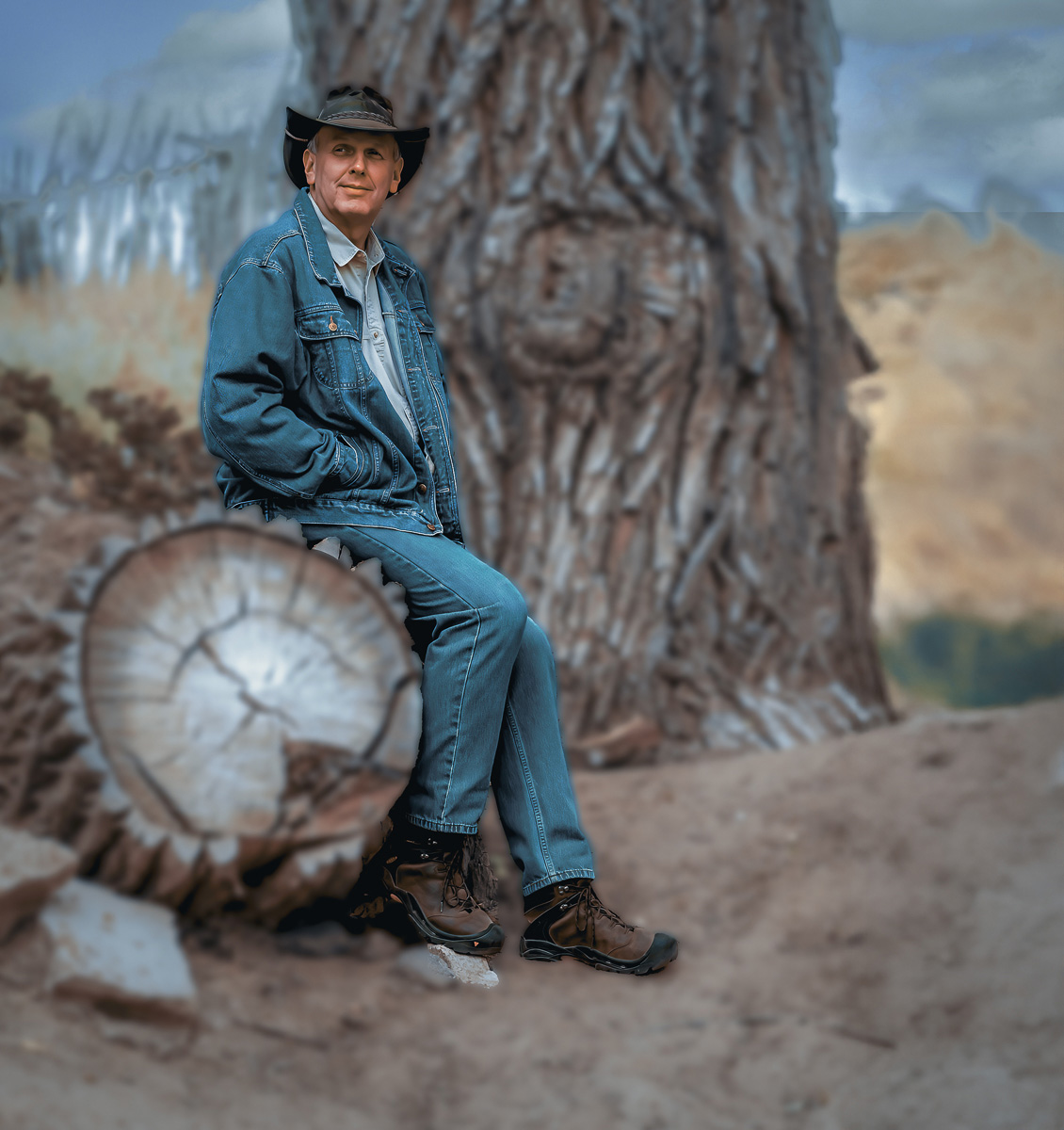
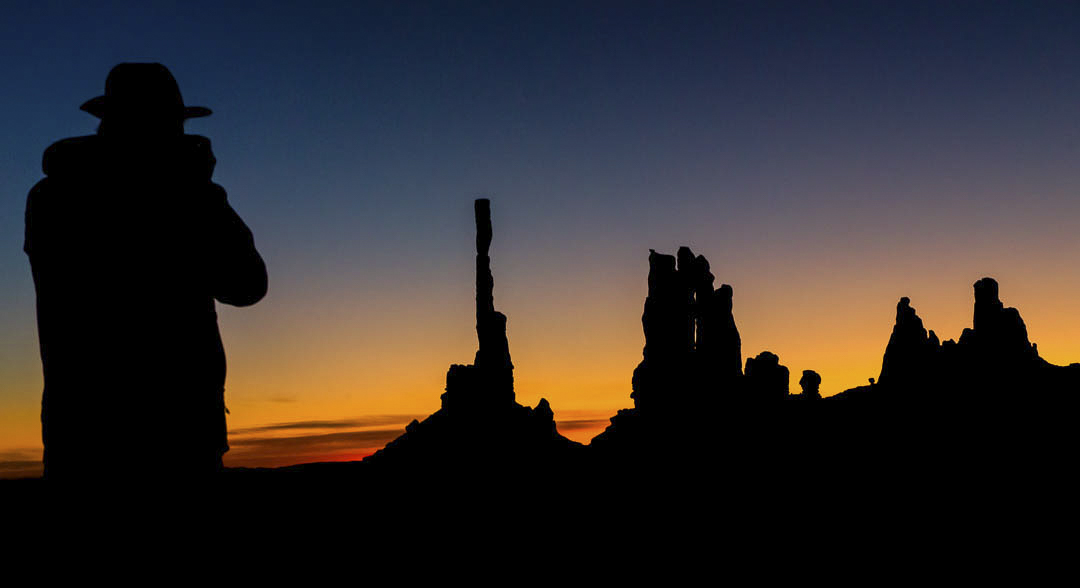
Thanks, Fred. I was only able to get one image of him on the trip. It was in Monument Valley and he dropped his head before I shot so his face wouldn't be captured. He was wearing a black Stetson, cowboy kit, and boots. Superstitious I guessed but didn't ask. I'll look and see if I have another image I could use. Great suggestion. |
Mar 1st |
| 20 |
Mar 23 |
Reply |
Thanks, Angela. |
Mar 1st |
4 comments - 7 replies for Group 20
|
| 96 |
Mar 23 |
Reply |
Sorry, I didn't take it as a reprimand. Full AI image making scares me more than cell phones. |
Mar 25th |
| 96 |
Mar 23 |
Reply |
Thanks, Dan. I agree that a cell phone camera sensor cannot match a larger DSLR sensor in digital. For our study group I should not have submitted a lessor image. Software now allows for fairly large enhancement without pixelization, but consider my hand slapped properly. My processing is horrendous. My apologies to cell phone and micro-four/third companies! I just mounted a 23x60 inch image on my wall. Cost $730 US to frame. My club is in a quandary because Costco print shut down. |
Mar 24th |
| 96 |
Mar 23 |
Comment |
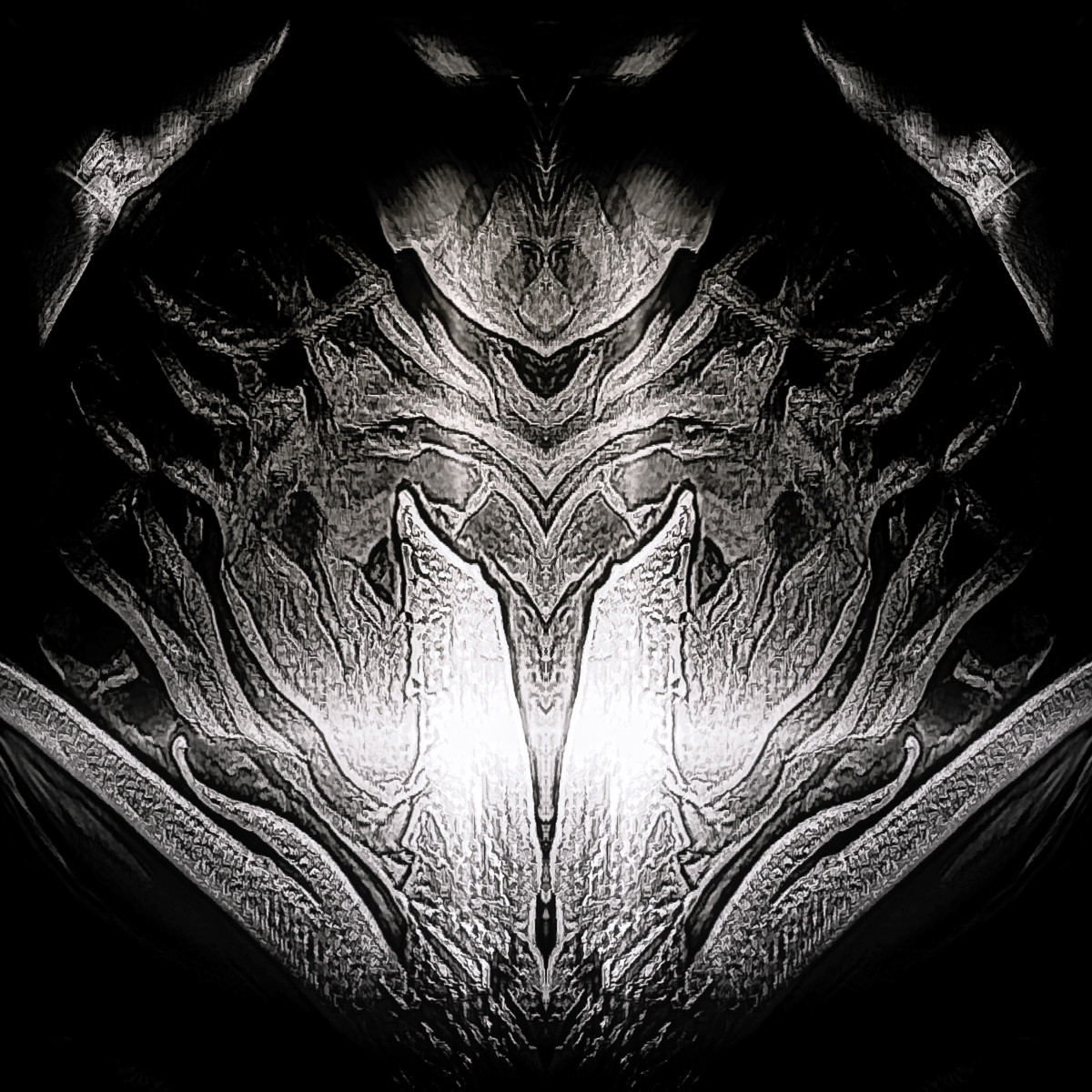
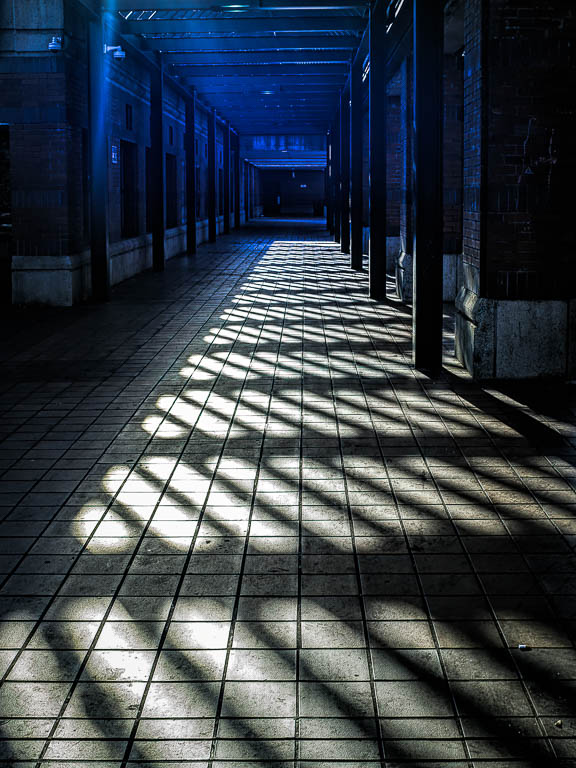
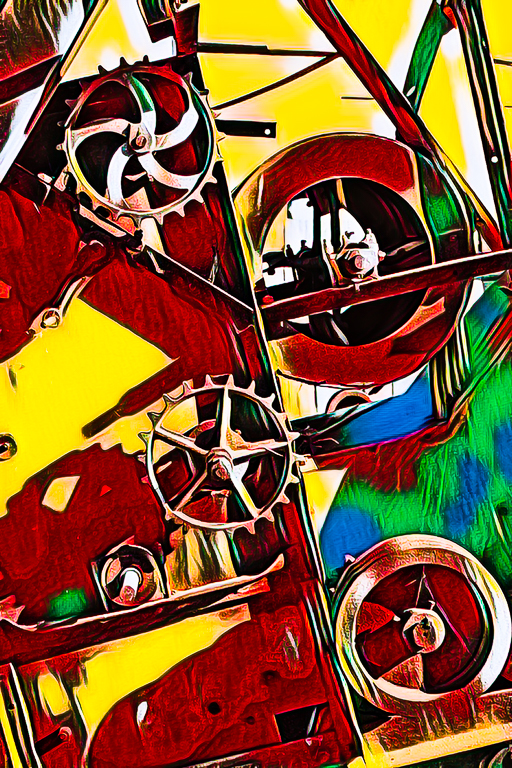
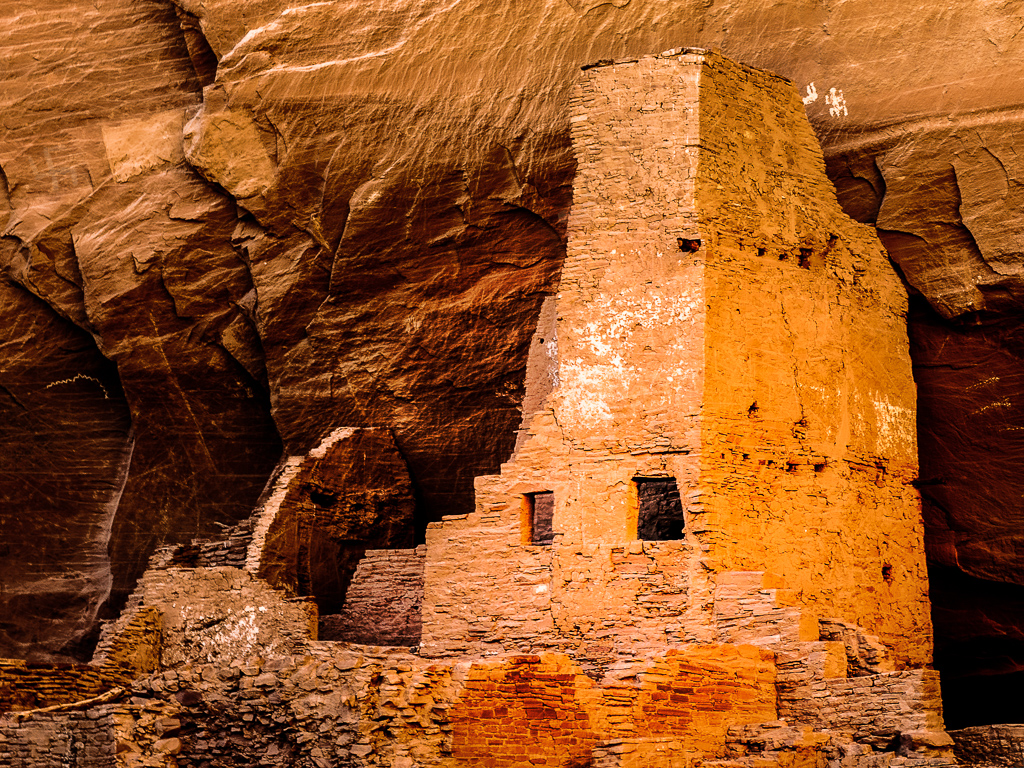
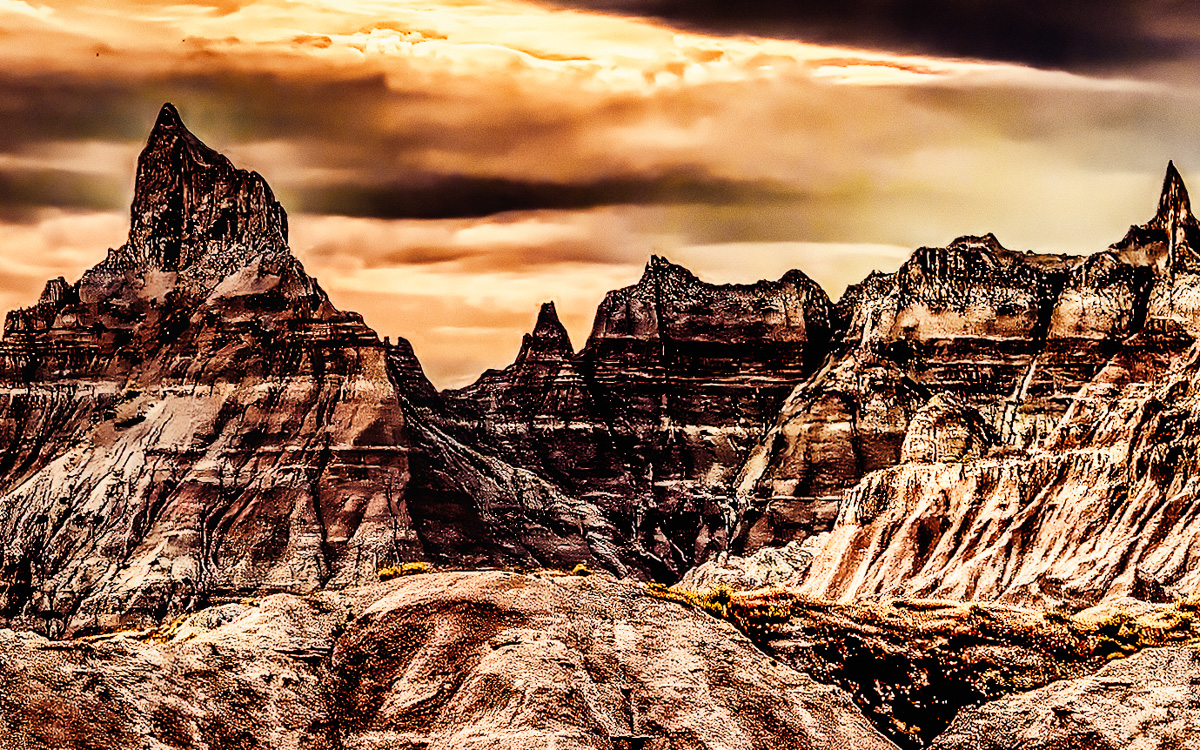
I kept getting interrupted writing your comment, so I hope I can finish this time. Great color combinations. Nice use of shadow and light. Great texture. So much to view and explore.
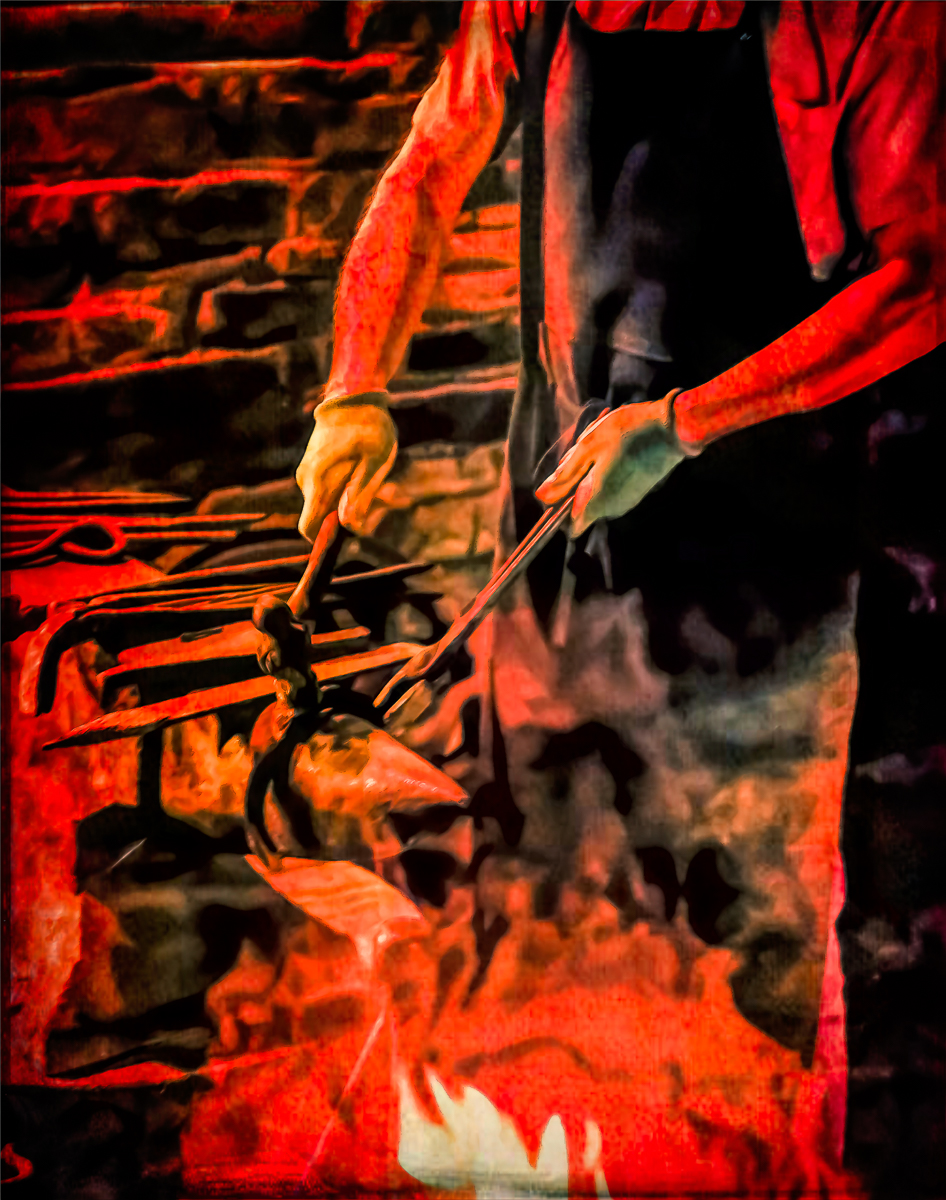
In the left shadow area, I find the most interest. I see several things that caught my attention. Firstly, I see a thumb and forefinger framing a ship. then several bluish snakes or feet, shapes that are repeated top right in the light. Just a marvelous image to explore for all the shapes that can be seen or imagined.
My only wish would be lesser vignette, especially on the top. I don't want to miss one single shape or texture. Extraordinary artwork. |
Mar 23rd |
| 96 |
Mar 23 |
Comment |
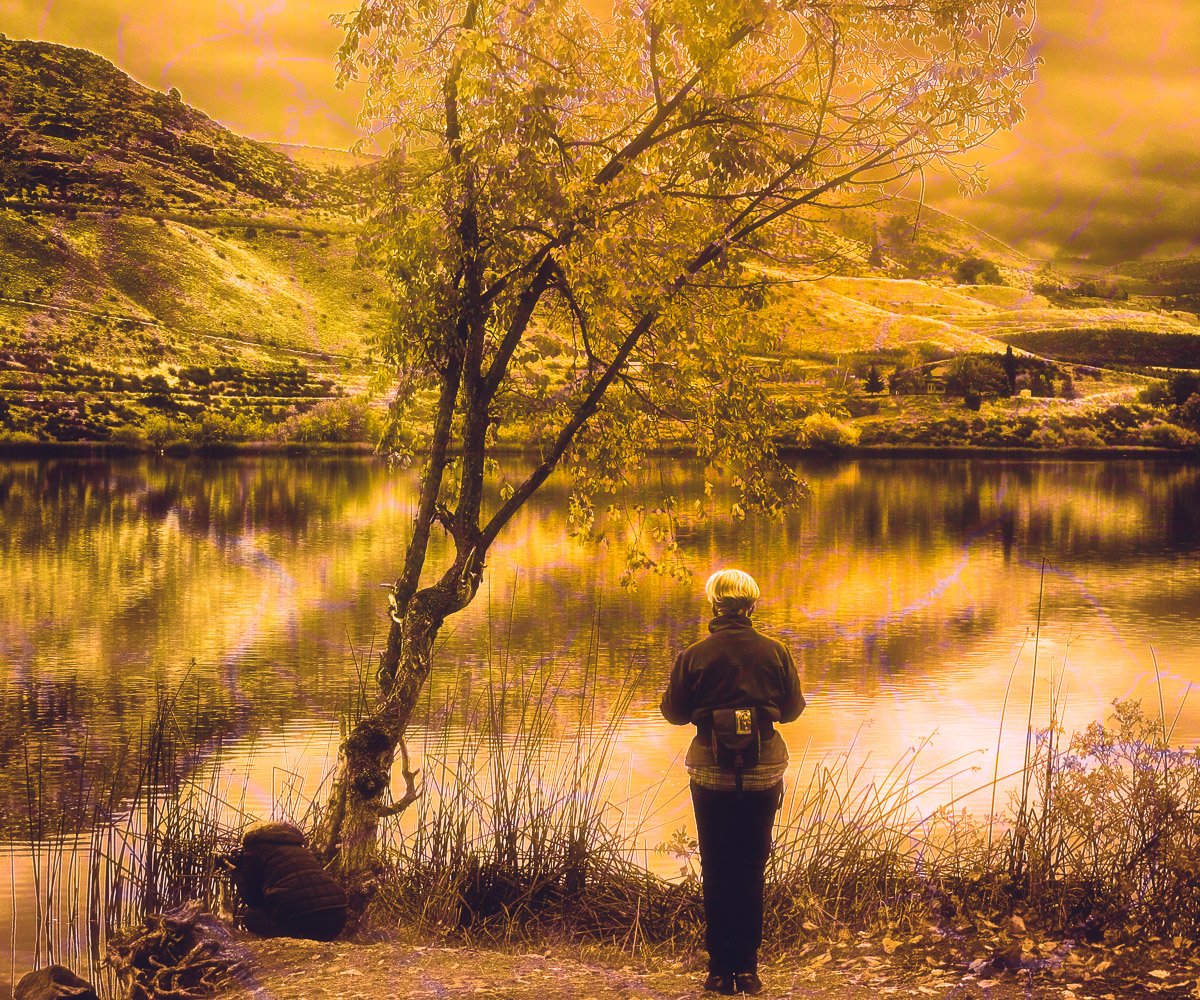
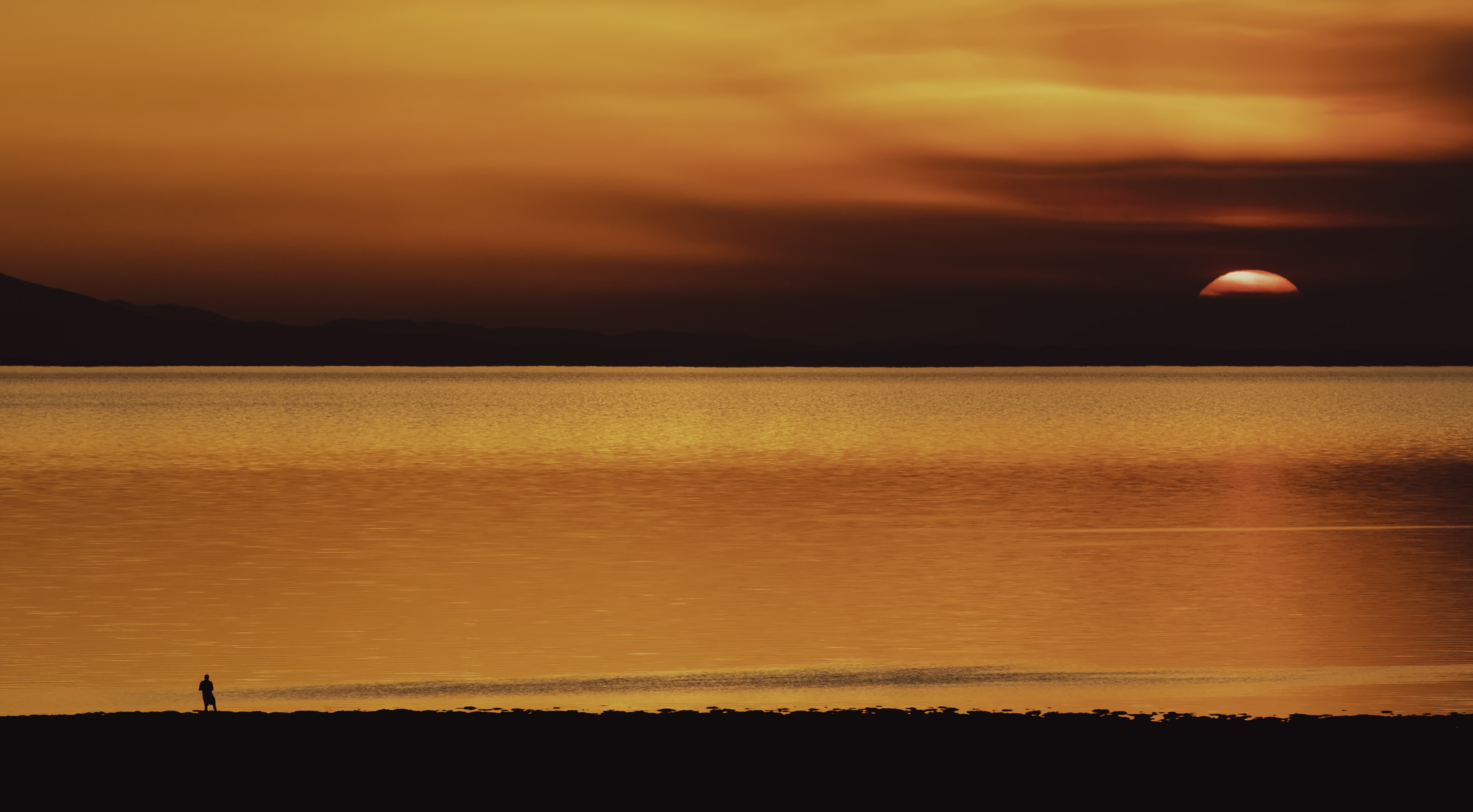
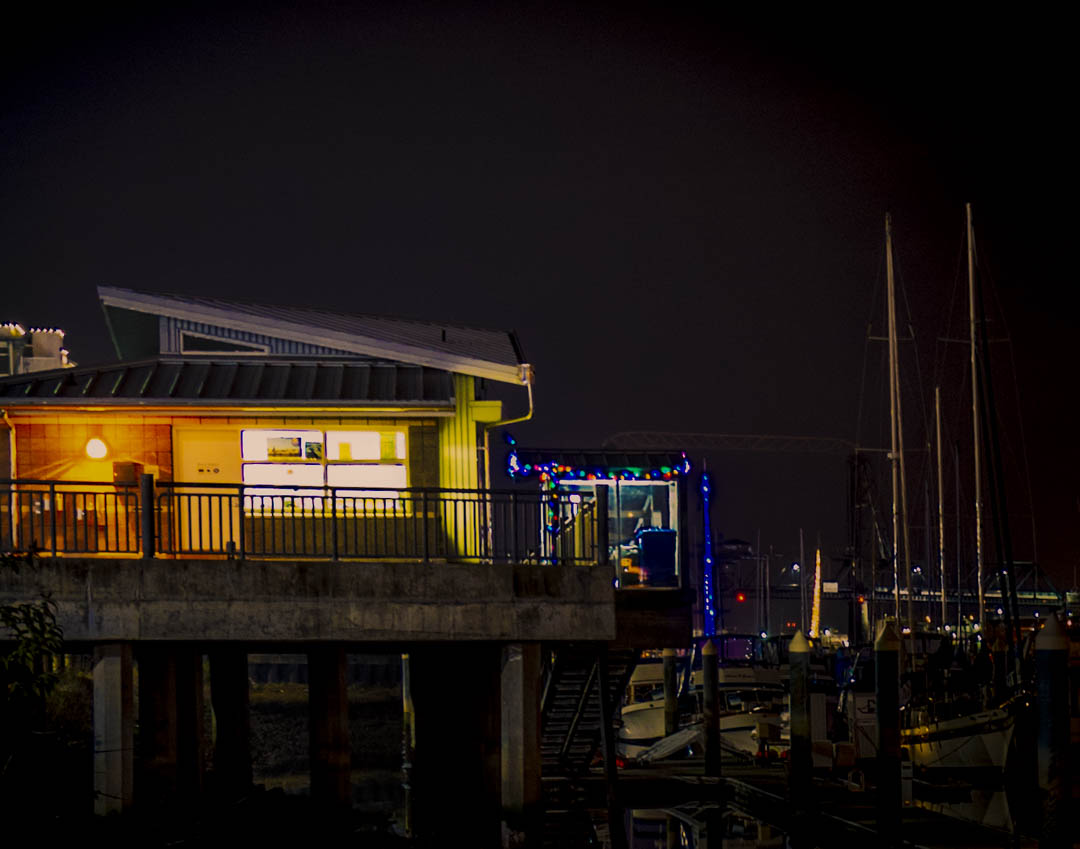
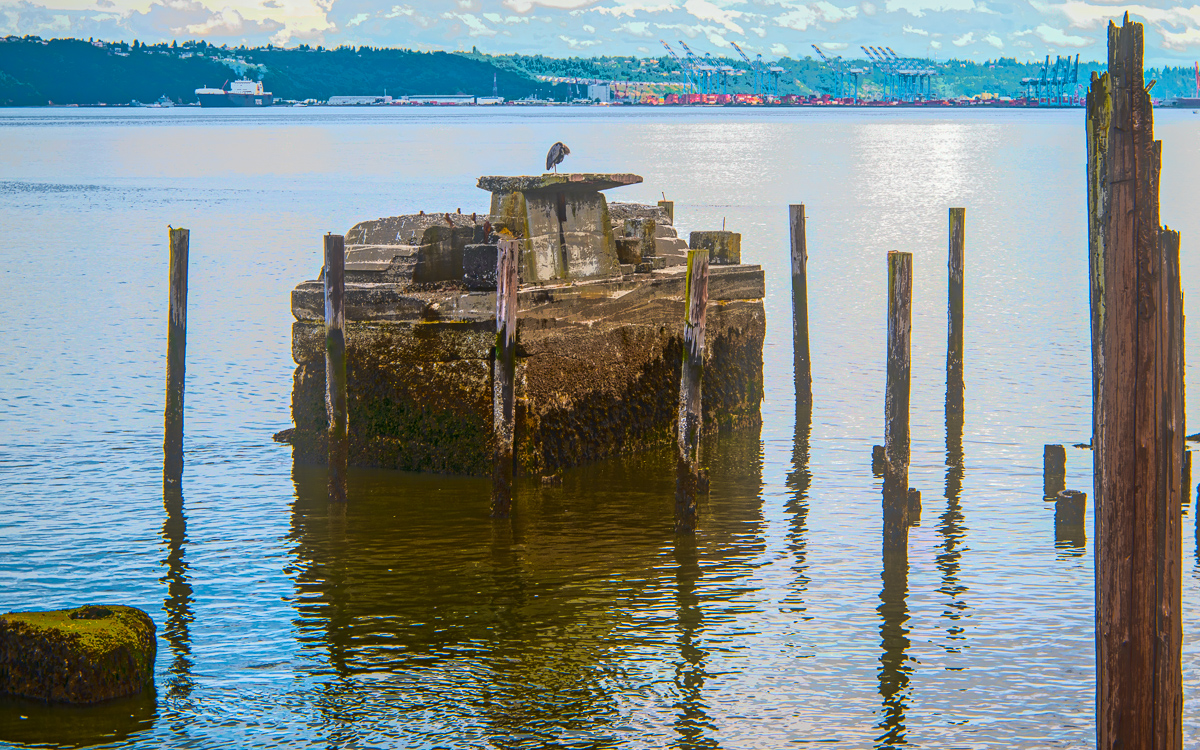
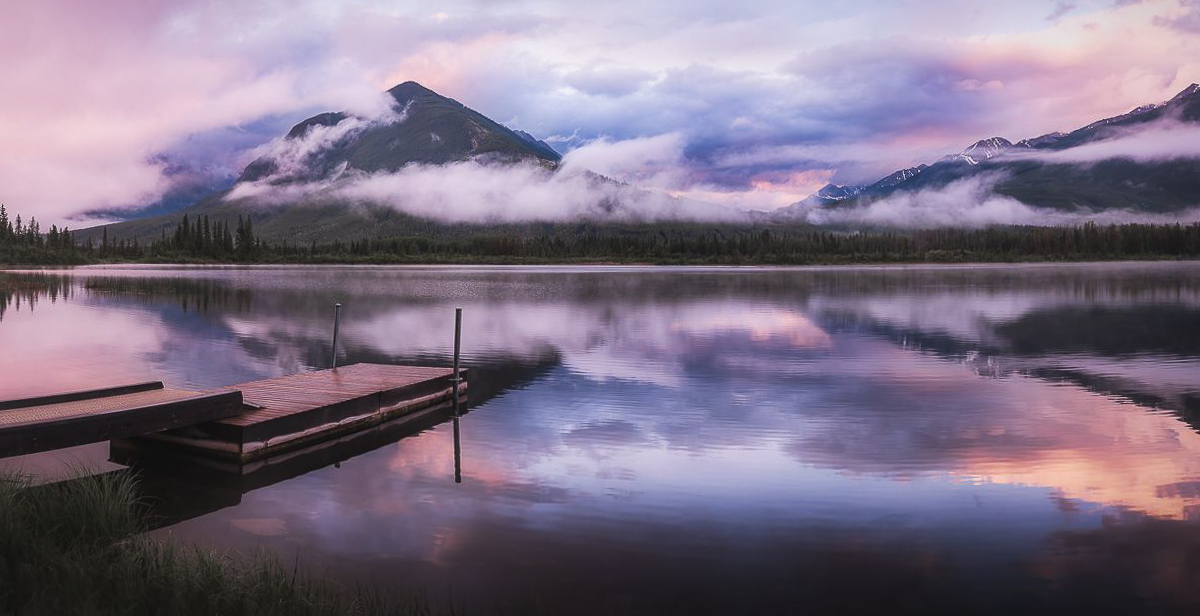
Truly magical, Cheryl. I might continue with the Pano, and as far as color matching the sky and water, reflections in nature are always darker. Since the pier is a supporting element, I think a sky crop could be considered. I do like the person in the image, but do not think his/her clothes should detract from your subject. Well done. |
Mar 23rd |
 |
| 96 |
Mar 23 |
Reply |
Thanks, Cheryl. I'm swamped with club work this month. I have been trying to get my images entered in the WA State Spring Fair, and our annual EOY competition. I did over blur the background, and I'll try to lower the opacity of the blur. Great suggestions.
|
Mar 20th |
| 96 |
Mar 23 |
Comment |
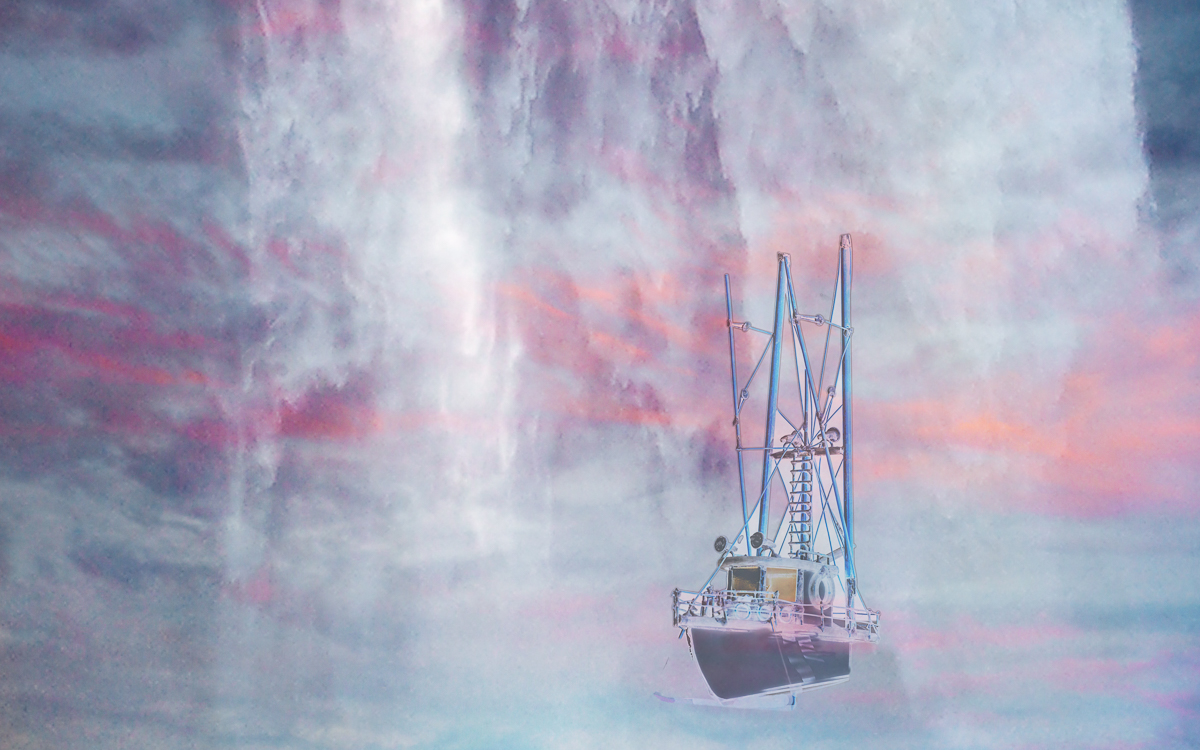
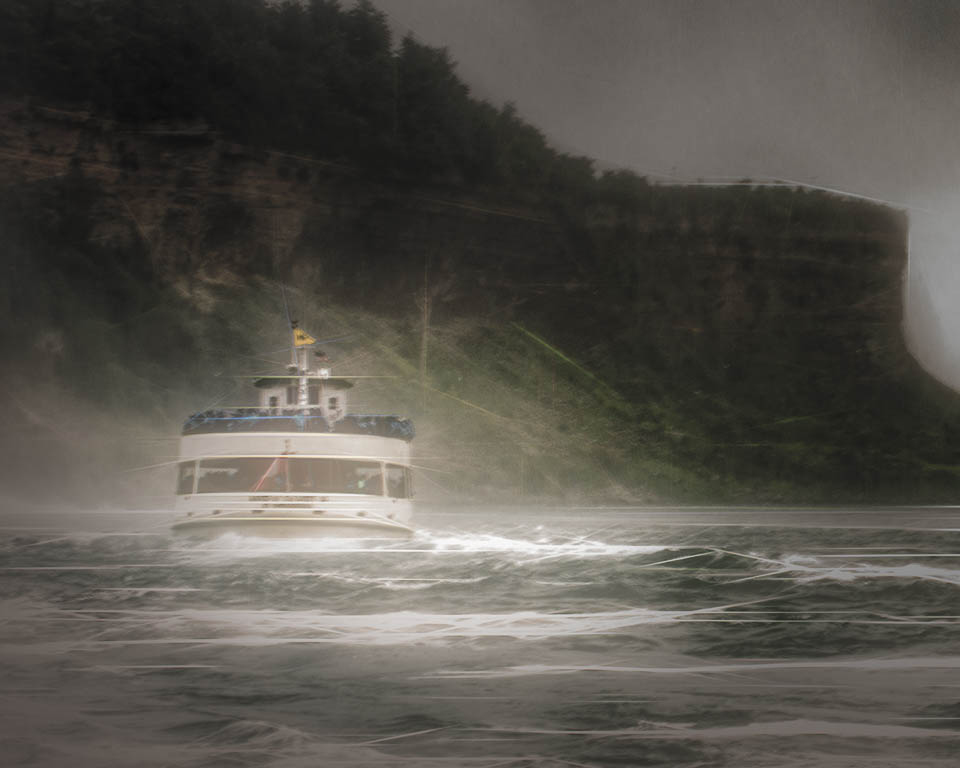
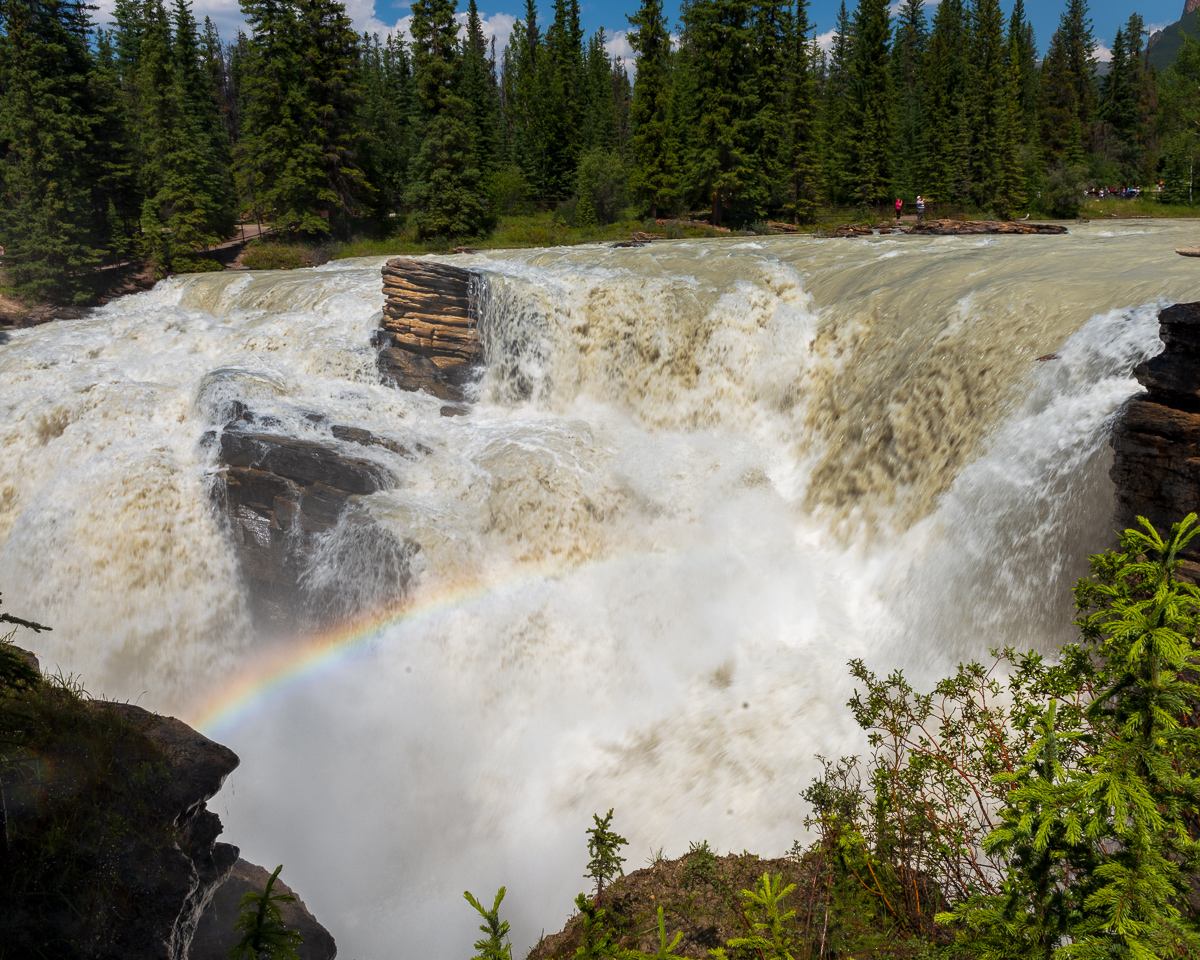
Magical they can be. Nice separation from foreground to background. The spray is an important element. Great image. |
Mar 19th |
| 96 |
Mar 23 |
Reply |
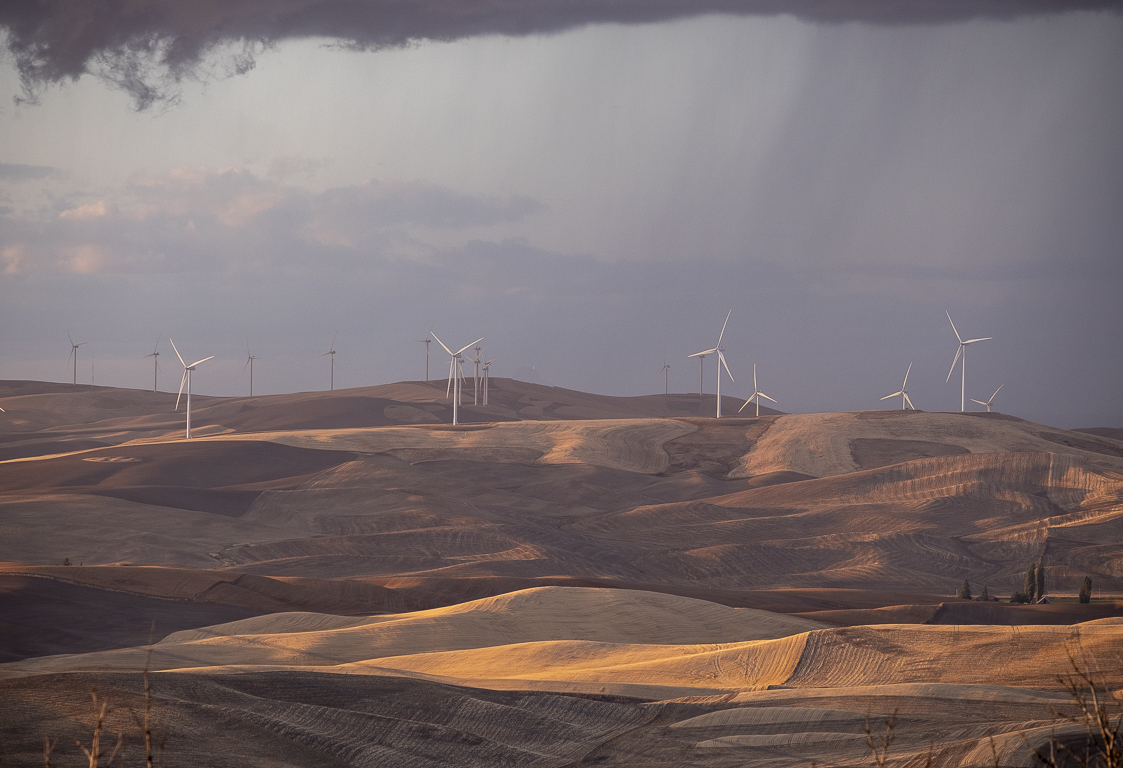
Thanks, Kate. As you know, they would be too small to be seen in this landscape. I may add one in creative DD20. Good suggestion. |
Mar 19th |
3 comments - 4 replies for Group 96
|
7 comments - 11 replies Total
|