|
| Group |
Round |
C/R |
Comment |
Date |
Image |
| 29 |
May 18 |
Reply |
I like it flipped. I'm not sure yet how GDPR ultimately will affect DDG and amateur (hobbyist) photography but Tom Pickering had suggested trying to post an unprocessed image and then have the group process it their ways first, then posting his image after everyone was done. I am guessing that would not appeal to you. See Group 53 for the results of Tom's Challenge.
http://psadigital.org/group53/image.php?iid=26801 |
May 31st |
| 29 |
May 18 |
Reply |
It's funny, but I just got an e-mail from someone who said that she and her students had looked at our links page. Not a PSA member, but somehow got my e-mail address from that. I treated it as spam, and dumped it, but I won't be posting any travel plans on this site, and recommend the same to all members. I've warned D about her Facebook too. Strange world. |
May 16th |
| 29 |
May 18 |
Reply |
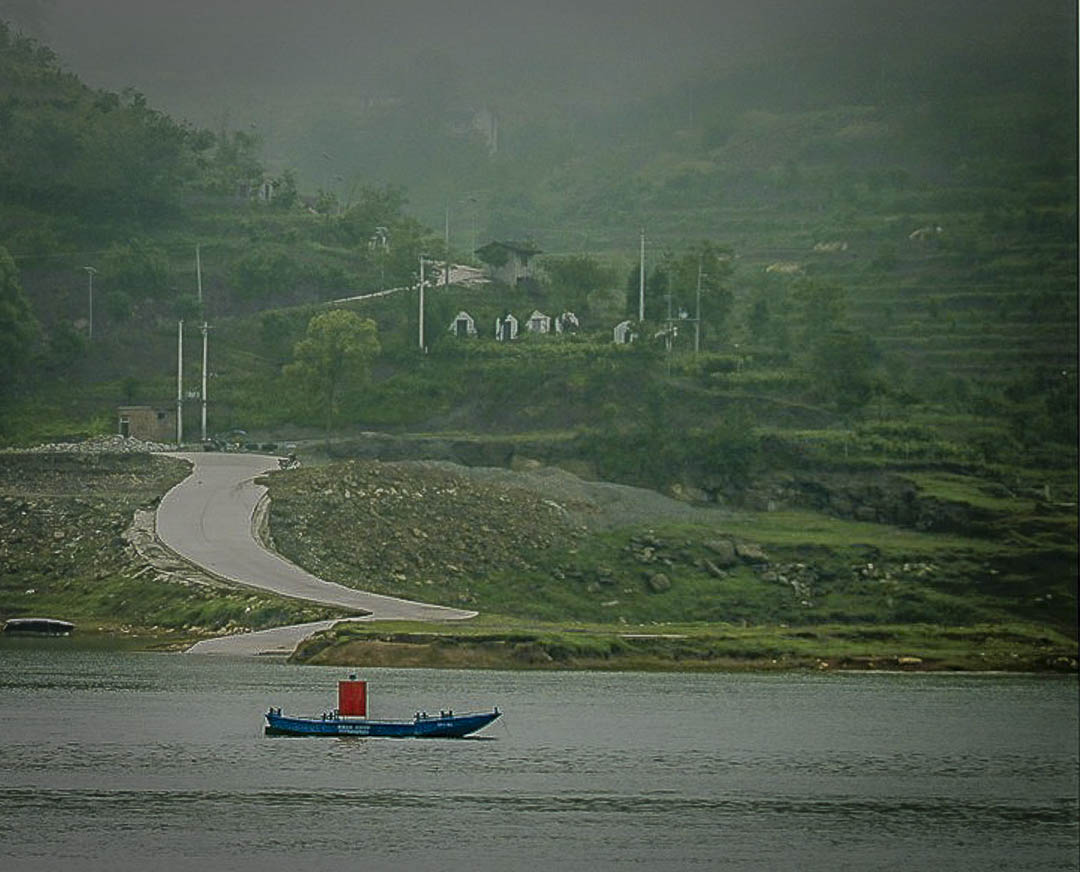
Judy, there is a content -aware move tool in PS CC, but not sure about elements. Also a content aware patch tool, that I use a lot. Just more tools to get to the same place. Moving the boat makes a lot of difference though. Good catch. My crop did basically the same thing, I still like the ramp leading from the boat to the house, which your crop also accomplishes. |
May 15th |
| 29 |
May 18 |
Reply |
Hmm, a possible teaching moment for me.
If you all have this occasional problem (I do too.)
If you keep open an app like Word, and make your comments there first, you can then cut and paste to the comment box. Then just discard your document once they actually post. |
May 14th |
| 29 |
May 18 |
Reply |
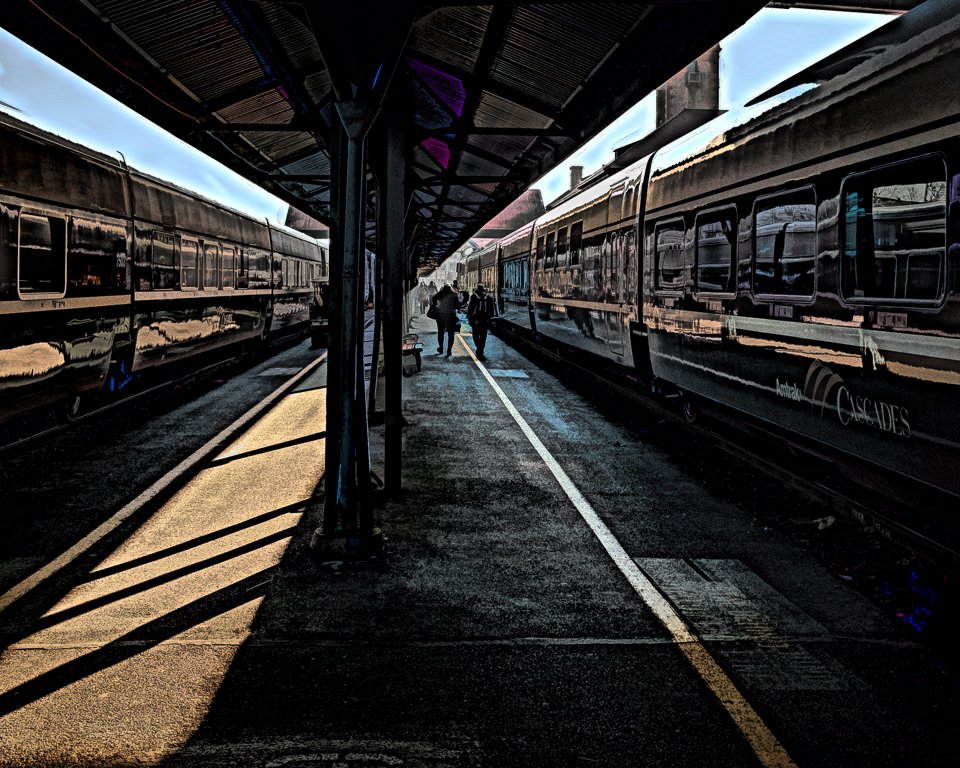
The level "thing" is a photography "must do" since all judges require that. I'm not so much into photojournalism, but Europe has been bombed so much, I doubt much is level any more. We appreciate your neatness, tidiness and squareness! |
May 12th |
| 29 |
May 18 |
Reply |
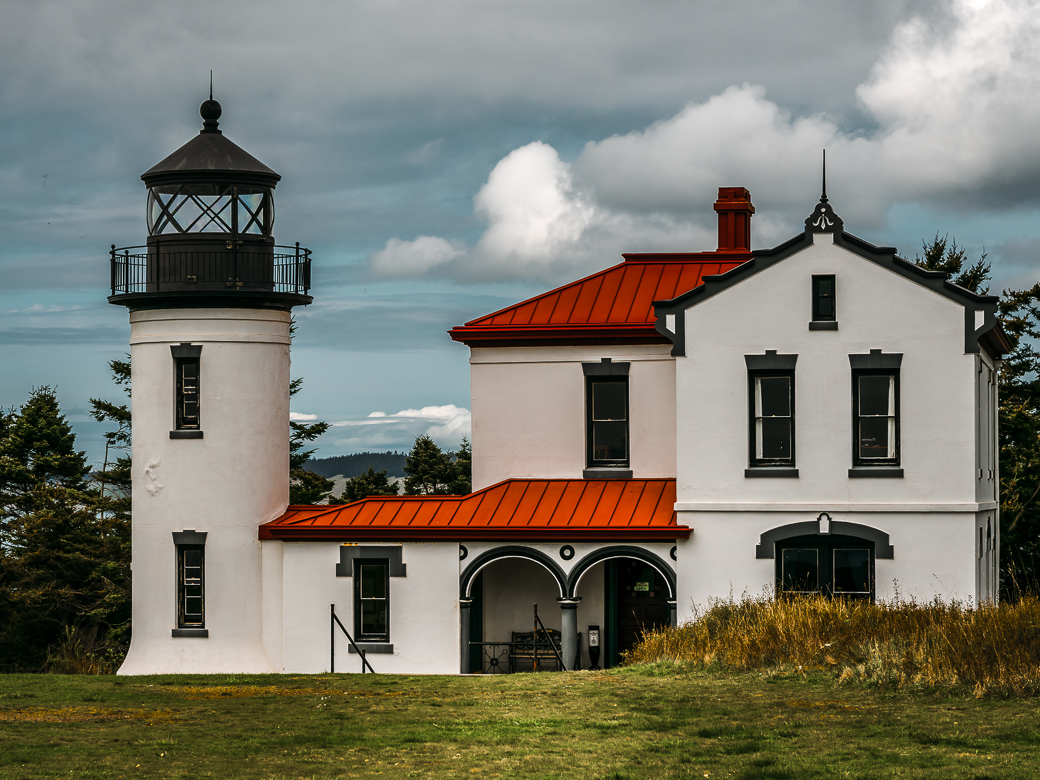
In my opinion the HDR like effect just makes it look flat and too busy. Probably just not a good image. I like that it has strong verticals, but as in too many of my images something is missing, and I know not what. |
May 12th |
| 29 |
May 18 |
Comment |
Smaller possibility. |
May 12th |
 |
| 29 |
May 18 |
Comment |
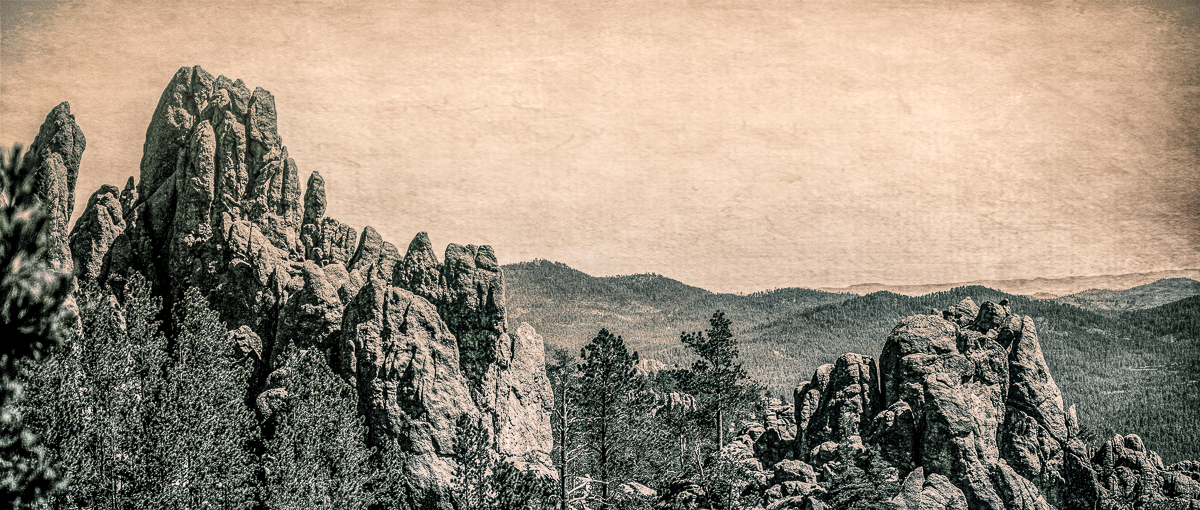
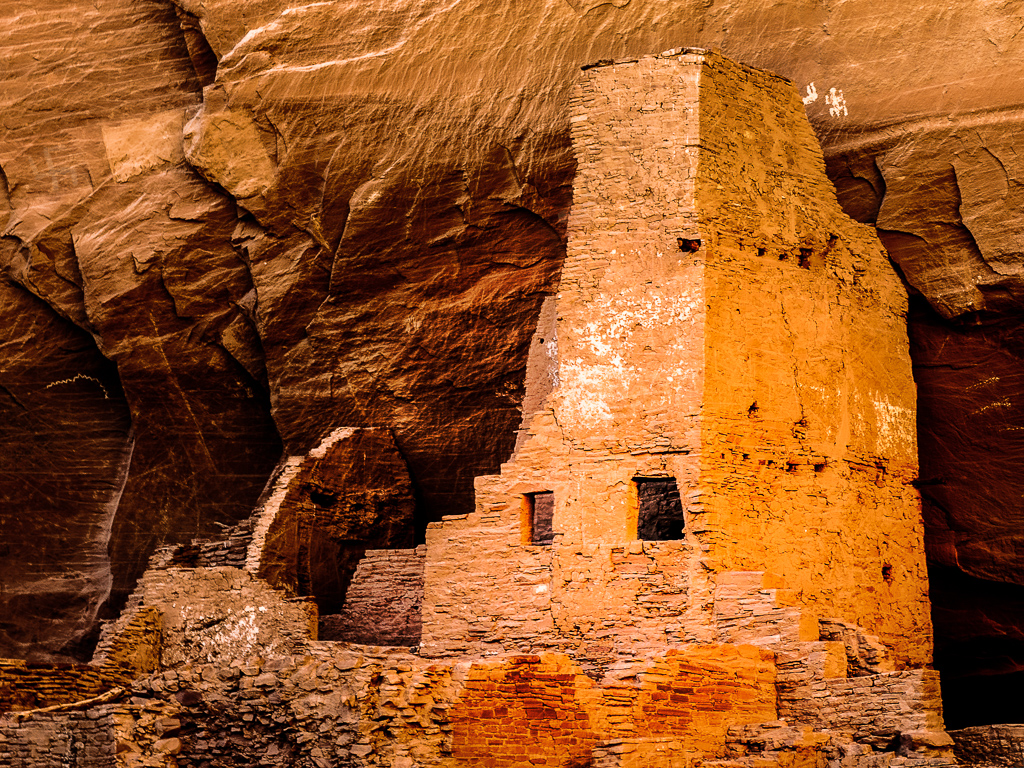
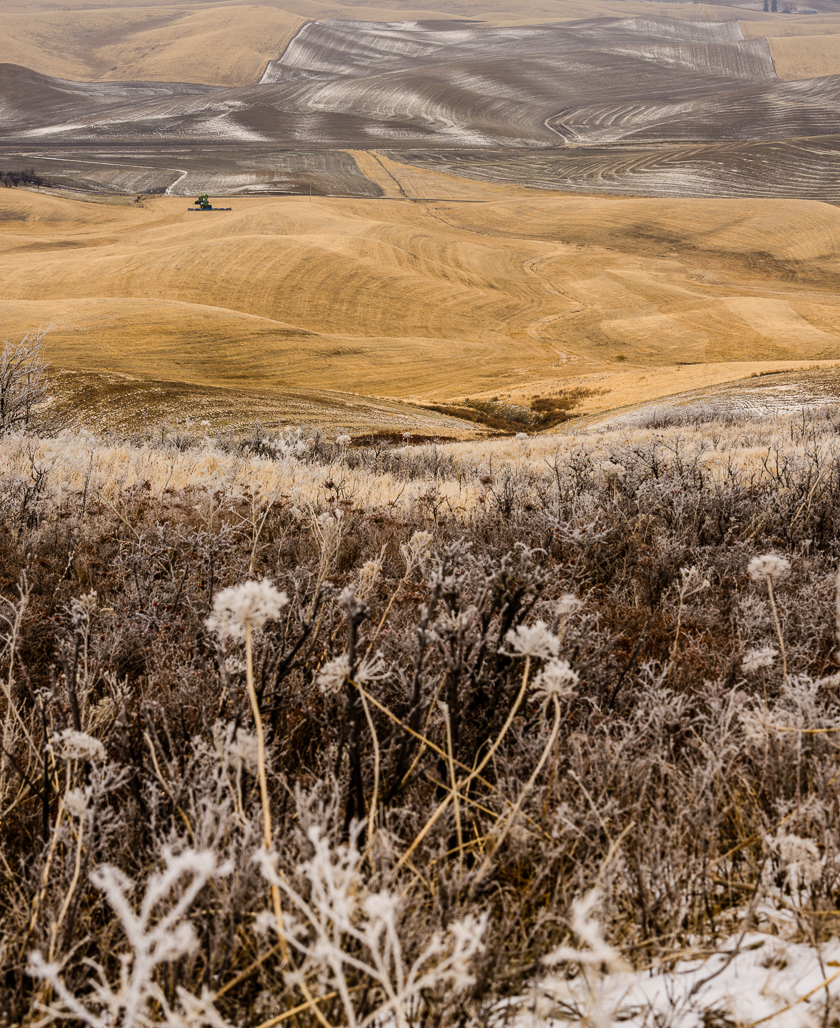
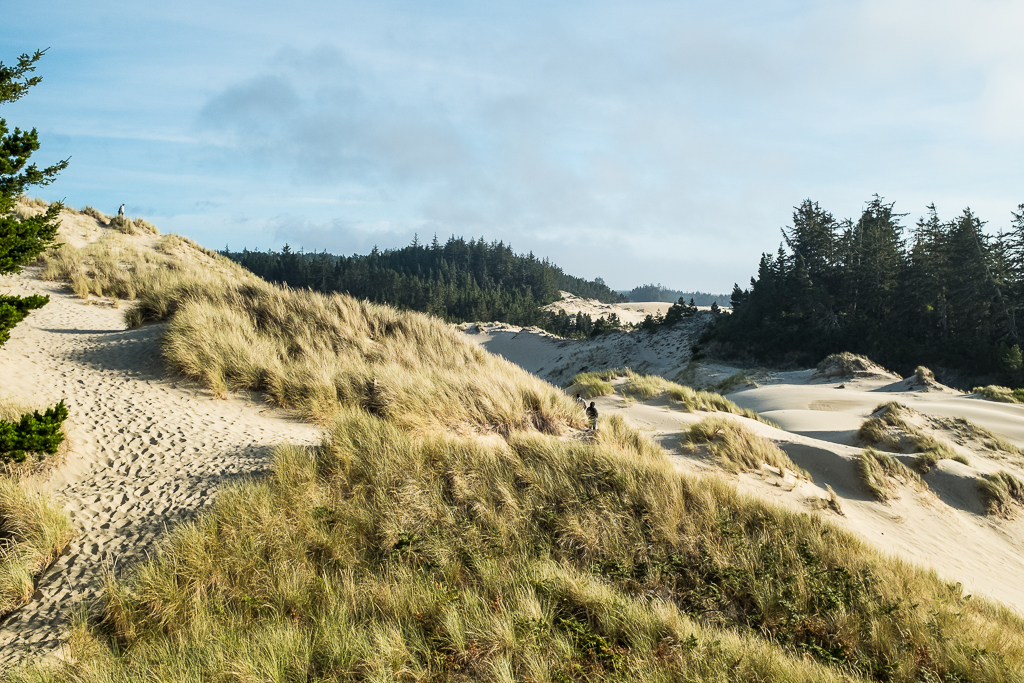
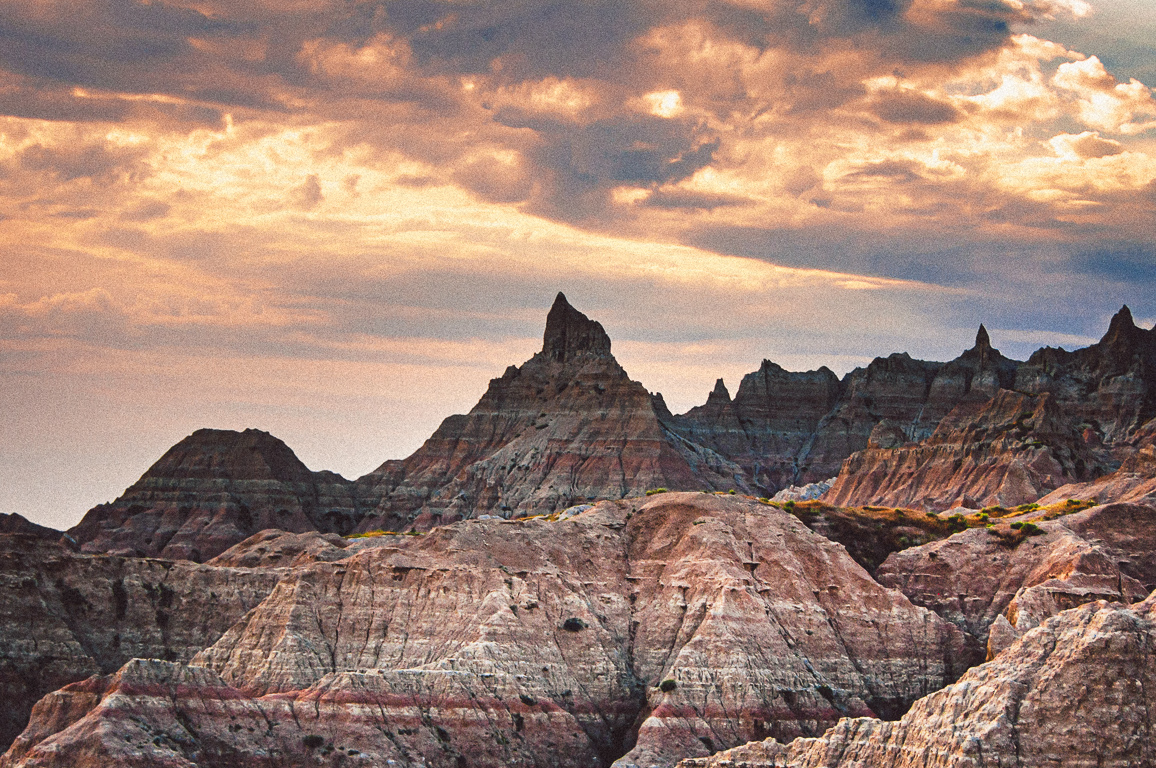
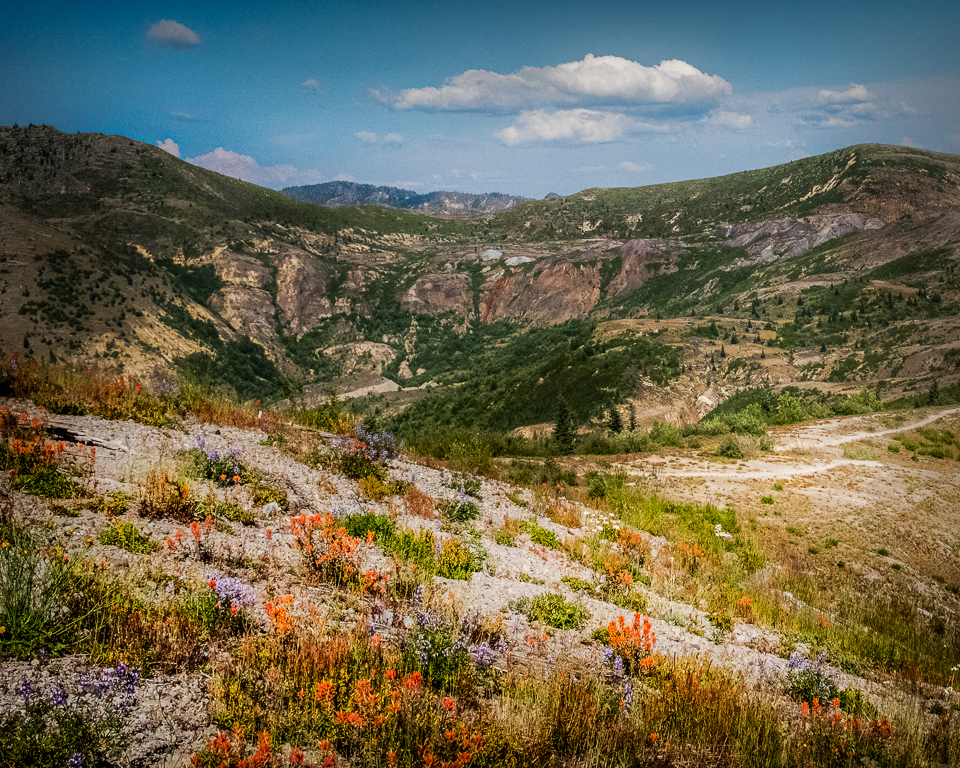
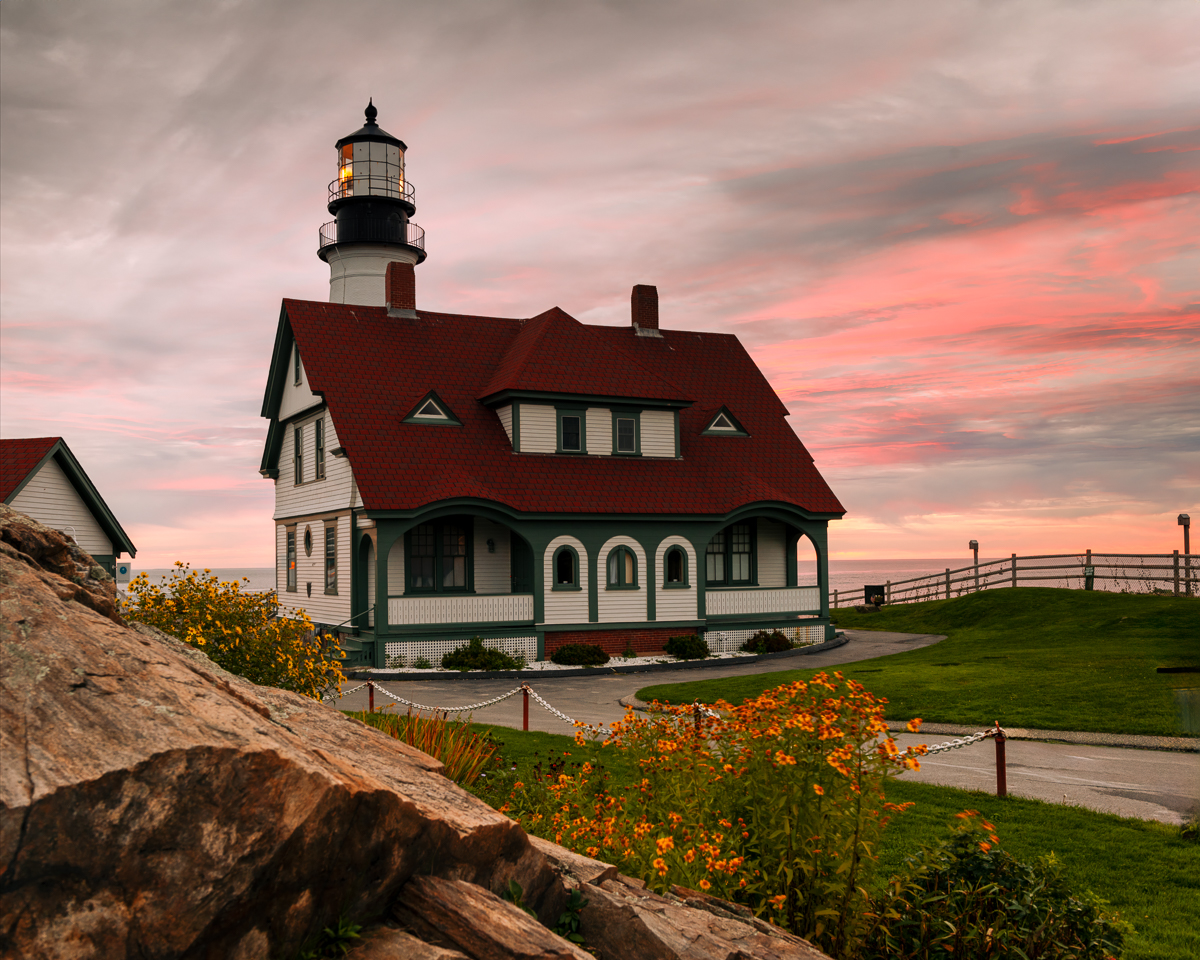
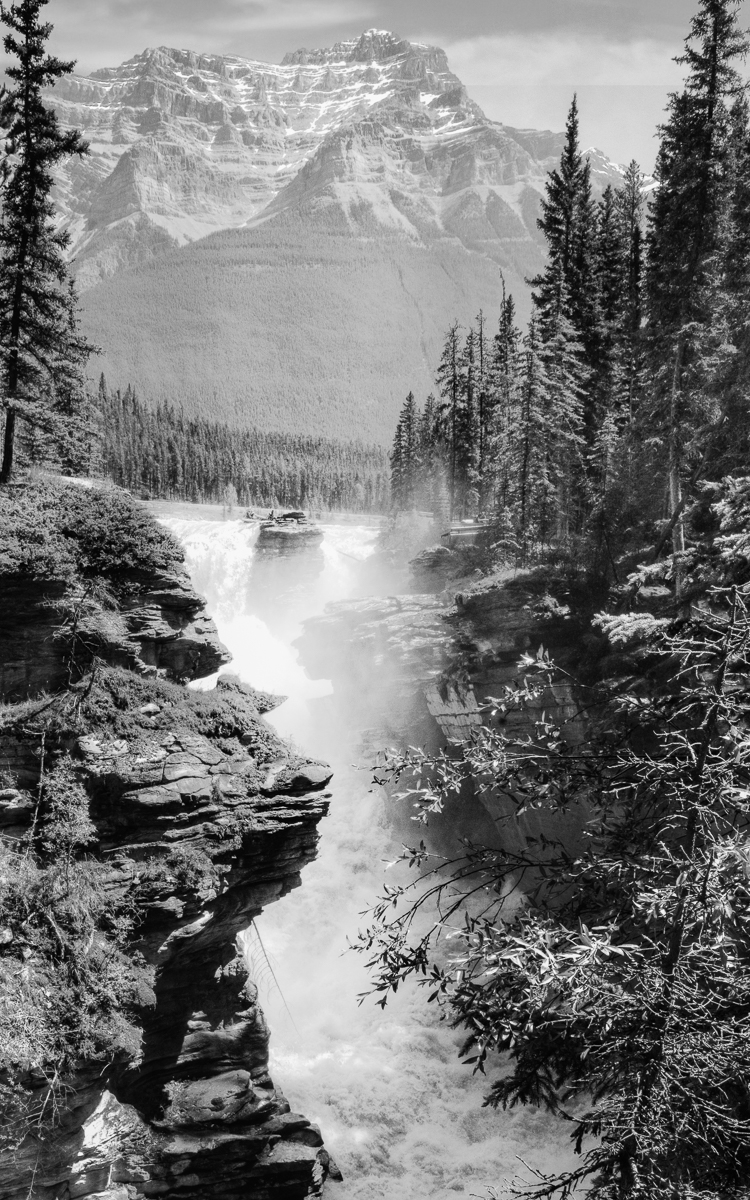
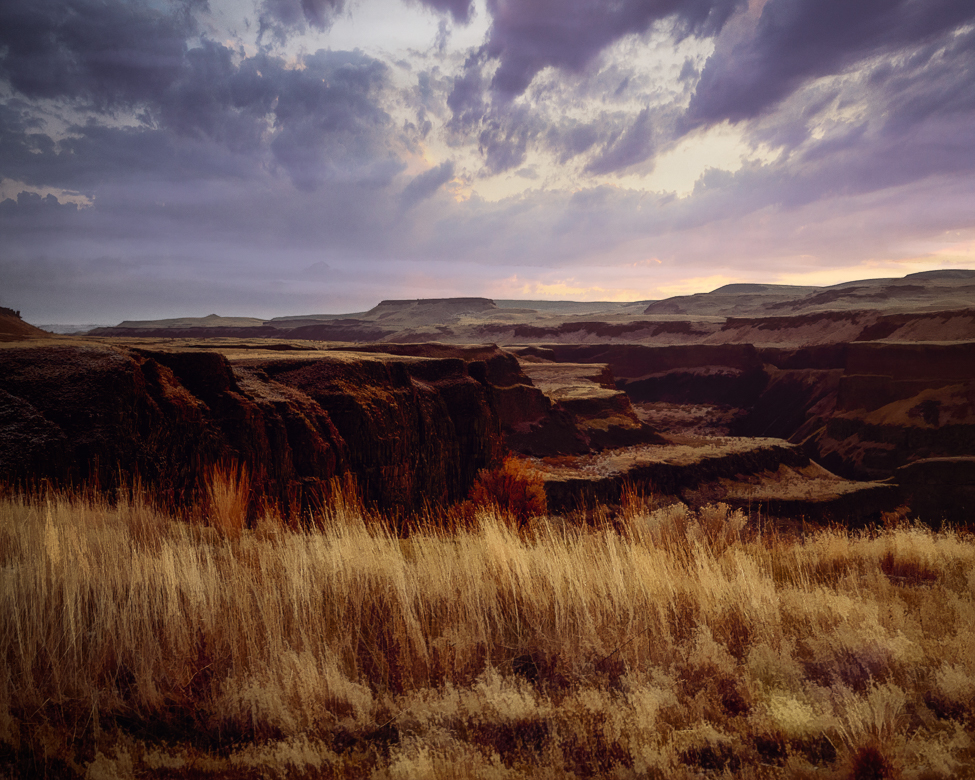
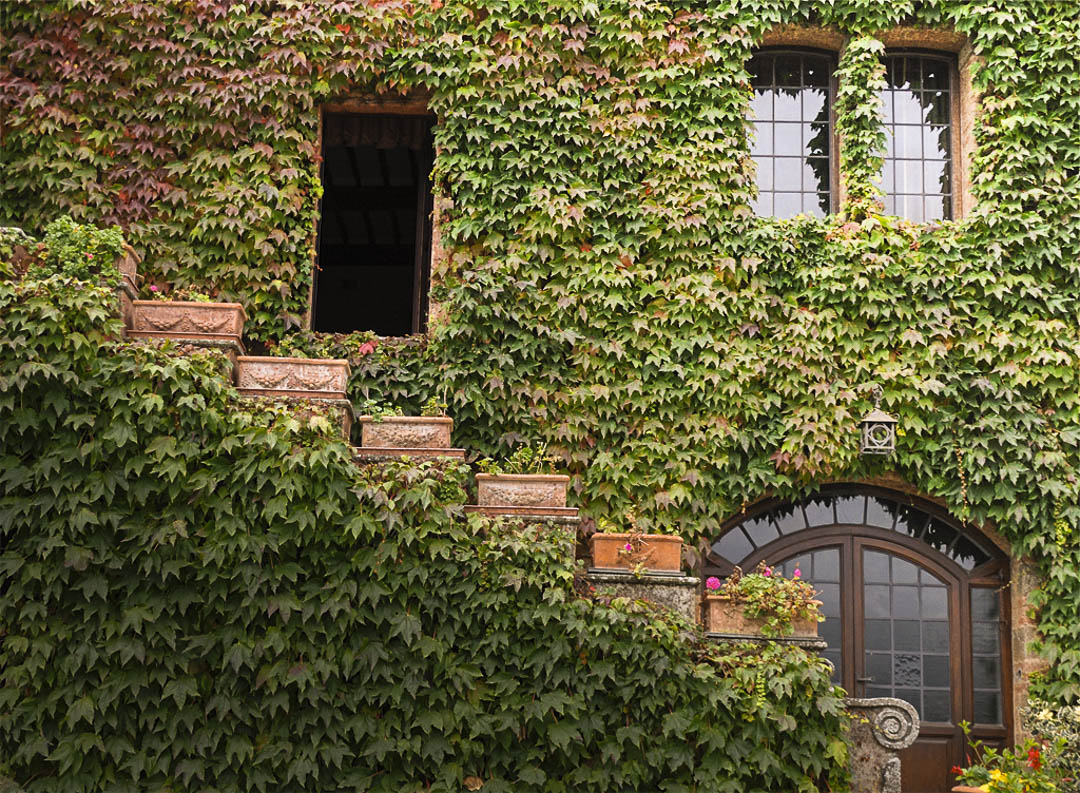
Not only is the scenery lovely, but you have composed a terrific image. The color is great, image is sharp with detail, and properly exposed. Your composition has a nice triangle and diagonal lines. My only criticism would be the light is somewhat flat throughout the image. In my opinion it could be made stronger by darkening the bottom with a radial filter to add depth. Excellent composition. You can also create several smaller images from this, if you didn't take them while there, |
May 12th |
 |
| 29 |
May 18 |
Comment |
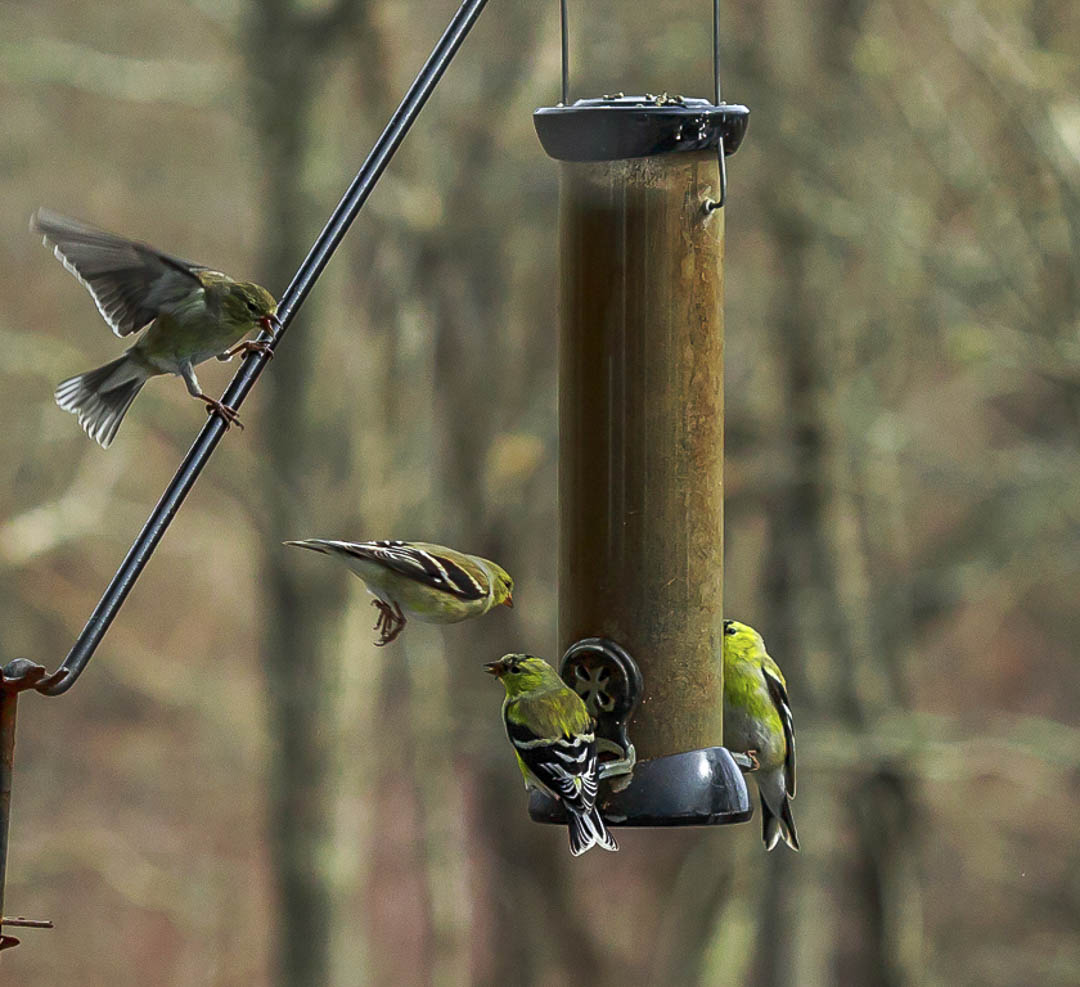
I love those goldfinches. I watch ours every morning on our patio feeder. Their battles for the feeder are beyond entertaining. Great blurred background. I doubt I'd change a thing, but of course I must tinker! |
May 12th |
 |
| 29 |
May 18 |
Comment |
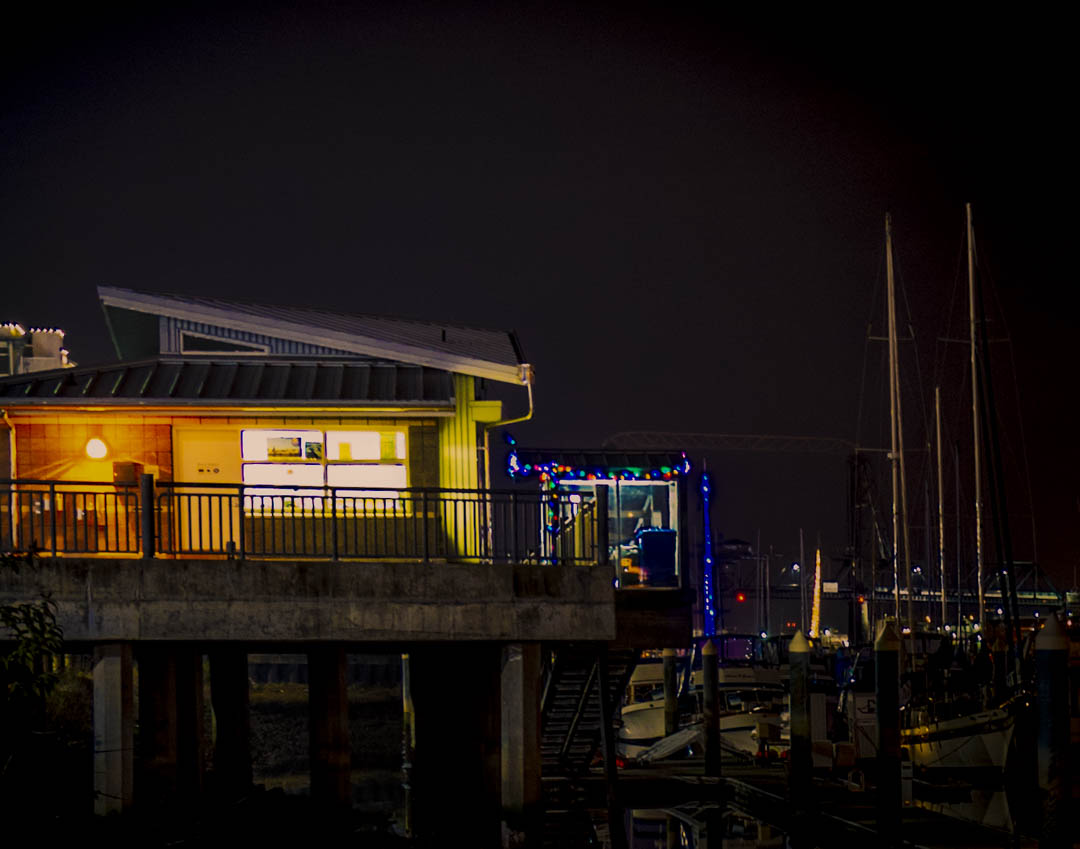
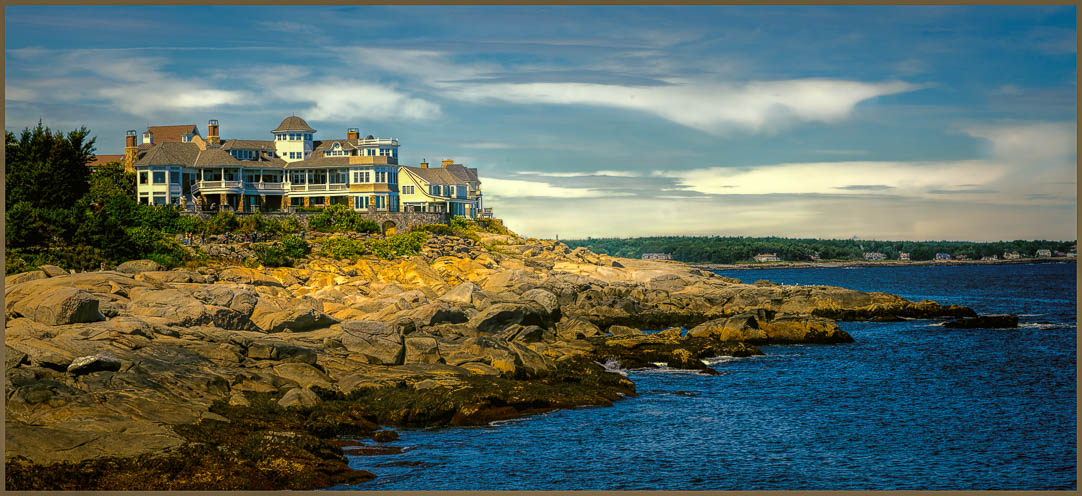
I think you are the cruise queen of Texas! I like your China panorama. It is sharp and the fog adds interest for me. There is a triangle between the houses and boat that I think is too large an area. It reduces the effect that the boat ramp has for me. If you keep it as a pano I would suggest cleaning up some of the white signage along the road and shoreline (left side). It is also important to check level. I think the boat is moving a little down hill. I cropped it to have the triangle between the boat, houses and poles(signposts?) with the ramp leading from the boat. I also slightly increased the exposure. |
May 12th |
 |
| 29 |
May 18 |
Comment |
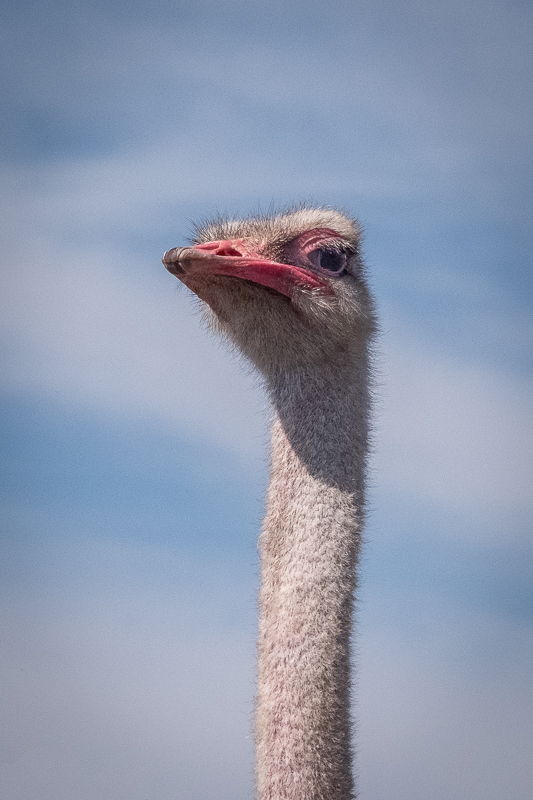
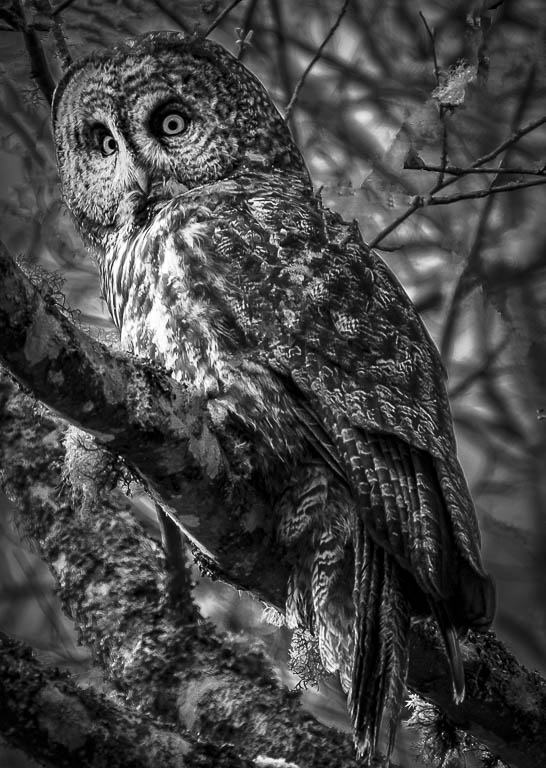
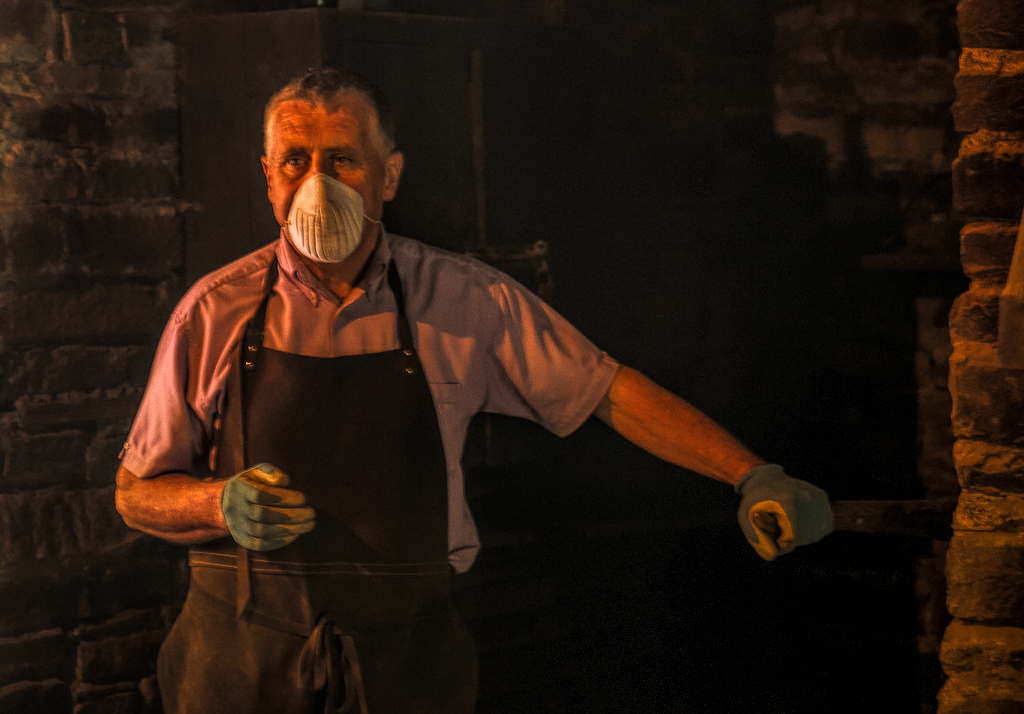
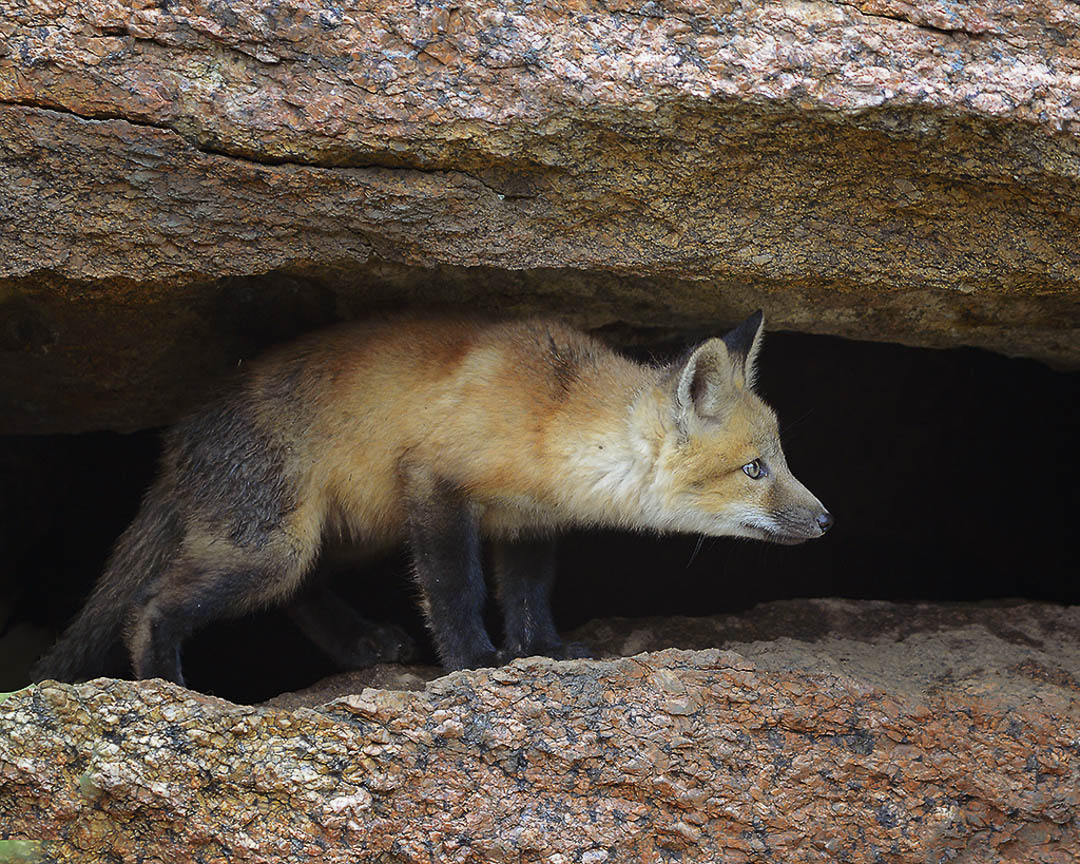
Sharp, perfectly exposed, detailed and cropped. You ticked off all the good image boxes with this image. Eye is sharp which I believe is a must. The only thing I would suggest for competition is to dodge and burn some to add some depth and isolate the little guy from the background. Great capture. |
May 12th |
 |
| 29 |
May 18 |
Comment |
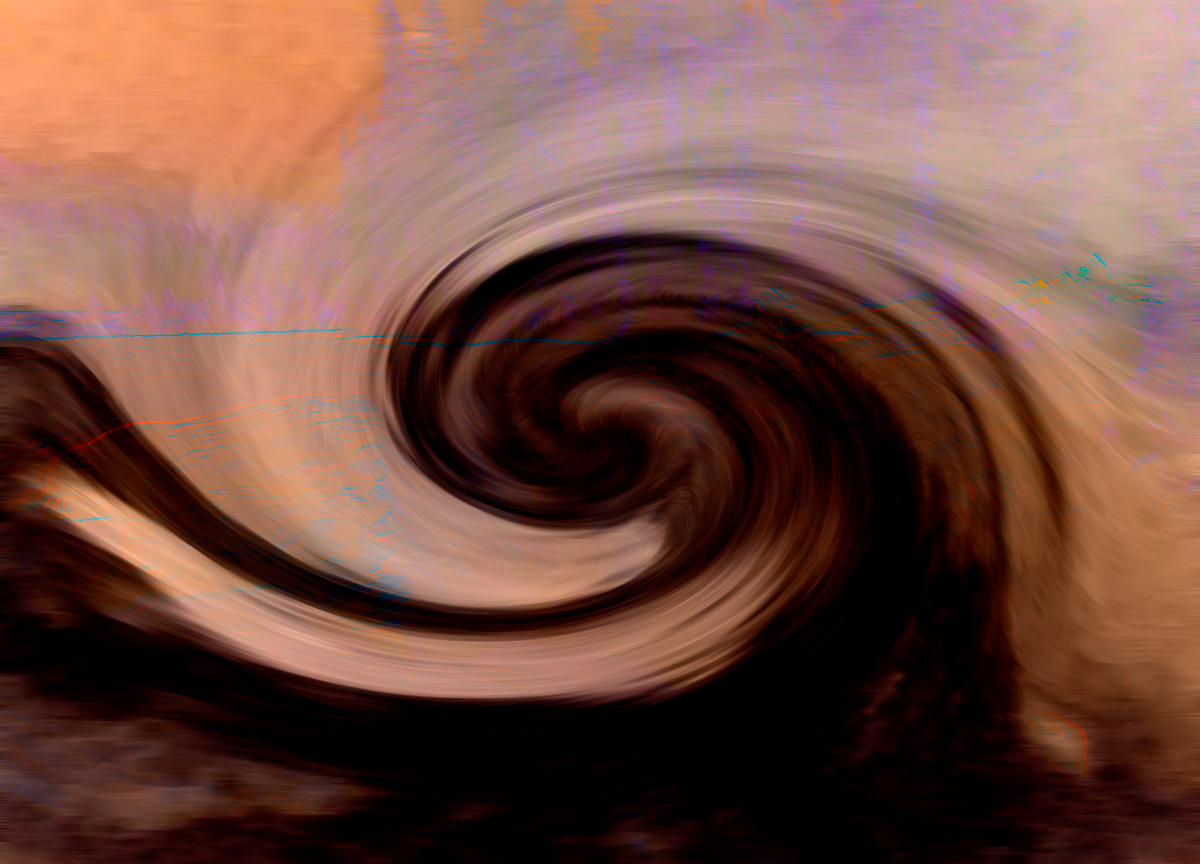
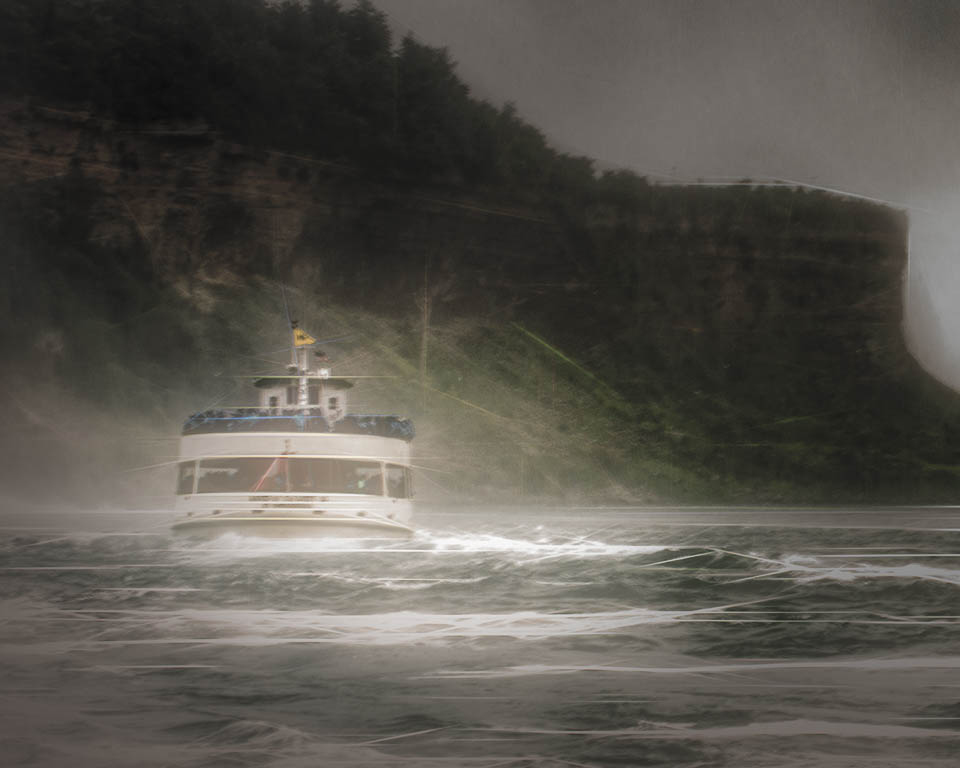
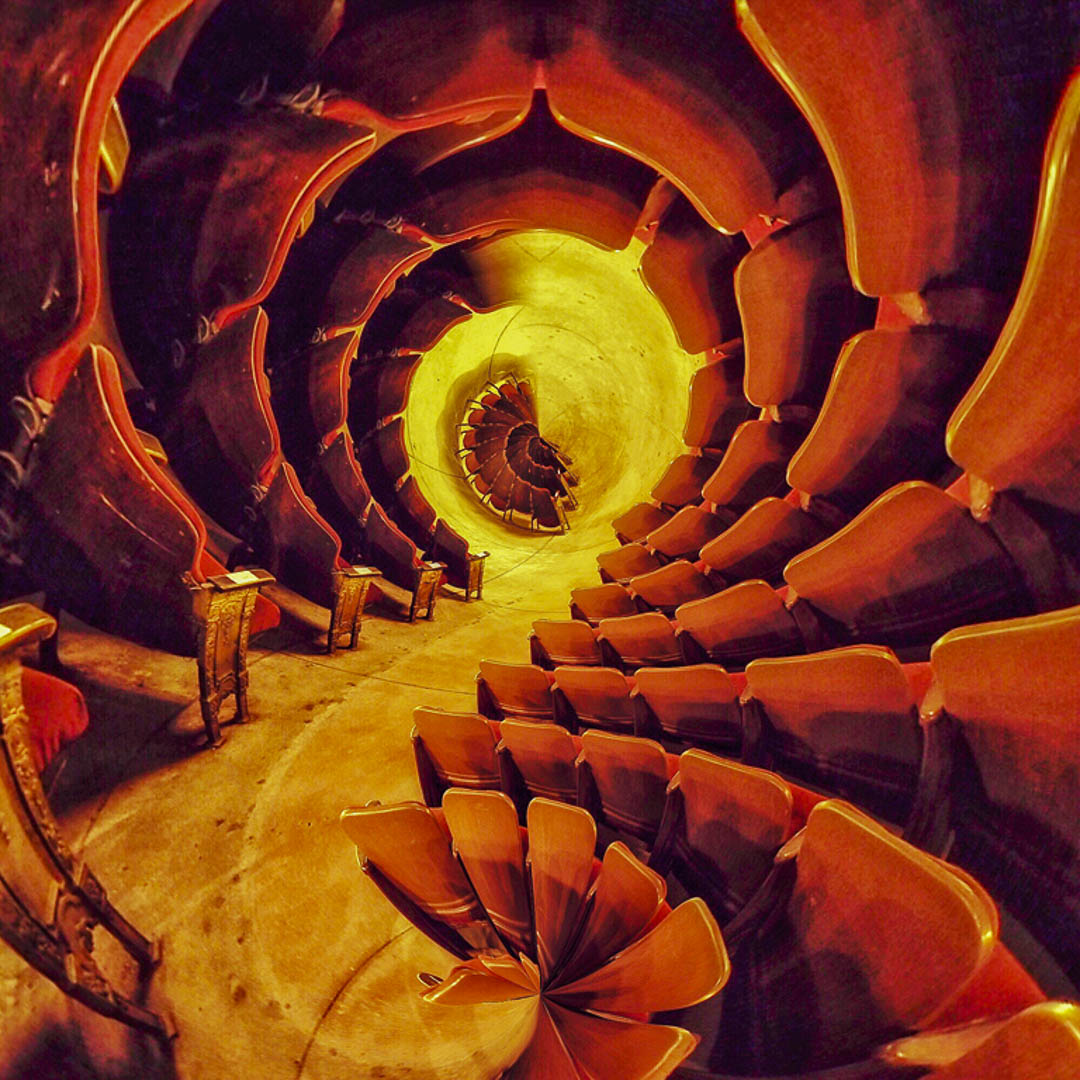
What a great job of post processing. It takes a great deal of imagination to come up with this manipulated image from that rather mundane shot. Great work, Judy. I still have to add a little boost, just because it is fun, and you provided such a marvelous image for us. |
May 12th |
 |
| 29 |
May 18 |
Comment |
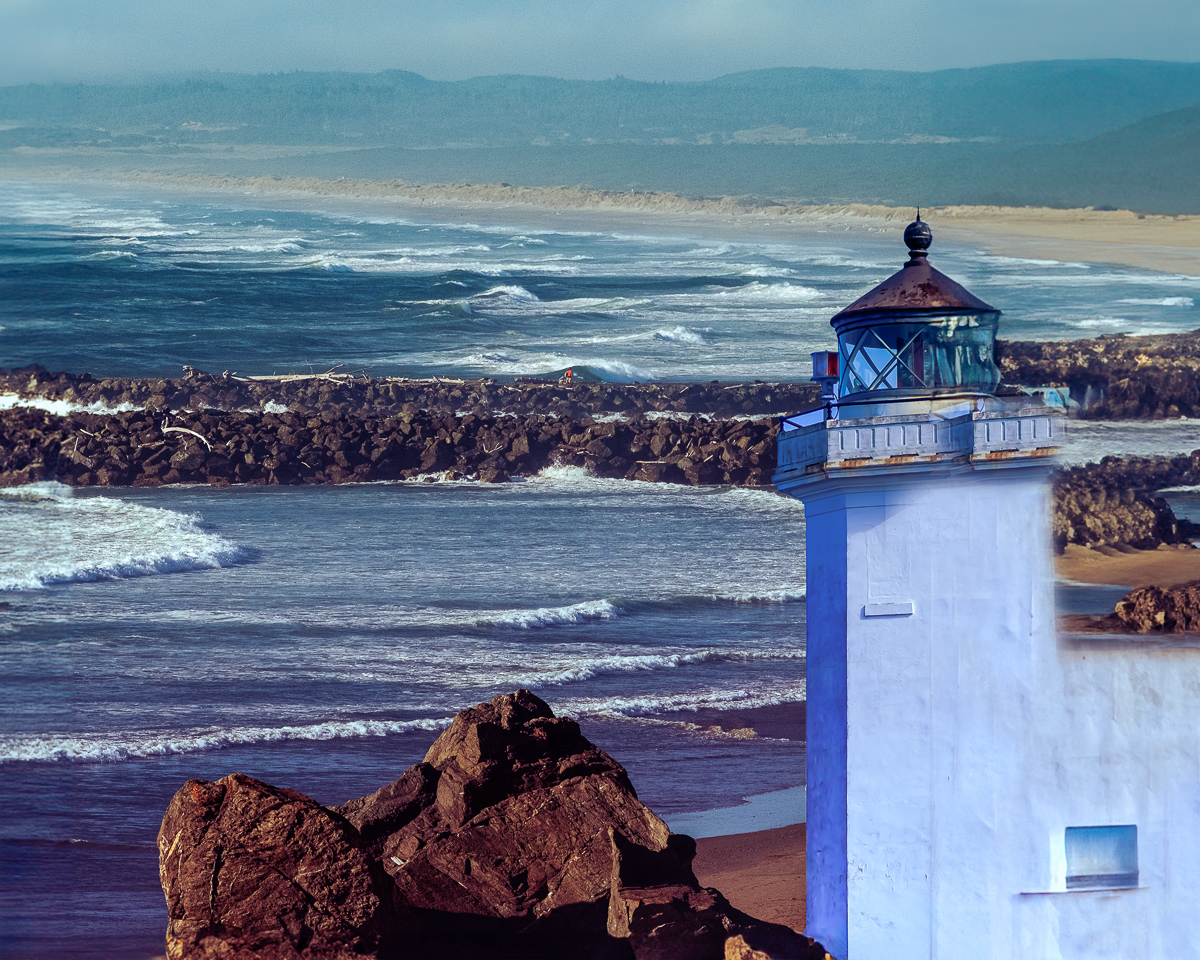
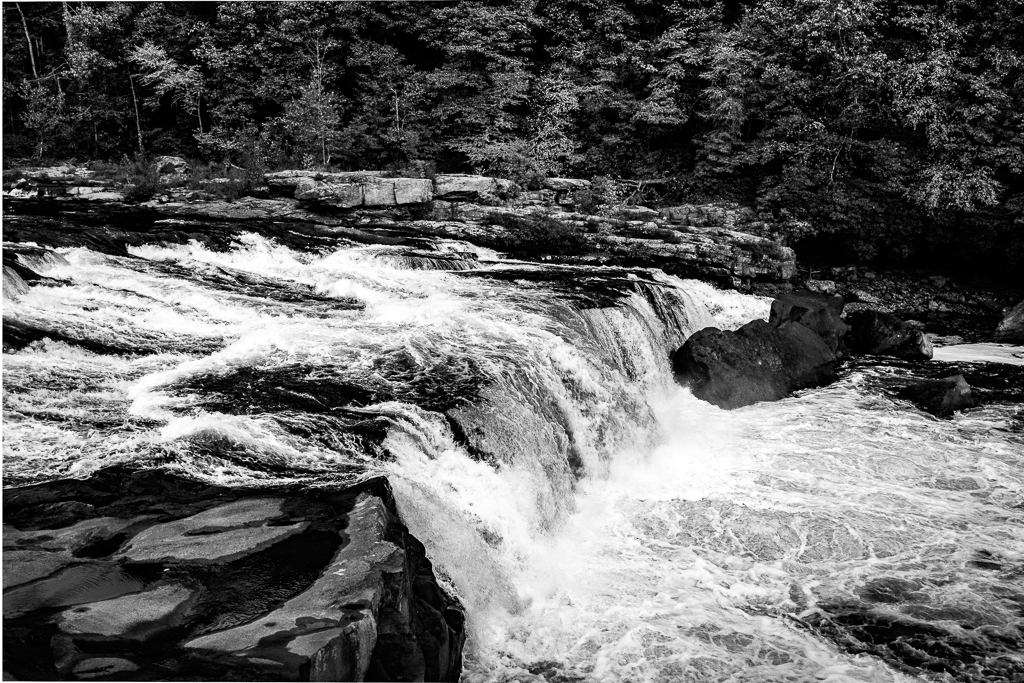
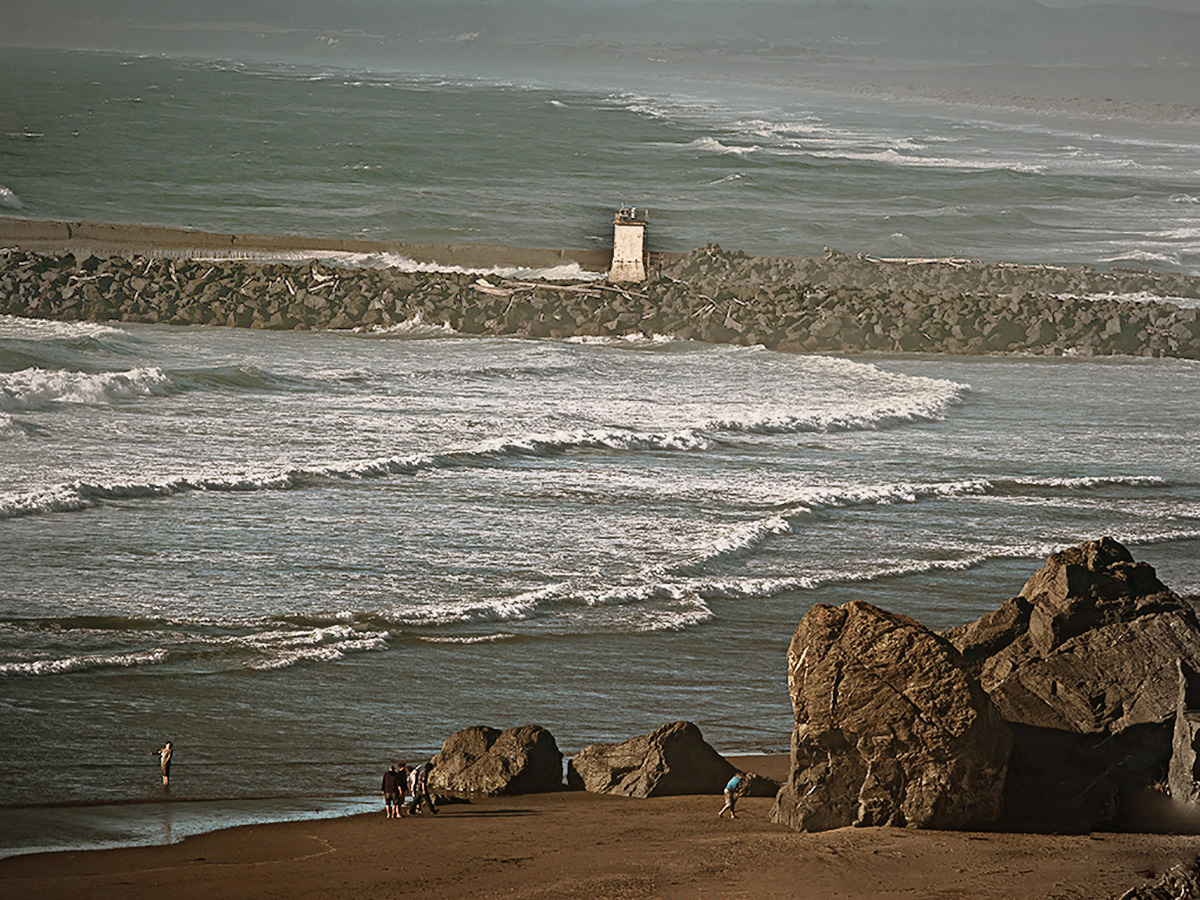
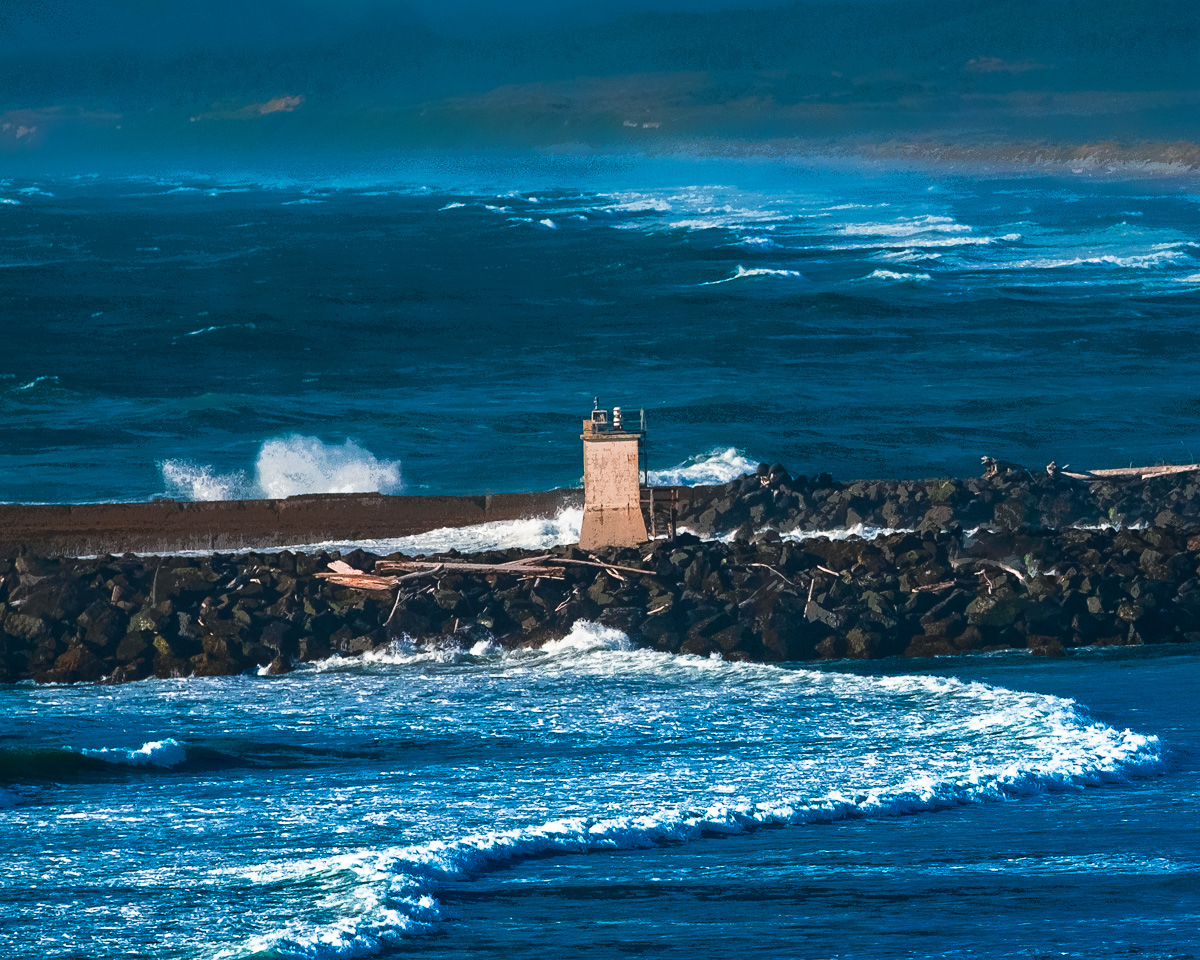
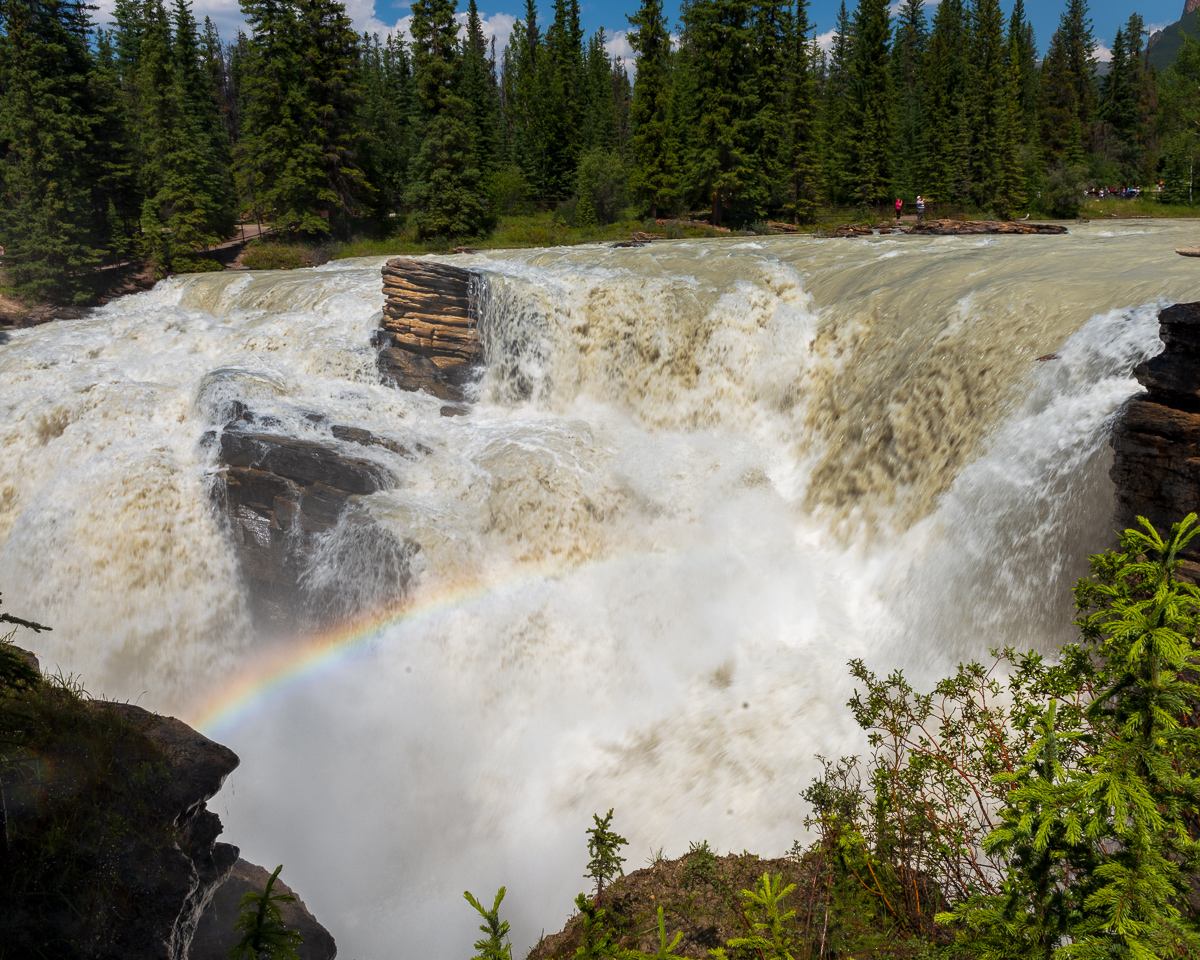
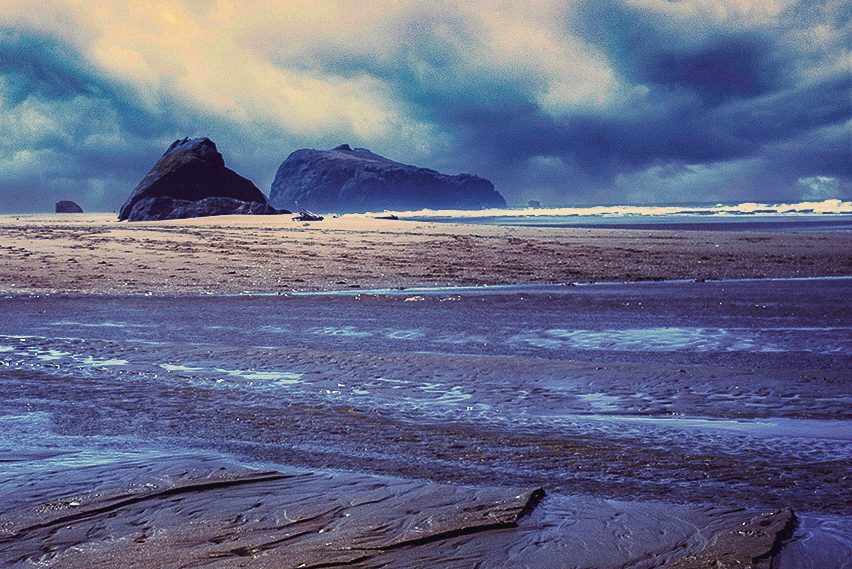
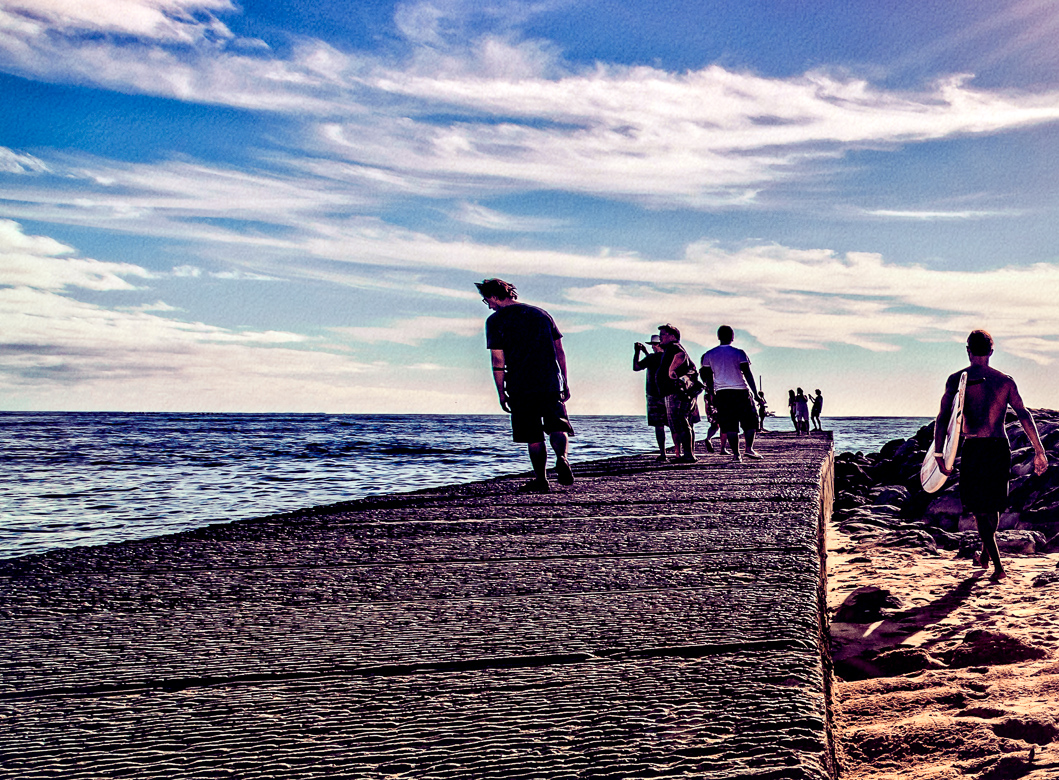
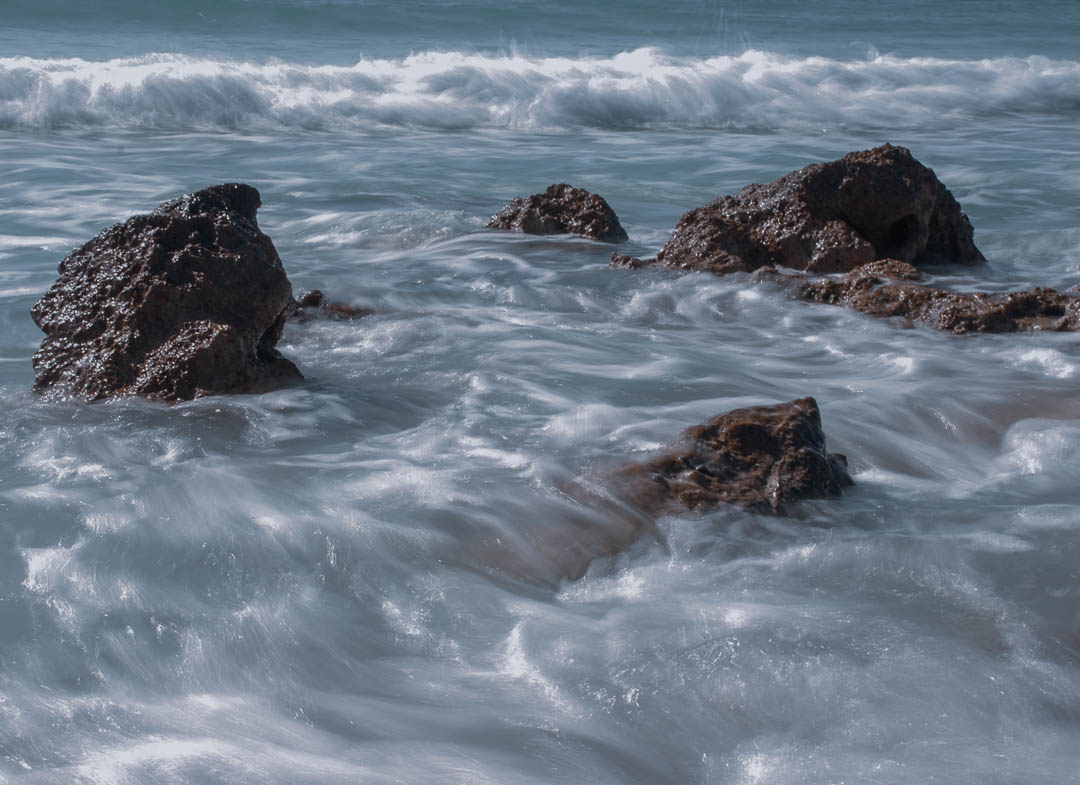
I think a longer shutter time was a good idea to capture tranquility. You didn't say if you used an ND filter to get the .2 seconds, but the image looks a little over -exposed to me. I think a 2-10 stop ND filter might have given the water that smoothness you were looking for. You can try a motion blur filter in post, that might capture the feeling you were going for. I might also suggest returning at a different time to see if the light is better. I'm not sure about the surf inclusion, but I assume that helped your feeling. |
May 12th |
 |
7 comments - 6 replies for Group 29
|
| 53 |
May 18 |
Reply |
Very creative! |
May 31st |
| 53 |
May 18 |
Comment |
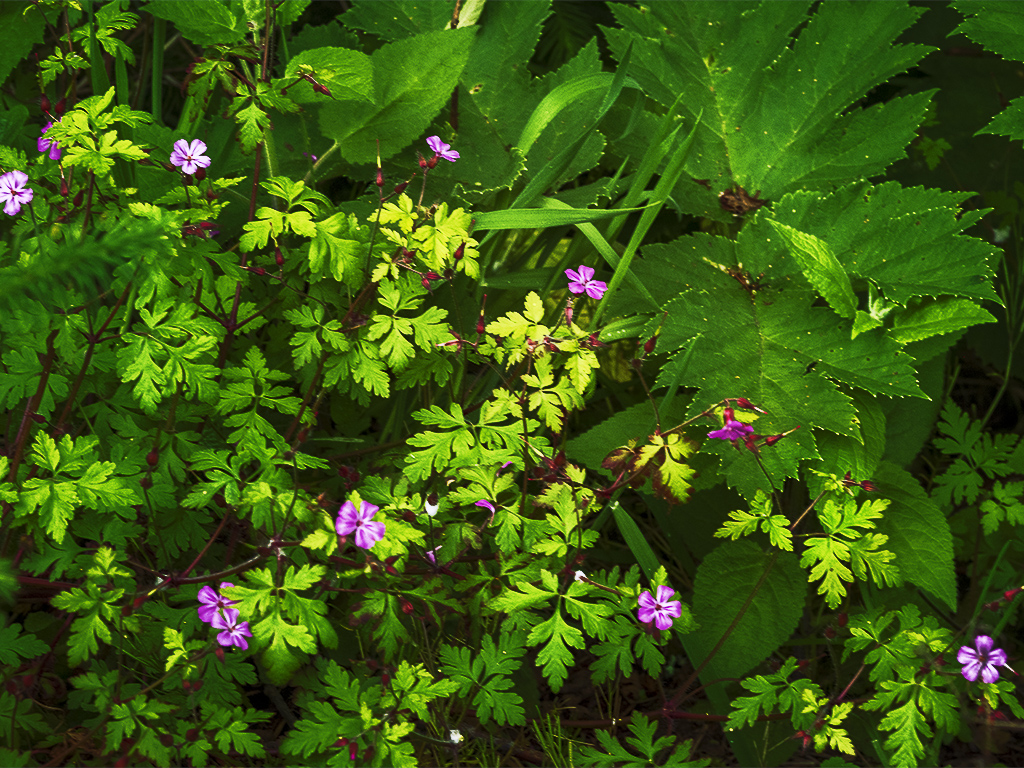
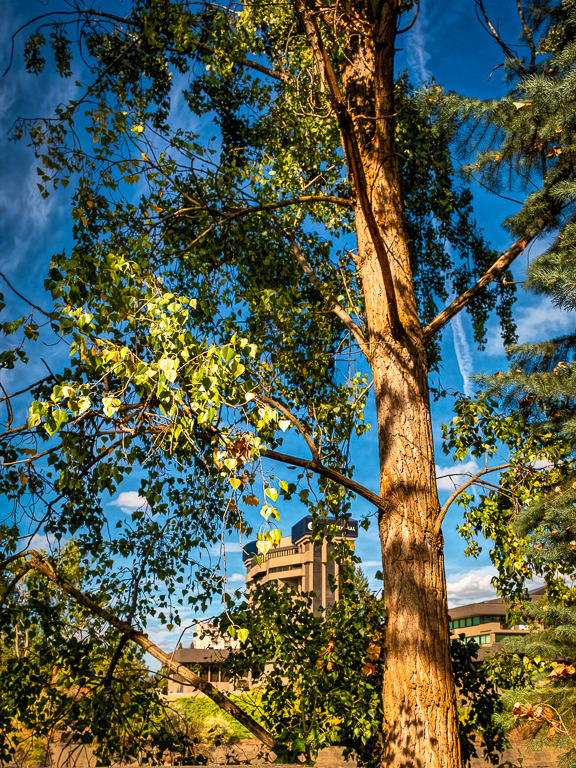
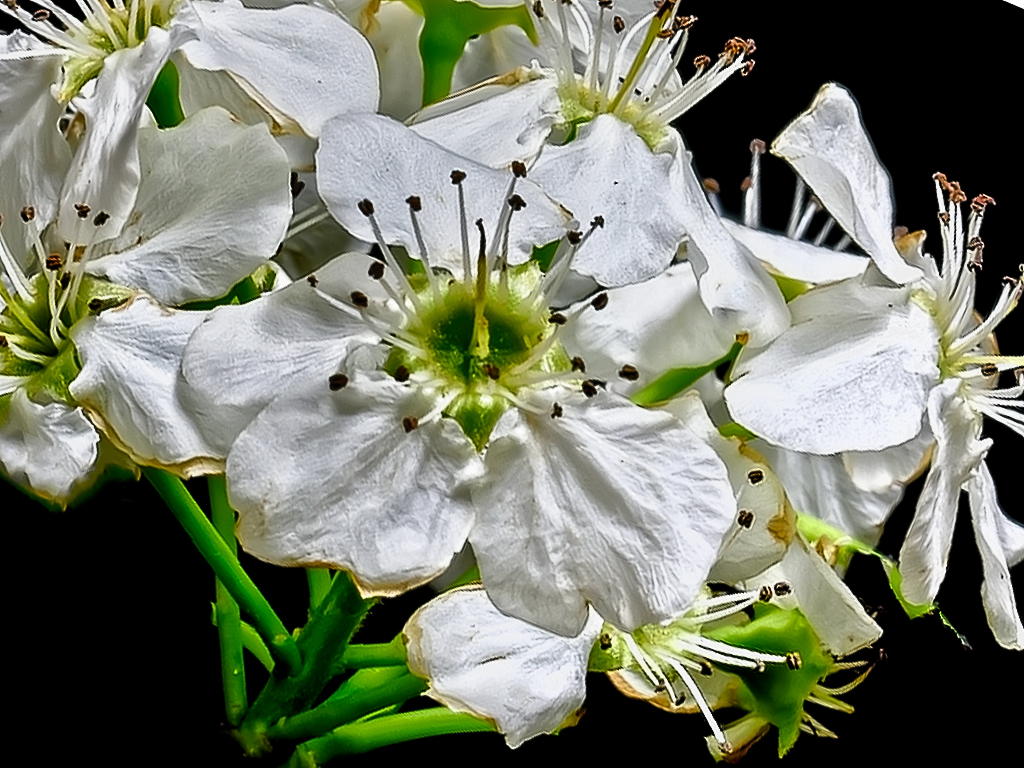
I processed your image in Photoshop CC. Using the patch tool, I removed some of the leaves and stem. Then I cropped, rotated and flipped it horizontally. Then I took it into Topaz Studio and added some color, and finally back in PS I added a radial spot and sharpening. Hope you all like it. I'll see what this group does and then decide how to approach this in DDG 29. |
May 11th |
 |
1 comment - 1 reply for Group 53
|
8 comments - 7 replies Total
|