|
| Group |
Round |
C/R |
Comment |
Date |
Image |
| 10 |
Feb 17 |
Comment |
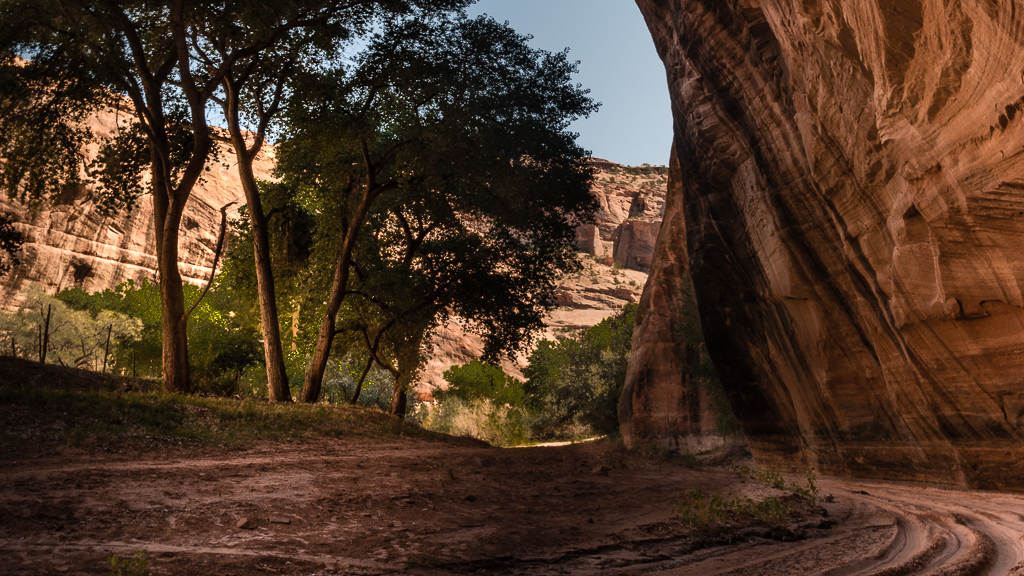
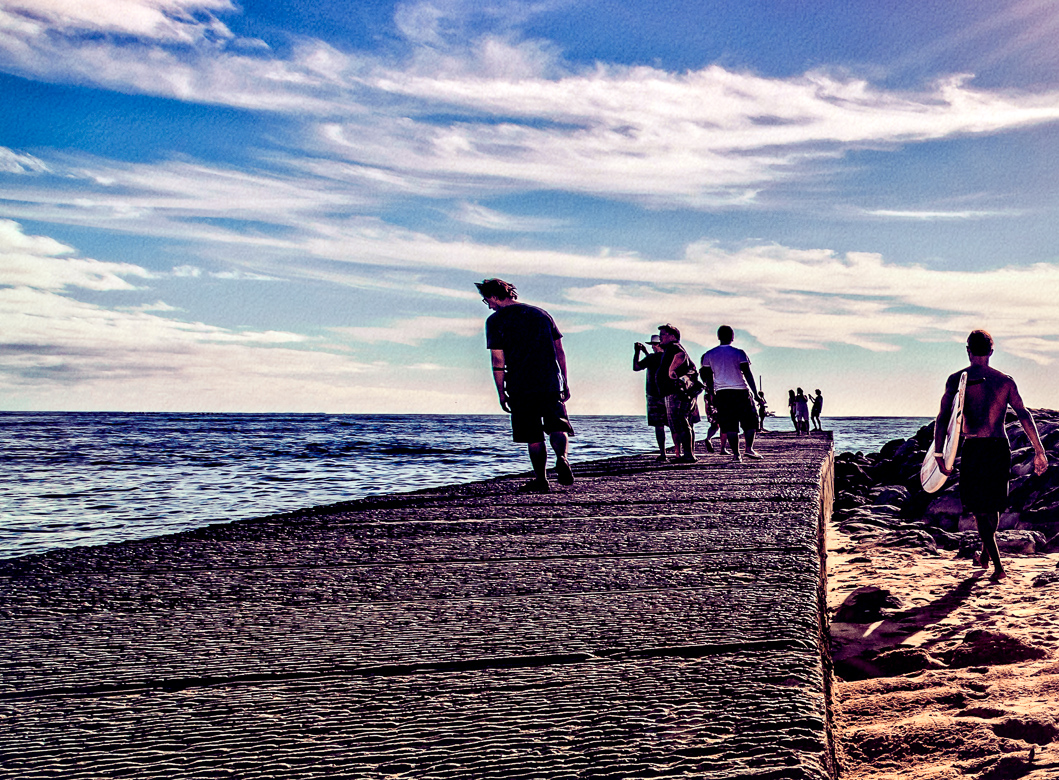
Hi John, your image looks great to me. I don't see any pixelation on my laptop. In my opinion i would remove the frame for competion. I think it detracts rather than focuses on the subject, which I assume is the walker. The color and detail are outstanding. Some may not like the road so centered, but I think if the image were made square, it would work nicely. |
Feb 12th |
1 comment - 0 replies for Group 10
|
| 29 |
Feb 17 |
Reply |
When you send me your images, and I have to fix them, I look at the properties>details so I know what issues you may be having. You can always send your files without the metadata, but some details help me to help you, rather than have to return them all the time. Whenever you download images for study you can open the "Details" and see how the image was created if the metadata file is included. |
Feb 17th |
| 29 |
Feb 17 |
Reply |
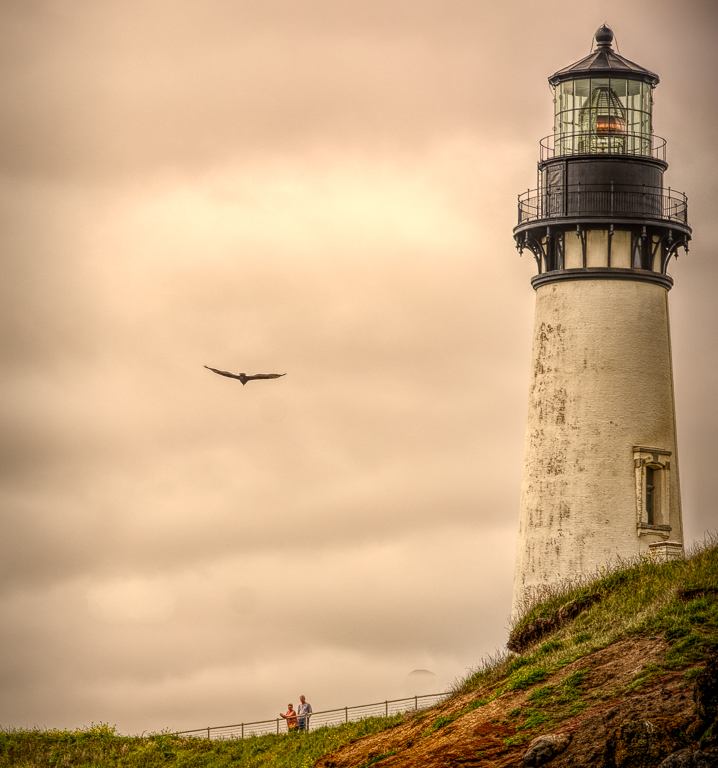
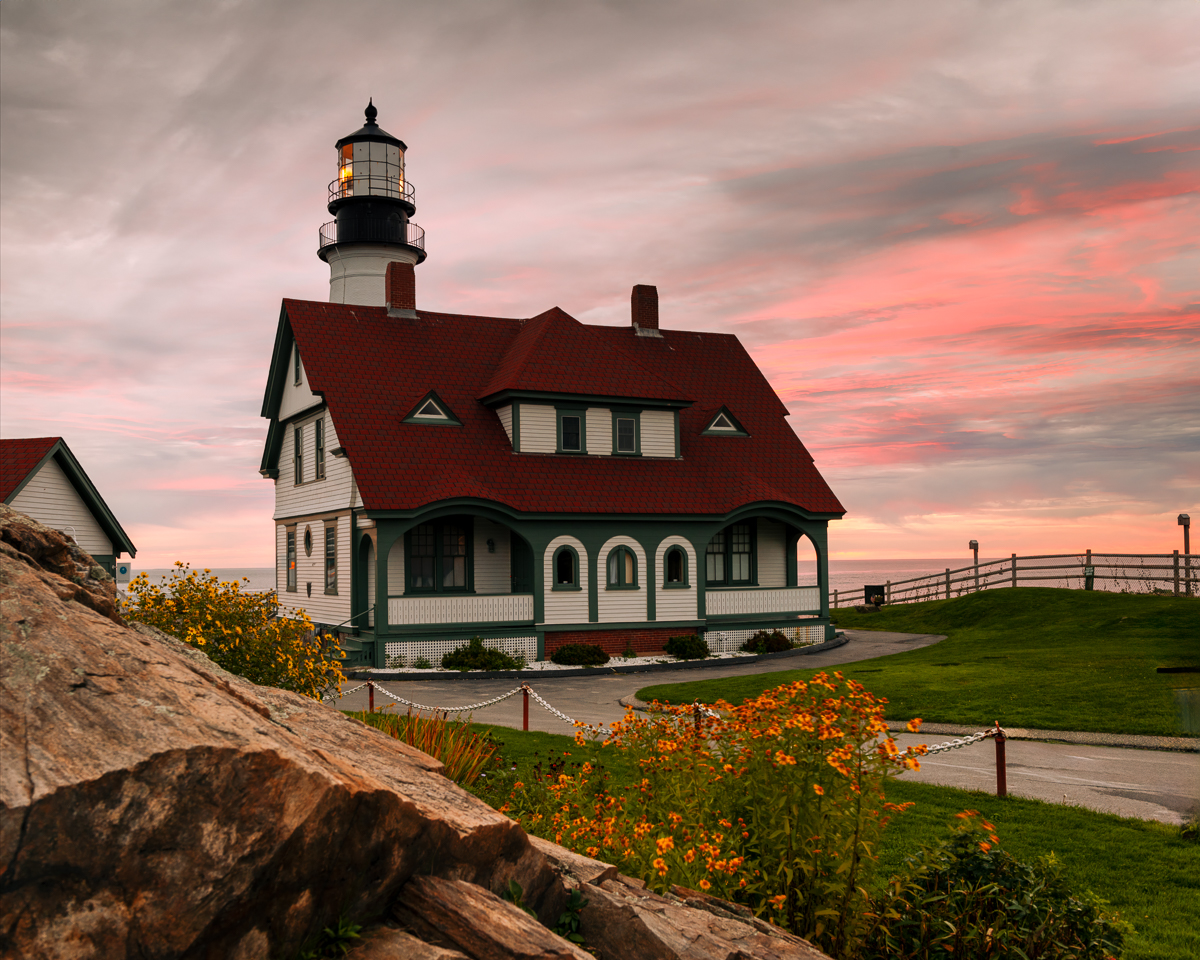
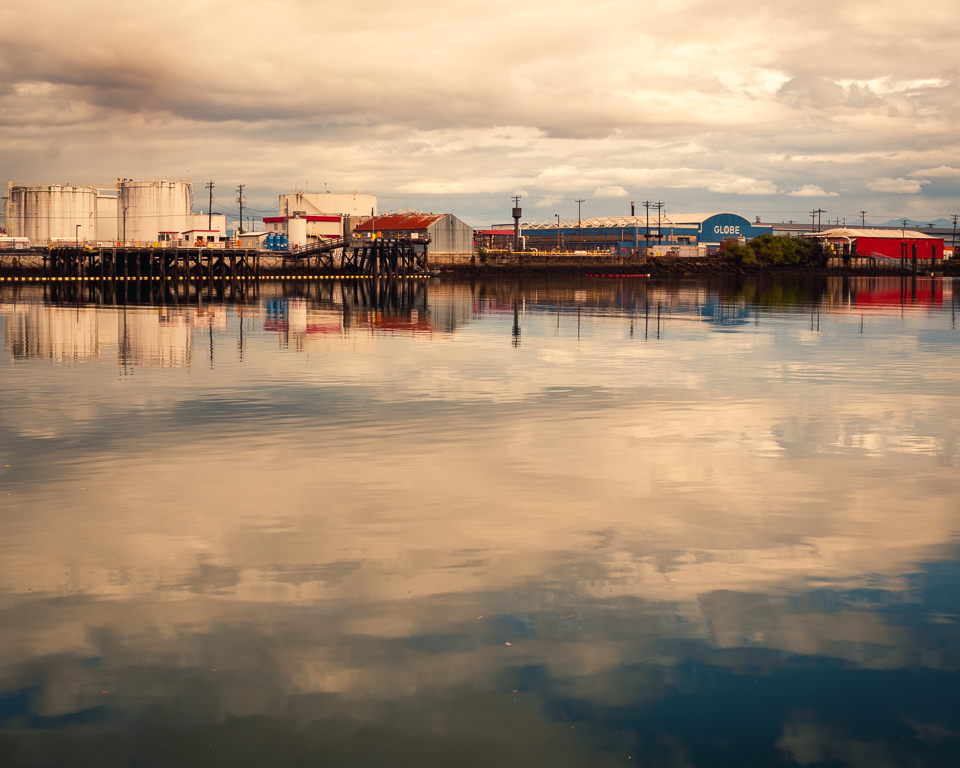
A pro photographer was at one of the Portland lighthouses, and was using a reverse grad ND to get shots much later in the morning. I tried it with her help and got great skies. If I remember correctly, She had me spot meter the sunlight first. Stopped down to f5 probably caused the blowout on 30 sec. Maybe bump up the ISO and deal with noise in post. As I think we mostly know, post ND filters are good but cant quite match a good lens filter. |
Feb 15th |
| 29 |
Feb 17 |
Reply |
That's why we like the Fuji X100T. Everything you need is pretty much on an analog dial. Too many hands needed for digital control for me right now. Surgery was a huge success so far. My pain level has been much lower than it was. That spacer hurt. |
Feb 15th |
| 29 |
Feb 17 |
Reply |
Blake Rudis has a PS video on changing the color of blow outs. Actually works too. His example is a sunrise, |
Feb 13th |
| 29 |
Feb 17 |
Reply |
I'm drinking too much coffee. |
Feb 13th |
| 29 |
Feb 17 |
Reply |
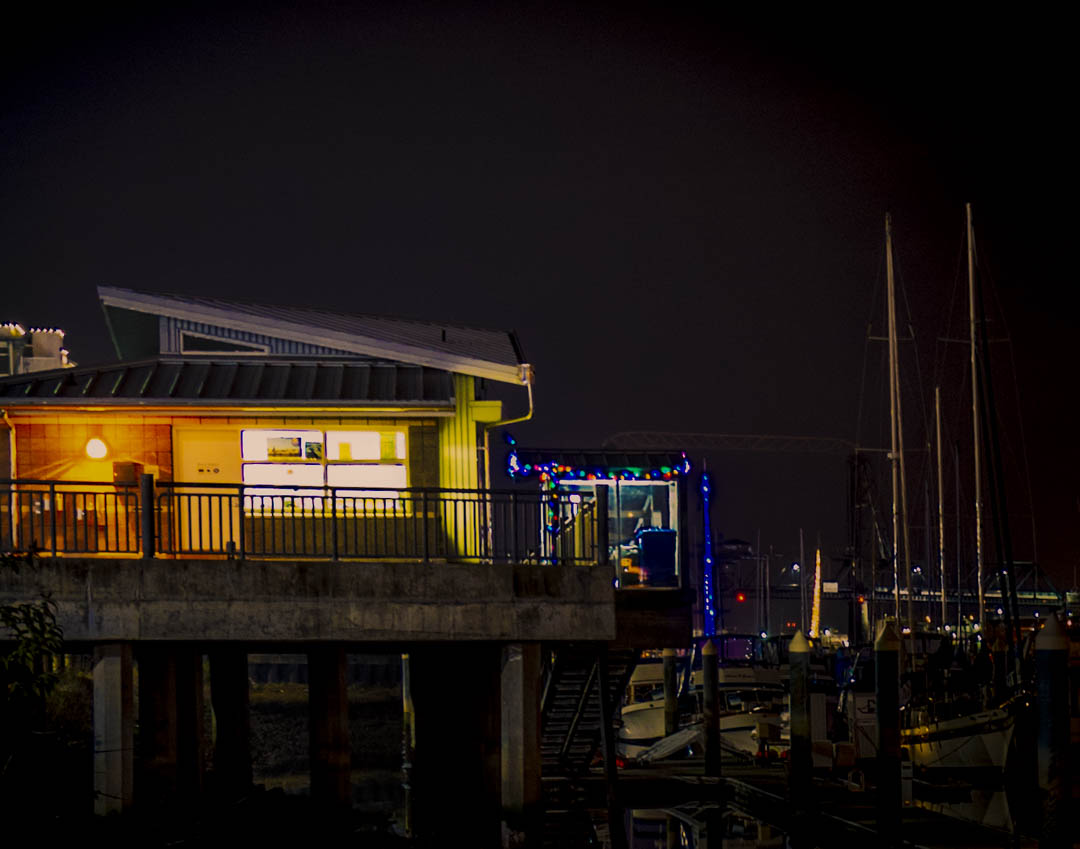
Mine too. Dorinda hates to drive at night. |
Feb 13th |
| 29 |
Feb 17 |
Reply |
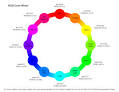
I took this off the internet. It is a color wheel option. She? |
Feb 13th |
| 29 |
Feb 17 |
Reply |
http://www.essential-photoshop-elements.com/extend-the-sky.html, you'll need to cut and paste this link, I think |
Feb 13th |
| 29 |
Feb 17 |
Reply |
I was piking the RGB color opposite green and yellow. |
Feb 12th |
 |
| 29 |
Feb 17 |
Reply |
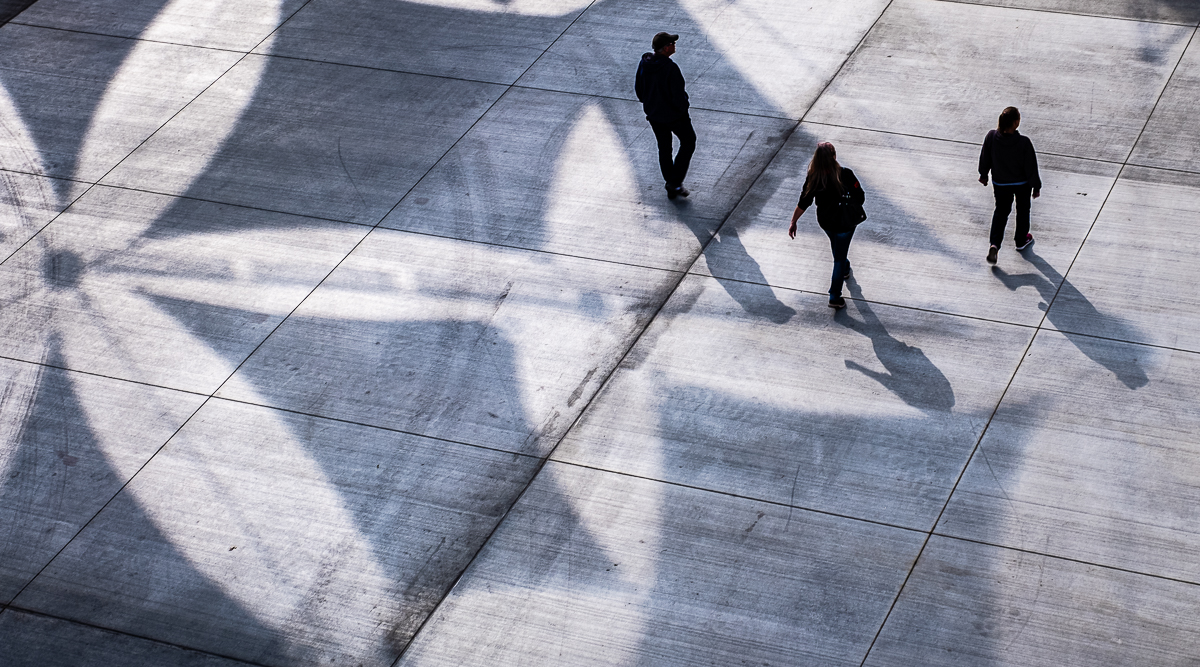
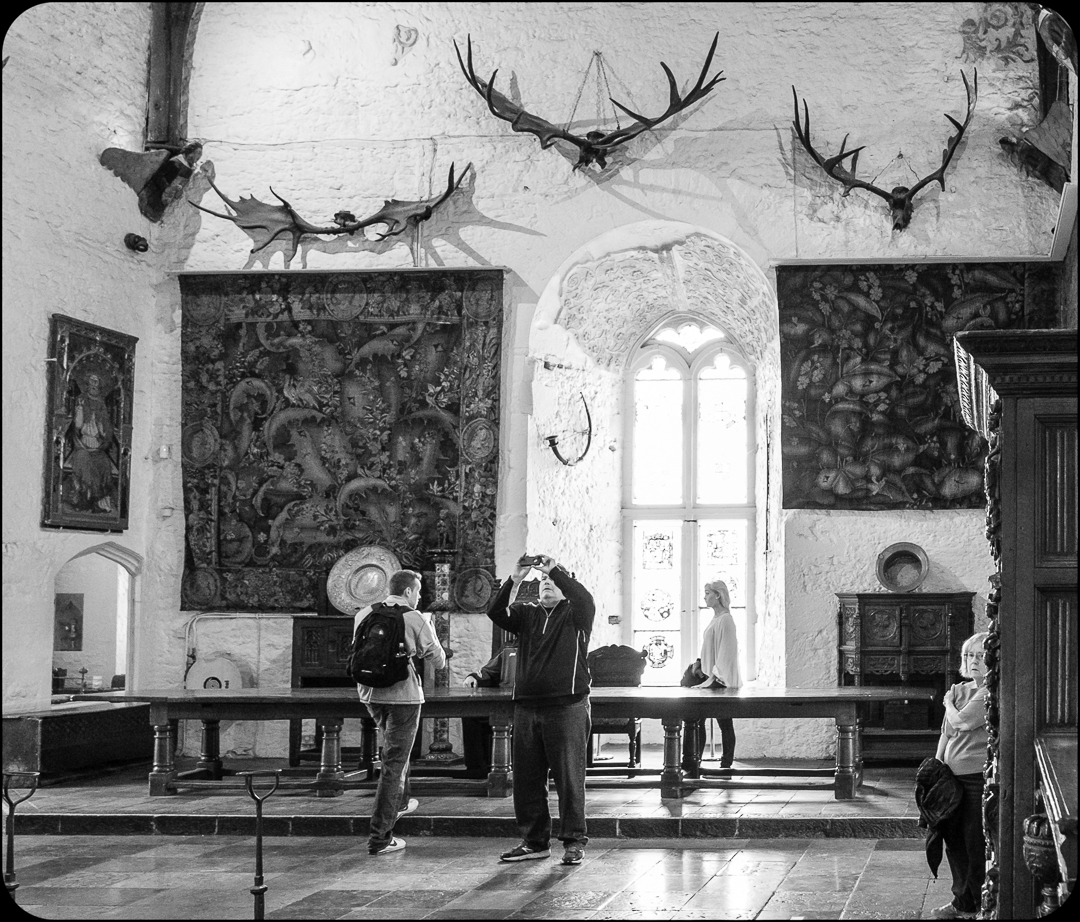
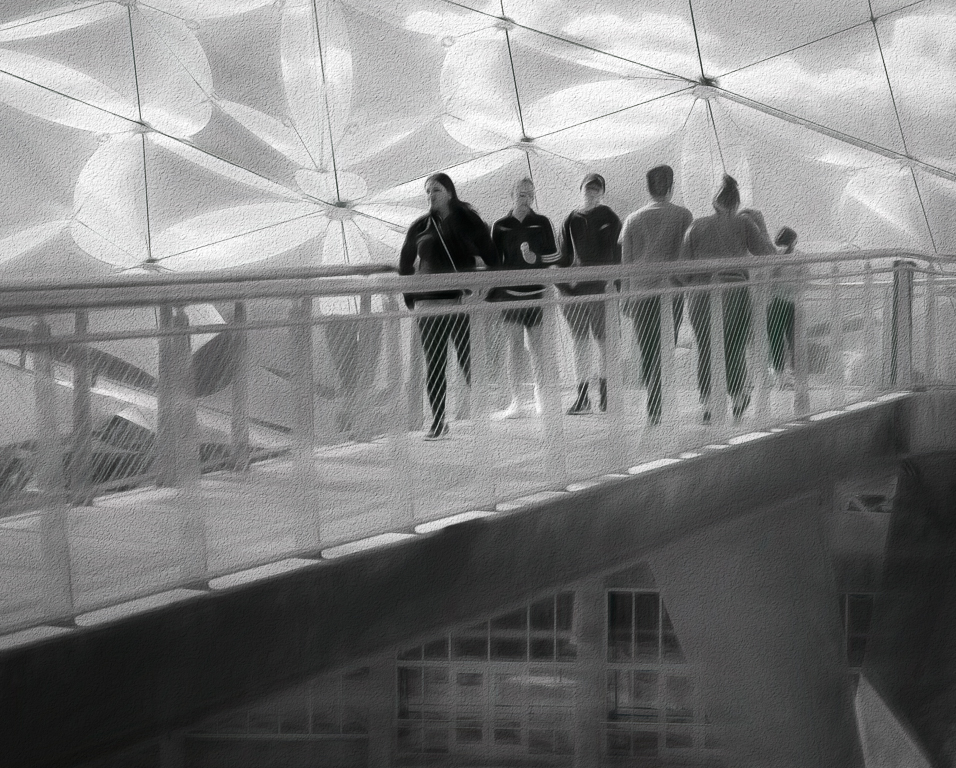
Probably should have cropped the to to the first window horizontal. It was a late decision to try a people shot. All the comments will help. |
Feb 12th |
| 29 |
Feb 17 |
Reply |
Me too. I will soon be able to use them to the best of my ability. Fuji markets a lot of training. Dorinda got a X100T and loves it. She is patiently waiting for me. We won't be winning anything in our CC. They hate street photography. |
Feb 12th |
| 29 |
Feb 17 |
Comment |
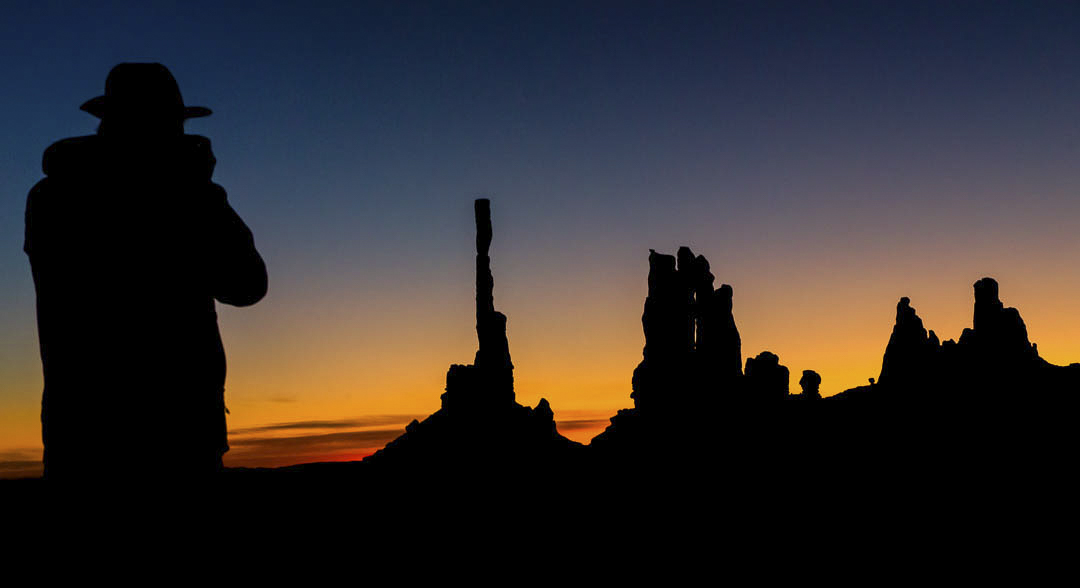
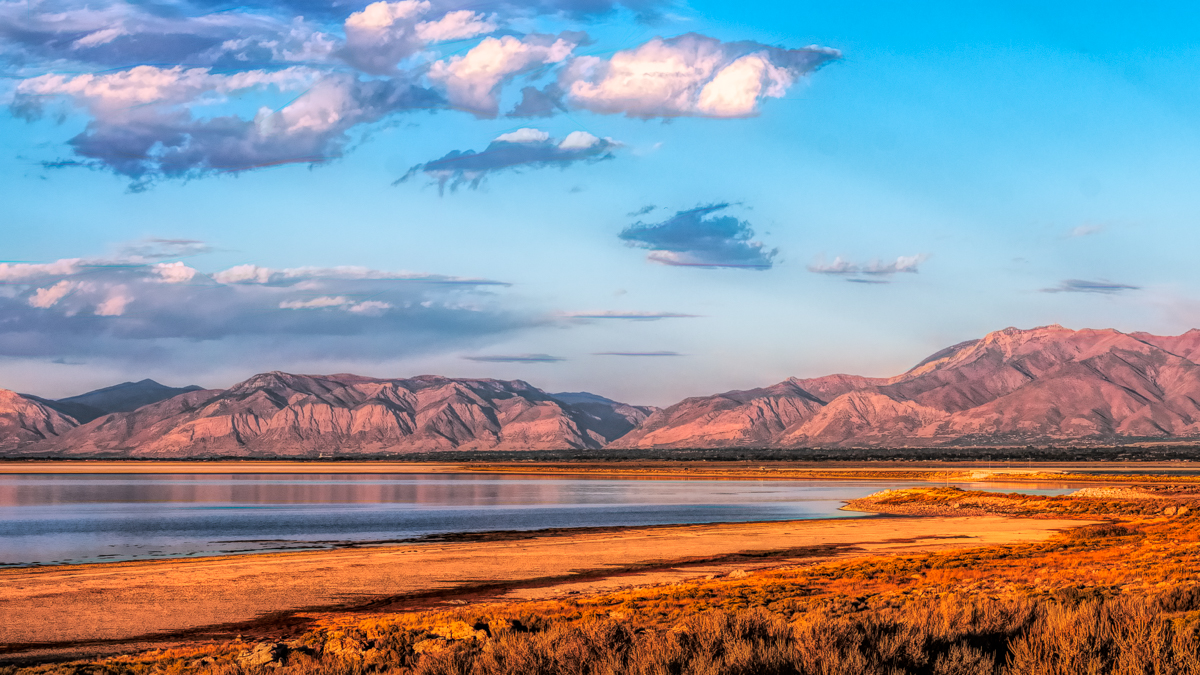
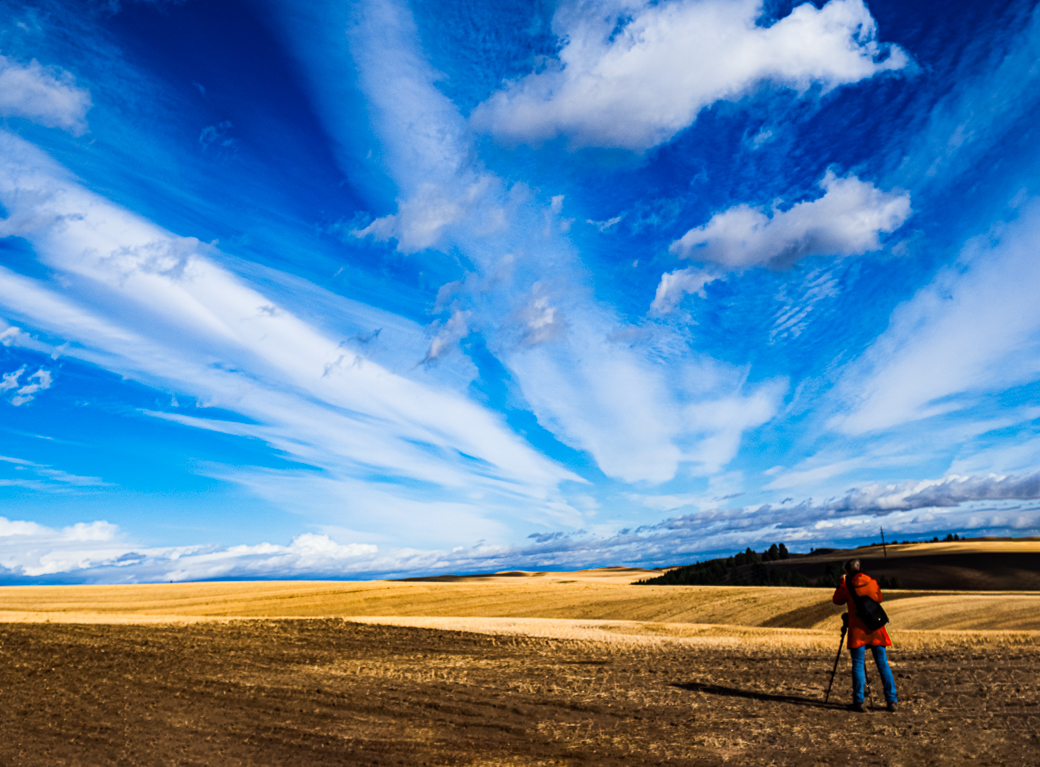
Blues and golds, doesn't get much better than that. I would like to see more room on the left. The canals are small, I assume and probably require cropping beyond normal. I guess that is why we want to be in a general group. It looks fairly sharp to me, but I am having some trouble with my vision. Probably my meds, not old age. Never mind. I expanded the canvas a little. There are many YouTube videos now on how to accomplish this. Extend the canvas Photoshop. For those using Elements:Extend The Sky With Photoshop Elements |
Feb 10th |
| 29 |
Feb 17 |
Comment |
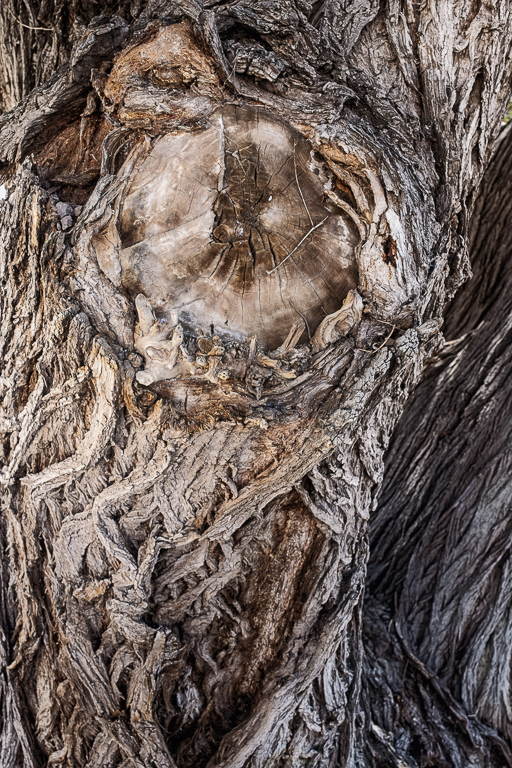
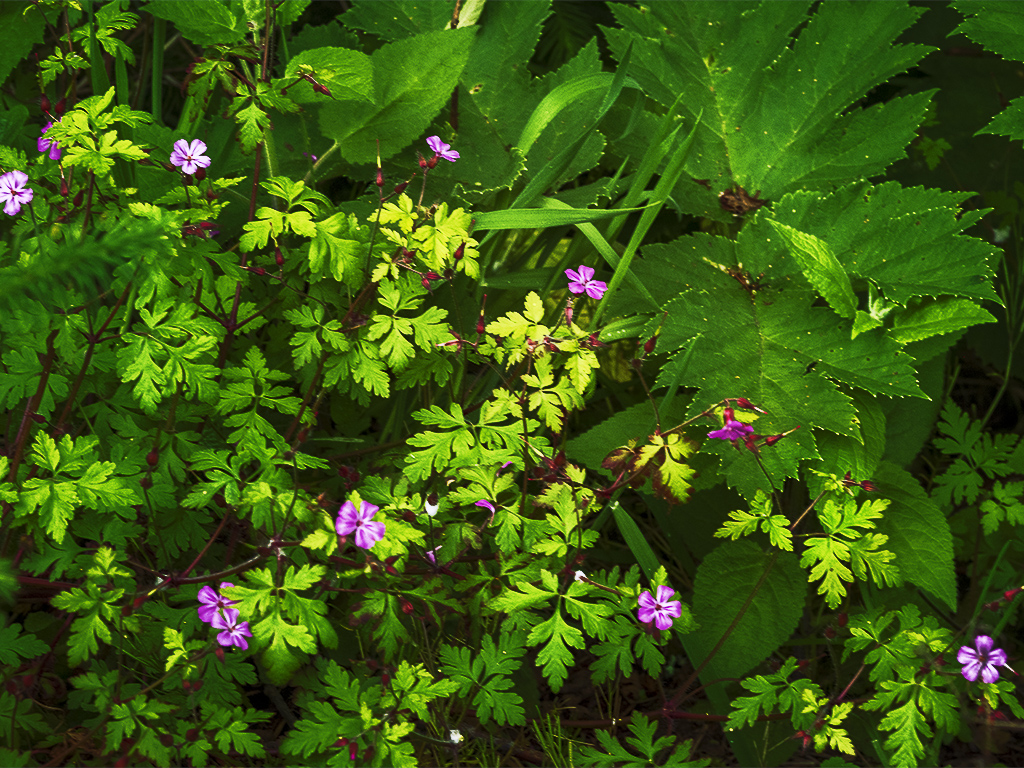
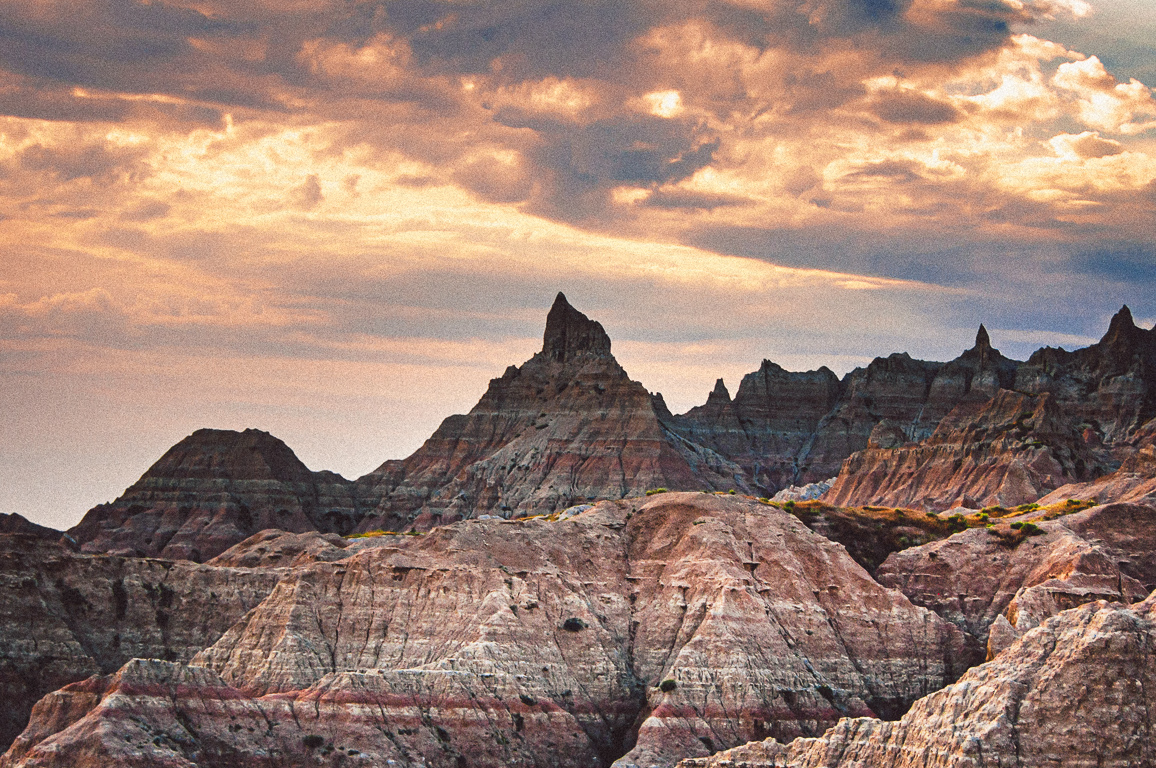
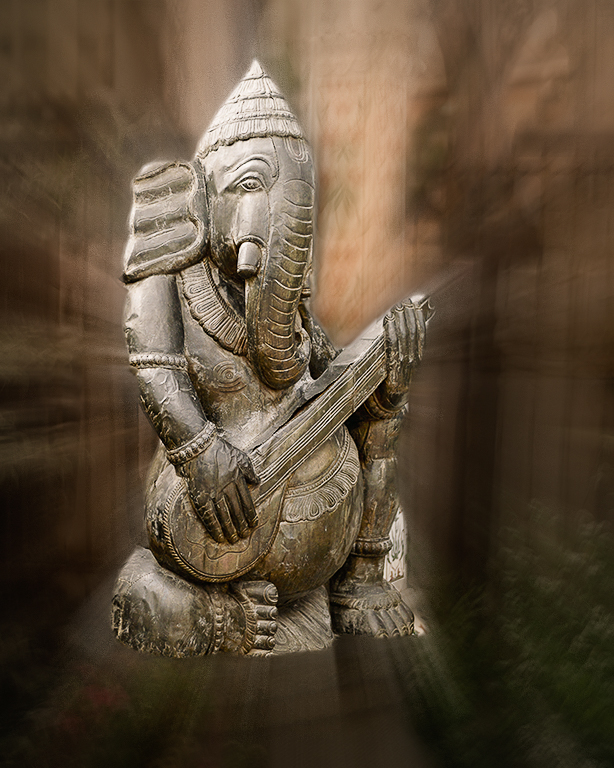
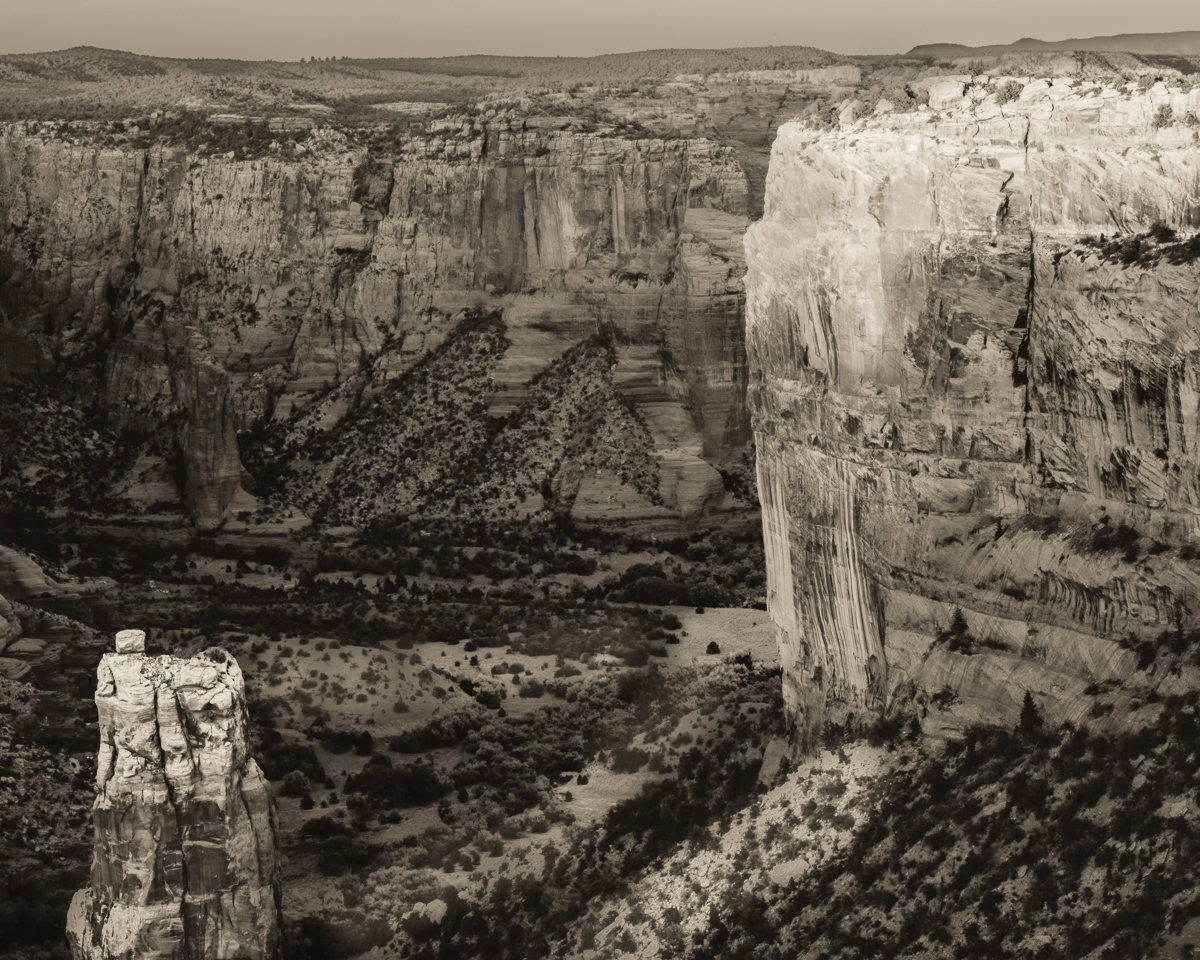
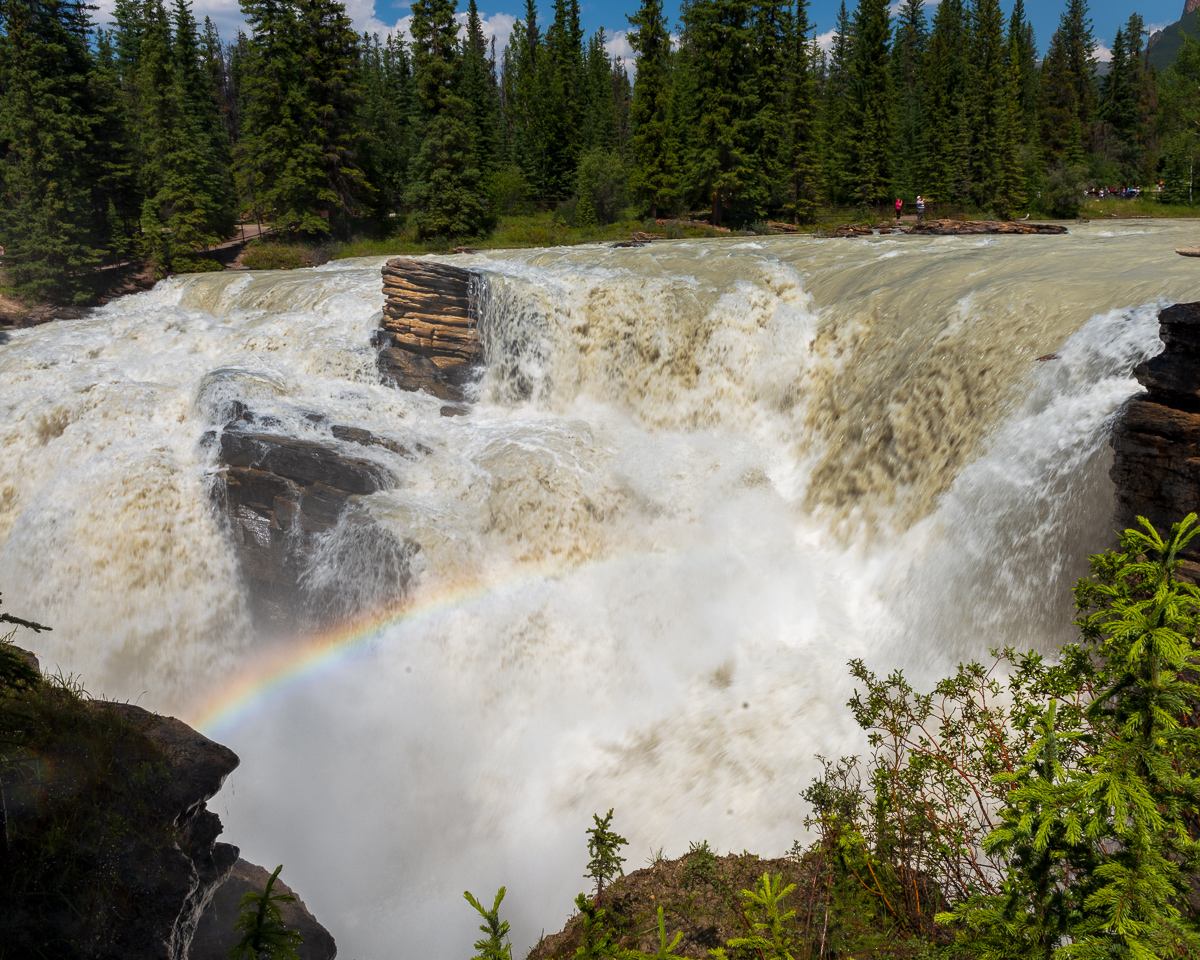
Very Sharp, texture and detail look right to me. Good framing on the right and bottom. The lower leaf in the left needs to be cropped(travel) or removed (general) in my opinion. I don't think borders are allowed in travel, but Judy probably knows. The images on google look more like gray stone, but I wouldn't know if that is correct. 30 degrees there today. Glad you went in the summer. |
Feb 10th |
| 29 |
Feb 17 |
Reply |
That's very true, but I've been led to believe street photography relies on the story more than other proper techniques. I have a lot to learn. |
Feb 10th |
| 29 |
Feb 17 |
Comment |
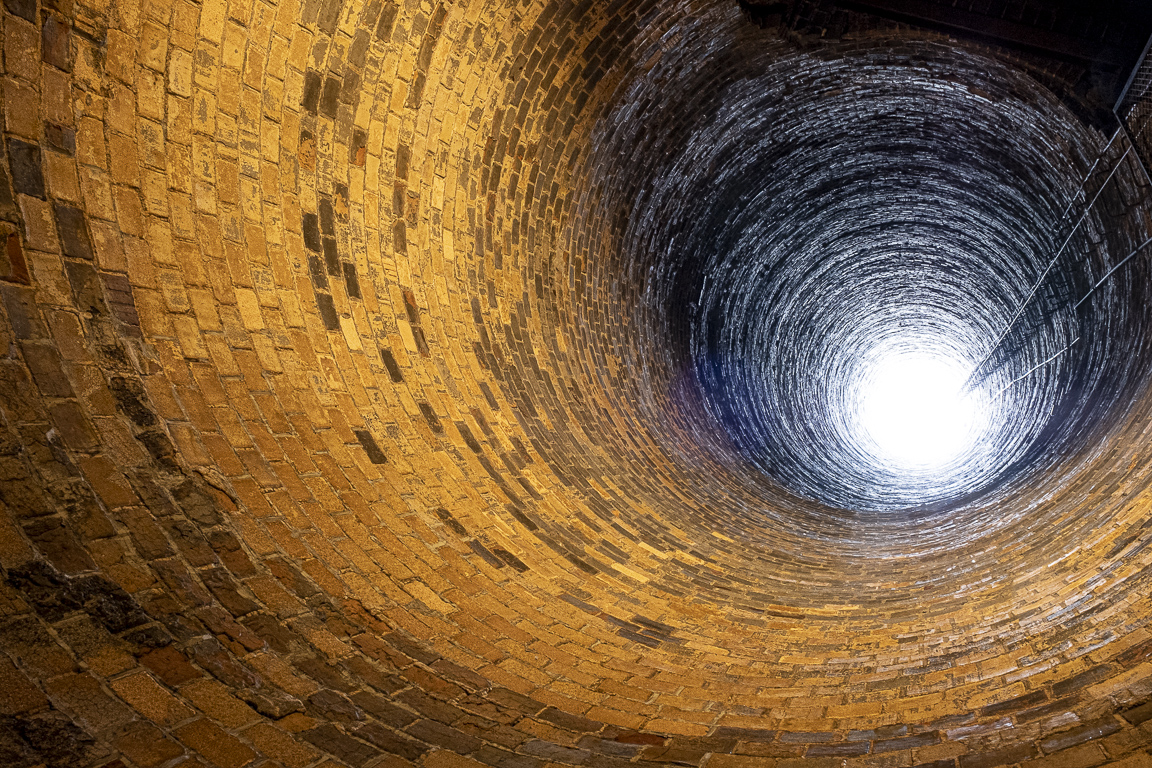
I think you were able to get great depth of field at f3.5 and 28mm. Where was your focal point? I like the misty sunlight at the end of the bridge, and the detail/texture in the jungle is really good. Very sharp as usual. Was this Corcovado National Park? Beautiful park, and interesting shot.
**to all-not picking on Karen-we get a lot of these**
This image was 1.01mb as I received it due to the resolution being set to 85 dpi. Please make sure you look at the file size when you attach your photos.
You can check the FAQ'S above when preparing your images.
|
Feb 6th |
| 29 |
Feb 17 |
Comment |
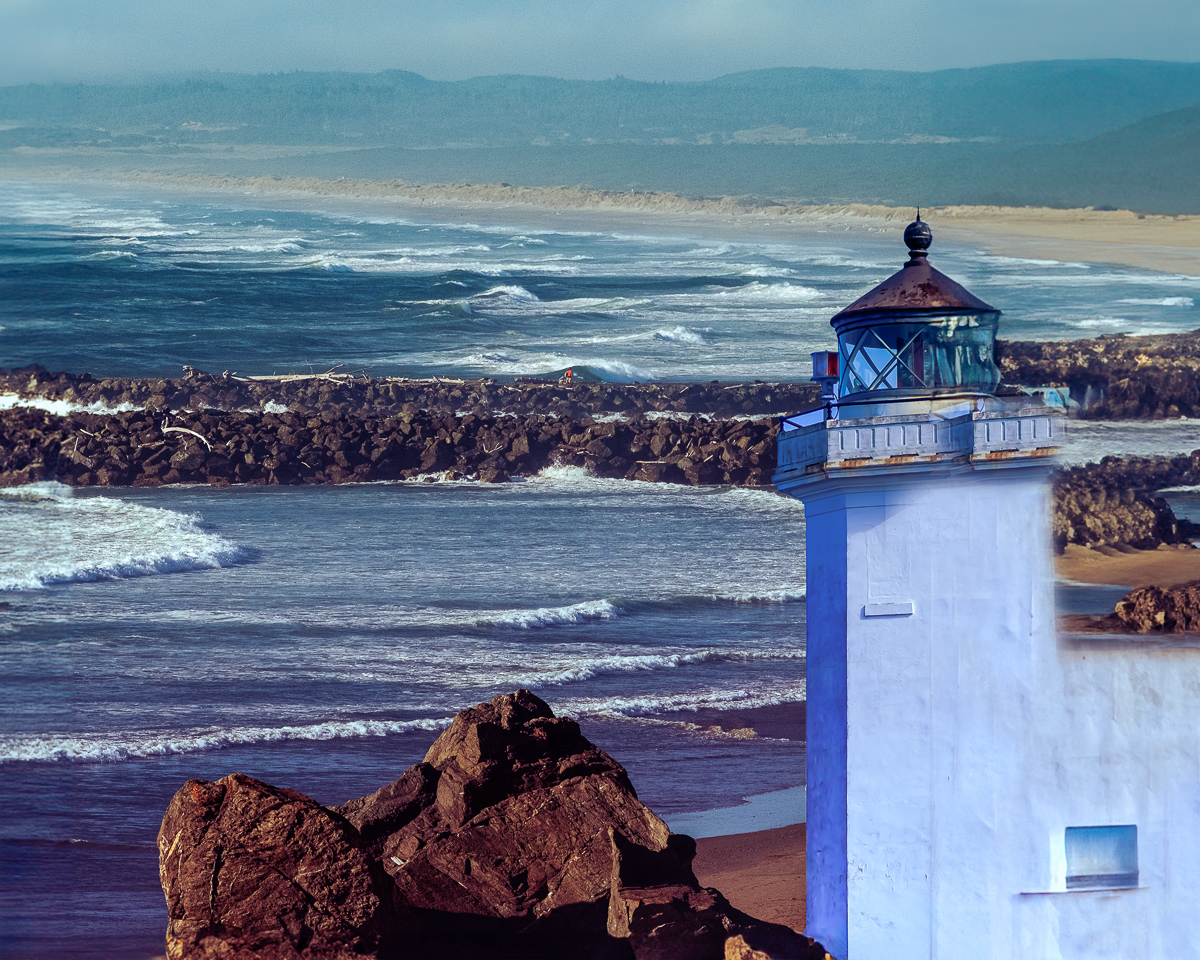
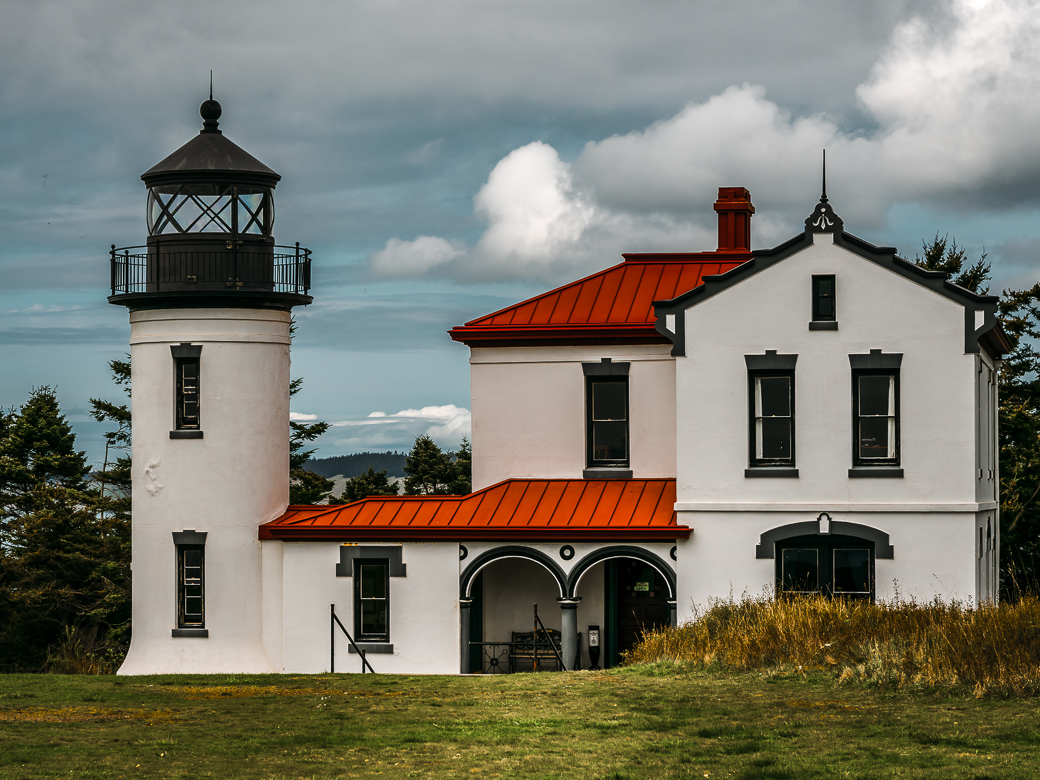
It was definitely worth it. Did you use a grad ND? Timing is everything on sunrise shots. Glad you shot before having the sun compete with the lighthouse. Good leading lines. A little color in the lens flare, and maybe a grad would help there. not sure. My Portland conference images were less than stellar. We were limited by the tour drivers, and my skill level. |
Feb 6th |
| 29 |
Feb 17 |
Reply |
As in all my critiques, they are just my opinion. The maker will always decide on the merit of the suggestions. My eye remained in the right half of the image. Everything is equally focused, and the right side colors are dramatic together, and you have a person in the image that also keeps the viewers attention. I have a harder time simplifying my own images. I'm glad to her you work the image and don't settle for a "perfect shot." |
Feb 6th |
| 29 |
Feb 17 |
Comment |
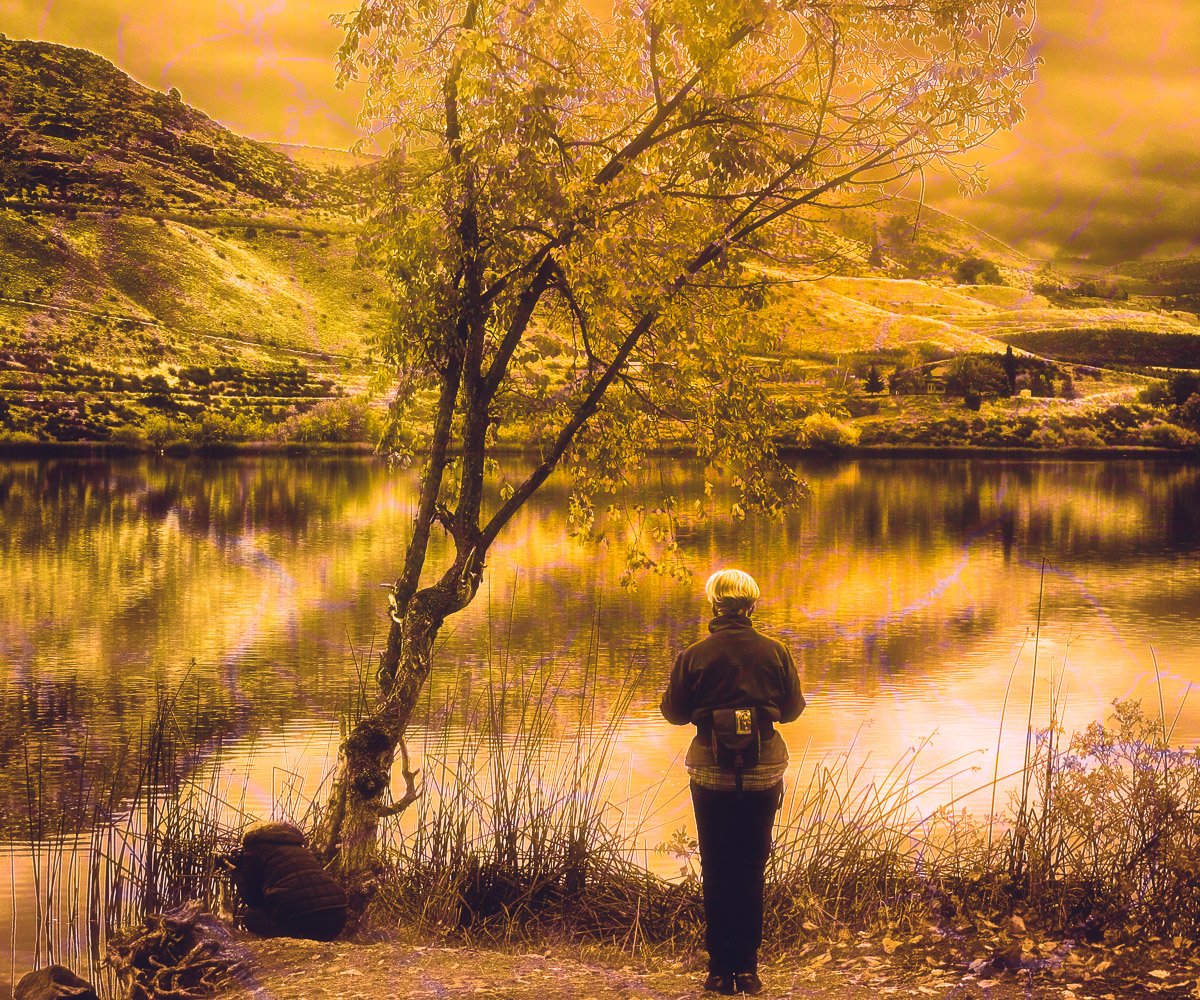
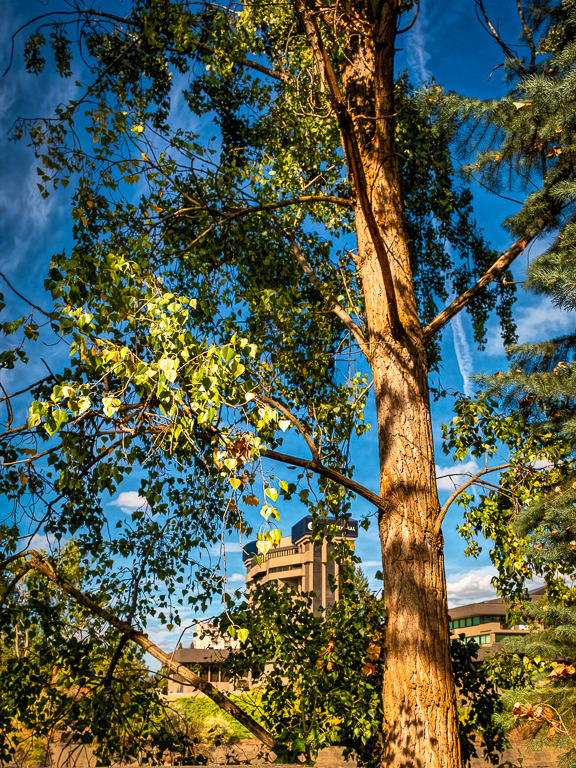
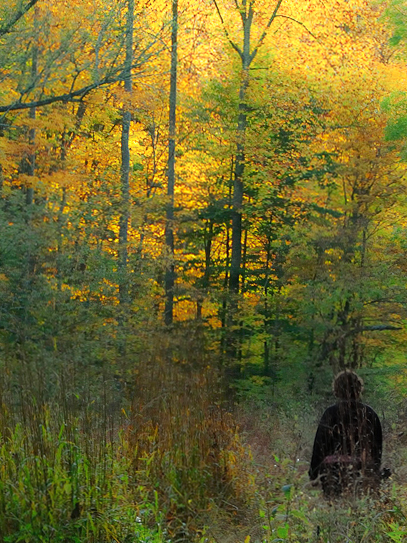
I think you had a really good image in mind. The colors are great, except for the subject of course, who should be wearing purple. Oh well. I think the composition could be made a little stronger by ignoring thirds, and putting her closer to the frame, which adds some tension in a pastoral scene. Then making it a vertical emphasizes the green-gold colors as well as the tree/subject vertical lines. There are a couple of diagonal branches that may need work, but I'm not sure. I also reduced the contrast a little. See what you think. |
Feb 4th |
 |
| 29 |
Feb 17 |
Comment |
I love the story. The weather never seems to cooperate with our best plans. You explained the center issue well, but you might still try some different crops or have the seal angled, and see if any work for you. The color is almost a monochrome so, adding a vignette or blurring the sand might draw focus to the seal. The tracks in the sand kind of give him a nice frame too. I like Bill’s story, although I would never have thought of it. I have been dreaming of the day when I can actually start a project. Good image. |
Feb 4th |
| 29 |
Feb 17 |
Reply |
It was very dark inside the castle and pretty right outside. I should have gone to 3200 ISO, and I will when the X-T100F shows up this spring. I also should have taken it into PS and added a curves adjustment.
I think street photography will help me learn to start looking at the backgrounds, and trying to tell a story with my images. Thanks for getting in early. |
Feb 4th |
6 comments - 14 replies for Group 29
|
7 comments - 14 replies Total
|