|
| Group |
Round |
C/R |
Comment |
Date |
Image |
| 13 |
Feb 21 |
Reply |
Steven
What I have to learn as a first step in critiquing is to understand the creator's intent and not assign my bias on how I might have taken the image.
At first I thought perhaps it should be the responsibility of the creator to explain intent. However, I have now with your image, moved to the point, that it is my responsibility to figure out intent, whether you have an emotional attachment to the image, whether the image arouses feeling in me, and whether I bring bias to the review process.
Your image really has been wonderful helping me realilze this. |
Feb 16th |
| 13 |
Feb 21 |
Reply |
Steven
You have made a good point about the tall tree. I shall research and see if I can find an answer about whether it is alright to crop down further. If the tree was butting up to the side, I think there would be no problem. In this case it is plump in the middle. |
Feb 13th |
| 13 |
Feb 21 |
Reply |
Steven
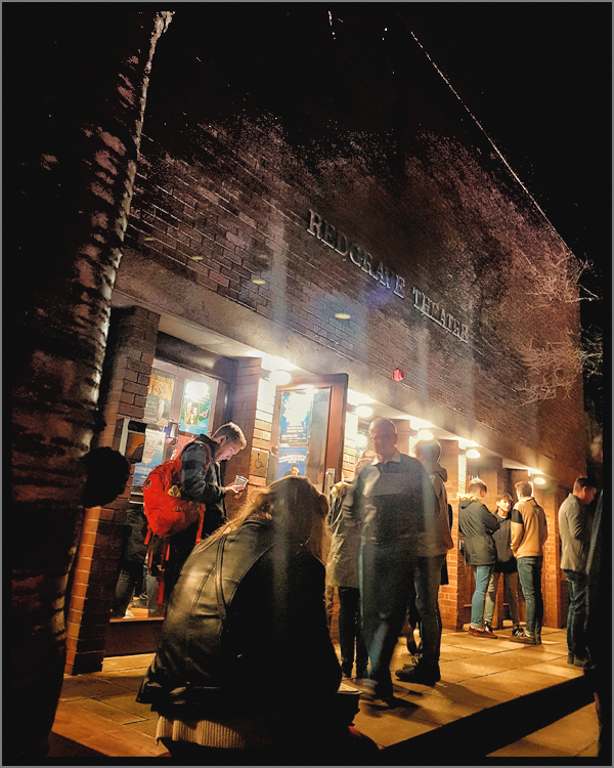
I did try a landscape crop and it cut off too much of the top of the image.
I am glad you mentioned about my version being too white/bright. For my PSA image evaluation course, lesson 5, I was asked to calibrate my monitor. I used to calibrate my monitor on my laptop which has a Nvidia card, and the colors were always fine. For this monitor with the desktop, the images that I had edited on my laptop always looked dark and I wondered how could my editing be so far off.
It was a horror story recalibrating my monitor, because the colors became yellow. I had downloaded the drivers for Nvidia and my Spyder elite 5. I phoned up LG and the support technician walked me through dowloading drivers for my monitor. Then I phoned up Datacolor and the support person, incredibility knowledgeable, explained how to do a custom calibration with the Spyder Elite. When I mentioned that articles said the Nvidia card sometimes causes problems, he instructed me to download the Nvidia driver again and what boxes to check so that prior installations of the Nvidia driver were cleaned out of the registry. I recalibrated my monitor, and phoned Datacolor and read them my numbers. To do the calibration I set my monitor back to factory reset.
I aplogize for this long winded explanation.
Knowing your intention, I have reedited your image with a couple of things for you to consider. You said you wanted to show the entire building and I agree a vertical crop does that. In my first version, I cropped the top off because the top of the building merged into the sky. For me, there should be separation between the two. Also, the sides of the image went to complete black with no detail and the eye sees a black blob. Even if your intention was to use the black as a vignette, for me it is not an intentional vignette and does not draw my eye into the image.
I do not know what software you use. First, in LR, I turned on the indicator for blacks and brushed out where my monitor indicated complete black. Then I took the image into PS, created a smart ojbect, and applied Viveza (NIK) as a filter. I used control points, on the top of the theatre to open up the shadow, increase contrast,shadow, and structure to the point that you can now see separation with the top of the building and the sky. Now you can see the whole structure with no mergers and the black on each sides is left.
It is helpful you commented back to me. I hope others read these comments to learn. You image helped me learn.
|
Feb 12th |
 |
| 13 |
Feb 21 |
Comment |
Paul
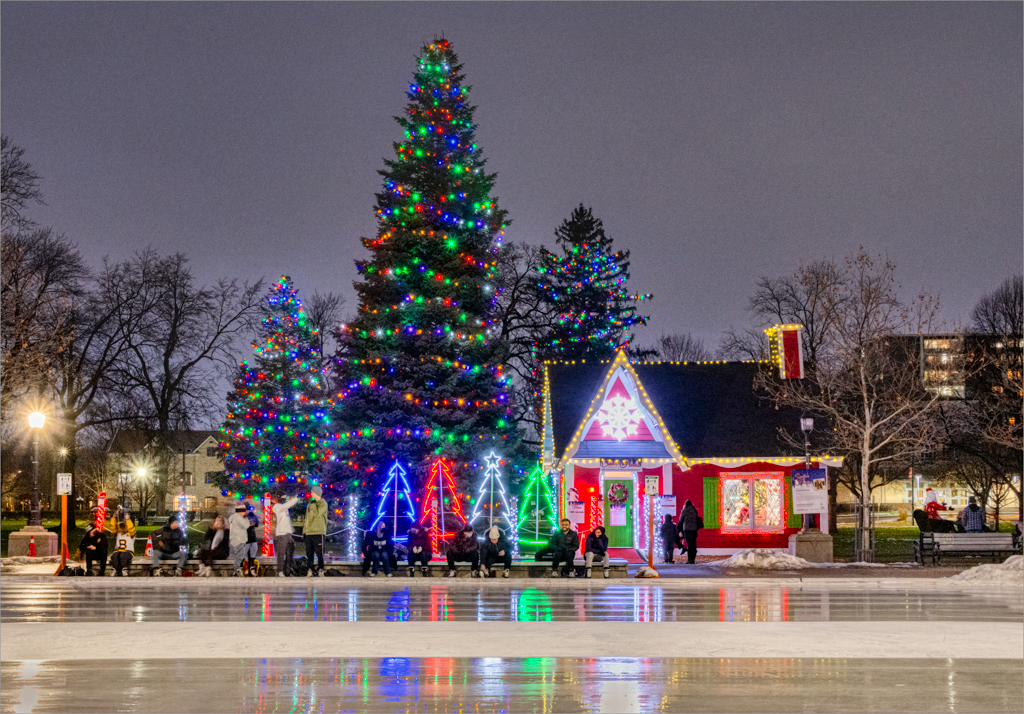
This is a dramatic image with mood. I like your choice of cold tones to convey the cold weather. Could you share with us how you did that lighting effect?
The white lights are slightly blown. This is easily fixed with lowering the highlights in LR or a curves adjustment in PS.
|
Feb 10th |
| 13 |
Feb 21 |
Comment |
Steve
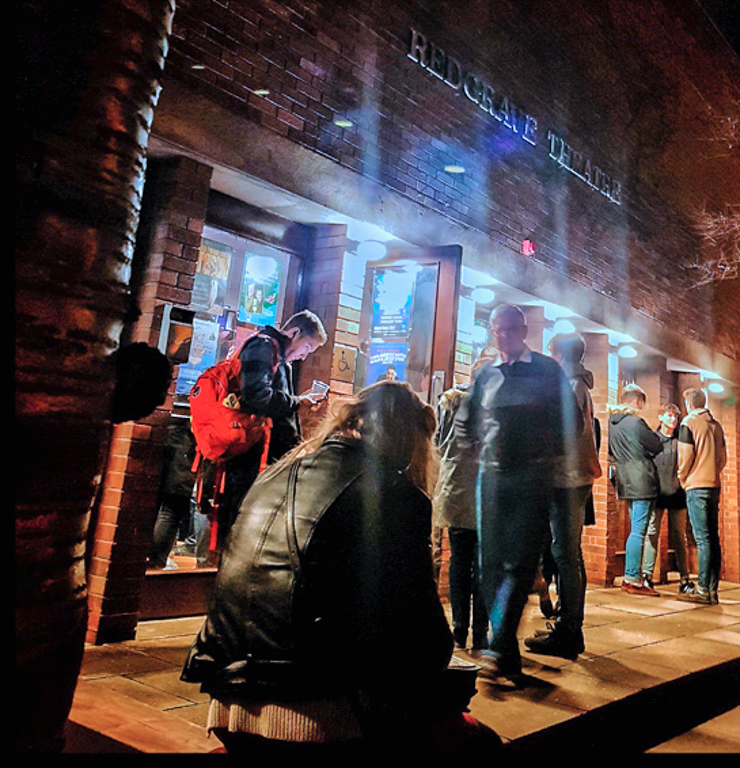
How life has changed and you have a memory of "the good old days" pre covid. The action is nicely framed by the lights and the shadow in the step/platform.
For me, the person in the black jacket dominates the composition. The eye tends to go to either large dark or bright white areas.
This is a difficult scene to photograph because there is such high dynamic range. With moving people, you cannot use a bracketed merged set. I took the image into Aurora as a single file to create an HDR image, and the interesting detail of the wall on camera left emerged. Also, the detail on camera right appeared. You might wish to considering cropping tighter.
You used a vertical orienation. However, most of the action is at the street level. You might consider a horizontal crop next time.
I attach some items discussed above.
|
Feb 7th |
 |
| 13 |
Feb 21 |
Comment |
Wendy
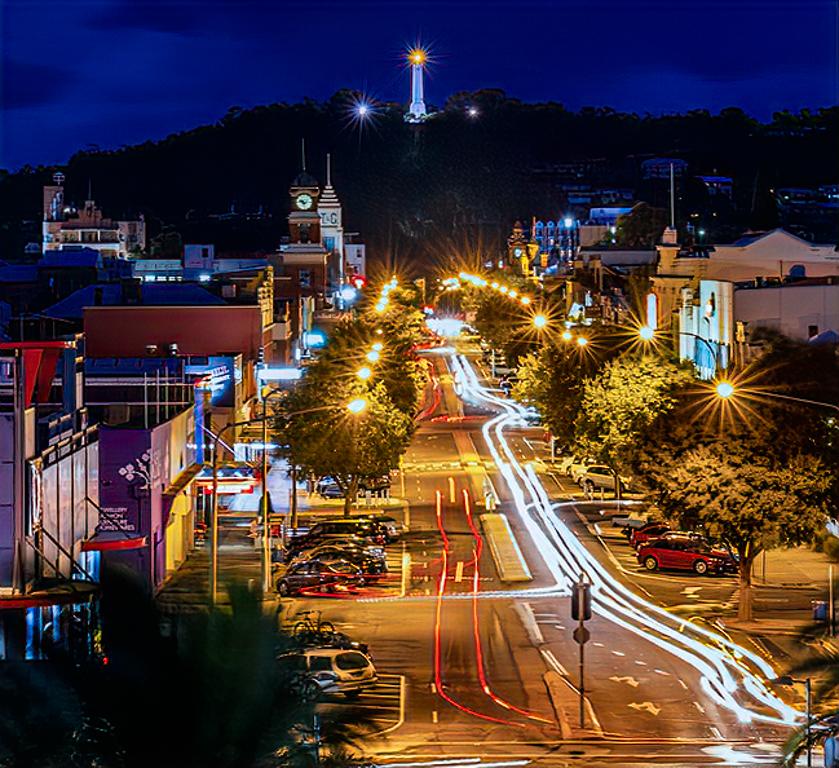
This is a good example of a night image and you thought through your perspectiveand. You created a strong starburst in the lights. The street lights and car trails lead the eye through your composition. The tree bottom right gives clues to depth.
For me, the interesting part of the image is the city life, not the sky. You might consider cropping off some of the top from the image. On my feedback attached, I cropped down, and put the centre line through the structure on the top of the hill to create visual assymetry.
You may wish to check the white balance in your image because there is a strong yellow cast from the lights. Also you might want to apply more sharpening and noise reduction. To remove the color cast, I used the auto temperature ajust in LR. sh to check out your noise reduction and sharpening. I applied Topaz Studio 2 AI clear noise reduction and sharpening filter. |
Feb 7th |
 |
| 13 |
Feb 21 |
Comment |
Fat
This is a good example of a night time image. The urban environment contrasts so well with images of other members this month.
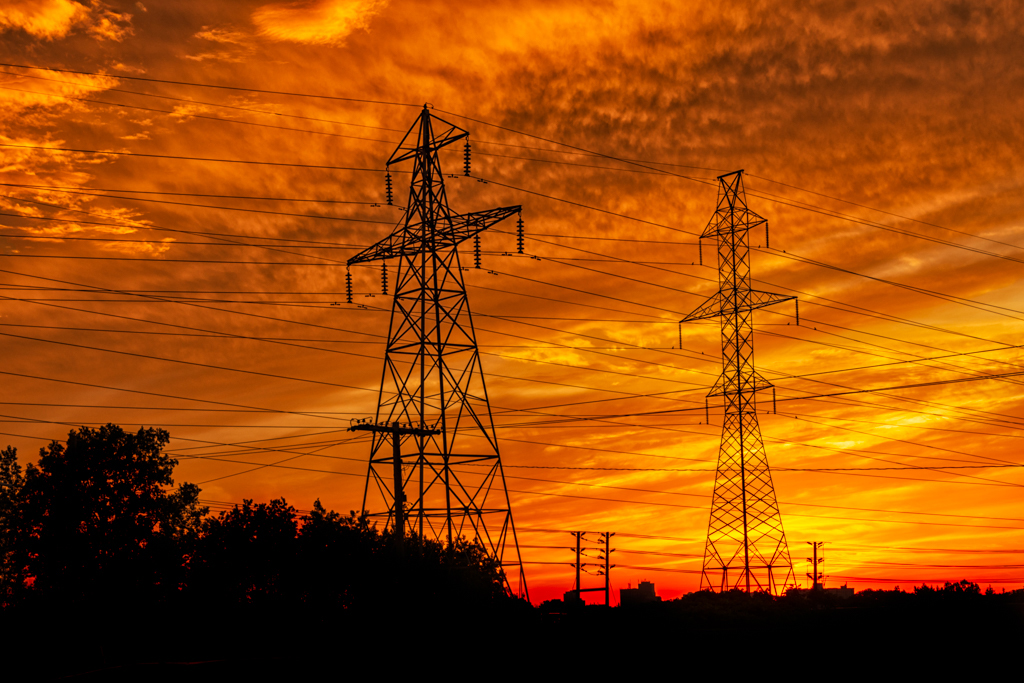
You have done a good job editing the highlights and shadows. The complementary orange and bluecolor pallet and saturation creates a strong visual impact. I like how the orange draws the eye and then attention is moved by the circular flow of the orange in the image. |
Feb 7th |
| 13 |
Feb 21 |
Comment |
Barbara
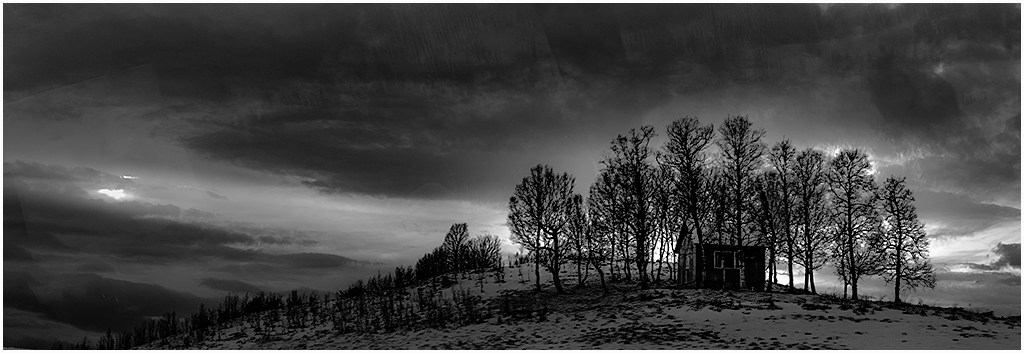
I commend your skills at capturing this image through a bus windo. The bright light low on the hills indicate sunset with the sun low in the sky.
As expected, the structure facing the camera is dark. To bring more detail into this area and also to reduce some of the slightly blown out highlights in the sky, I applied a curve and tweeked the curve. The changes are subtle and you may not notice them. |
Feb 7th |
 |
| 13 |
Feb 21 |
Comment |
Timothy
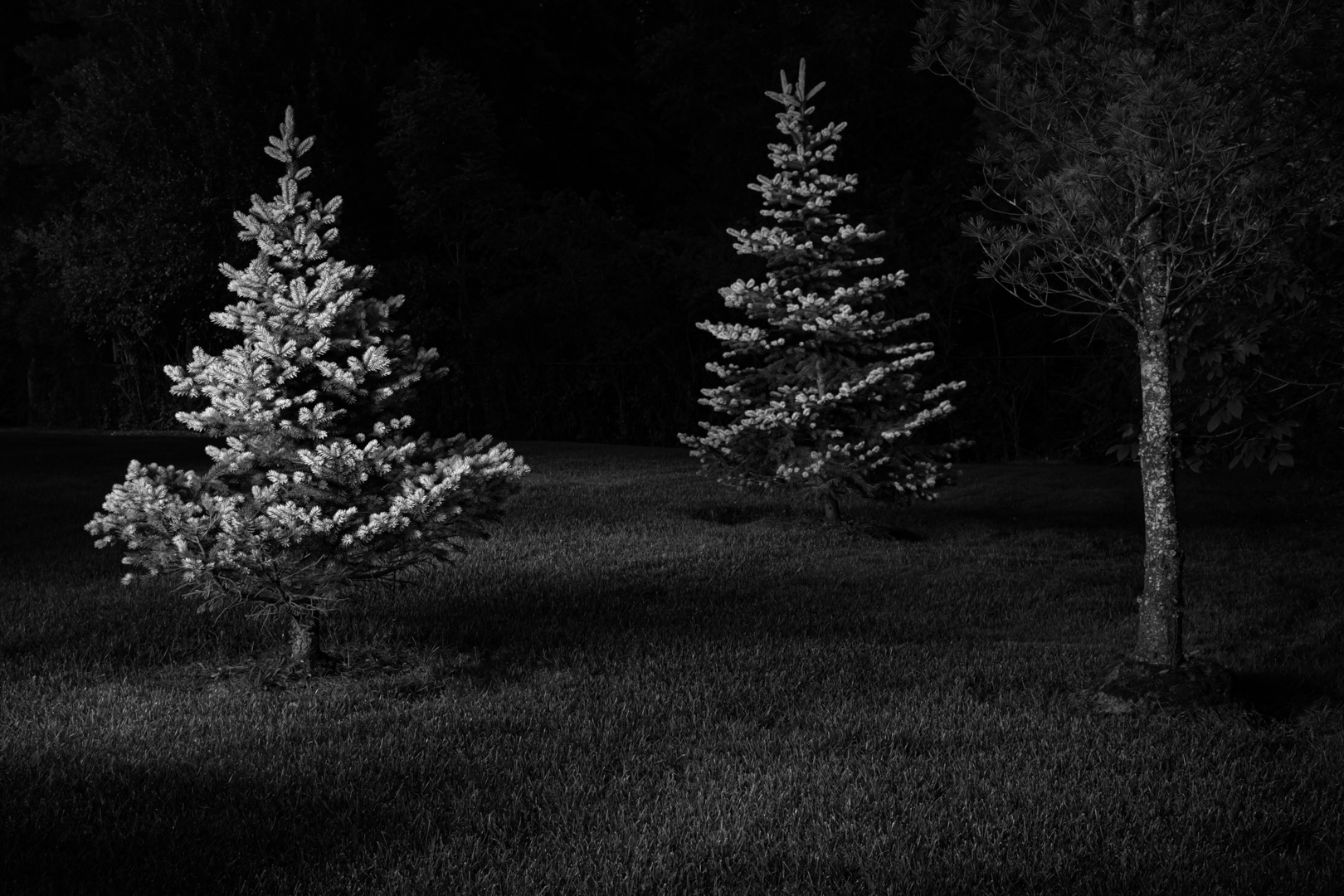
This is a dark image taken at night. There are no visual clues that it might be a night time image i.e. artificial light, fire, even a flashlight to illuminate the scene. I took it into PS and increased the exposure. The result is the image had more exposure and one might think it is a late afternoon image where your exposure was too low. I do not think use the night effect template helped this image.
I commend you for putting together a panorama. Looking at the lighter exposure, one sees bowing in the fence posts. I took the image into PS, and used grid lines and transform>warp to see if I could straighten the posts. It is possible and a better option than using something like transform auto in LR.
You have made good use of the leading line of the sidewalk, the lines in the fences and the repetition in the lines in the fences to lead the eye through your composition. The receding lines give a good sense of depth.
Next time you do this image, you might consider creating a symmetrical composition and use your tripod to line up the fences equiditant. |
Feb 7th |
6 comments - 3 replies for Group 13
|
6 comments - 3 replies Total
|