|
| Group |
Round |
C/R |
Comment |
Date |
Image |
| 83 |
Apr 20 |
Reply |
Gerogianne
I use a curve, pulled down on the highlights, and applied a luminosity mask to the curve. I then painted black on the curve mask so the sky would not darken.
JPS
|
Apr 25th |
 |
| 83 |
Apr 20 |
Comment |
Debasish
I tried to learn how to create luminosity masks but I am a computer troglodyte. For me, it was much simpler to purchase Greg's panel that is a plug-in under extensions in PS. I like the way that I can combine a selection, with a luminosity mask to target specific areas of an image. |
Apr 7th |
| 83 |
Apr 20 |
Comment |
Dirk
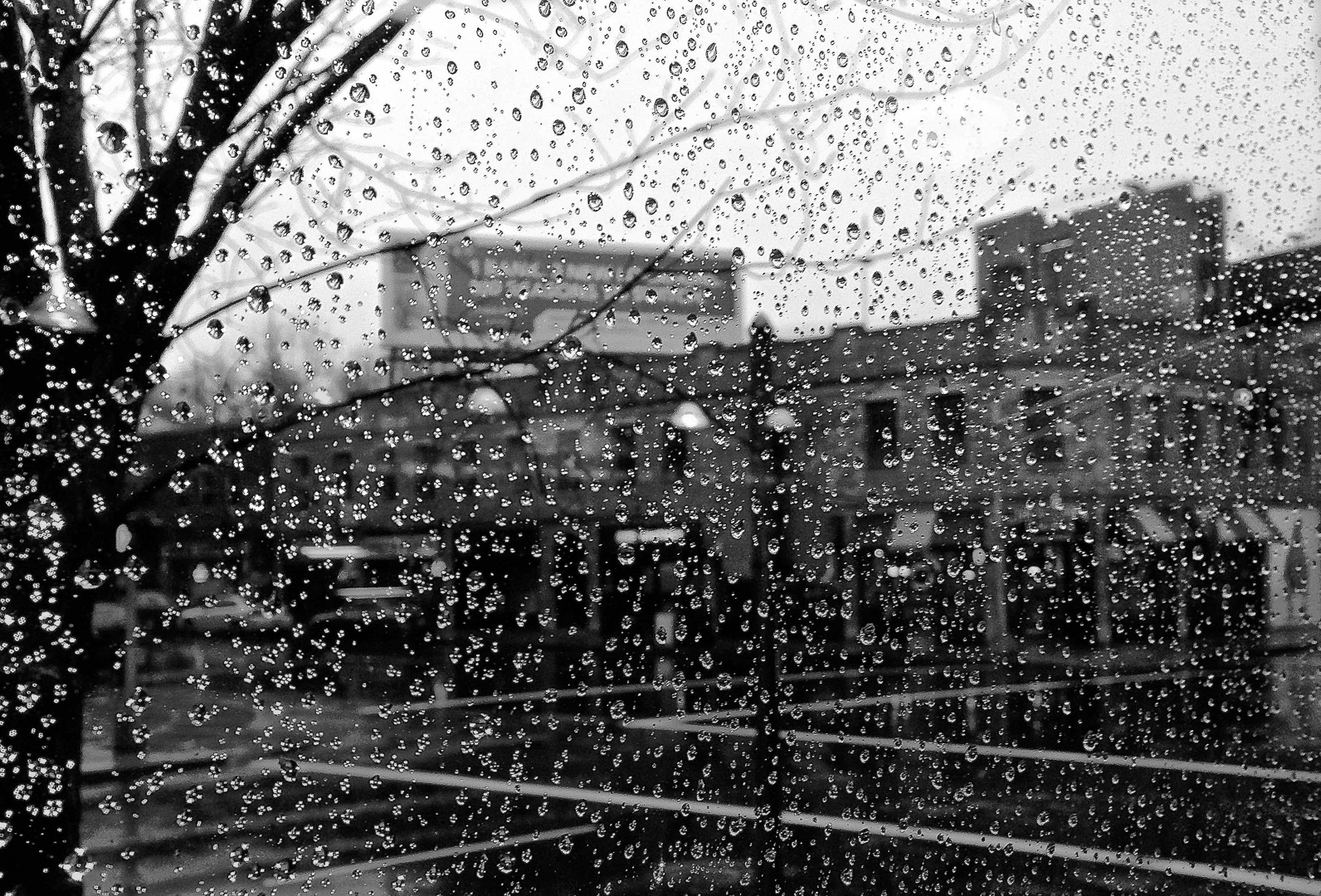
How did you get such clarity in those glasses.
Will you share your technique. I think you did one good glass, transformed etc. and then composited. Beautifully done. |
Apr 6th |
| 83 |
Apr 20 |
Reply |
Debasish
I tried using a luminosity mask that targeted highlights and white and brushed on black through the mask onto a transparent dodge burn layer. The highlights in the rain drops on the left side are completely blown out. I also tried a color layer. I could not restore the detail. Perhaps, on a color image and the same luminosity mask I could have brushed in color to the white.
I am new to luminosity masking and have just finished Greg Benz's dodge and burn online course. I found that it has been so helpful for both analyzing images and dodging and burning. |
Apr 6th |
| 83 |
Apr 20 |
Comment |
Jose
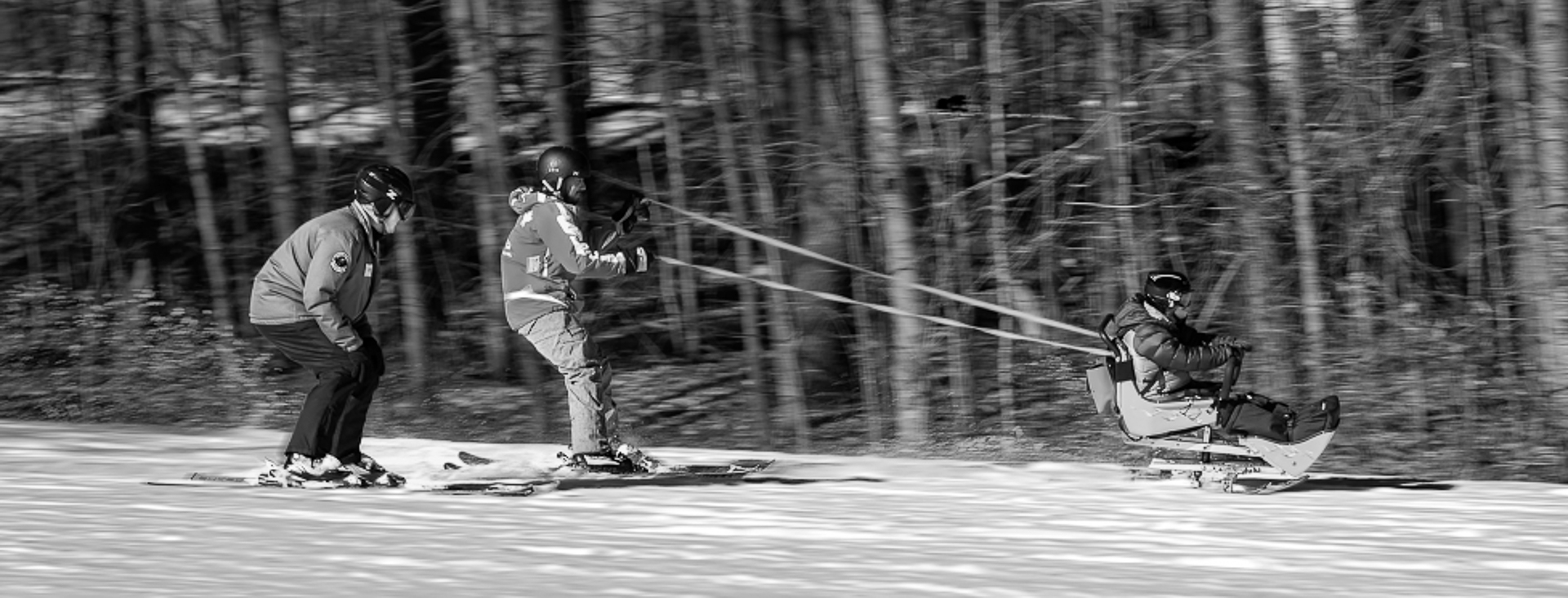
I converted the image to 8 bit and the wind filter then appeared in the stylize section.
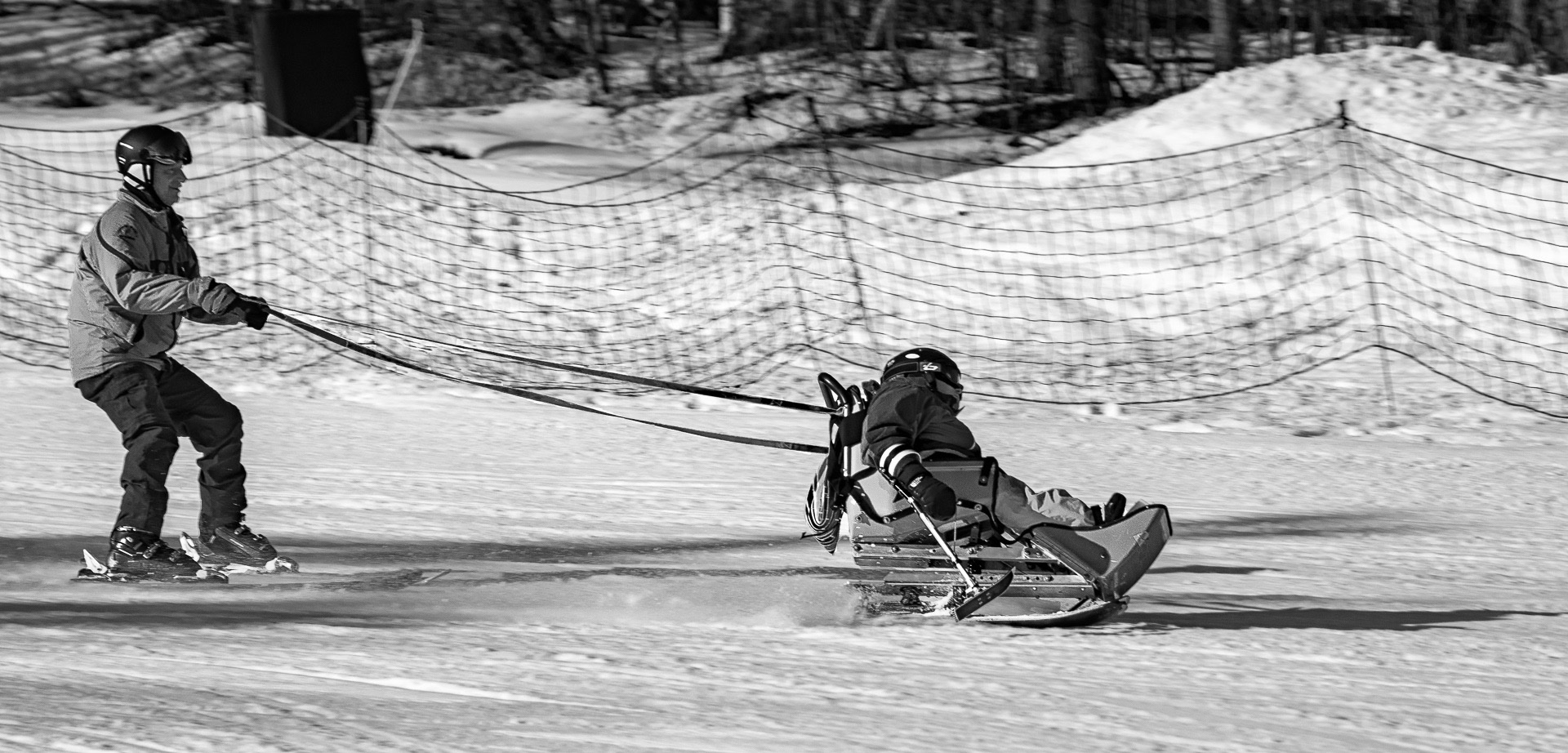
I found a solution to removing the contamination of color on the skiers. I created a selection and stored it on a blank pixel layer and inverted the selection. I then created a smart object of my layers, clicked on the smart object icon, and applied the motion blur filter. Then I dragged down the selection to the smart object. I tried all sorts of things until I discovered that. For example I modified the selection -2 pixels, cloned the area outside the skieers bodies but the solution of dragging down the mask from a stored layer worked best. I forgot how to store masks in channels.
Thanks for helping me through this. I learned so much about smart objects.
|
Apr 6th |
 |
| 83 |
Apr 20 |
Comment |
Debasiah
I like the mood that you have captured in this image.
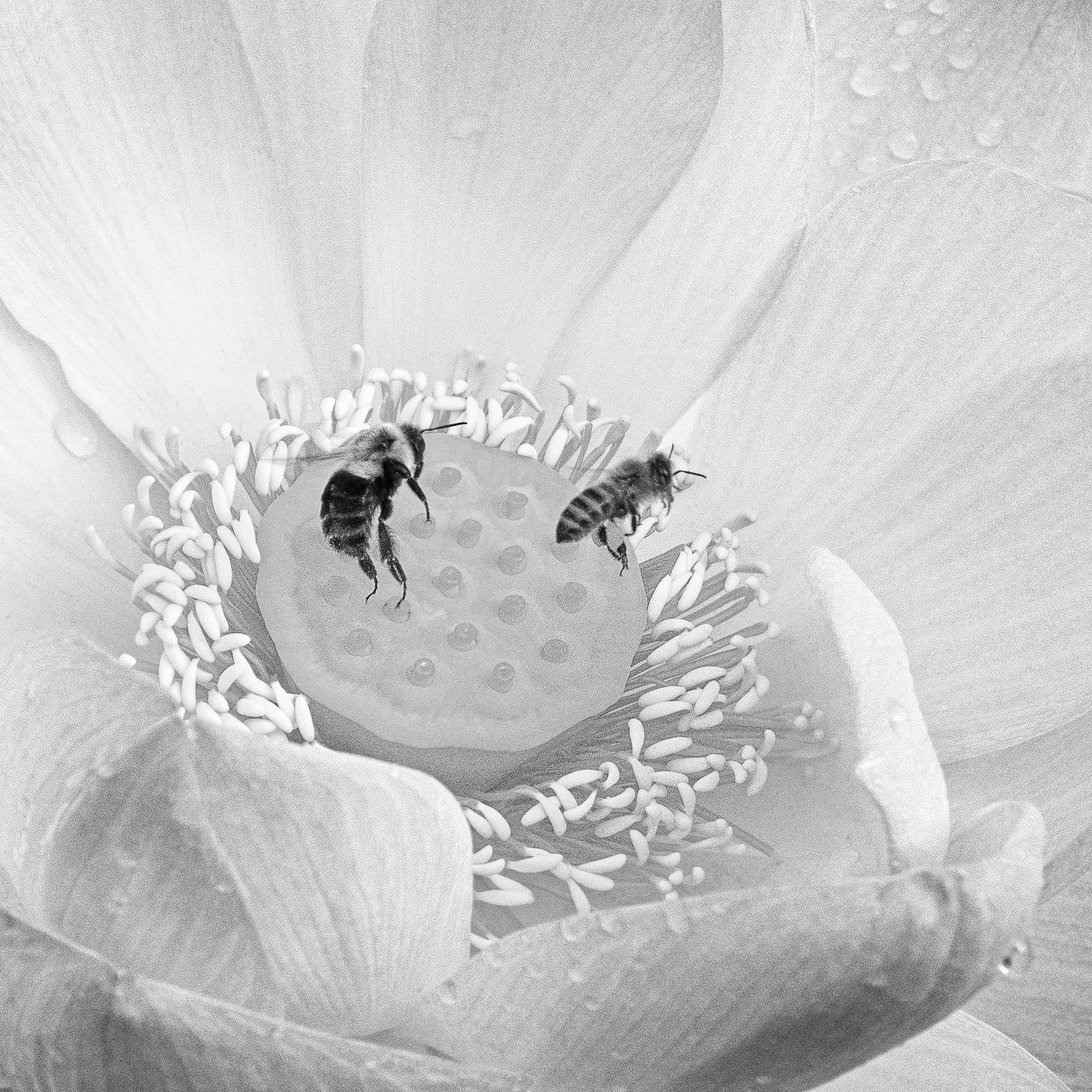
Were you supporting your camera on a table? The rain drops seem so sharp.
|
Apr 4th |
| 83 |
Apr 20 |
Comment |
Lance
My knowledge of birds is limited but I like how you have captured the intense stare of the bird and photographed him in his habitat.
The details on his beak appear blown out. Could they be recovered with more burning? |
Apr 4th |
| 83 |
Apr 20 |
Comment |
Jose
Thanks for providing the explanation.
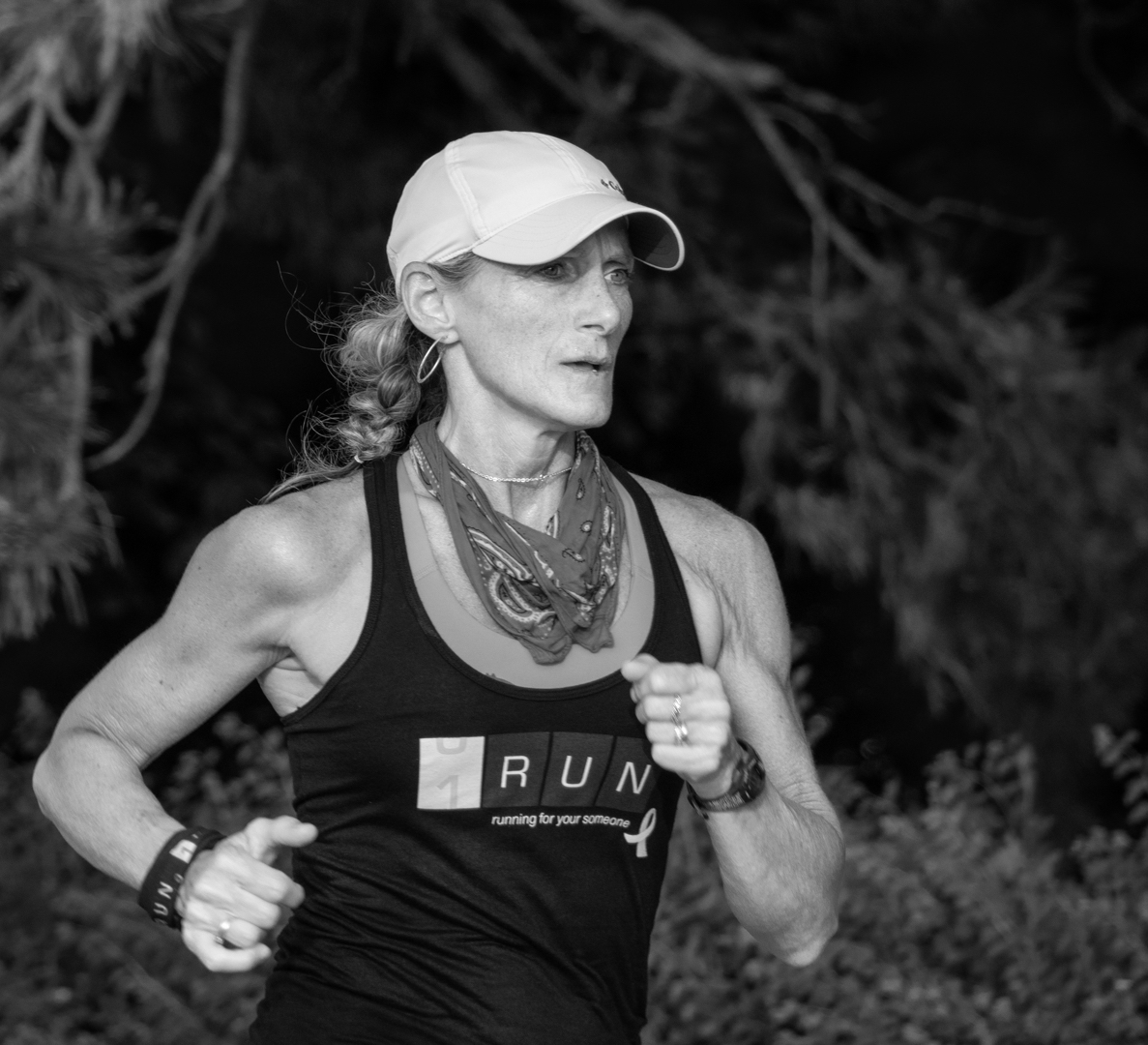
When I looked at the image, without explanation, for me, it evoked the feeling of a strongly curved and, powerful woman, so atypical of the "ideal body" image I grew up with.
I also find it atypical of the usual fitness club image of women prancing around in their lulu lemon outfits doing yoga poses or lifting weights.
Well done. You have created an image that says women are strong, powerful, beautiful and mysterious. |
Apr 4th |
| 83 |
Apr 20 |
Comment |
Georgianne
This is a delightful scene with much to look at. I like the color palette and mood in the original image. Color helps differentiate the items where the monochrome image is confusing.
|
Apr 4th |
| 83 |
Apr 20 |
Comment |
Jose
I duplicated the layer, applied the motion blur, selected skiiers and inverted them, then applied the motion blur filter. I noticed I had a slight blur around the skiiers bodies therefore, I tried modifying the mask. The blur remained. I could not tell on your version if you have this slight color blur from the skiiers bodies. I
tried cloning out that part of the blur from their bodies but it makes it worse.
I have the base Adobe PS & LR subscription plan and it does not have the wind filter but does have a place for it. I was not sure if I could download the wind filter and copy that filter into my PS program. |
Apr 2nd |
| 83 |
Apr 20 |
Reply |
Jose
You did such a wonderful job. Did you do a selection and then gaussian blur? |
Apr 2nd |
| 83 |
Apr 20 |
Reply |
Jose
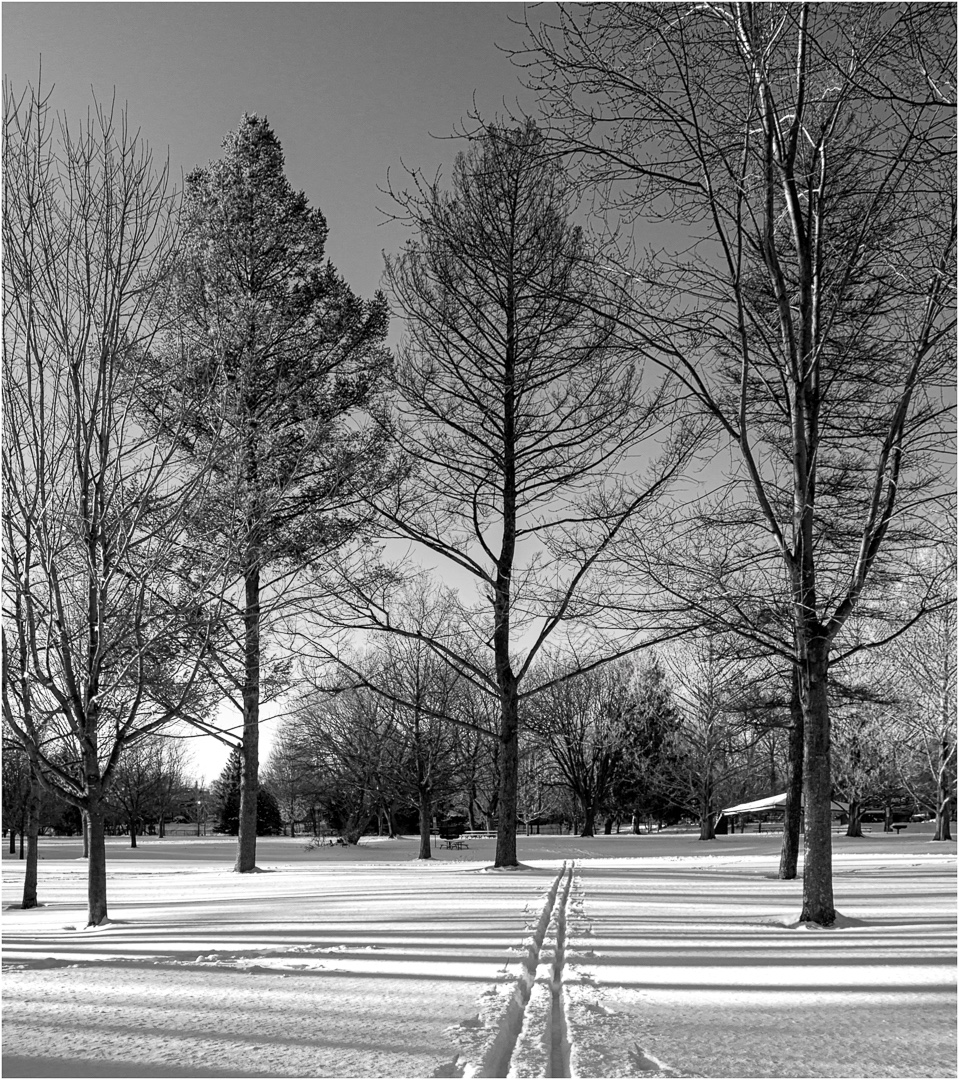
Beautiful. You did such a wonderful job with the snow and I think I could do a monochrome version because the increased blur softens the background. Did you do a selection and apply a gaussian blur or is there another filter you used?
|
Apr 2nd |
| 83 |
Apr 20 |
Comment |
Jose
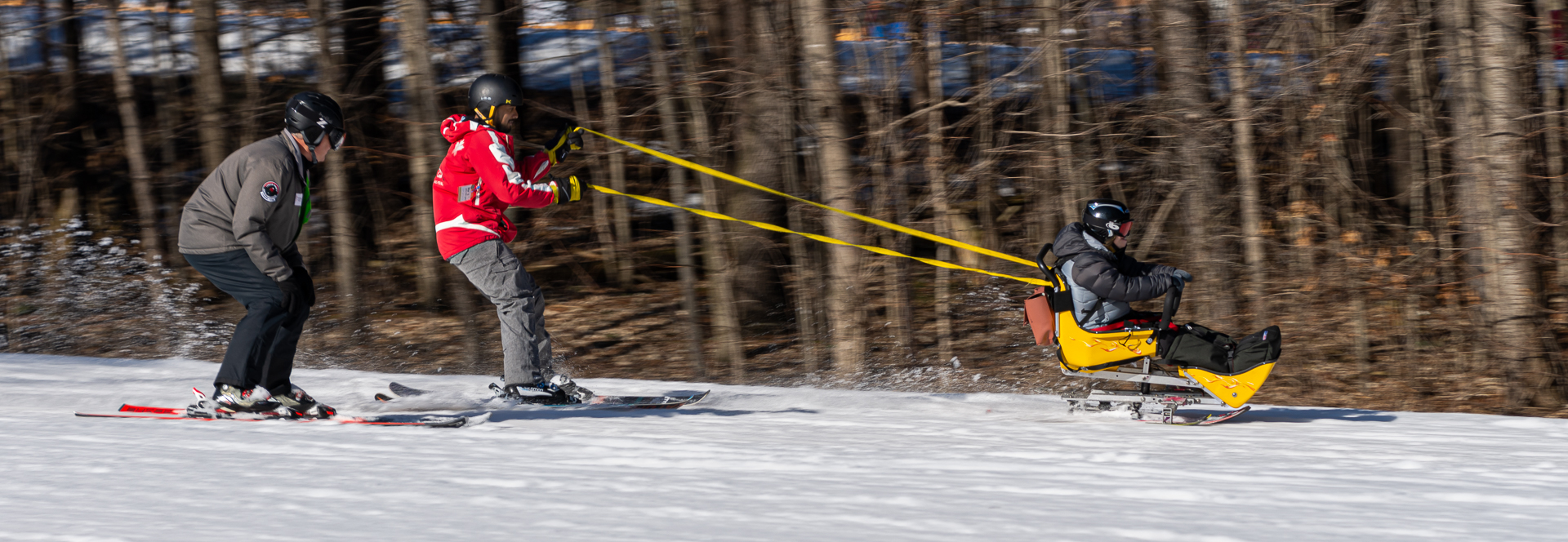
The colored version but does not have the detail enhancement. |
Apr 2nd |
 |
| 83 |
Apr 20 |
Reply |
Jose
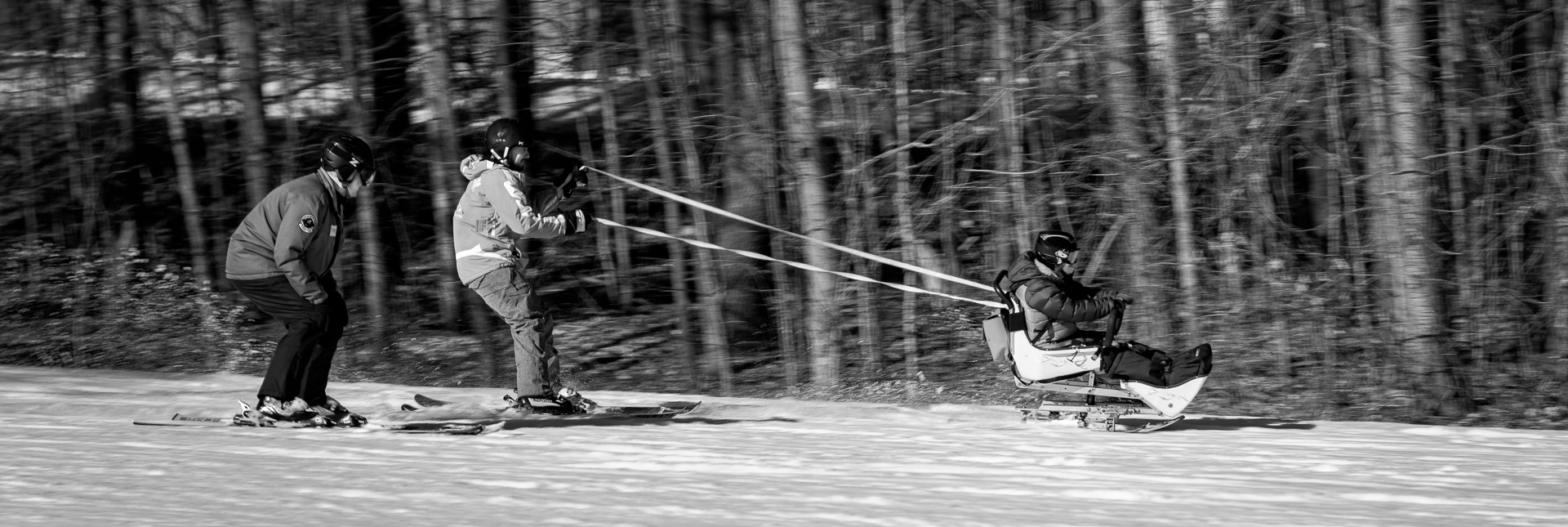
I did try panning images but the skiiers did not stand out against the background so I submitted the image with the snow.
I attached an image for you to see. I will separately attach the colored version. |
Apr 2nd |
 |
9 comments - 5 replies for Group 83
|
9 comments - 5 replies Total
|