|
| Group |
Round |
C/R |
Comment |
Date |
Image |
| 79 |
Jan 19 |
Reply |
Hi Judith,
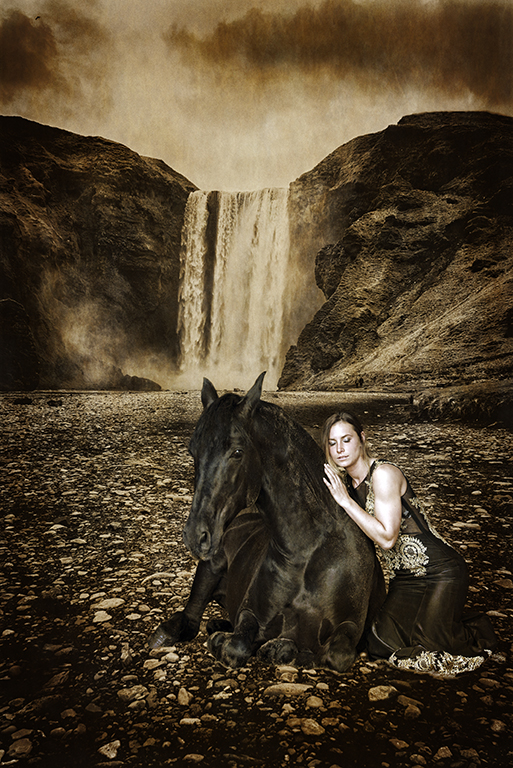
Your comment is much appreciated and noted. The ideas put forward here demonstrate how we all have different visions that would make this intended composite work . I now have lots to play with , and thanks to Susan H for advice on the tonal adjustments ,it has become a possibilty.
|
Jan 29th |
| 79 |
Jan 19 |
Comment |
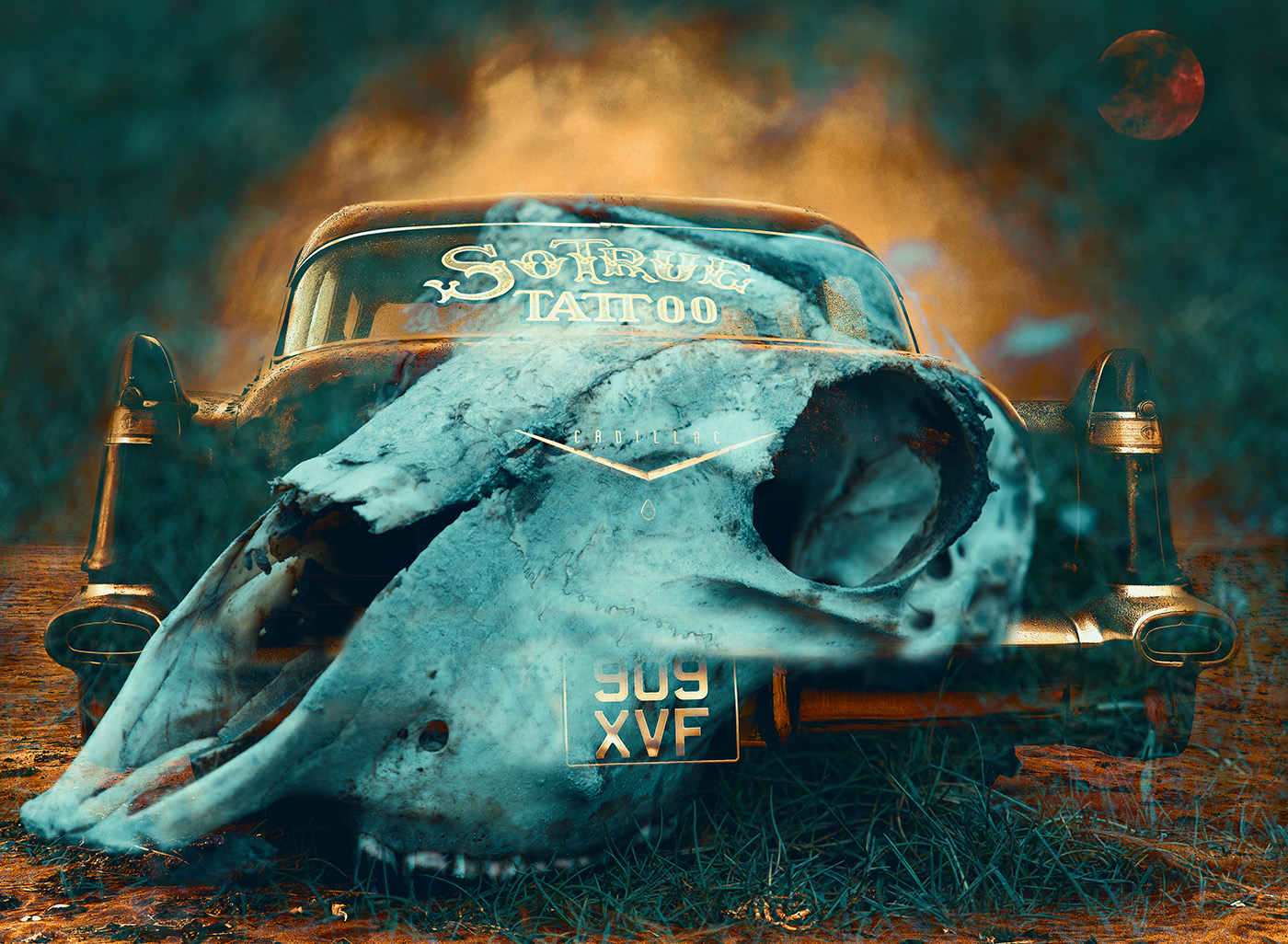
Hi Mary , What a Fabulous idea ,design and colour.
For me, i feel that the image lets you down as i am looking flat upon it....You mentioned this yourself too
If it were tilted somewhat (bringing the head and hands larger toward us )
so as to appear falling down i think it would be a more powerful image. Is it possible to make a new canvas , drag this image onto it , in CS6 go Edit. Transform, Free transform and try Skew . Then clone your leaves onto the new canvas ? I look forward to seeing your future ideas.
I agree with Susan , you are onto something . |
Jan 21st |
| 79 |
Jan 19 |
Comment |
Hi Valerie,
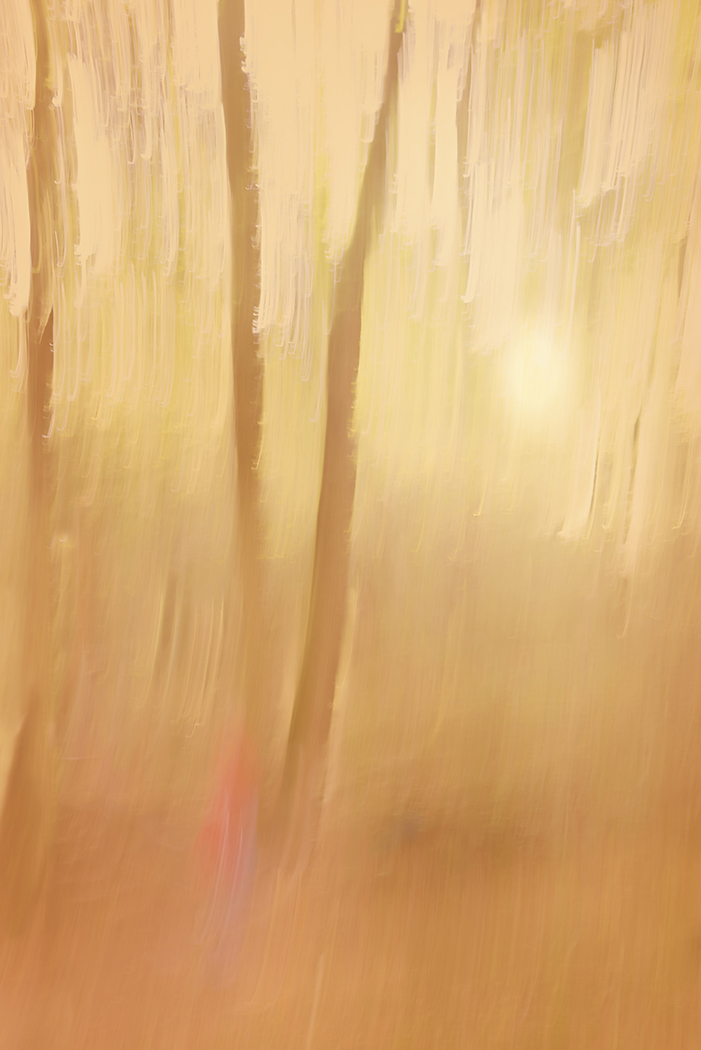
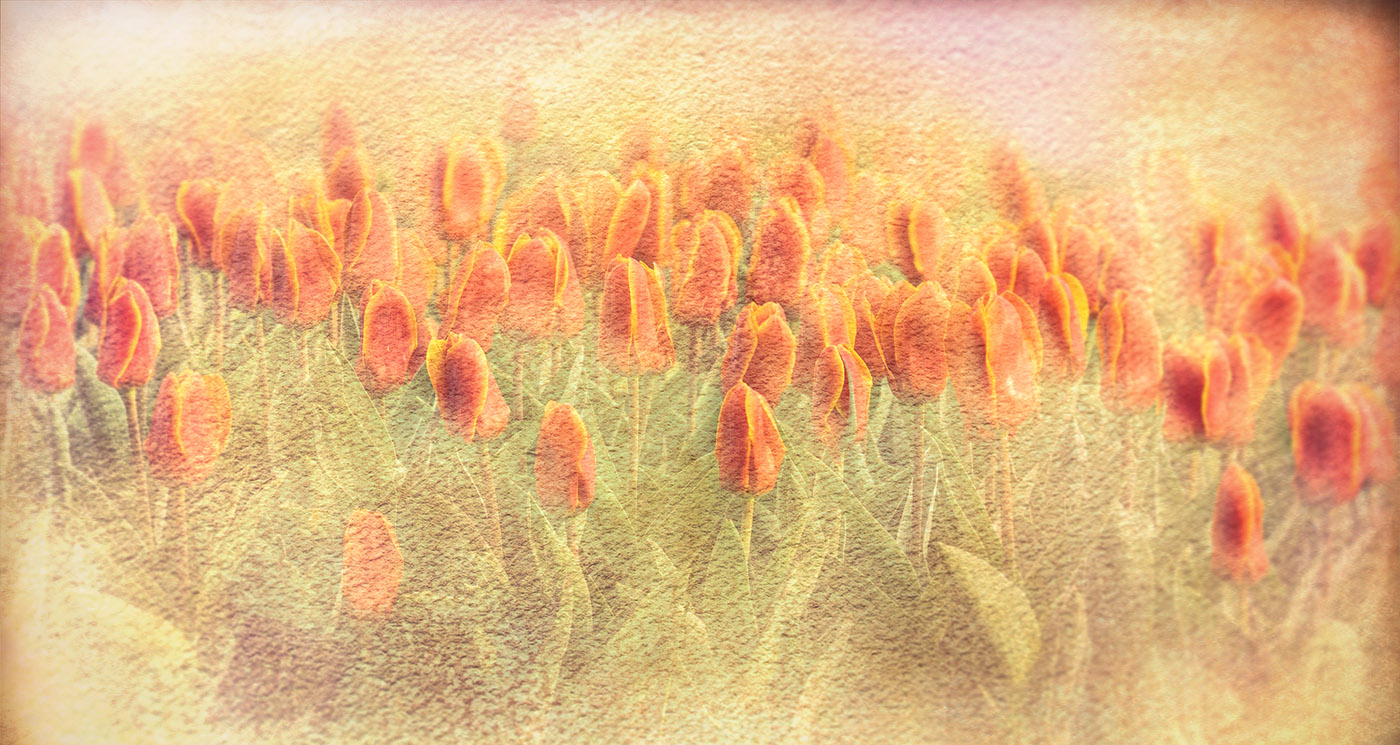
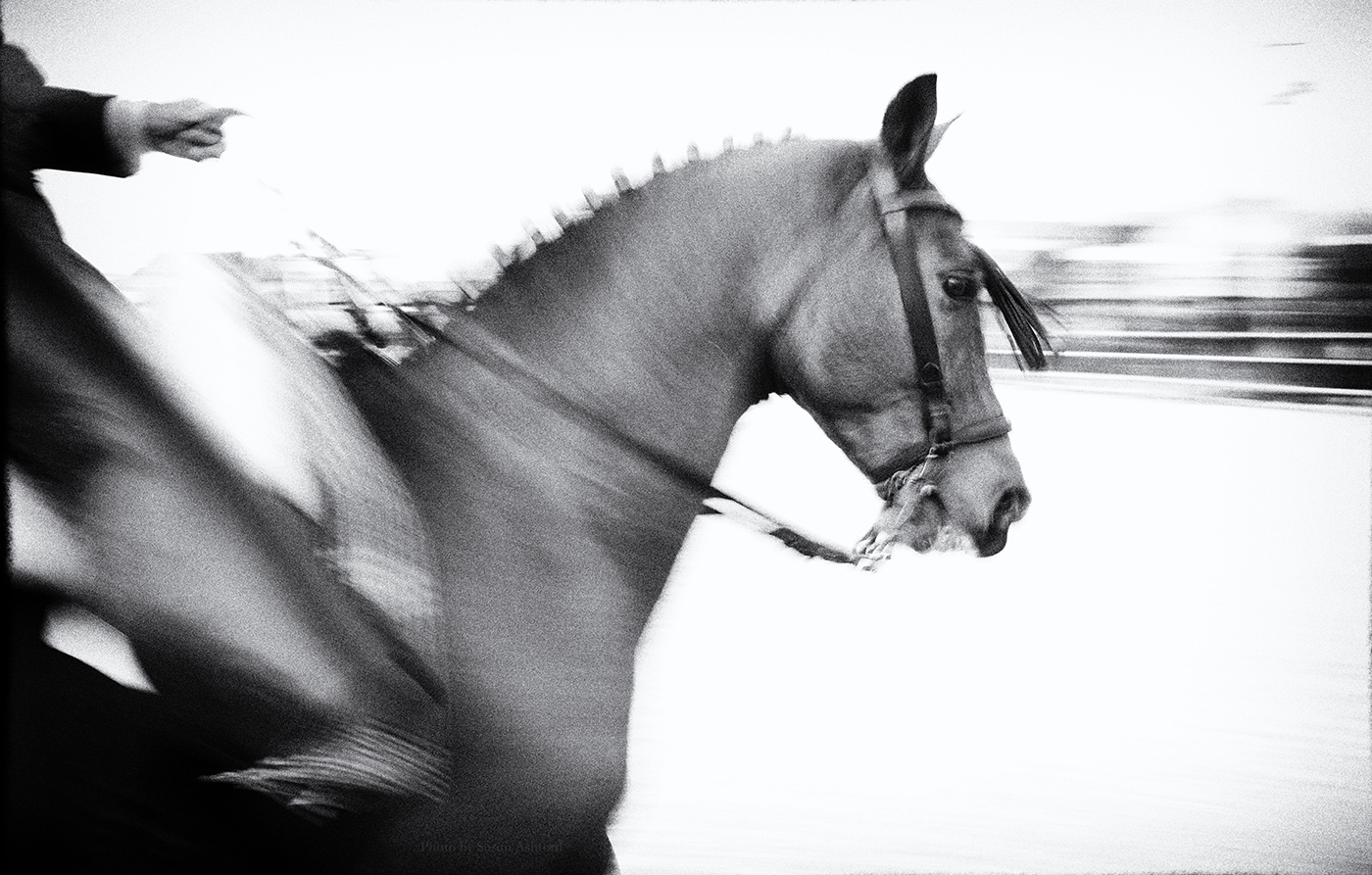
The In camera Movement here has worked well ,along with the soft genteel feel you created with the colour tones. Would like to see more in Seasonal Landscapes. |
Jan 21st |
| 79 |
Jan 19 |
Reply |
Hi Valerie,
Thanks very much for your valid suggestions , and positive comments.
I agree, i will try to bring out some of the Horses details in Shadows and highlights on my original raw file , or maybe HDR in a diluted form.
As much as i like my waterfall image i feel that there is nothing to rest my eye on , and in my mind i have created this vision that i am trying to get balanced . I have enjoyed the groups comments, you have all inspired me to carry on with this creation.
Good luck with your composites, I look forward to seeing more of your work.
|
Jan 21st |
| 79 |
Jan 19 |
Comment |
Hi Mary,
Thank you for your encouragement and advice.I shall also make a list for future composites.
I find i have lots of images that aren't usable on their own,as well as a vivid imagination. All i need now is the skill.
The pointers i have been given from this group here have helped tremendously , all are positive and much appreciated. |
Jan 16th |
| 79 |
Jan 19 |
Comment |
Hi Susan,
There is still so much for me to learn , and i am looking forward to trying out your suggestions on the raw files.
Composites are pretty new for me (as is obvious) yet i really enjoy trying to be creative.
I wasn't aware of the Luminance or colour intensity , and i must say you have done a great adjustment ,so i am now eager to use different directions.
I am very pleased with the feedback on my image. |
Jan 11th |
| 79 |
Jan 19 |
Comment |
Hi Judith,
An interesting image, quite unique.
Regarding the snow on the ground , it may be an idea to add a texture similar to falling snow over the image, and add a touch of blur, that would slightly soften the figure and appear more vague. |
Jan 10th |
| 79 |
Jan 19 |
Comment |
Hi Susan,
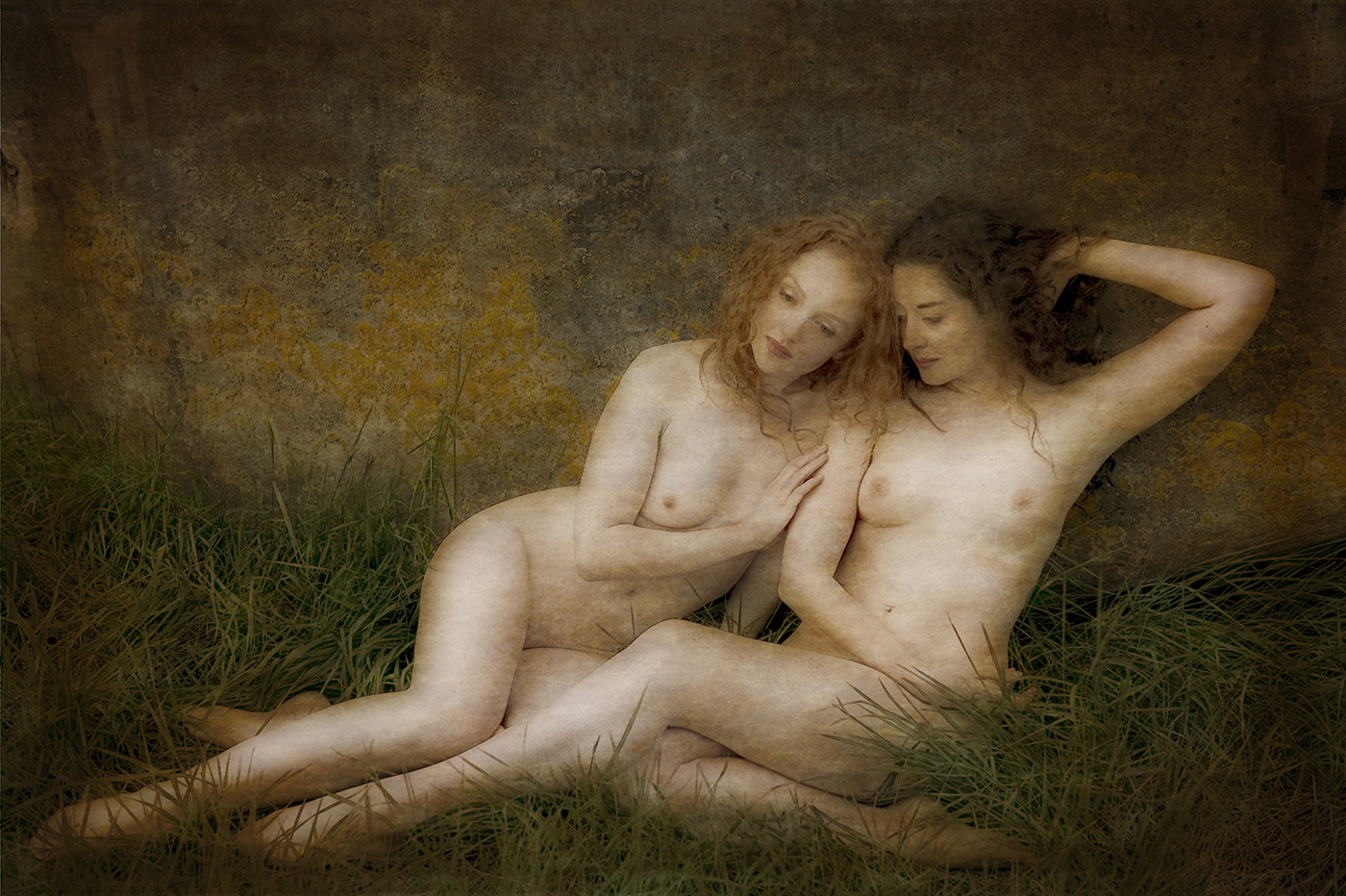
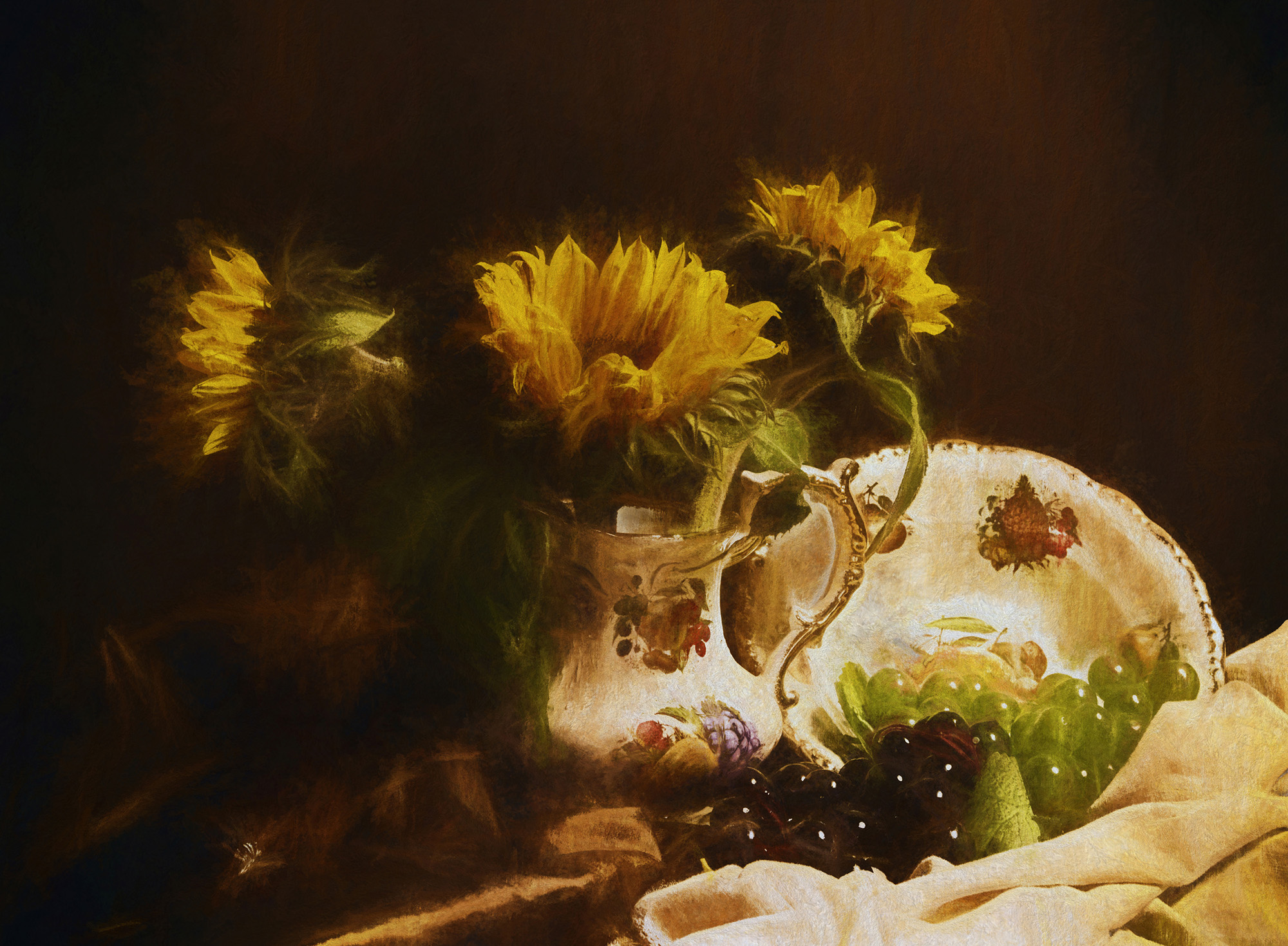
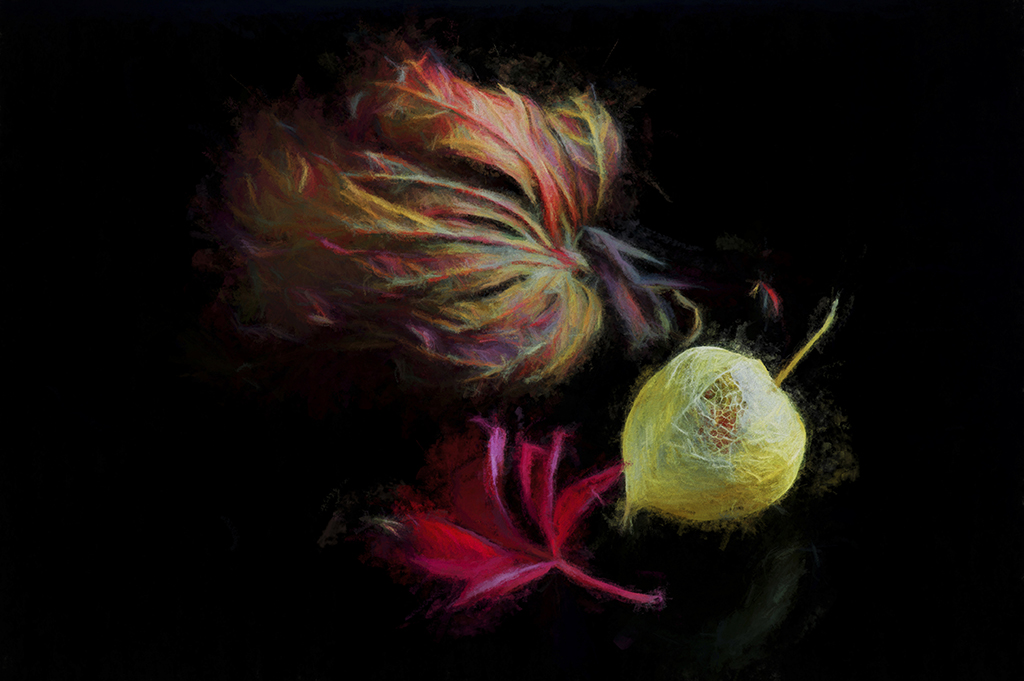
What a lovely pleasing image. I love the colours and the way you have exaggerated the textures. Lots to enjoy in this piece of art work. |
Jan 10th |
| 79 |
Jan 19 |
Comment |
Hi Karl ,
I love these images,they're a feast for my eyes, and understand your preferences for a background .Your selfie inclusion certainly adds scale and reference. Fantastic.
Thanks for sharing.
|
Jan 6th |
| 79 |
Jan 19 |
Reply |
Hi Karl, Thank you for your honest critique, and you are quite right about the lighting, contrast and lack of shadows.
I totally agree, i posted this image here as there was something that stopped me using it, and i am open to advice.
I liked my original idea and am so glad that you have pointed these out as well as giving me altered reality options.I'll go back to some images of Kat and play around.
Sorry about your knees! lol.
Iceland is highly recommended.
|
Jan 6th |
| 79 |
Jan 19 |
Comment |
Wow,such a beautiful image.
I love the fluidity with different shaped ends, and the circular ending leads your eye straight back in. Very creative and individual.
The only thing i would change are the light leaks on the black background, which i would make darker to black, using Levels in Photoshop. An image to be proud of. |
Jan 4th |
8 comments - 3 replies for Group 79
|
8 comments - 3 replies Total
|