Activity for User 1053 - Steve Wessing - psteve420@gmail.com

avatar
Avatar

Close this Tab when done


726 Comments / 146 Replies Posted

  = Current Round   = Previous Round
Group Round C/R Comment Date Image
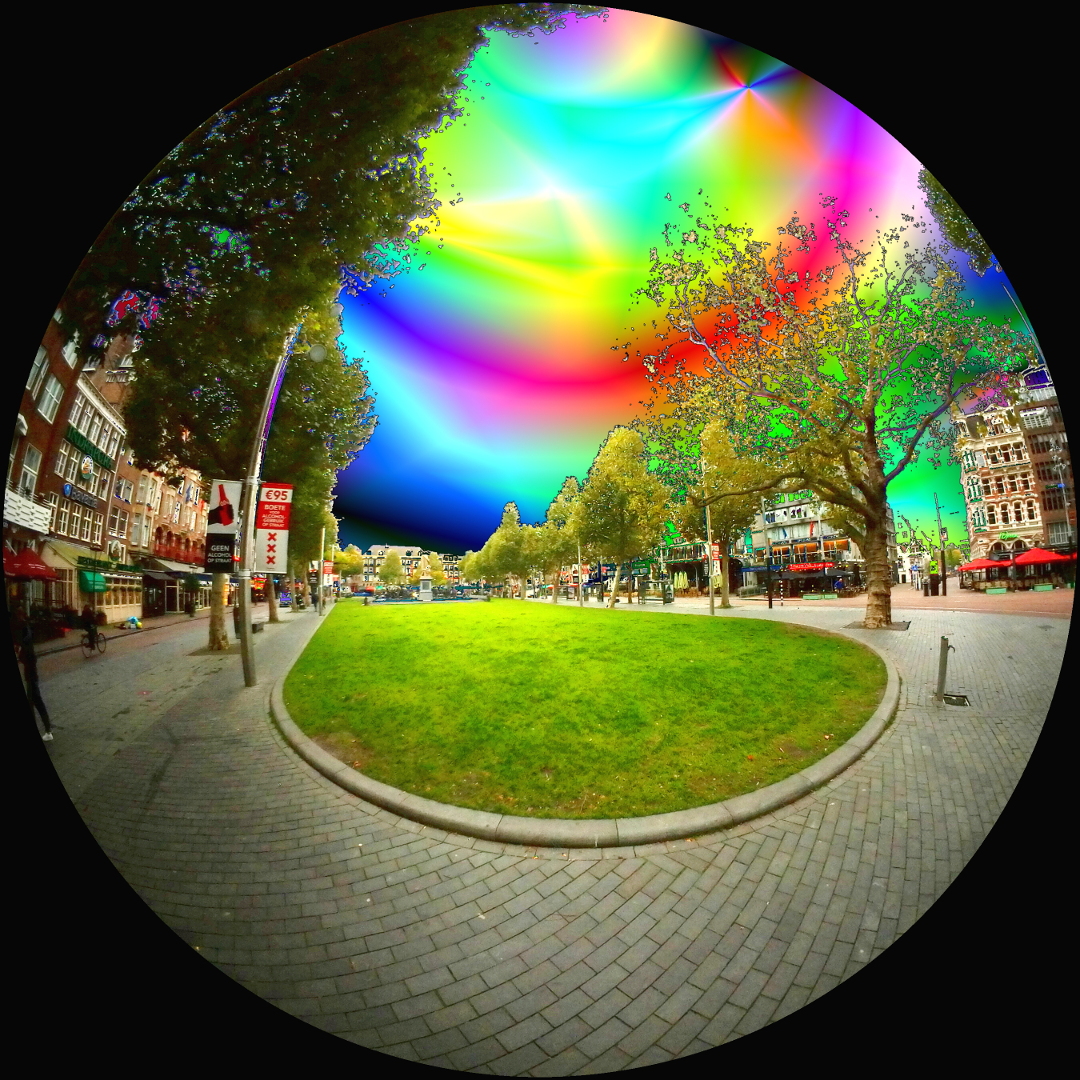
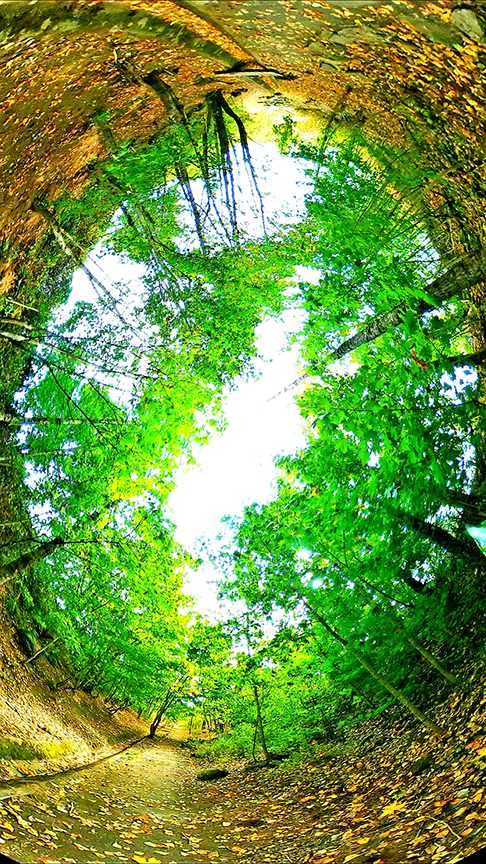
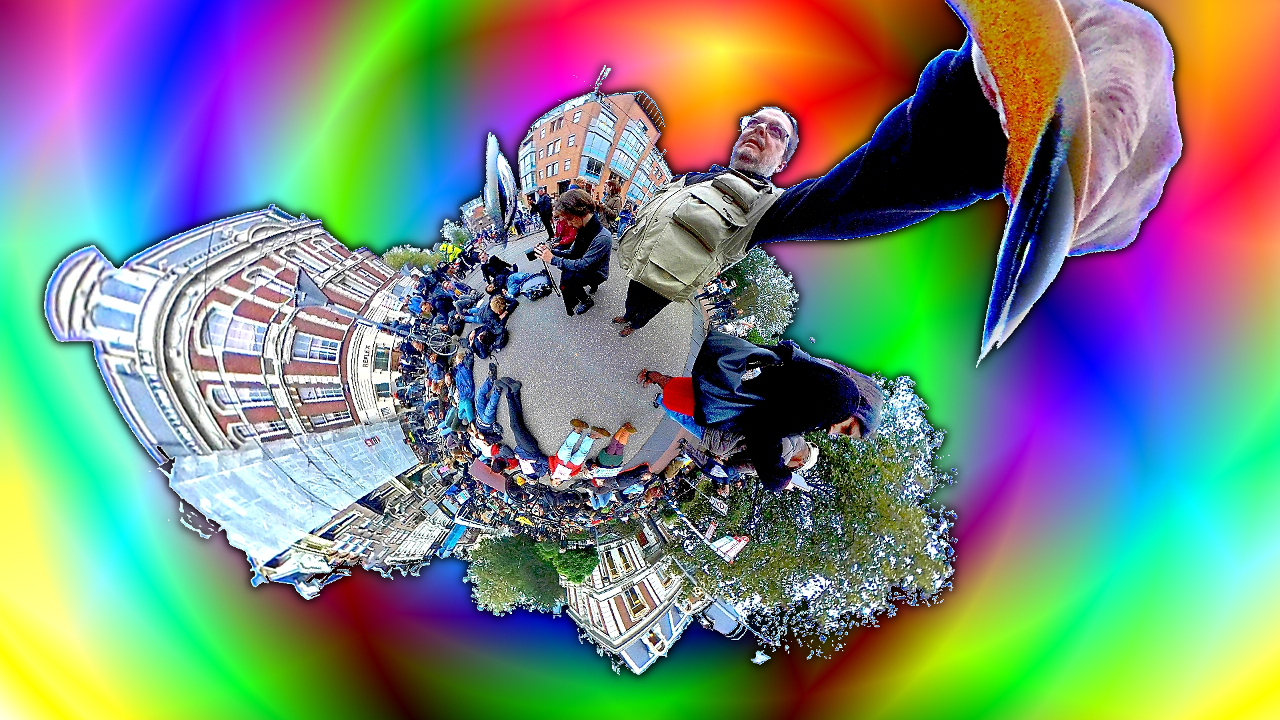
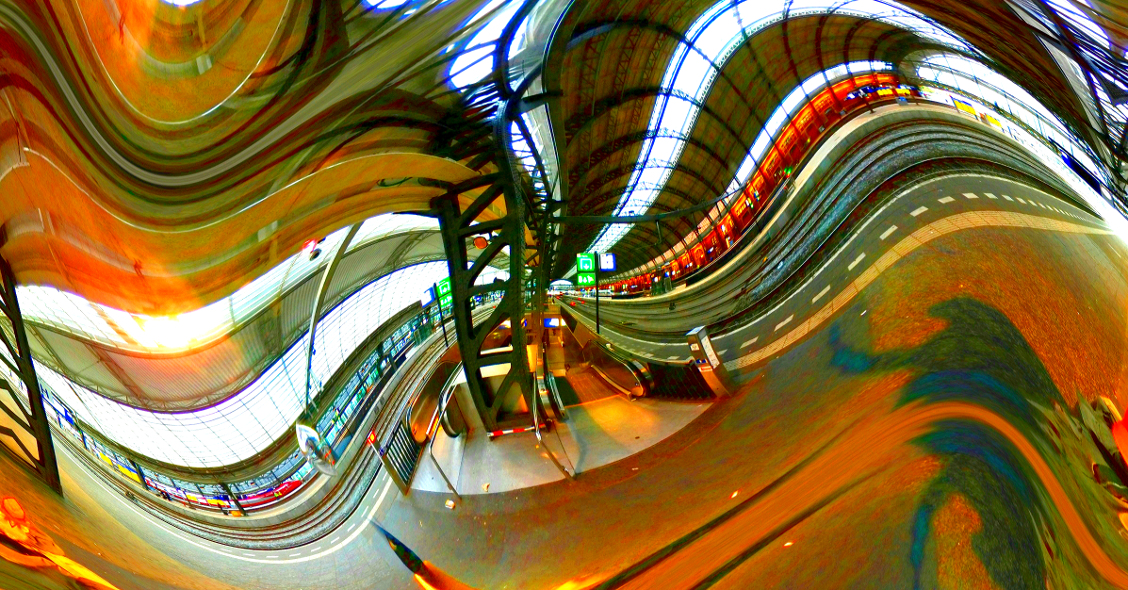
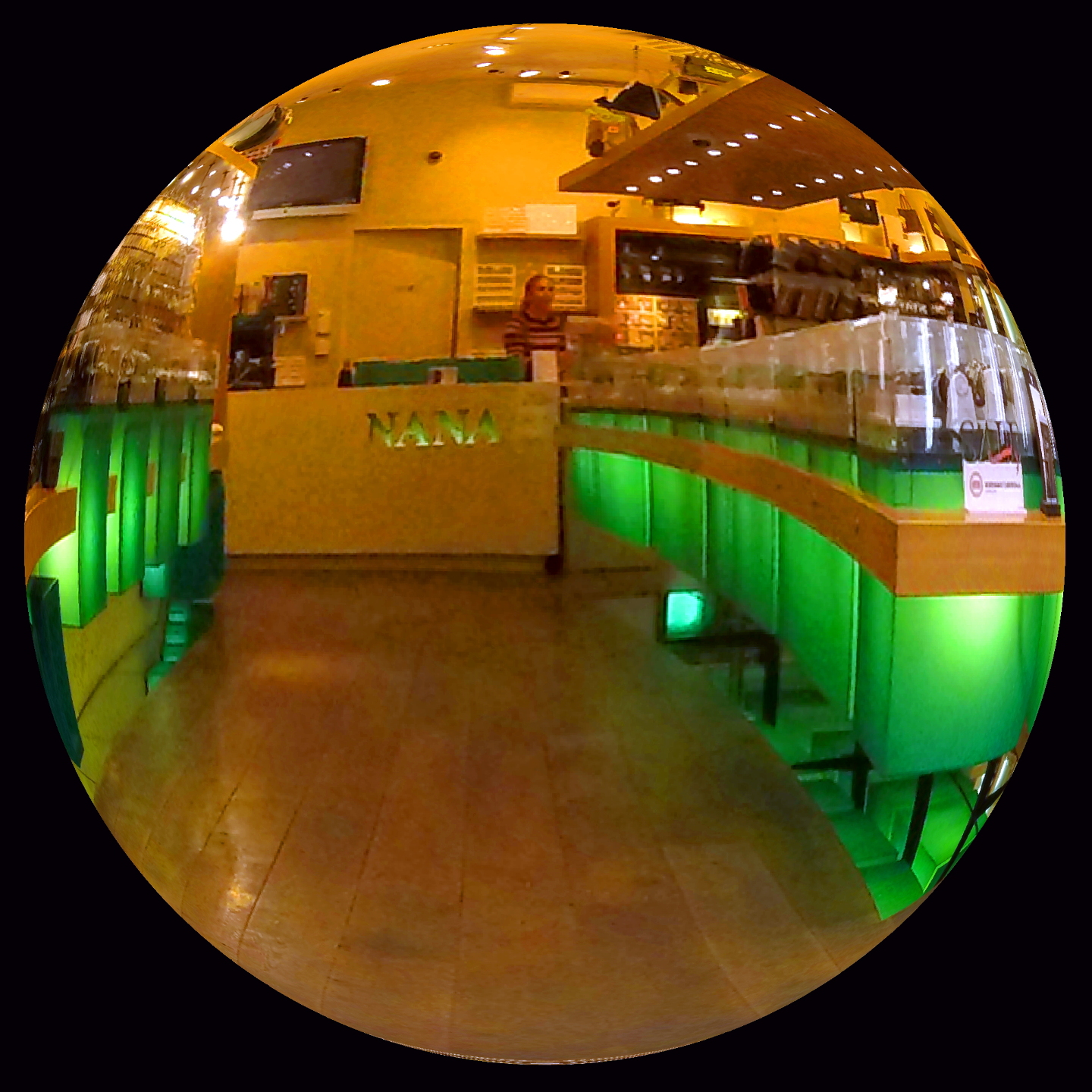
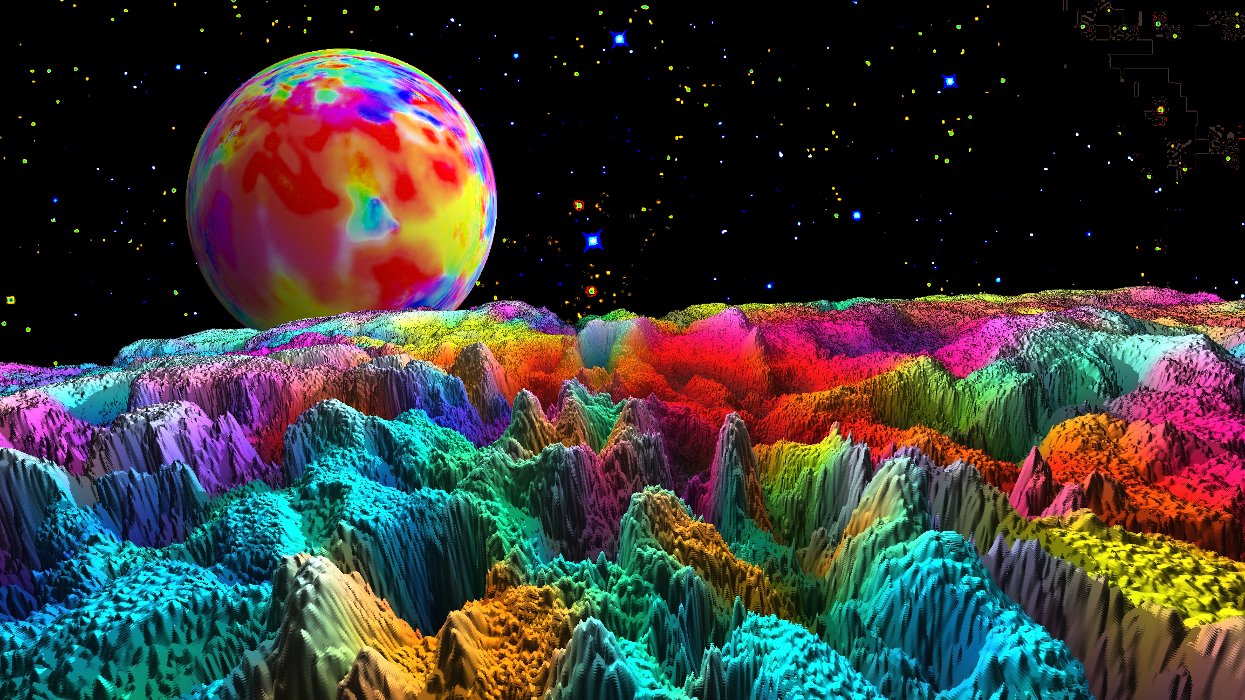
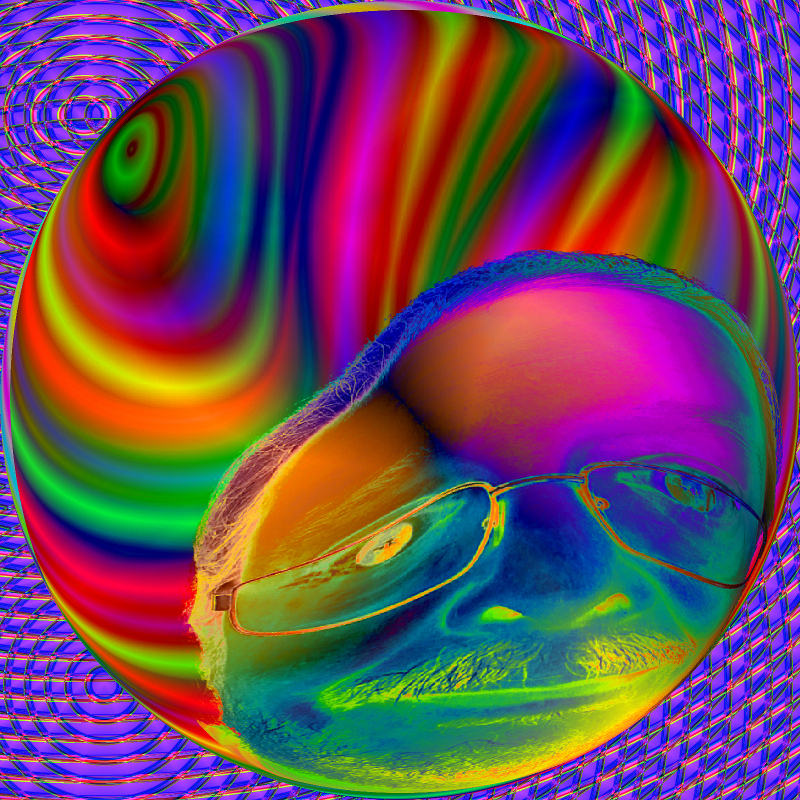
21 Aug 19 Reply In gimp it's in the image-map menu. There is a 'map to sphere' option. Not sure about PS, as I don't have a current version. Aug 24th
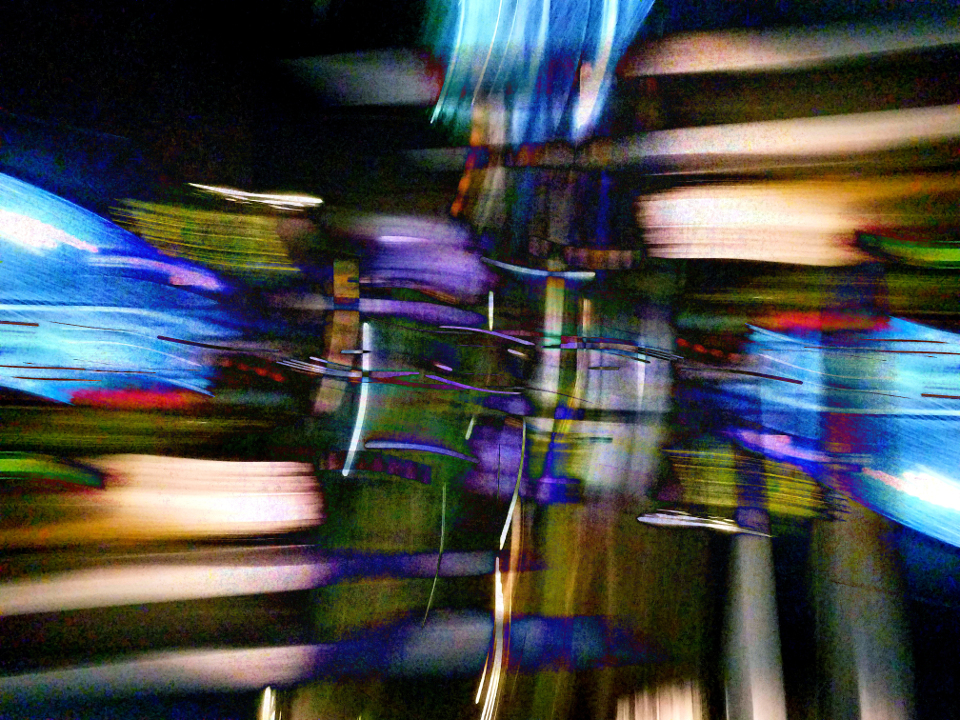
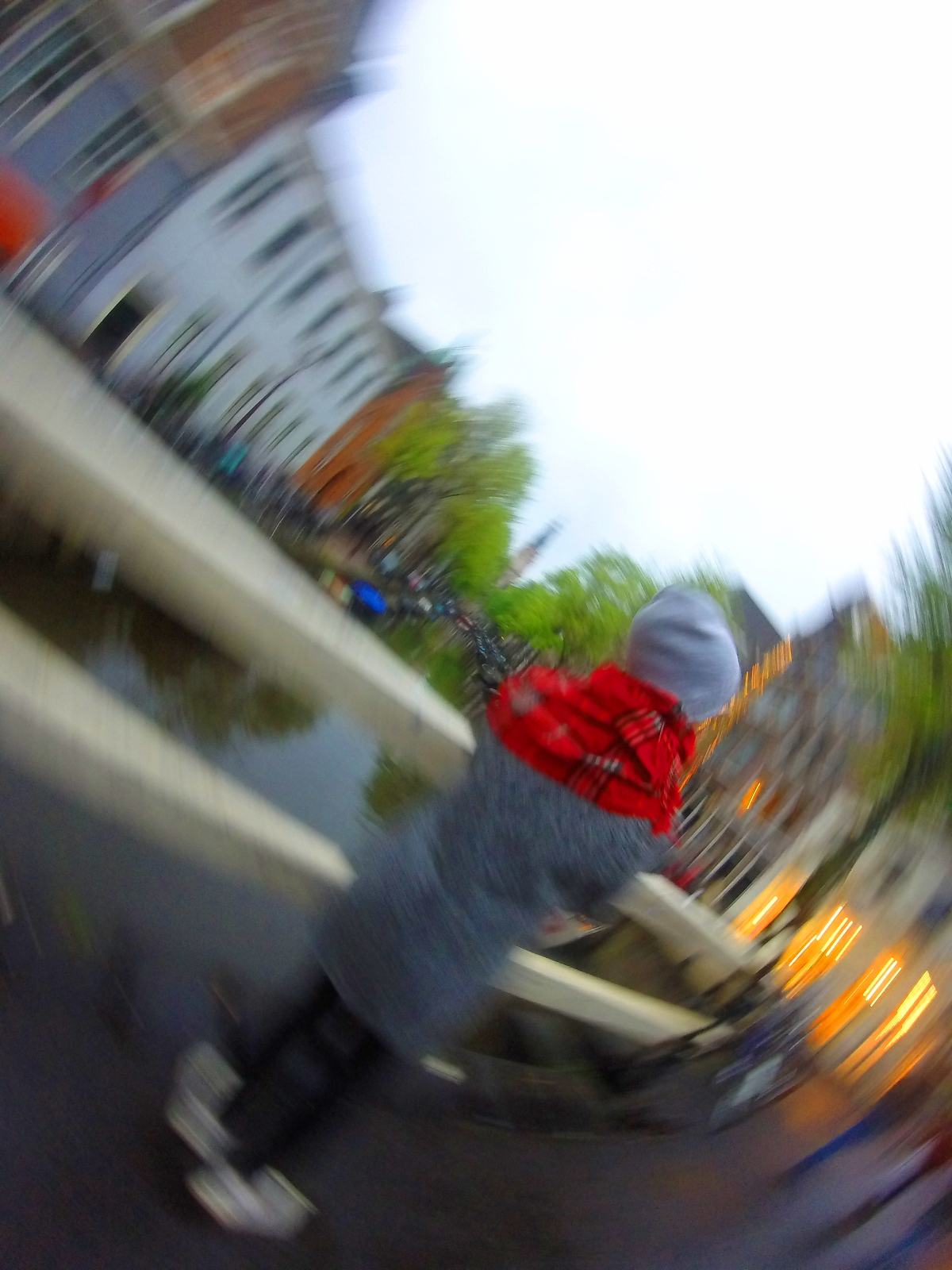
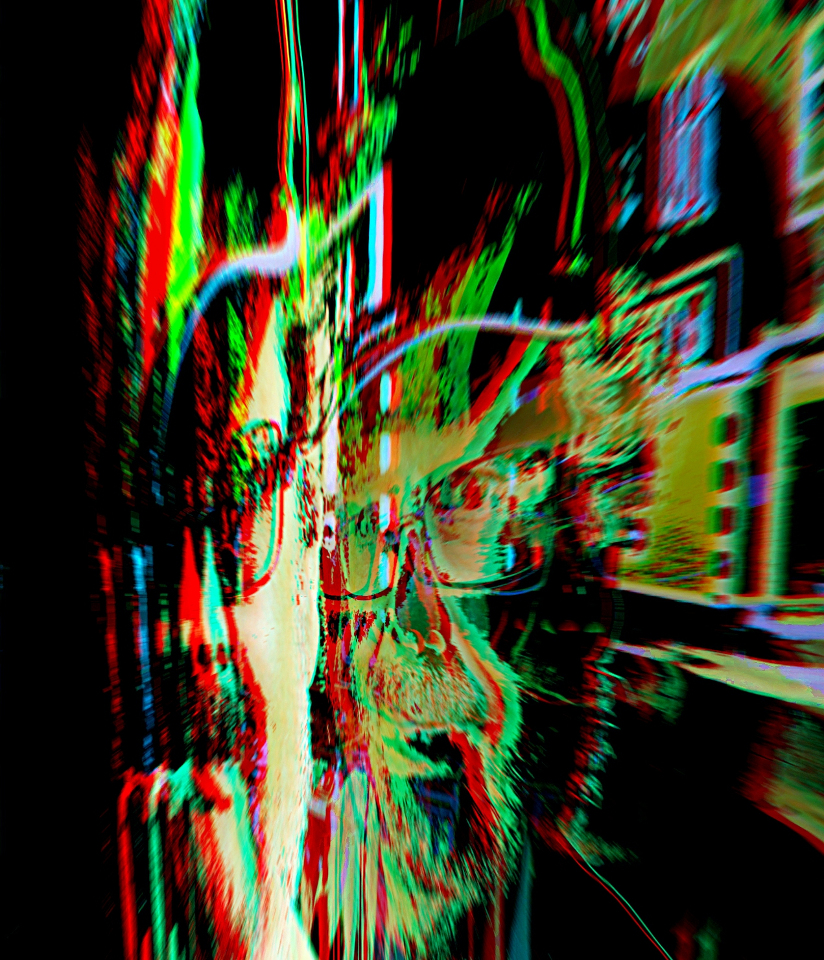
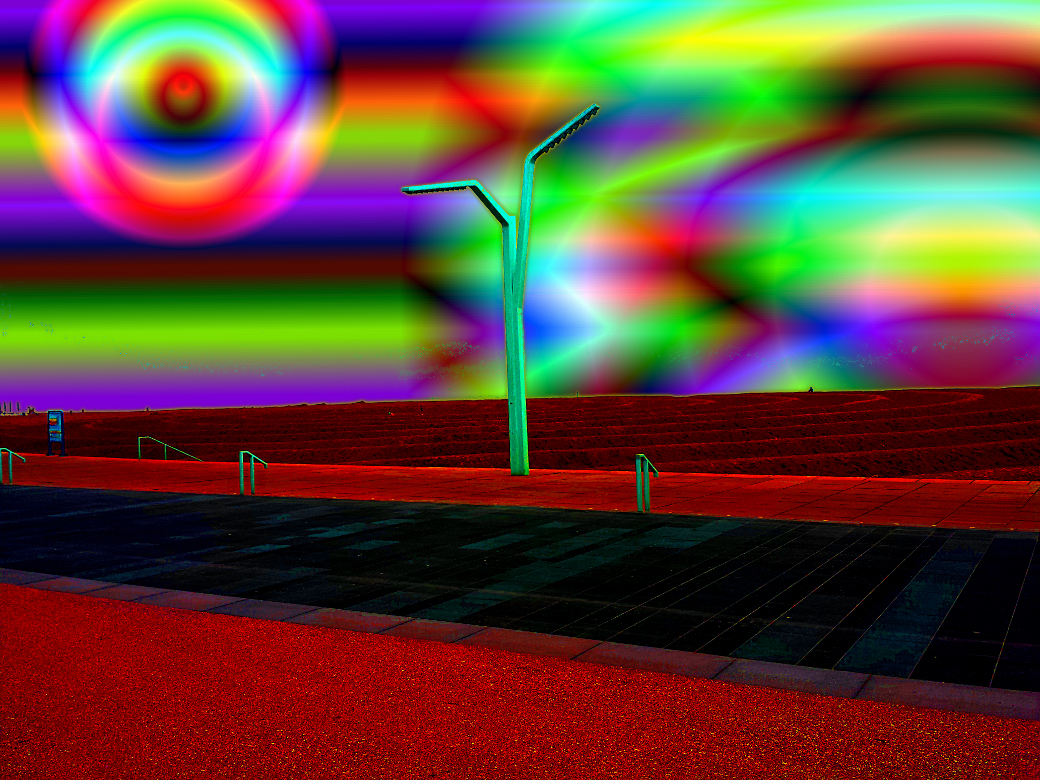
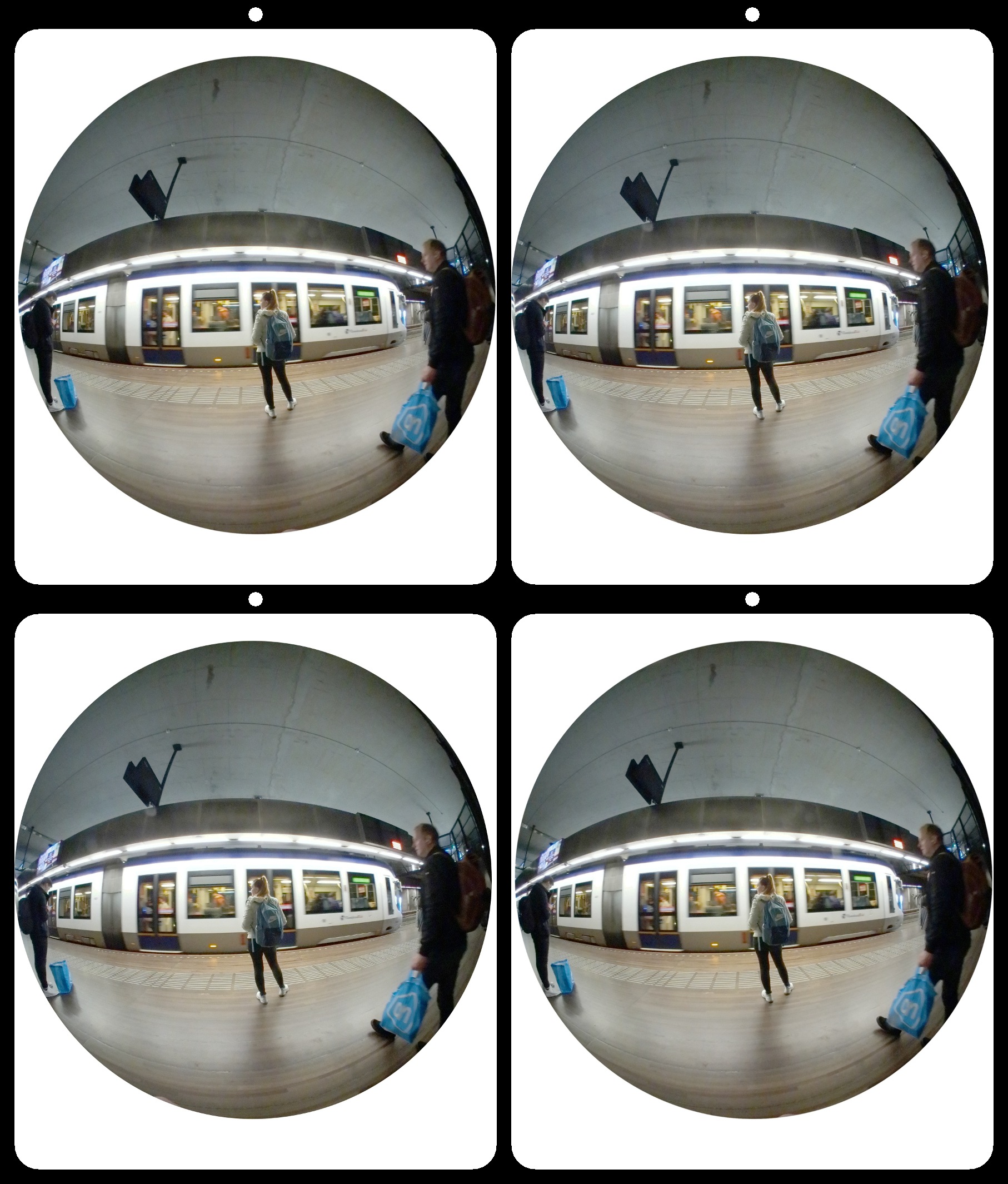
21 Aug 19 Reply The panorama mode uses a vertical slot shutter to sequentially capture 360 degree composites, similarly to the way a scanner or xerox machine works. As you move, it captures vertical lines and combines them. If you move slowly and evenly you get good panoramas. The idea here is: Don't do that. :) Aug 22nd
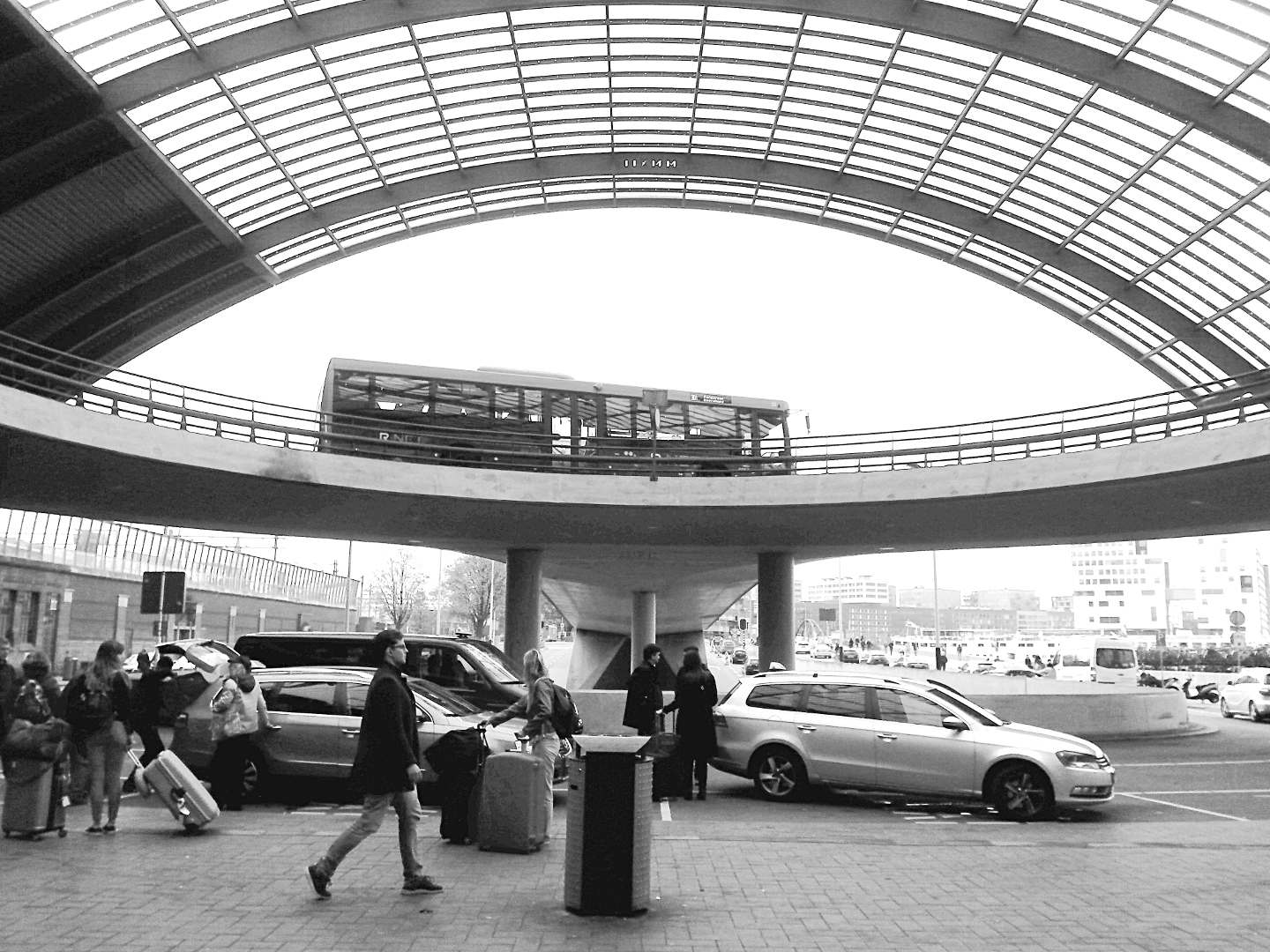
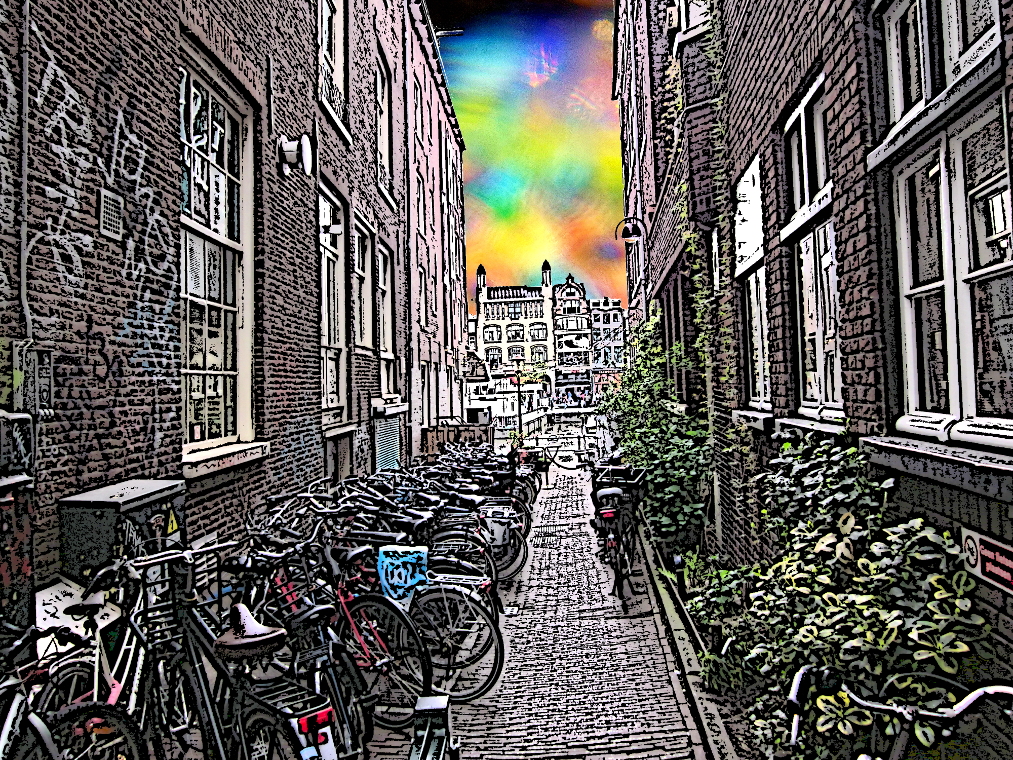
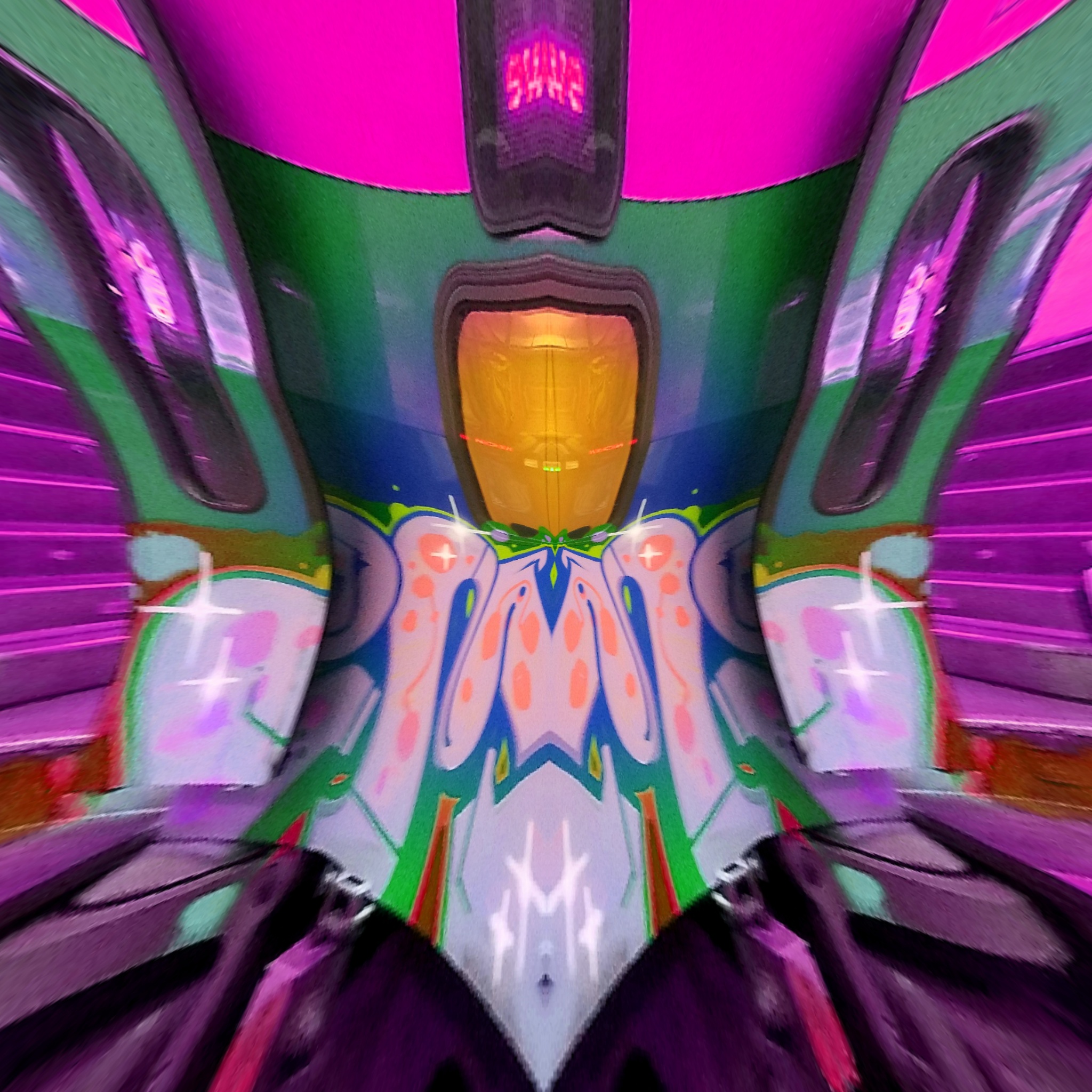
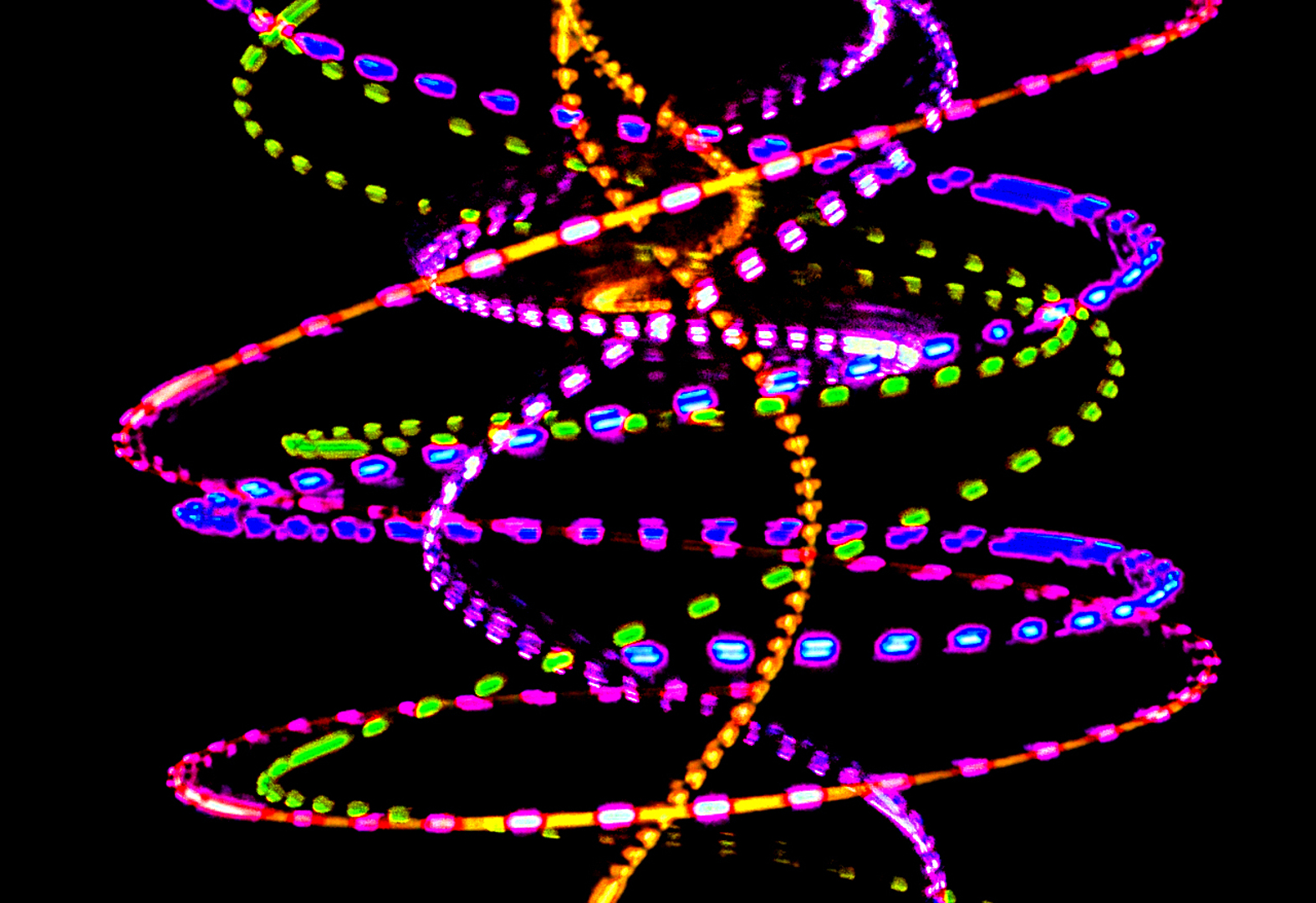
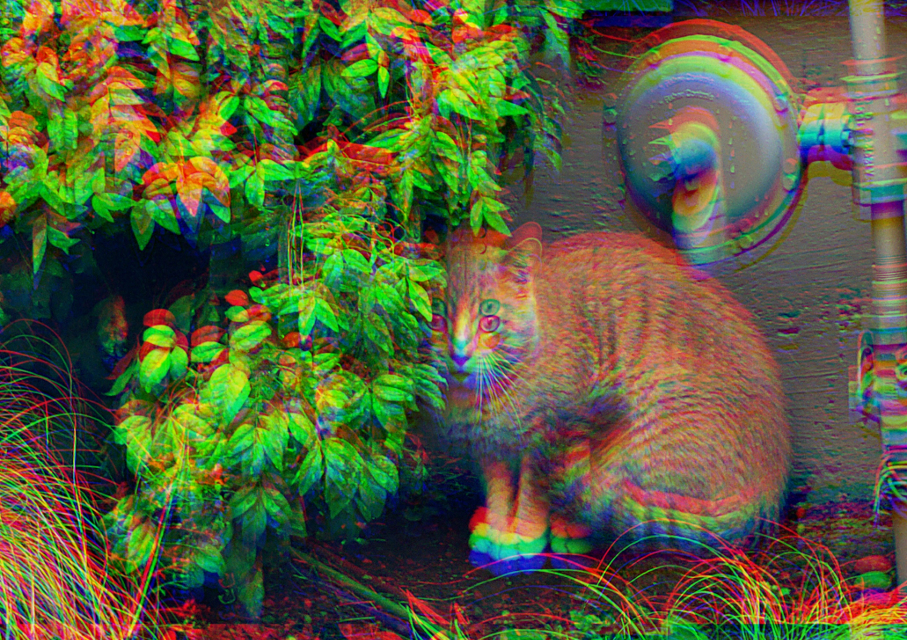
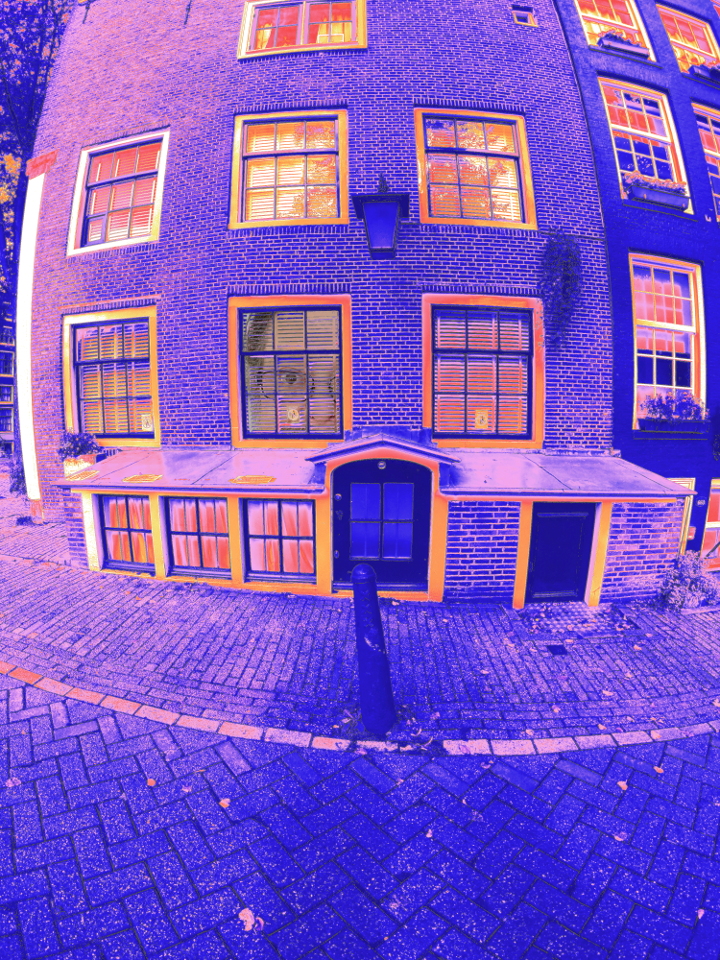
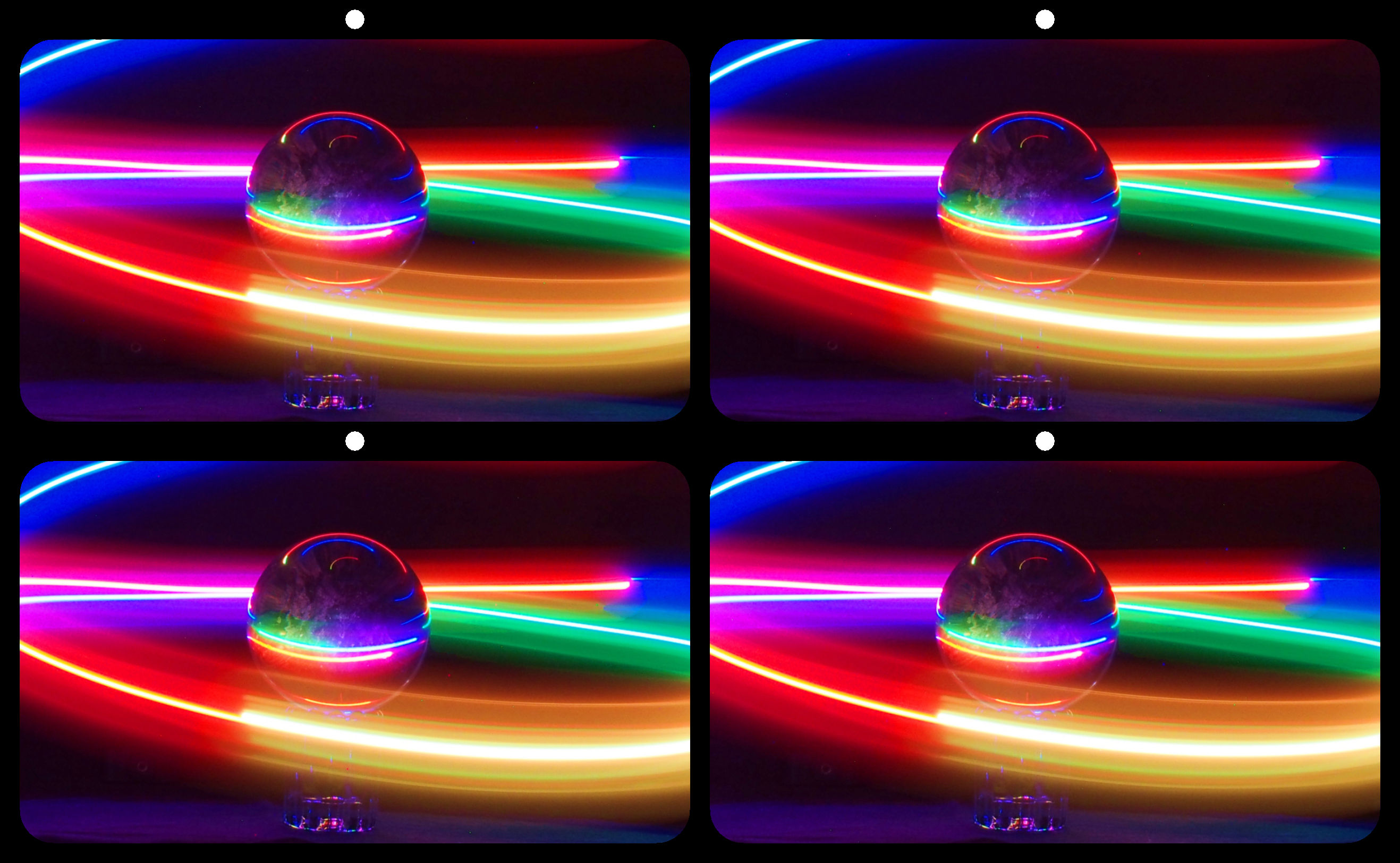
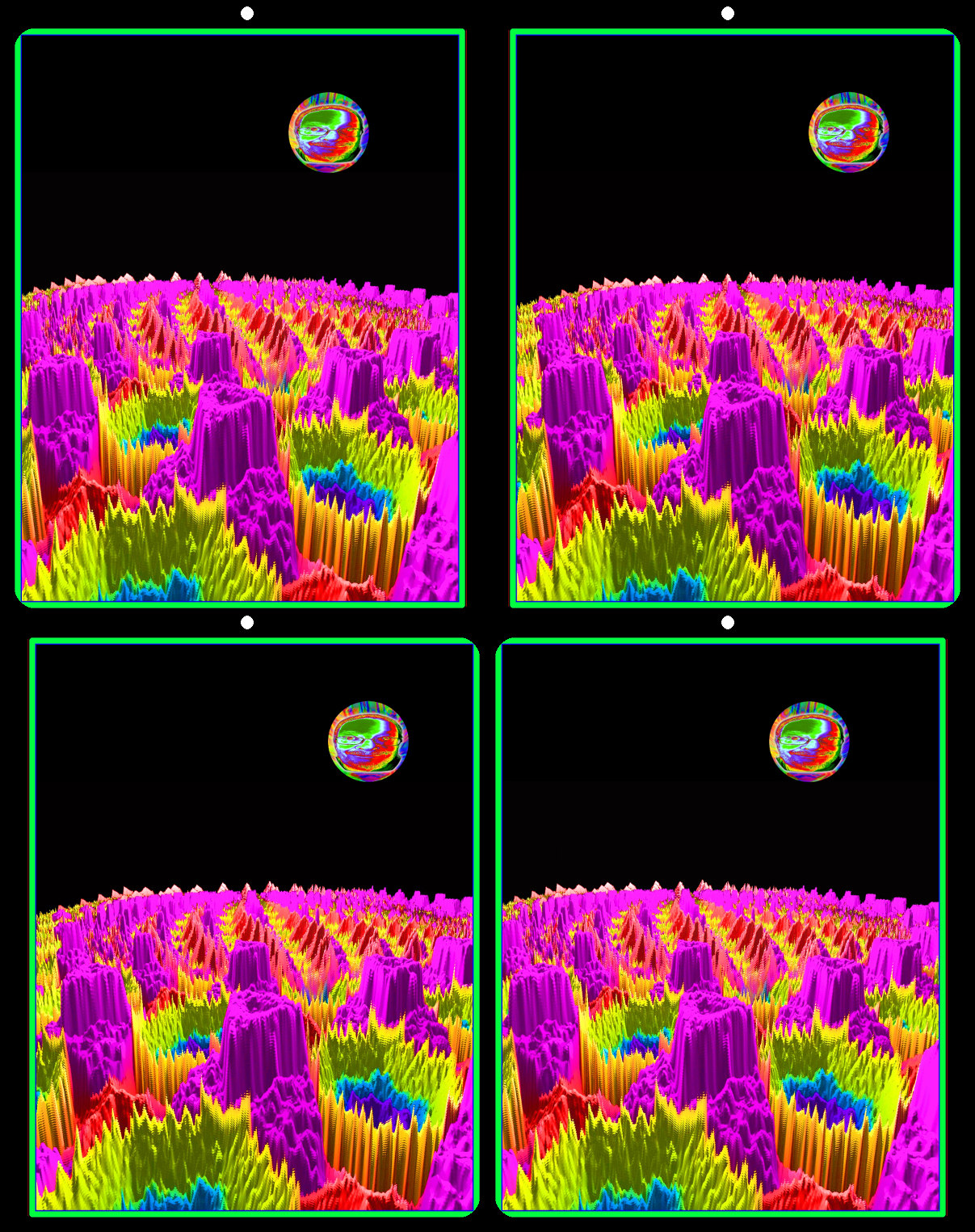
21 Aug 19 Comment Great lines and dynamic colors. But if I was asked to hang it in a gallery, I would hang it upside down. The highlights and shadows look more natural that way. Aug 22nd
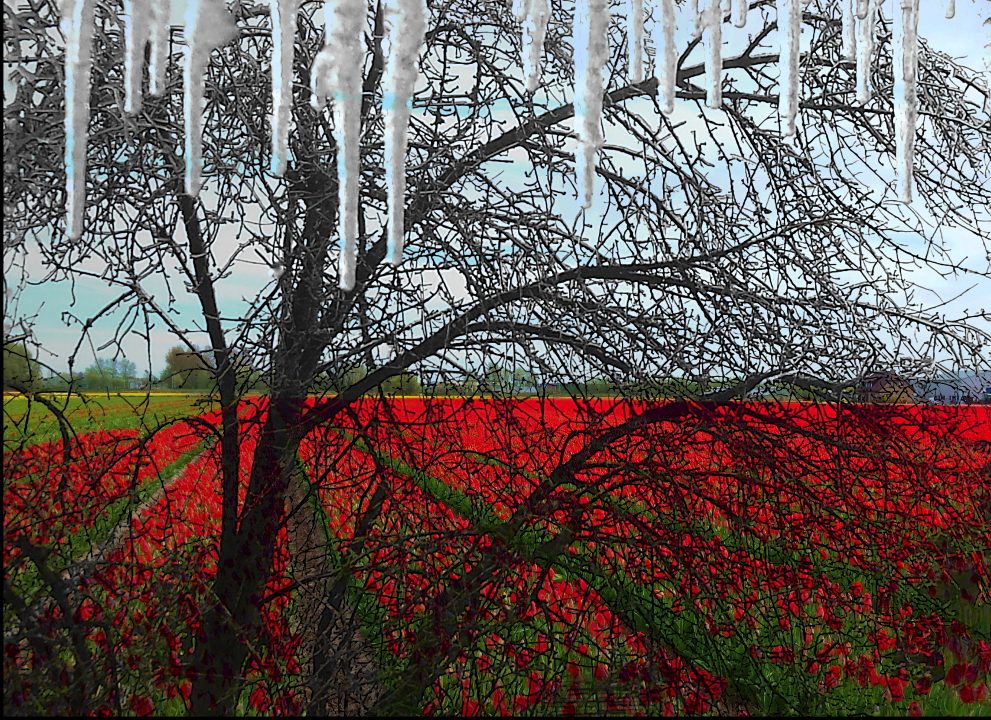
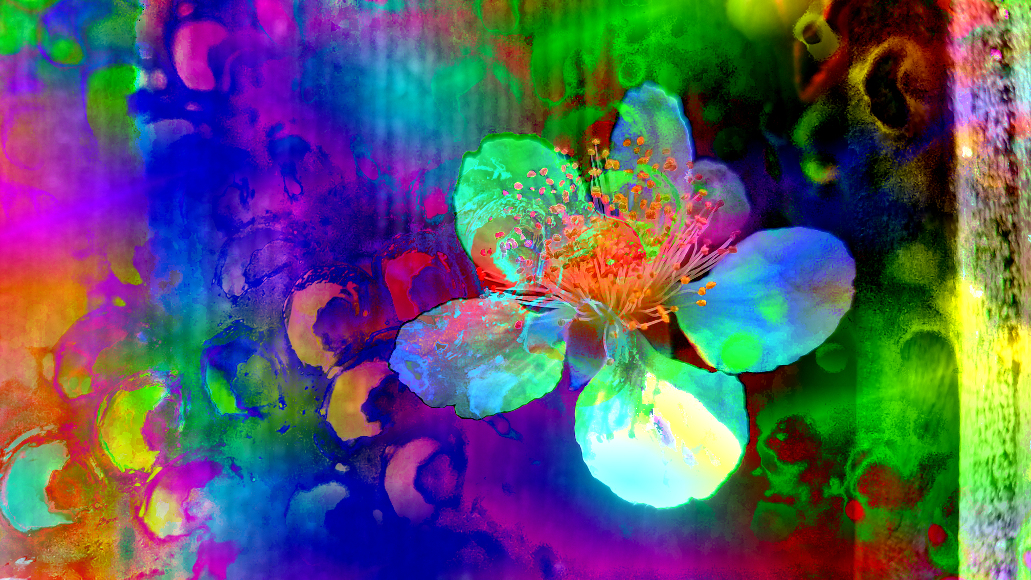
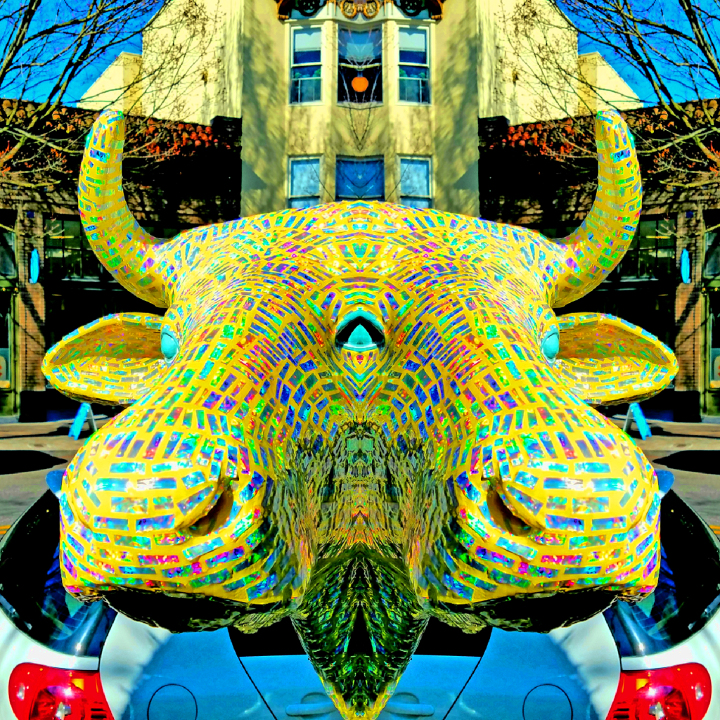
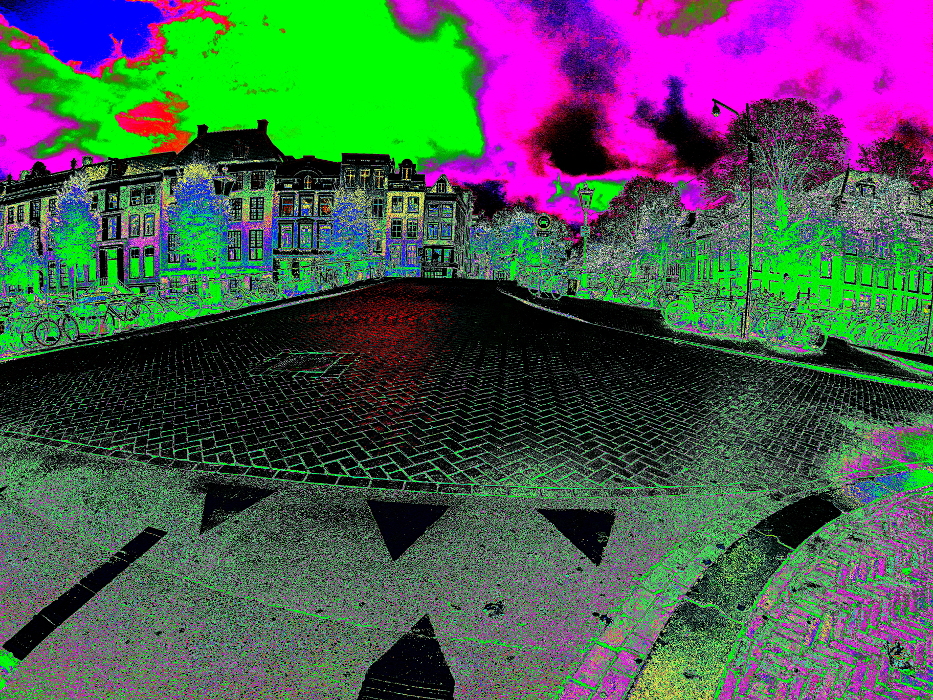
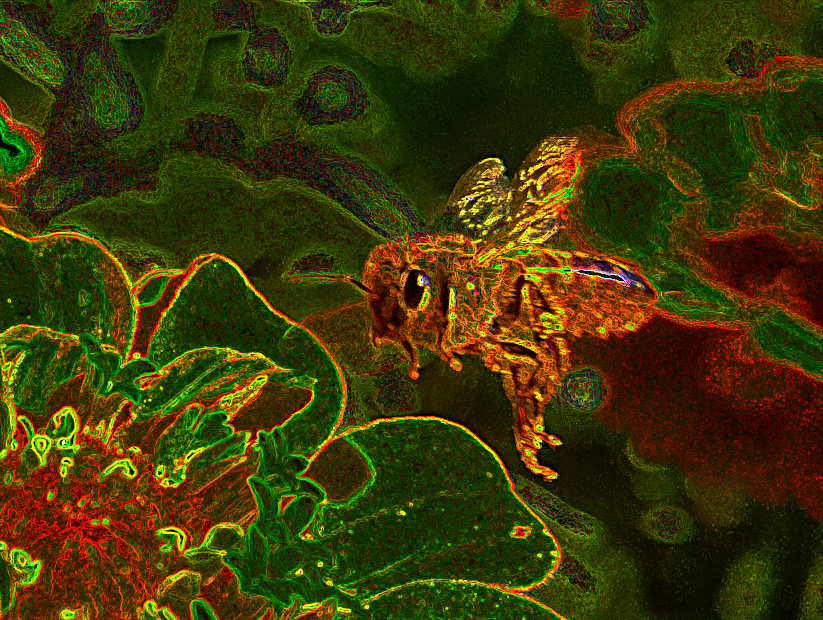
21 Aug 19 Comment I love the idea, and your edit. I do think the image looks over sharpened. I think using a posterization tool to further reduce the color palate, and using contrast adjustments rather than a film grain tool would give it more punch. Aug 22nd
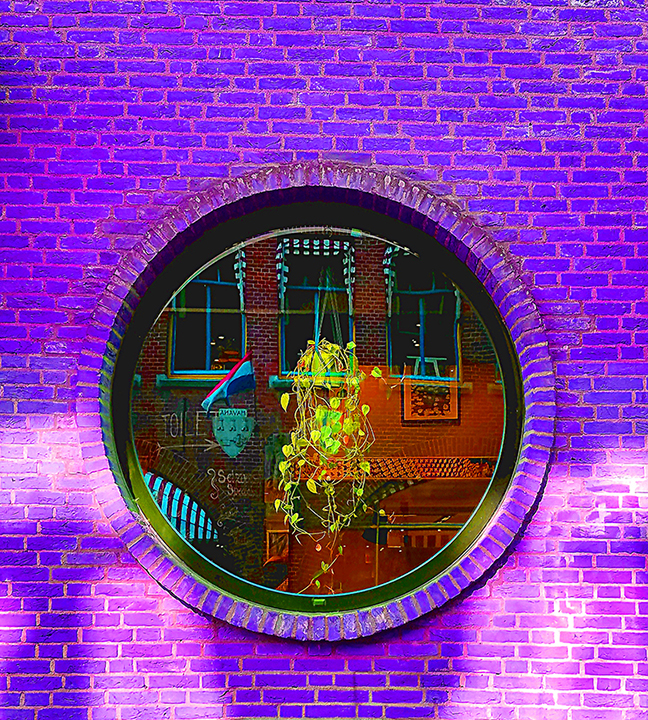
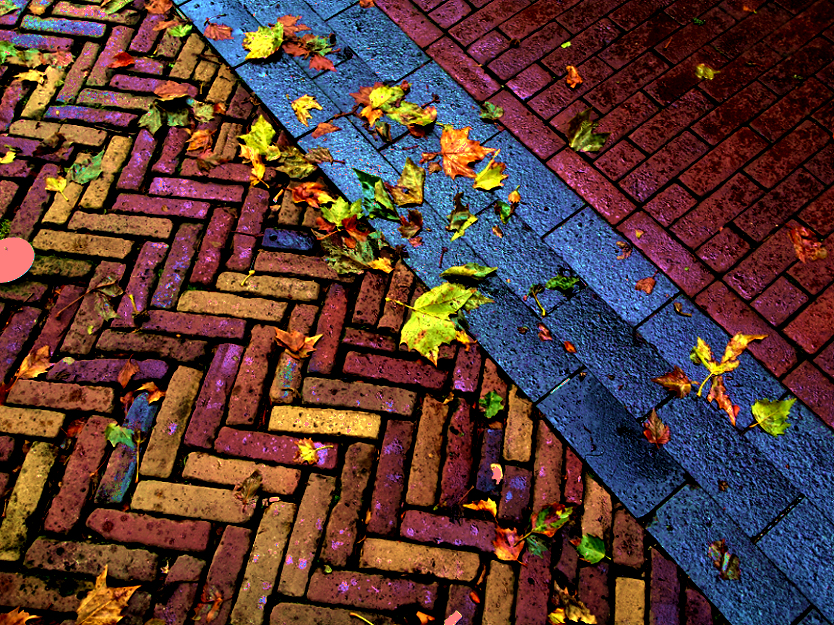
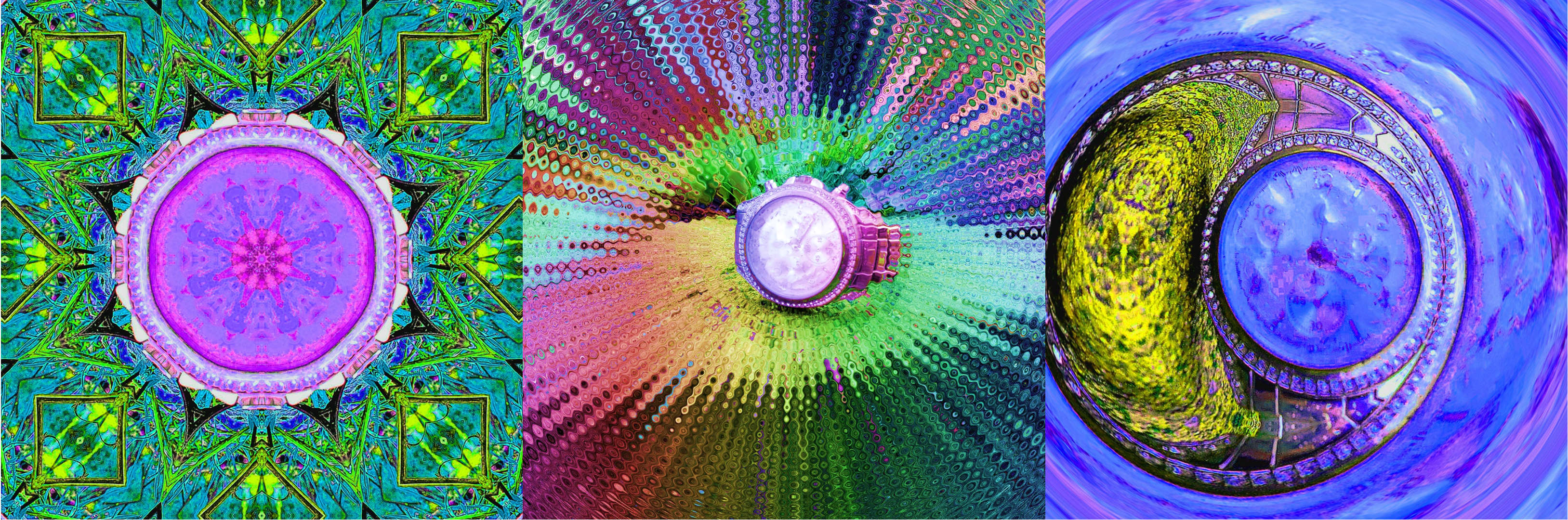
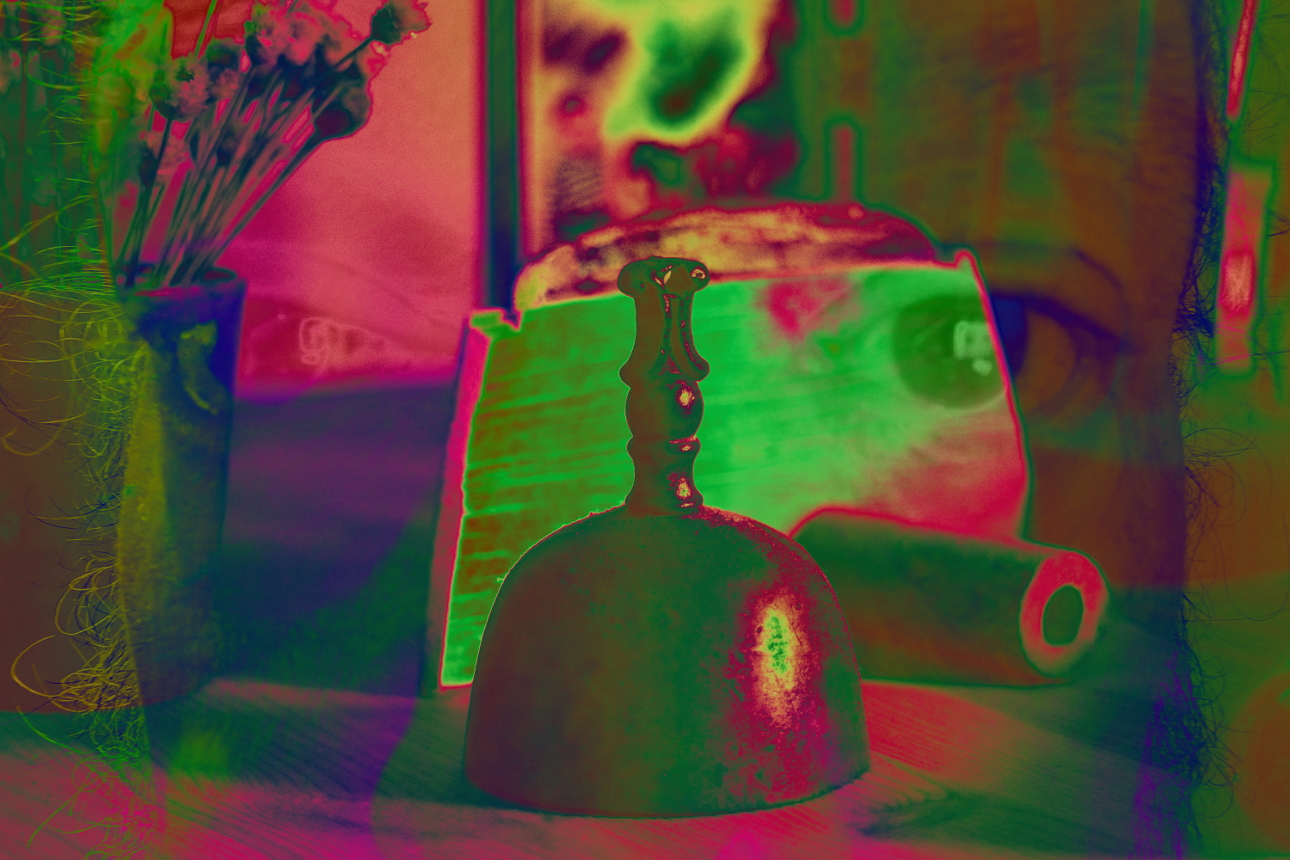
21 Aug 19 Comment I like the overall effect of the layer blending. It has a water color like feeling to it. I think your edit of the pearl is fine, but the sharpness of it's silhouette doesn't match the softness of it's pastel color, or the overall ethereal nature of the image.
If you give the pearl's edge a softer feeling, it would match the image better.
If you made it more transparent and gave it some shiny highlights, it would match it's current edge better.
Aug 22nd

3 comments - 2 replies for Group 21

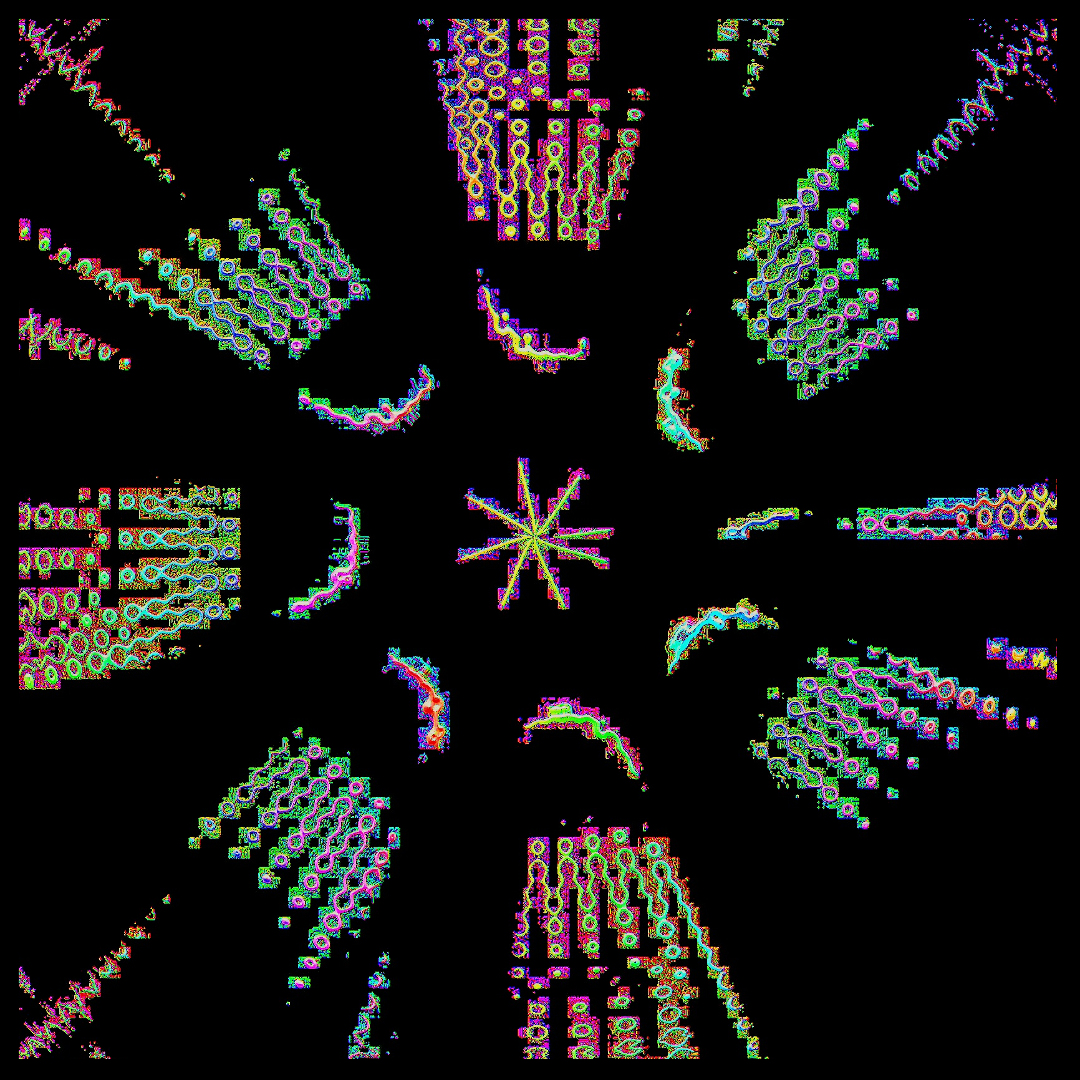
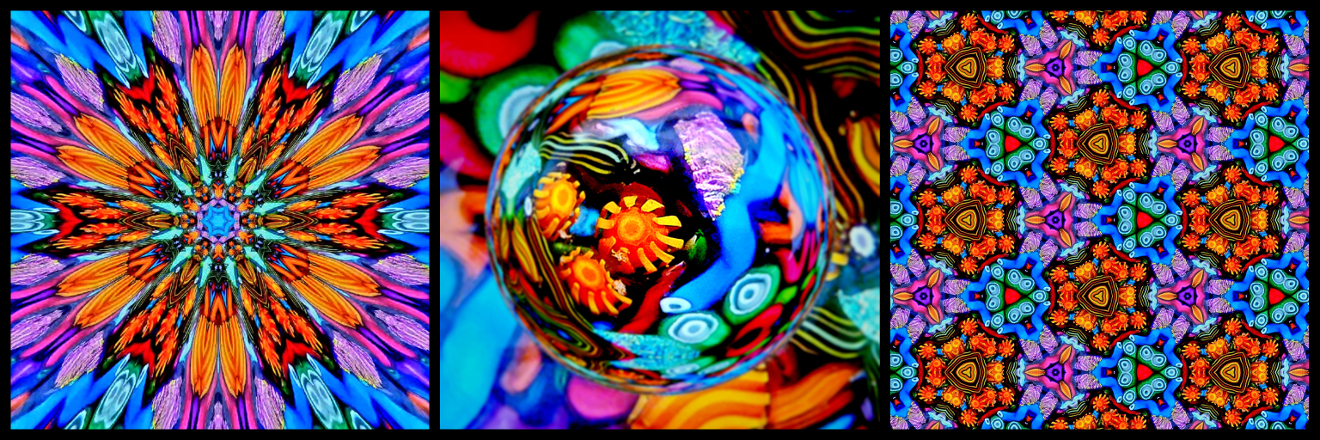
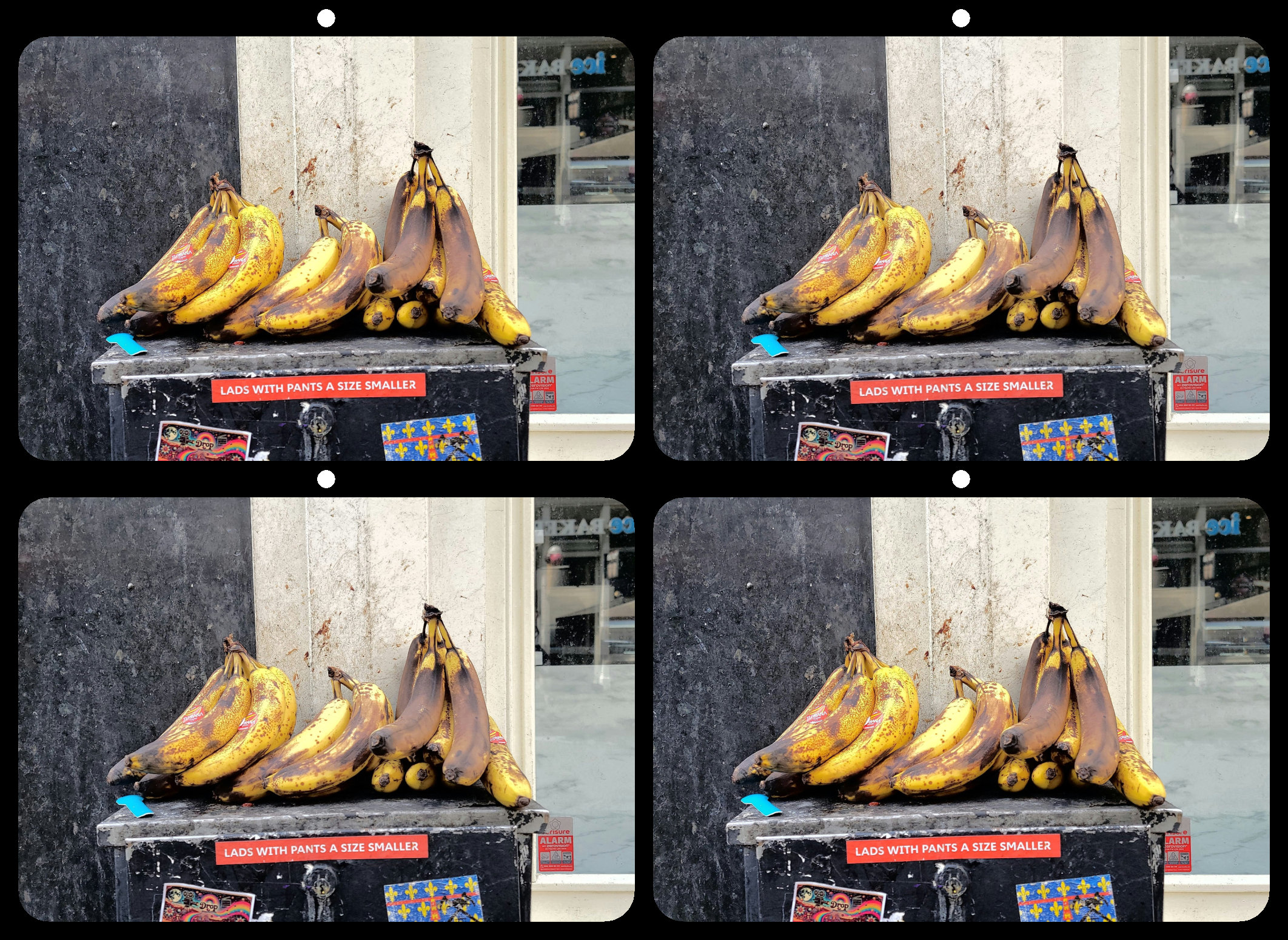
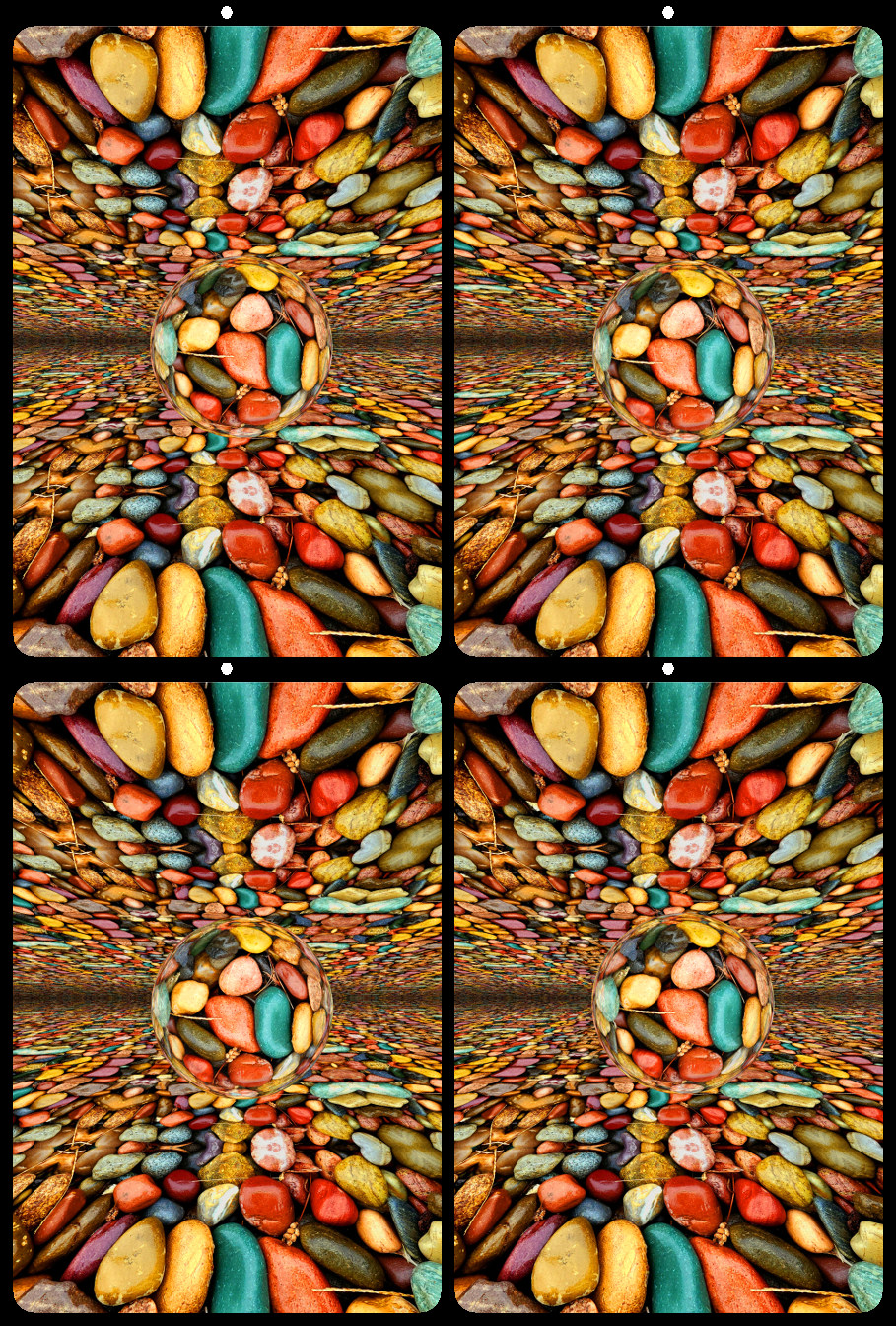
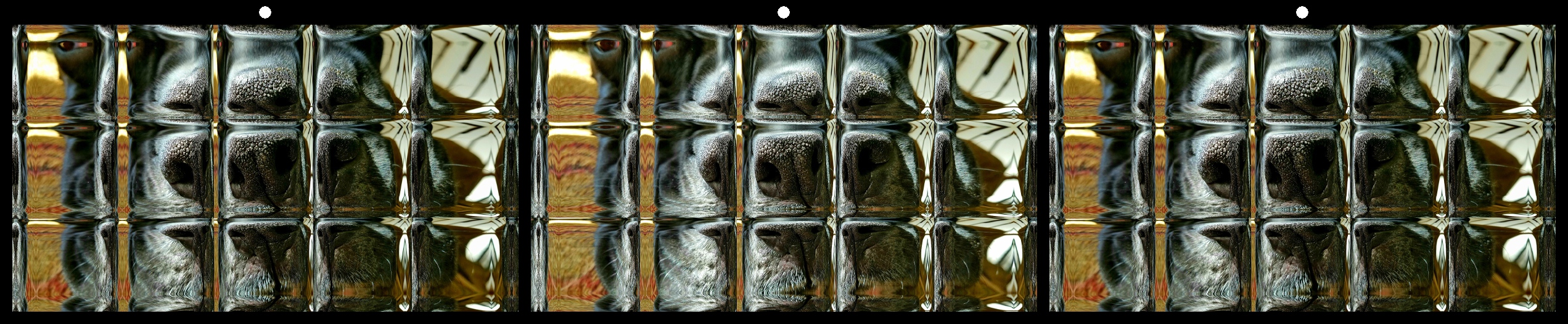
68 Aug 19 Comment Thank you for your comments. I guess the somewhat abstract nature of the image, combined with the repeating squares, made it hard to decide which squares to merge and where to focus. I have no problem merging it correctly, but I'm already familiar with the image so my eyes know where to look. I'm curious how people will see it when projected. Aug 22nd
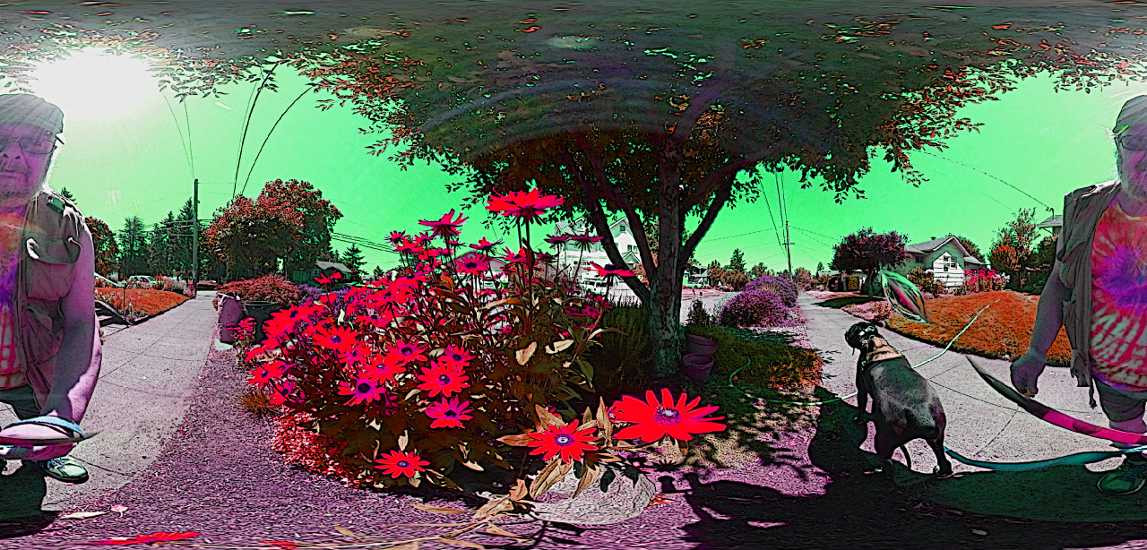
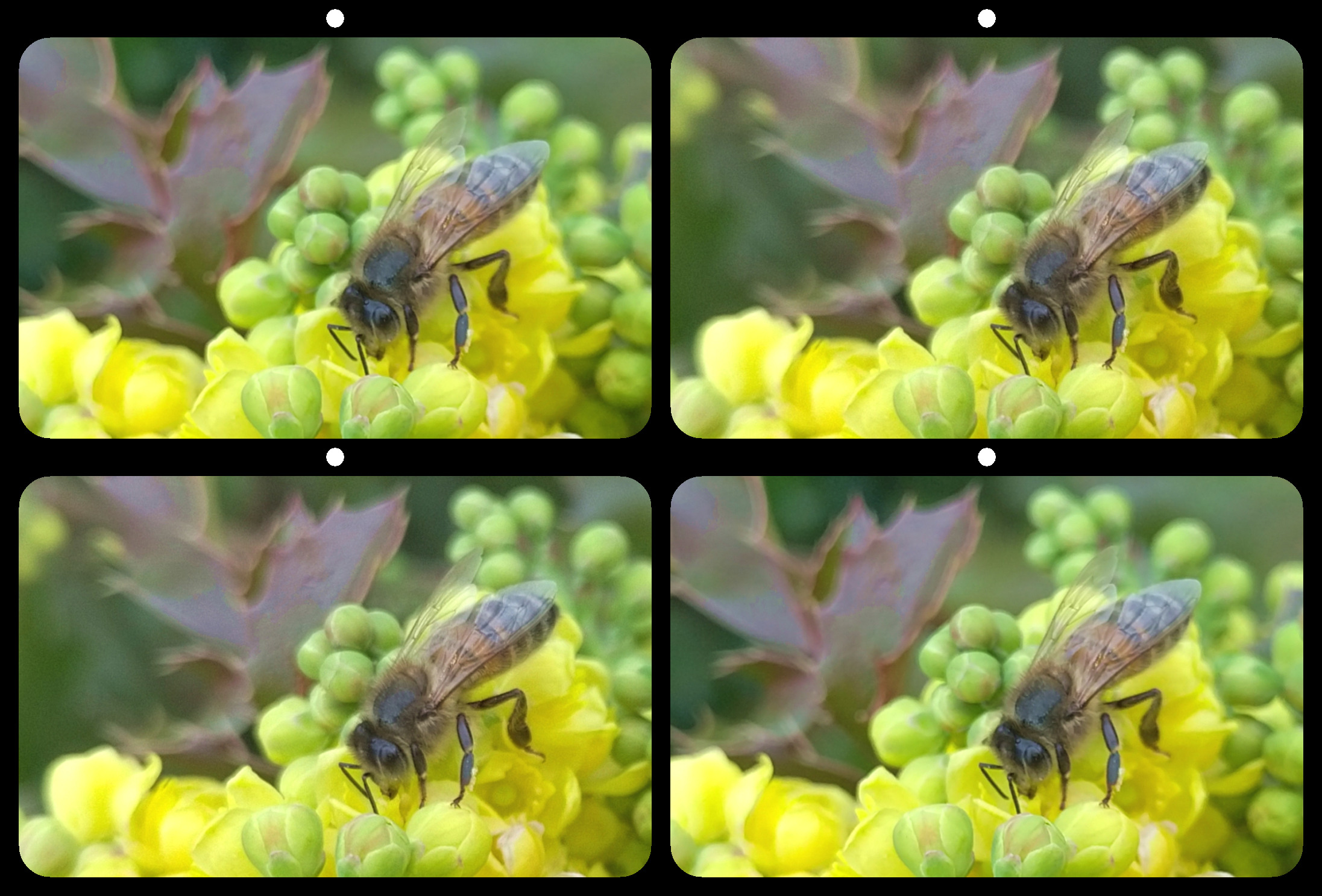
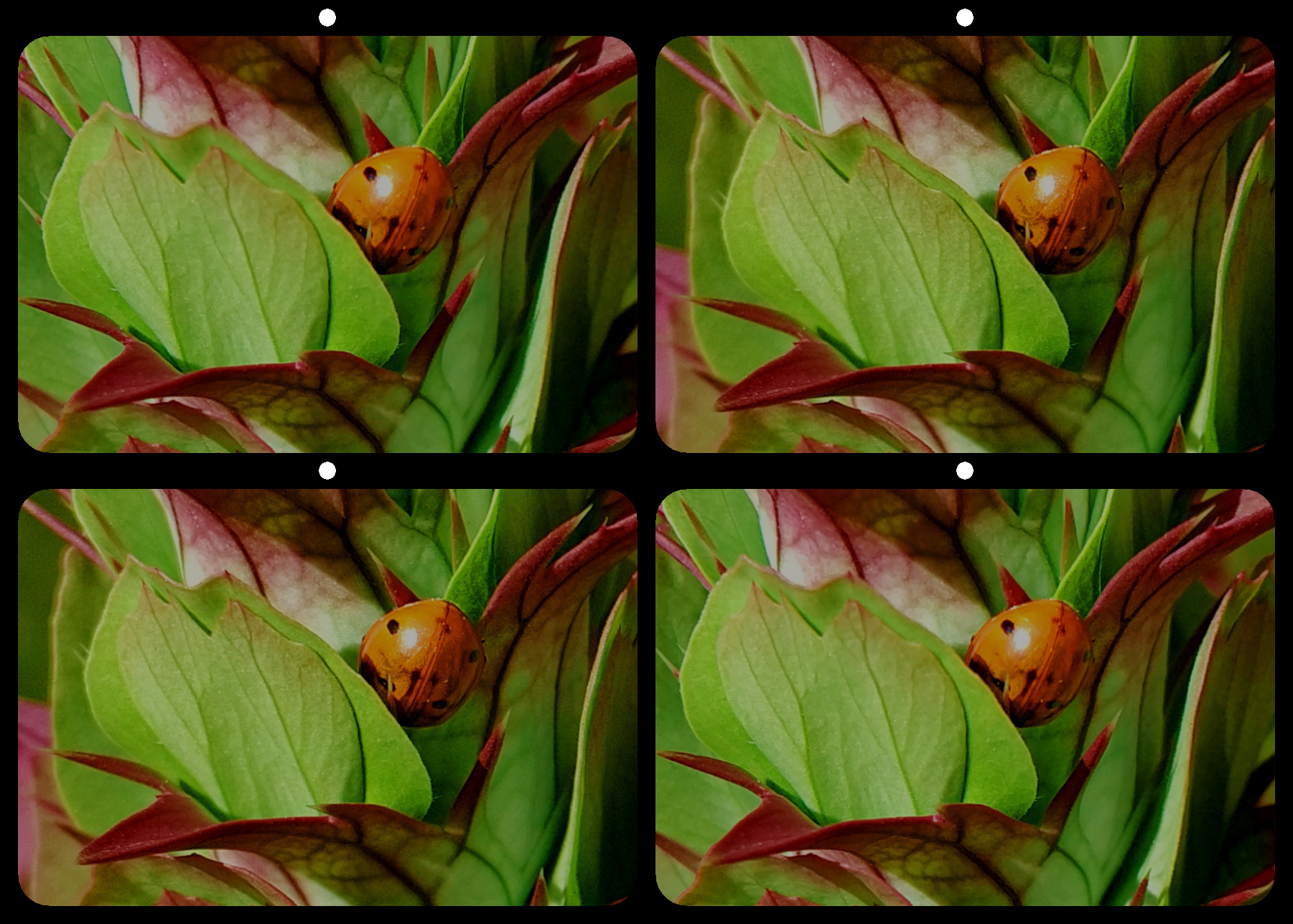
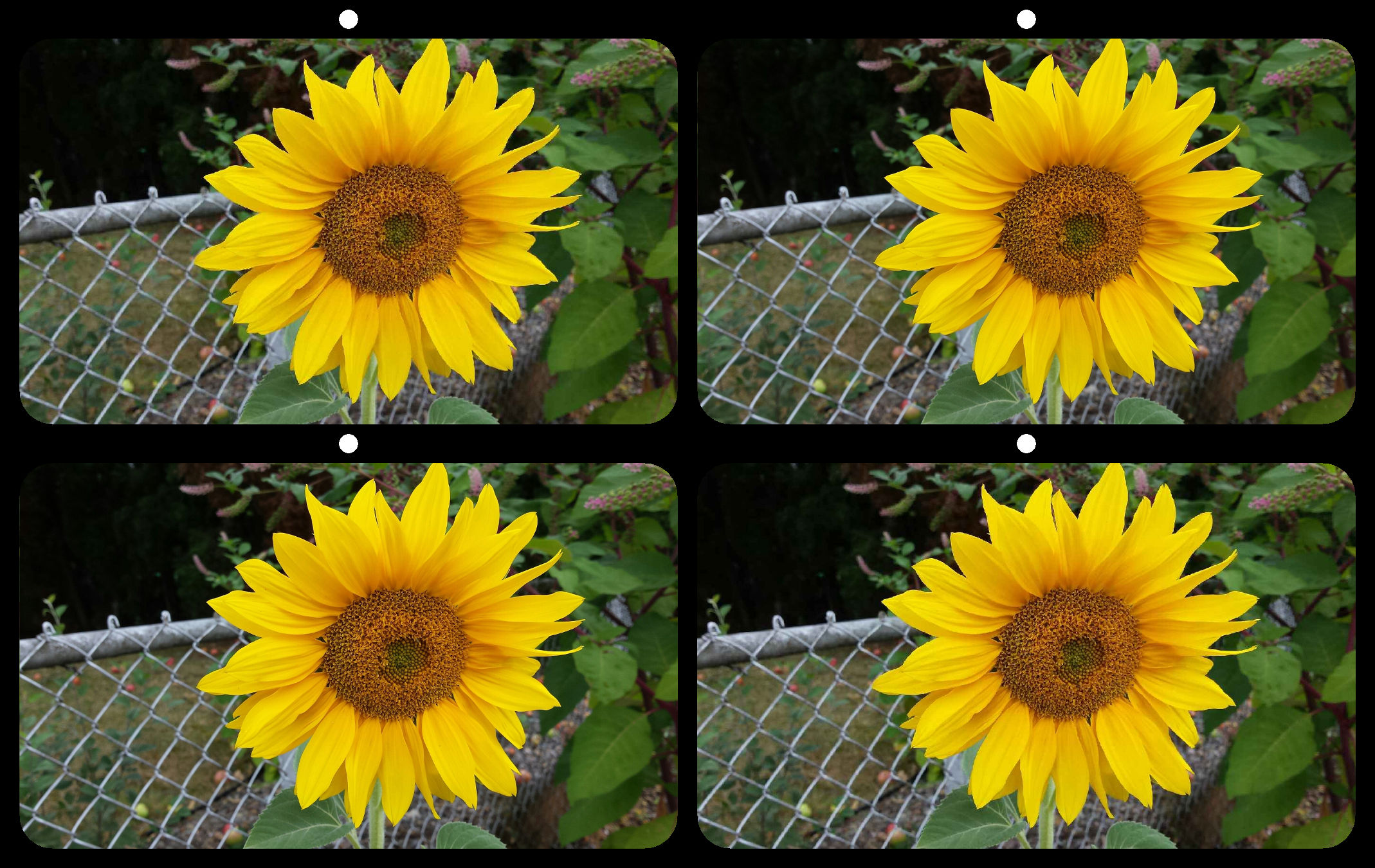
68 Aug 19 Comment The flower itself has good depth, but the ground, tree, and sky all seem to merge pretty quickly. That combined with the low resolution makes me wonder what camera was used. Aug 22nd
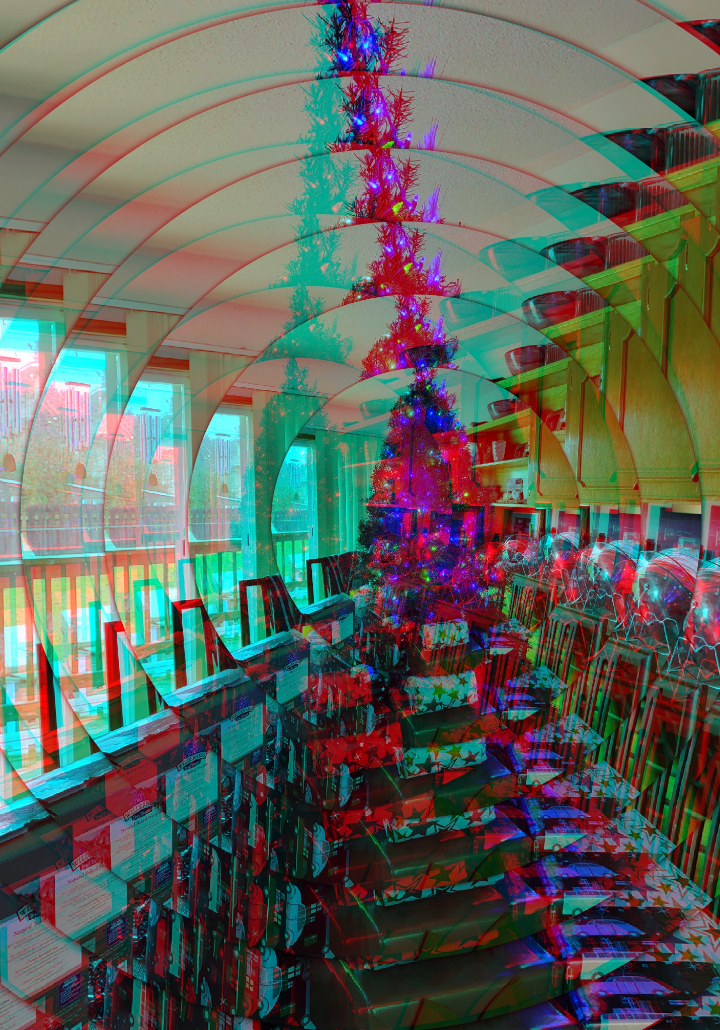
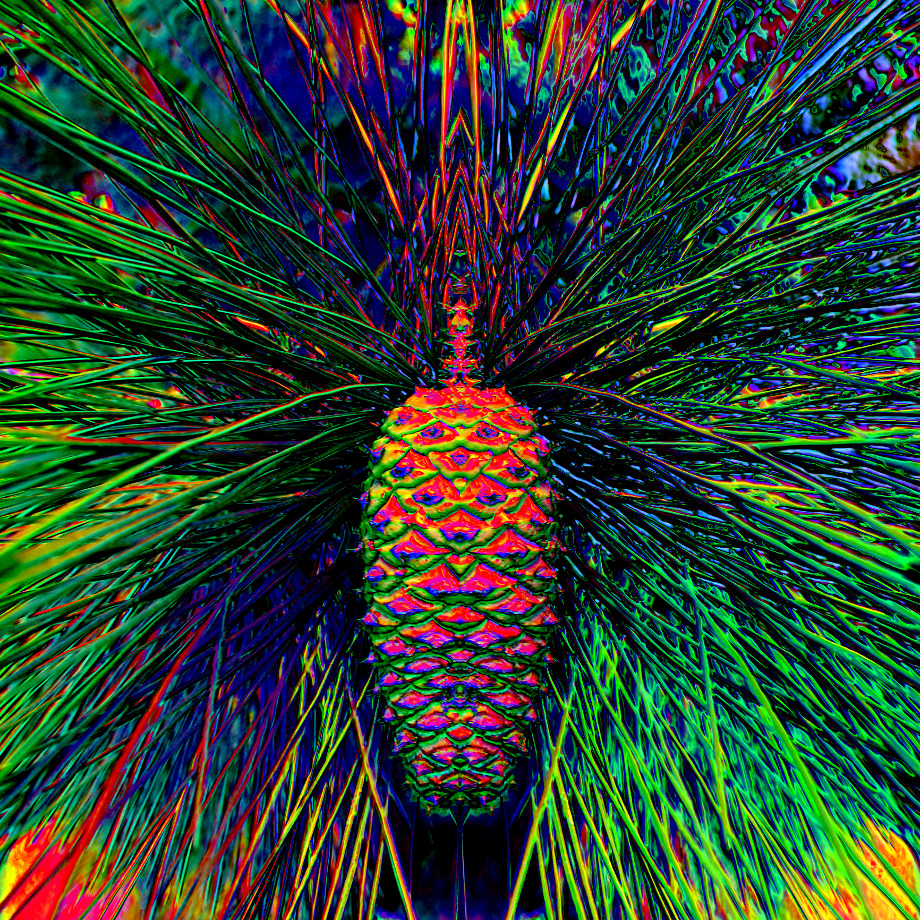
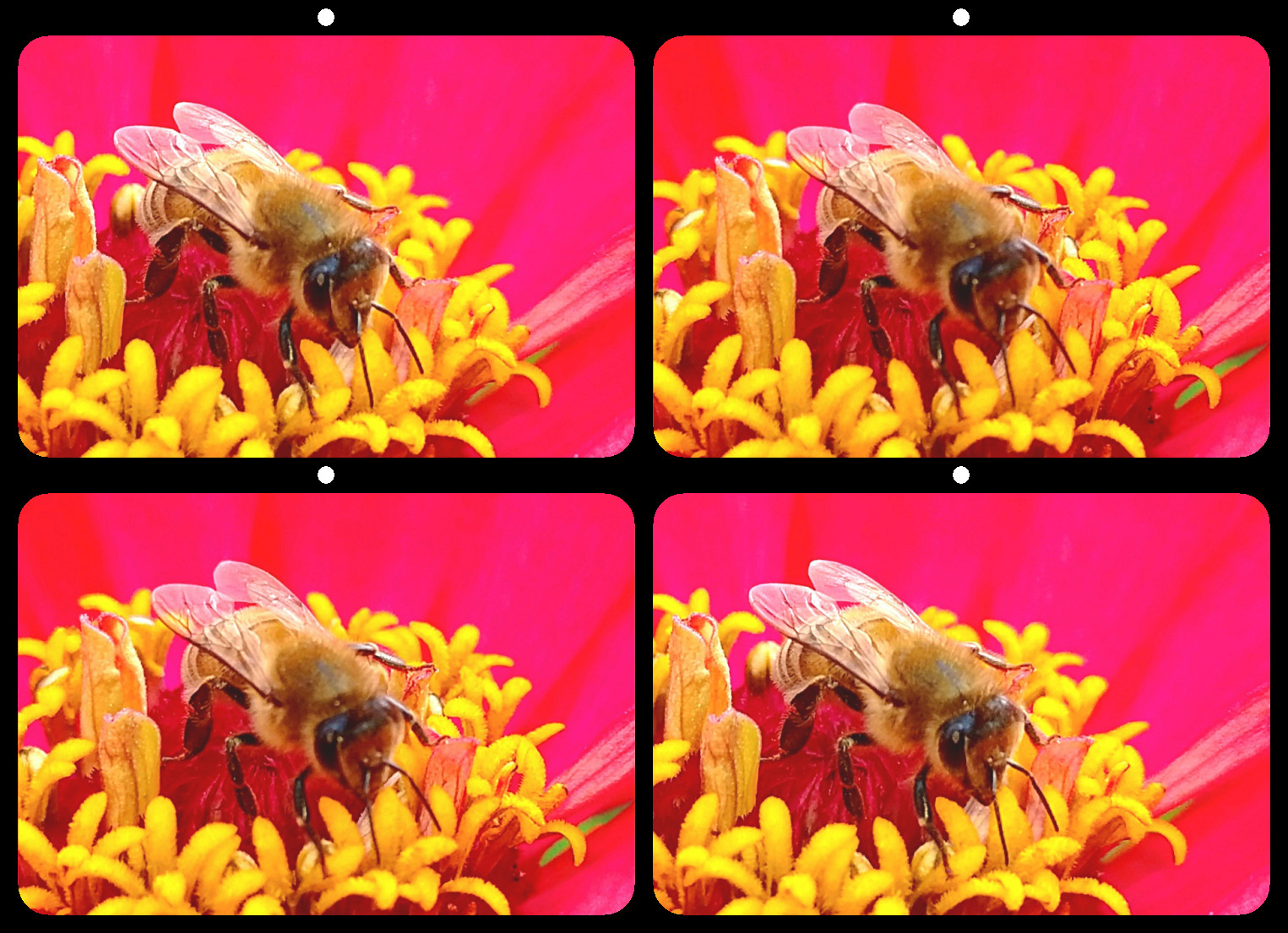
68 Aug 19 Comment I don't see over saturated red. I see under saturated yellow.
I love your image, but I don't think that Christmas tree is going to fit in the living room.
Aug 22nd
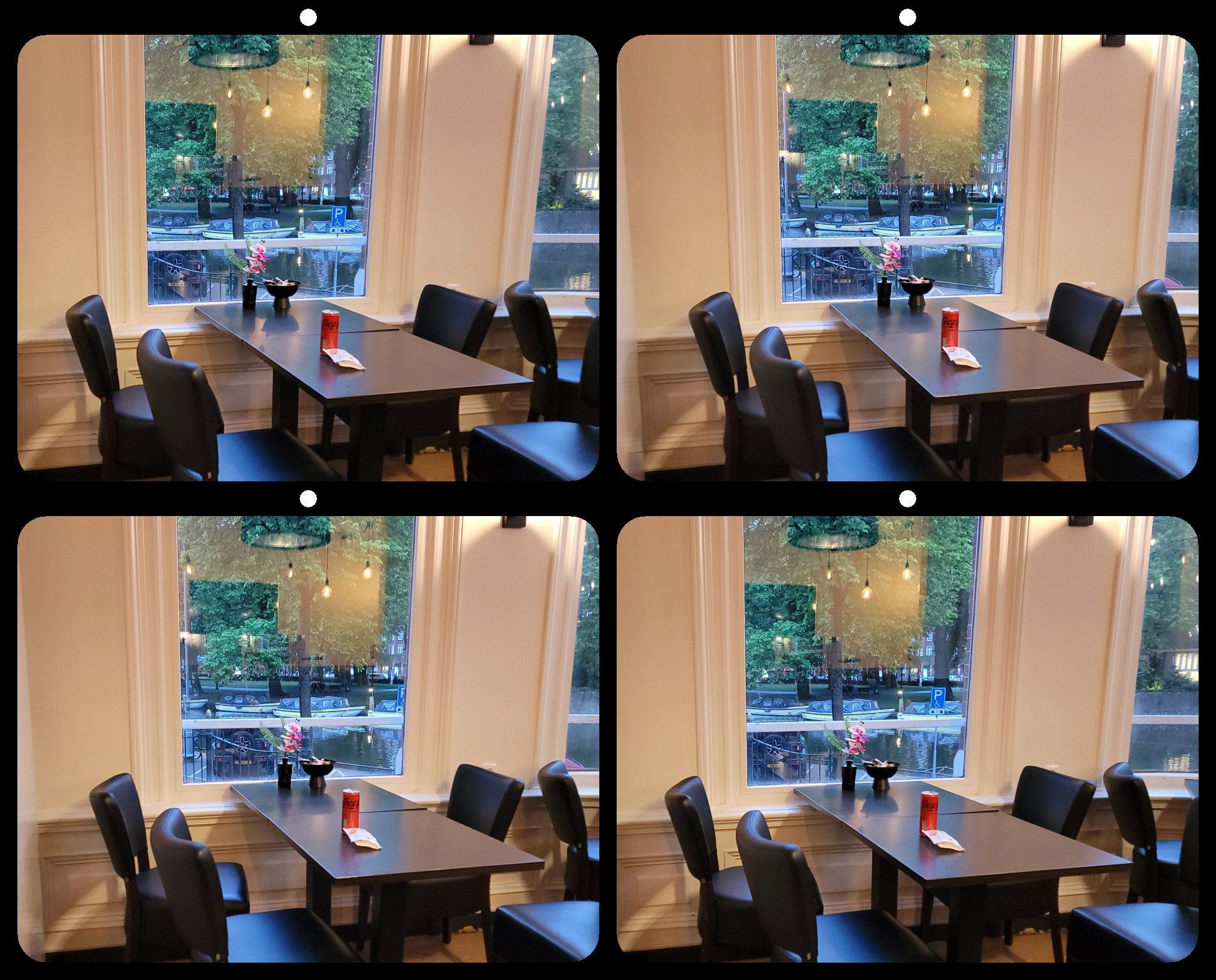
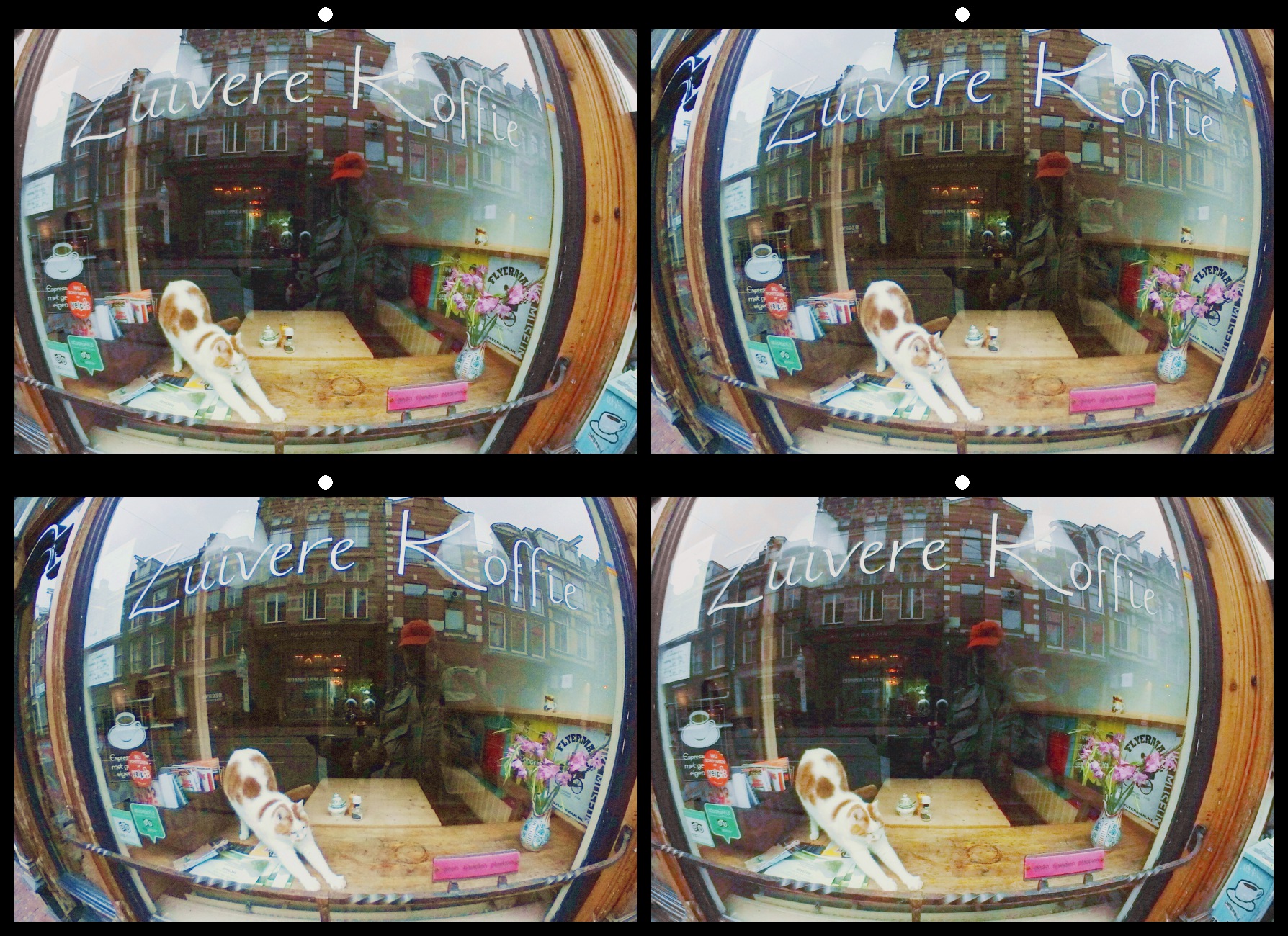
68 Aug 19 Comment What makes the window violation disappear, are the reflections of the lights behind it. The reflections create a false window at the table surface. The glow of the background is bright, but it isn't really distracting to me. Aug 22nd
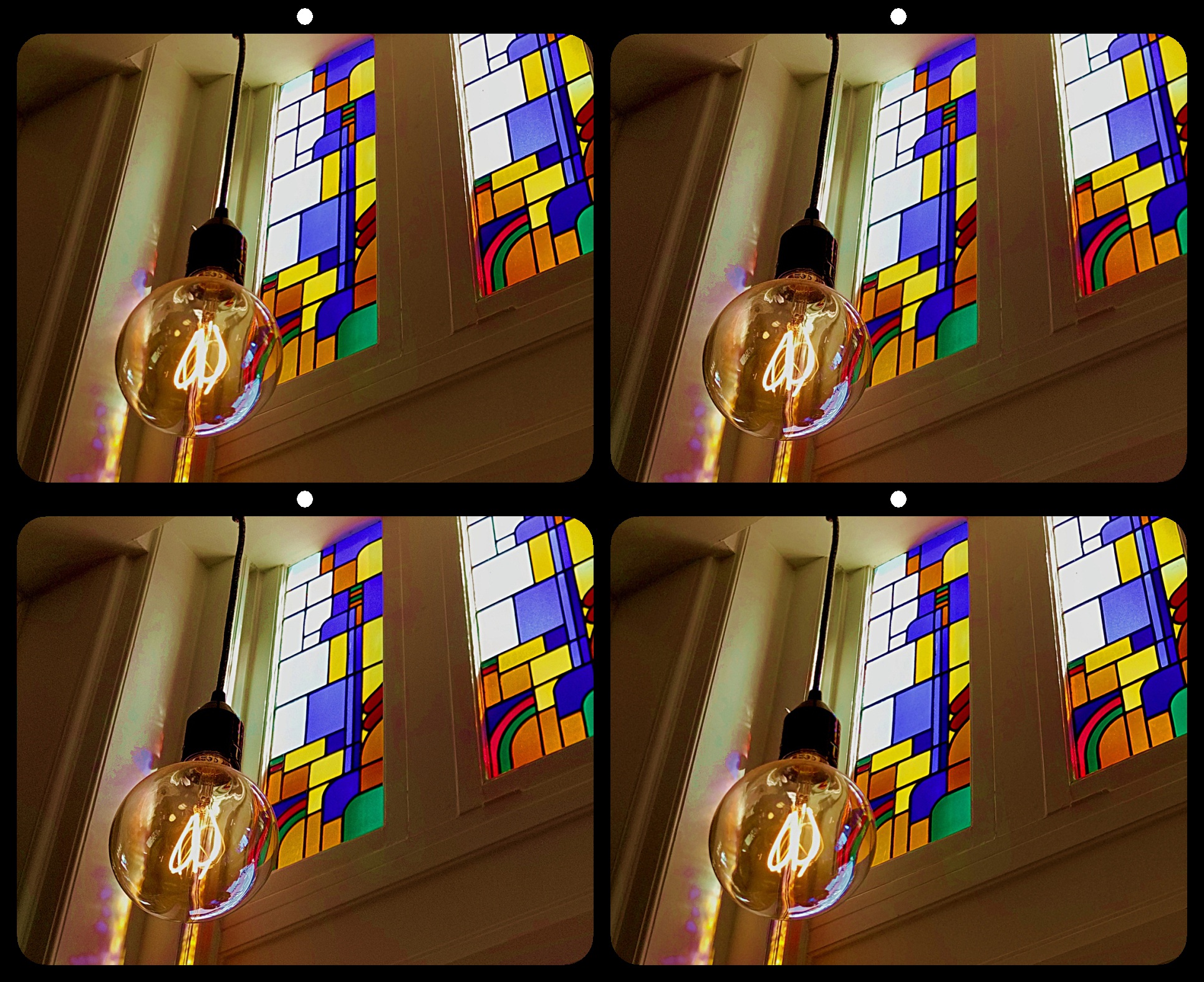
68 Aug 19 Comment I like the bulb. I'd buy it. :) I like the idea of it popping through, but the hand is indeed violating the window. I think there is room to fix the hand and still have the bulb pop out a bit. Aug 22nd
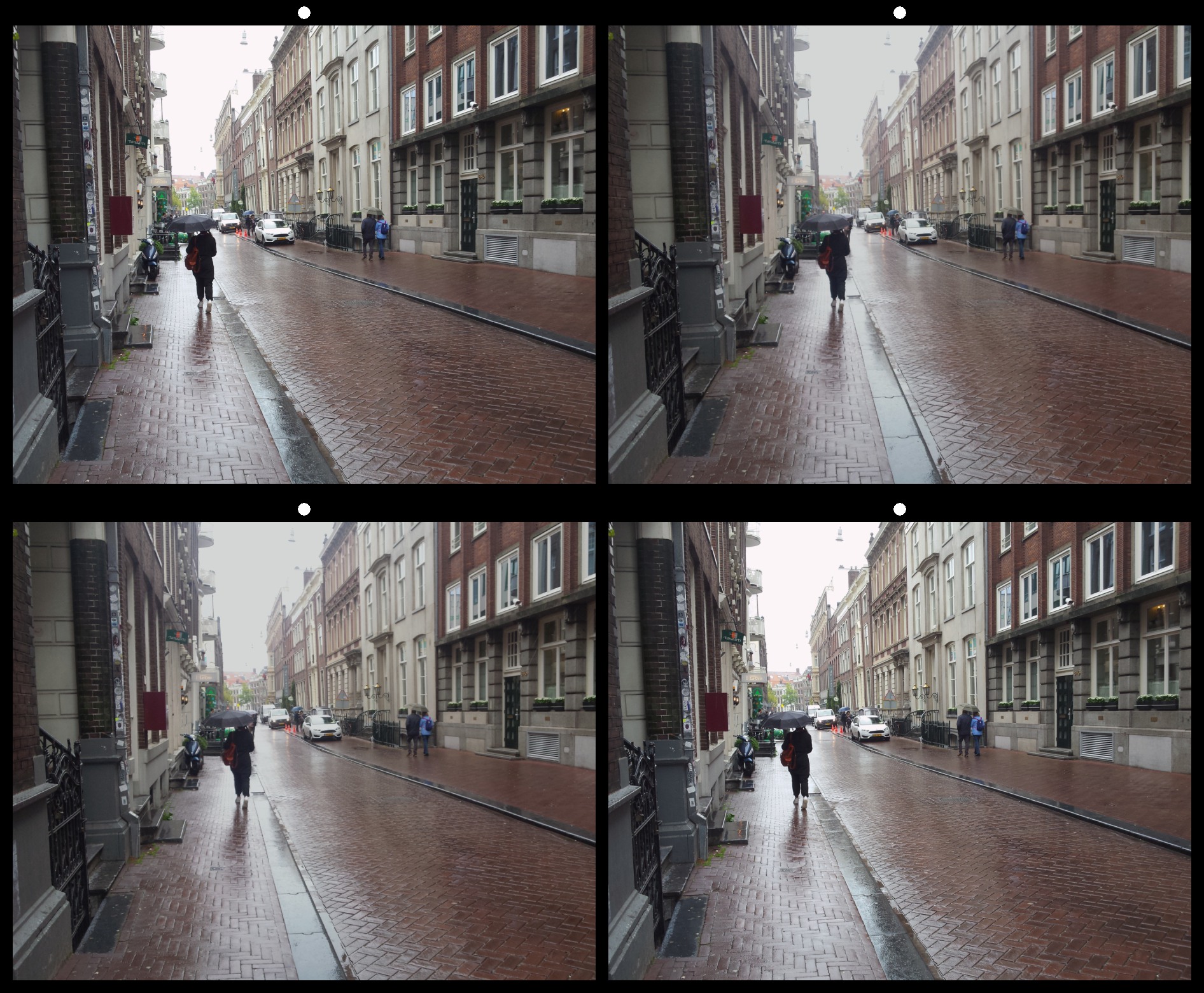
68 Aug 19 Comment An excellent composition that not only holds interest, but also depicts it. I think the slightly uneven contrast in the lighting gives it an extra feeling of depth. Aug 22nd
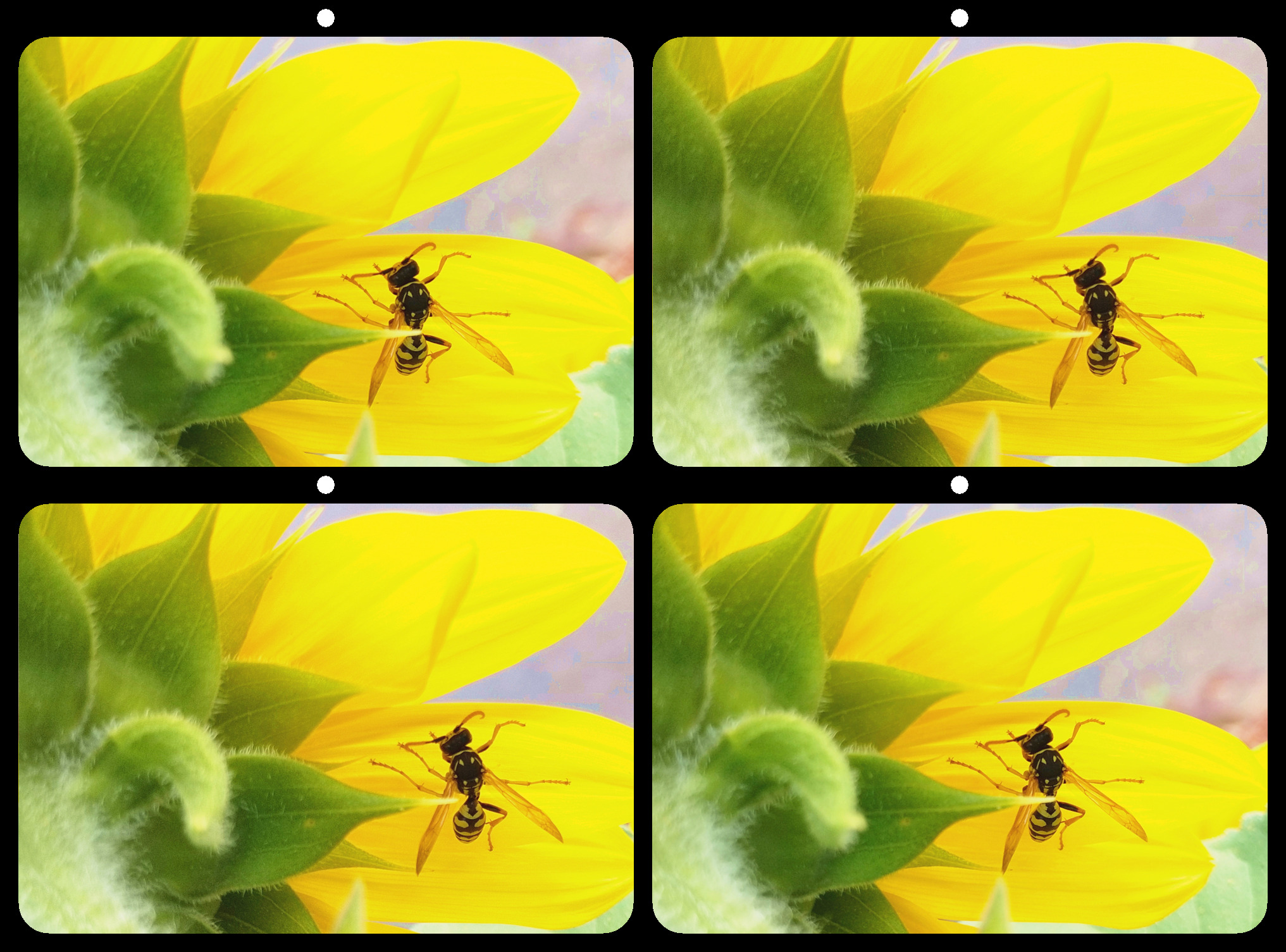
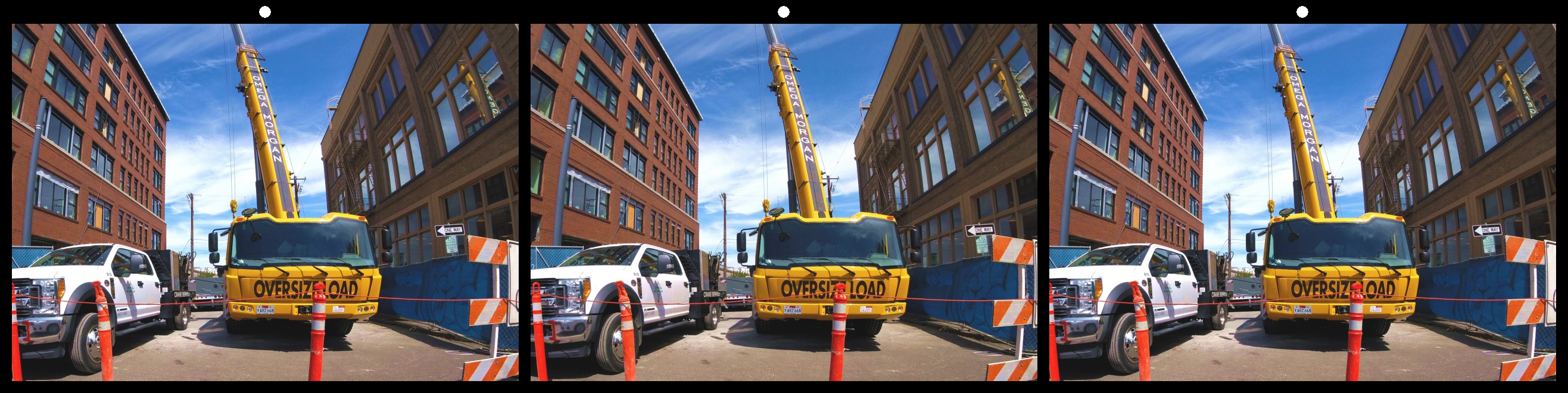
68 Aug 19 Comment I agree with all the above comments. I especially like the color. I will point out a tiny distraction at the bottom edge. A tiny portion of something is visible just at or near the stereo window. It doesn't seem to violate the window, but it pulls my focus away from the subject. Aug 22nd
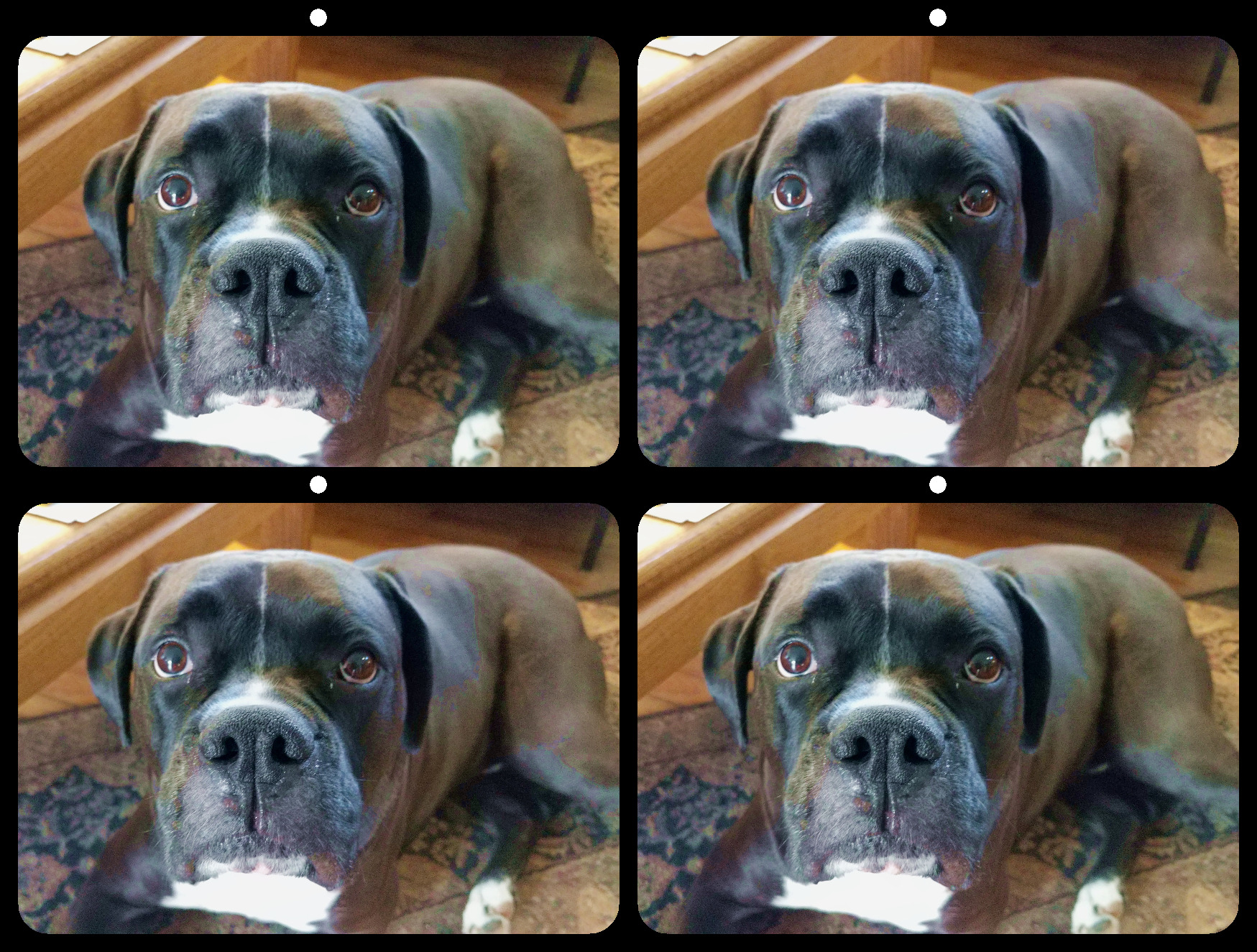
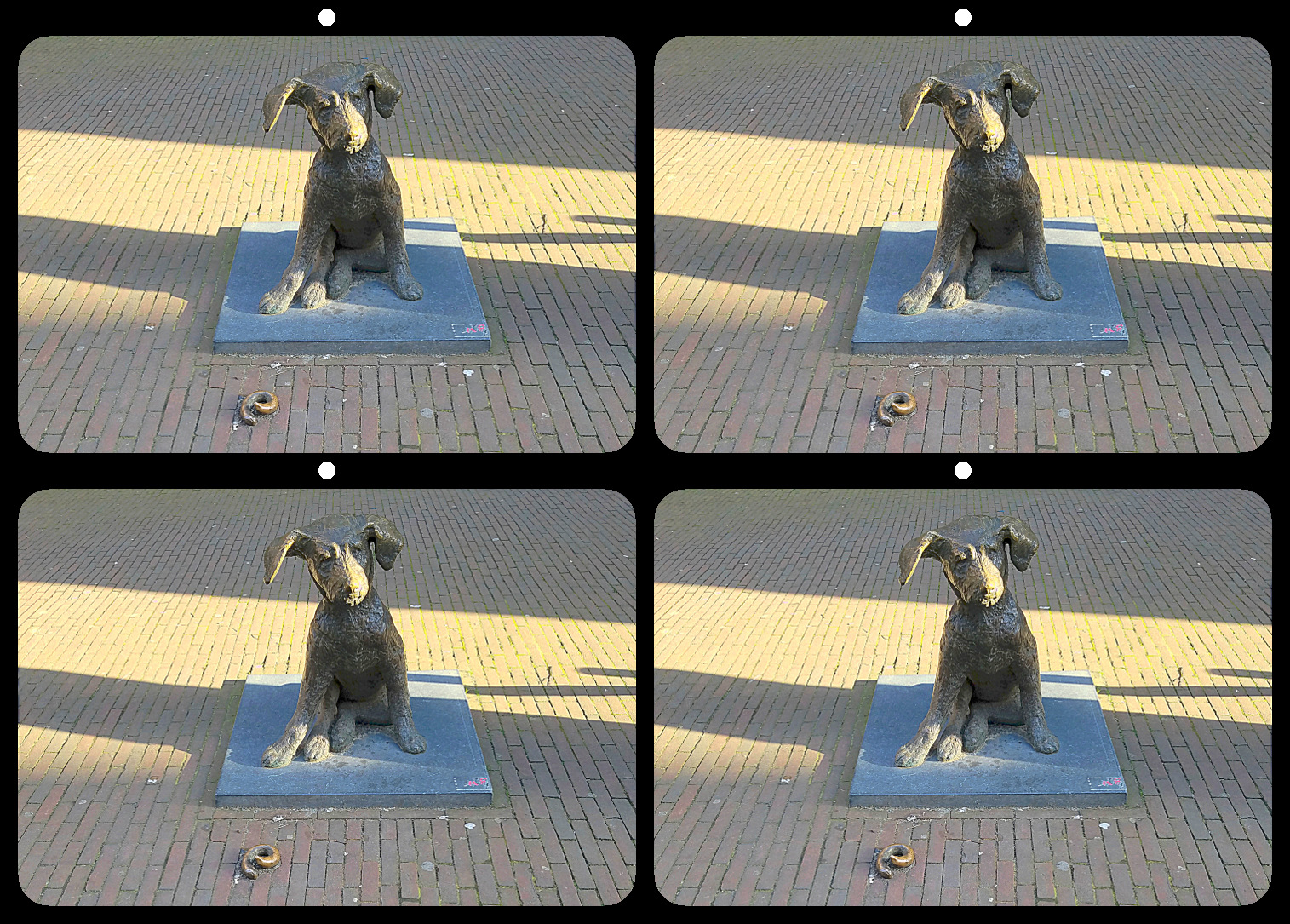
68 Aug 19 Reply I created the depth in the original stereo pair, then used the same settings in the app for each side. Your description of the giant dog behind glass bricks, is exactly the effect I wanted. I'm glad at least someone could see it. Aug 16th
68 Aug 19 Comment Maybe it will be easier with a standard pair... Aug 15th
68 Aug 19 Reply I can understand the difficulty, with so many squares. Just merge the dots above the image and it should be clear. Aug 14th

8 comments - 2 replies for Group 68


11 comments - 4 replies Total


145 Images Posted

  = Current Round   = Previous Round
Group 21

Aug 22

Jun 22

May 22

Apr 22

Mar 22

Feb 22

Jan 22

Oct 21

Sep 21

Aug 21

Jun 21

Mar 21

Feb 21

Dec 20

Nov 20

Oct 20

Sep 20

Jun 20

May 20

Apr 20

Feb 20

Dec 19

Nov 19

Oct 19

Sep 19

Aug 19

Jul 19

Jun 19

Apr 19

Mar 19

Feb 19

Jan 19

Dec 18
Group 34

Dec 25

Nov 25

Oct 25

Aug 25

Jul 25

May 25

Apr 25

Feb 25

Jan 25

Nov 24

Oct 24

Aug 24

Jul 24

Jun 24

May 24

Apr 24

Mar 24

Feb 24

Jan 24

Dec 23

Oct 23

Sep 23

Aug 23

Jul 23

Jun 23

May 23

Apr 23

Mar 23

Feb 23

Jan 23

Dec 22

Nov 22

Oct 22
Group 68

Dec 25

Nov 25

Oct 25

Sep 25

Aug 25

Jul 25

Jun 25

May 25

Apr 25

Mar 25

Feb 25

Jan 25

Dec 24

Nov 24

Oct 24

Sep 24

Aug 24

Jul 24

Jun 24

May 24

Apr 24

Mar 24

Feb 24

Jan 24

Dec 23

Nov 23

Oct 23

Sep 23

Aug 23

Jul 23

Jun 23

May 23

Apr 23

Mar 23

Feb 23

Jan 23

Dec 22

Nov 22

Oct 22

Sep 22

Aug 22

Jul 22

Jun 22

May 22

Apr 22

Mar 22

Feb 22

Jan 22

Dec 21

Nov 21

Oct 21

Sep 21

Aug 21

Jun 21

May 21

Mar 21

Feb 21

Jan 21

Dec 20

Nov 20

Oct 20

Sep 20

Jul 20

Jun 20

May 20

Apr 20

Feb 20

Dec 19

Nov 19

Oct 19

Sep 19

Aug 19

Jul 19

Jun 19

May 19

Apr 19

Mar 19

Feb 19

Jan 19

Close this Tab when done