Activity for User 1053 - Steve Wessing - psteve420@gmail.com

avatar
Avatar

Close this Tab when done


726 Comments / 146 Replies Posted

  = Current Round   = Previous Round
Group Round C/R Comment Date Image
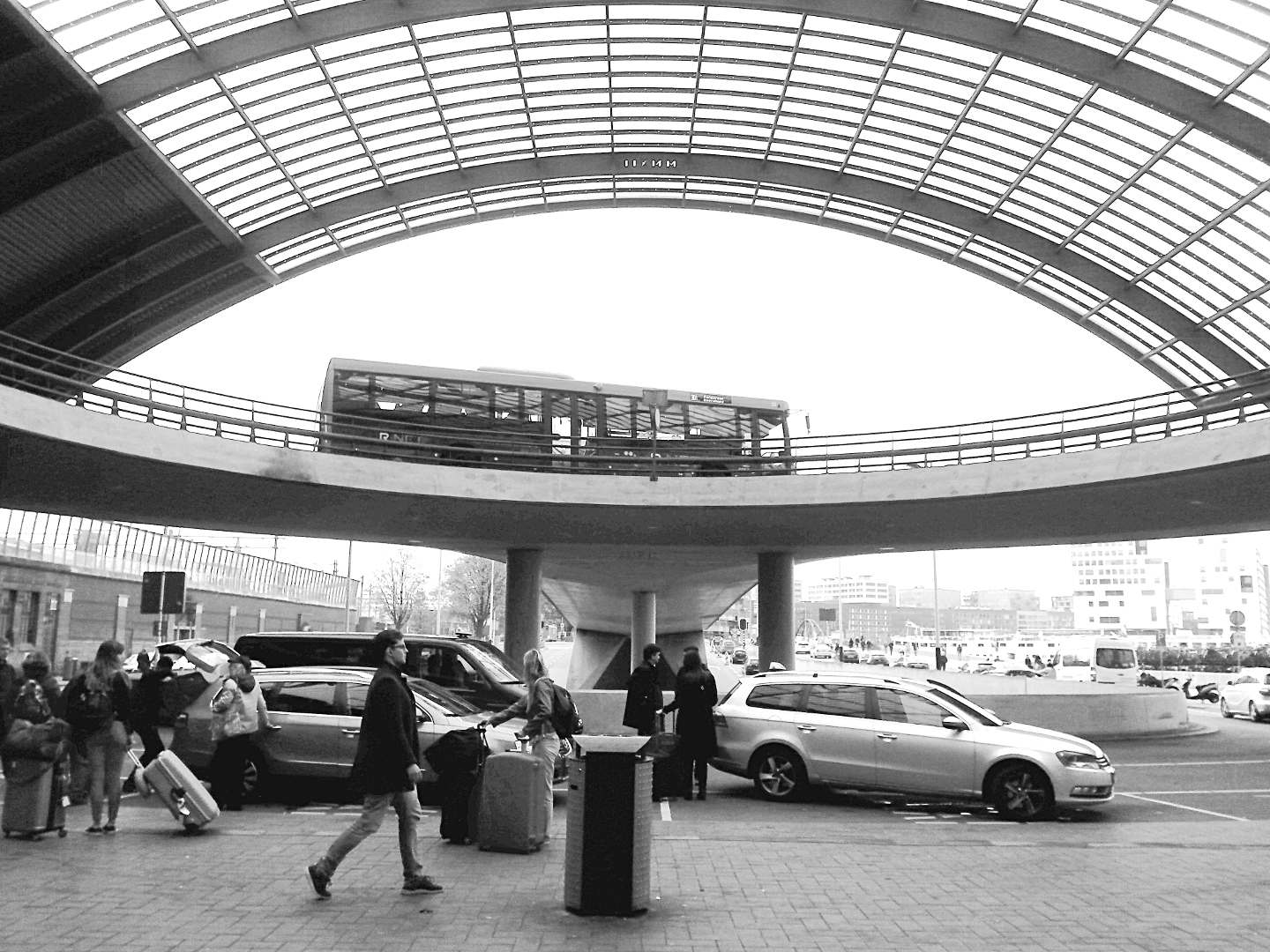
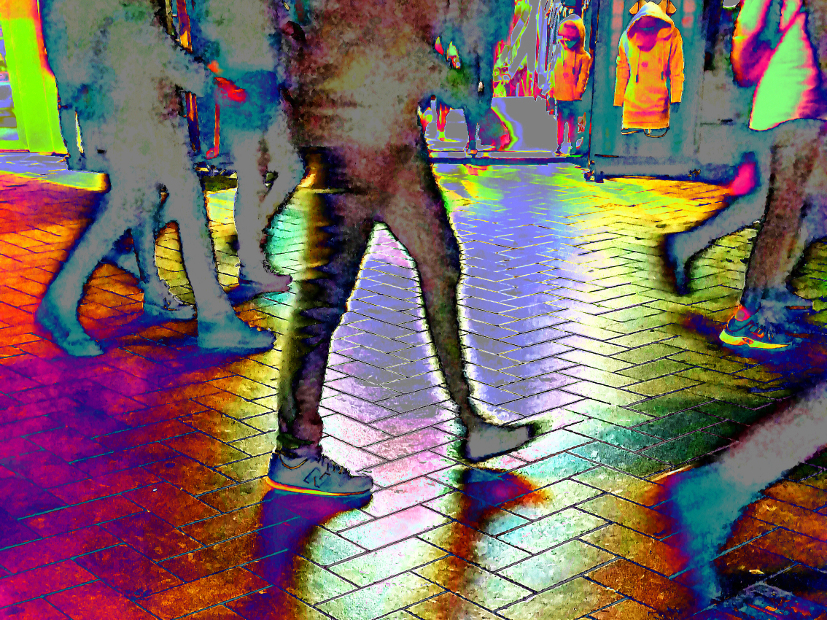
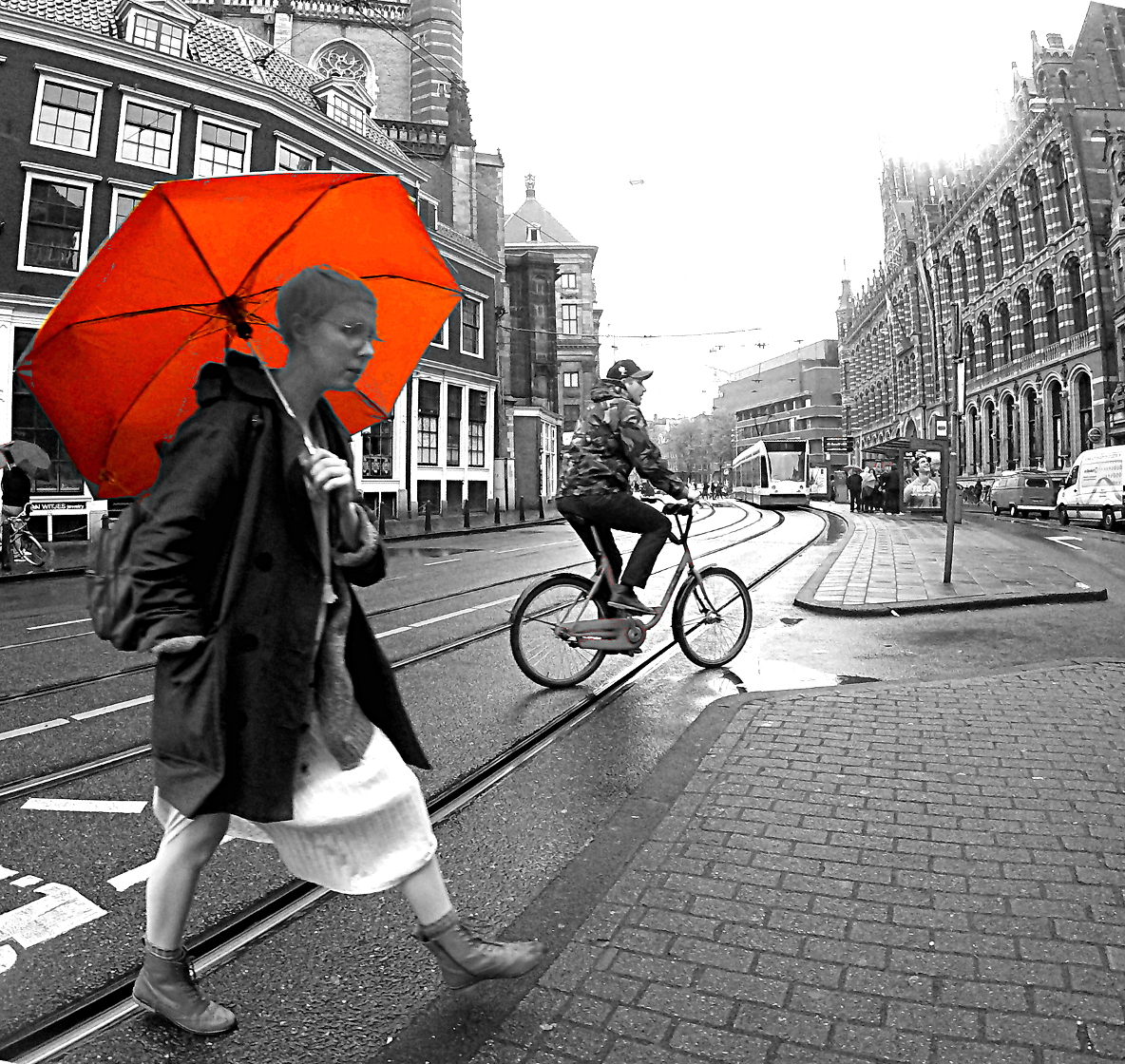
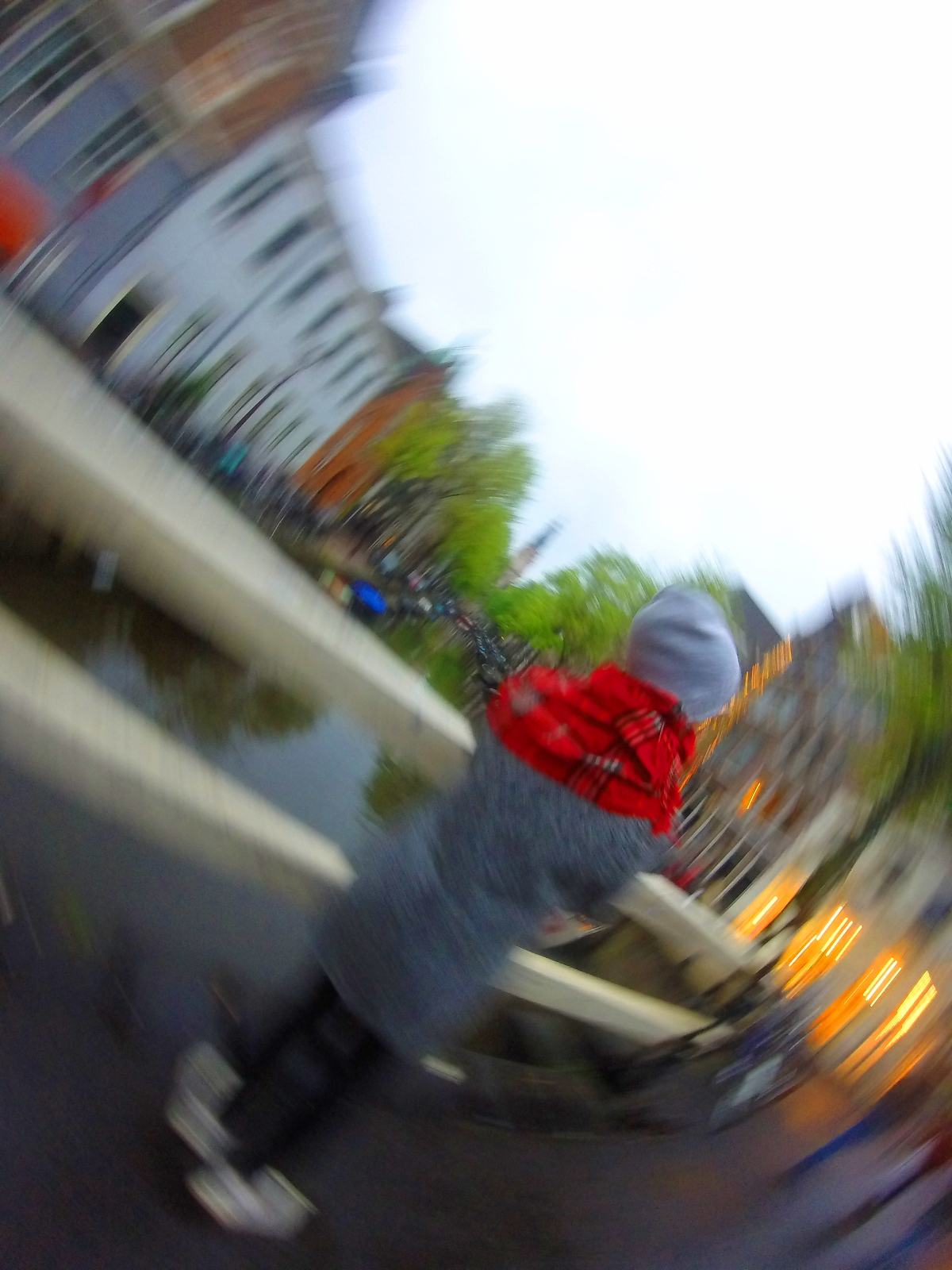
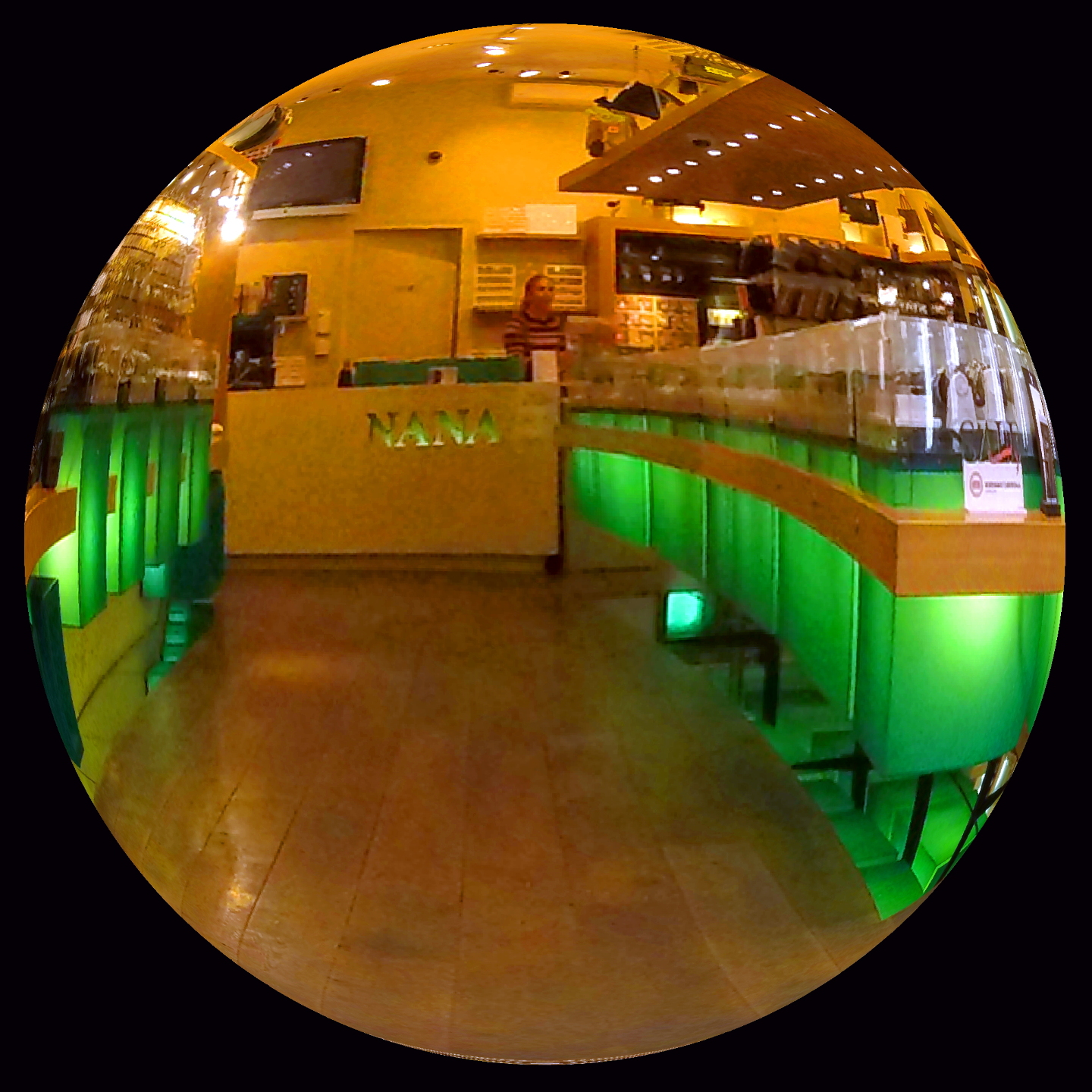
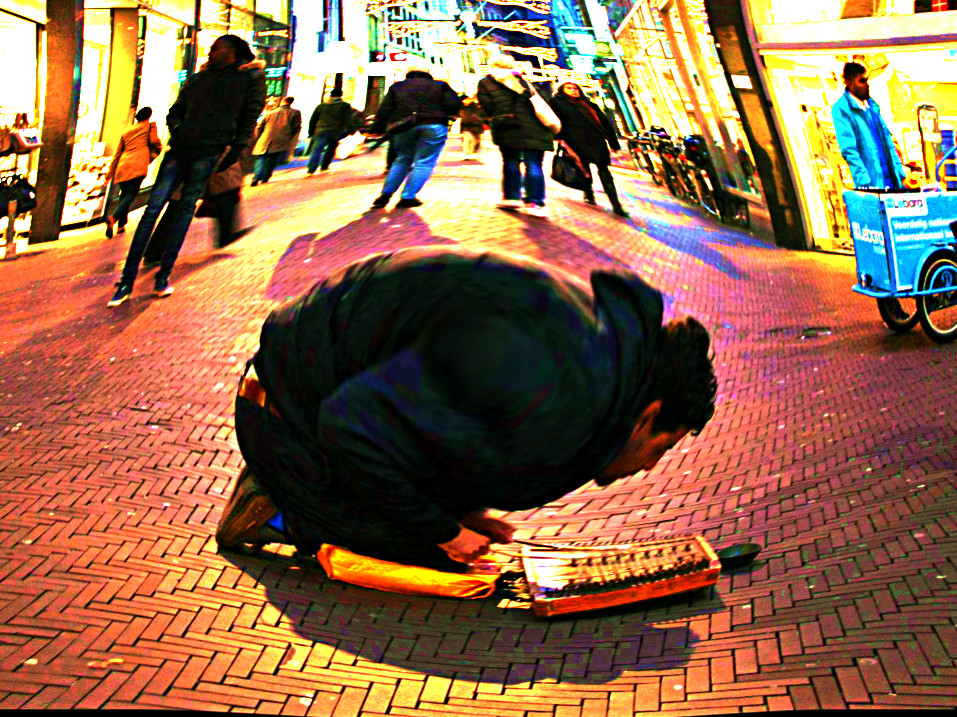
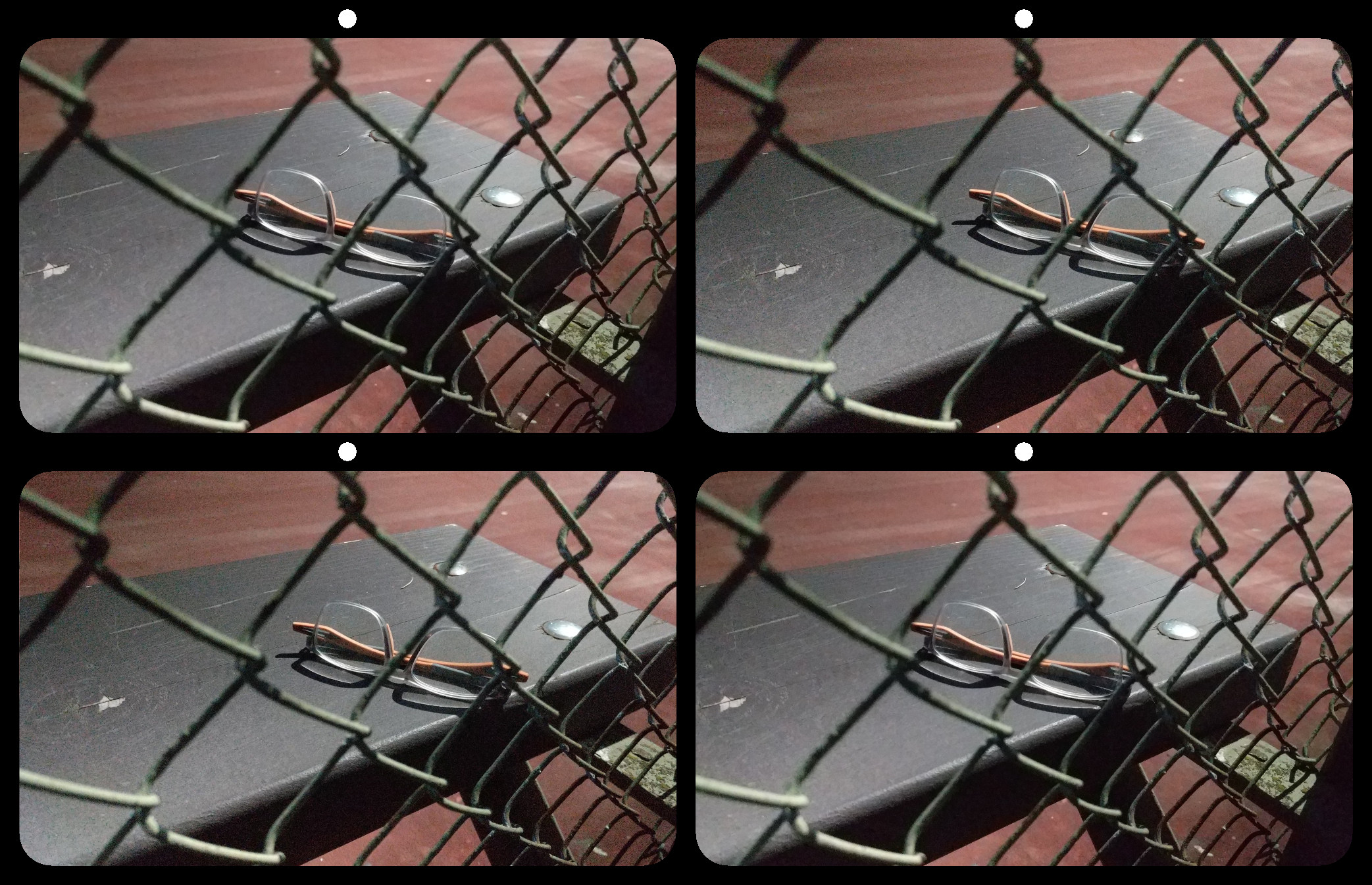
21 Mar 19 Comment This reminds me of Edward Hopper. Mar 18th
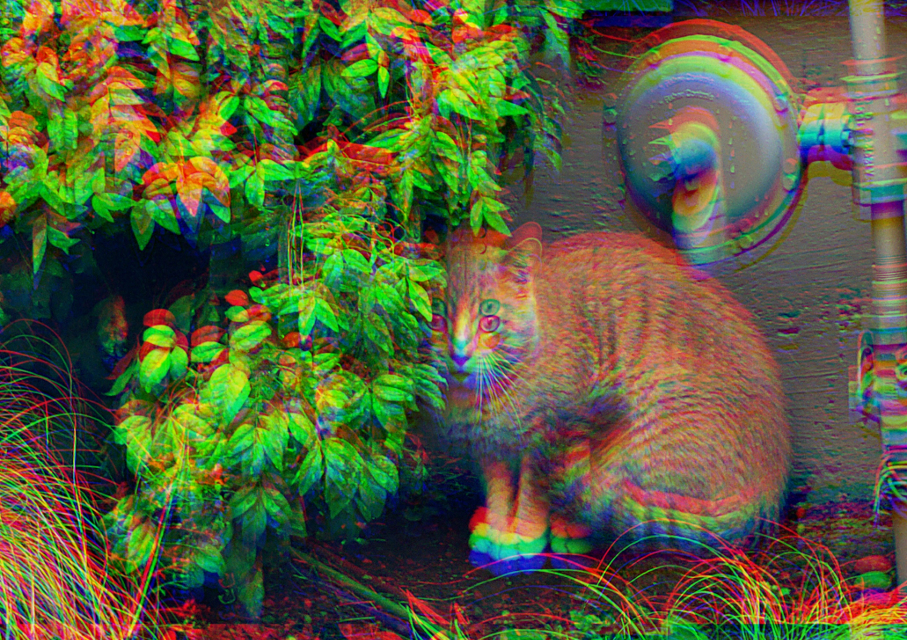
21 Mar 19 Reply ...Then I applied my own personal style, just for fun. Mar 18th
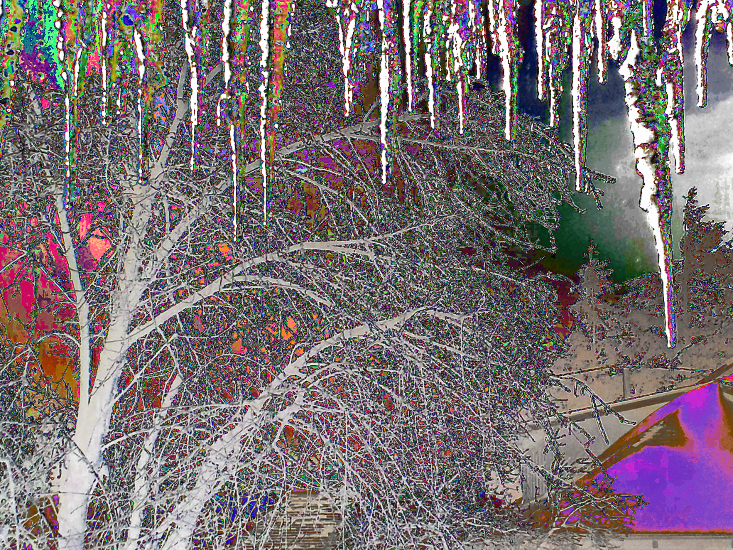
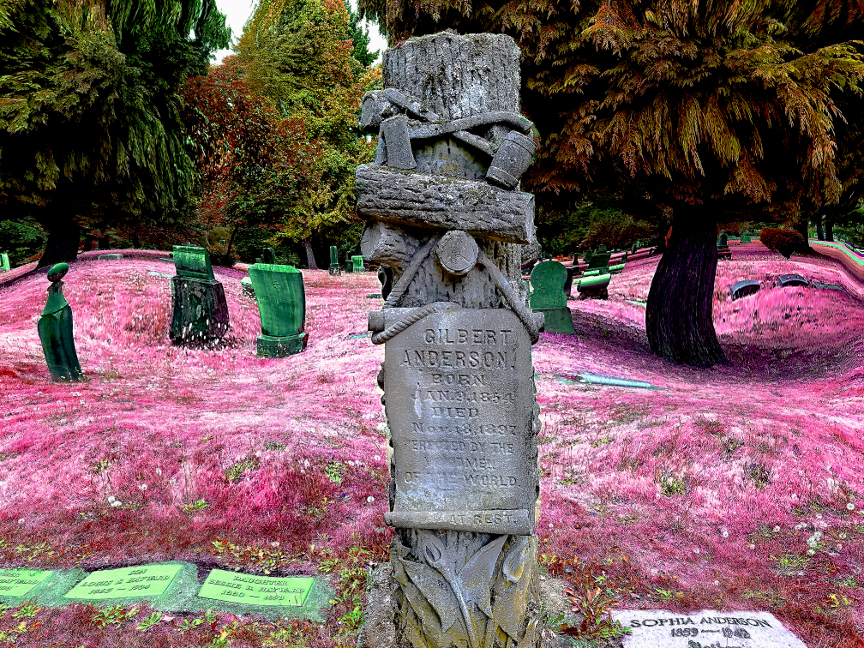
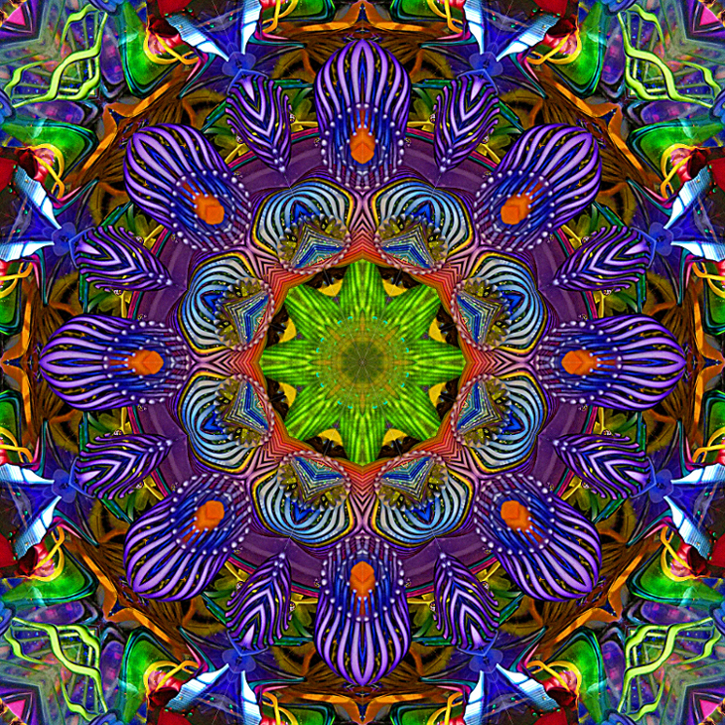
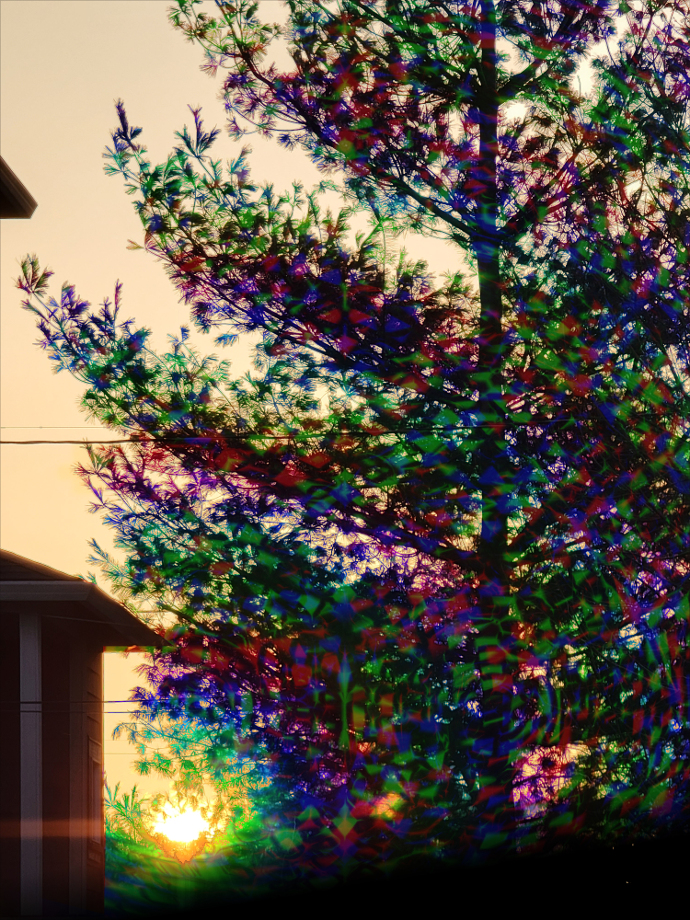
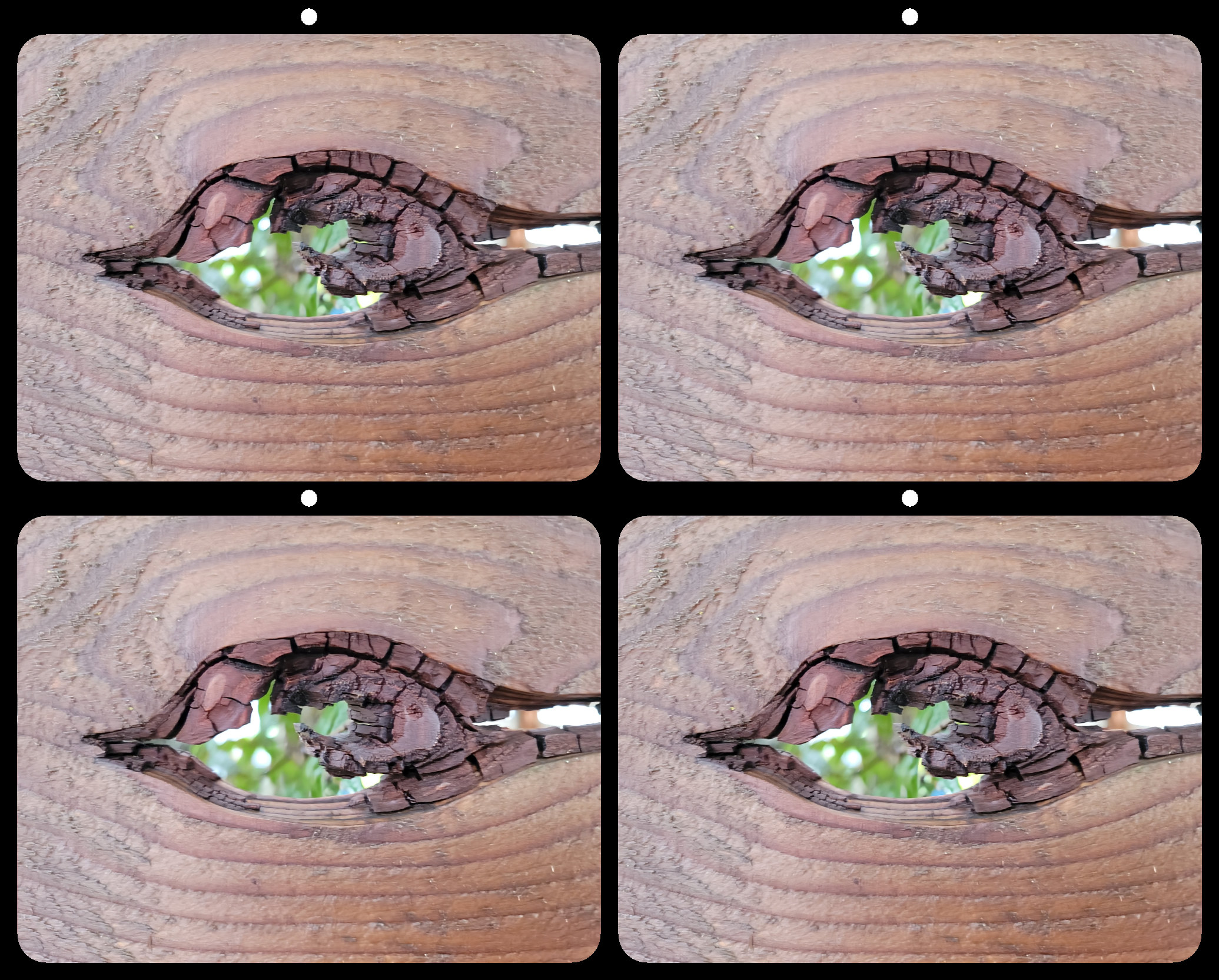
21 Mar 19 Comment I had to look twice to even see the fish. To me, it's reminiscent of knotted tree roots.
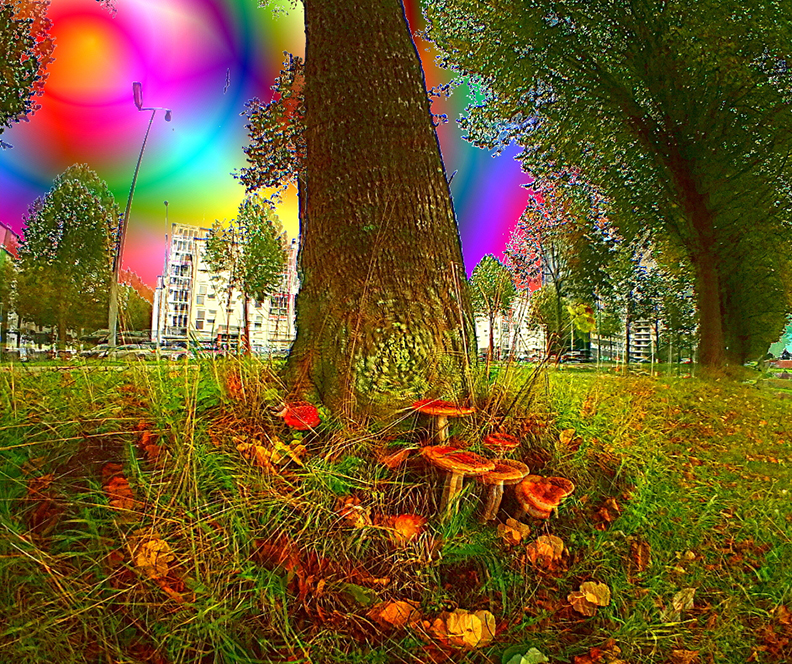
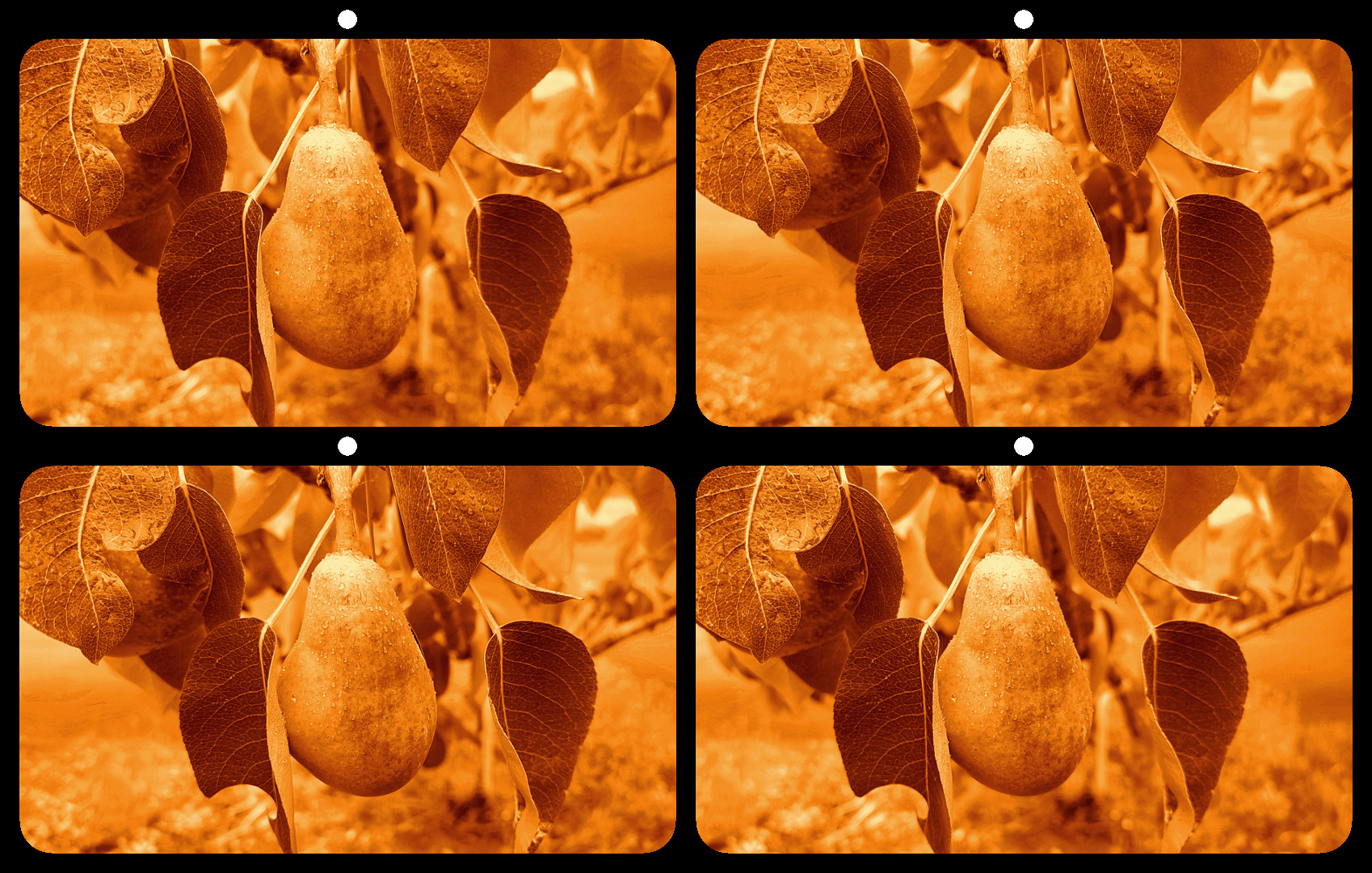
I wondered if it would look good in tree-like colors...
Mar 18th
21 Mar 19 Comment Very nice over all. The only part that doesn't work perfectly for me is seeing no blur behind the net. Mar 18th
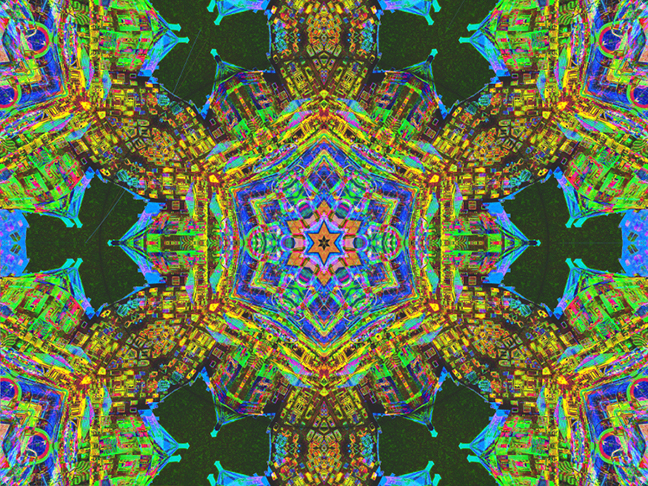
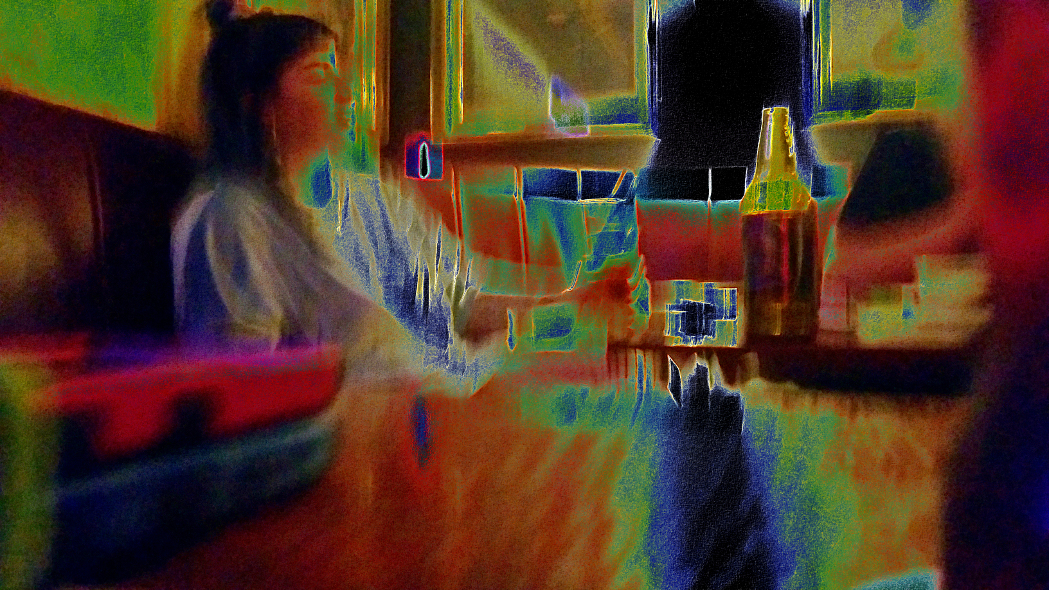
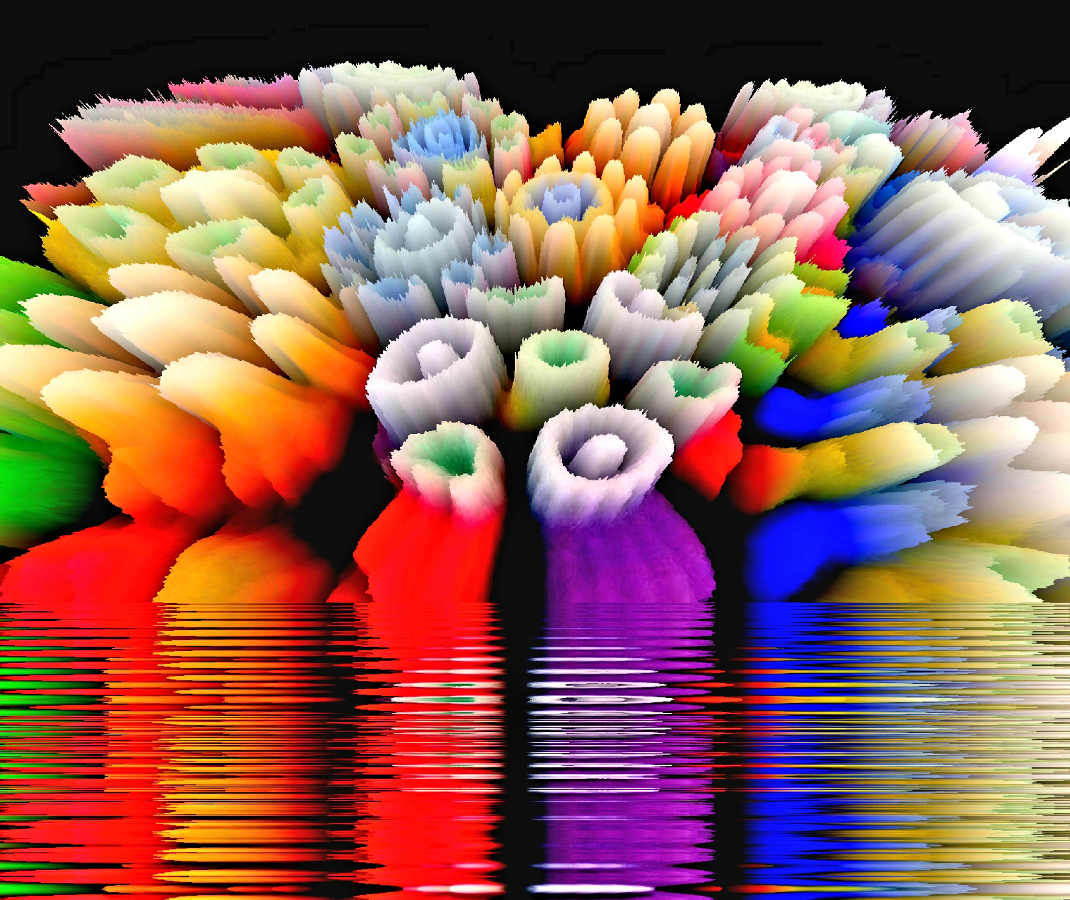
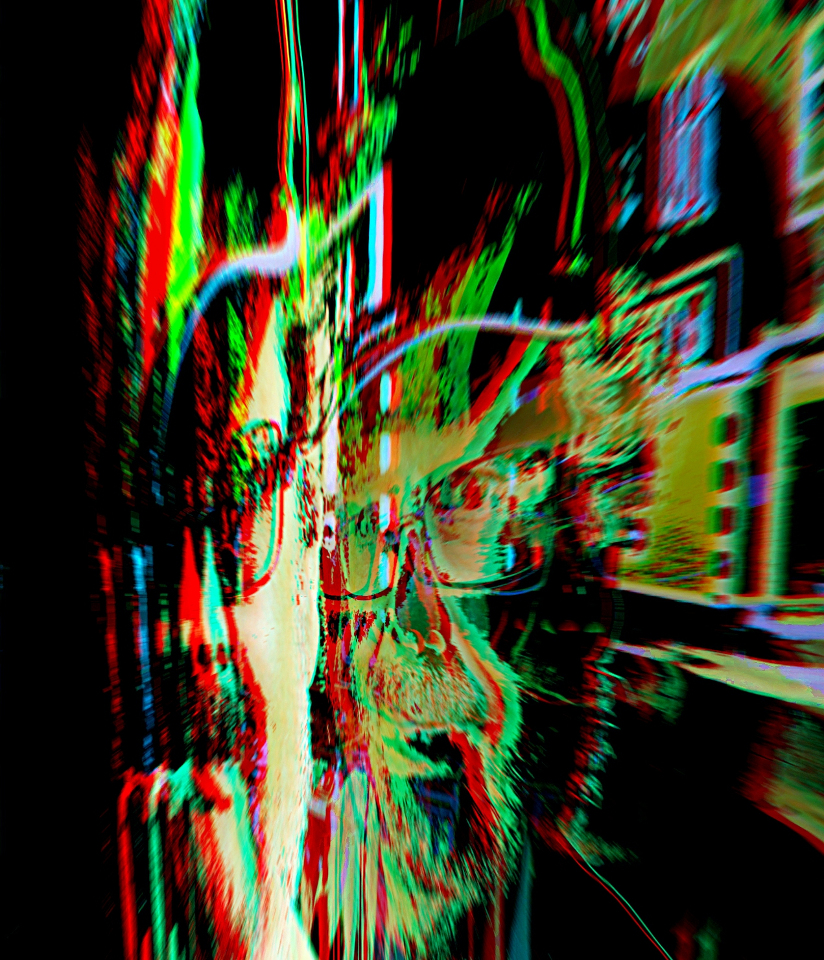
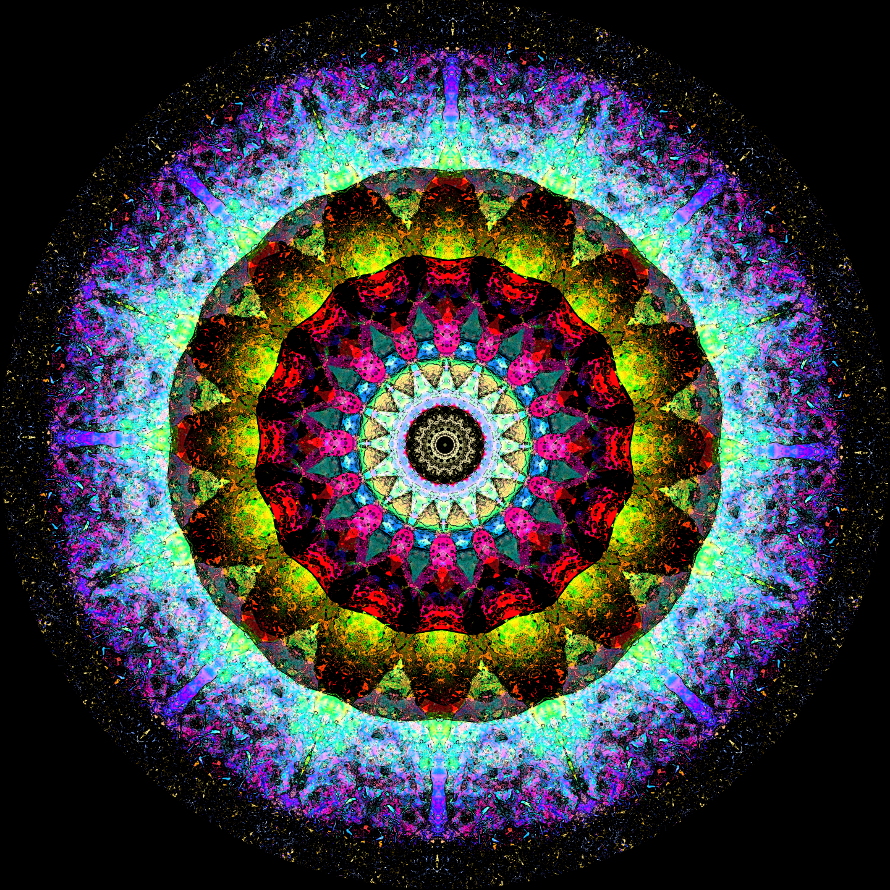
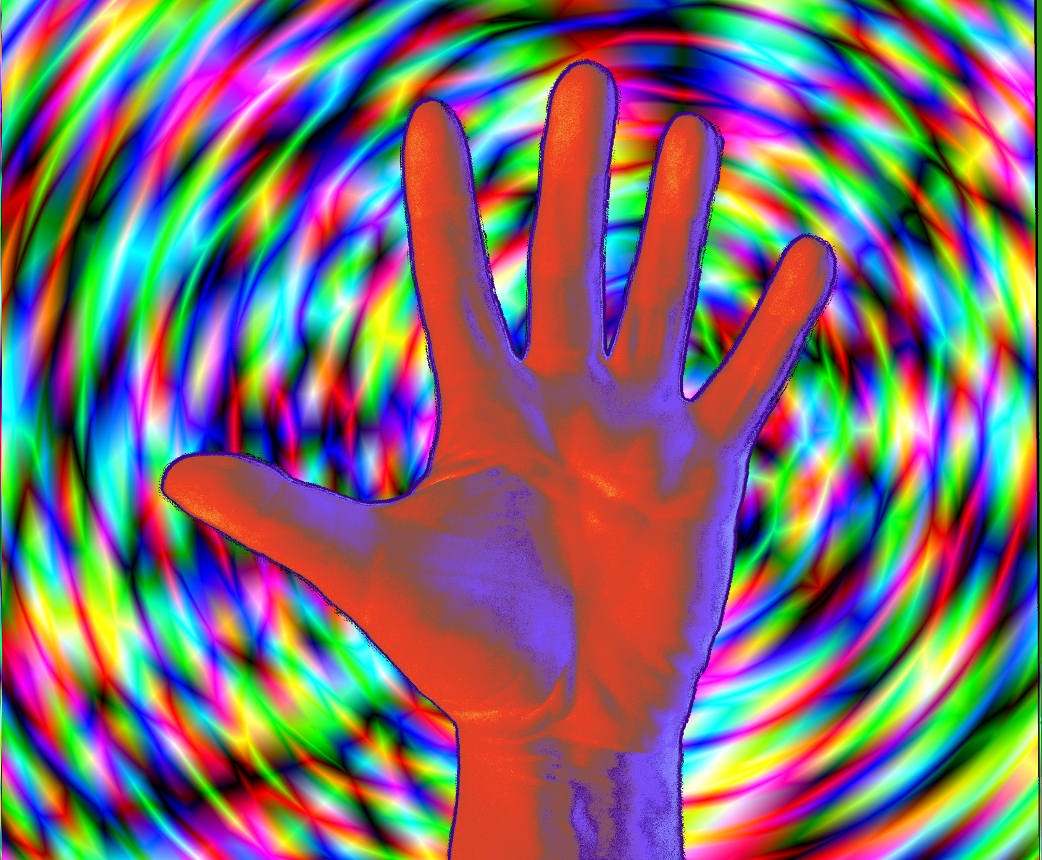
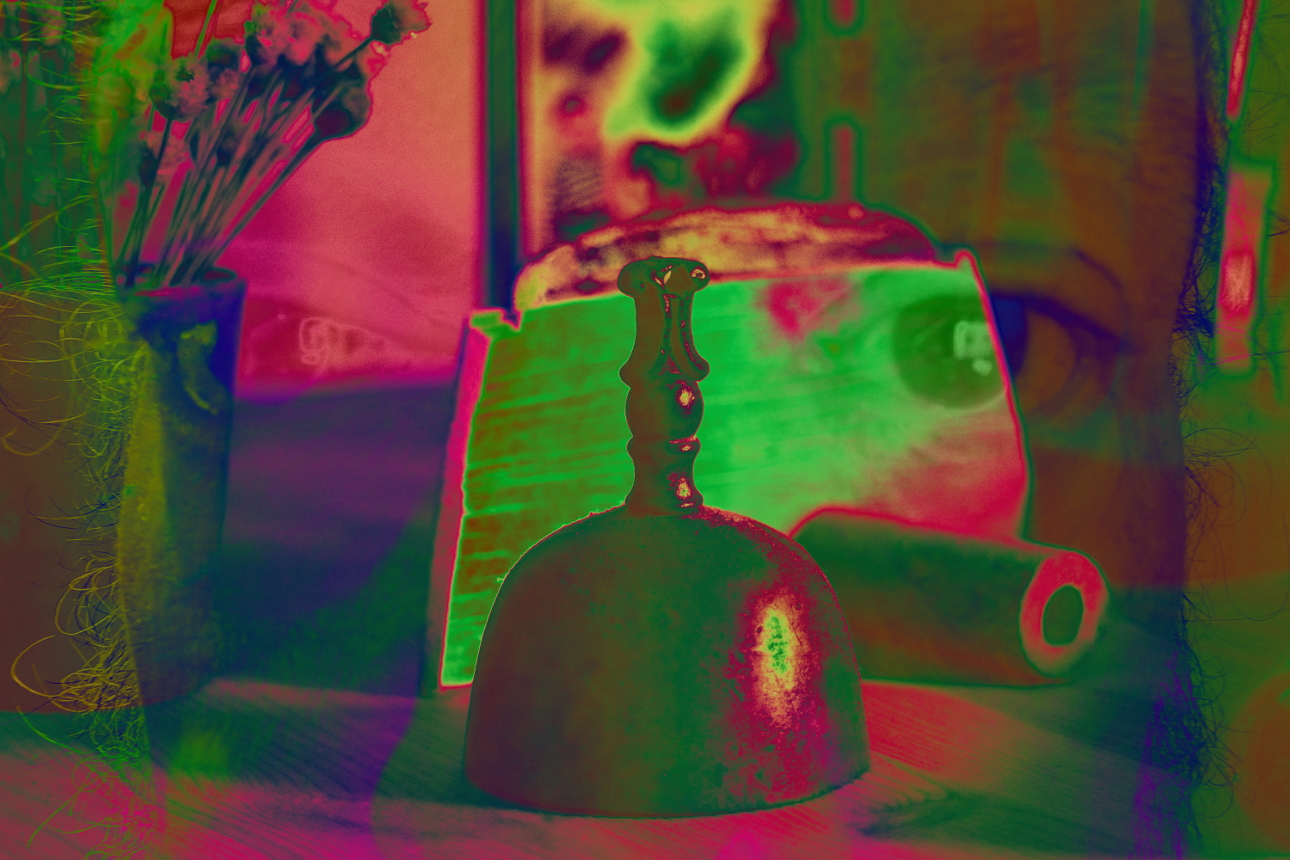
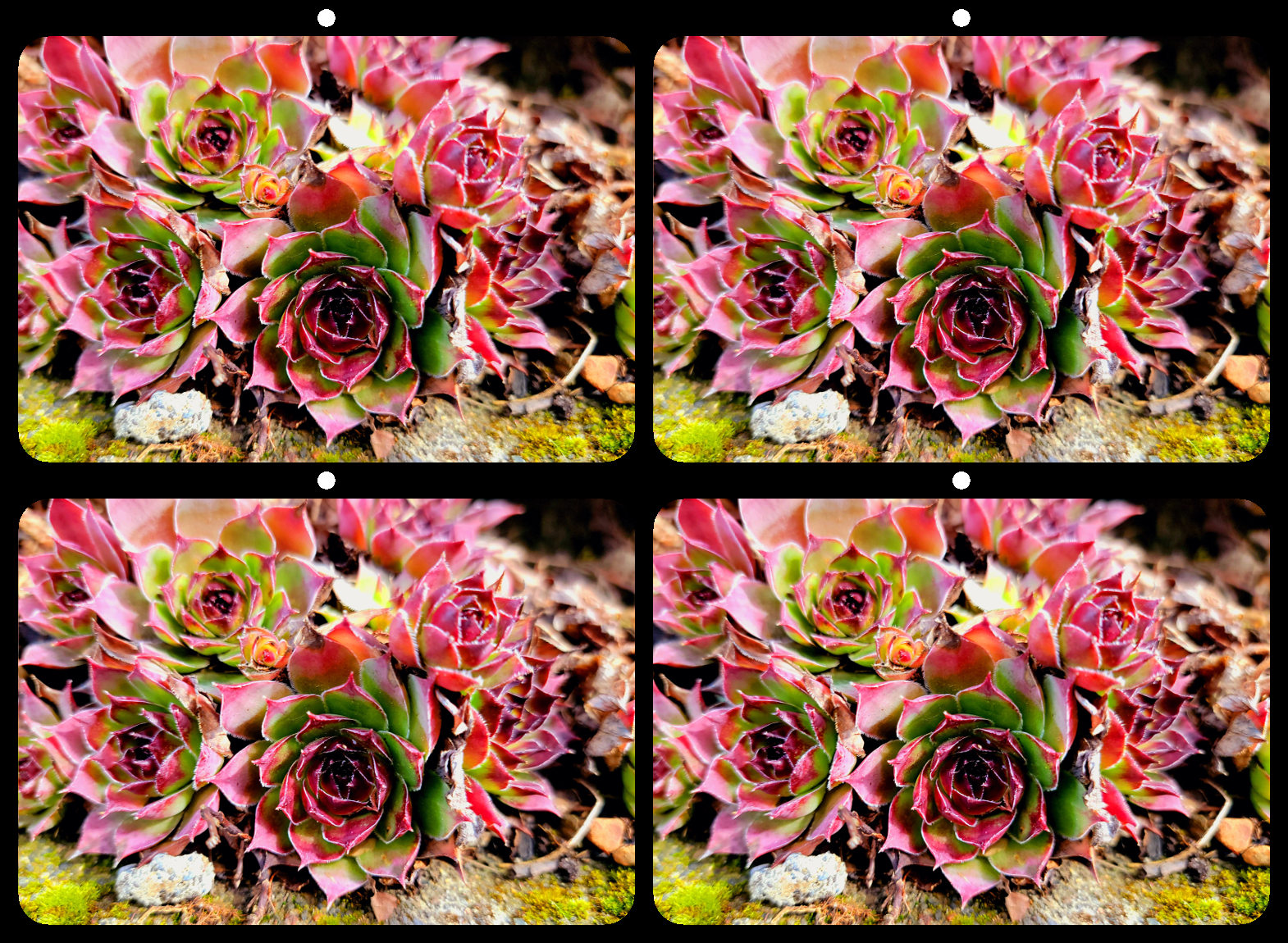
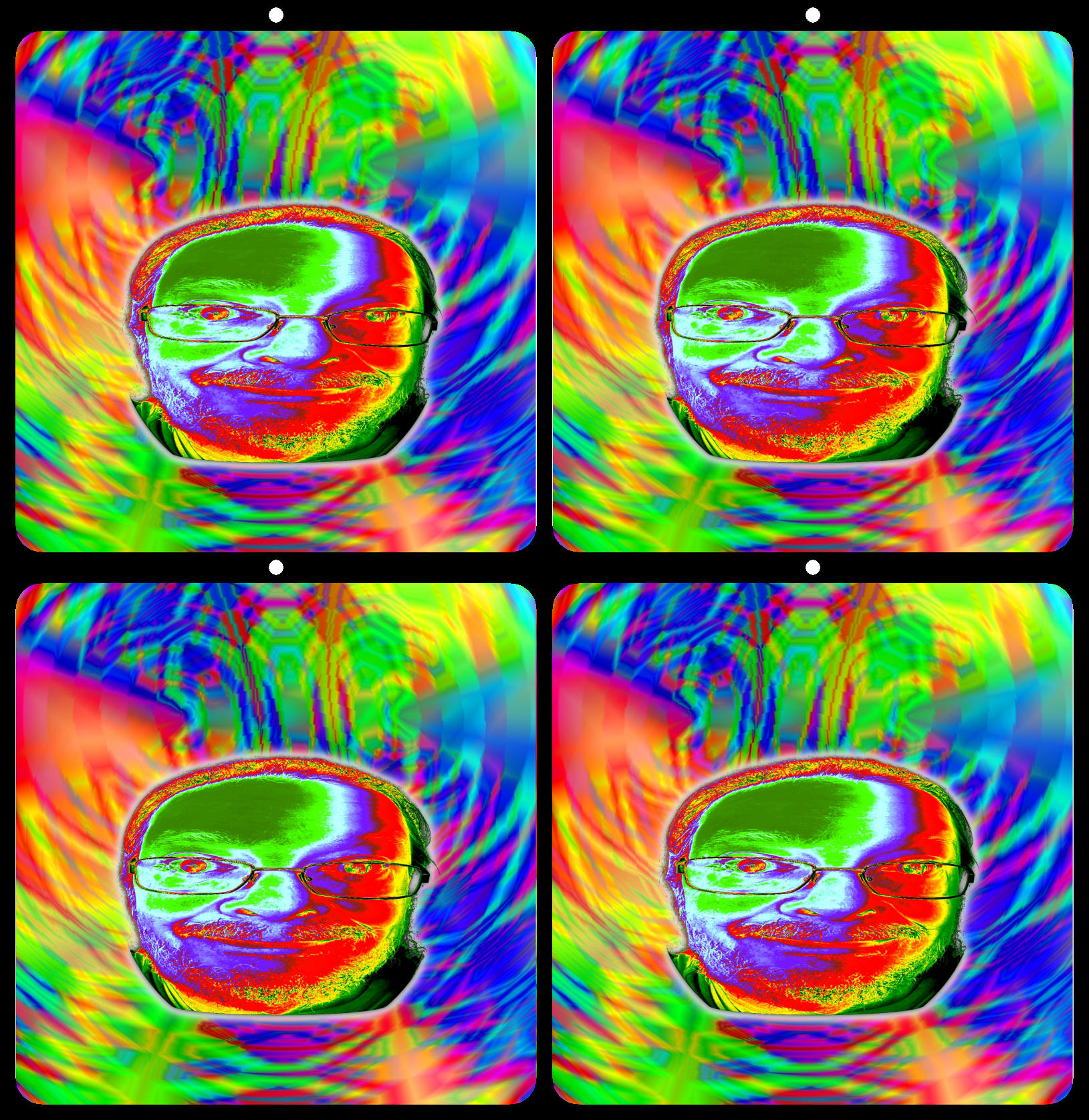
21 Mar 19 Reply I isolated your second image, and opened it as a new layer. I again set the mode to difference and flipped horizontally. This time, I opened hue/saturation, and changed the hue of the top layer by -75. Mar 18th
21 Mar 19 Comment A nice progression. I also like the gray better, although my choice will usually go to a dark colored frame, like indigo or mahogany.
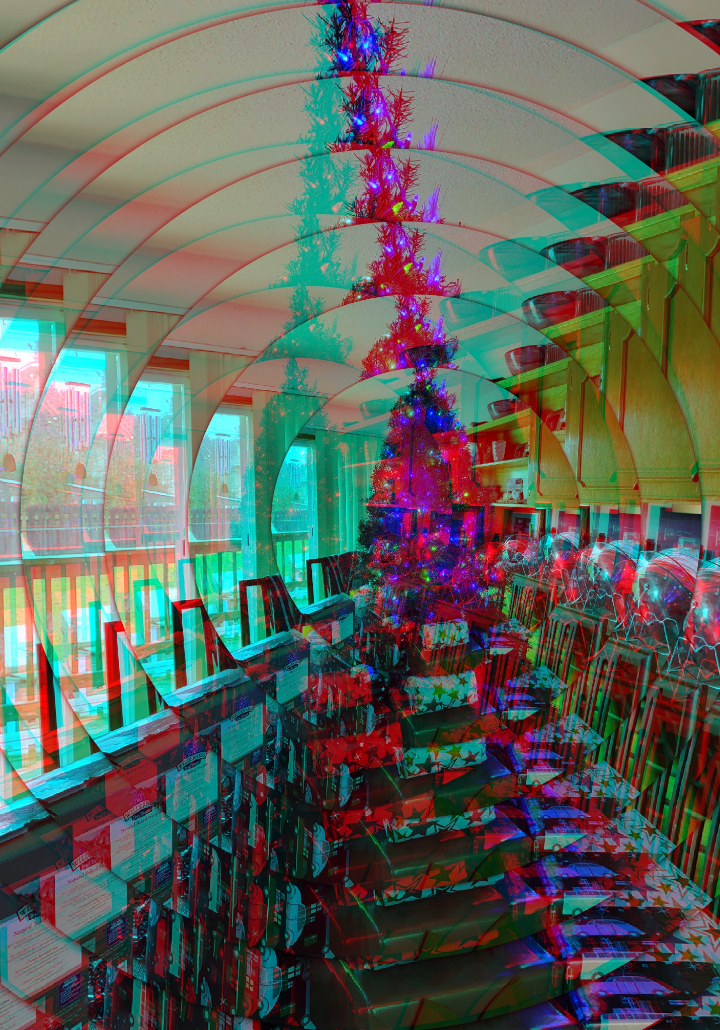
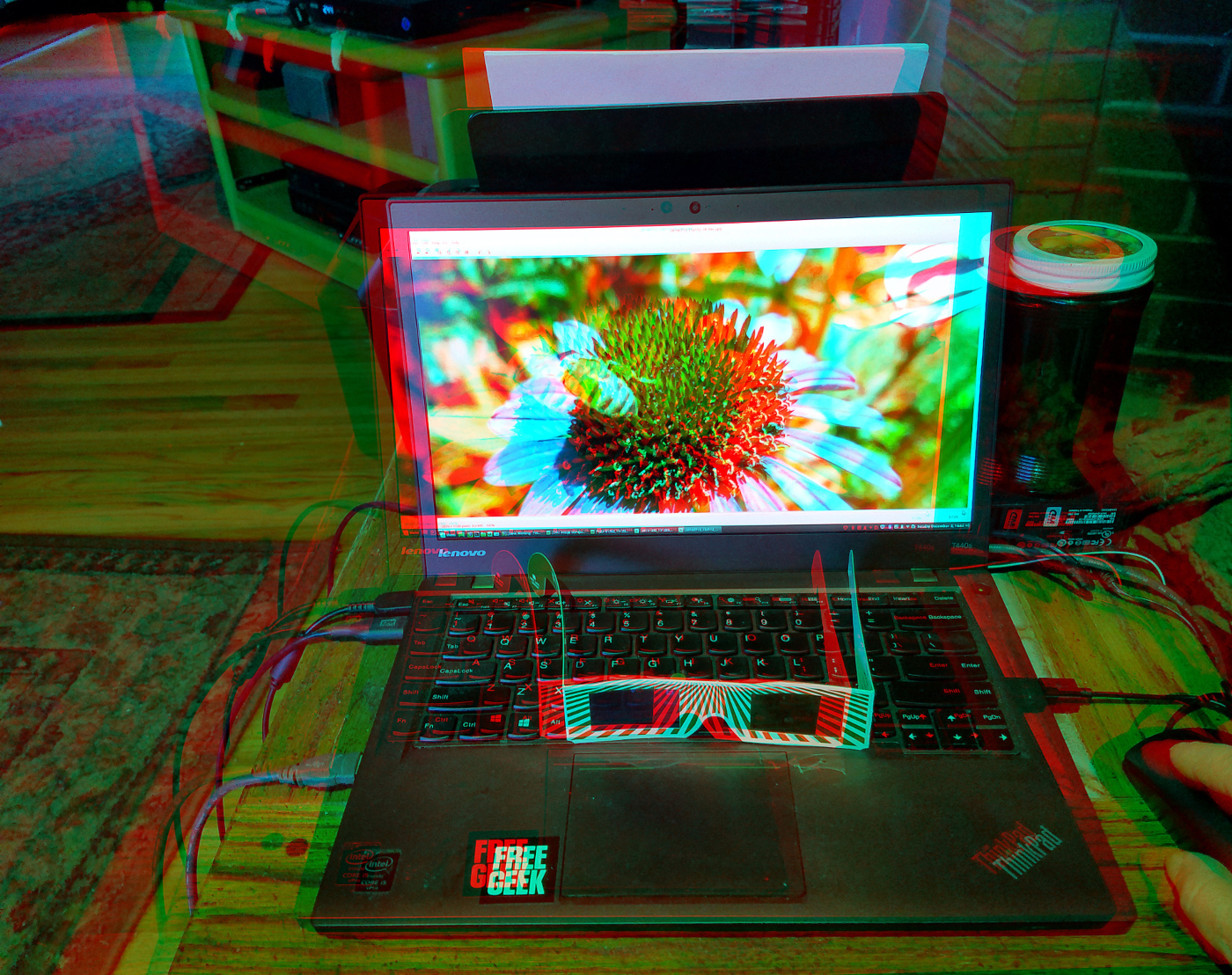
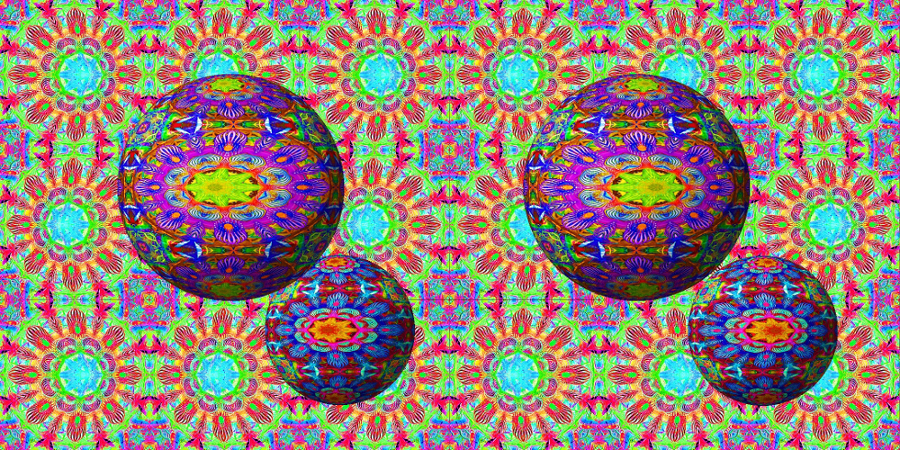
As a stereo photographer, my instinct is "if one is nice, why not twice?".
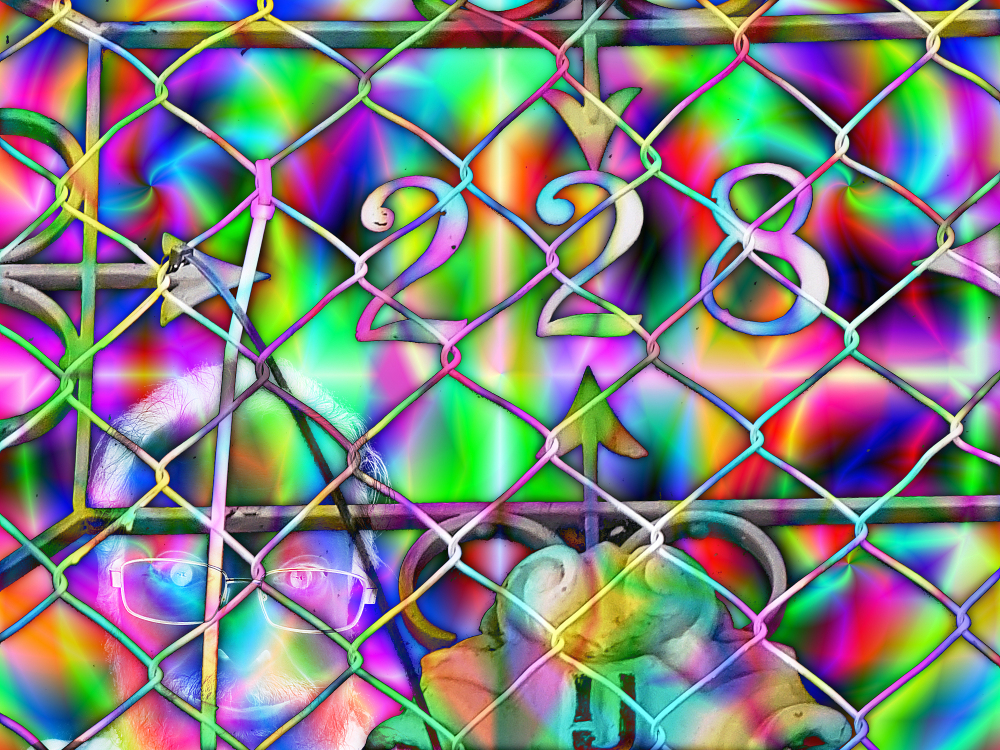
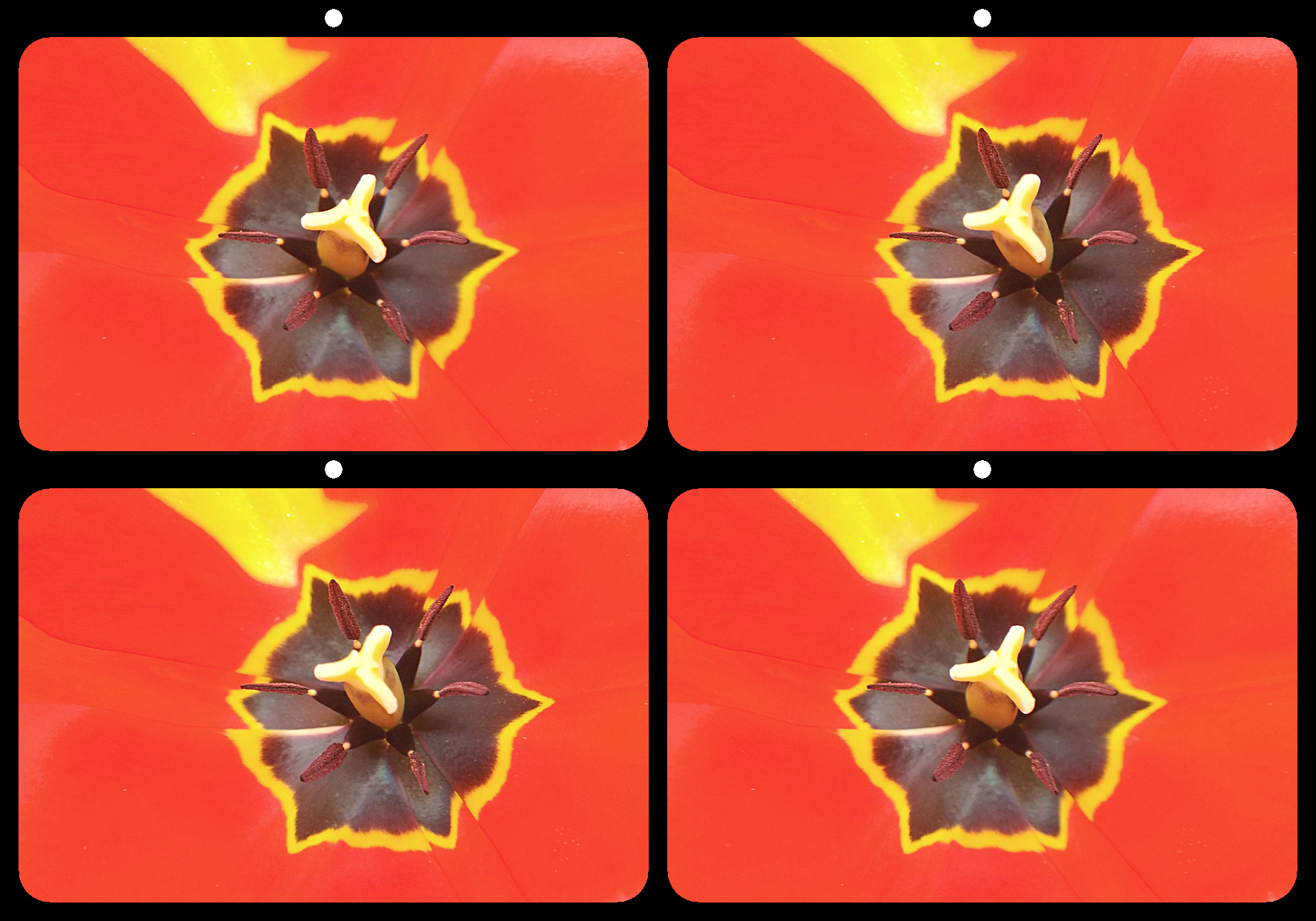
Just for fun, I isolated your first image in gimp, then created a duplicate layer which I set to difference layer mode and flipped horizontally. The result was good, but too symmetrical compared to the original.
Mar 18th
21 Mar 19 Comment To my eye, this image is excellent just as it is. I feel the same about the original. If it was my image, it would be more saturated. But it isn't mine, and you shouldn't change it. Good job on both the original and secondary images. Mar 18th
21 Mar 19 Reply From gimp's documentation...
"Grain merge mode merges a grain layer (possibly one created from the "Grain extract" mode) into the current layer, leaving a grainy version of the original layer. It does just the opposite of "Grain extract". It adds the pixel values of the upper and lower layers together and subtracts 128."
https://docs.gimp.org/en/gimp-concepts-layer-modes.html
Mar 2nd
21 Mar 19 Comment 'Grain merge' is a layer mode in gimp. There is also a corresponding 'grain extract' mode. I should have said it was done in gimp. Mar 1st

6 comments - 3 replies for Group 21

68 Mar 19 Reply A good suggestion, but these were all the pieces I had. Mar 21st
68 Mar 19 Comment This is an exceptional image. The light is beautiful. The cool colors of the sky and blue ice, contrasting the warm reflection of the black sand. I love how the snow on top of the icebergs mimics the clouds above them. The only thing I might consider changing is to clone the water so the waves match. It's a shame that such an excellent image has that one flaw. Mar 14th
68 Mar 19 Comment A great composite. I love how the mask seem to be concave. And you've got good color matching in all the elements. The only part that bothers me is the cake table. There's an awful lot of white in that right corner. I might have cropped out the table, made the bride and groom larger, and brought them forward a bit. Mar 14th
68 Mar 19 Comment I also see the white spot on the right, and a smaller one on the left image. Also there is a bit of rivalry at the top edge, and a slight window violation in the top right corner. The right image seems quite a bit more 'sharpened' than the left, and the white balance needs adjusting.
All of that said, this is still an exciting image with good depth, composition, and interesting subject.
Mar 13th
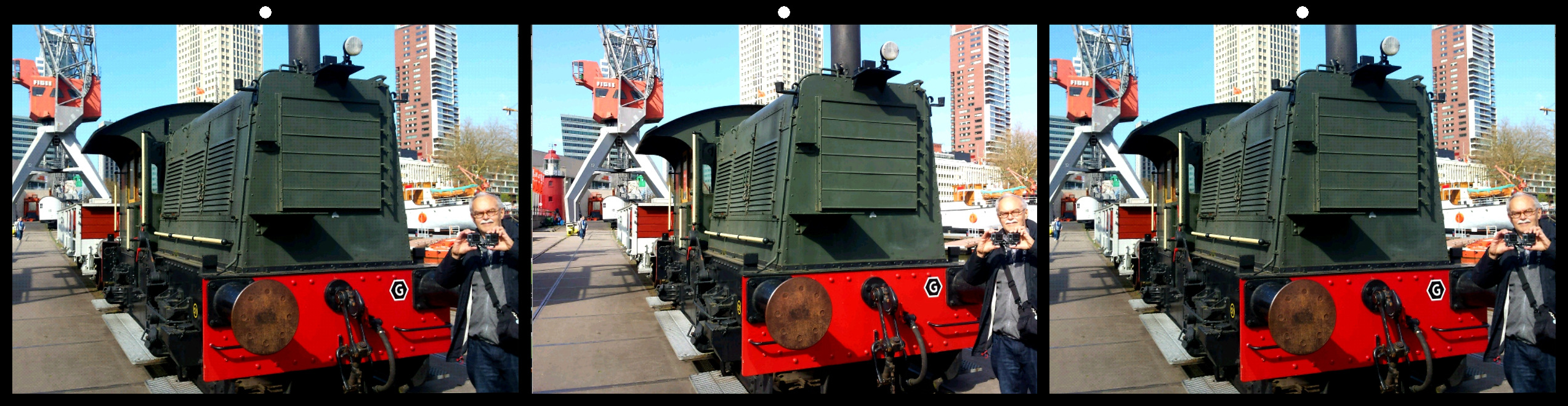
68 Mar 19 Comment Using reflections is a clever way to extend the depth range of the W3. You probably got better depth this way than if you had photographed the lighthouse directly from the same spot. Mar 13th
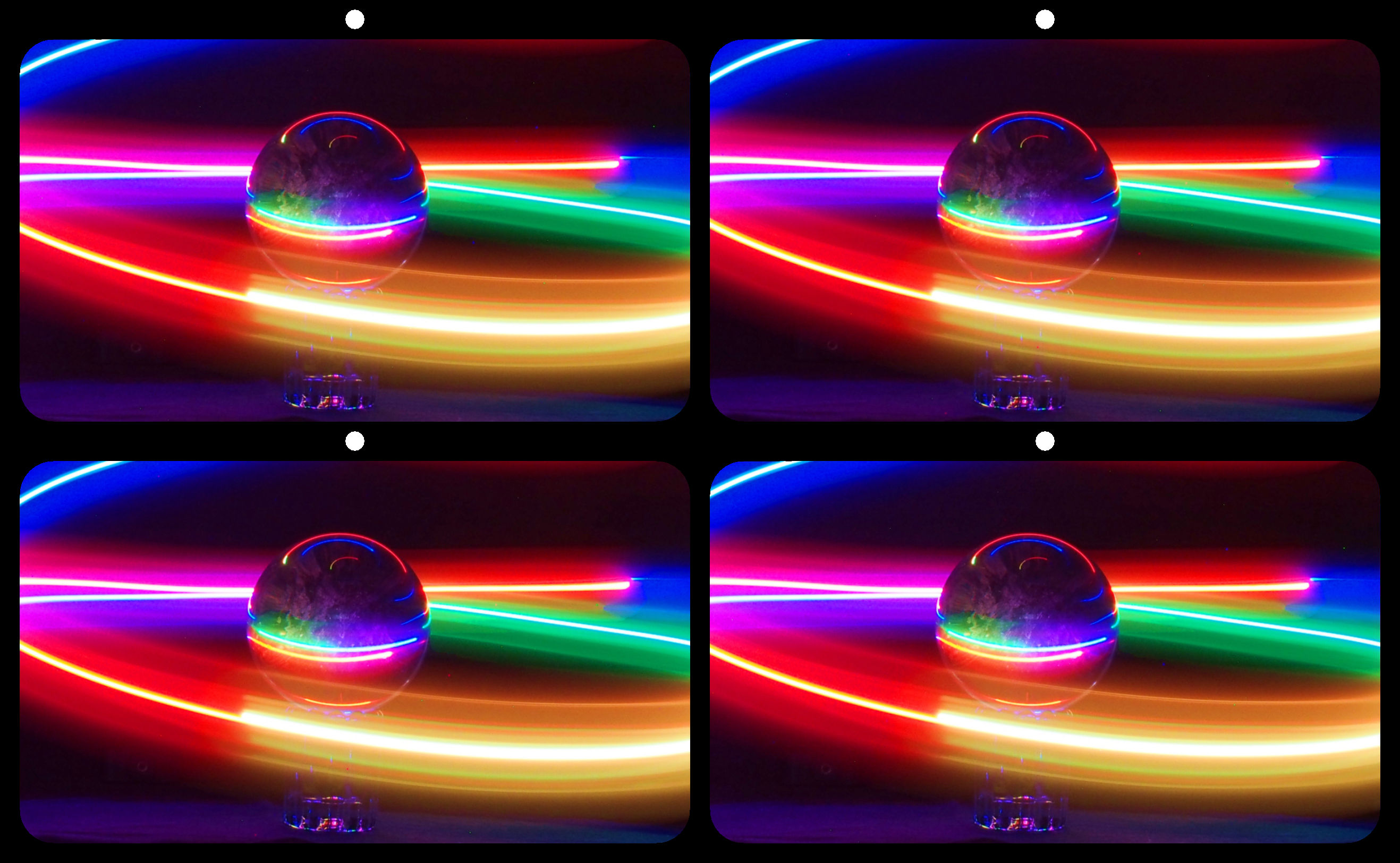
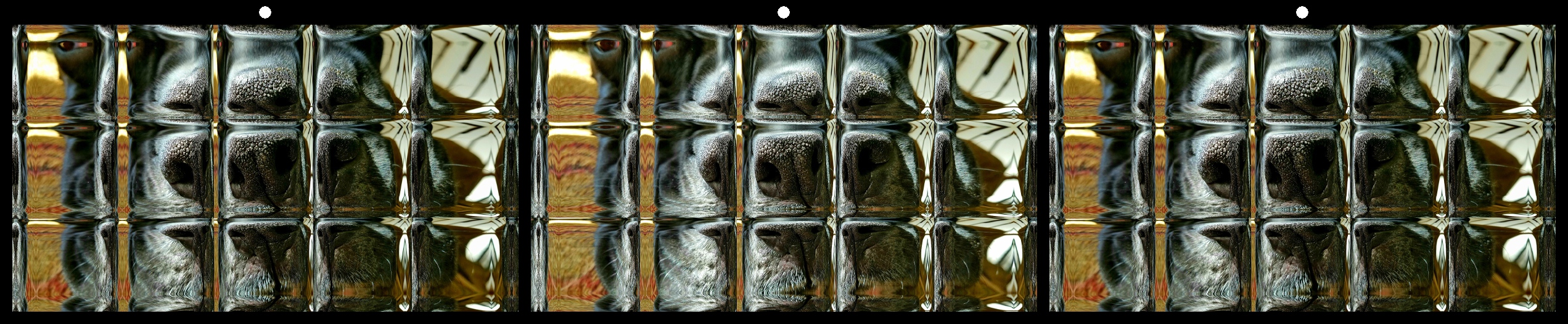
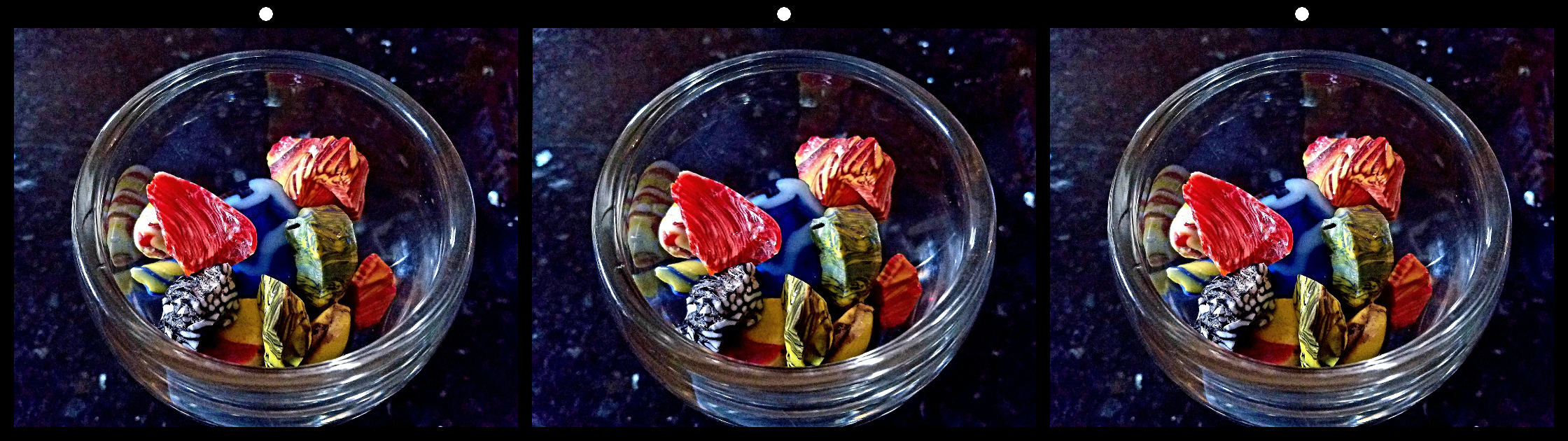
68 Mar 19 Reply Thanks David! The 'stars' are refractions from our granite countertop. Akro Agate made the most desirable slag glass 'aggies' throughout the first half of the 20th century. I took a trip east many years ago to visit historic sites of the early American glass industry. There are people making spectacular marbles today (if you can afford them!). Much more intricate and ornate than the old ones, but they are beautiful one-off art pieces, not the toys of our youth. Mar 13th

4 comments - 2 replies for Group 68


10 comments - 5 replies Total


145 Images Posted

  = Current Round   = Previous Round
Group 21

Aug 22

Jun 22

May 22

Apr 22

Mar 22

Feb 22

Jan 22

Oct 21

Sep 21

Aug 21

Jun 21

Mar 21

Feb 21

Dec 20

Nov 20

Oct 20

Sep 20

Jun 20

May 20

Apr 20

Feb 20

Dec 19

Nov 19

Oct 19

Sep 19

Aug 19

Jul 19

Jun 19

Apr 19

Mar 19

Feb 19

Jan 19

Dec 18
Group 34

Dec 25

Nov 25

Oct 25

Aug 25

Jul 25

May 25

Apr 25

Feb 25

Jan 25

Nov 24

Oct 24

Aug 24

Jul 24

Jun 24

May 24

Apr 24

Mar 24

Feb 24

Jan 24

Dec 23

Oct 23

Sep 23

Aug 23

Jul 23

Jun 23

May 23

Apr 23

Mar 23

Feb 23

Jan 23

Dec 22

Nov 22

Oct 22
Group 68

Dec 25

Nov 25

Oct 25

Sep 25

Aug 25

Jul 25

Jun 25

May 25

Apr 25

Mar 25

Feb 25

Jan 25

Dec 24

Nov 24

Oct 24

Sep 24

Aug 24

Jul 24

Jun 24

May 24

Apr 24

Mar 24

Feb 24

Jan 24

Dec 23

Nov 23

Oct 23

Sep 23

Aug 23

Jul 23

Jun 23

May 23

Apr 23

Mar 23

Feb 23

Jan 23

Dec 22

Nov 22

Oct 22

Sep 22

Aug 22

Jul 22

Jun 22

May 22

Apr 22

Mar 22

Feb 22

Jan 22

Dec 21

Nov 21

Oct 21

Sep 21

Aug 21

Jun 21

May 21

Mar 21

Feb 21

Jan 21

Dec 20

Nov 20

Oct 20

Sep 20

Jul 20

Jun 20

May 20

Apr 20

Feb 20

Dec 19

Nov 19

Oct 19

Sep 19

Aug 19

Jul 19

Jun 19

May 19

Apr 19

Mar 19

Feb 19

Jan 19

Close this Tab when done