|
| Group |
Round |
C/R |
Comment |
Date |
Image |
| 70 |
Nov 20 |
Comment |
Hi Frans.
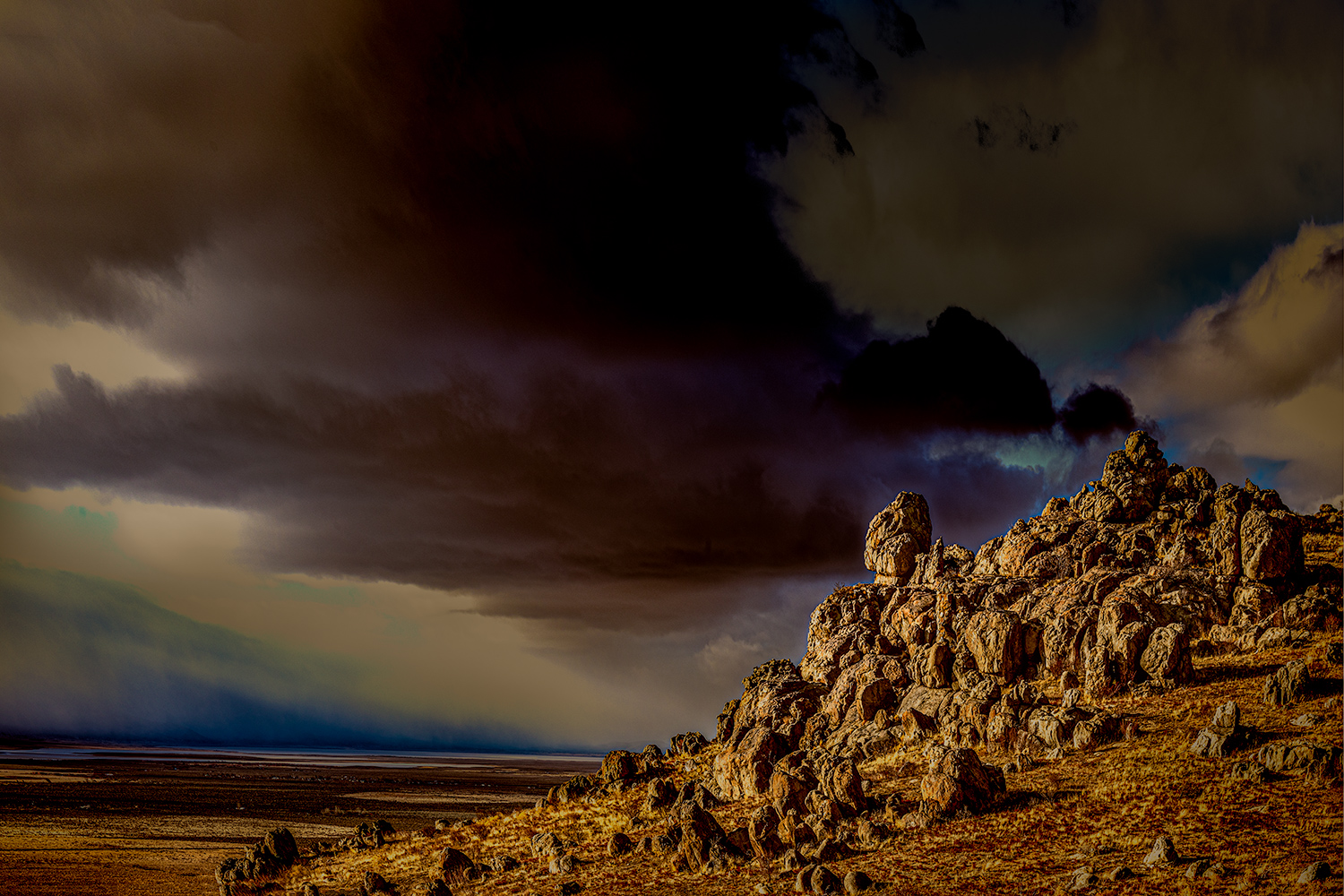
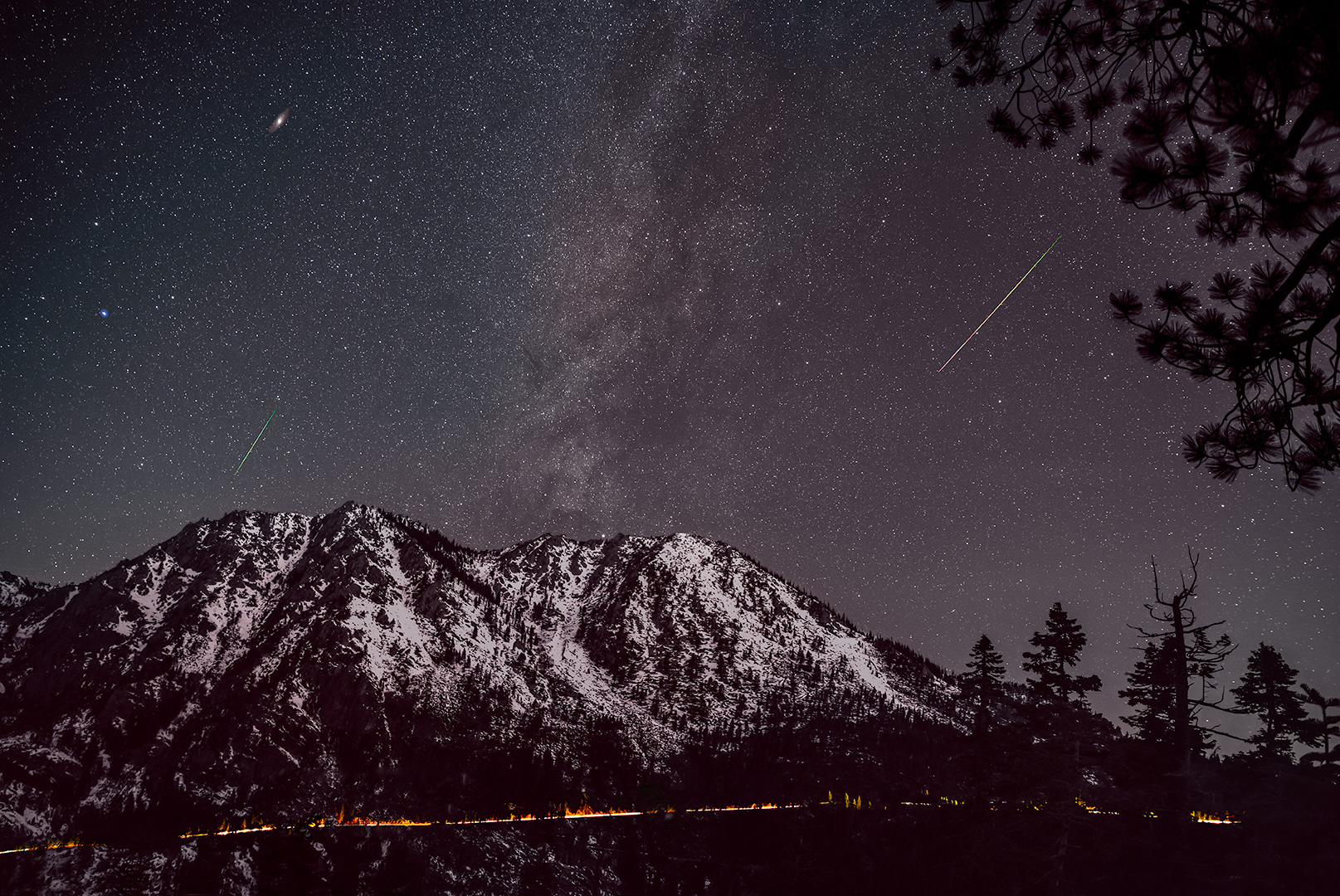
What a wild image! I feel like I've entered another world--like something in a Hollywood movie. I would like to know If you used a sky replacement because if you did, you did a great job of getting a similar look in the water reflection in the Right lower corner. However you accomplished this, the entire image is fantastic.
Todd |
Nov 24th |
| 70 |
Nov 20 |
Comment |
Hi Judy,
I think the adjustment you did really made the boats more prominent and improved the feeling that I am at the harbor. Also, I do not think the idea of the lobster traps on the pier is diminished at all. I think I would also agree with removing the pole but that seems to leave a lot of empty water so maybe cropping a bit of the Right ( to 8x10?)
Todd |
Nov 24th |
| 70 |
Nov 20 |
Comment |
Hi Kathryn,
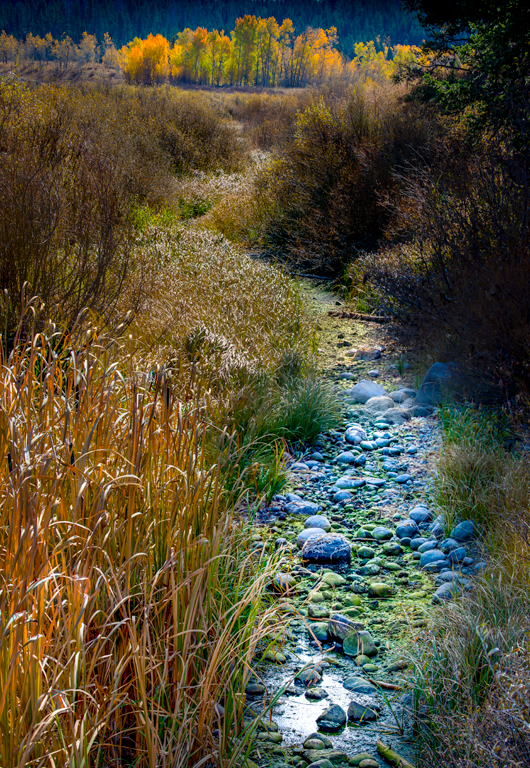
The composition is fantastic. I do like what San has done. I think the image has a lot of potential!
Todd |
Nov 24th |
| 70 |
Nov 20 |
Reply |
Hi San,
I like your Processing!
Todd
|
Nov 24th |
| 70 |
Nov 20 |
Comment |
Hi Pierre,
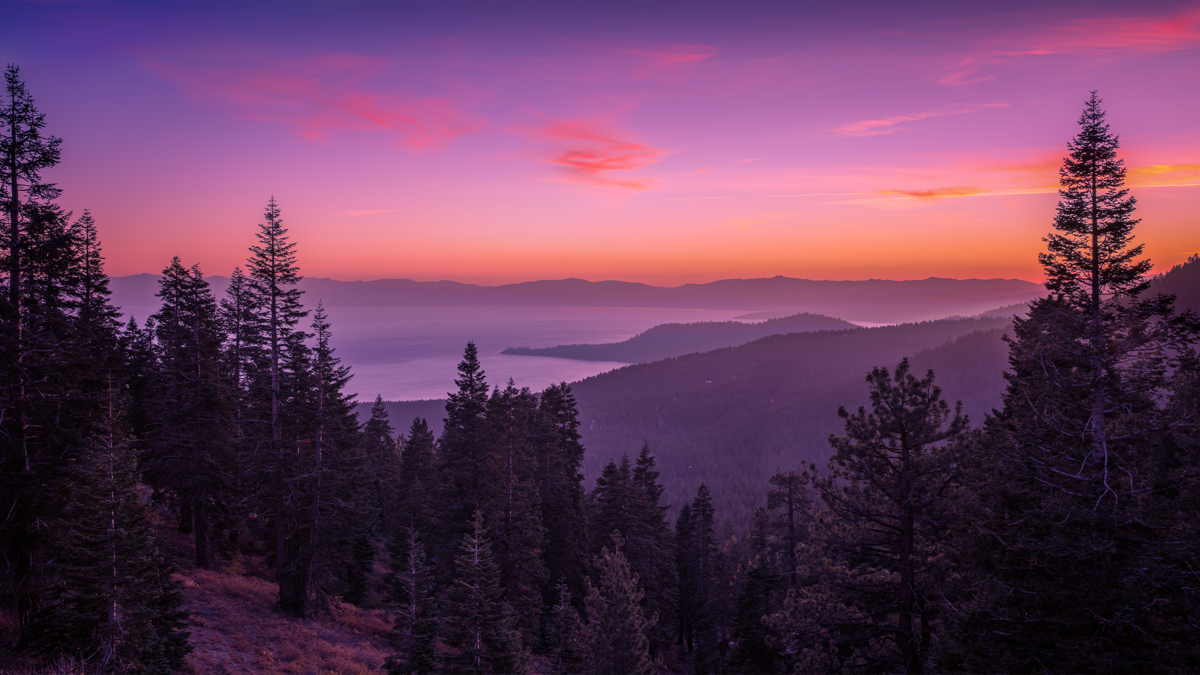
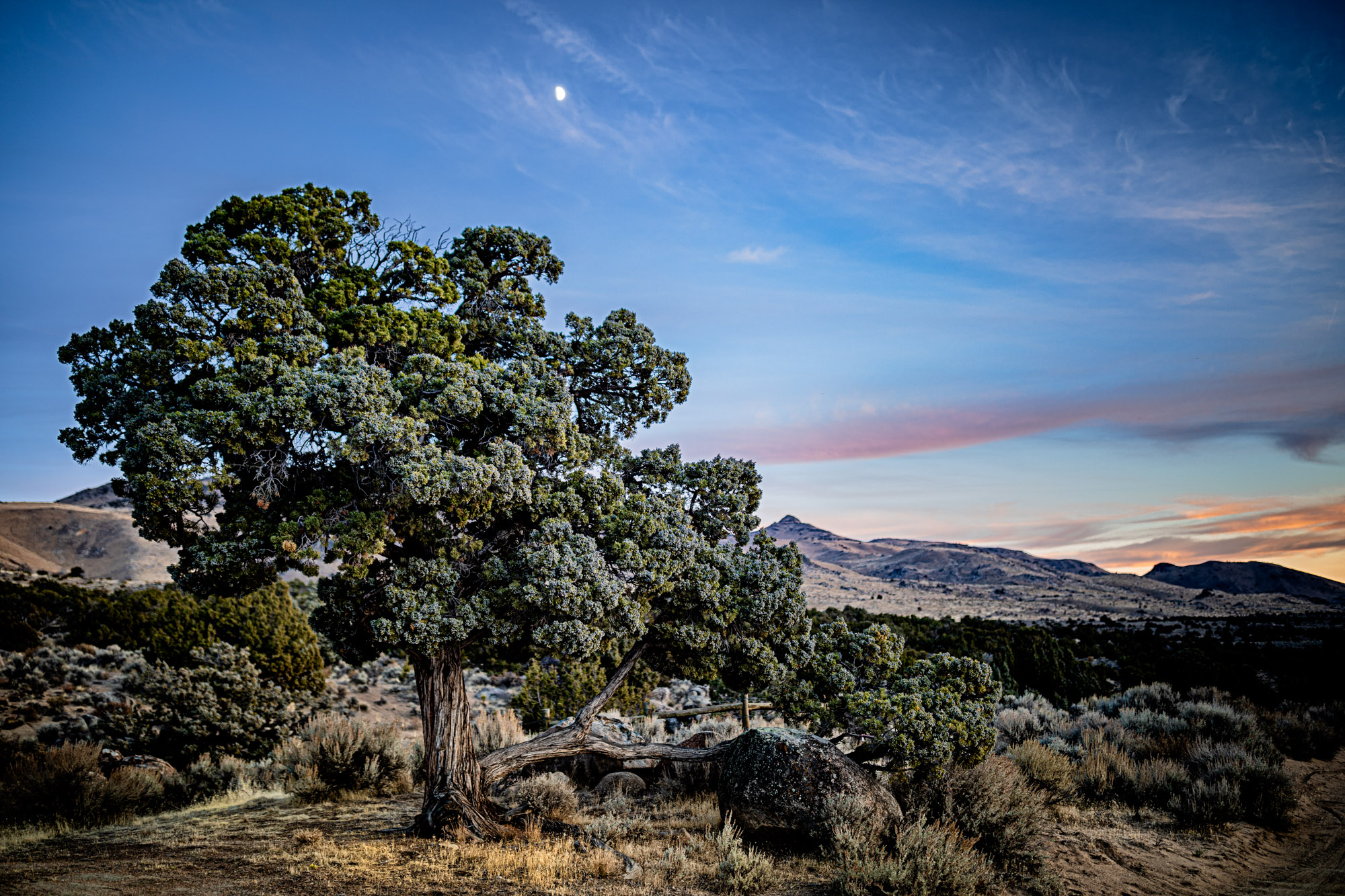
I used one gradient over the sky and pushed the color temp way up (yellow) and pushed the tint to magenta until I liked the look. For the grass I used another gradient and increased the temp a bit and increased the whites.
The new color grading panel in Lightroom is also very helpful for adjusting color and really easy to use and experiment with.
If you have not played around with the Adobe Color App it is very interesting just as a way to think about and learn about color. One of the better articles I have read is by a fantastic photographer, Erin Babnik, and titled: Creative Applications of Color Theory in Landscape Photography from May 21, 2018 which you can find on her website. I feel like this is a huge area that I am just becoming familiar with and offers a lot of potential for improving our images.
Best Wishes,
Todd
|
Nov 24th |
| 70 |
Nov 20 |
Reply |
|
Nov 23rd |
 |
| 70 |
Nov 20 |
Comment |
Hi Pierre,
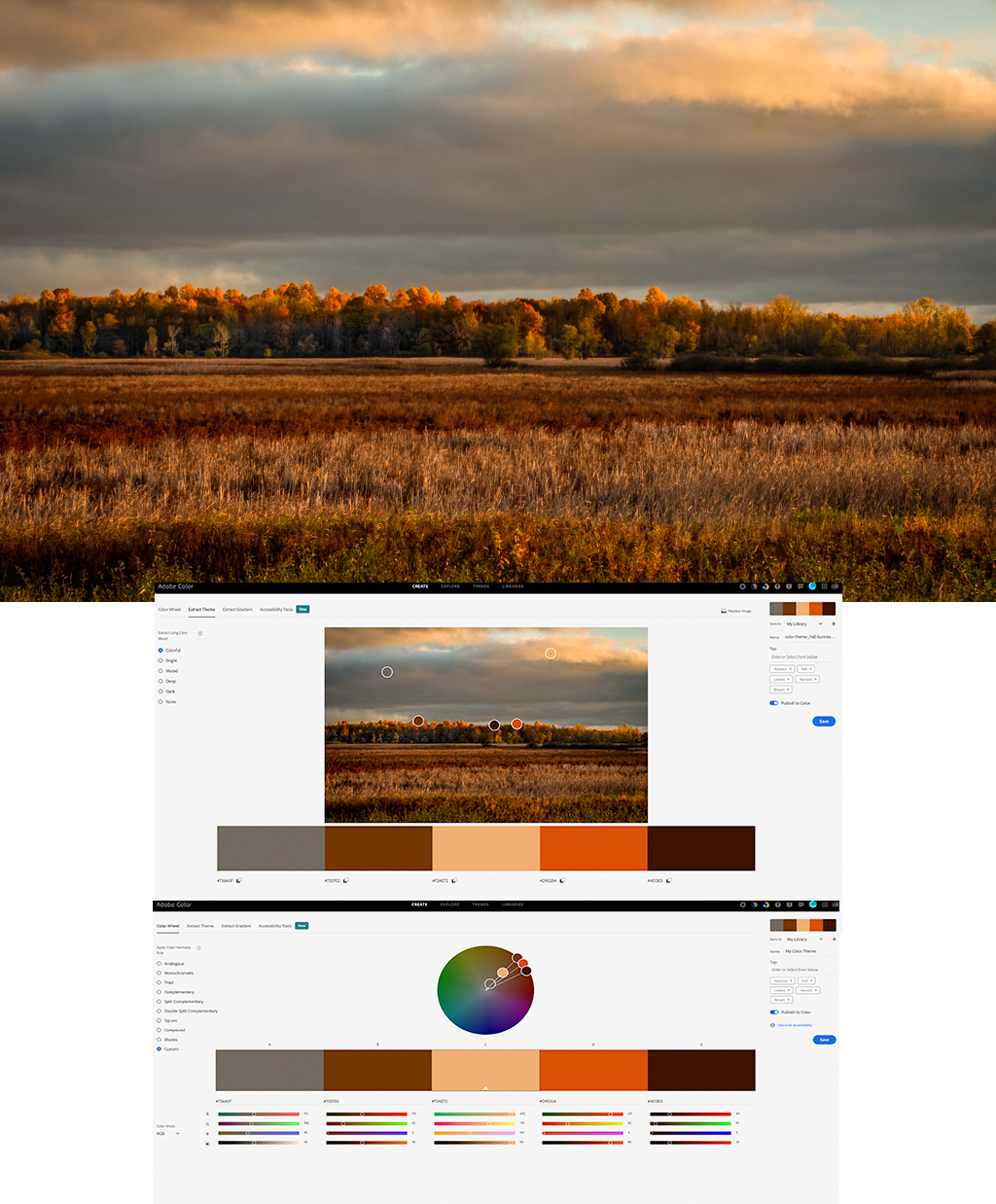
I really like the layer effect you have created. To me, I think the tree line Is the focal point of the image and would consider opening up the shadows and pulling out as much detail in the trees as you can.
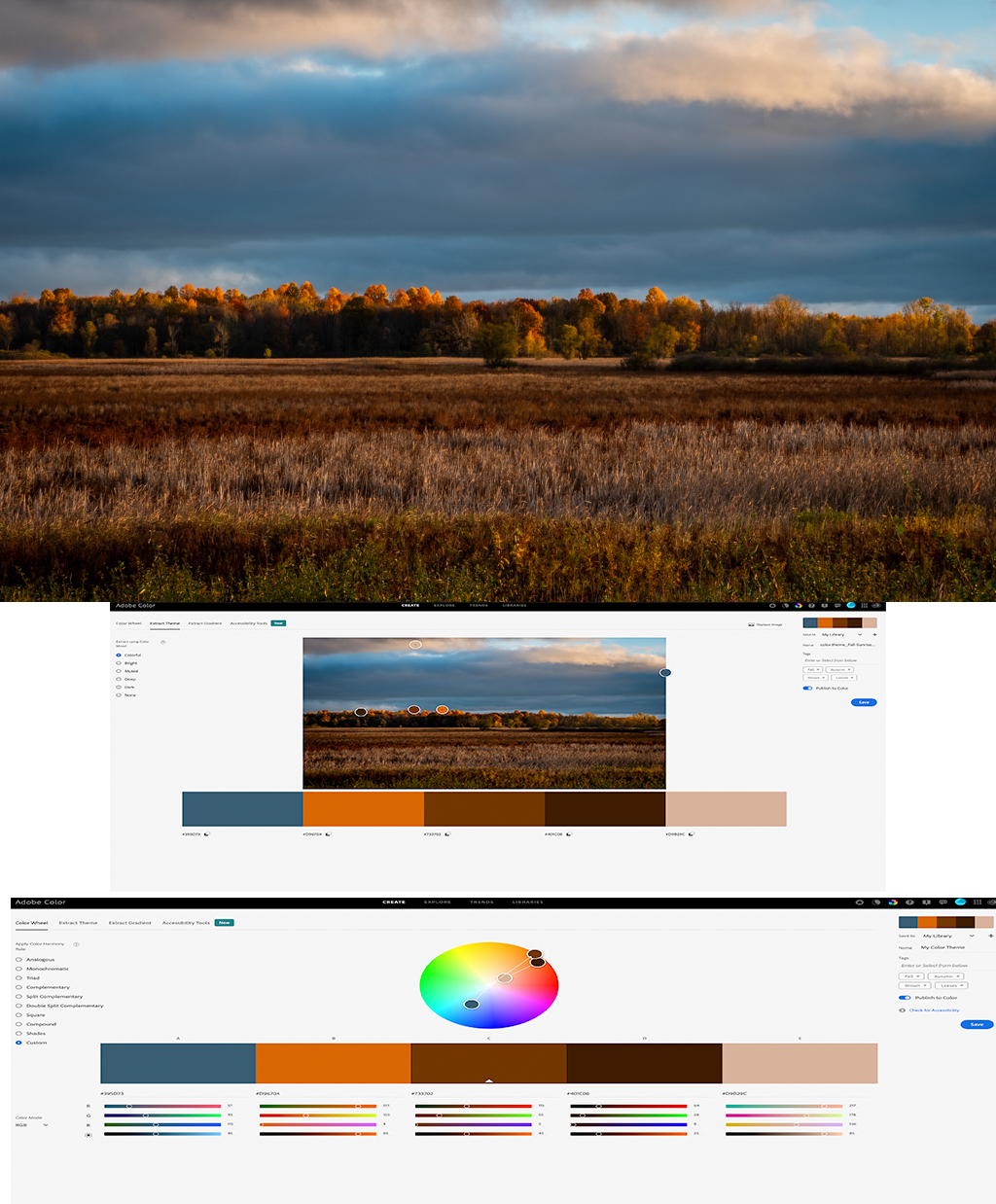
Also, these layers of color present an interesting opportunity to consider the color harmonies between layers. This is something I have been trying to learn more about. I analyzed your image in Adobe Color and created a color wheel which shows that the image seems to have a complementary ( or split complementary) color scheme. I then made some changes and reanalyzed the image and found a more analagous pattern. I'm hoping to learn more about color grading and color themes--I think it offers a lot of potential to improve our images--or become more deliberate with our color choices.
Best wishes,
Todd |
Nov 23rd |
 |
| 70 |
Nov 20 |
Comment |
Hi Lamar,
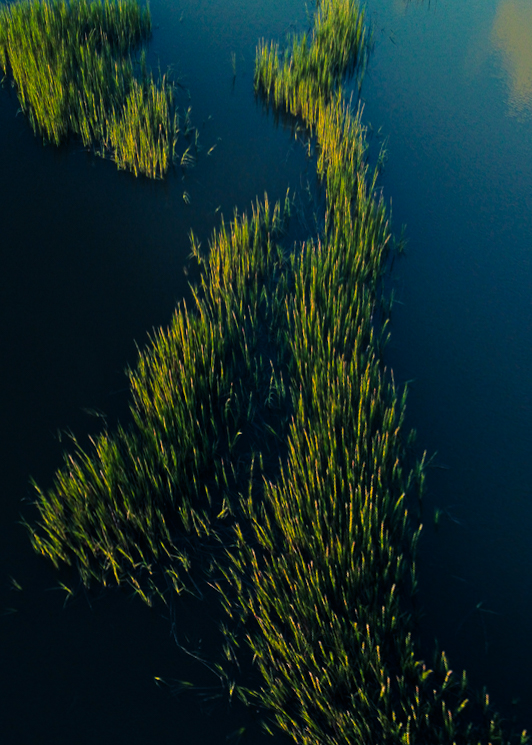
I like the idea of drone based landscape photography. I don't have a drone but it seems interesting. I think some of the most interesting images I've seen tend towards abstraction or "near abstraction". Take a look at Michael Shainblums you-tube channel. He has a video which includes drone images called "Abstract Landscape Photography" from Nov 11, 2020. I also noticed the motion artifact which was a bit distracting. I took the image into PS and tried to transform the image a bit more into abstraction just to see what would happen. I'm looking forward to seeing what you create with the drone.
Todd
|
Nov 23rd |
 |
| 70 |
Nov 20 |
Comment |
Hi San,
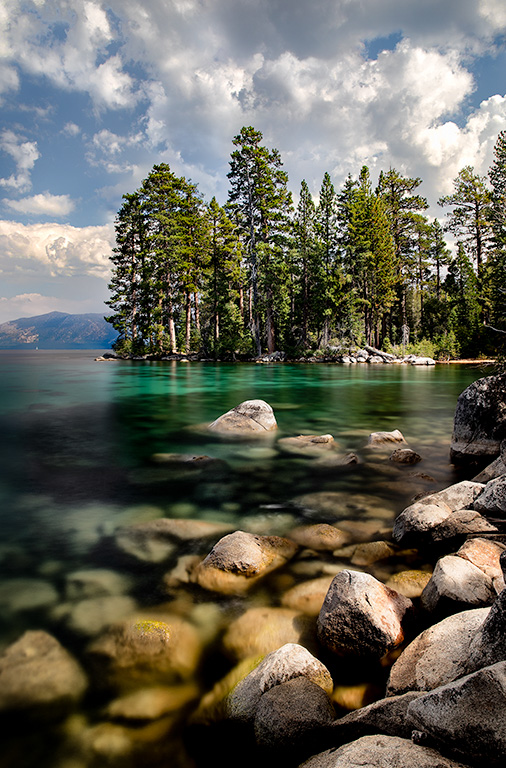
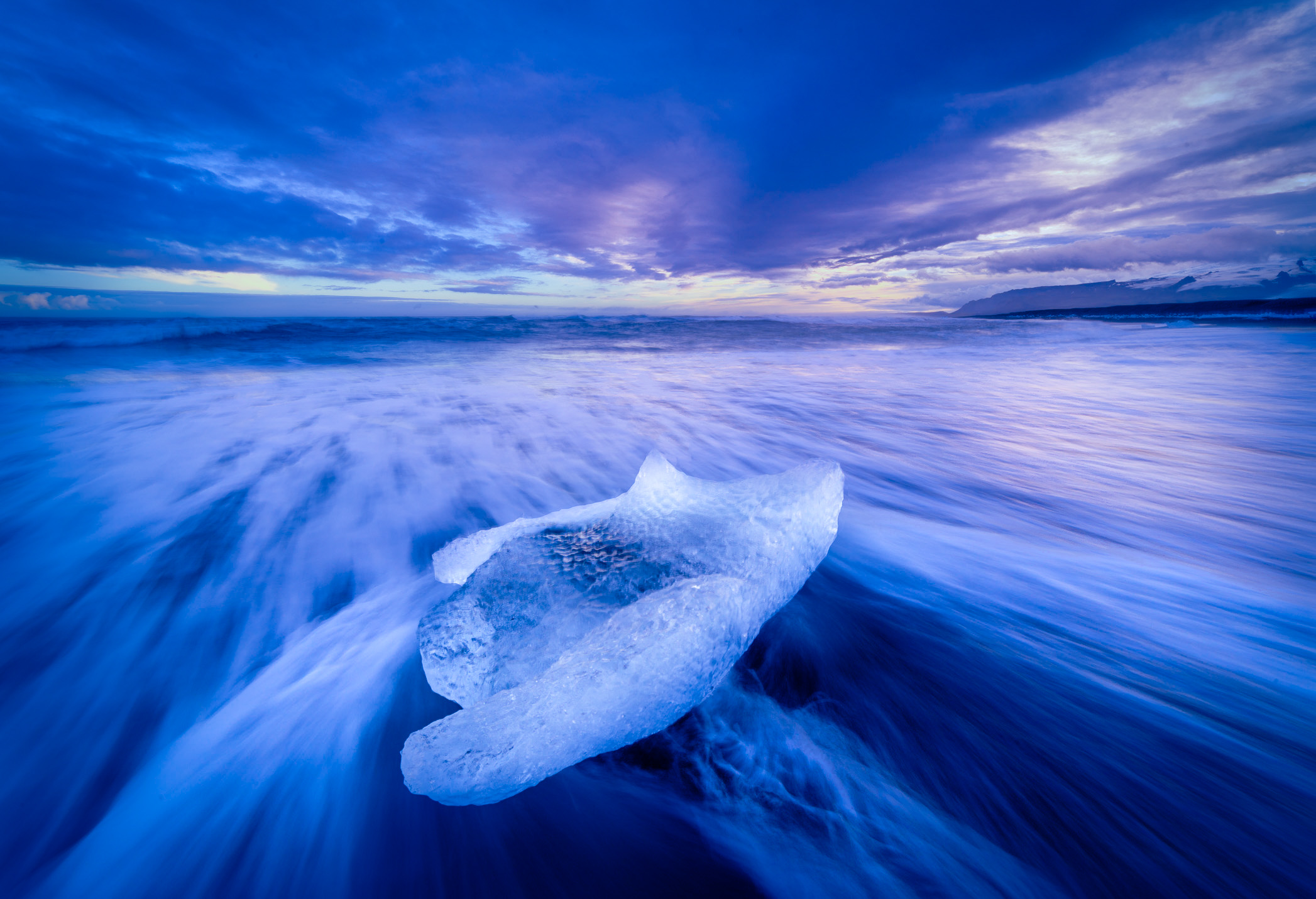
I really like the Ice and the effect of the exposure time on the water. After reading Judy's comment and looking at the web site suggested by Frans I wondered what your shot would look like with an blue analogous color scheme so I pushed every thing to blue and left little magenta in the highlights.
Best wishes,
Todd |
Nov 23rd |
 |
| 70 |
Nov 20 |
Reply |
I started in PS and once all of that was done finished in LR |
Nov 23rd |
| 70 |
Nov 20 |
Reply |
Thanks Frans,
check out my reply to Pierre, I have just posted it and give more info about my processing.
Todd |
Nov 18th |
| 70 |
Nov 20 |
Reply |
Thanks everyone.
Pierre and Frans asked more about how the shot was taken. I initially set up for a 5 shot bracket at f16 iso 50 (exposure times of each frame were 0.5, 1.5, 4 10 and 30 seconds) focused on the farthest trees from the camera. I then focused on the closest trees and took a shot at f2.8, iso 50, 2 seconds. In PS I put all 6 frames into HDR Pro and processed the image primarily for the trees. This gave a nice result for the trees but the sky was very bright and weird. I then took this HDR result and the f16, 4 sec. image-which had the best sky-and opened in PS as a stack. I created a blank white mask for the HDR image and then used a black brush and various layers of opacity and brushed in the nice sky and some midground from the "sky" layer below. After all of that I processed the whole thing more in LR.
Essentially what I have been doing with most of my images lately is shooting many frames of various exposures and focus areas and then trying to use the best parts of the best shots for each area of the image. I still have a lot to learn about blending them all together but when it works I really like the results.
Todd |
Nov 18th |
7 comments - 5 replies for Group 70
|
7 comments - 5 replies Total
|