|
| Group |
Round |
C/R |
Comment |
Date |
Image |
| 70 |
Dec 18 |
Reply |
Hi Frans,
I know this is a photo group and I will try to stay focused on that but want to say that I hope you and your family are ok and not impacted by the tidal wave. Best Wishes,
Todd |
Dec 24th |
| 70 |
Dec 18 |
Reply |
Hi Lamar, I do think I could have gotten a similar result with a simpler work flow but I set out to try try this method and made several photos using it just to experiment and explore different techniques. I have become a big fan of focus stacking but other methods clearly have their place. I don't think any other method can achieve a super sharp image from top to bottom especially if you print them as very large prints--which something I aspire to do. Also I think my personality is draw to the complexity. Next time I try this I should shot one image at f22 and compare it to the focus stack. |
Dec 19th |
| 70 |
Dec 18 |
Comment |
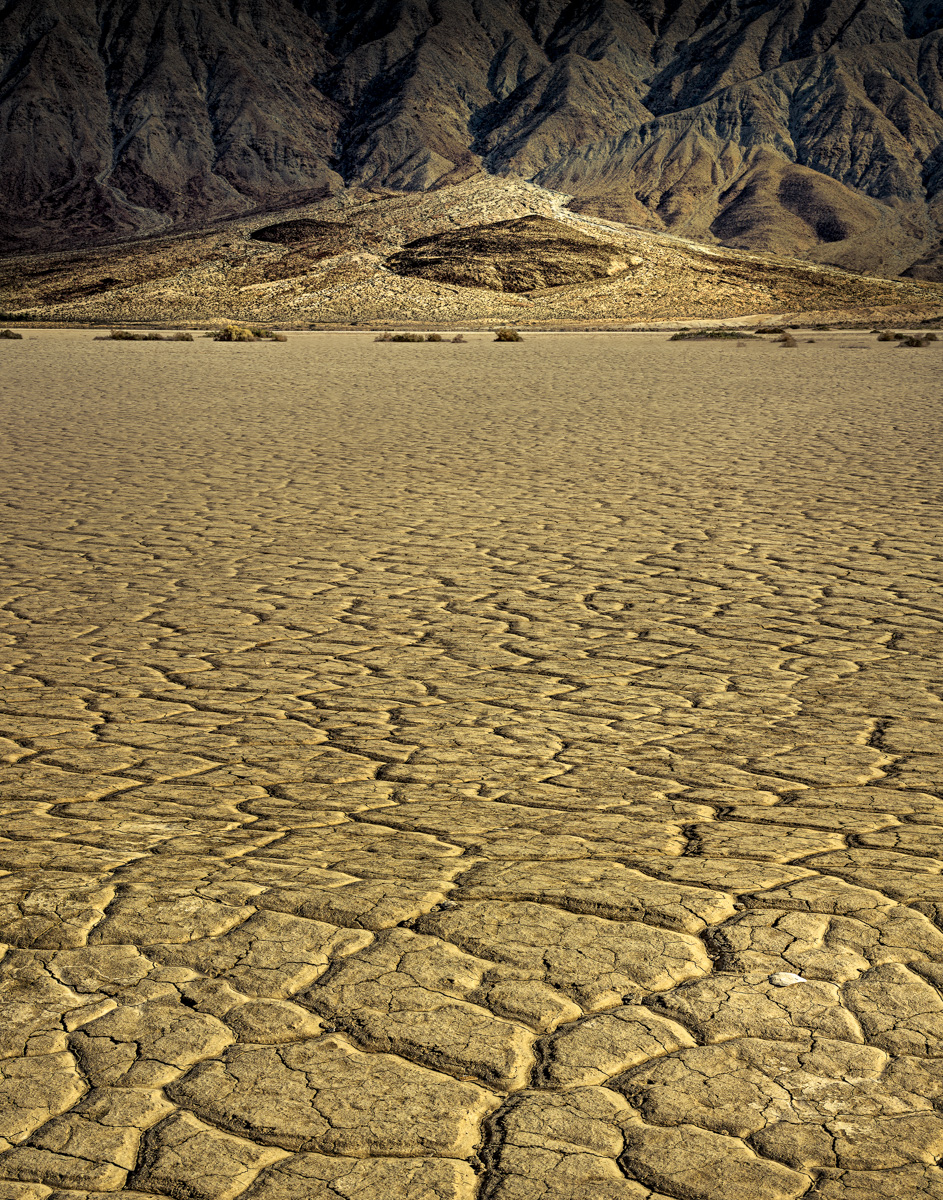
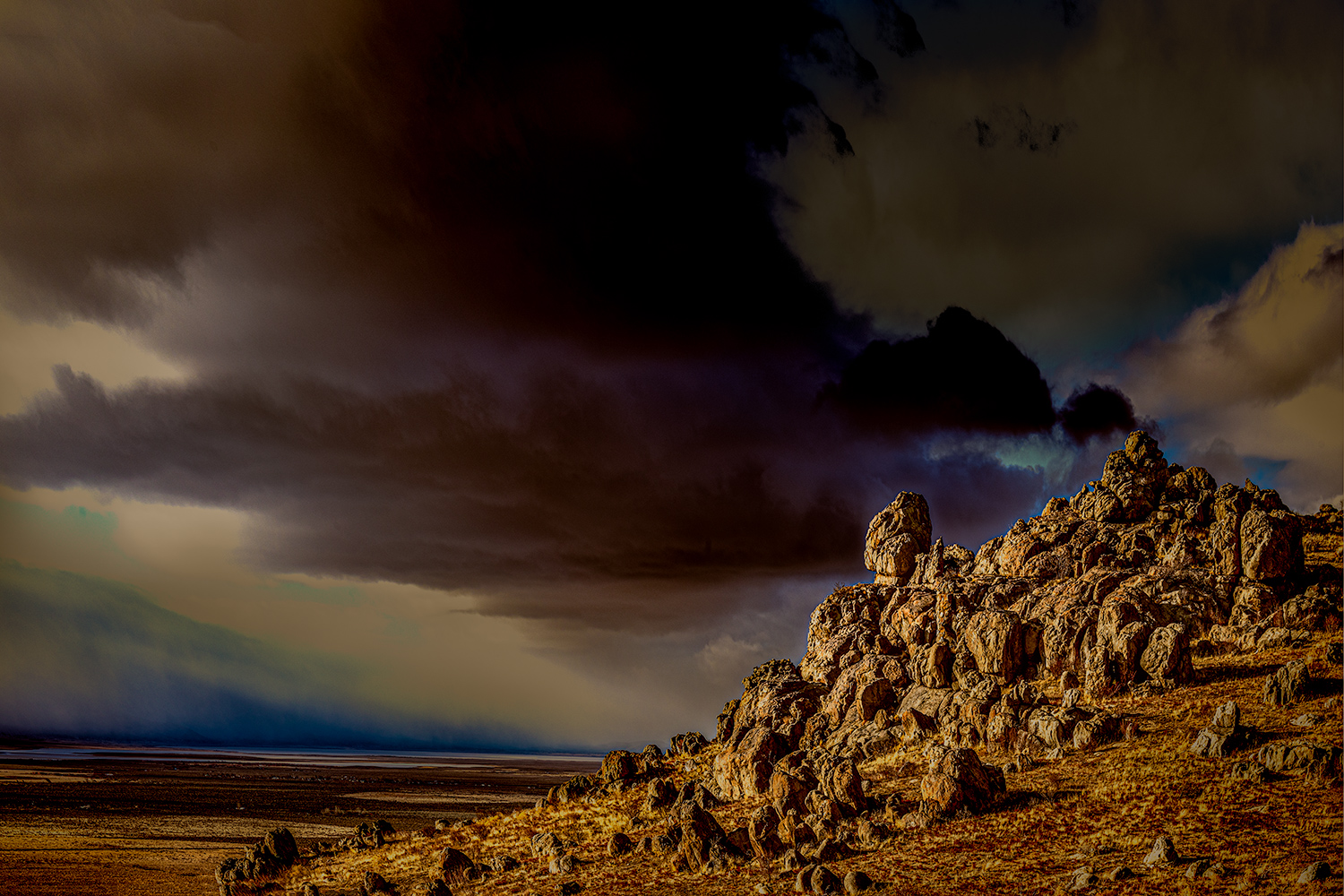
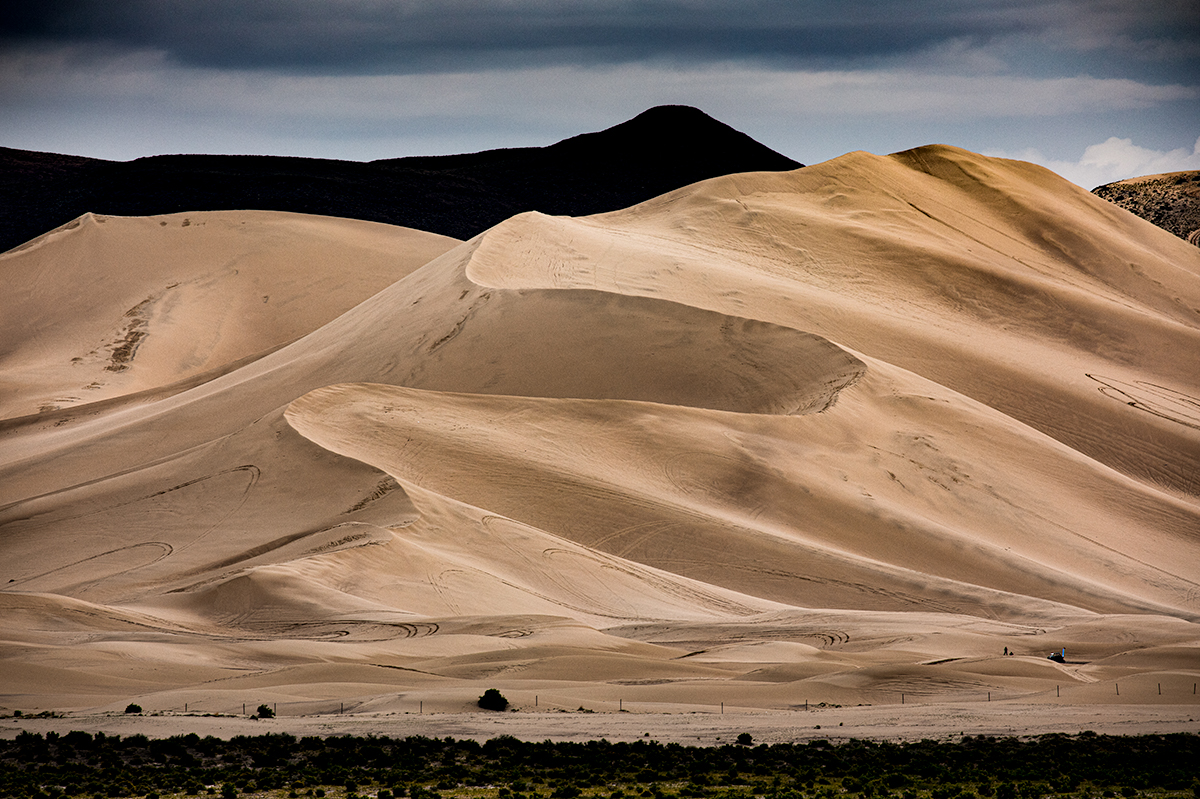
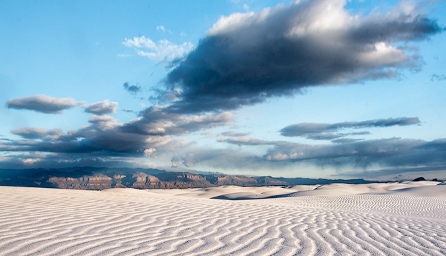
Hi Kathryn, This really captures the rippled texture of the sand and the lines grab the eye and lead us into the landscape. I really like the low camera position. The lines in the sand keep pulling me in, and the left upper corner really caught my attention with strong diagonal lines formed by the cloud and the red mountain range. I cropped into this area just to see if there was an alternate composition. This is another photo that makes me want to travel to this location--thanks for sharing it. |
Dec 12th |
 |
| 70 |
Dec 18 |
Reply |
Hi Judy,
For the stacking I used photoshop--Start with the images to stack--edit as layers in photoshop--auto-align layers--auto-blend layers. This usually gives a good result but you have to inspect the final image carefully as occasionally blochy out of focus areas appear. The better method I think is to manually blend the layers using layer masks and a brush. There are some good tutorials on You Tube that demonstrate this for example check out the video "A practical Guide to Focus Stacking in Landscape Photography" by Michael Breitung |
Dec 10th |
| 70 |
Dec 18 |
Comment |
Glen, nice night shot of the bridge. The star bursts and back ground city scape really make a spectacular scene. I like the detail in the metal work of the bridge seen on the right side of the photo and maybe a 2 shot focus stack would have carried that across the bridge and into the city. The long exposure probably brought out the reflections which are very nice. The clouds are very subtle and really make a perfect sky for this photo. The arch and curve of the bridge are well placed and make a nice composition. Nice job. |
Dec 8th |
| 70 |
Dec 18 |
Comment |
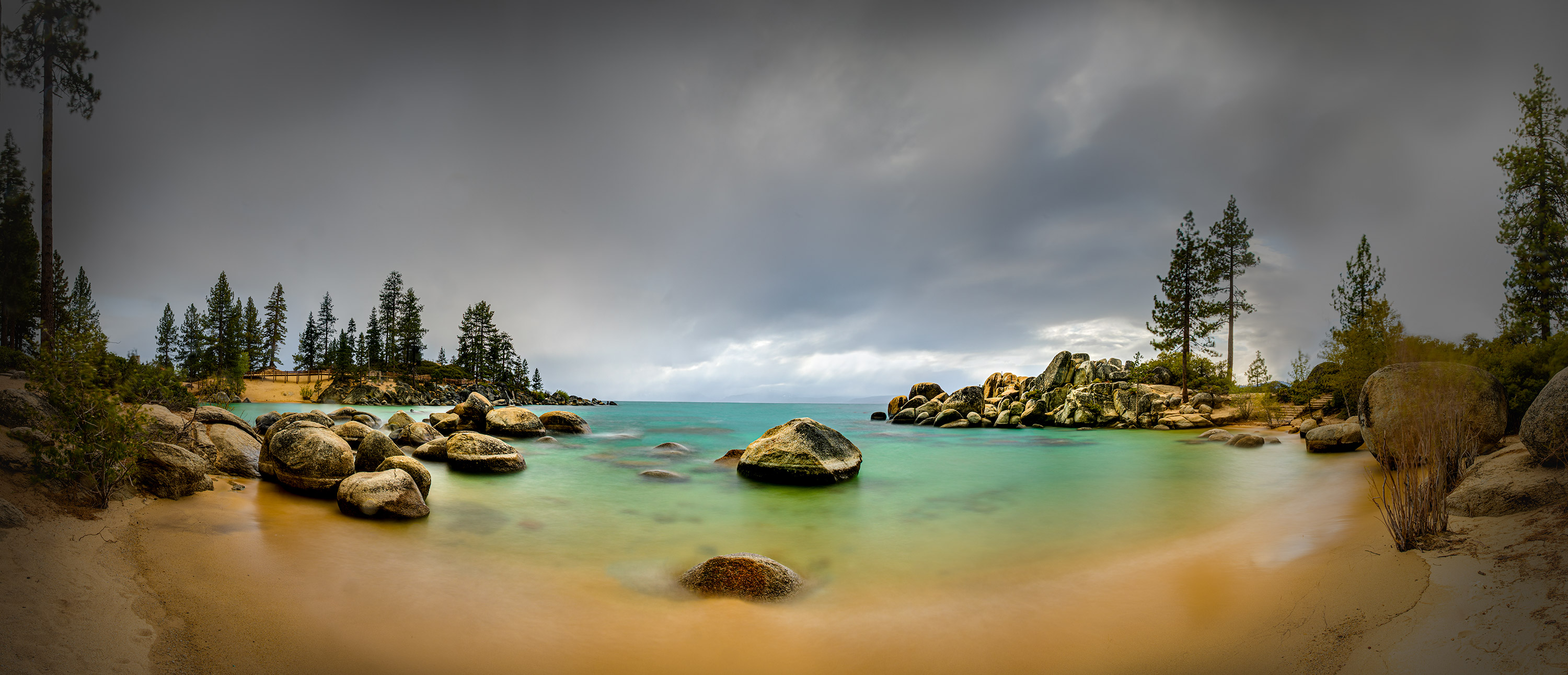
Judy, I'm a fan of long exposure and motion blur and frequently experiment with this myself. I enjoyed looking at this image, it reminded me of a seaside impressionist painting. The sky and land are in good proportion and the pano crop puts an emphasis on the idea of lateral movement to the clouds. Is the blur in the land due to very strong wind moving vegetation and sand or due to tripod motion? Sometimes on very windy days the camera moves no matter what we do. Also did you use screw on filters or a filter holder setup? I've messed up my focus screwing on filters and the holders can make the camera more vulnerable to the wind. Personally I kind of like the land blur in the image. |
Dec 7th |
| 70 |
Dec 18 |
Comment |
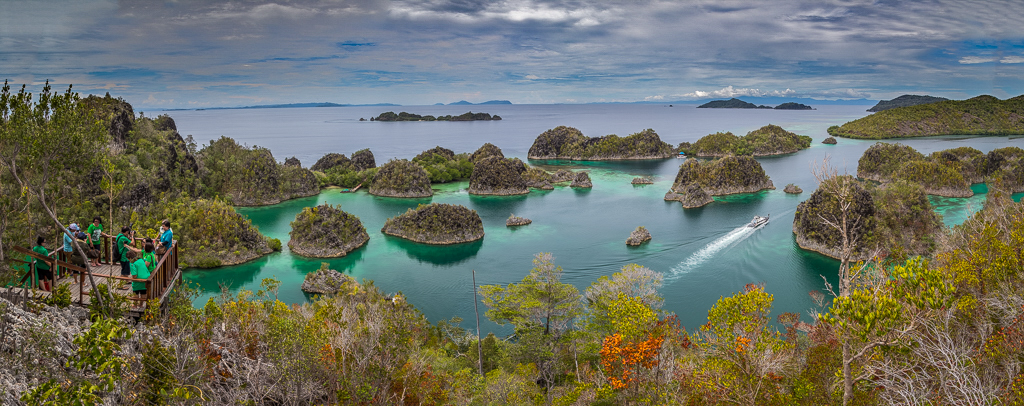
Frans, This tells a nice story about a beautiful and apparently popular location. The water looks clear even from this distance and I can imagine that the diving must be spectacular. The sky suffers from some loss of detail but you wouldn't want to change it so much that it competes with the islands and water. The lower boat is a little distracting and lost behind the trees (I removed it using the clone stamp tool in PS). I do like the people and the boat and this makes it a story for me although the scene would be just as spectacular without them. Good job, the image makes me want to endure the long journey to get there. |
Dec 7th |
 |
| 70 |
Dec 18 |
Comment |
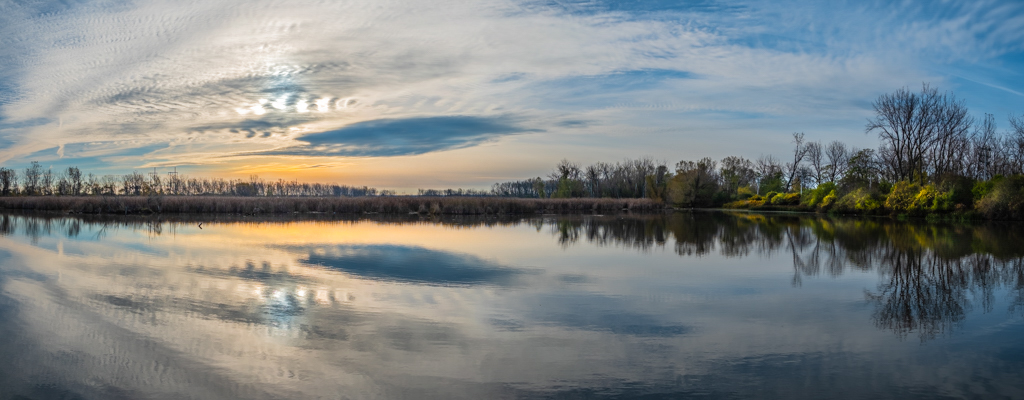
Hi Pierre, you were very steady to get 15 shots handheld even with fast shutter speeds! Did you use the new Lightroom HDR pano feature to stitch the images? The right side of the image is just slightly darker than the left but this looks very natural, did you have the adjust or match the exposures of each panel before stitching? I've struggled at times when my panels aren't all exposed the same. Just for kicks I used Frans's idea from last month to "turn on the lights" with radial filters what do you think? |
Dec 7th |
 |
| 70 |
Dec 18 |
Comment |
Lamar, the photo does communicate the idea that this is a spit of land that may soon be underwater. The bit of land visible behind the people really helps explain this idea and would not be visible without the elevated perspective. At first glance I thought it was a drone shot. Good idea putting the camera on a pole. I'm not sure how I feel about the curved horizon but it does give the impression that the land is just high enough to be dry. The people are very dark and I think I would like to see a little more detail. Maybe this could be accomplished by a local reduction of shadows. Overall the image gives us a very clear idea that these People are about to get wet. |
Dec 7th |
| 70 |
Dec 18 |
Reply |
Thanks Pierre, I totally missed the horizon I'm going to fix it now! |
Dec 7th |
6 comments - 4 replies for Group 70
|
6 comments - 4 replies Total
|