|
| Group |
Round |
C/R |
Comment |
Date |
Image |
| 5 |
Mar 17 |
Comment |
Thanks to all for your very kind comments. Sorry I've not had chance to do much commenting this month as it's been a very busy one - I’ve now managed to comment on all the images though... |
Mar 23rd |
| 5 |
Mar 17 |
Reply |
I use Internet Explorer. Interestingly, I also get a black background now but originally I got a white one. Not sure why... |
Mar 23rd |
| 5 |
Mar 17 |
Comment |
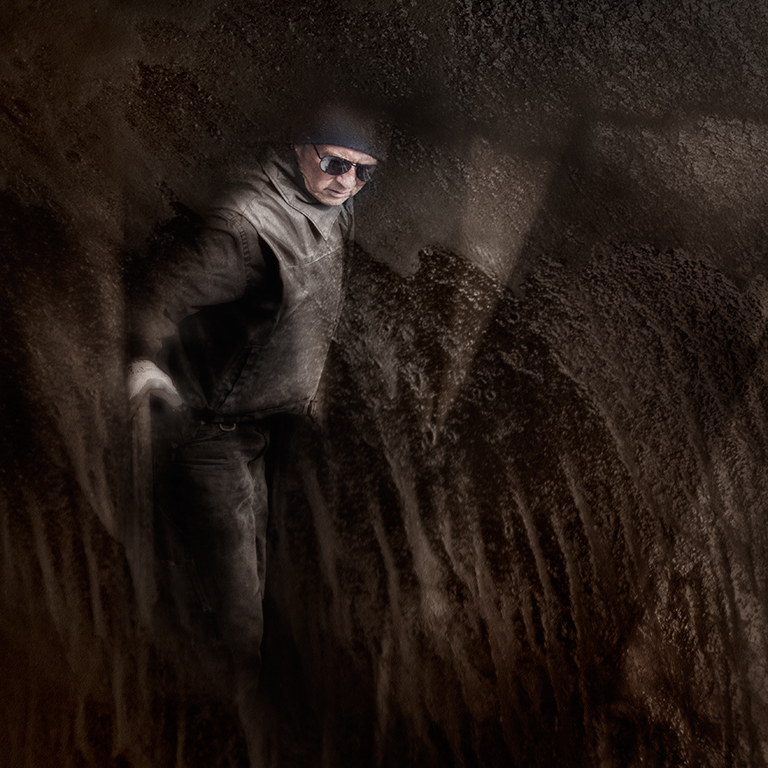
It’s certainly very dramatic, Richard and a very interesting treatment. I think that some of the edges need tidying up as there is distinct haloing on some of them. |
Mar 23rd |
| 5 |
Mar 17 |
Comment |
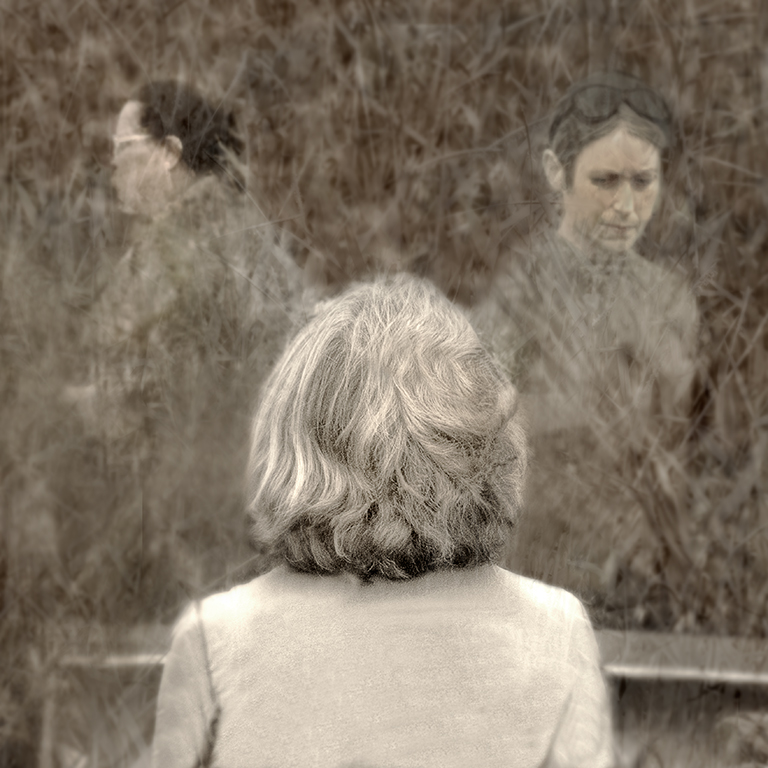
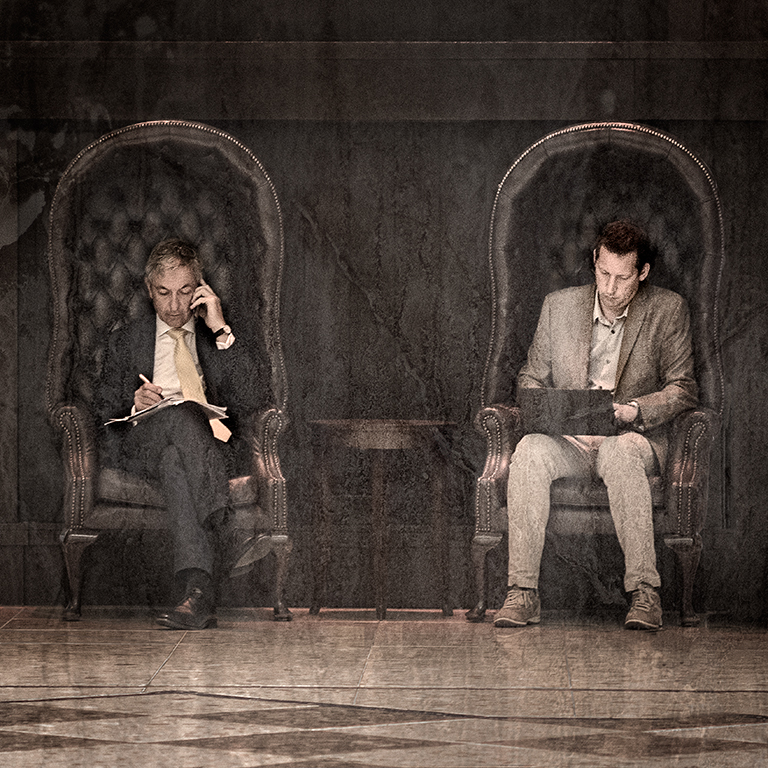
Another of your very distinctive images,Nick and well put together as ever. The tonal quality could be better but I guess this is down the quality of the original images you worked with. |
Mar 23rd |
| 5 |
Mar 17 |
Comment |
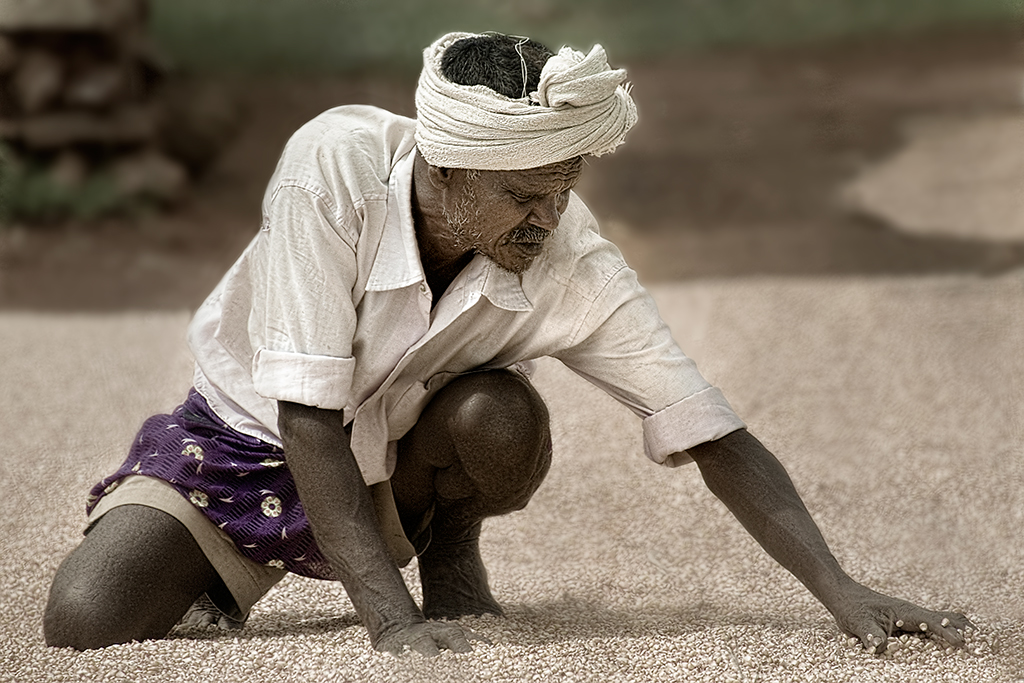
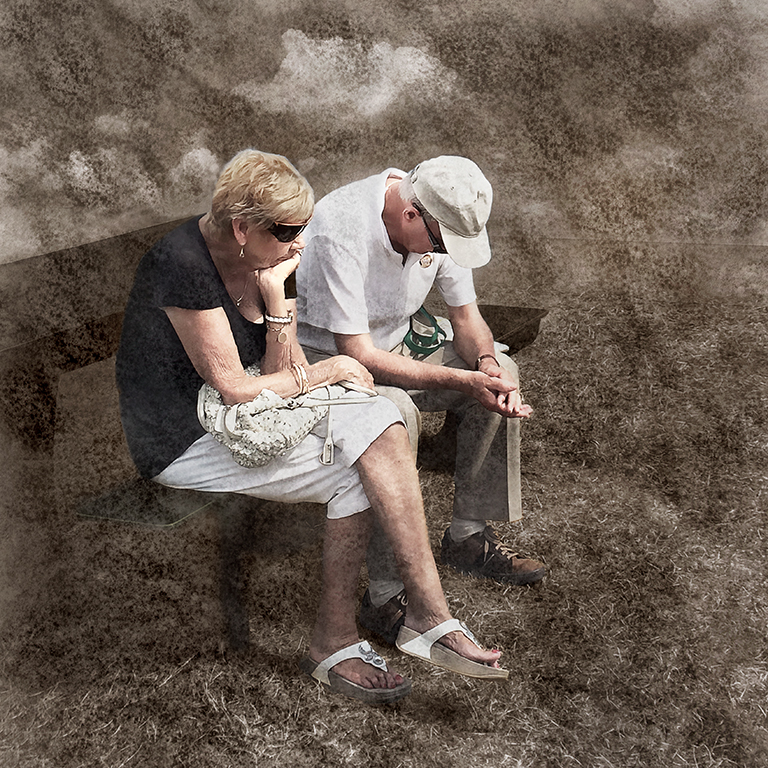
Beautifully sharp, John and well composed but I agree with the others on the background. There seems to be at least one repeat pattern in the background which makes me wonder if that was a result of your cloning but blurring the background would prevent this showing. |
Mar 23rd |
| 5 |
Mar 17 |
Comment |
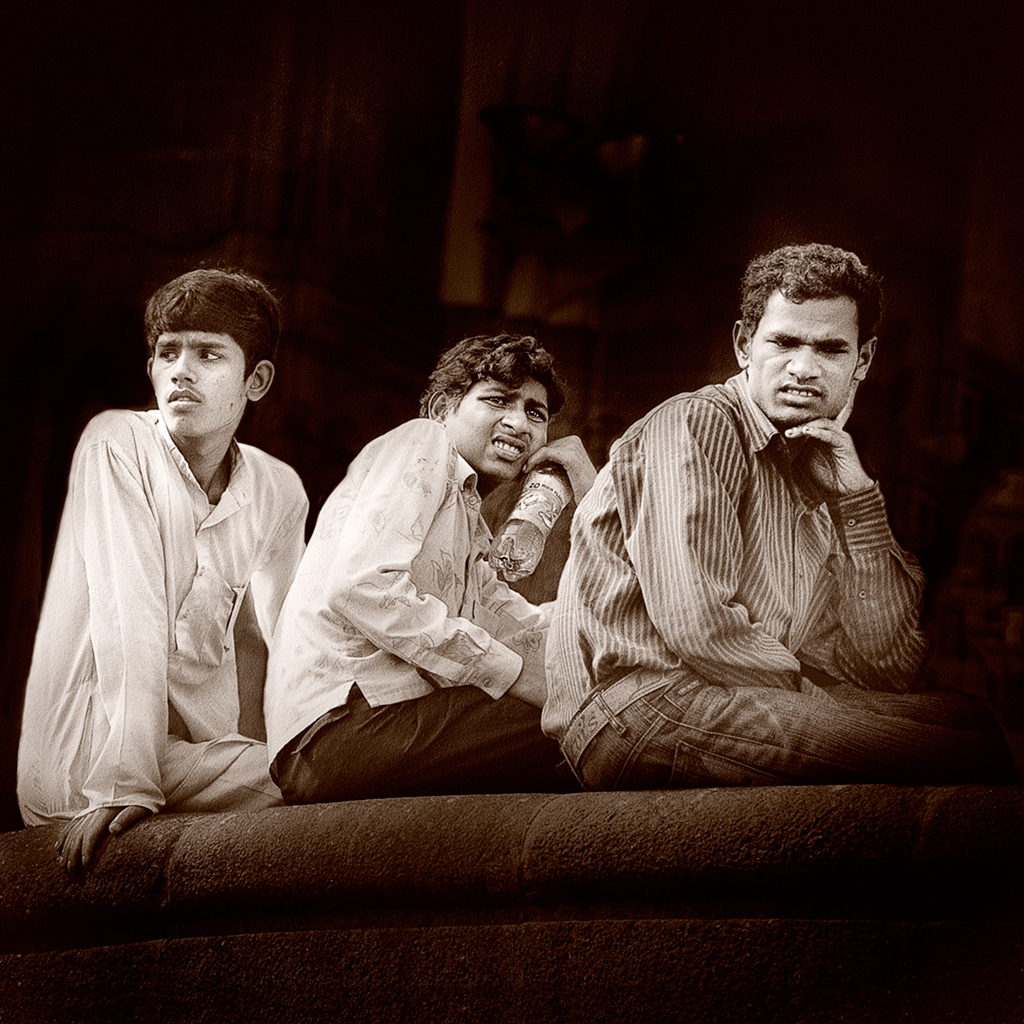
I like this very much, Ken. It has a real sense of depth and a beautiful muted colour palette. The rope makes the image by provided at point of focus to stop the eye wandering about the image. |
Mar 22nd |
| 5 |
Mar 17 |
Comment |
I agree very much with the above very helpful comments. Although it is out of focus you could perhaps retrieve the situation somewhat by using the Photoshop high pass filter to sharpen it.
|
Mar 21st |
| 5 |
Mar 17 |
Comment |
It’s always difficult to get detail in reds and you have done well to achieve this, Barbara. I think the image would benefit greatly if the right hand side were darker and the bottom left a little brighter. You could do this using the Nik Darken / Lighten centre filter with the centre placed in the bottom left hand corner and using the sliders in the filter to get a more balanced effect.
The main problem I have with the image is the haloing which could be because of over sharpening or an artefact caused by the filters you used. In any event, you can remove these using the clone tool. If you enlarge the image to a level where you can see the pixels, it is relatively easy to clone out the haloing.
|
Mar 21st |
| 5 |
Mar 17 |
Comment |
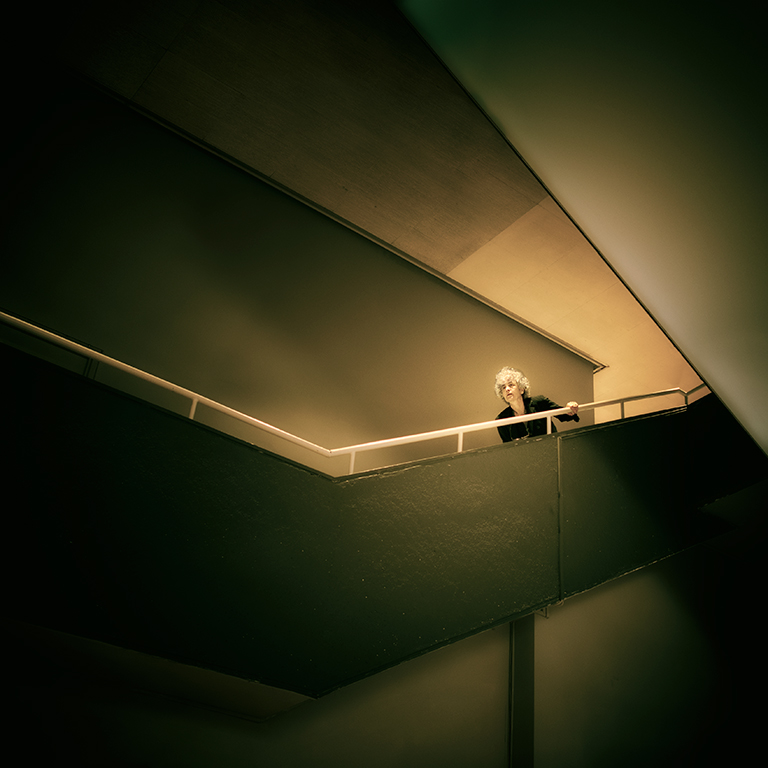
I'm aware that, with dark edges,this image blends with the black screen background. I've just realised though that if you click on it, it shows you the image with a white background, so you can see it properly. |
Mar 3rd |
8 comments - 1 reply for Group 5
|
8 comments - 1 reply Total
|