|
| Group |
Round |
C/R |
Comment |
Date |
Image |
| 10 |
May 19 |
Comment |
I went after it by lightning the altar and darkening the foreground with the lady. You did the opposite. I am much more attracted to your interpretation of the story. Bravo. Our images truly depend on expanding the story we personally feel compelled to tell. You found your own story within the image and brought it to life. |
May 19th |
| 10 |
May 19 |
Comment |
Check out PS>Filters>Sharpen>Camera Shake, a new tool for reducing out of focus areas in an image.
Another option is to add a texture over butterfly, add white layer mask to texture layer, and then remove with black brush starting in middle of body at 80% and working with lower and lower opacity by increments slowly out to 10% along edges. When it works, texture appears to soften edges disguising camera movement or shallow DOF. |
May 19th |
| 10 |
May 19 |
Comment |
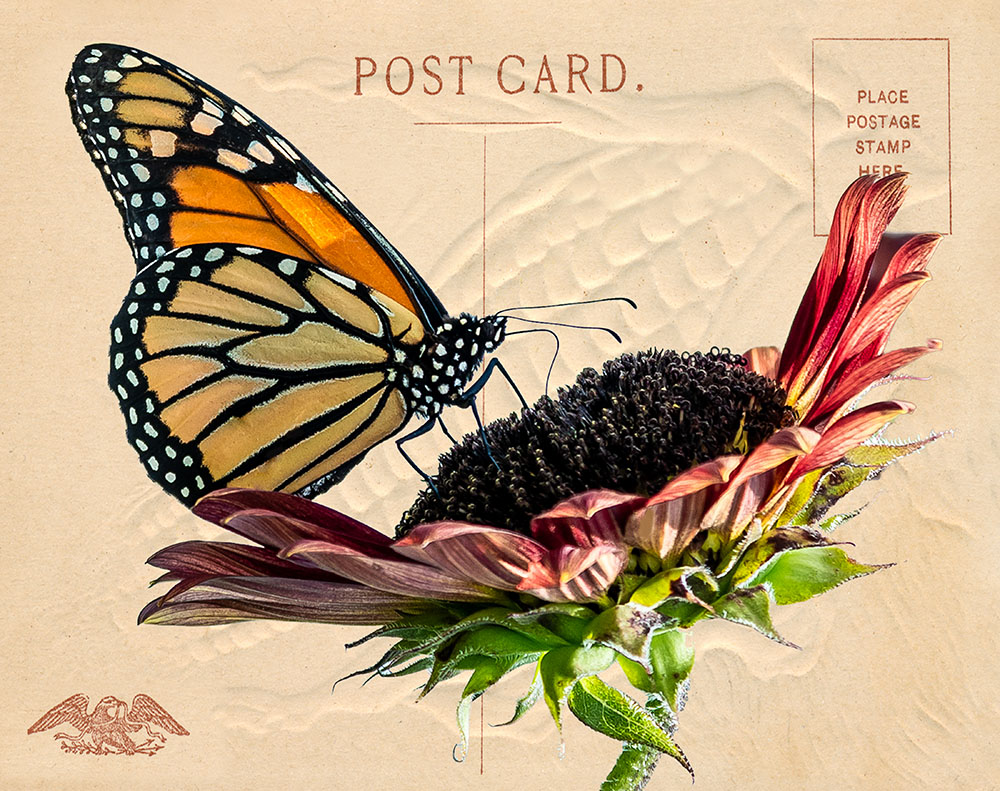
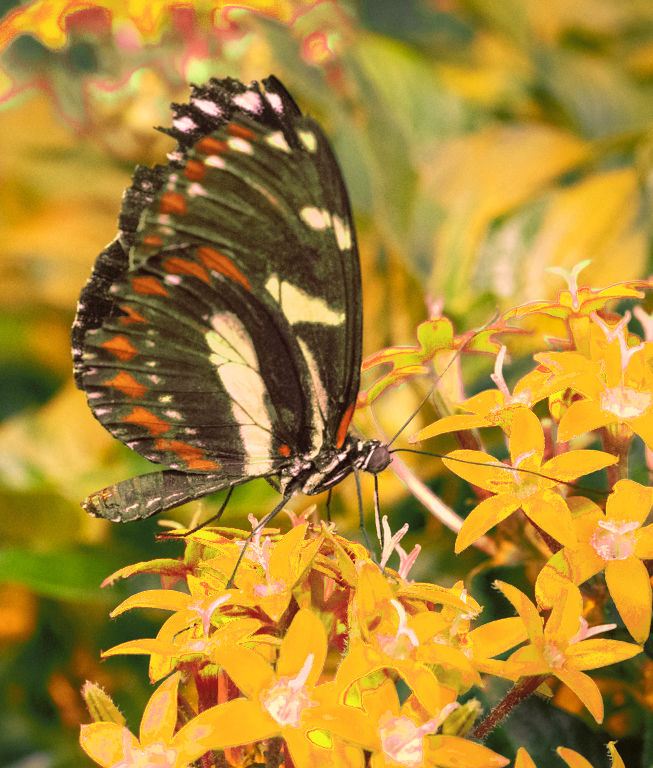
I love butterflies. Always a bit more exciting when butterfly chooses a coordinating flower color. :-)
Photoshop can help. This was a fast edit...needs more time and finesse to really produce an excellent result.
I also cropped left side so butterfly was not dead center of the image. Left right size alone so buttergly has a place to go..
PS COLOR - CHANGE A SPECIFIC COLOR IN AN IMAGE
Go to PS>Edit>Adjustment>Replace Color
To select the colors that you want to replace, use the Eyedropper tool to click in the image or in the preview box to select the areas exposed by the mask.
To refine the selection, do any of the following:
Shift-click or use the Add To Sample Eyedropper tool (+) to add areas.
Alt-click, or use the Subtract From Sample Eyedropper tool (-) to remove areas.
Click the Selection Color swatch to open the Color Picker. Use the Color Picker to target the color you want replaced. As you select a color in the Color Picker, the mask in the preview box is updated.
Drag the Fuzziness slider or enter a Fuzziness value to control the degree to which related colors are included in the selection.
Specify a Replacement color by doing either of the following:
Drag the Hue, Saturation, and Lightness sliders (or enter values in the text boxes).
Double-click the Result swatch and use the Color Picker to select the replacement color.
Google PS 'Replace Color' for more detailed instructions, which will give a more realistic final result. |
May 19th |
| 10 |
May 19 |
Comment |
Best when butterflies choose coordinating flowers. :-)
Photoshop can help. This was a fast edit...needs more time and finesse to get colors replaced without a trace.
Basic instructions below. Google more info on complete process.
PS COLOR - CHANGE A SPECIFIC COLOR IN AN IMAGE
Go to PS>Image>Adjustment>Replace Color
To select the colors that you want to replace, use the Eyedropper tool to click in the image or in the preview box to select the areas exposed by the mask.
To refine the selection, do any of the following:
Shift-click or use the Add To Sample Eyedropper tool to add areas.
Alt-click, or use the Subtract From Sample Eyedropper tool to remove areas.
Click the Selection Color swatch to open the Color Picker. Use the Color Picker to target the color you want replaced. As you select a color in the Color Picker, the mask in the preview box is updated.
Drag the Fuzziness slider or enter a Fuzziness value to control the degree to which related colors are included in the selection.
Specify a Replacement color by doing either of the following:
Drag the Hue, Saturation, and Lightness sliders (or enter values in the text boxes).
Double-click the Result swatch and use the Color Picker to select the replacement color. |
May 19th |
 |
| 10 |
May 19 |
Comment |
Edit to image making a much tighter composition brings greater emphasis on hikers while retaining the setting. I like it. |
May 19th |
| 10 |
May 19 |
Comment |
https://www.digitaltrends.com/photography/how-to-use-the-graduated-filter-in-lightroom/
ABOVE LINK TO USING GRADUATED FILTER IN LR
Once you practice with Graduated and Radial Filters in LR, you will find them most useful for subtle darken/lighten applications. And, great for adding selective vignetting to sides and corners of image that looks more realistic than the global vignetting tool in LR :-) |
May 19th |
| 10 |
May 19 |
Comment |
I find this image to be mesmerizing in some ways and distracting in others. To my eye, the canoes, lake, and soft sunset are calming and serene. However, the dramatic 'monster' cloud and bolts of red on the right side give me an totally opposite feel. I find these stark elements hinting of a threatening storm to be upsetting my wish for peaceful enjoyment of this otherwise tranquil scene. Just doesn't work for me because I feel pulled between two distinctly different emotions and just can't settle down. Hope you can return on another evening. |
May 15th |
| 10 |
May 19 |
Comment |
At first look, I am enchanted by this beautiful woman and her lovely reflection. I find the black and red make a powerful statement about her. Beautiful composition and almost perfect lighting. My eye did keep jumping to the 'too bright, shiny area' on her cheek and also highly lit wrist. Would like to see these toned down just a bit. I might have removed one bracelet as the way they cross draws my eye unnecessarily. |
May 15th |
| 10 |
May 19 |
Comment |
Easy for me to get vertigo looking over the edge in this shot. Interesting capture. Timing likely did not allow sun to illuminate faces more. To my eye, it feels like a snapshot image rather than an artistic one. Would love to see your new work. |
May 15th |
| 10 |
May 19 |
Comment |
To me, this is magnificent setting and wonderful capture with single parishioner in the pew. Might be perfect opportunity for 3 exposures combined in PS to get all the window detail. Suggest you open it in LR or ACR and add subtle darkening grad. filter on each of the four sides, and then a radial filter to light center. Felt emphasis might work on the altar rather than the woman. |
May 15th |
| 10 |
May 19 |
Comment |
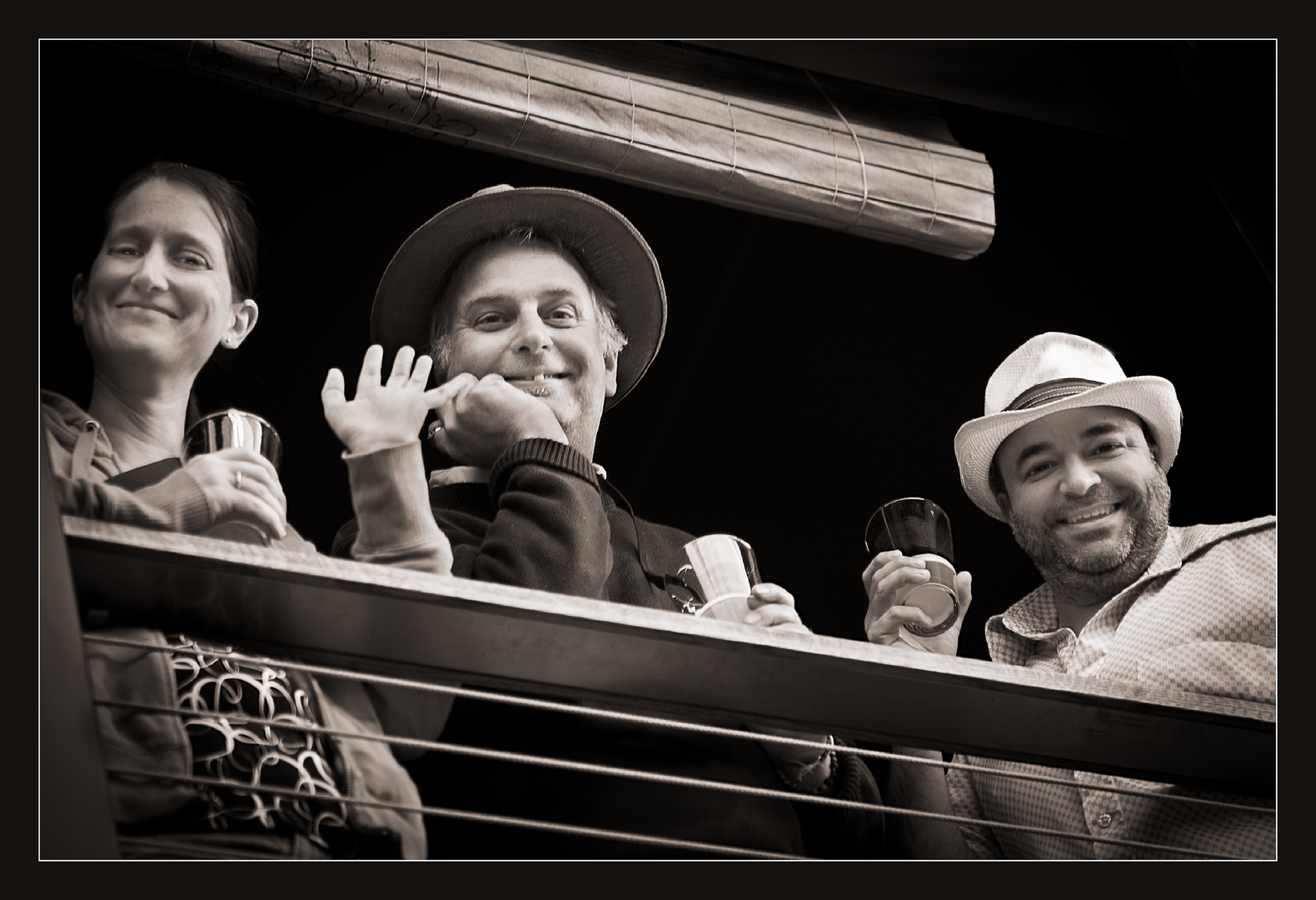
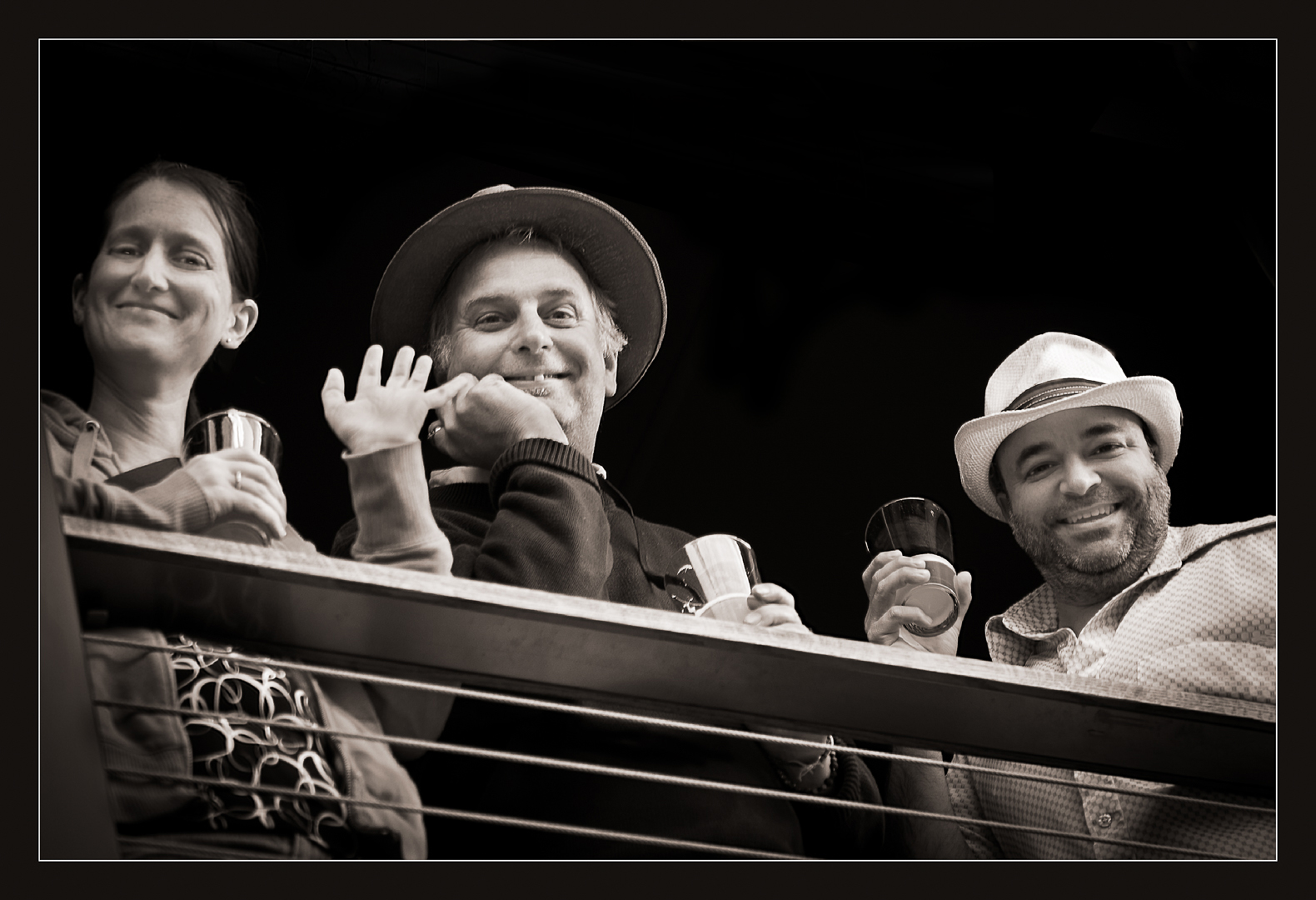
Thanks, Herb. Good suggestion. Here is your edit. Interested to hear from you and others about its impact on image. The roll-up blind above subjects seemed to add additional framing to my eye, so I left it in. I agree with you that is was also a distraction. Which is best? |
May 8th |
 |
11 comments - 0 replies for Group 10
|
11 comments - 0 replies Total
|