|
| Group |
Round |
C/R |
Comment |
Date |
Image |
| 41 |
Jun 20 |
Reply |
Thanks Karen! The flowers were shot as an arrangement, not individually. |
Jun 29th |
| 41 |
Jun 20 |
Comment |
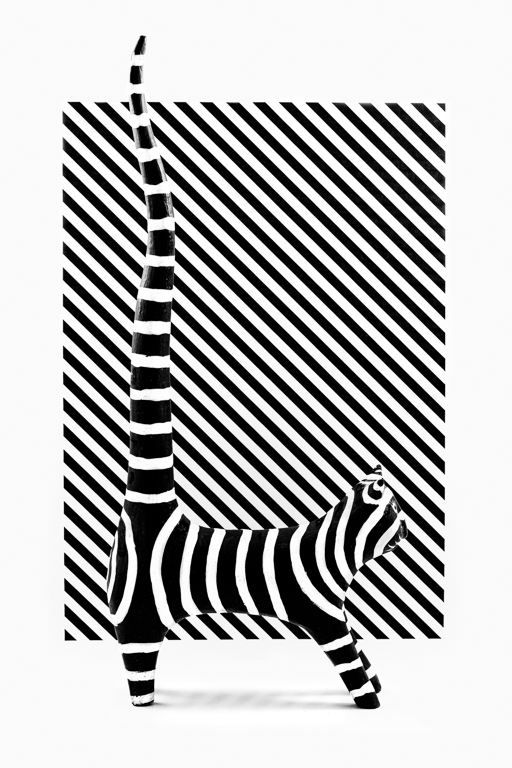
A geometric beauty! |
Jun 29th |
| 41 |
Jun 20 |
Comment |
A very cool rendering of the painted ladies! The choice of color and style are quite appropriate for these iconic houses. |
Jun 29th |
| 41 |
Jun 20 |
Comment |
I love what you did with this! I can see why it would be the best deal in town, especially these days. The splats are a great touch, like pollen blowing in the wind. I do like your original version with the black background also! |
Jun 16th |
| 41 |
Jun 20 |
Comment |
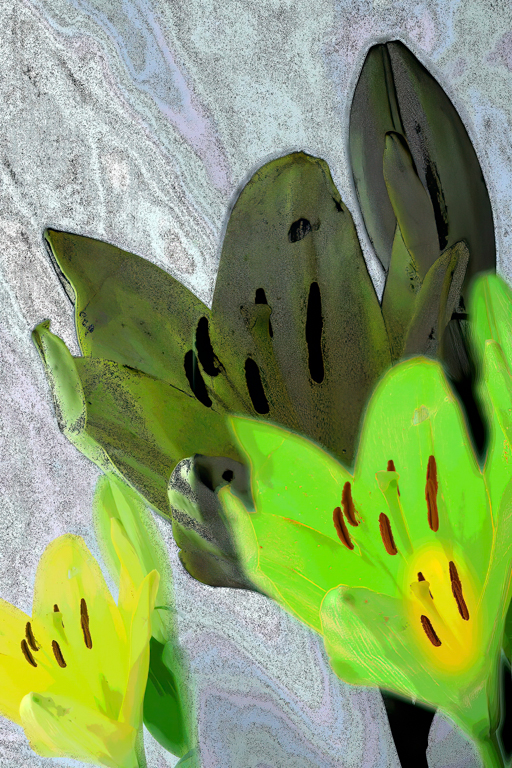
Henry, I love this! It's a great abstract and I like the randomness in how you put it together. The shapes and color palette are really nice. Simple and creative. One suggestion: there is a lot of similar texture in the dark green leaves and the gray background, and the textures seem to run together. Below is your image after running it through Topaz Denoise AI. I think it helps to separate the leaves from the background. |
Jun 15th |
 |
| 41 |
Jun 20 |
Comment |
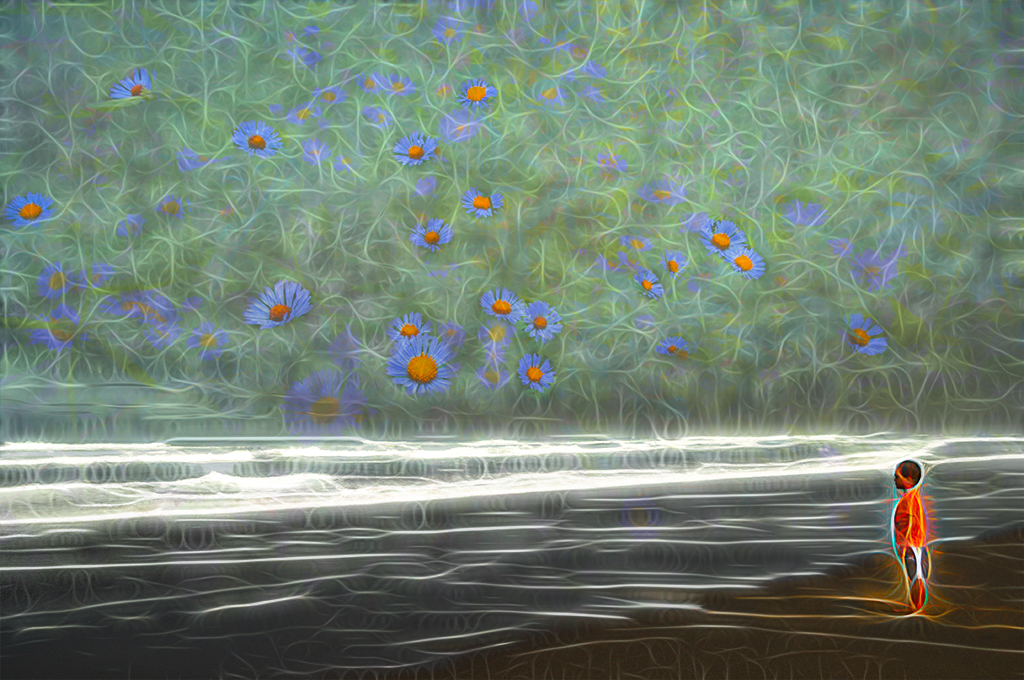
Kathy, this is adorable. Everything really comes together in sort of a dreamy image, perfect for a little girl's room. Congrats on the series! |
Jun 15th |
| 41 |
Jun 20 |
Comment |
Hi Brad,
I love the effect of the flowers, the pattern is very pleasing and I like the theme you've created with Topaz. I think it would cool if your son looked a little more real, so my suggestion would be to
take two images into Photoshop, the final Topaz version and the Original 1, use shift + v to move Original 1 onto the topaz version, then use the blend mode Multiply to bring out your son more without affecting the glow around him. You might have to adjust the opacity a little. It's a subtle change, see what you think. |
Jun 15th |
 |
6 comments - 1 reply for Group 41
|
6 comments - 1 reply Total
|