|
| Group |
Round |
C/R |
Comment |
Date |
Image |
| 1 |
Apr 22 |
Comment |
A very nice image and sharp as a tack. The bee's eye is sharp, as well as the flower. You ca also see the flutter on the bee's wing. Great job. |
Apr 3rd |
| 1 |
Apr 22 |
Comment |
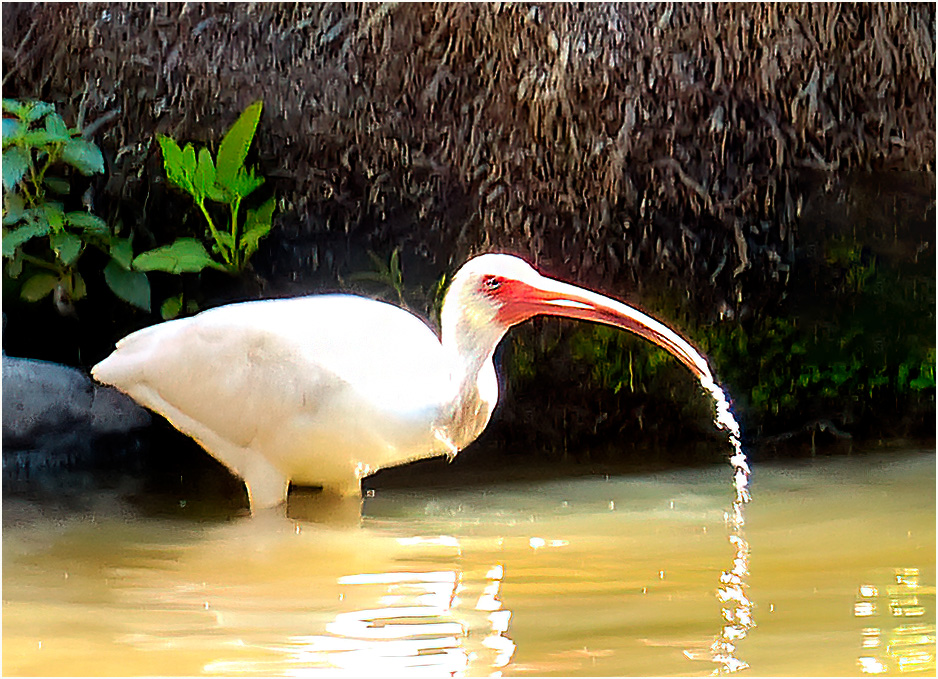
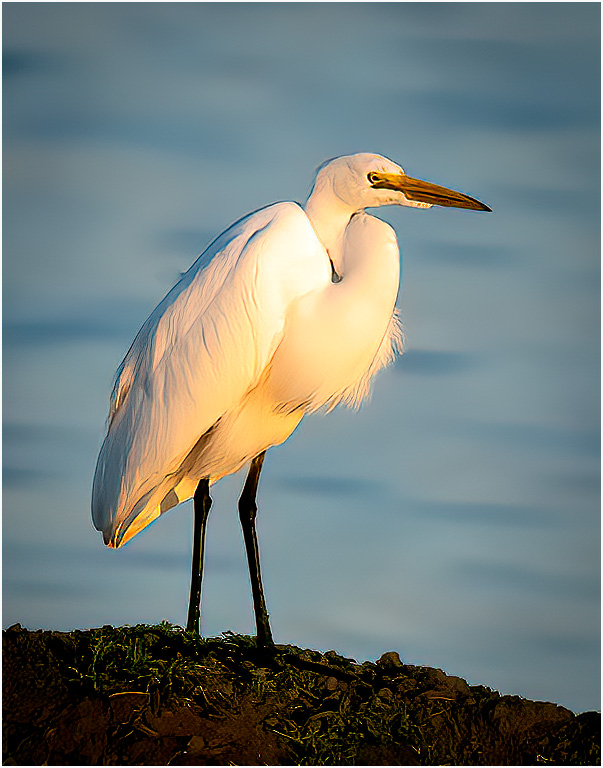
A very nice image of the Crane. I would suggest that you sharpen the image and increase the contrast. This what I came up with. |
Apr 3rd |
 |
2 comments - 0 replies for Group 1
|
| 2 |
Apr 22 |
Reply |
Hi Piers. Click on my picture above, you will see my 3pix board. then yours and you will find your eyes go to the border first. |
Apr 9th |
| 2 |
Apr 22 |
Comment |
I like the image, colors of the flower are great, but I also feel the background are distracting as Bev stated. I feel if you darken the background and blur them a little it may help. |
Apr 9th |
 |
| 2 |
Apr 22 |
Comment |
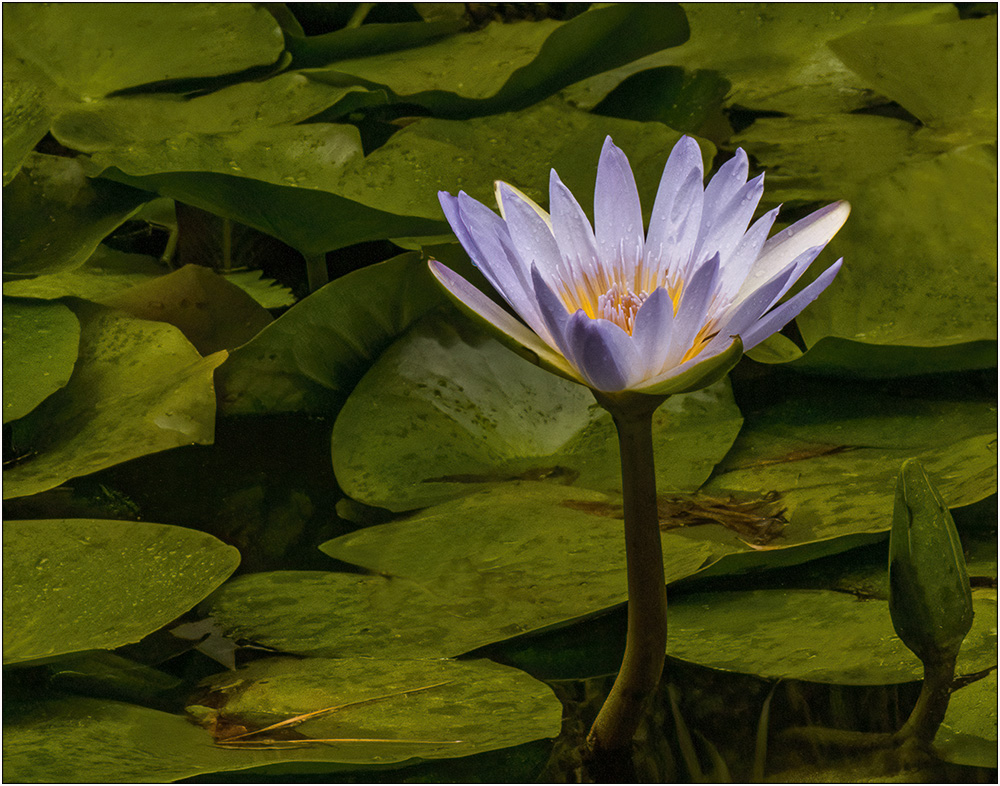
A very nice, sharp and the leaves and the Bud next to the flower balances the image. I would suggest if you would add a small border (3pix) it would make the picture snap. |
Apr 9th |
 |
| 2 |
Apr 22 |
Reply |
thanks for the reply |
Apr 4th |
| 2 |
Apr 22 |
Comment |
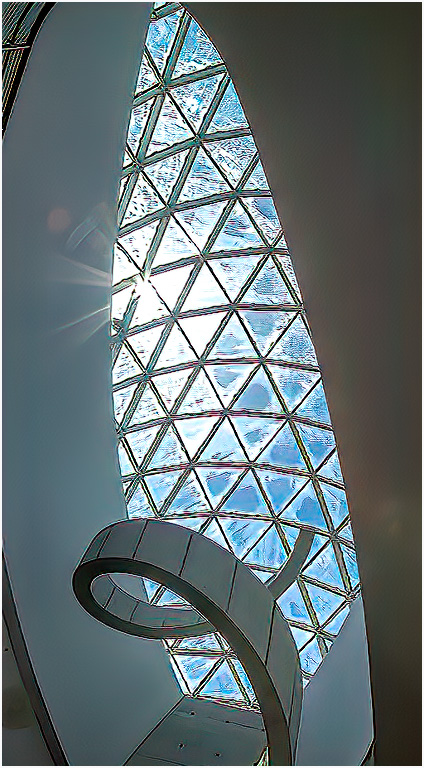
Very nice image. My suggestions would darken a bit and add some contract. This is what I got. |
Apr 3rd |
 |
3 comments - 2 replies for Group 2
|
| 6 |
Apr 22 |
Comment |
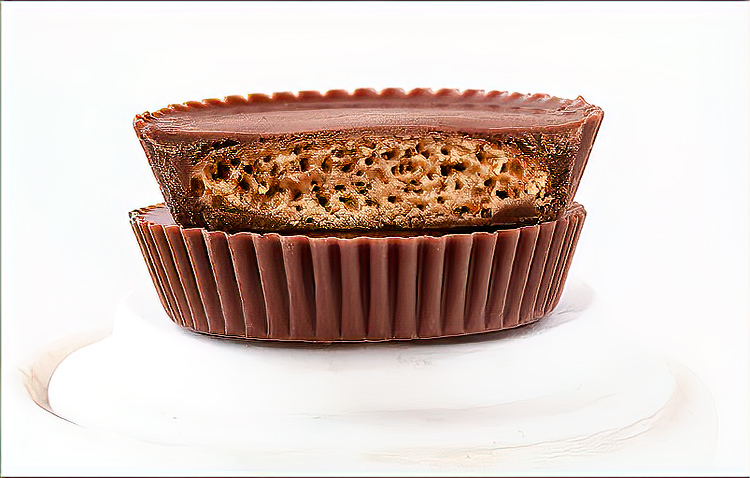
Very nice image, it makes me hungry. I feel you have to much empty space on the right side. I cropped some off and this is what I got. |
Apr 9th |
 |
1 comment - 0 replies for Group 6
|
| 7 |
Apr 22 |
Reply |
your welcome |
Apr 9th |
| 7 |
Apr 22 |
Comment |
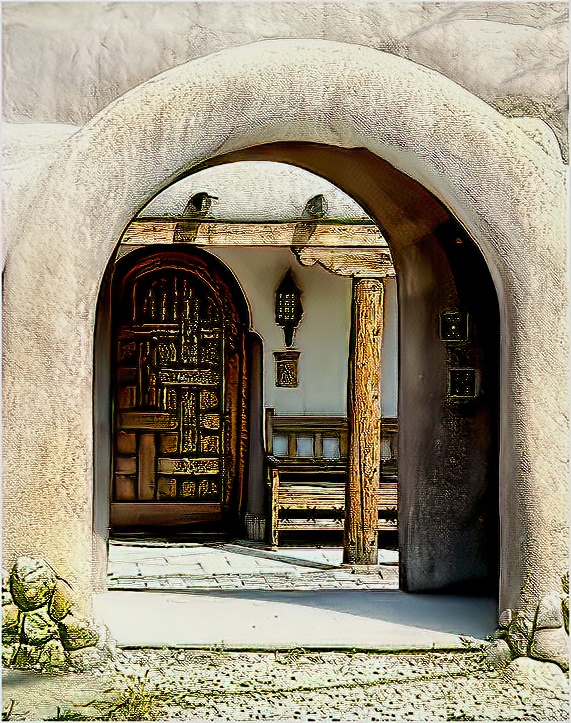
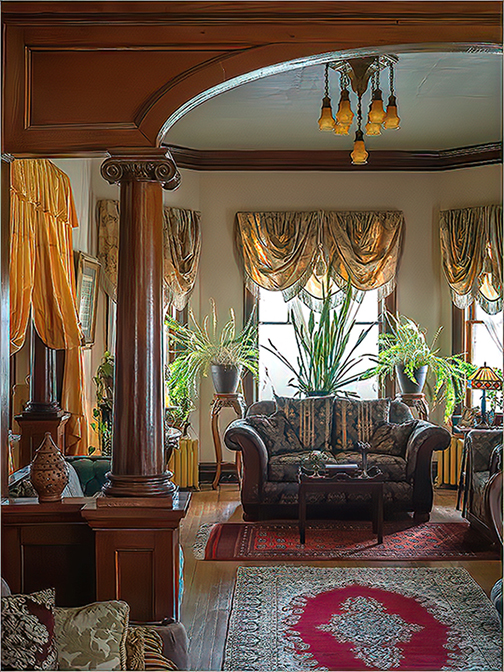
A nice image. My only suggestion would to brighten to image to bring up the couch and the small table in front of it. I put the image through Topaz ,and this what I came up with. Good job. |
Apr 9th |
 |
1 comment - 1 reply for Group 7
|
| 10 |
Apr 22 |
Reply |
Looks Great |
Apr 10th |
| 10 |
Apr 22 |
Reply |
your welcome |
Apr 9th |
| 10 |
Apr 22 |
Comment |
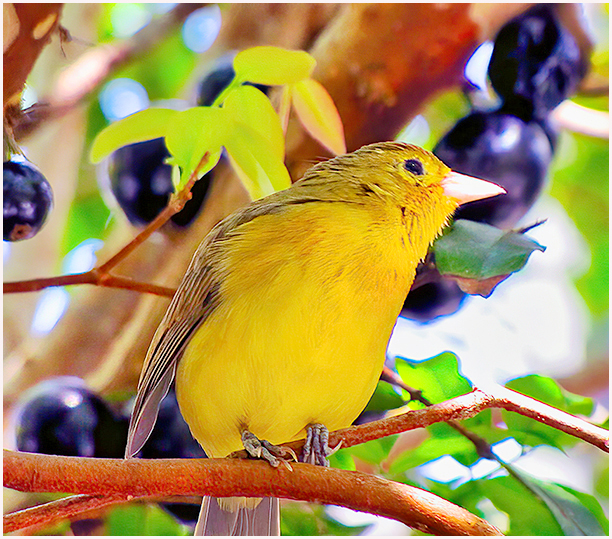
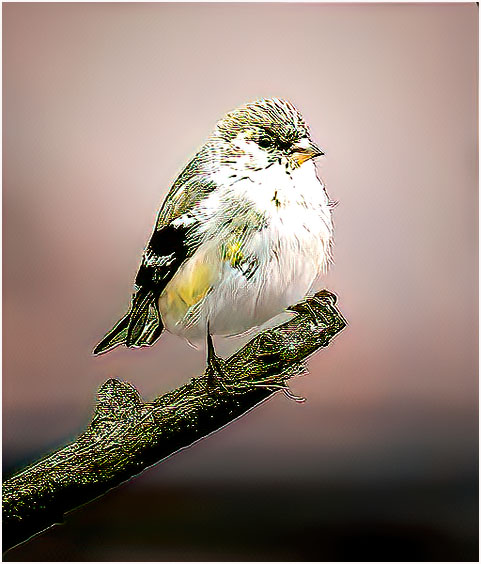
A very nice image of a finch. What I did was run it through Topaz Denoise and Sharped, I then ran I through Topaz High Contrast. What I did was sharpen the image a little and increased the contrast, which gave a little more detail to the bird, and the small branch that the finch was holding. You did a great job on this image. |
Apr 9th |
 |
| 10 |
Apr 22 |
Comment |
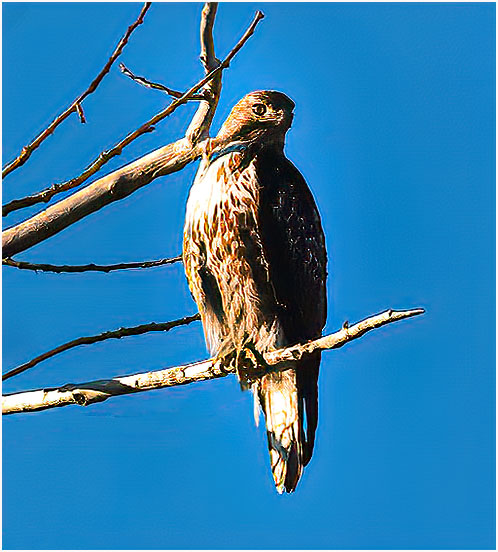
A nice image. I feel that you should crop the branch coming out the back of the bird's, head as well as cropping most of the area around the bird. This is what I came up with. I feel by cropping the image, you are bring the bird to the center of attention. I ran the image through Topaz Denoise and Sharpen. This is what I came up with. |
Apr 9th |
 |
| 10 |
Apr 22 |
Comment |
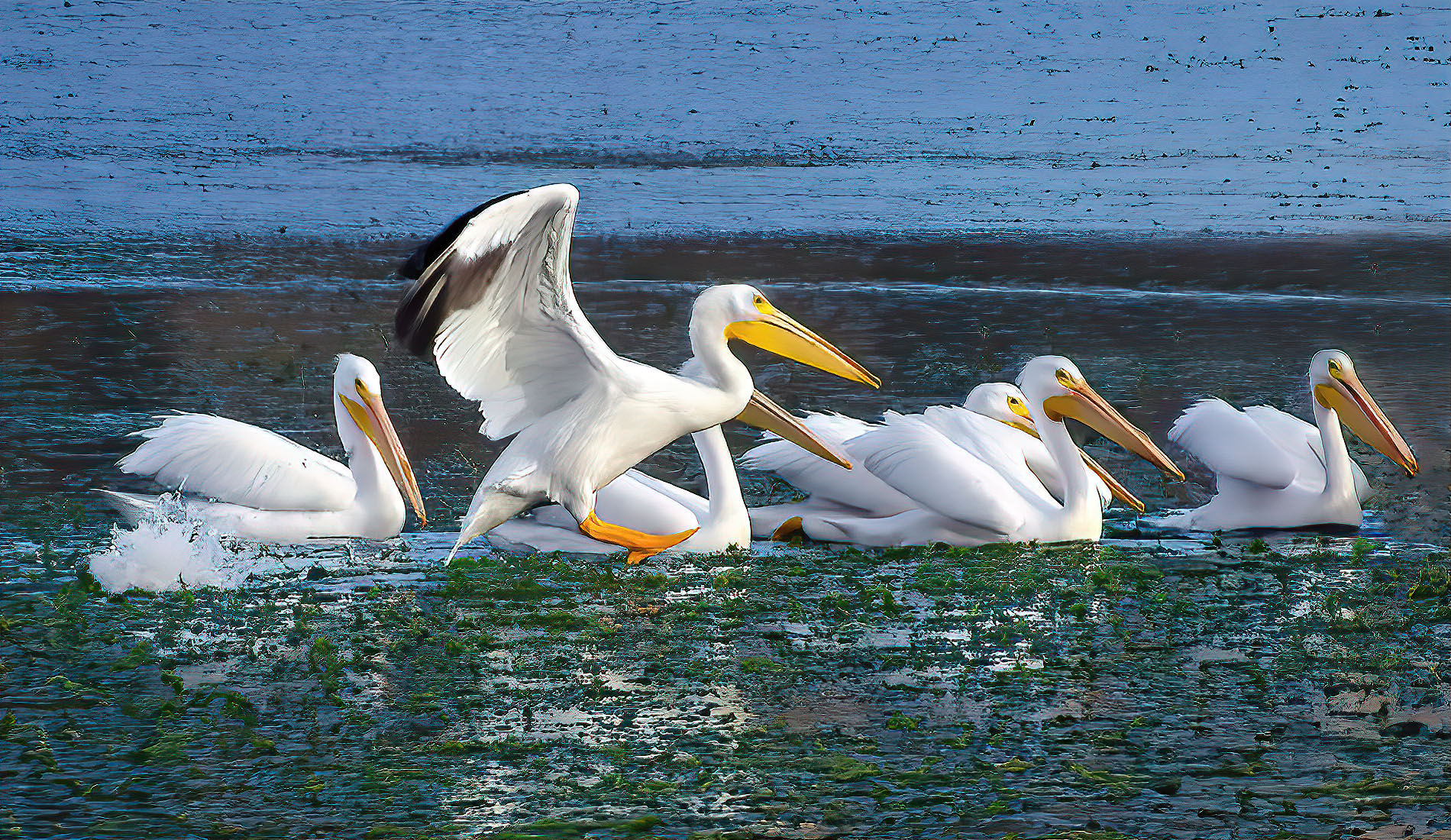
This a very nice showing action shot ,as the Pelicans land. My only suggestion would crop of the rear-end of the pelican at the front of the line. I also ran you image through Topaz De-noise and Sharpen , and this is what I got. Nice job. |
Apr 9th |
 |
3 comments - 2 replies for Group 10
|
| 19 |
Apr 22 |
Comment |
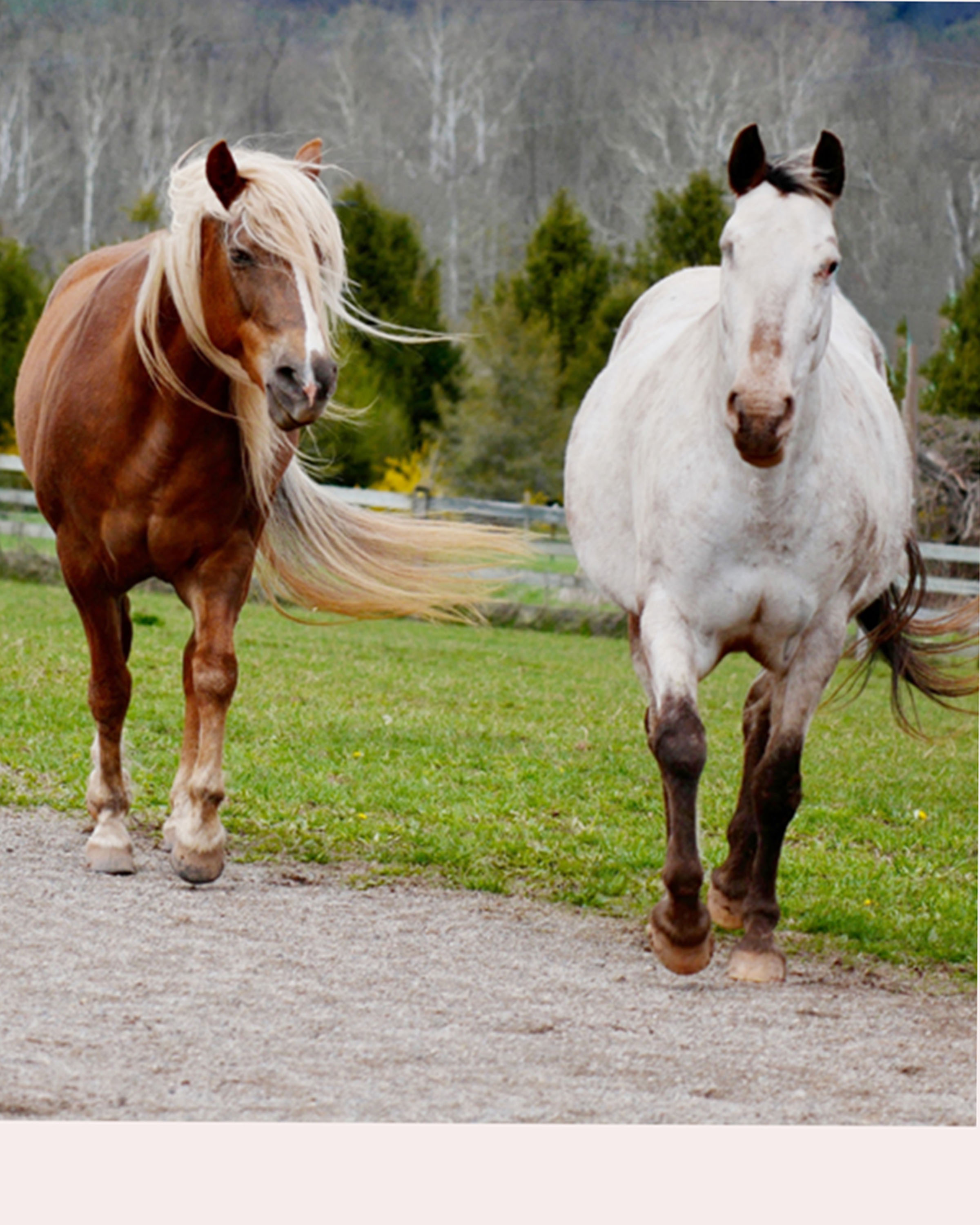
Just gives you an idea of what else you can do from the original image.(I didn't finish the crop) |
Apr 10th |
 |
| 19 |
Apr 22 |
Comment |
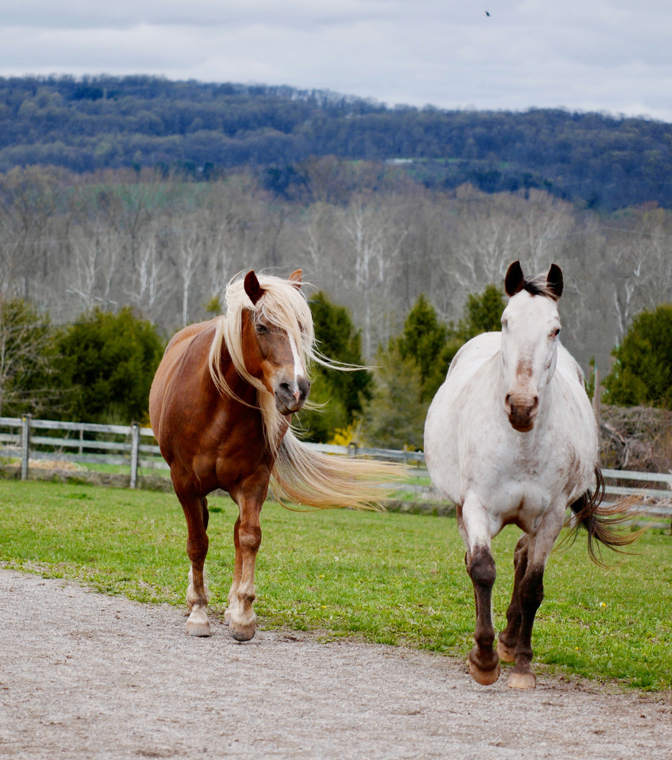
Very nice image. My suggestion would be to sharpen the image, put a little more contrast and work on the sky.
I used photoshop "sky replacement". which adds some clouds. You also have another, by eliminate the clouds, by cropping at the tree line. |
Apr 10th |
 |
2 comments - 0 replies for Group 19
|
| 23 |
Apr 22 |
Comment |
I like the flower, but would suggest you crop some off the left side as a small crop off the bottom. I feel this would make the flower stand out a little more. |
Apr 16th |
| 23 |
Apr 22 |
Comment |
A very nice and colorful image. My only suggestion would be change the border color to White. I think it would make the flowers pop a little more. |
Apr 16th |
| 23 |
Apr 22 |
Comment |
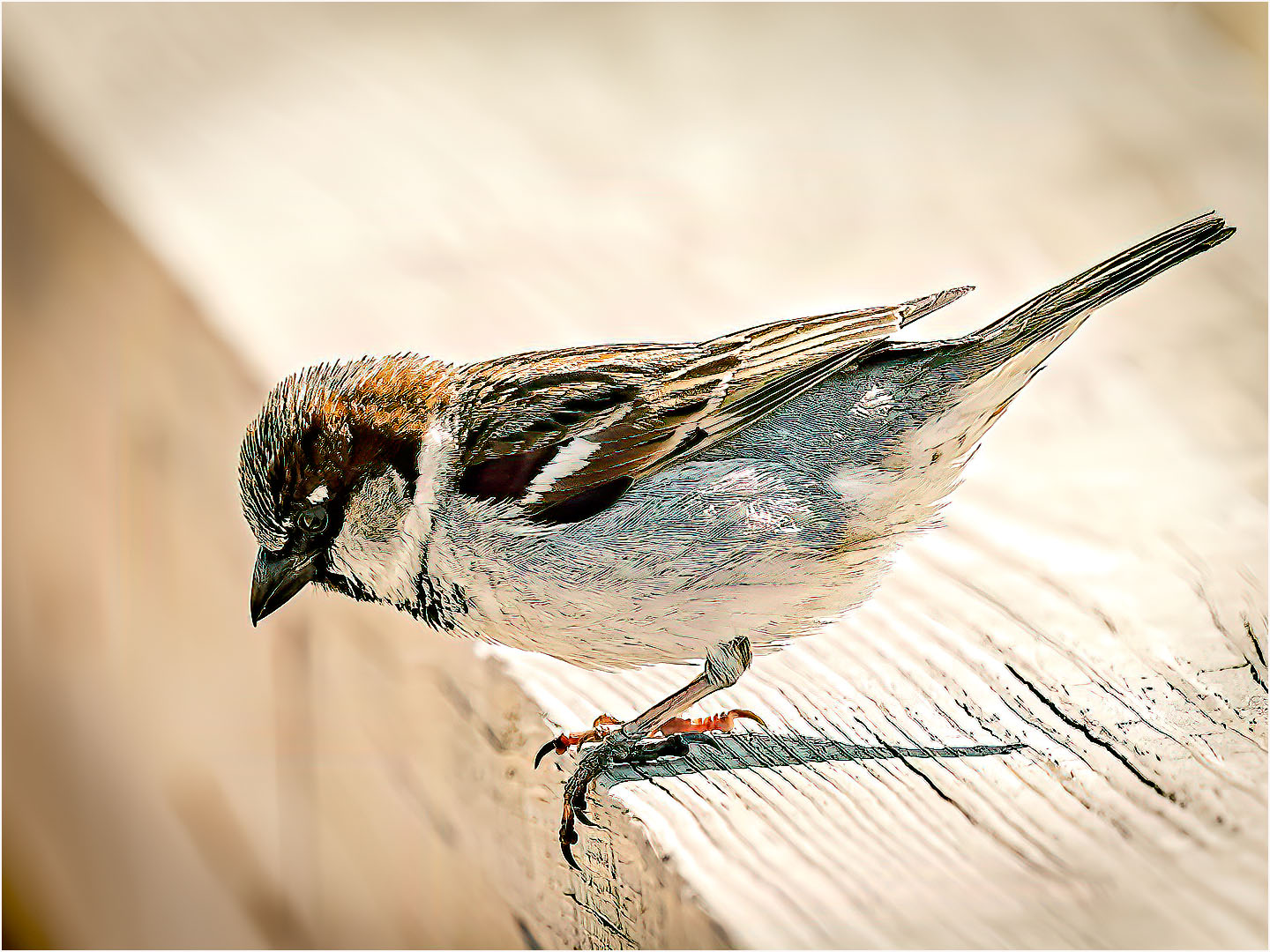
A very nice sharp image. My only suggestion would be to darken a little, so that the feathers stand out a little more. |
Apr 10th |
 |
3 comments - 0 replies for Group 23
|
| 24 |
Apr 22 |
Comment |
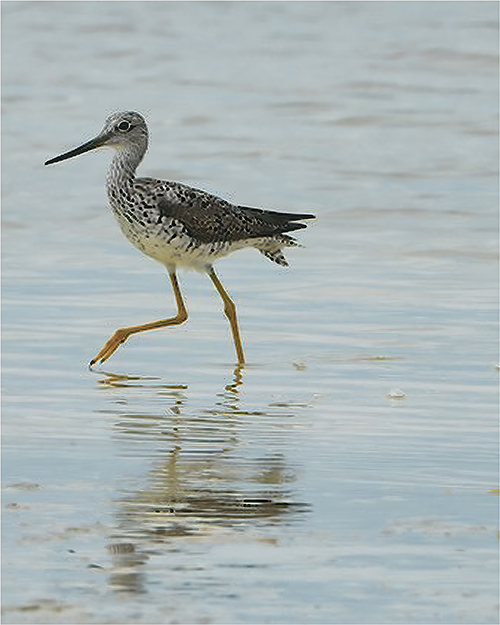
this what it would look like as a vertical |
Apr 16th |
 |
| 24 |
Apr 22 |
Comment |
Very nice and sharp. I like the edit you did in comparison to the original image. The cropping make a great difference. |
Apr 10th |
2 comments - 0 replies for Group 24
|
| 25 |
Apr 22 |
Comment |
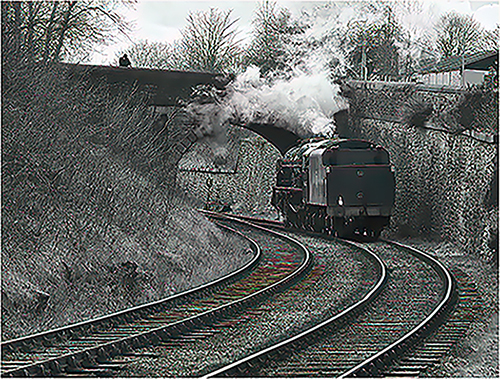
Very nice image, but I feel it has to be lightened up a little. I put it through Topaz Denoise an Sharpen, then through one of the Topaz black and white filters. A black and white image should have true whites and black and tones of gray. You did a good job. I like the image. |
Apr 10th |
 |
1 comment - 0 replies for Group 25
|
| 42 |
Apr 22 |
Comment |
Very interesting image. The colors of the junk car and truck, stands out against the land, as well as the sky and mountains in the background. A great shot. a very sharp image, as well as an interesting picture. |
Apr 10th |
| 42 |
Apr 22 |
Comment |
A very nice image, I like the background color as well a the Heron's leg up, which shows motion to the image. Good job. |
Apr 9th |
| 42 |
Apr 22 |
Comment |
It's different, can't wait the follow up images, in the months to come. I would kike to see the center part sharpened a little more. I await your image. |
Apr 3rd |
| 42 |
Apr 22 |
Comment |
Very nice and sharp image of the Tyler College. The sky brings out the building . My only suggestion would be to remove the branches, along the right side of the image. Also try to remove the branches on the roof on the right side . These bring my eyes to the branches, instead of the building. |
Apr 3rd |
| 42 |
Apr 22 |
Comment |
I like the layout and the colors, Th image is sharp and clear. The little specks on the banana and on the carrots , gives me the feeling that they were just picks. Vey nice job. |
Apr 3rd |
| 42 |
Apr 22 |
Comment |
Thanks for you comments. This just came out from our camera club compition. A PSA judge it ,and I received a "10" for the image. |
Apr 3rd |
6 comments - 0 replies for Group 42
|
24 comments - 5 replies Total
|