|
| Group |
Round |
C/R |
Comment |
Date |
Image |
| 1 |
Sep 21 |
Comment |
An excellent image. The detail and colors are great. How many hours did you spent on this image. |
Sep 8th |
| 1 |
Sep 21 |
Comment |
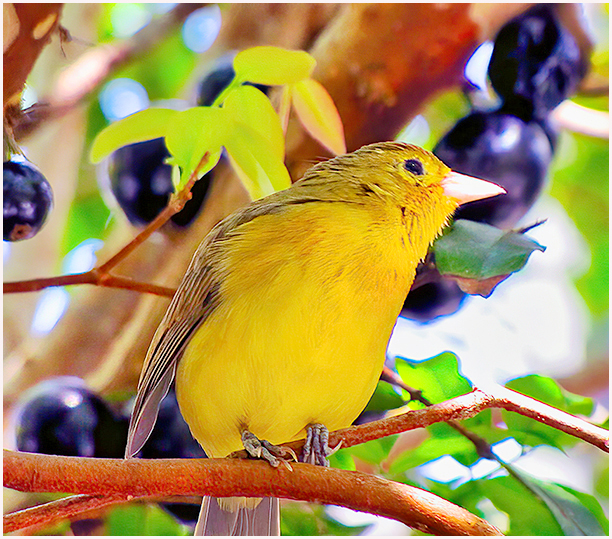
I like the image Dennis. The only suggestion I can make is to remove the spot on the leaf, on the right side, near the front leg. I also cropped some off the top, which makes the bee stands out a little more. This what I got. |
Sep 8th |
 |
2 comments - 0 replies for Group 1
|
| 2 |
Sep 21 |
Comment |
You did a nice job, working on this image. Since you title is the power plant, I would suggest that you crop some off each side. This would make the power plant stand out a little more. |
Sep 8th |
 |
1 comment - 0 replies for Group 2
|
| 3 |
Sep 21 |
Comment |
A nice colorful image, but out of focus on the bottom, which distracts your nice tomato on the top right side. What I did, was ran the image through Luminar Ai. Then I cropped the image from the outer focus on the bottom and cropped some of the left side. I then ran it through Topaz Ai , brought up the color of the tomato and removed most of the blurred bottom and side. This is what I came up with. |
Sep 8th |
 |
1 comment - 0 replies for Group 3
|
| 4 |
Sep 21 |
Comment |
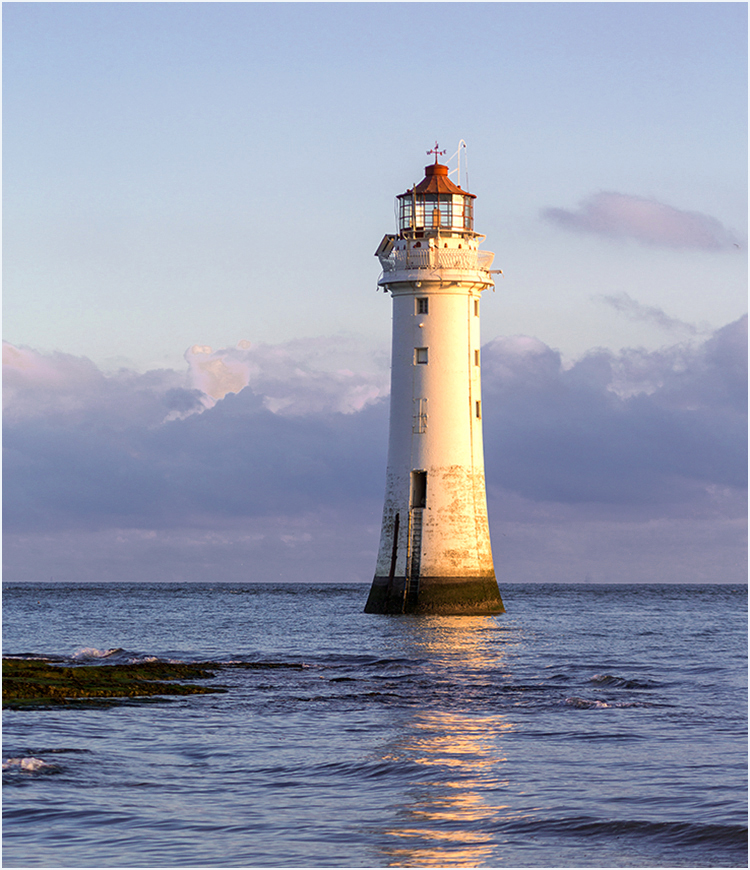
A very nice image of the lighthouse. My only suggestion would be to crop out some of the water in front of the light house, also remove the small bird, at the end of the cloud on the right side. At the base of the lighthouse , side going to the right, there is something on the Horizon, I also would remove it. |
Sep 8th |
 |
1 comment - 0 replies for Group 4
|
| 5 |
Sep 21 |
Comment |
Very nice image, The saturation doesn't bother me, as it gives a POP to the image. Are you settled in your new home? |
Sep 11th |
| 5 |
Sep 21 |
Comment |
I like your change of the sky and your crop, which brought the barn up closer to the front of your image. Good job. |
Sep 8th |
2 comments - 0 replies for Group 5
|
| 8 |
Sep 21 |
Comment |
Nice image, but your image is "Kids Feeding Animals" I feel this picture, should be the little girl feeding the animals and the rest cropped out. The man with the arm hanging and the little girl, who looks like she is crying should be removed.I worked a little on this, and this is what I came up with. |
Sep 9th |
 |
1 comment - 0 replies for Group 8
|
| 10 |
Sep 21 |
Reply |
It's in the new Adobe Cloud (2021) . |
Sep 10th |
| 10 |
Sep 21 |
Reply |
Hi Lori! Very easy to do in Photoshop
1.Open up Edit
2. Go down to: Sky Replacement
3. Pick the sky you want
4. It will pop into your image
5. You can adjust the brightness etc.
6. When you are done with that, click on OK and it will be placed IN your image.
7. If you want to change it again, pick another sky, hit OK and it will replace the sky you have in the picture |
Sep 9th |
| 10 |
Sep 21 |
Comment |
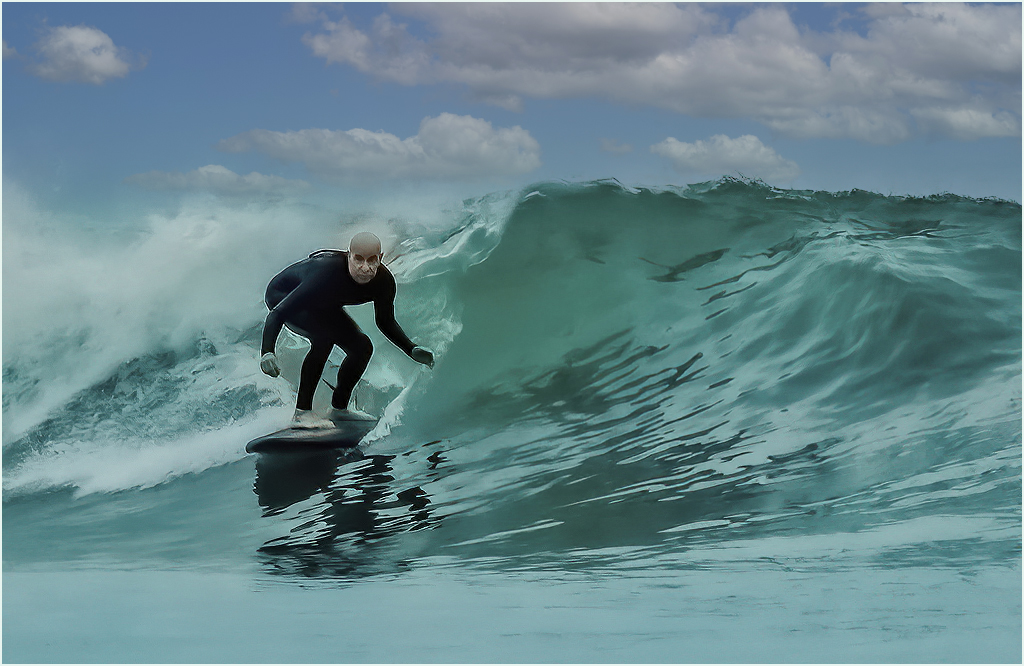
A nice image of the surfer, but I feel you need more color separation between the wave and ski ran it through Photoshop "sky Replacement" and this is what I got. |
Sep 9th |
 |
| 10 |
Sep 21 |
Comment |
Very nice image, with good lighting. It looks like the Orangutan is enjoying its snack. Good Job. |
Sep 9th |
2 comments - 2 replies for Group 10
|
| 14 |
Sep 21 |
Comment |
I love the colors, but also feel you have a lot of space on you left side, which takes away from your image. My suggestion would be to crop from the left side. |
Sep 9th |
 |
| 14 |
Sep 21 |
Comment |
A nice story telling image, sharp and detailed. |
Sep 9th |
2 comments - 0 replies for Group 14
|
| 15 |
Sep 21 |
Comment |
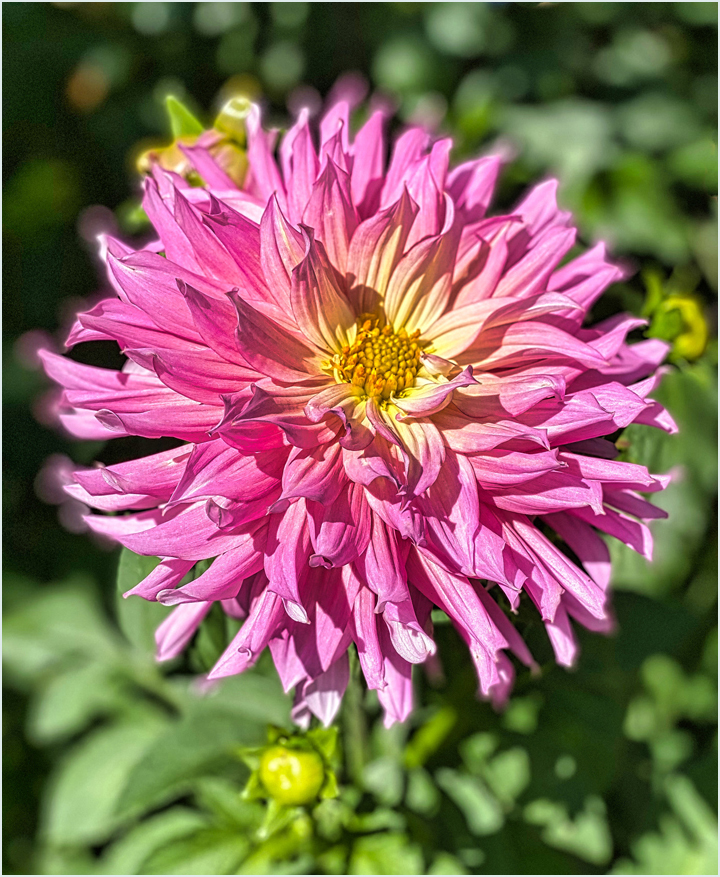
Good job! a very nice image. My only suggestion would be to crop a little from the top and bottom of the image(this would bring the flower closer.) I would also remove the color border, as your eye goes to that, then the flower. If you use a fine white border (3pix) around your flower ,it would bring your eye into the flower. |
Sep 9th |
 |
1 comment - 0 replies for Group 15
|
| 16 |
Sep 21 |
Comment |
A very nice, sharp image of three eggs in a basket. Good Job |
Sep 9th |
1 comment - 0 replies for Group 16
|
| 21 |
Sep 21 |
Comment |
You did an excellent job on this image, I like it. |
Sep 9th |
1 comment - 0 replies for Group 21
|
| 40 |
Sep 21 |
Comment |
Hi Julie,
Sorry about that, the image is now attached. |
Sep 15th |
 |
| 40 |
Sep 21 |
Comment |
It's a different type of image. I first flipped the image horizontal, so that you can read the printing on the truck. I then went into Topaz Studio 2, and put the image through Topaz Denoise Ai and Topaz Sharpen Ai. I then selected Brightness- Contrast and selected the image Picture pop., I finished up by adding a small amount of Vibrance and Saturation . You can now see the graffiti is behind the truck on the building wall. This is what I got. |
Sep 10th |
 |
2 comments - 0 replies for Group 40
|
| 41 |
Sep 21 |
Comment |
I feel you are missing something. It's very nice, but is missing the POP. I ran your image through Luminar Ai, Selected the Water category, made my selection. All it did was added a little sparkle to the water. I then ran it through Topaz Denoise Ai and Topaz sharpen Ai. This is what I came up with. |
Sep 10th |
 |
1 comment - 0 replies for Group 41
|
| 42 |
Sep 21 |
Reply |
That's great |
Sep 11th |
| 42 |
Sep 21 |
Comment |
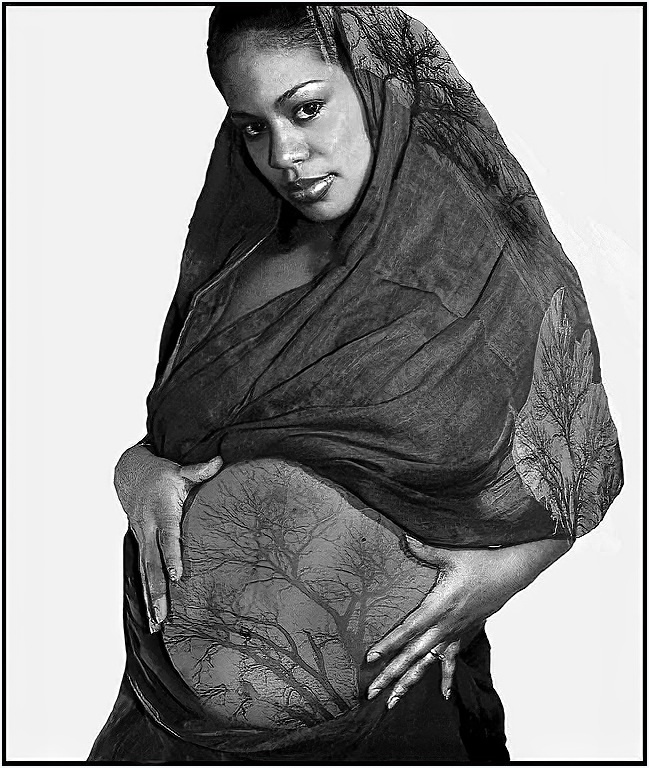
A very pretty young lady. I ran the image through Topaz Denoise Ai and Topaz Sharpen Ai. I then went into "Black And White" and selected the Green filter. This brought up more detail in the tree on her stomach and scarf. |
Sep 10th |
 |
| 42 |
Sep 21 |
Comment |
Great shot, the color and sharpness are great as well as seeing the growth on the saki bottle. How deep can you dive? A 150 feet is equivalent to a 15 story building. |
Sep 8th |
| 42 |
Sep 21 |
Comment |
Hi Holly! A very nice and bright image and it tells a story of a tractor junk yard. My only suggestion would be to remove the tractor on the right side,or crop the image to remove that tractor. |
Sep 8th |
 |
| 42 |
Sep 21 |
Comment |
A very nice and detailed imagen and sharp. The story behind the images, brings out the whole story about Tyler Texas 1175th Anniversary .The only suggestion I would make, is the dark blue (center image) should match the rest of the blanket color. |
Sep 8th |
| 42 |
Sep 21 |
Reply |
Those are big spots |
Sep 3rd |
| 42 |
Sep 21 |
Comment |
Very nice image. It is sharp and the color is great. The green background makes the Bee stand out. My only comment is that the the little spots on the Bees wing and body are they nectar ? If not they should be removed. |
Sep 1st |
5 comments - 2 replies for Group 42
|
| 48 |
Sep 21 |
Comment |
A nice photo of Alex, but it needs a little more work. I ran the image through Luminar Ai then made a few adjustments using Luminar Ai, adjusting the face, removing some of the lines under her eye, her eyes cleaned up a little, then went back to Topaz Studio 2. Ran it through topaz Denoise Ai and Topaz Sharpen Ai. went back into photoshop and removed the piece of "purple" on the sleeve on her right arm. I feel you should change the back ground or remove the blur on the background on the right side. |
Sep 1st |
 |
1 comment - 0 replies for Group 48
|
| 82 |
Sep 21 |
Comment |
A great image. it makes me feel that I would like to sit on one of those chairs and relax. My only suggestion, would be to crop some of the top off. The reflections is the subject. Good job. |
Sep 11th |
 |
| 82 |
Sep 21 |
Comment |
Very nice images, the colors are great and the image POPs. Good job. |
Sep 11th |
| 82 |
Sep 21 |
Comment |
A very nice image, colorful and sharp. Looking at the image, I can see two images. This one and the other would be the Monastery. Good job. |
Sep 11th |
 |
3 comments - 0 replies for Group 82
|
| 86 |
Sep 21 |
Comment |
A very nice image Ruth. I feel that you have to much sky. I cropped some off the top and this what I came up with. |
Sep 11th |
 |
1 comment - 0 replies for Group 86
|
| 89 |
Sep 21 |
Comment |
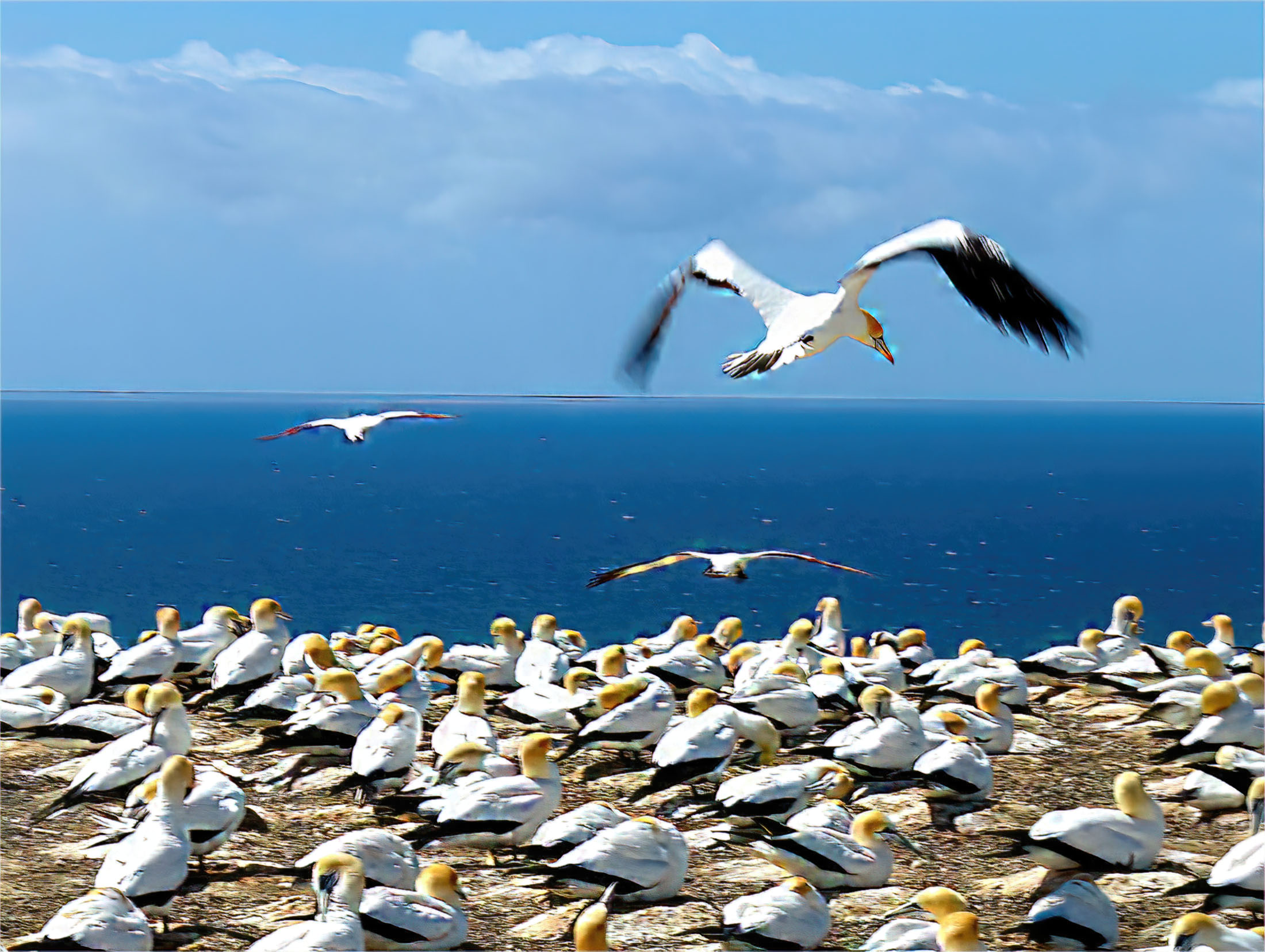
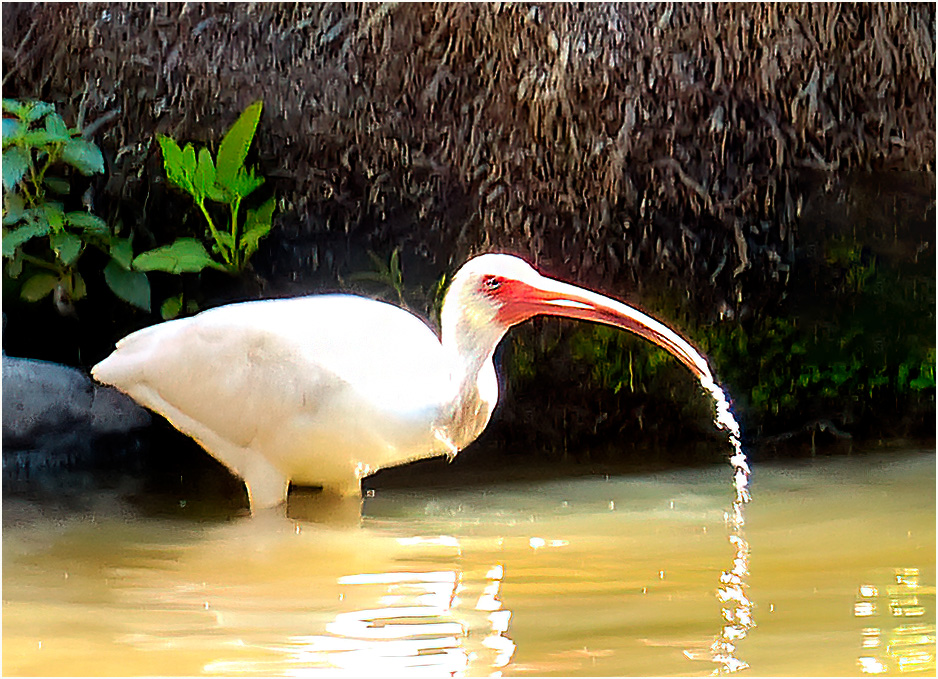
A nice image, but it can use a little cropping. I cropped the image, put it through Topaz Denoise Ai and Topaz Sharpen Ai. I then ran it through Luminar Ai, Animal Friends Collection and chose "Natural". I also lightened the birds eye. This is what I got. |
Sep 11th |
 |
1 comment - 0 replies for Group 89
|
| 92 |
Sep 21 |
Comment |
A very nice street scene. My only suggestion, would be to crop it closer. |
Sep 11th |
 |
1 comment - 0 replies for Group 92
|
| 95 |
Sep 21 |
Reply |
Have a good weekend |
Sep 11th |
| 95 |
Sep 21 |
Comment |
Hi Bill! A very nice image. The only suggestion I have is to remove the hole on the right side. |
Sep 11th |
 |
| 95 |
Sep 21 |
Comment |
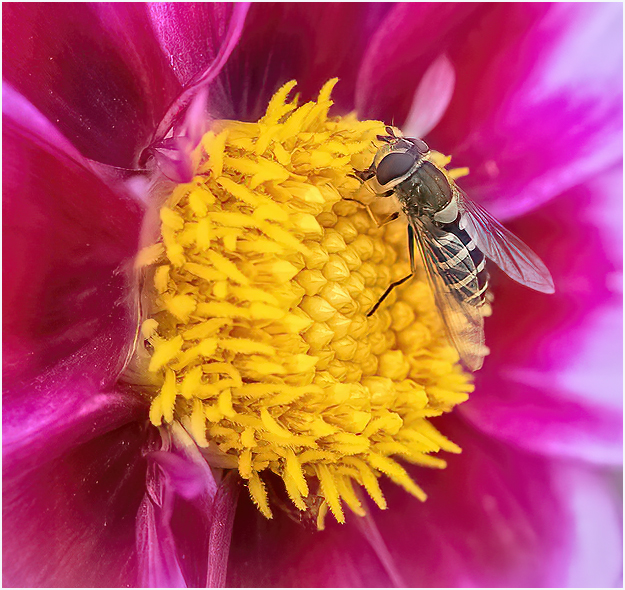
Very nice image. I would suggest, since you were using a macro lens and the Bee is the subject, make the Bee the subject. I cropped the image down around the Bee. Ran it through Topaz Denoise Ai and Topaz Sharpen Ai. This is my results. |
Sep 11th |
 |
2 comments - 1 reply for Group 95
|
| 96 |
Sep 21 |
Comment |
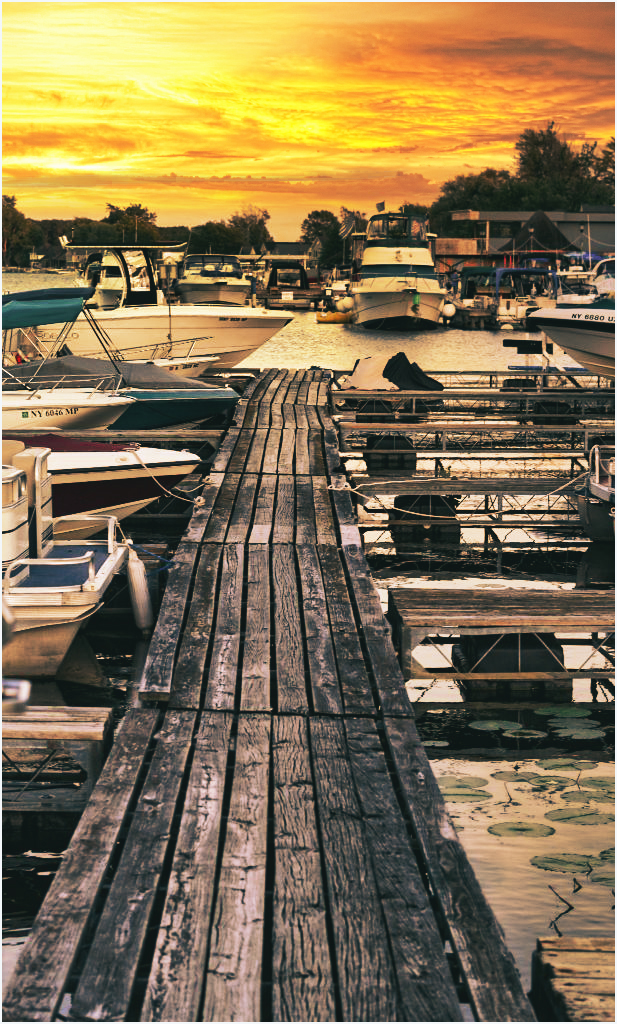
Hi Emily! A very nice image, being it is a sunset image, I would like to see a better sky reflecting a sunset image. Since you are using Luminar Ai, I went into it and selected sunset collections and this is what I came up with. |
Sep 11th |
 |
1 comment - 0 replies for Group 96
|
| 97 |
Sep 21 |
Reply |
That's what the Digital Dialog is for for everyone to make suggestions. Sometimes you agree and sometime you don't. Have a good weekend |
Sep 11th |
| 97 |
Sep 21 |
Comment |
I like the shot, with the baby's leg up it shows motion. I agree with some of the comments. I ran your image through Luminar Ai, In Luminar I selected the Animal file and selected the best image. I the went back to Photoshop and lightened the eyes on both elephants. Then I went into Topaz Ai and ran it through Denoise Ai and Sharpen Ai. This is what I came up with. |
Sep 11th |
 |
1 comment - 1 reply for Group 97
|
| 98 |
Sep 21 |
Comment |
Nice image, you title tells the story. How long did it take to bend the paper clips? |
Sep 11th |
1 comment - 0 replies for Group 98
|
35 comments - 6 replies Total
|