|
| Group |
Round |
C/R |
Comment |
Date |
Image |
| 2 |
Mar 21 |
Comment |
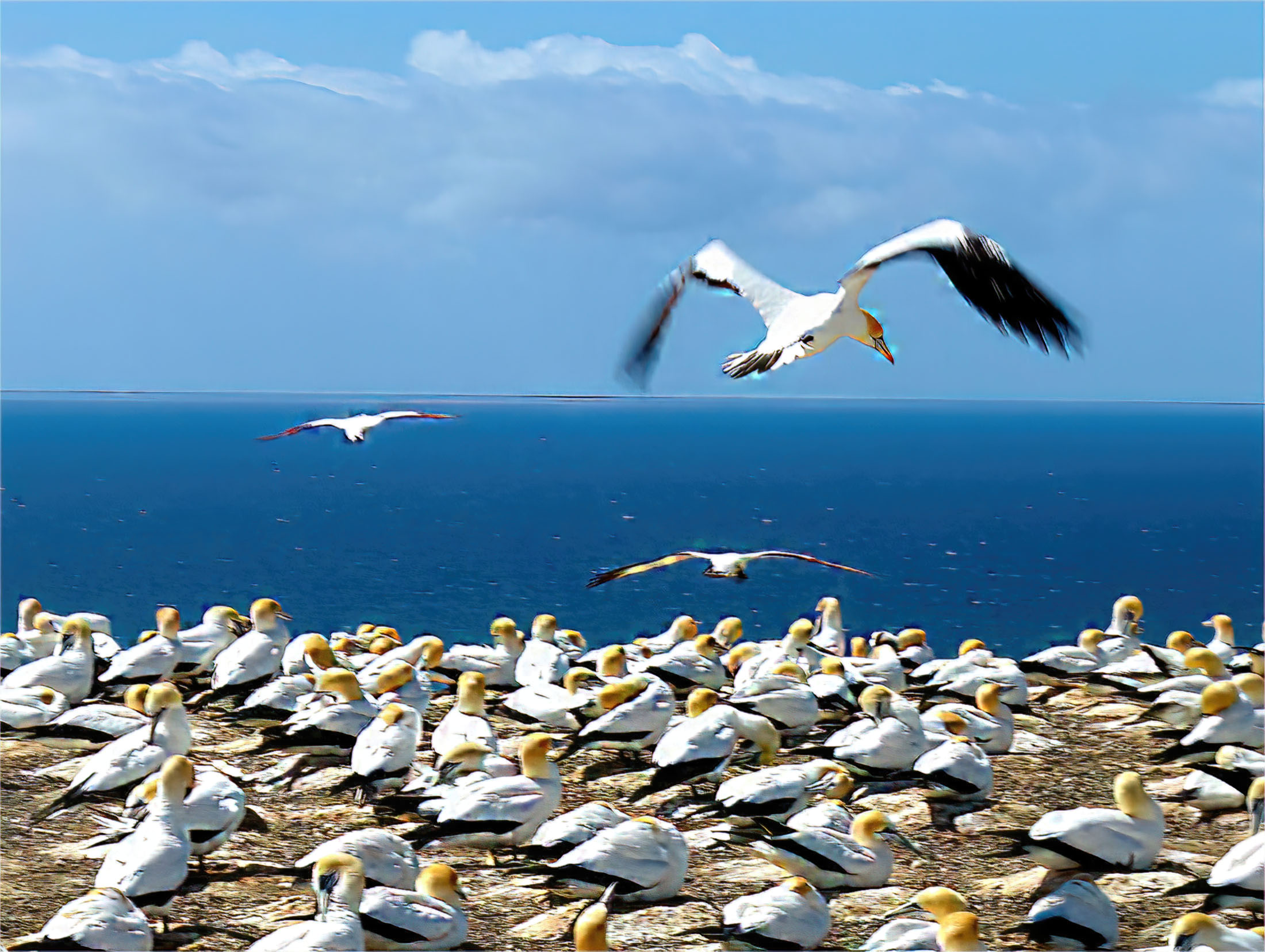
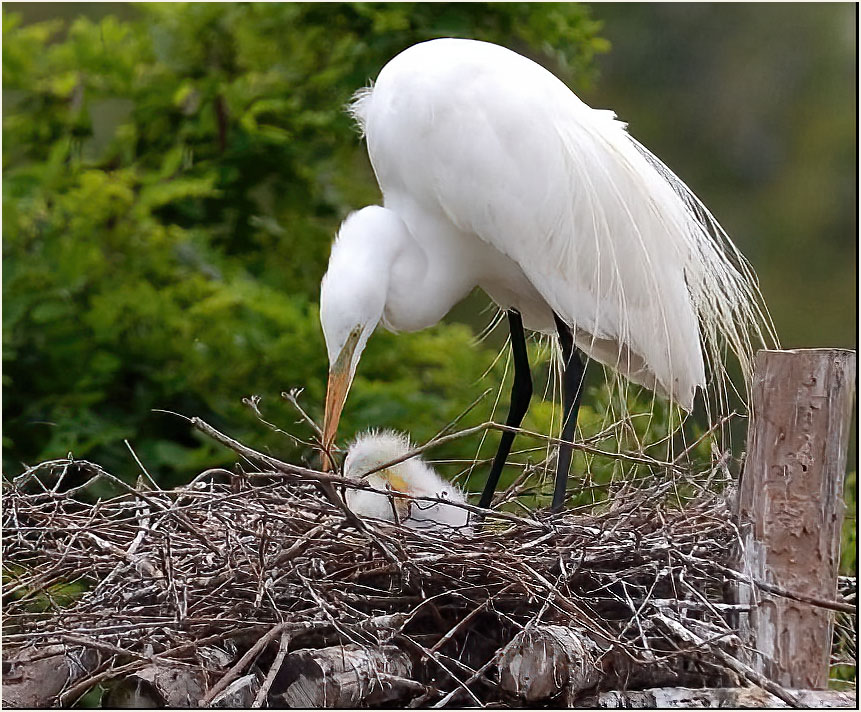
This is a nice image. I would suggest that you sharpen the image and crop some off the left side. I also added a small white frame (3pix) around the picture, which makes the birds stand out a little more. |
Mar 15th |
 |
| 2 |
Mar 21 |
Comment |
A very nice image and their refection's on the water. I feel the lead bird could be a little shaper. The last bird(on the left side0) seems to be sharper then the lead bird. But I like the image -good job. |
Mar 15th |
2 comments - 0 replies for Group 2
|
| 6 |
Mar 21 |
Comment |
A very nice image, I like the rust on the lock and the marks on the wood below the hasp on top and on the bottom, when it hangs down. The sharpness and the light reflections on the lock makes a great image. |
Mar 15th |
1 comment - 0 replies for Group 6
|
| 7 |
Mar 21 |
Comment |
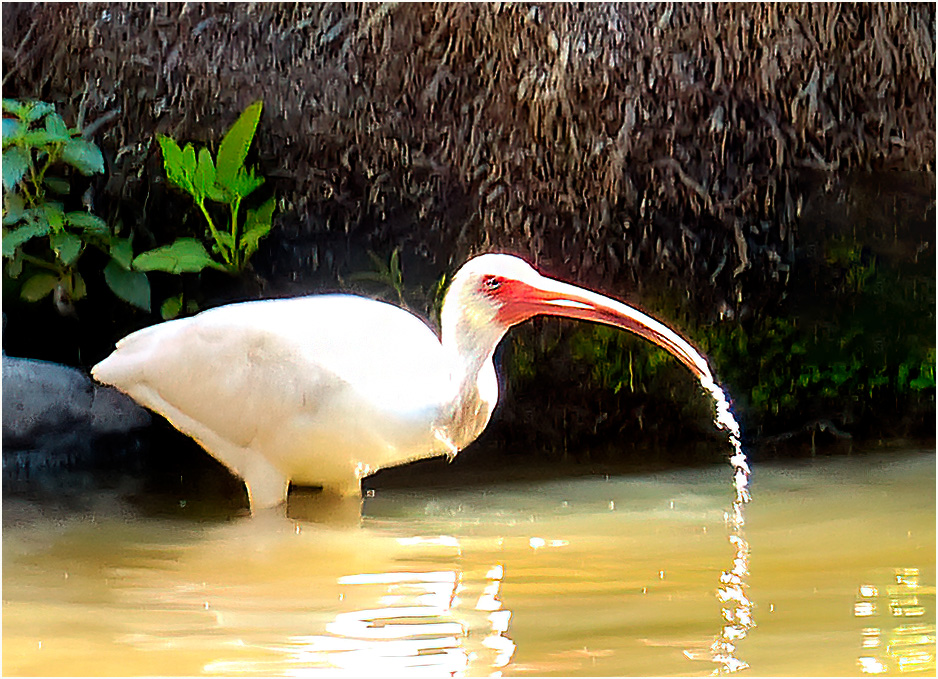
A very nice image, you did a good job combining the two shots. I like the water coming off the swan's beak. I would like to see you add a small border around the image. I was told if it is a dark picture to use a white border, if it is a very light picture, use a black border. I've been using a 3pix White border, which will make the image stand out. |
Mar 15th |
1 comment - 0 replies for Group 7
|
| 8 |
Mar 21 |
Comment |
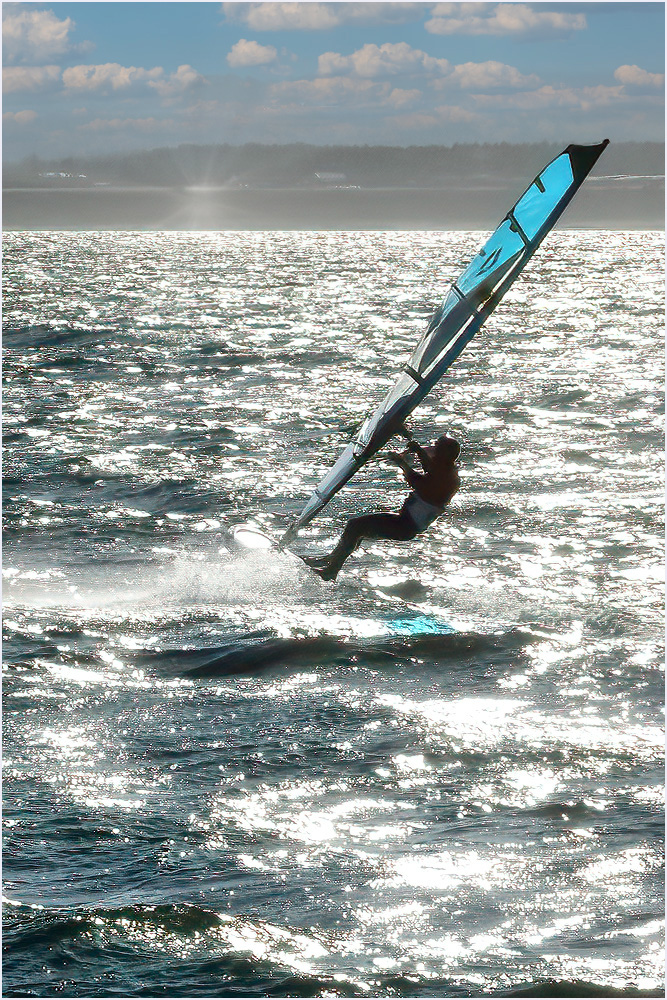
I like the image. I played with it and this is what I ended up with. I first put the image through Topaz DeNoise, then Topaz. Sharpen. I next went into Luminar Ai, added in a small sun ray and back to Photoshop Sky replacement and added the blue sky with clouds. |
Mar 15th |
 |
1 comment - 0 replies for Group 8
|
| 9 |
Mar 21 |
Comment |
Hi Debbie! a nice images, I feel it could be a little sharper. What I did was run the image through Topaz De Noise and Topaz sharpen. I then ran it through Luminar Ai. I then put a very small dot in the birds eye . This is what I got. |
Mar 15th |
 |
1 comment - 0 replies for Group 9
|
| 14 |
Mar 21 |
Comment |
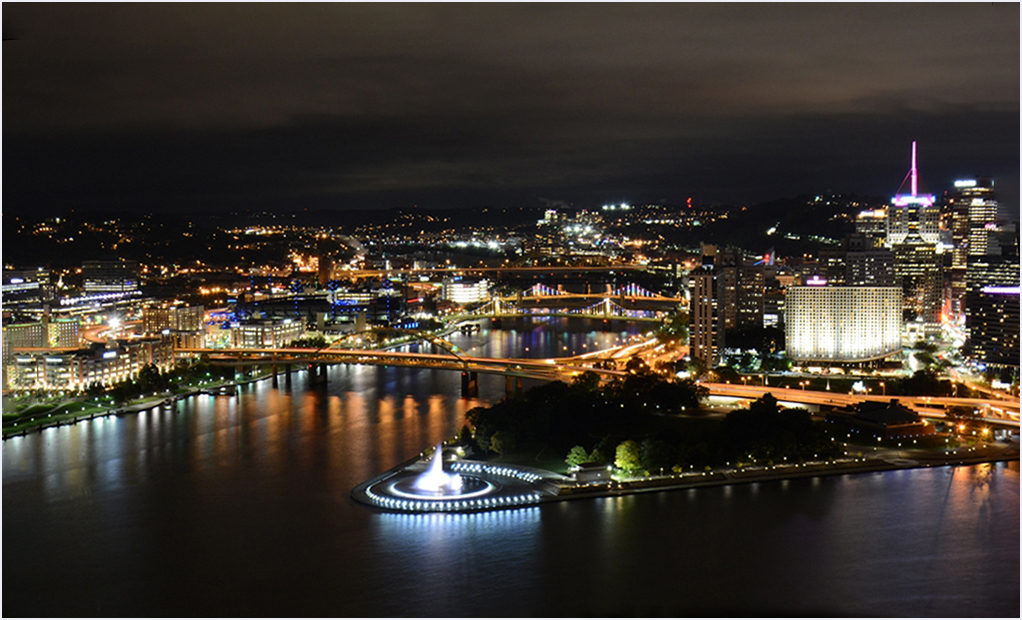
Hi Syed, It's a very nice image, colors look great, but you need to straighten the image .See attached |
Mar 15th |
 |
| 14 |
Mar 21 |
Comment |
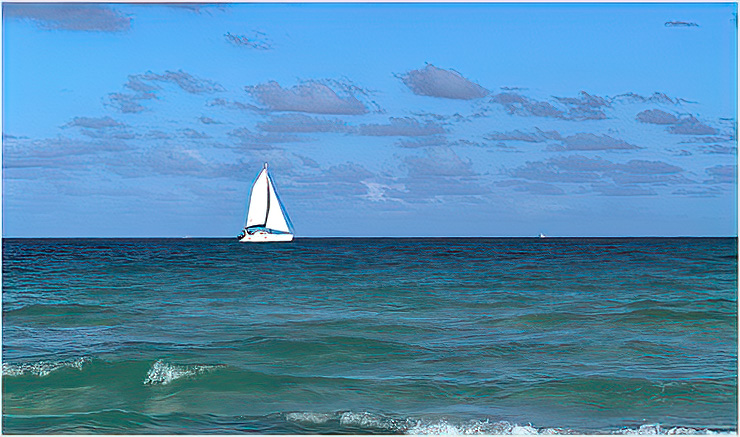
A Very nice seaside picture. I agree the picture needs to be cropped .I cropped the image, then put it through Topaz Studio 2 and this is what I came up with. |
Mar 15th |
 |
2 comments - 0 replies for Group 14
|
| 16 |
Mar 21 |
Comment |
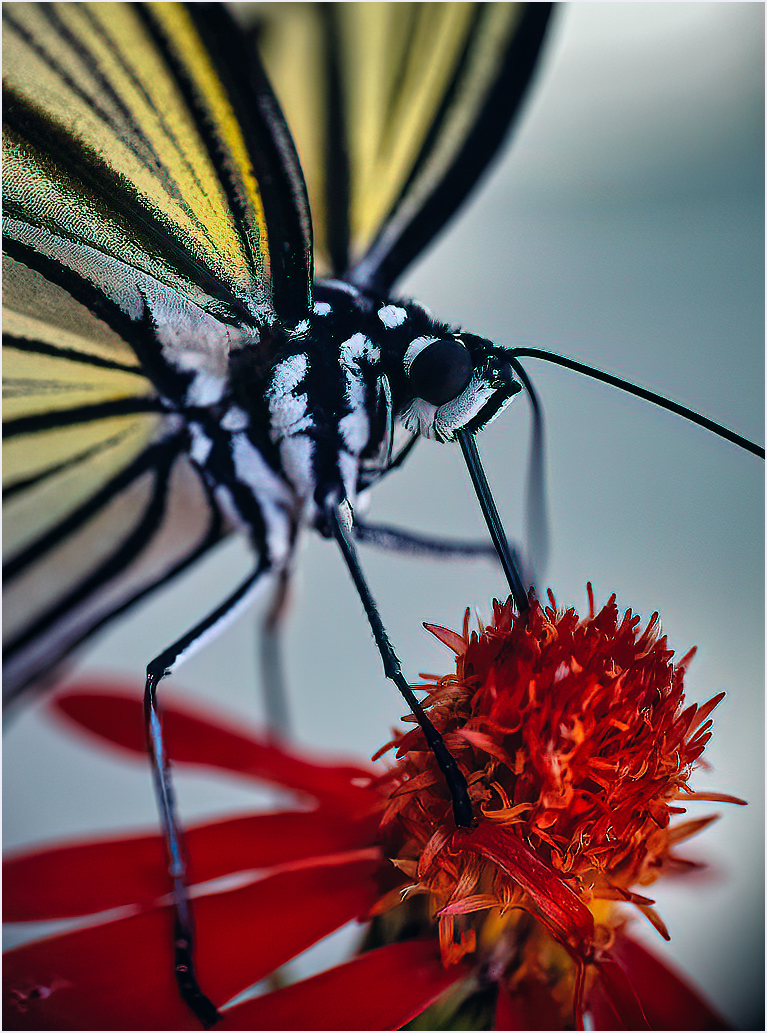
Hi Terry. Looking at your images, it looks like it is out of focus compared to the original, What I did was use your original, rotated 90 degrees clockwise, then put it through Topaz Denoise and Topaz Sharpen. Then I put it through Luminar Ai and this is what came out. |
Mar 15th |
 |
1 comment - 0 replies for Group 16
|
| 17 |
Mar 21 |
Comment |
Very interesting picture of Lobster buoys hanging outside a Lobster restaurant. Very colorful and sharp as a tack. I can spend all day just looking at the colorful buoys hanging on the wall. |
Mar 15th |
1 comment - 0 replies for Group 17
|
| 19 |
Mar 21 |
Comment |
Wow, great shot your looking eye to eye with the owl. The picture is sharp as a tack. |
Mar 15th |
1 comment - 0 replies for Group 19
|
| 25 |
Mar 21 |
Comment |
A very nice image, shooting through the back window , of a rusty old car of an old mining village. It look like they just packed up and left. The colors between the car, the buildings and the bright sky, makes a very colorful image. |
Mar 16th |
1 comment - 0 replies for Group 25
|
| 26 |
Mar 21 |
Comment |
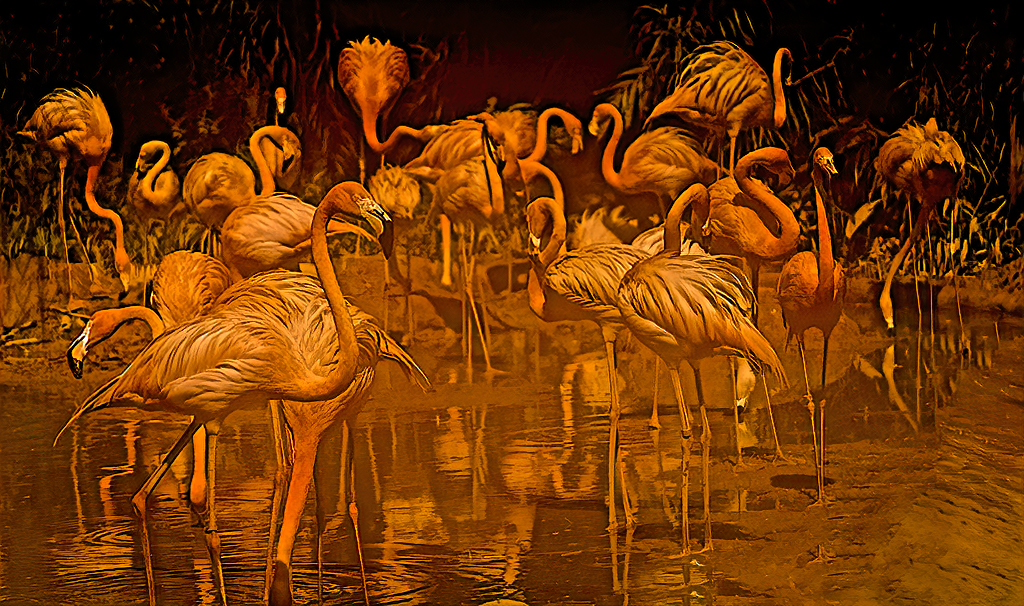
I agree that the fog on the lens caused the problem. I played with the image in Luminar Ai, and this is what I came up with |
Mar 16th |
 |
1 comment - 0 replies for Group 26
|
| 28 |
Mar 21 |
Comment |
Very nice image, with a great view from the cog railroad . T did this trip to the top of Mt. Washington a few years ago. The only comment I have is to make the frame thinner. I us a 3pix frame |
Mar 16th |
1 comment - 0 replies for Group 28
|
| 29 |
Mar 21 |
Comment |
what a view, the colors of the buildings against the blue sky and clouds, makes a great image. |
Mar 16th |
1 comment - 0 replies for Group 29
|
| 33 |
Mar 21 |
Comment |
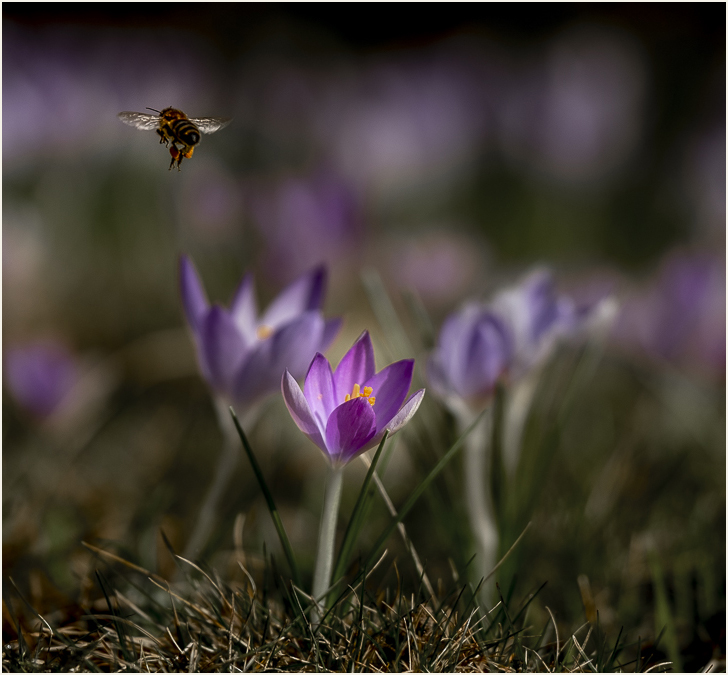
Hi Raymond, I like the image, but I feel the flowers on the right side is a distraction. All I did with your image was to crop off the flowers on the right and added a small frame around the image. |
Mar 16th |
 |
| 33 |
Mar 21 |
Comment |
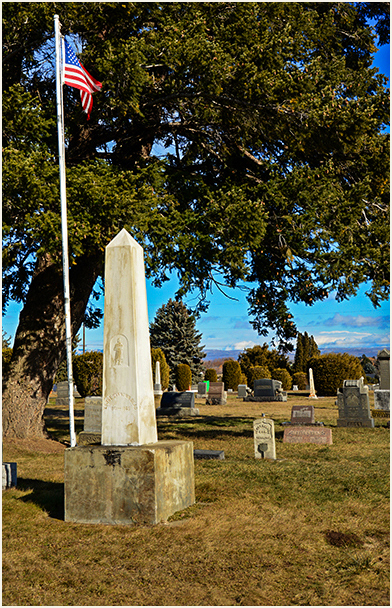
Hi Bob, My only comments are your white border, it's to large. Your eye goes to the border instead the image. I reduced the border to what I use (3pix)and this is what I got. Now my eye goes to the image,not the boarder. |
Mar 16th |
 |
2 comments - 0 replies for Group 33
|
| 34 |
Mar 21 |
Comment |
Great picture, Candy |
Mar 16th |
1 comment - 0 replies for Group 34
|
| 42 |
Mar 21 |
Reply |
Thanks for your comment. Regarding the lines, please read my comments to Michael above |
Mar 17th |
| 42 |
Mar 21 |
Comment |
I like it it. Good shape on the leaf and the twist of the vine. The black background makes the image stand out. |
Mar 12th |
| 42 |
Mar 21 |
Comment |
A very nice image The wires going up doesn't bother me as if you look you can see cables all over the place. As regards to Bev's comments, I'm not a gambler, and I spent a good few years at the Electronic show (later changed to the Consumer Electronic Show) as an executive in the Electronic industry. |
Mar 12th |
| 42 |
Mar 21 |
Comment |
Excellent shot, showing the reflection of another building and the reflections of the clouds on the glass. |
Mar 12th |
| 42 |
Mar 21 |
Comment |
I agree with the comments. that Michael and Bev made, you can't see what the item is. Try showing more of the boot, so that you can tell it's a boot. |
Mar 12th |
| 42 |
Mar 21 |
Comment |
It's a nice shot. I agree with Michael, I would cut down the saturation a little. Look at the color of the original image and compare it with your finial image. |
Mar 12th |
| 42 |
Mar 21 |
Reply |
The sky program is fine, What I did(look at the original image)is properly removed the lines, when I removed the hanging rope, the lines behind it went with it. Thanks for spotting it. |
Mar 12th |
5 comments - 2 replies for Group 42
|
| 45 |
Mar 21 |
Comment |
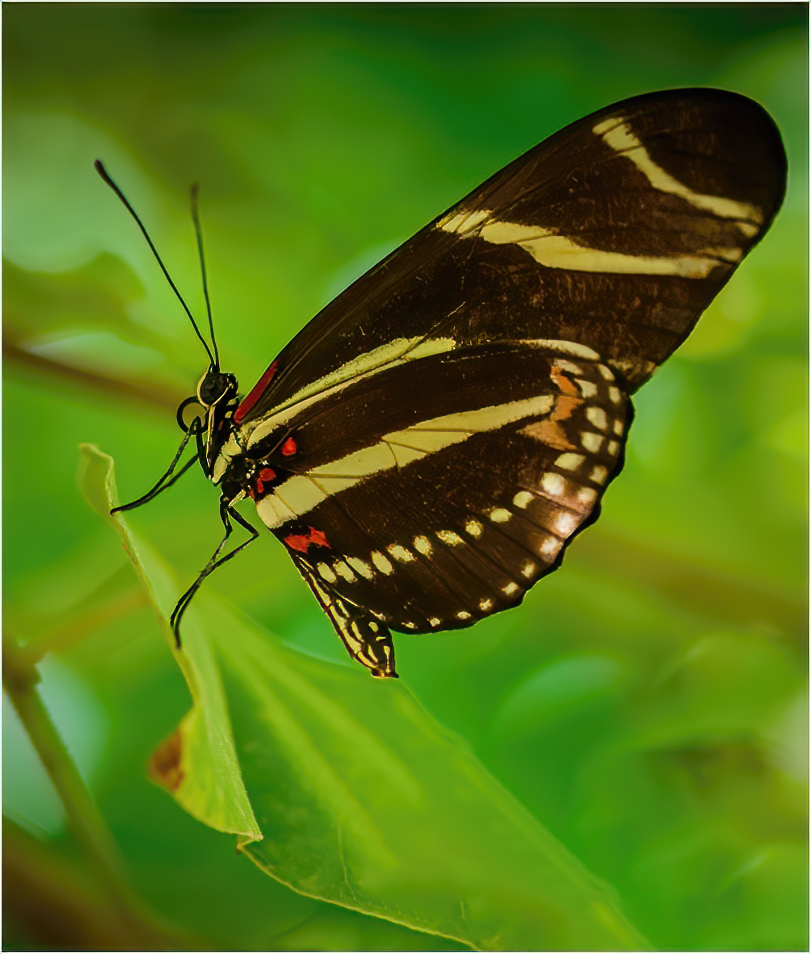
A very nice image of a butterfly. You did a nice job with the background. My suggestion, would be to remove the other butterfly wing and crop some of the bottom. The brown tip on the leaf, I would leave. I removed the wing and cropped some off the bottom , Ran it through Topaz Denoise Ai and Topaz Sharpen Ai. This is what I came up with. |
Mar 17th |
 |
| 45 |
Mar 21 |
Comment |
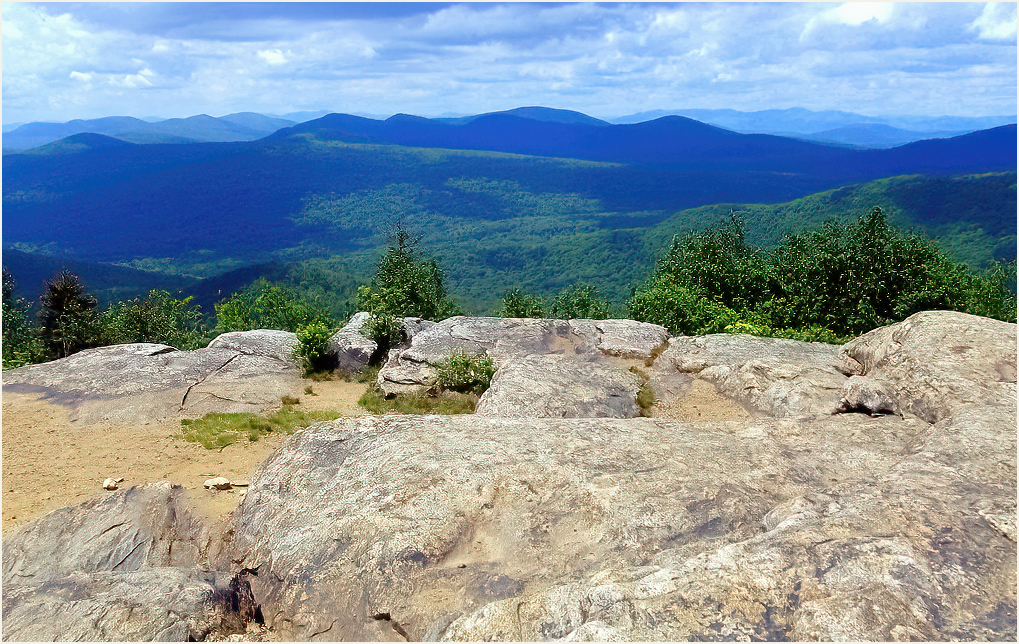
A very nice image, colors blend in nicely . I find the rocks in the front, over power the image. I removed the black spot that David mentioned, cropped some off the bottom ,then put it through Topaz denoise and Topaz Sharpen and this is what I came up with. |
Mar 17th |
 |
2 comments - 0 replies for Group 45
|
| 52 |
Mar 21 |
Comment |
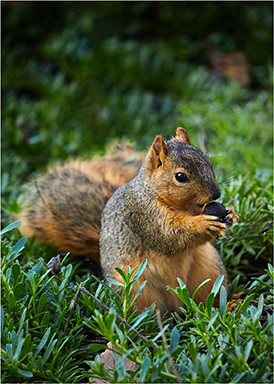
A very nice, sharp image. The only thing I would do is remove the branch from his head going to the right and the branch from his tail going to the top of the image and the white spot near the top of his tail. |
Mar 17th |
 |
1 comment - 0 replies for Group 52
|
| 53 |
Mar 21 |
Reply |
Is that the one just added to Studio 2? |
Mar 17th |
| 53 |
Mar 21 |
Comment |
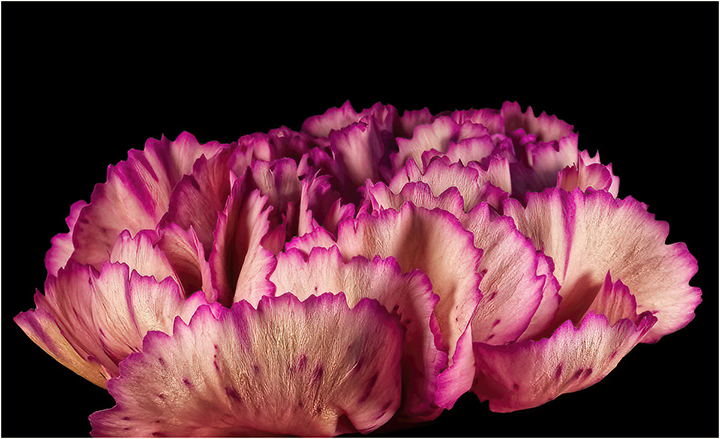
Hi Tom. I ran the image through Topaz Studio 2 then through the new Denoise Ai and Shape Ai, just added to Studio 2. It looks a little sharper on the "Pencil Shavings" |
Mar 17th |
 |
1 comment - 1 reply for Group 53
|
27 comments - 3 replies Total
|