|
| Group |
Round |
C/R |
Comment |
Date |
Image |
| 2 |
Jul 20 |
Comment |
Very nice image, the sharp focus and the expression on Shakura S'Aida tells it all. Excellent job. |
Jul 6th |
1 comment - 0 replies for Group 2
|
| 5 |
Jul 20 |
Comment |
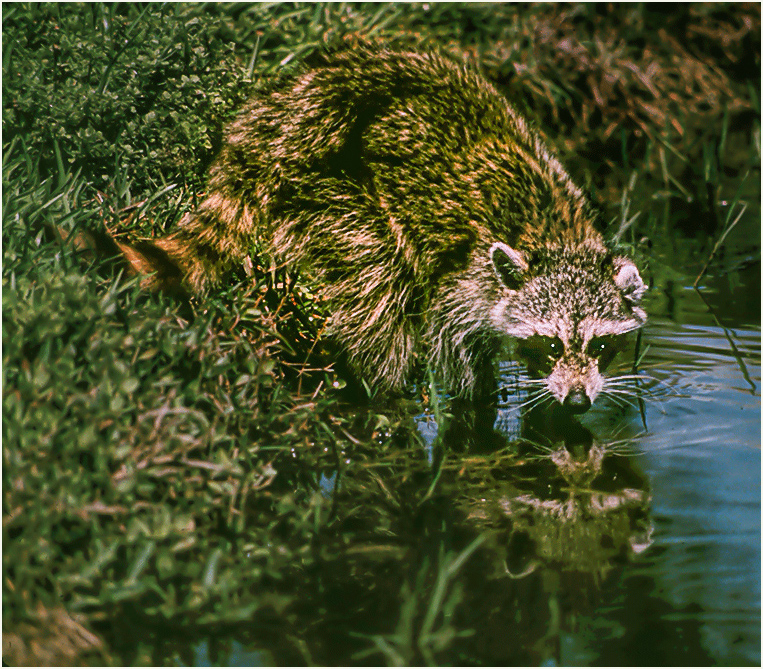
Hy Barbara. I like the shot and his eyes looking at you. I used a tight crop and the Raccoon looks closer to you.The reflection of his face, makes him stand out even more. |
Jul 6th |
 |
1 comment - 0 replies for Group 5
|
| 16 |
Jul 20 |
Comment |
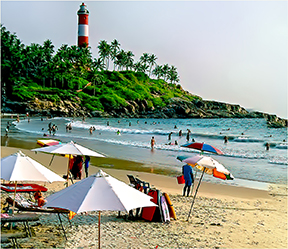
A very nice image, curved beach and lighthouse, but the lighthouse is not straight. A agree with Bunny, that the Red chair is a distraction. I straightened the image, so that the lighthouse is standing straight and removed the red chair. I used Topaz Studio 2 as well as Topaz Adjust AI. |
Jul 9th |
 |
1 comment - 0 replies for Group 16
|
| 17 |
Jul 20 |
Comment |
A very interesting picture, I like it. The colors blend together and the plane is sharp. |
Jul 9th |
1 comment - 0 replies for Group 17
|
| 23 |
Jul 20 |
Comment |
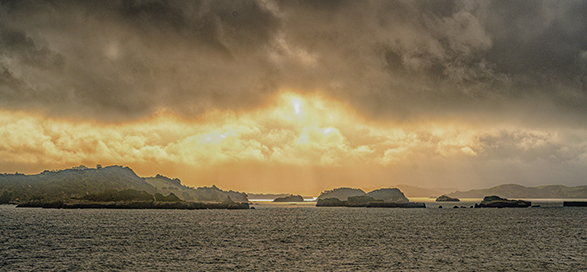
A very nice image. We were there a few years ago, but didn't catch a sky like you did. I feel you have to much empty space on the bottom. If you crop some of the bottom, you will get a better view of the rocks and sky. |
Jul 9th |
 |
| 23 |
Jul 20 |
Comment |
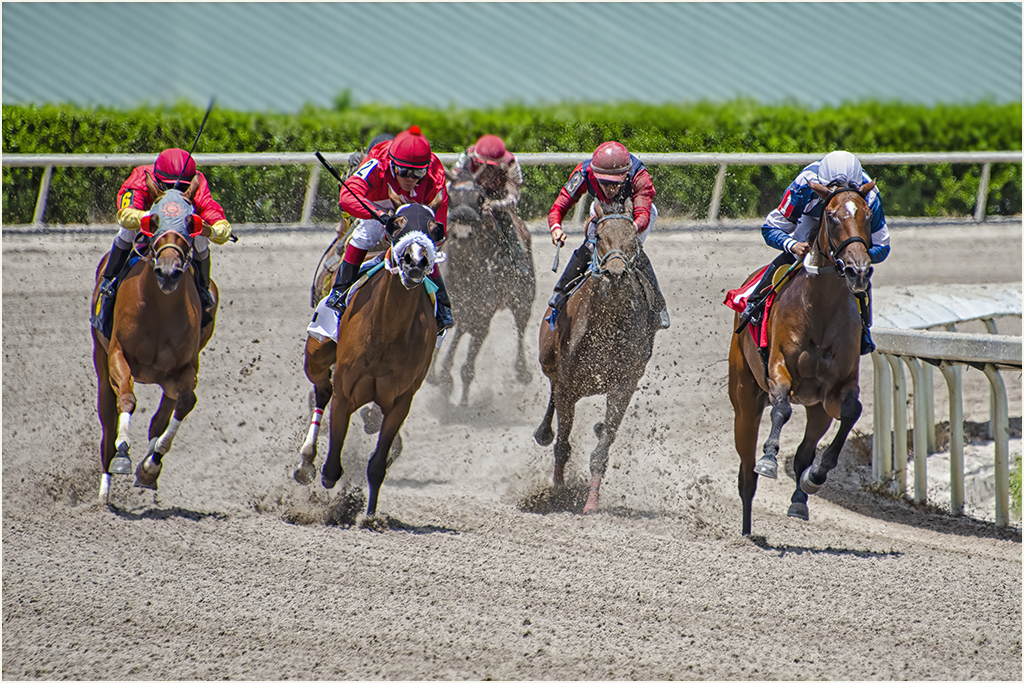
I like this picture, plenty of action. I agree That the background is a problem. I adjusted the image by adding a little more Vibrance, which brought the horses and riders out a little more . Regarding the background I blurred it out as much as possible. |
Jul 9th |
 |
2 comments - 0 replies for Group 23
|
| 33 |
Jul 20 |
Comment |
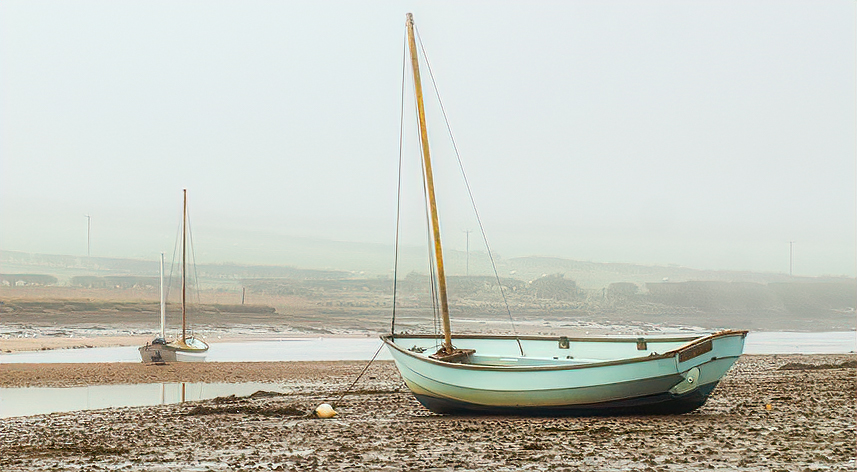
Very nice image taken on a foggy day. I feel that you have to much dead space on the left and right side of the imaged and I put it Through Topaz Studio 2, to bring up the color on the boat. |
Jul 9th |
 |
1 comment - 0 replies for Group 33
|
| 40 |
Jul 20 |
Comment |
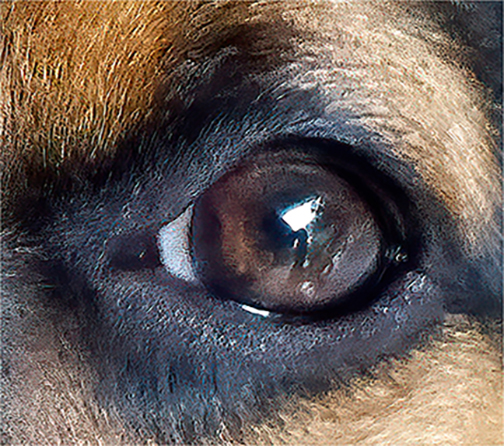
Great shot, clean and sharp and the Kookaburra eye looking straight at you. It brings back memories from my two trips to Australia. |
Jul 9th |
1 comment - 0 replies for Group 40
|
| 42 |
Jul 20 |
Comment |
|
Jul 18th |
| 42 |
Jul 20 |
Reply |
Thanks Michael
Stay Safe |
Jul 11th |
| 42 |
Jul 20 |
Comment |
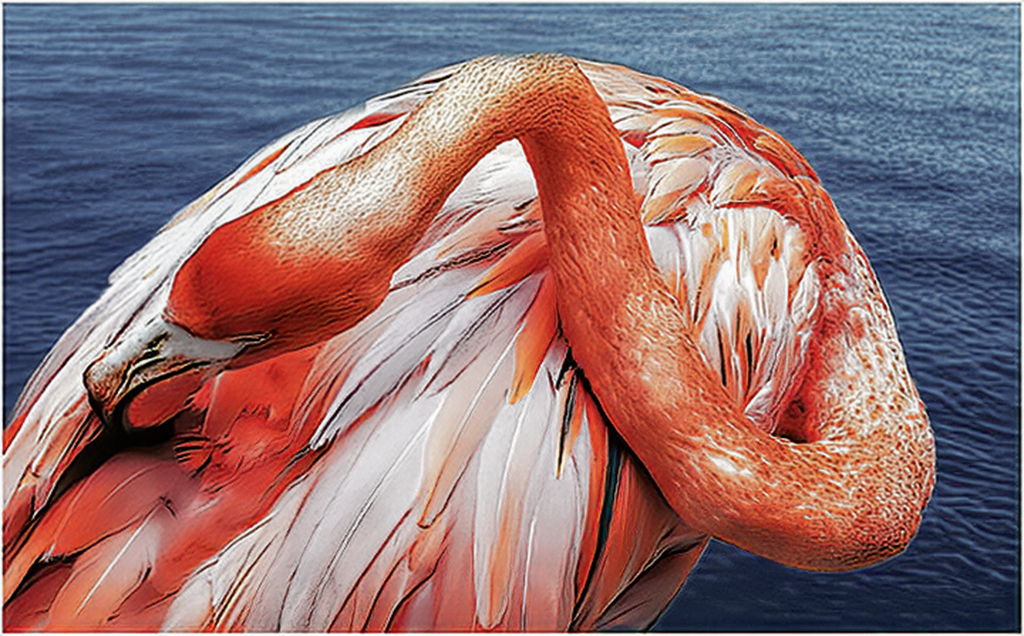
does this look any better
/ |
Jul 10th |
 |
| 42 |
Jul 20 |
Reply |
Thanks for your comments, The judging was from a Zoom club meetng and the Judge was not from our group. |
Jul 8th |
| 42 |
Jul 20 |
Reply |
the color was brought up a little to show more of the flamingo's feathers.The judges awarded me a 10 for this image |
Jul 7th |
| 42 |
Jul 20 |
Comment |
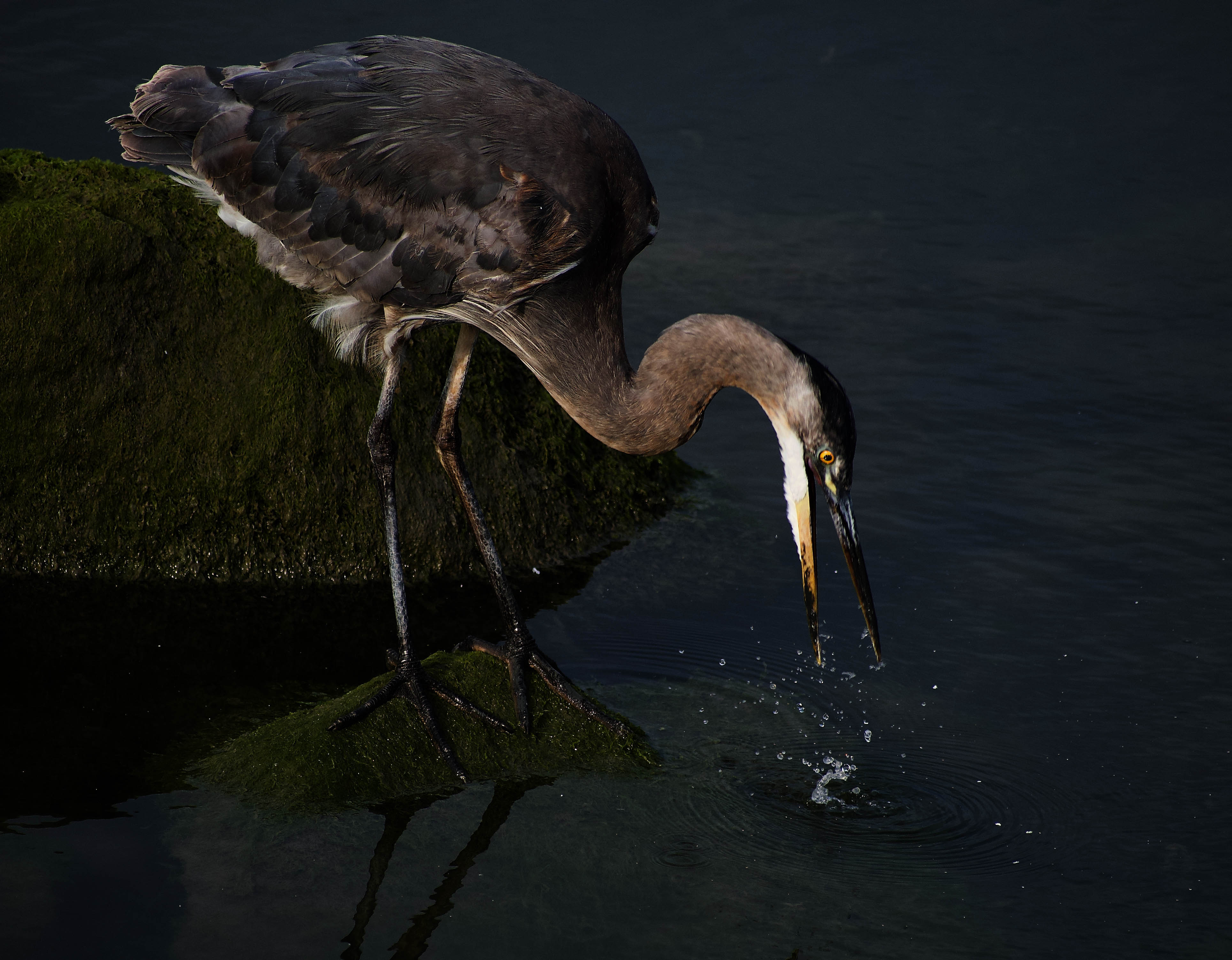
Hi Sarita. I like the image and Michael's comments about the focus on the feet, but not the eye. What I did was to pull up your image, enlarged the Heron, than in photoshop, I lightened the eye. |
Jul 6th |
 |
| 42 |
Jul 20 |
Comment |
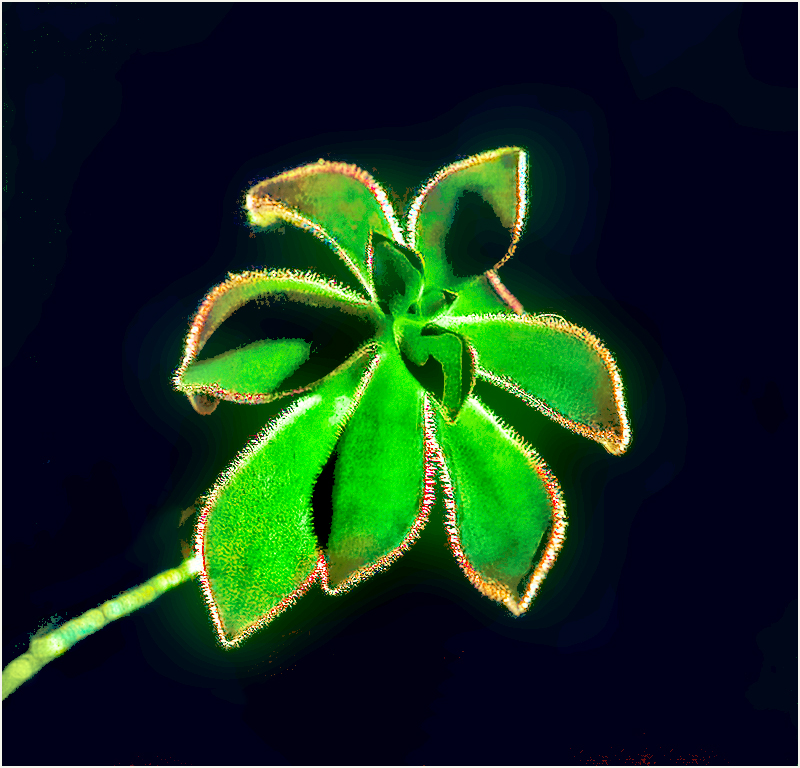
I agree with Michael. I made a duplicate of you image and put it through Topaz,Luminar and Photoshop as this is what I got. |
Jul 6th |
 |
| 42 |
Jul 20 |
Comment |
I think you did a great job, I like the shading on the canyon going back to the beautiful sunset. I feel that bev's image is to dark and the mountain in the back doesn't stand out. |
Jul 6th |
| 42 |
Jul 20 |
Comment |
Very nice image, colors are great. I feel the dead tree trunks in the foreground catches your eye and directs your view through the brush, the lake and to the mountains. nice image. |
Jul 6th |
| 42 |
Jul 20 |
Comment |
A very nice image. The sharpness of the Woodpecker and the bark of the tree , as well as the few branches below tells a story of a busy woodpecker. |
Jul 6th |
| 42 |
Jul 20 |
Comment |
A very nice image. You did a nice job with cropping out a good portion from the bottom, but I would Agree with Michael about cropping out some of the right side, it's just to much dead space. |
Jul 6th |
8 comments - 3 replies for Group 42
|
| 48 |
Jul 20 |
Comment |
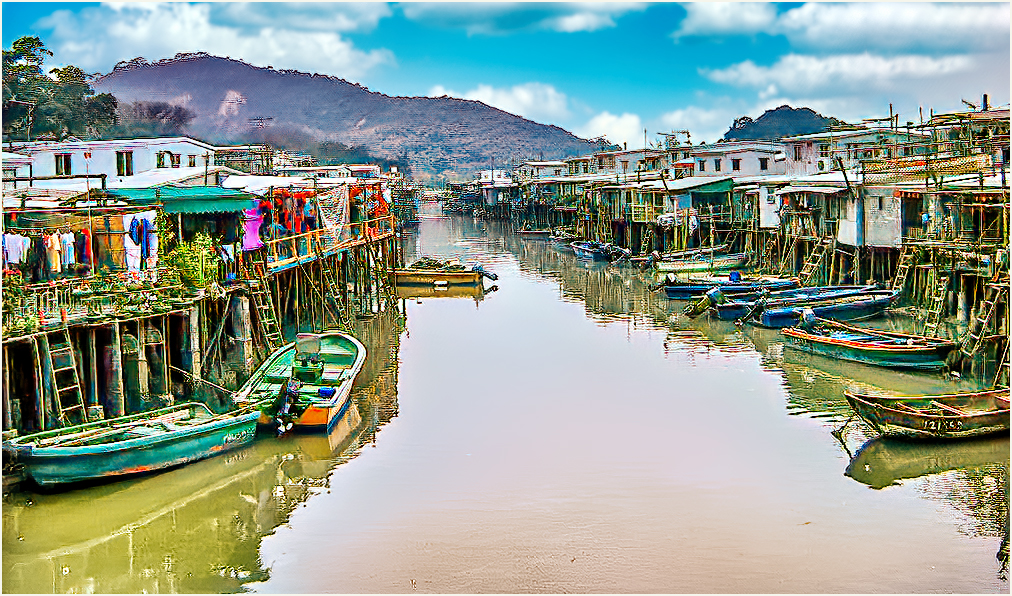
A very nice image.You have nice leading lines,from the water in front ,straight up the waterway back to the mountain. You need a little more color and sharpness to the picture. I did a little work ,bring up the color and sharpness. Regarding the sky, I went into Luminar and using their Sky program , I picked out a sky and added it to the image.Then I went into Topas, using their Adjust AI program and selected the daylight option, and this is what I got. |
Jul 9th |
 |
| 48 |
Jul 20 |
Comment |
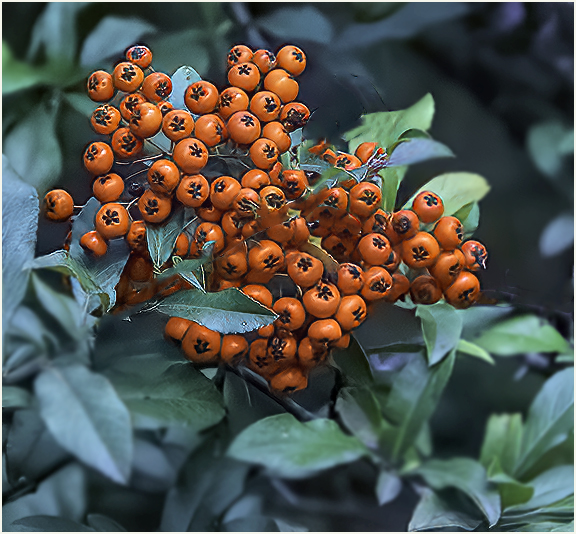
Hi Margaret, Like the color of the berrys and the clusters they are in. You have three different clusters in the picture. I would suggest that you keep the center cluster and clone the others. I cropped the picture, just to use the larger cluster in the center.I then ran the image through Topas Studio and used the AI setting.I then went into Topaz Sharpen AI and sharpened the image slightly.Then I put it through Topaz Adjust Ai and what I felt was the best image (daylight) I then went back and removed some of the branches that were blocking the view of most of the berrys. I then blurred out some of the green leaves in front, the side and top of the berries and this is what I got. |
Jul 9th |
 |
| 48 |
Jul 20 |
Comment |
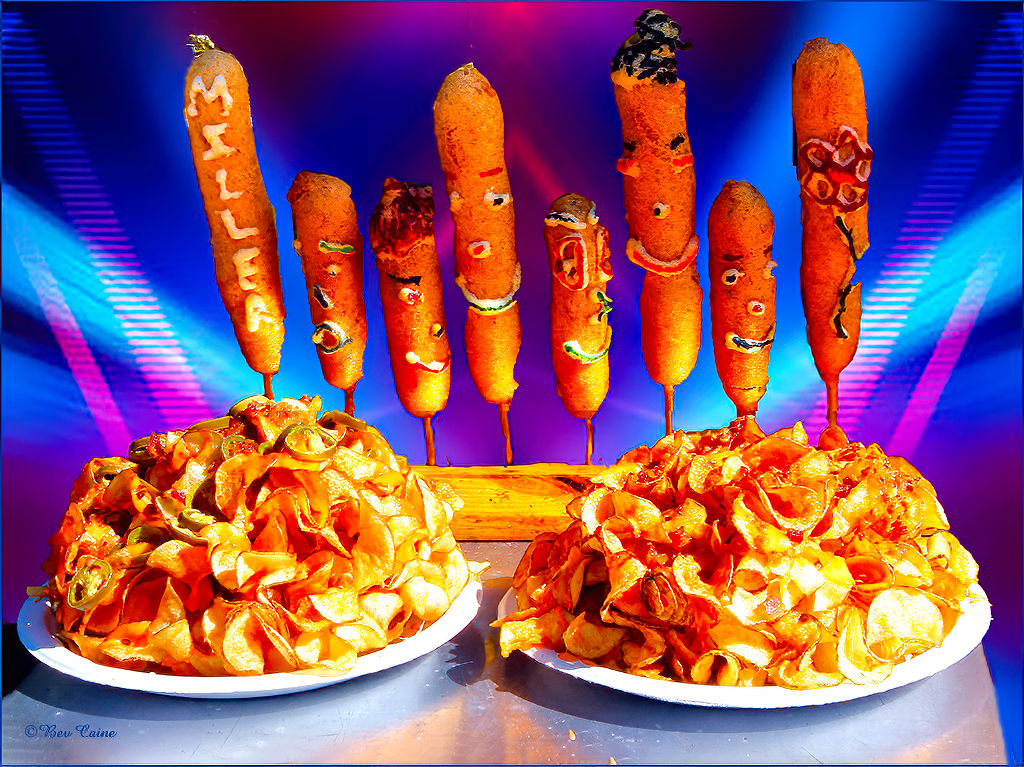
Very nice image, In feel it can be sharpened and enhanced a bit. I put the image through Topaz Studio 2 to improve the sharpness of the hot dogs, then ran it through Topaz Adjust AI. Also removed the red line from the table on the right side. |
Jul 9th |
 |
3 comments - 0 replies for Group 48
|
| 53 |
Jul 20 |
Comment |
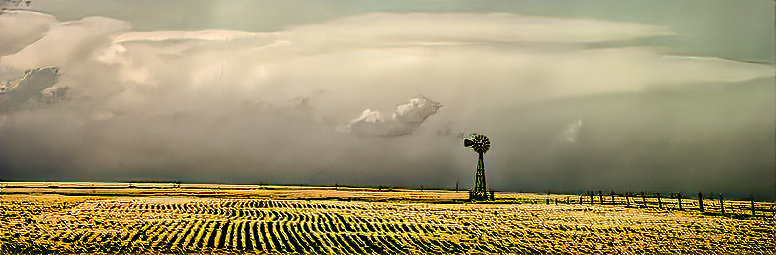
Hi Brenda
Image 2 |
Jul 10th |
 |
| 53 |
Jul 20 |
Comment |
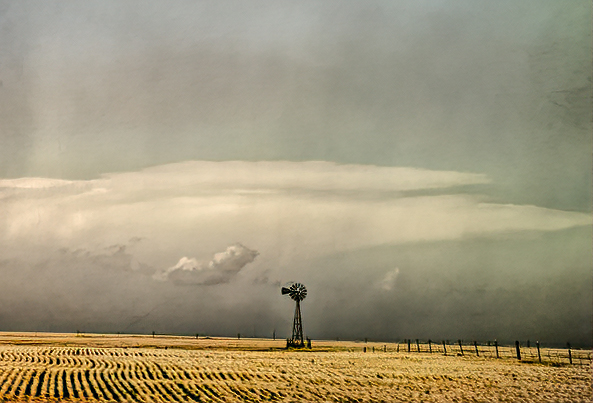
Hi Brenda, very nice image, but you have a lot of dead area.You can cut out some of the sky. Image 1 or image 2 which makes it a panorama. |
Jul 10th |
 |
| 53 |
Jul 20 |
Comment |
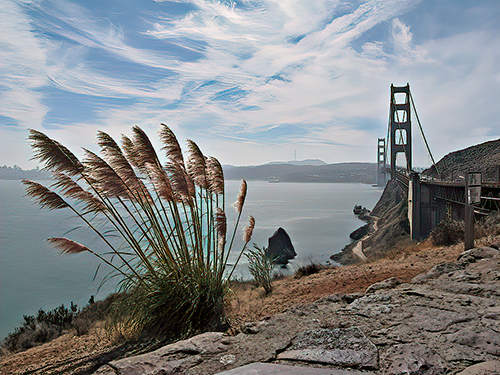
I like the image, and the view from which you took the picture from. I see some noise in the picture.I put the image through Topaz Noise AI, than ran it through Topaz Studio 2. This is what I got. |
Jul 10th |
 |
| 53 |
Jul 20 |
Comment |
Looks great,colors and focus are on the mark. |
Jul 10th |
4 comments - 0 replies for Group 53
|
23 comments - 3 replies Total
|