|
| Group |
Round |
C/R |
Comment |
Date |
Image |
| 1 |
May 20 |
Comment |
Hi Dennis, A very nice image, but I feel that you have to much empty space on the top. If you crop some of the top off, it makes the building and the mountains stand out a little more. In fact this could make a nice panorama shot, in my opinion. |
May 3rd |
1 comment - 0 replies for Group 1
|
| 3 |
May 20 |
Reply |
I've Topaz DeNoise Ai |
May 28th |
| 3 |
May 20 |
Comment |
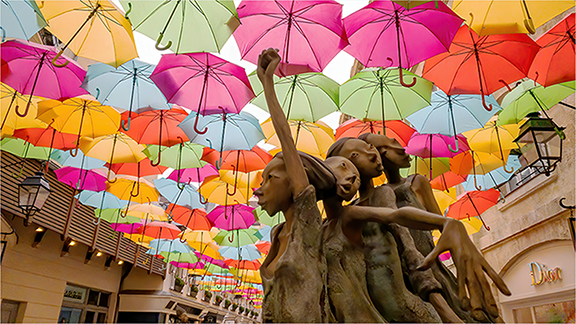
i love the picture. The sculpture and the umbrellas are the main subject, but the image must be sharpened and the noise removed and that would make it a winner. |
May 3rd |
 |
| 3 |
May 20 |
Comment |
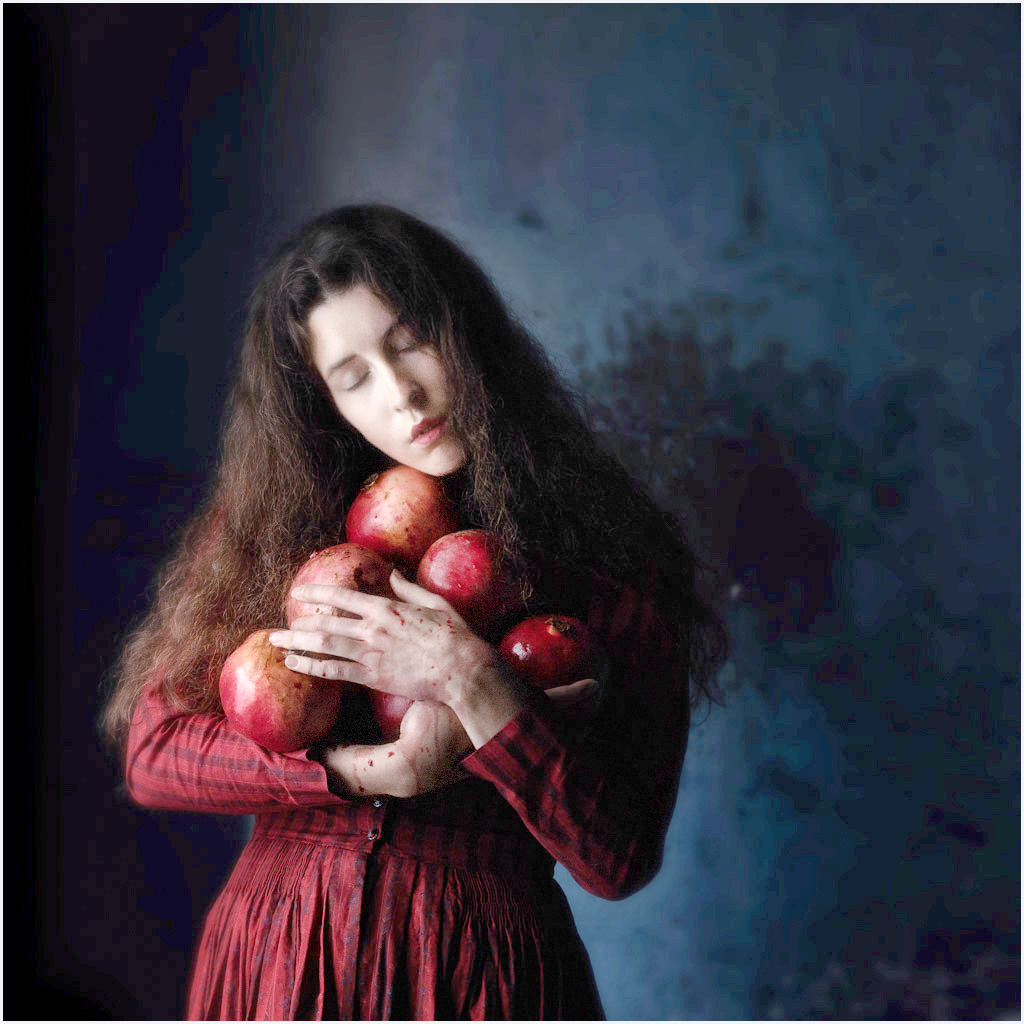
A very nice image. The only thing I would do is lighten up her face and hands a little. This would bring a little more detail to her face and hands. |
May 3rd |
 |
2 comments - 1 reply for Group 3
|
| 4 |
May 20 |
Comment |
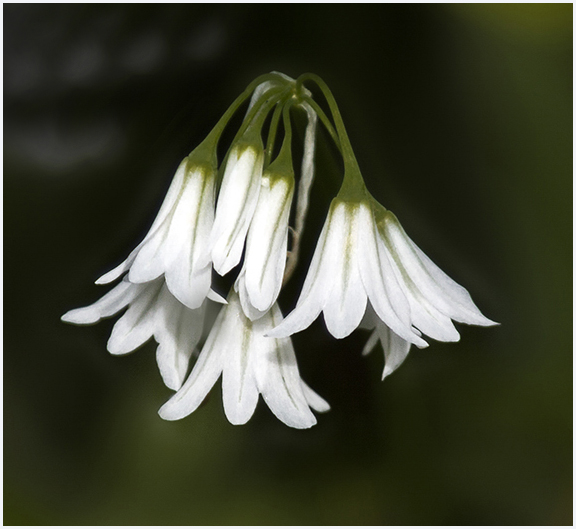
Very nice image of the White Bells,but the one blurred in the background gets my eye. I would remove it or blacken it out. I would suggest that you crop the image and it will bring the flower closer. |
May 3rd |
 |
1 comment - 0 replies for Group 4
|
| 5 |
May 20 |
Comment |
great picture. I like the expression on Snowflakes face. can you remove the one hair on the corner of his eye. |
May 3rd |
1 comment - 0 replies for Group 5
|
| 10 |
May 20 |
Reply |
you still a great job |
May 16th |
| 10 |
May 20 |
Comment |
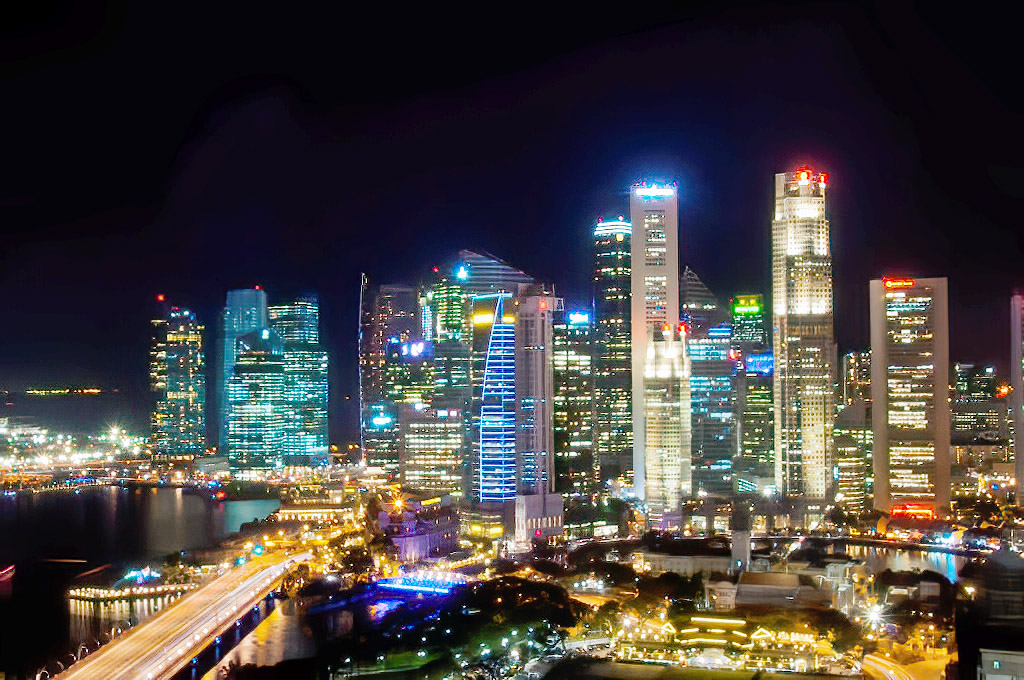
Hi Rich, I like the image and colors from the lights.It reminds me of Singapore, when we were there a few years ago.I agree with Lori's comments about sharpness . I put you image through Topaz DeNoise AI, to remove some noise, then put it through Topaz Sharpen AI as this is what I got. |
May 10th |
 |
| 10 |
May 20 |
Comment |
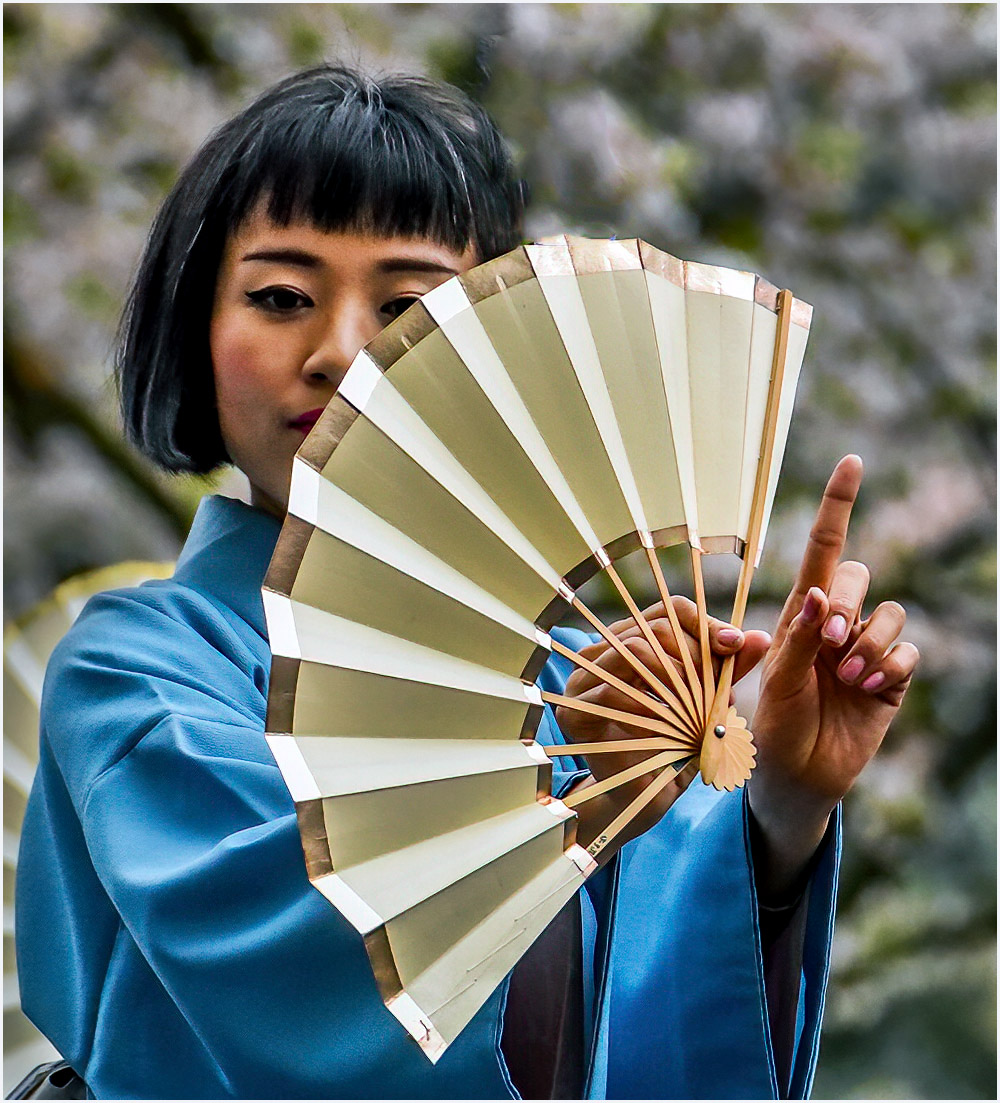
Hi Mark, I think the shot and colors are very nice. I would suggest that you remove the purple flower and green leaf .Your eye goes directly to the flower growing out of the fan. I removed the flower and leaf and sharpened the image and this is what I got. |
May 10th |
 |
2 comments - 1 reply for Group 10
|
| 14 |
May 20 |
Comment |
|
May 10th |
 |
| 14 |
May 20 |
Comment |
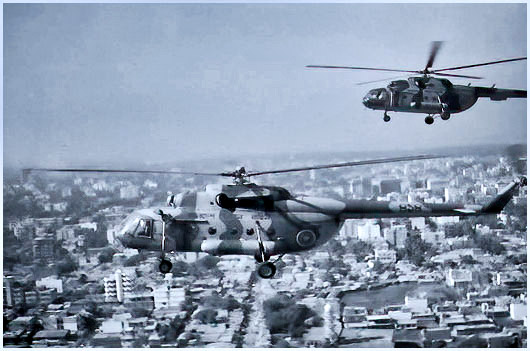
Syed- A very nice shot under the conditions taking it. What I Did was using Topaz DeNoise AI to remove any noise from the picture, I then used Topaz Sharpen AI. The last step is using the pixels with Topaz Gigapixel AI to 4X. This is what I got. |
May 10th |
2 comments - 0 replies for Group 14
|
| 19 |
May 20 |
Comment |
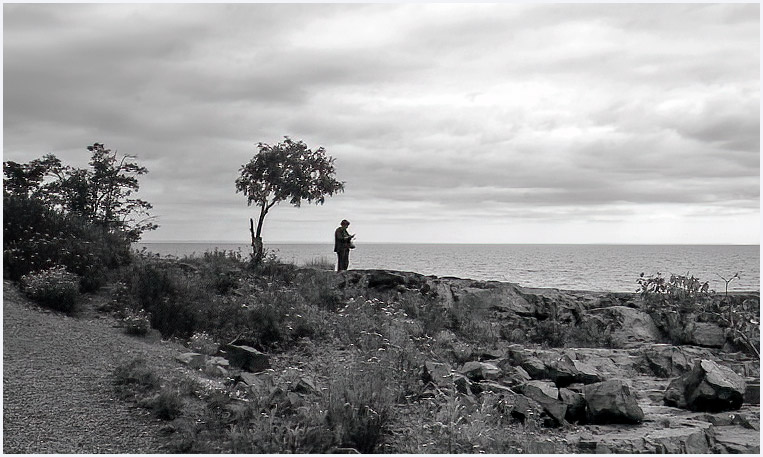
Marcela- I also watched Don Toothaker Webinar and picked up a couple of points, even though I shoot primary in Color. I also agree with some of Stan's comments. I would crop from the top as well as from the right side. |
May 10th |
 |
1 comment - 0 replies for Group 19
|
| 29 |
May 20 |
Comment |
Bii- great shot, by removing the two white buoys, will bring your attention to the face of the Wakeboarder. |
May 10th |
1 comment - 0 replies for Group 29
|
| 33 |
May 20 |
Comment |
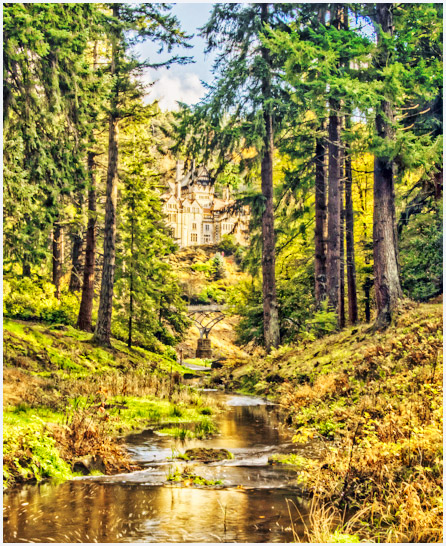
paul- I agree with Larry and Randy. What I did was crop some the top , left side and bottom. The water gives you a leading line to the house. |
May 10th |
 |
1 comment - 0 replies for Group 33
|
| 42 |
May 20 |
Reply |
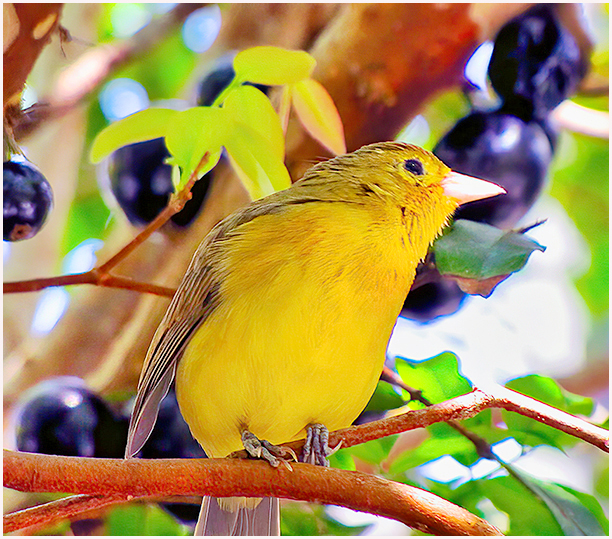
Holly, as I said in my note, I was just trying some of the new features Topaz and Luminar. It was primary on the small bird.These birds are around 3 inches and the burrys behind are not the subject. |
May 9th |
| 42 |
May 20 |
Comment |
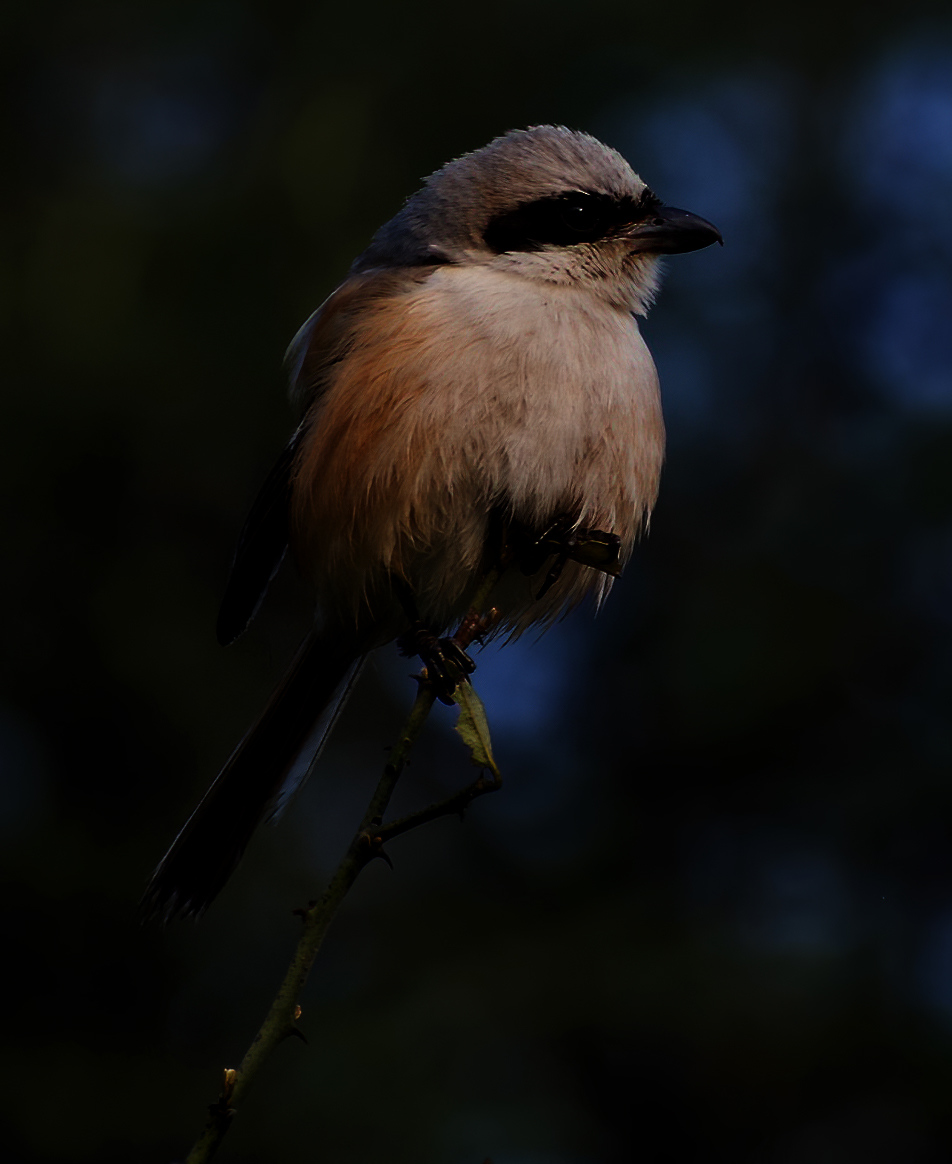
Hi Sarita, nice image of the Long tailed Shrike. You have some noise in the image, and I think if you crop some off the top and right side,and sharpen the image it would make the bird stand out a little more. |
May 4th |
 |
| 42 |
May 20 |
Comment |
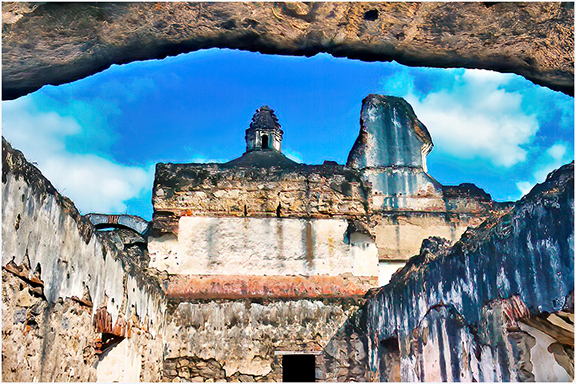
Hi Lynne. I like your image very, good balance between the ruins and the sky.I find the image has noise and it is not sharp and the picture is a little to dark. I put your image through Topaz DeNoise AI first, then went to Luminer to select the best image, then back to Topaz Sharpen AI. This is the results. |
May 3rd |
 |
| 42 |
May 20 |
Reply |
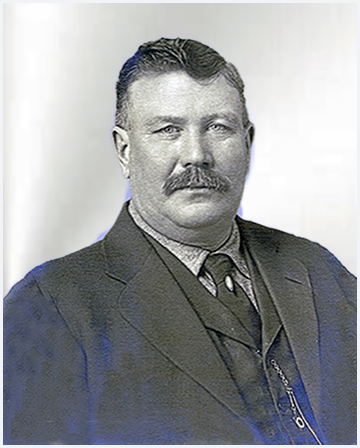
What I have done, I went into the new version of Topaz. It's called Mask AI. This mask program. is very easy to do. After you mark off what you want to save, you go to background(which is on the screen area as a checkerboard pattern. Then I selected the button that is marked, then go to my selections of Textures, pick one and drop it in. Hit the save button in Mask and everything comes together |
May 2nd |
 |
| 42 |
May 20 |
Comment |
WOW, what a shot. I'm using Luminar and Topaz together.The Skys Luminar are great and I can add my Sky pictures if I choose. Vanelli(from Luminar) lives in Florida and one of the clubs I belong has a great relationship with him. He has put together some Zoom programs just for our club. The background also makes the hummingbird stand out. Again, all that I can say is WOW |
May 2nd |
| 42 |
May 20 |
Reply |
The Zoom seminars are put together by the two local camera club I belong too. Most of these are closed seminars, put together with the speaker and the club. you must sign in for these and be a member of that club to receive them. Regarding your picture, because of the angle of his face.You see the front and one side of his face, and the sharpness of the image, gives a 3D look. Topaz works with photoshop. |
May 2nd |
| 42 |
May 20 |
Comment |
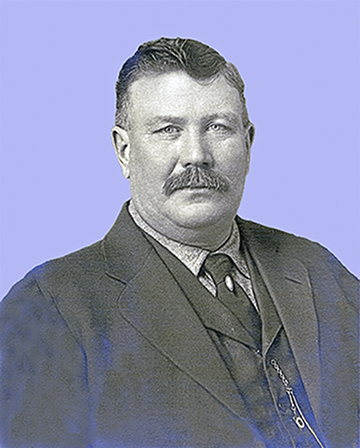
keith, you did a nice job, but you have to continue on. I first went to Topaz DeNoise AI to remove any noise. Then I adjusted the image through Photoshop, Then went back to Topaz Sharpen AI. see( image)
On one of the Zoom seminars they said DeNoise your image first. If you sharpen it first, you not only sharpen the image, but sharpen the noise at the same time (it makes sense) and I agree. |
May 1st |
 |
4 comments - 3 replies for Group 42
|
| 48 |
May 20 |
Comment |
I like the image but the stem on the right side should be removed or blurred down,It pulls my eye away from the orchid. |
May 3rd |
1 comment - 0 replies for Group 48
|
| 80 |
May 20 |
Comment |
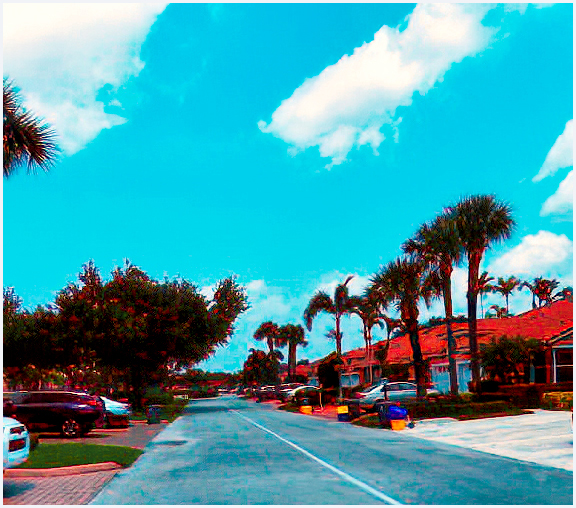
Bev, if you processed this image regularly you would have a great picture. Leading lines, good color, and a sprinkle of colors from the recycle bins .And crop off some of the bottom. |
May 9th |
 |
1 comment - 0 replies for Group 80
|
18 comments - 5 replies Total
|