|
| Group |
Round |
C/R |
Comment |
Date |
Image |
| 2 |
Sep 19 |
Reply |
see you at the PASFLA meeting next Wednesday |
Sep 4th |
| 2 |
Sep 19 |
Comment |
Very nice image.The dirt kicked up by the bikes shows what the track is like and the forth bike is lost in the dust. Did you take this in Homestead? Color is good, sharpness is fine. |
Sep 4th |
1 comment - 1 reply for Group 2
|
| 3 |
Sep 19 |
Comment |
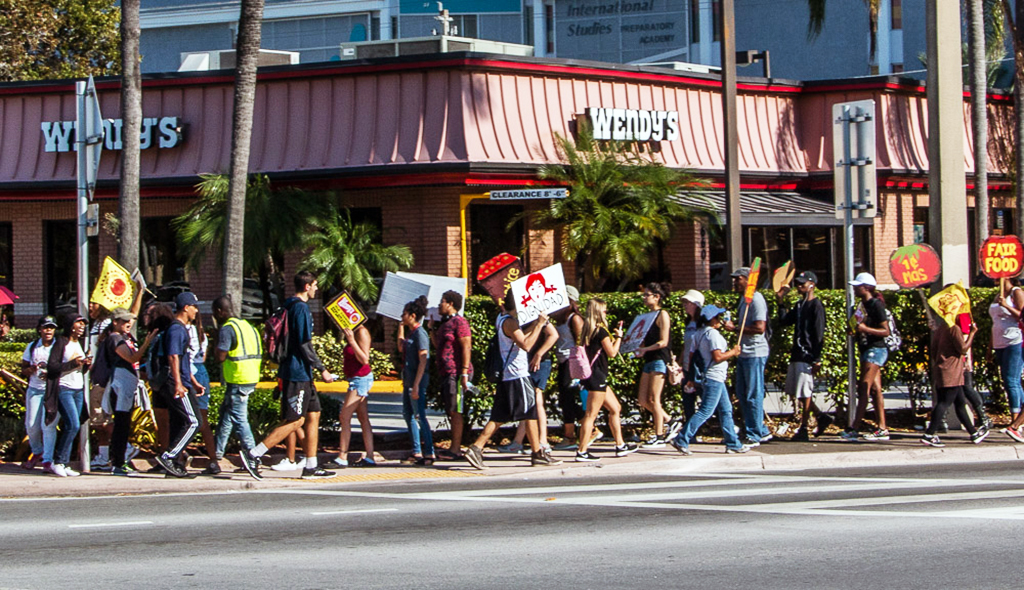
Hi Randolph
I like the image, it's clean and sharp. I feel if you crop out some of the road, you will get a stronger image |
Sep 4th |
 |
1 comment - 0 replies for Group 3
|
| 5 |
Sep 19 |
Comment |
Nice shot. The cherry in the front makes me hungry. Very nice image |
Sep 4th |
1 comment - 0 replies for Group 5
|
| 17 |
Sep 19 |
Comment |
Nice image. I feel you need more seperation from Sarah and the background. |
Sep 7th |
| 17 |
Sep 19 |
Comment |
I like the image, you did a great job.Sharp and colorfull You can see some of the paintings on the walls a few stories up. |
Sep 5th |
2 comments - 0 replies for Group 17
|
| 25 |
Sep 19 |
Comment |
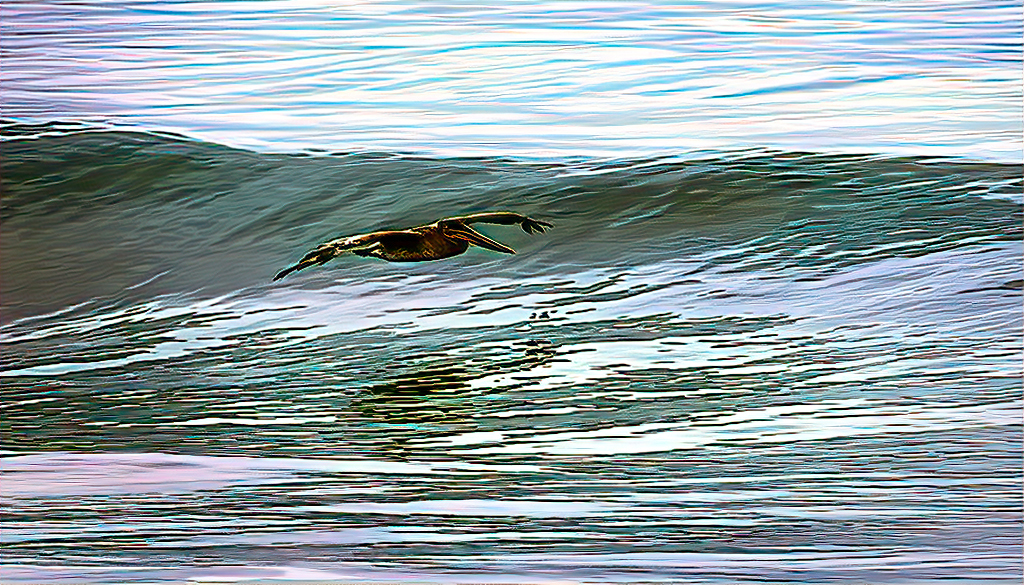
i like the image of the Pelican, but you have to much space obove the bird. I would suggest that you crop some of the top, sharpen up the bird. |
Sep 5th |
 |
1 comment - 0 replies for Group 25
|
| 26 |
Sep 19 |
Comment |
I like it, the blur from shooting through a wet and rainy window gives a different look to the fishing shack. the yellow ropes and the water in the background and lobster pots, the wet dock makes the image stand out. Great job. |
Sep 4th |
1 comment - 0 replies for Group 26
|
| 29 |
Sep 19 |
Comment |
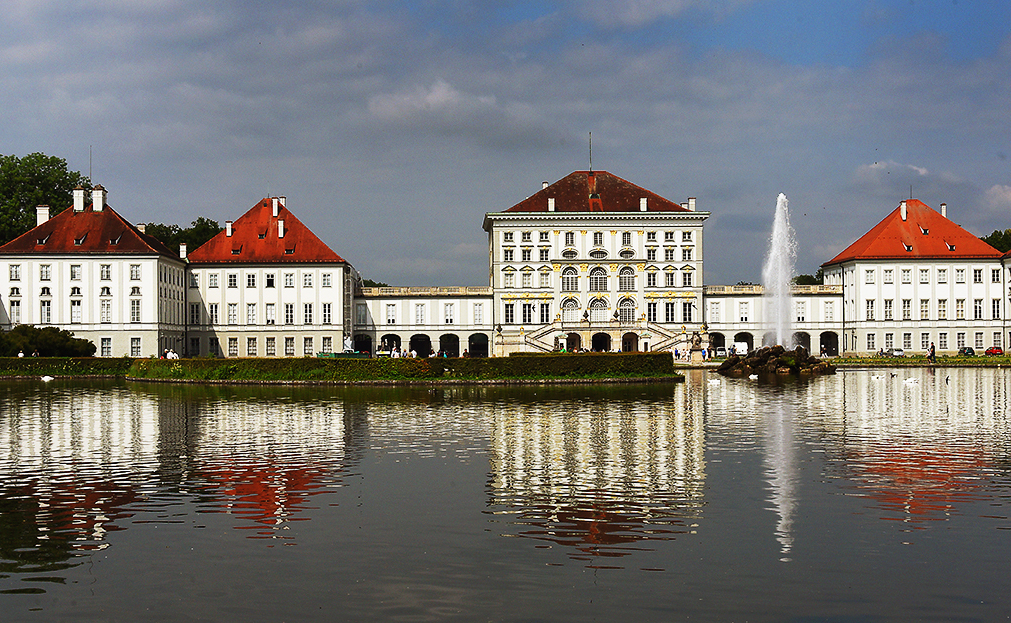
hi Bob, i'm from group 42. I like the image. I would suggest that you crop some of the sky and a small part of the water. I feel this would give you more sock to the image. |
Sep 3rd |
 |
1 comment - 0 replies for Group 29
|
| 42 |
Sep 19 |
Reply |
thanks for your comment |
Sep 18th |
| 42 |
Sep 19 |
Reply |
Thanks Michael |
Sep 14th |
| 42 |
Sep 19 |
Comment |
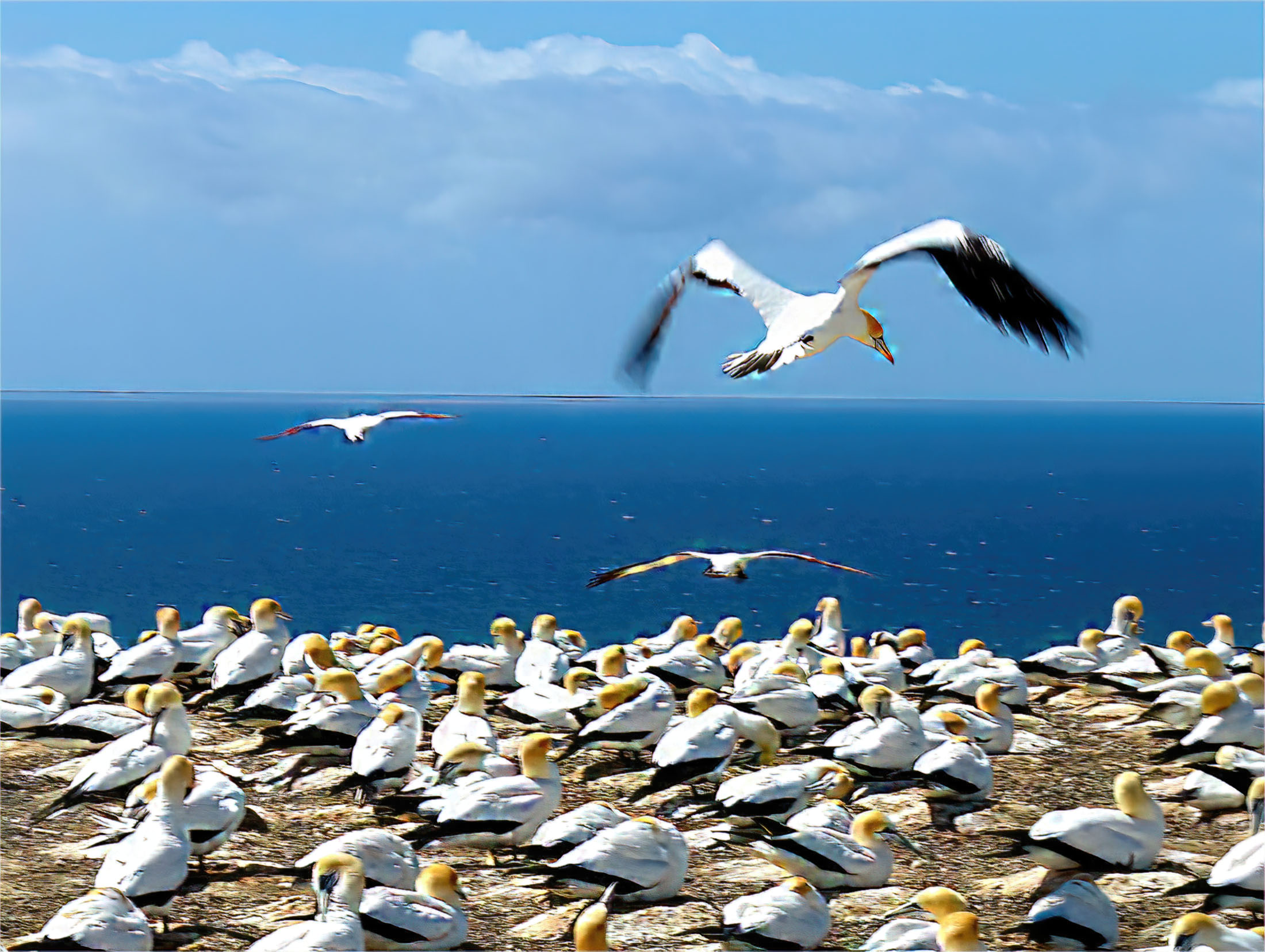
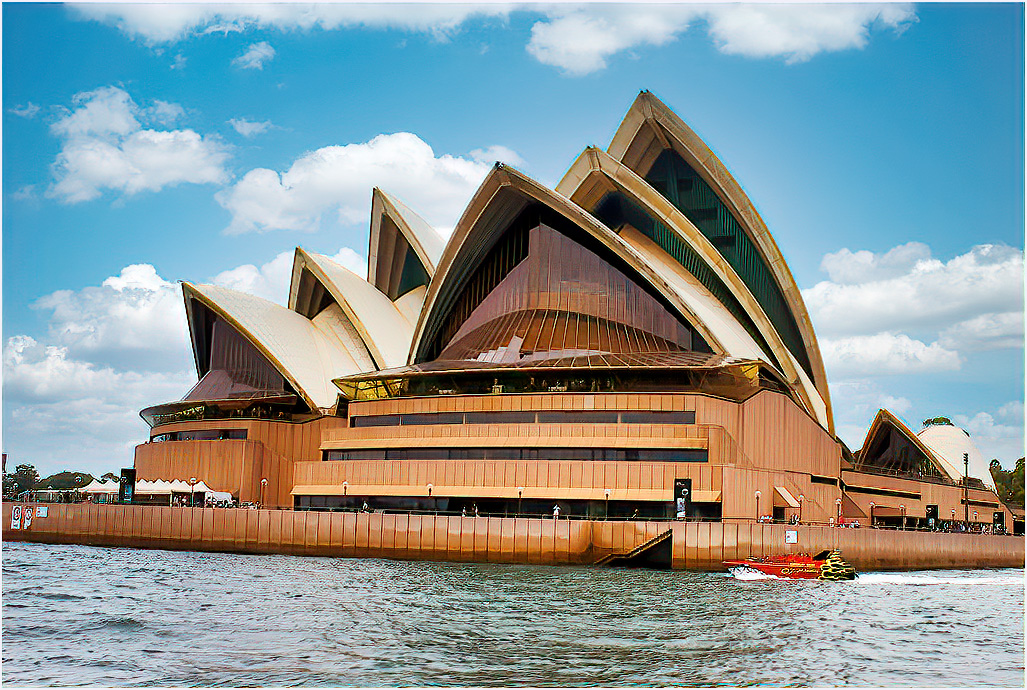
A very nice image, sharp, lighting and color look very good. I presume this was taken in Auckland, New Zealand.
Again welcome to group 42. |
Sep 14th |
| 42 |
Sep 19 |
Comment |
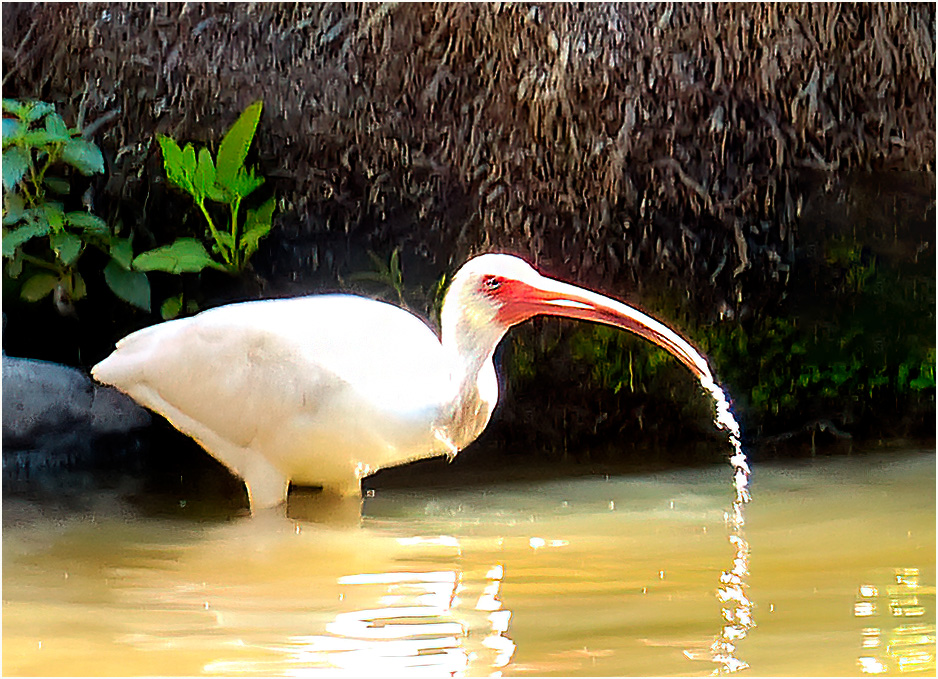
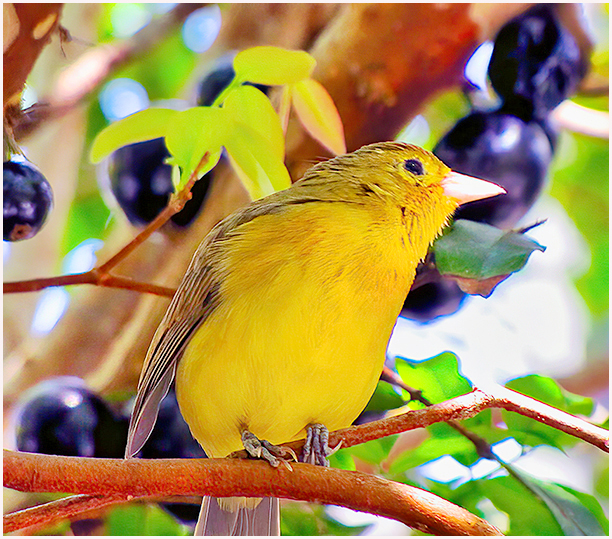
Nice image and a good crop. The bird could be a little sharper. You did a nice with the background. Again, welcome to our group. |
Sep 13th |
| 42 |
Sep 19 |
Reply |
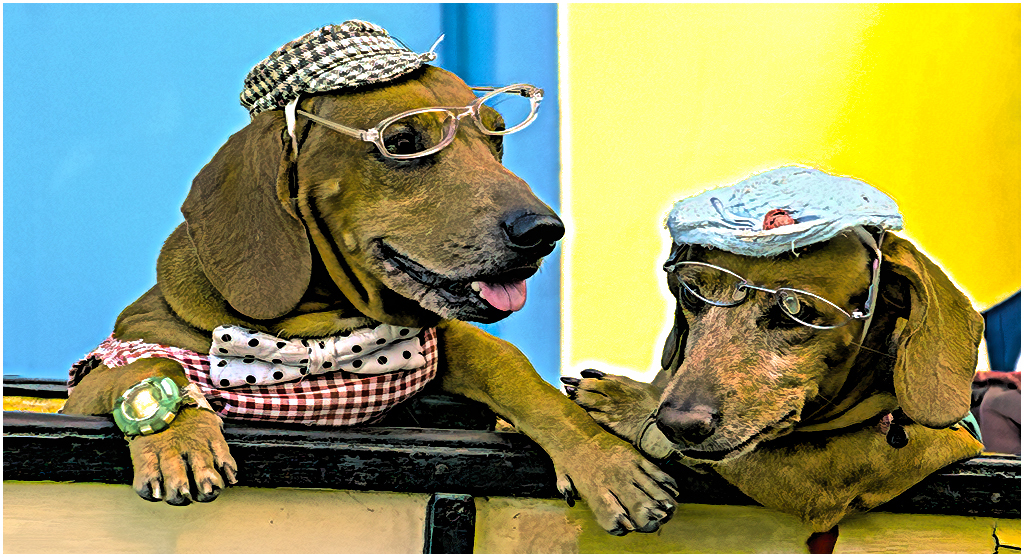
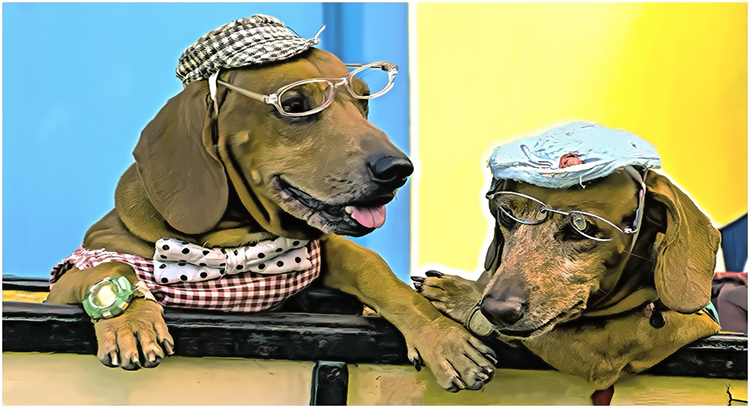
The yellow and blue of the building wall behind the dogs. This is good for Havana. This in a good section. |
Sep 7th |
| 42 |
Sep 19 |
Reply |
How does this look? any better |
Sep 6th |
 |
| 42 |
Sep 19 |
Reply |
thanks for the comment |
Sep 5th |
| 42 |
Sep 19 |
Comment |
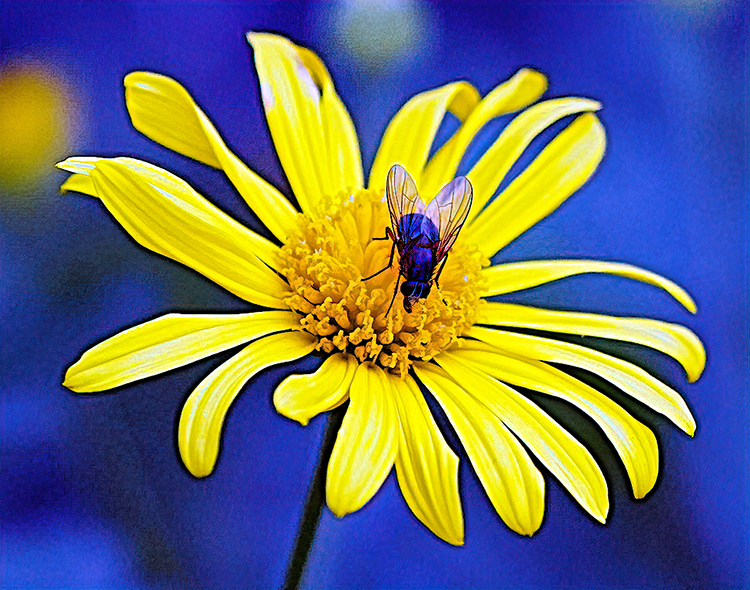
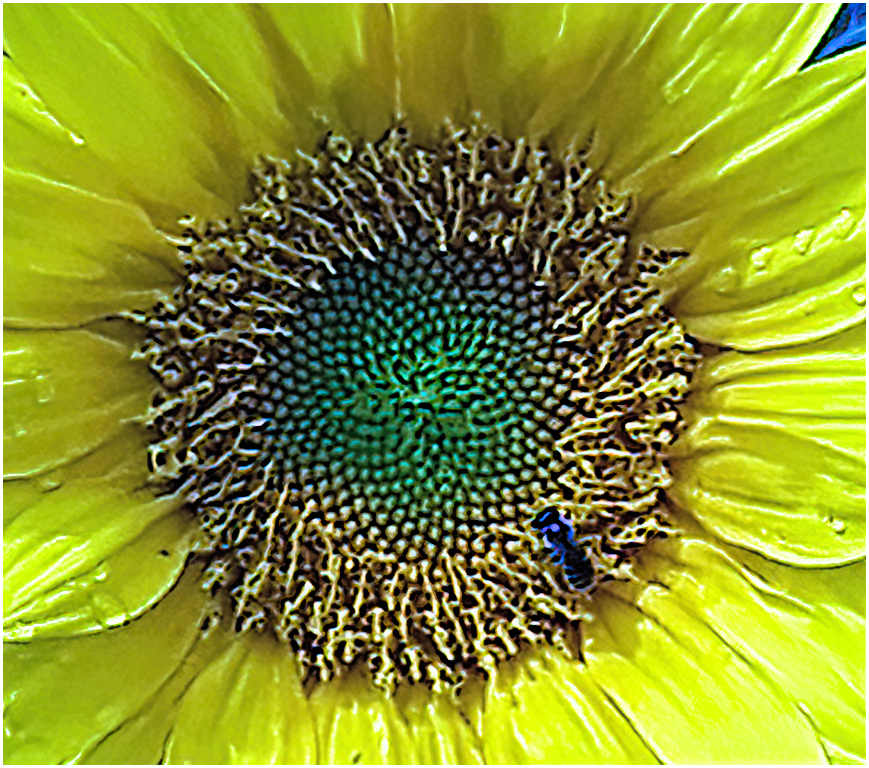
I like the flower, but the bud on the top left side should be removed.Since you were talking about the flower and the bee on it, you can crop this picture and have a pcture with a wow. |
Sep 4th |
 |
| 42 |
Sep 19 |
Comment |
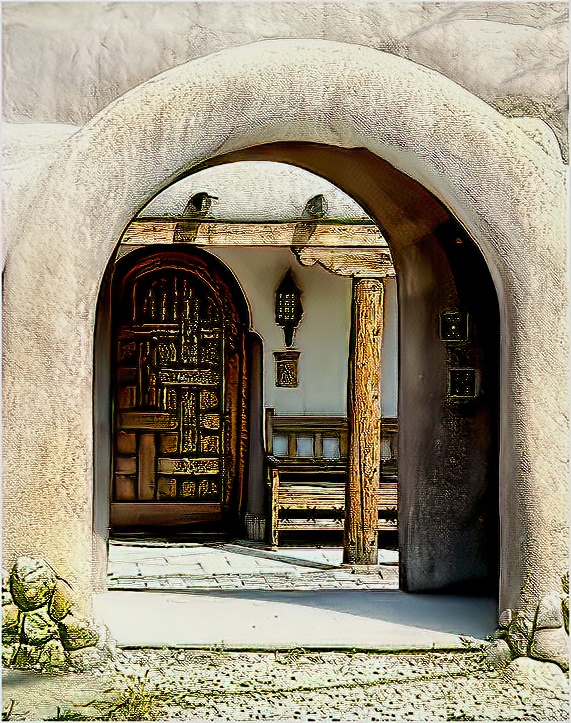
Very nice picture in Black & White. I like the lines on the arch and the shading from black to white as well as the windows on the right side. |
Sep 4th |
| 42 |
Sep 19 |
Comment |
Michael your picture is fine. I see no noise in the image. I put it thru Topaz Studio 2. nice shot. |
Sep 4th |
 |
| 42 |
Sep 19 |
Comment |
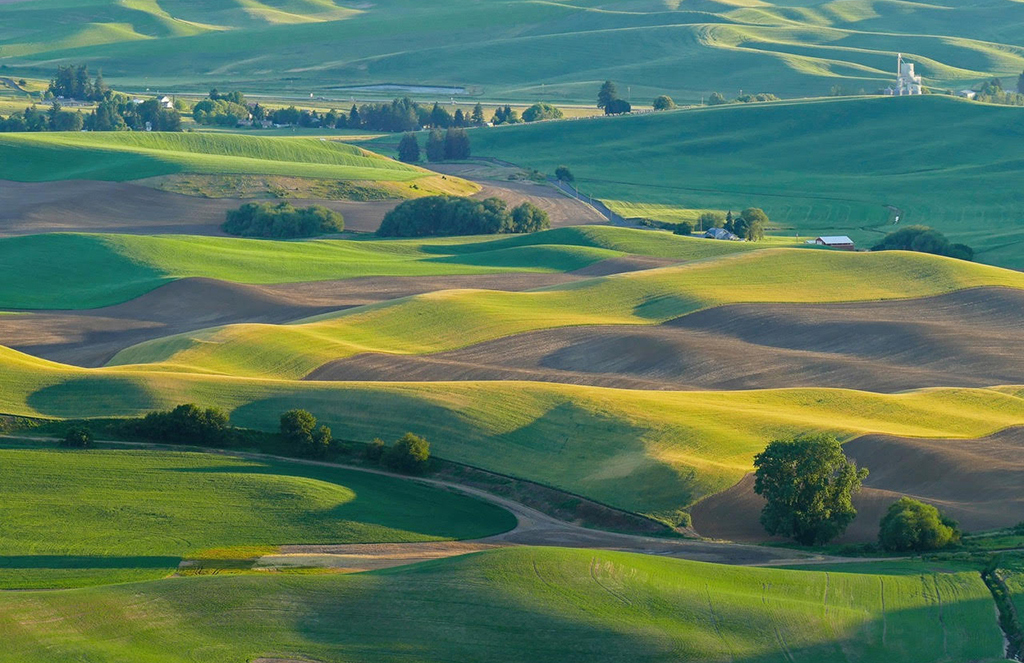
Hi Sarah. I Like this landscape, The shapes of the hills and shaadows are very nice. You have some buldings and trees in the background which balances the background. The only think I would is to crop some of the image. |
Sep 3rd |
 |
6 comments - 5 replies for Group 42
|
| 48 |
Sep 19 |
Comment |
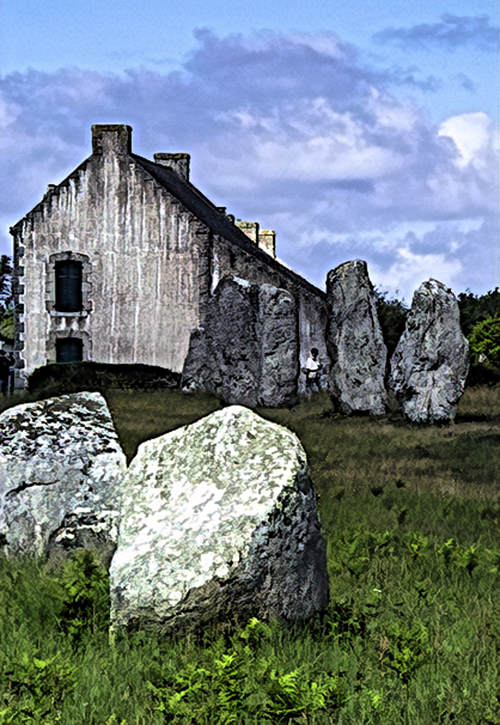
Margart I feel that the big rock in the middle,blocks the whole image. If you crop the picture on the left side of the rock and make it a vertical image it would make a very nice image.The person in the picture doesn't bother me. |
Sep 4th |
 |
1 comment - 0 replies for Group 48
|
| 53 |
Sep 19 |
Reply |
In Photoshop CS6
Cropped the image,set it to meet 1024 X 768 rule, Adjusted the tone, contrast,color and brightness/contrast.
transferred the image to Topaz Studio 2
Went to the "view box at the top left and selected"side-by-horizontal" the original image on the left side and the working copy on the right. Click on :add filter"- I felt I needed some additional sharpness, went down to :sharpen" and adjusted the sharpness. Next clicked on "AL Clear". clicked on "add look" and selected "clear day". clicked on the check mark (filter accept, which returns the image back to Photoshop).
In photoshop I opened layers, click on "duplicated layers" click on OK; under Edit, click on Fill, next click on 50% gray(screen will go gray). click on Normal.next go down to Opacity,click on the down arrow- next go to 100% click on down arrow and add about 15%. Go the brush tool- open and run over image go back to Layers and click on "merge down"
I added a small border to the image. |
Sep 4th |
| 53 |
Sep 19 |
Comment |
hi Tom
I cropped the image to show the bee. I processed it in Photoshop and in Topaz Studio 2.
Stu |
Sep 3rd |
 |
1 comment - 1 reply for Group 53
|
16 comments - 7 replies Total
|