|
| Group |
Round |
C/R |
Comment |
Date |
Image |
| 61 |
Jan 21 |
Reply |
Thank you! I played with this method along with a few others and I can see the change. Appreciate it!!
|
Jan 4th |
| 61 |
Jan 21 |
Comment |
Really nice environmental image. What a great trip that must have been. |
Jan 4th |
| 61 |
Jan 21 |
Comment |
This is fabulous. The leading lines provided by the tunnel work well. So much more detail is visible in the model's face by the removal of the red gel color. Terrific!
|
Jan 4th |
| 61 |
Jan 21 |
Reply |
Manfred, thanks for laying this out. I enjoy posting the images that I know need work because I appreciate your feedback. I confess, I don't see the green tones, but know they exist. I do know magenta is a compliment to green, but my question is HOW did you add the magenta? Did you do it in Photoshop or Lightroom. I am going to research this, but any detail you can provide is greatly appreciated. Thanks in advance.
|
Jan 4th |
2 comments - 2 replies for Group 61
|
| 81 |
Jan 21 |
Reply |
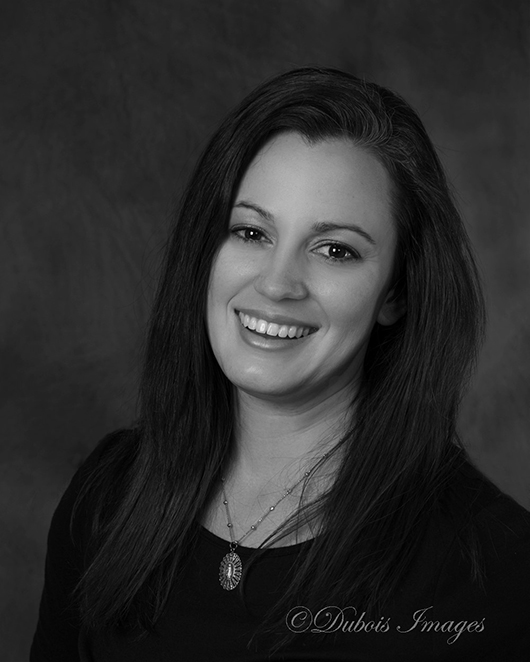
My typical portrait workflow is to start by removing skin imperfections using either the spot healing brush, patch tool or cloning tool. If the skin needs further smoothing I have have a skin smoothing action which I purchased, which also came with other retouching actions. I run these on separate layers so I can adjust the opacity of each layer independently. For skin retouching I usually brush that over the face, neck and any exposed areas of skin. If I didn't have a separate action, I would use the lasso tool and circle the areas of skin that need softening, Click Filter, Blur - Gaussian Blur, and apply a degree of blurring, then mask that off of the eyes, lips, etc. |
Jan 25th |
| 81 |
Jan 21 |
Comment |
Nice job - I had to read the comments above to see what you meant by upside down. The conversion to black and white was very effective. |
Jan 15th |
| 81 |
Jan 21 |
Comment |
Nice job - I had to read the comments above to see what you meant by upside down. The conversion to black and white was very effective. |
Jan 15th |
| 81 |
Jan 21 |
Comment |
I really like what you did here - Love the reflections. I am wondering about the specular highlights. Seems like I may have read recently something about using vasoline to rub on top of highlight areas to tone them down. I confess I have not yet tried that. |
Jan 15th |
| 81 |
Jan 21 |
Comment |
Very good choice to convert this to black and white. My only suggestion would be to try to tone down the bright spot on the left side of the neck of the gentleman. |
Jan 15th |
| 81 |
Jan 21 |
Comment |
Very cool image. I love how the dog looks larger than life. Great detail. |
Jan 4th |
5 comments - 1 reply for Group 81
|
7 comments - 3 replies Total
|