|
| Group |
Round |
C/R |
Comment |
Date |
Image |
| 61 |
Dec 22 |
Reply |
David, you would not even believe me if I told you the value of the cameras and lenses that I have. An iPhone can be even better in many circumstances. |
Dec 8th |
| 61 |
Dec 22 |
Reply |
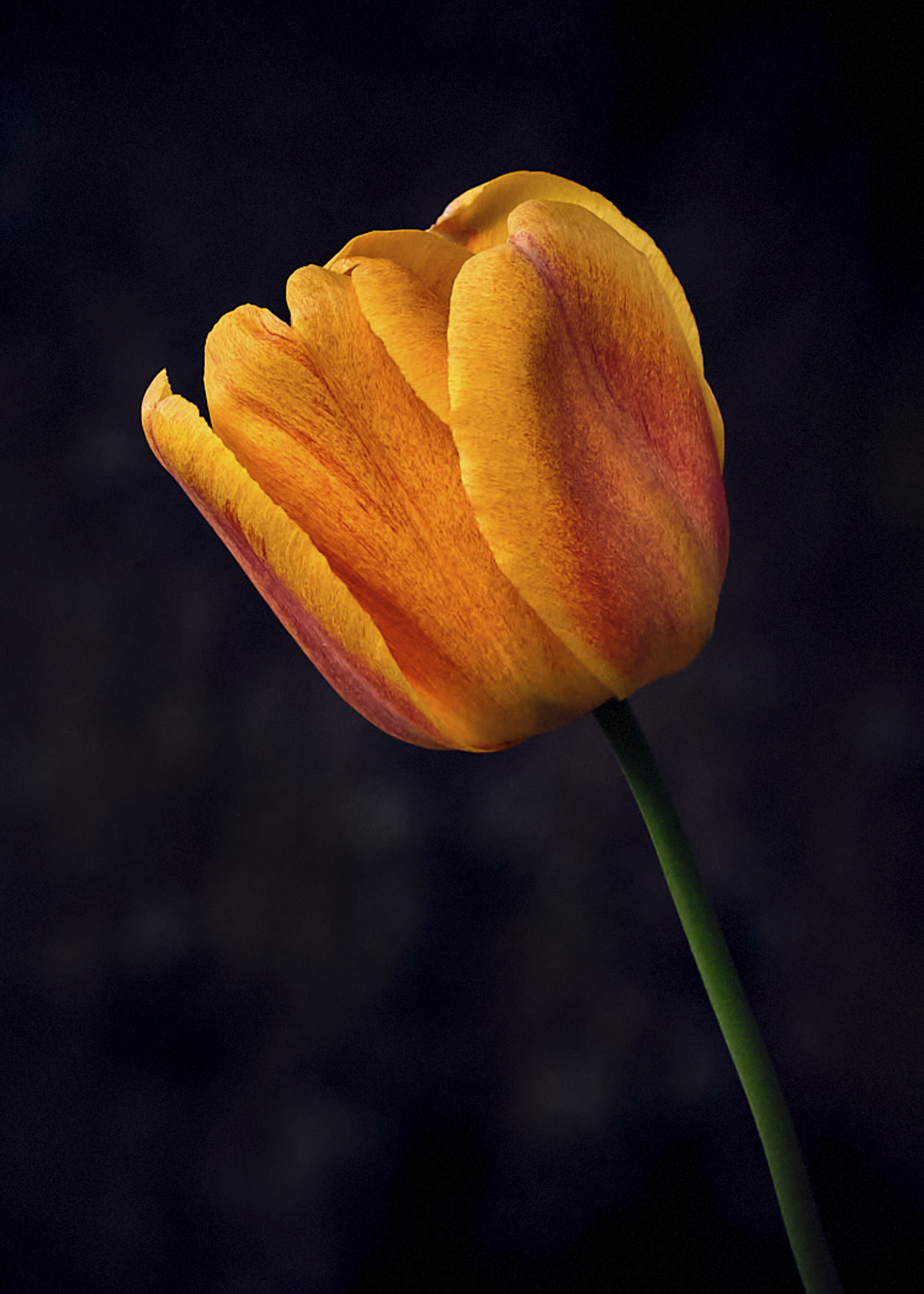
As the background around the actual post of the picture, when the background of the picture is also black, a stroke to designate the picture edge defines the size and actual picture. There is a faint stroke, outside lines defining the picture, but it is faint. It is probably around 2 pixels, and it could be made around 5 pixels and a color that matches the orange of the flower, for example. |
Dec 8th |
| 61 |
Dec 22 |
Comment |
Marti, I really like the framing and how you brought out the colors. I like softness for my flower shots, and the flower feels a bit firm for my taste. There are a few bright spots too that could be toned down. Your shot gets me more in the mood for the holidays! |
Dec 8th |
| 61 |
Dec 22 |
Comment |
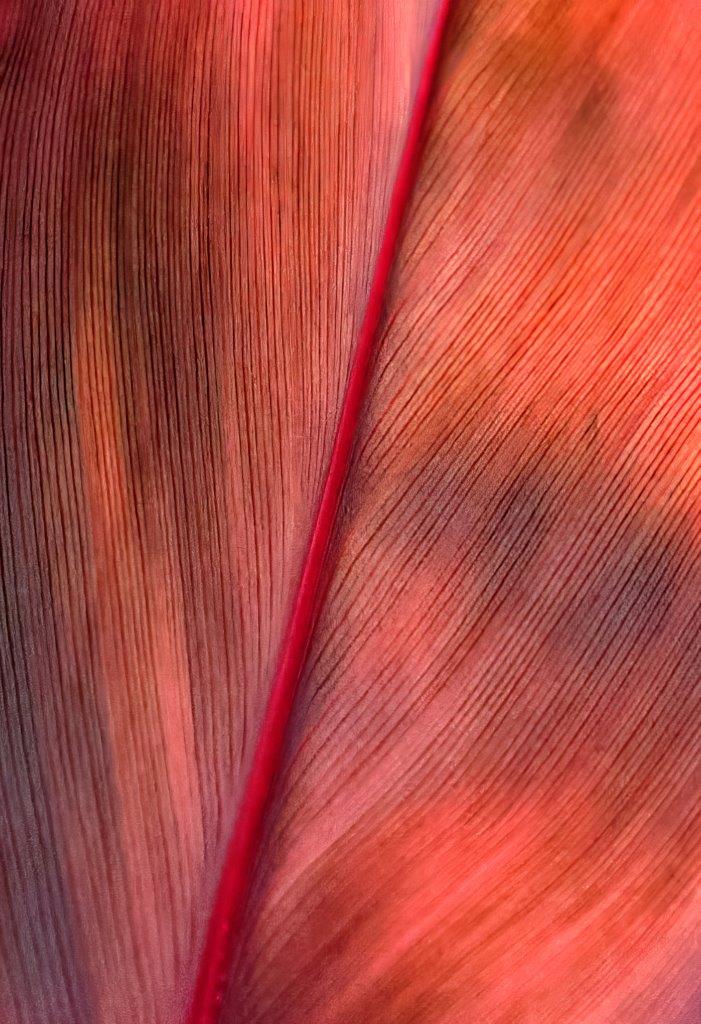
Shirley, I like the reds and greens, and they are layered quite nicely. You are quite the accomplished photographer. |
Dec 8th |
| 61 |
Dec 22 |
Comment |
Ingrid, this is just lovely, beautiful in fact. wow. You made a masterpiece. The only thing I might do is crop down from the top a bit. But this is a wow wow! |
Dec 8th |
| 61 |
Dec 22 |
Comment |
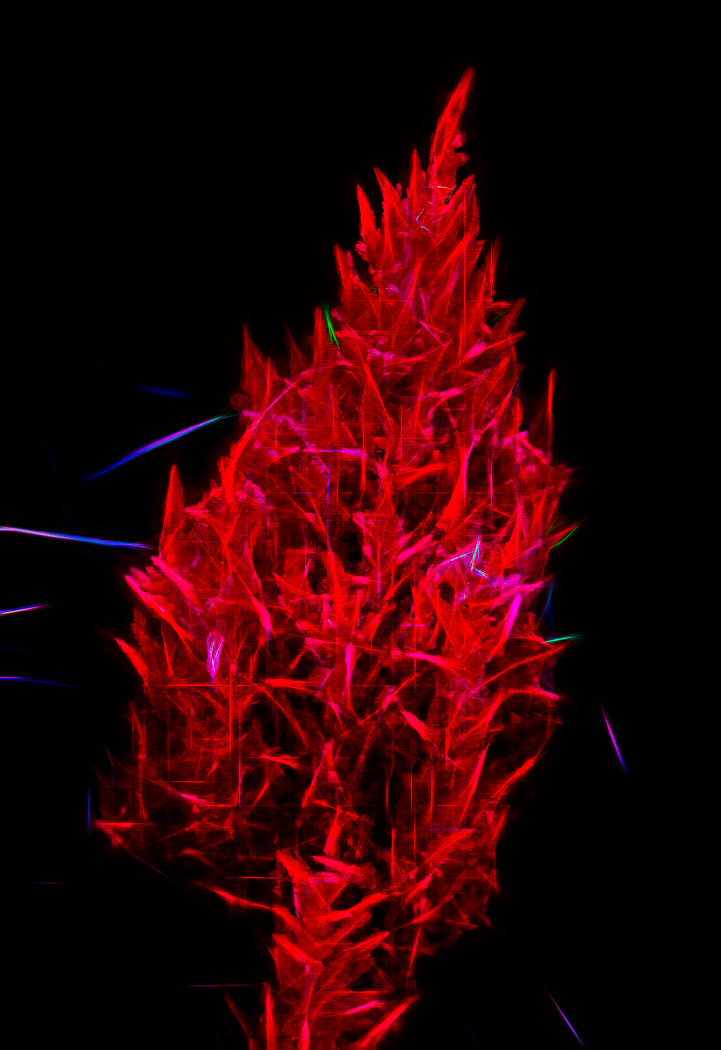
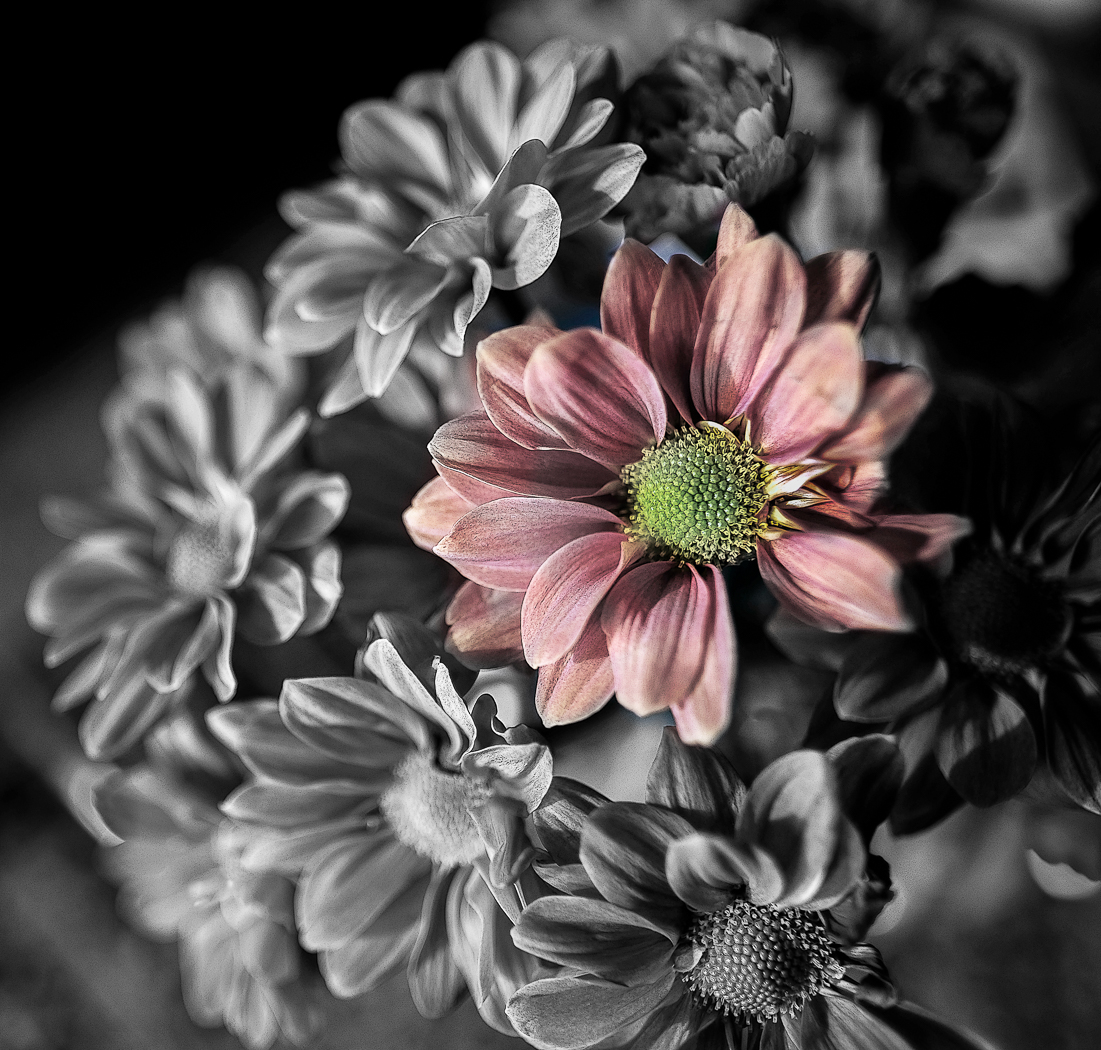
Linda, how lovey is that! Great colors and shapes. Very creative. The only thing I can suggest is something other than the pure black background as the flowers float, and / or you can make the stroke around it more pronounced. |
Dec 8th |
| 61 |
Dec 22 |
Comment |
Gene, two shots, really? wow you created a masterpiece. I love it. The only thing I could suggest is somehow getting a simpler background.........wow. |
Dec 8th |
| 61 |
Dec 22 |
Comment |
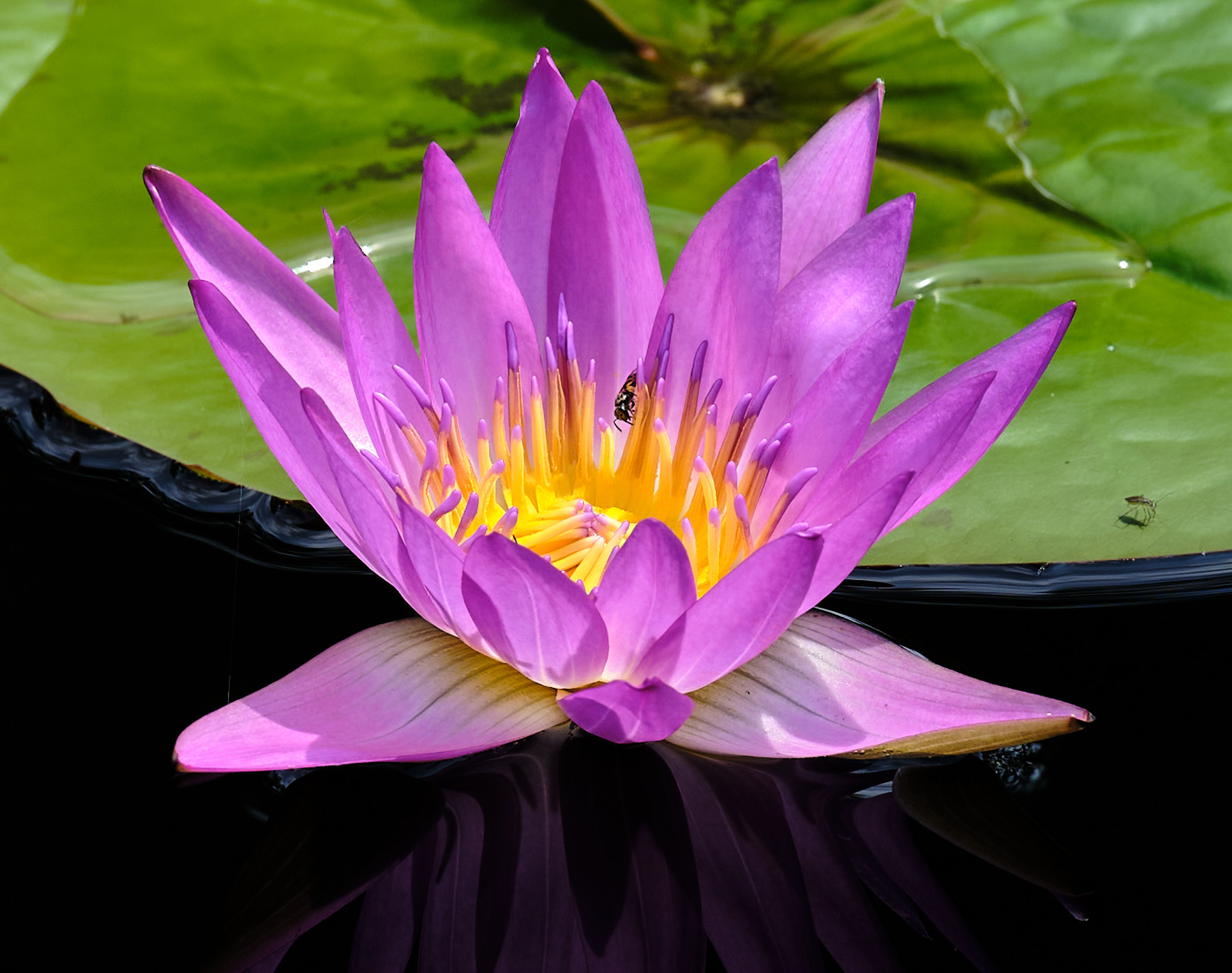
David, so beautiful and so simple. I love it and dang, why have thousands of dollars in camera equipment. Great colors and swirls. sharp and wonderful. Maybe a yellow stroke to create the border............. |
Dec 8th |
6 comments - 2 replies for Group 61
|
| 81 |
Dec 22 |
Reply |
Thanks Mr. T.
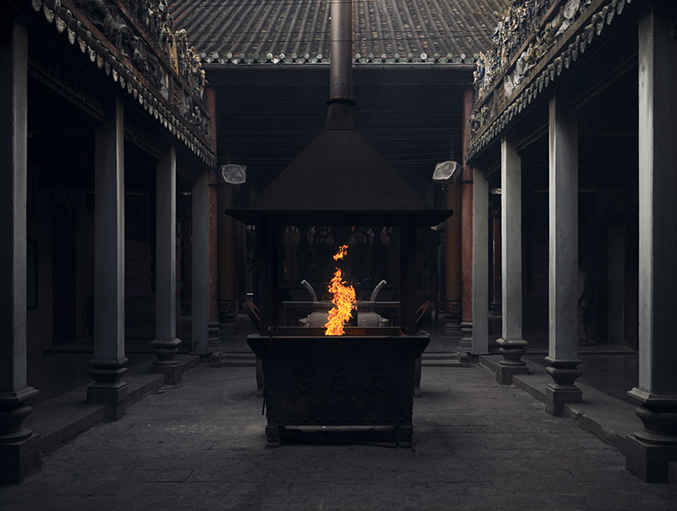
Yes the flame is the main object and the subdued support around it. So much on this photo depends on one's screen, as the brightness and details, as well as colors, are different on different screens. Thank you for the input! |
Dec 8th |
| 81 |
Dec 22 |
Comment |
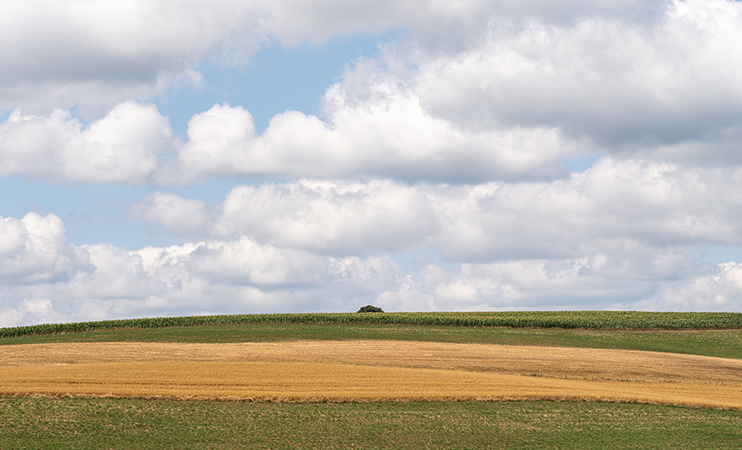
Rose, what a great outing you had. You wonderfully brought out the clouds. I would actually take out the bottom just to the top of the low bush, and a tad off the top, tightening it to the main part of the shot. I like the right and might even take a bit off the left. You captured the scene for sure! |
Dec 7th |
| 81 |
Dec 22 |
Comment |
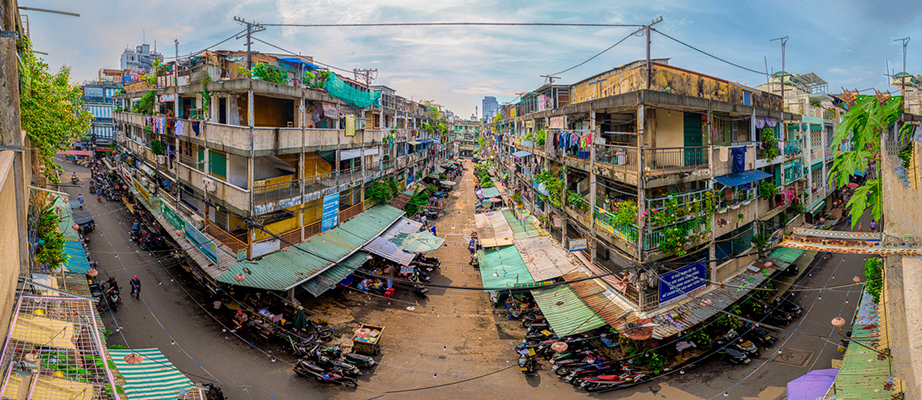
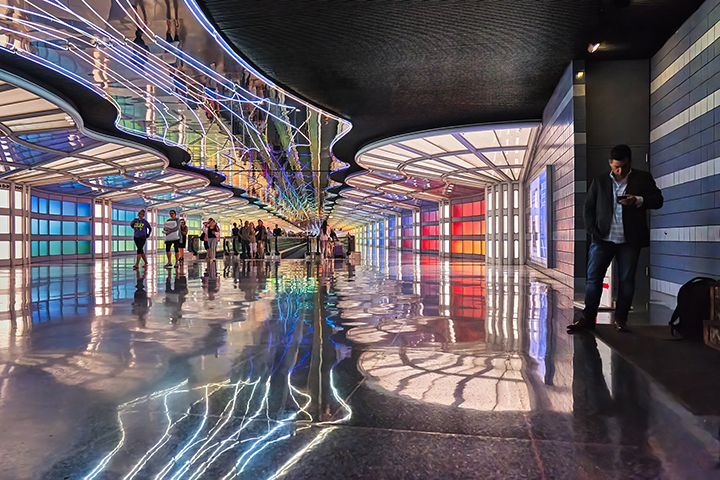
Mr. T, lovely idea and execution. I like the light patterns. I would find it more compelling if you crop tighter and get rid of the upper left building and upper right light. Crop right above the two streetlights above the cars, or a vertical and get even tighter. you might take a look and see if that does anything for you. I like the best the left road and lights. If it were me, I would look for a verticle in that area. |
Dec 7th |
| 81 |
Dec 22 |
Comment |
Janet, the back of the very right side of the fur seems the sharpest. There is a lot of the back of the head that is soft. I like the paw positioning. I am looking to create a story here, but I am not quite there. These shots are so much fun. |
Dec 7th |
| 81 |
Dec 22 |
Comment |
Ralph, with the bnw I go right down the tracks. Cool. With color I focus on the building. Interesting indeed how that change will cause me to focus on different parts of the image.
Good choices of processing, and I did read Angela's comments and I am in agreement to each part of her comments. |
Dec 7th |
| 81 |
Dec 22 |
Comment |
Angela, a wonderful, detailed shot. Sharp where it needs to be, and I like the colors. Good documentary. I like the lower background but not the upper part as it pulls my eye away. I would lighten it to almost all off white. Well done and well seen. |
Dec 7th |
5 comments - 1 reply for Group 81
|
11 comments - 3 replies Total
|