|
| Group |
Round |
C/R |
Comment |
Date |
Image |
| 67 |
Jan 22 |
Reply |
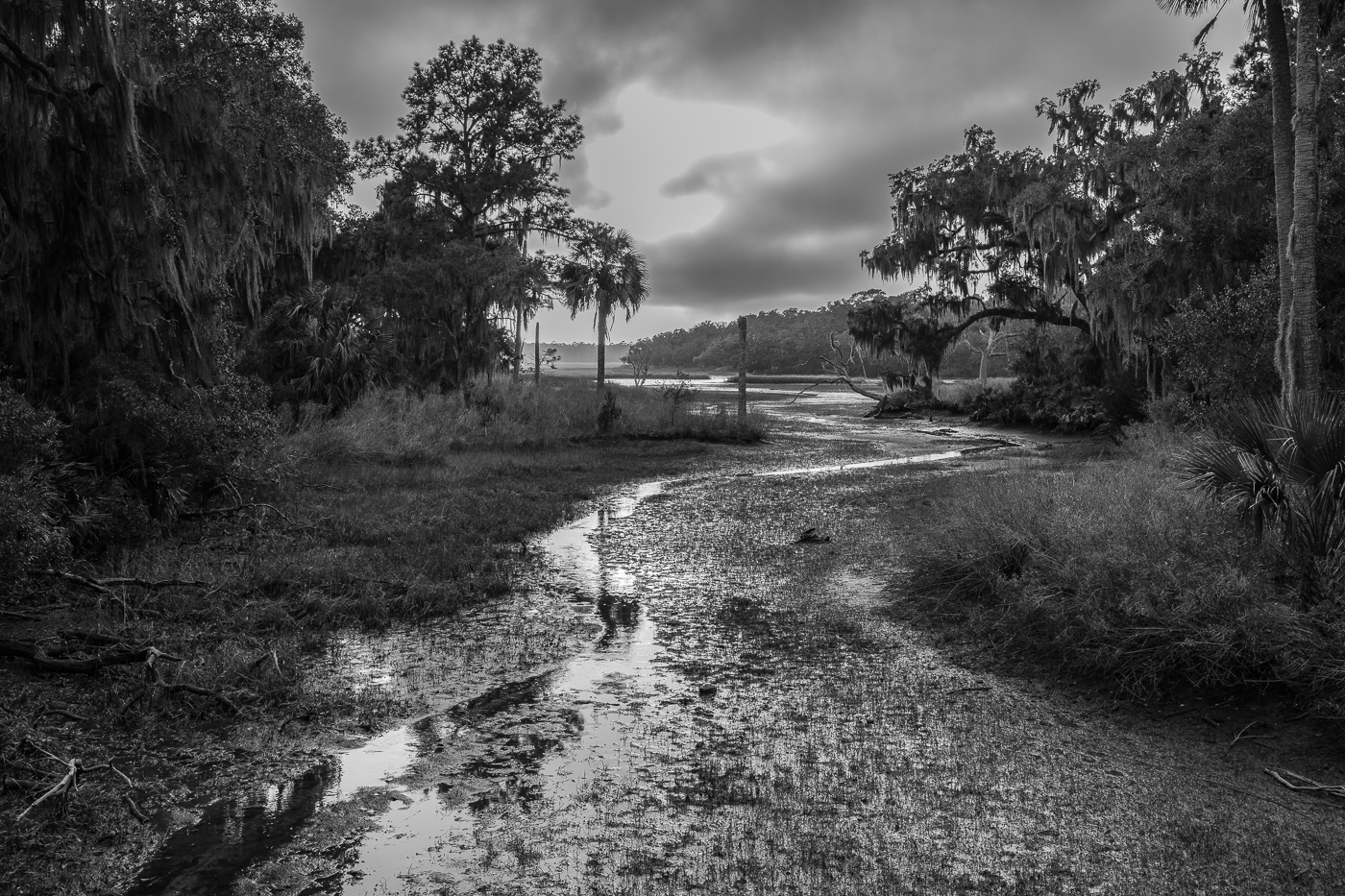
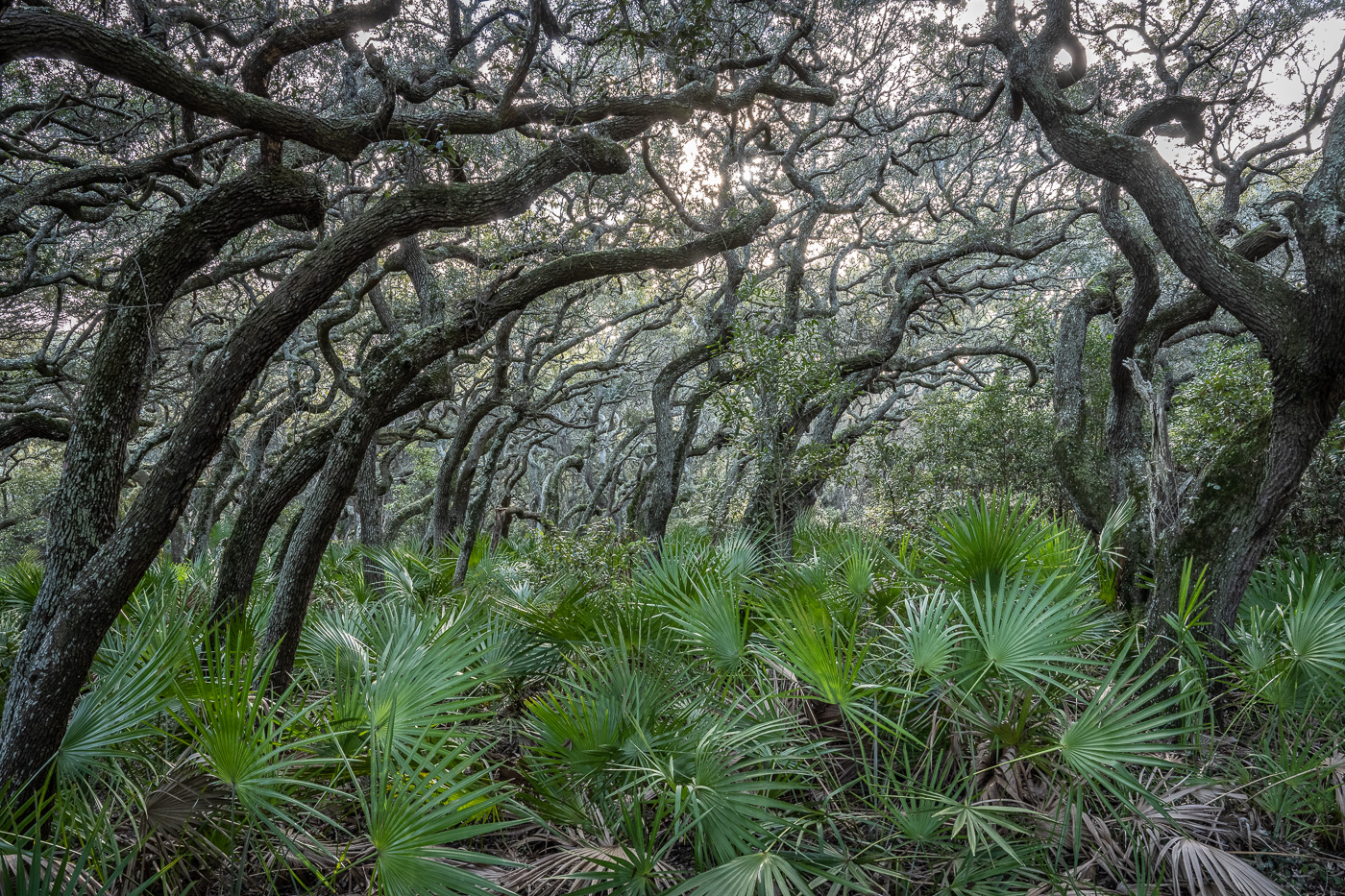
Hi David, yes it's much the same type of maritime forest as you see in the Charleston area. I'll try darkening the palmettos a bit to add to the mystery. Thanks! |
Jan 24th |
| 67 |
Jan 22 |
Reply |
Hey Rich, I think it's a magical place. I've been to several of the barrier islands but this one beats them all for it's unspoiled environment. Thanks for the comment. |
Jan 24th |
| 67 |
Jan 22 |
Reply |
Hi Cindy, it was mid afternoon and a little overcast. The bright area in the canopy is the sun. Agree, I need to work on the exposure in that area to see if I can bring out the sky and color a little more. Thanks. |
Jan 24th |
| 67 |
Jan 22 |
Reply |
Thanks Bud, I'll work on the canopy area that is a little overexposed. |
Jan 24th |
| 67 |
Jan 22 |
Reply |
Thanks Larry, I'll try darkening a little up in the crowns. |
Jan 24th |
| 67 |
Jan 22 |
Reply |
Thank you. It's hard to miss considering the subject. |
Jan 24th |
| 67 |
Jan 22 |
Comment |
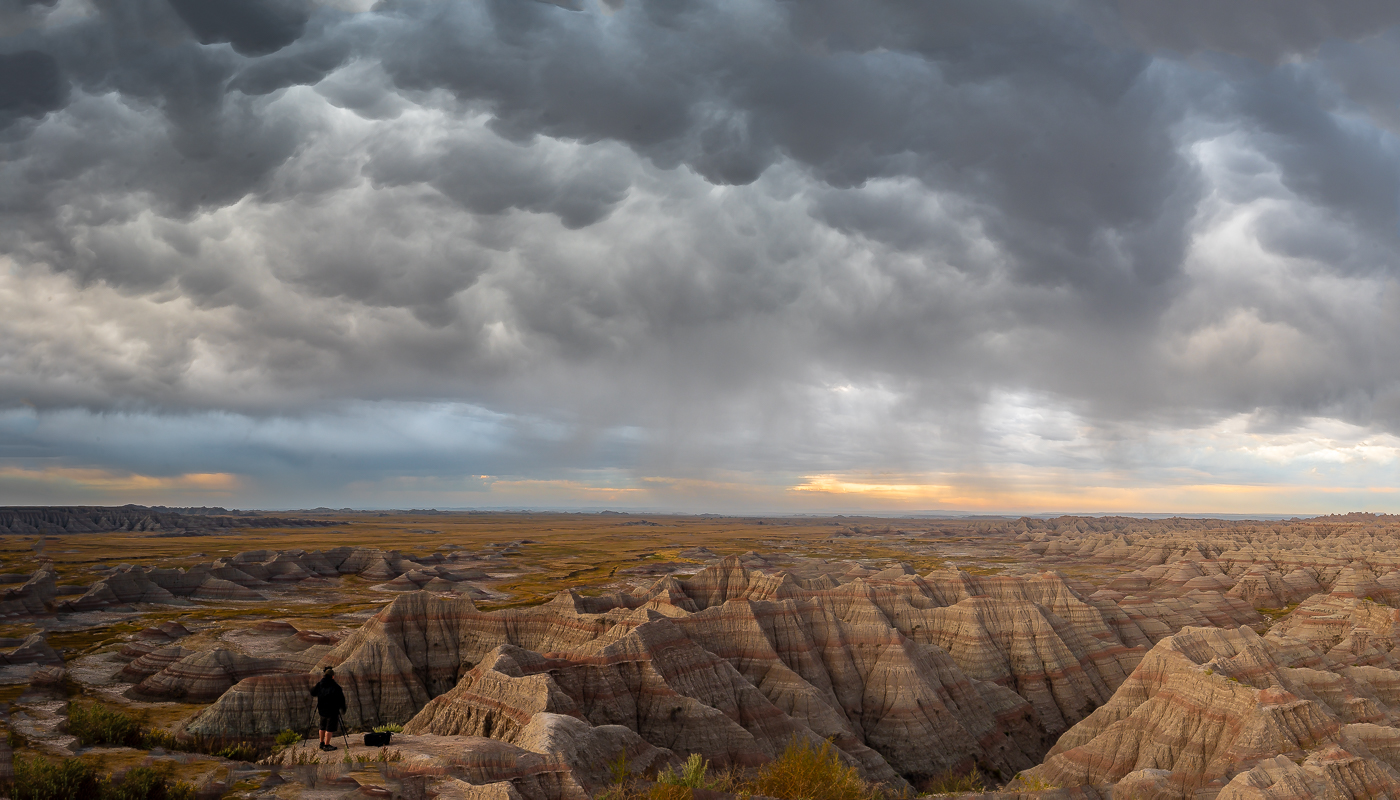
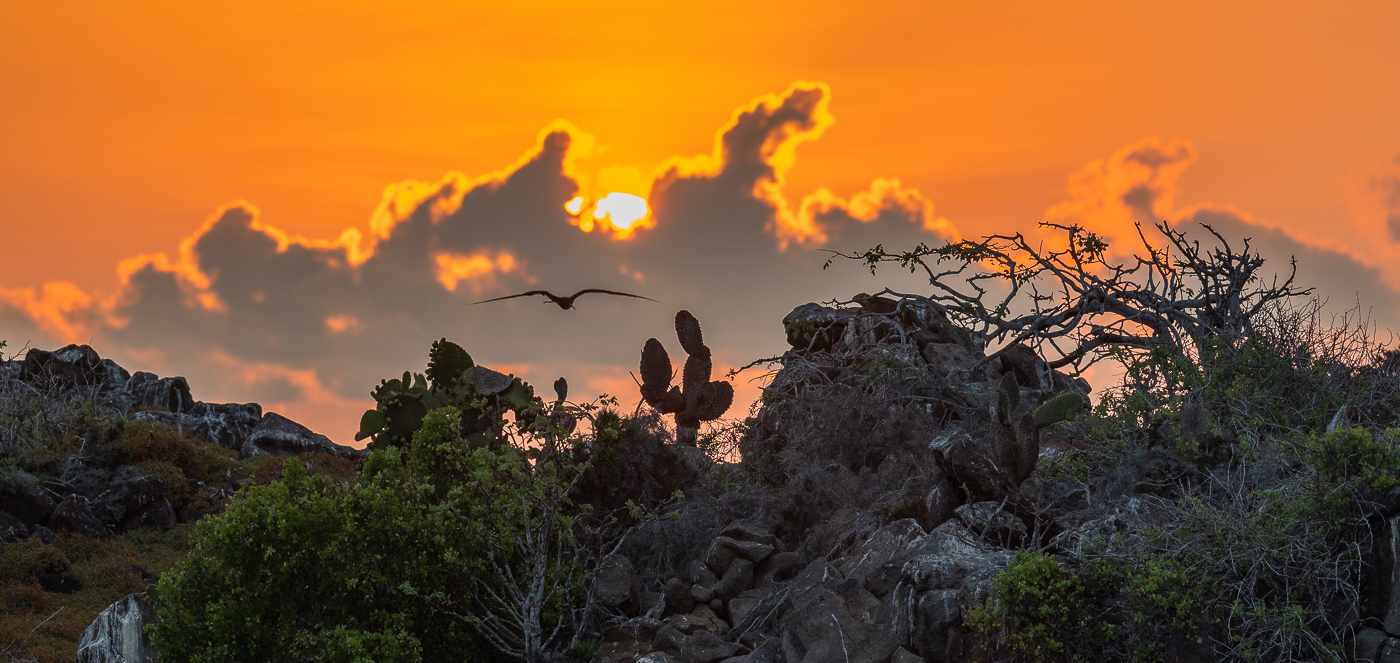
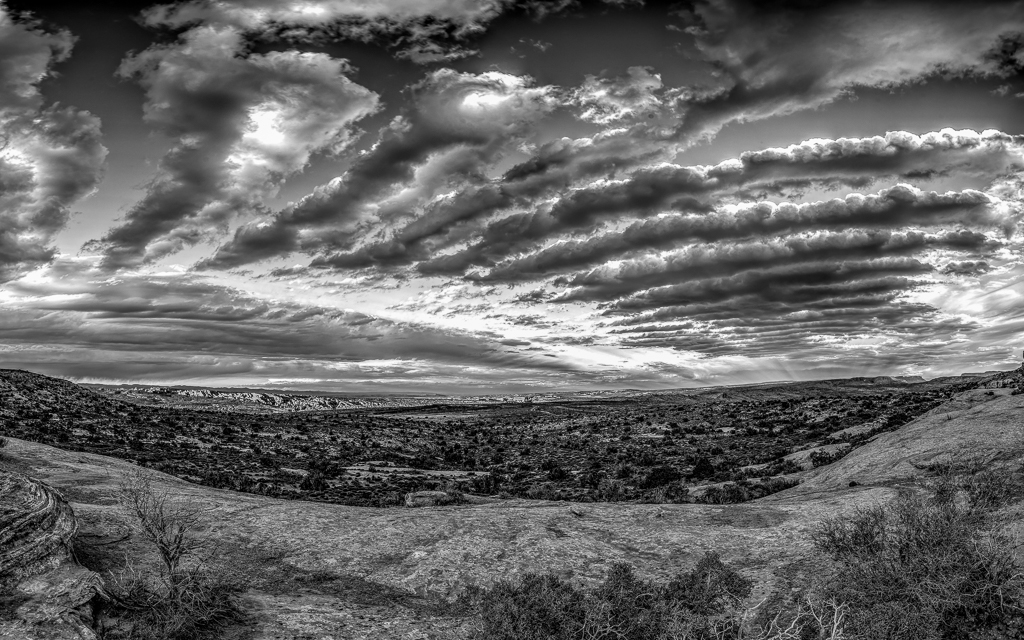
Hi David, you did a masterful job of editing this image! Love the pano crop, and who would have thought there was so much color and complexity in that sky. Wow! |
Jan 19th |
| 67 |
Jan 22 |
Comment |
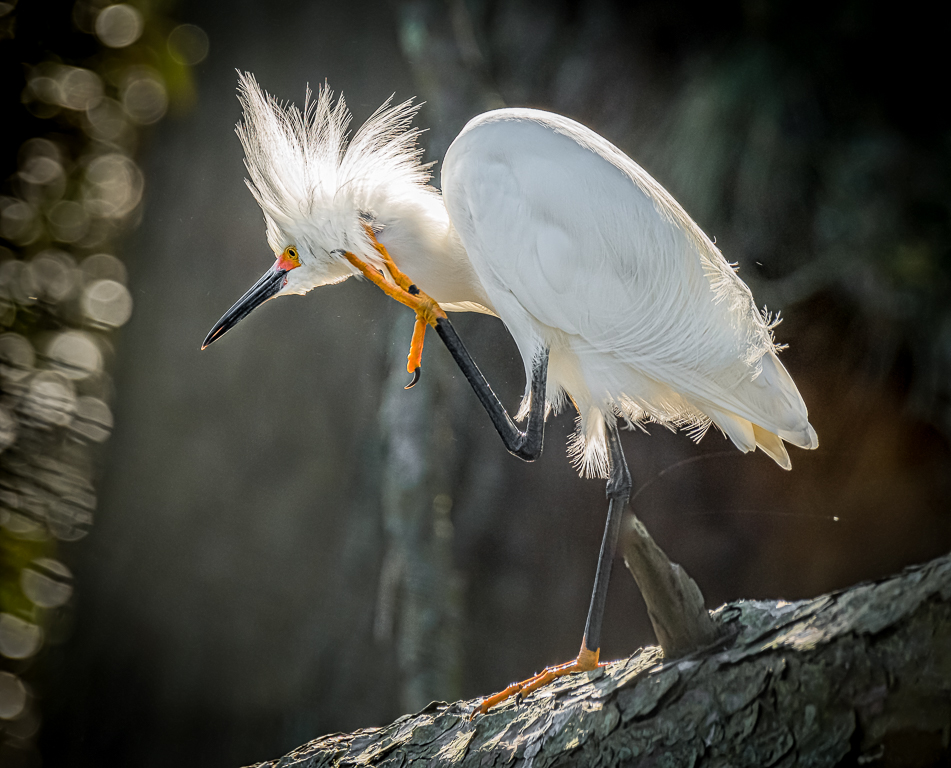
Hey Bud, nice image of a snowy egret. I see some of the feathers appear to be overexposed and the beak is lost against the dark shadow in the background water. I think it's worth a try to do a little more work in LR classic. There's a new mask feature that would automatically select the bird as the subject (masking/select subject) and allow you to maybe bring down the highlights/whites and bring up shadows to brighten the beak a bit. Then select a second identical mask and click the "invert" button - you could then lighten up the water background and increase vibrance. Just some thoughts to maybe show off that beautiful bird a little more. Thanks. |
Jan 19th |
| 67 |
Jan 22 |
Comment |
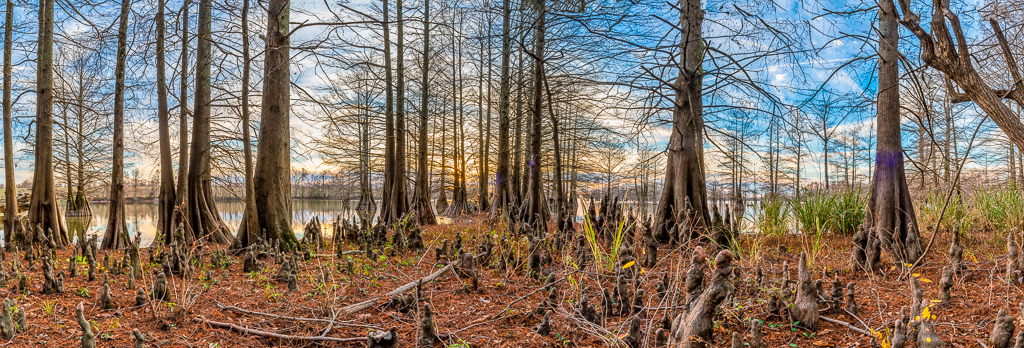
Hi Richard, when I lived in the Summerville area I took my little sailboat out to Lake Moultrie a few times. A shallow and wide open body of water! I think you have captured it very well. The cypress trees and clouds make the picture along with the wonderful blue color. Great as is. My preference would be to make the image a little more panoramic by cropping some of the gray areas off the top and bottom, and if possible crop to place the trees more into the lower right quadrant. Thanks! |
Jan 19th |
| 67 |
Jan 22 |
Comment |
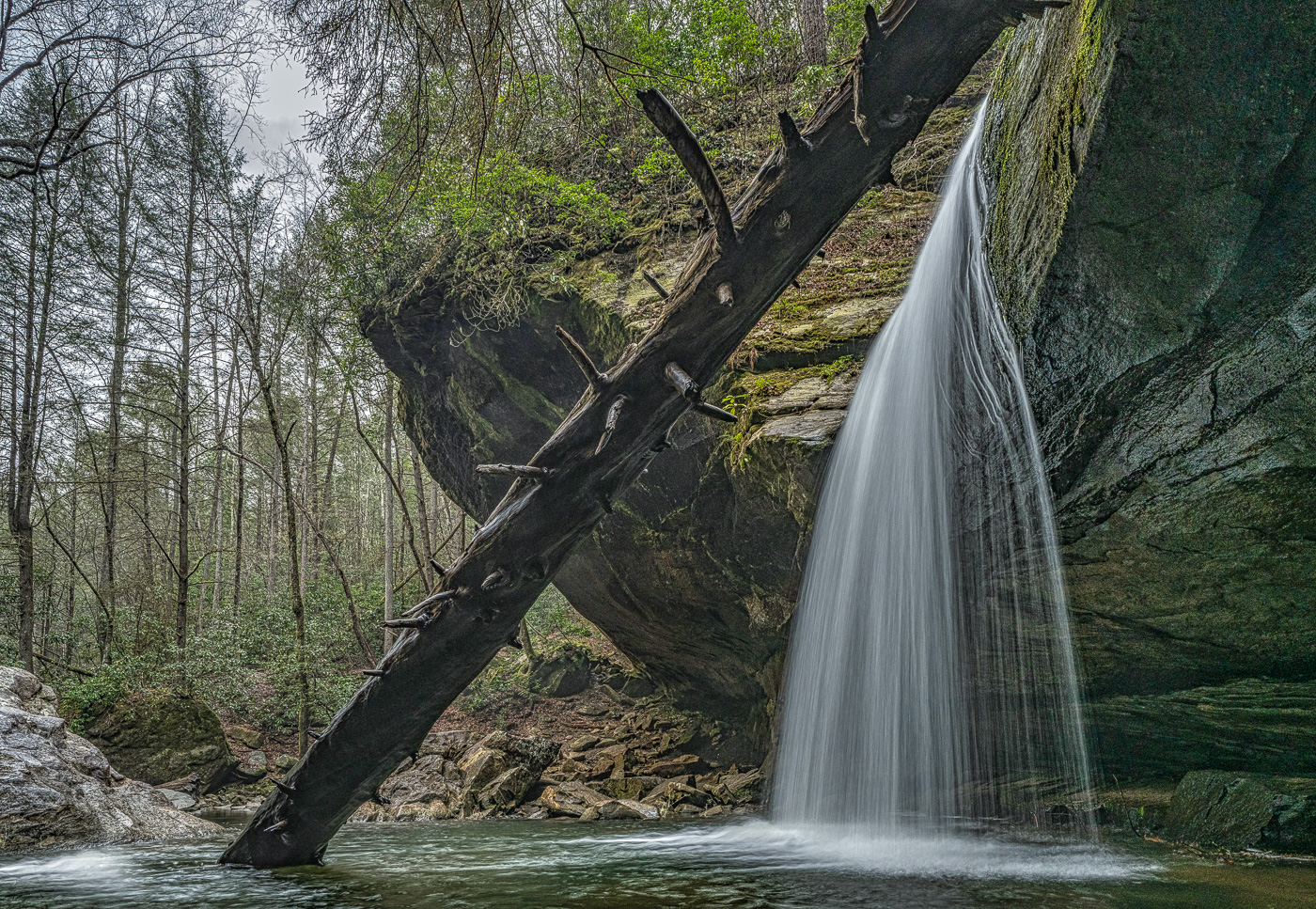
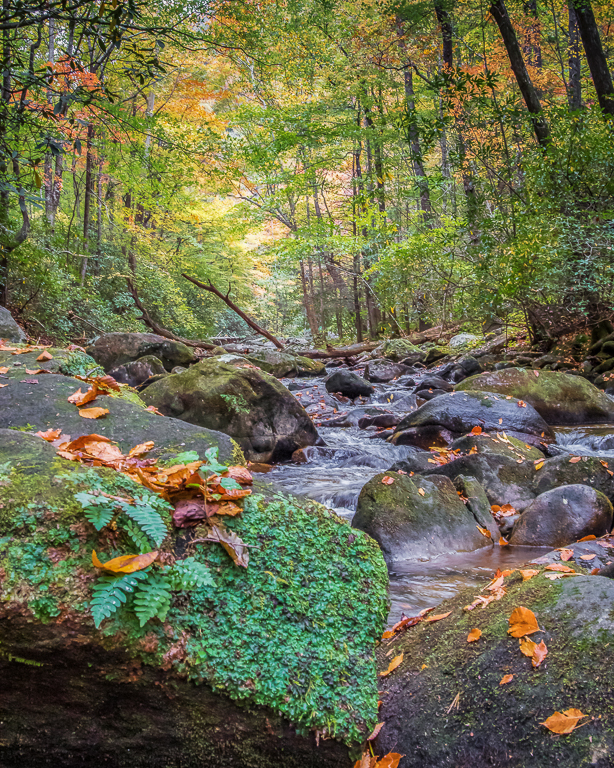
Hi Larry, beautiful shot. The polarizer really brought out the clarity of the water in the stream. The falling water looks perfect to me, including the reflection in the water. The rock needs to go. |
Jan 15th |
| 67 |
Jan 22 |
Comment |
Jason a nice photo in a great location. I don't know what lens mm you shot at but appears to be on the very wide end, maybe 24mm. The trees on the sides look a little distorted. Applying the lens profile adjustment, such as the one available in Lightroom, would fix that. Also, the clouds in your replacement sky are level, but the water in the stream near the waterfall tilts to the right a bit. I think leveling the water and re-doing the sky would help the image. Also agree with lightening up the shadows on the right side of the image. Thanks. |
Jan 15th |
| 67 |
Jan 22 |
Comment |
|
Jan 15th |
 |
| 67 |
Jan 22 |
Comment |
Cindy I think this is an image with great potential. I don't know how you edit your photos, but Lightroom Classic is itching to get its "hands" on it. In LR you could use the "Transform" function - just by clicking "Auto" the lines of both the water and ice would be leveled. I like the edits Richard and Larry suggested and would also try de-hazing a bit and adding vibrance and clarity to the ice. Also crop a little off the top. Oh heck, I just went ahead and tried this stuff in LR. Image attached. |
Jan 15th |
7 comments - 6 replies for Group 67
|
7 comments - 6 replies Total
|