|
| Group |
Round |
C/R |
Comment |
Date |
Image |
| 36 |
Jan 23 |
Comment |
Thank you Arne, you are most kind. |
Jan 31st |
| 36 |
Jan 23 |
Reply |
Thanks Bill.d Glad you saw my dilemma. I struggles as to how to make this work. |
Jan 31st |
| 36 |
Jan 23 |
Reply |
I got mine from Lenscoat. See link below.
https://www.lenscoat.com/raincoats-raincaps-c-34.html |
Jan 14th |
| 36 |
Jan 23 |
Reply |
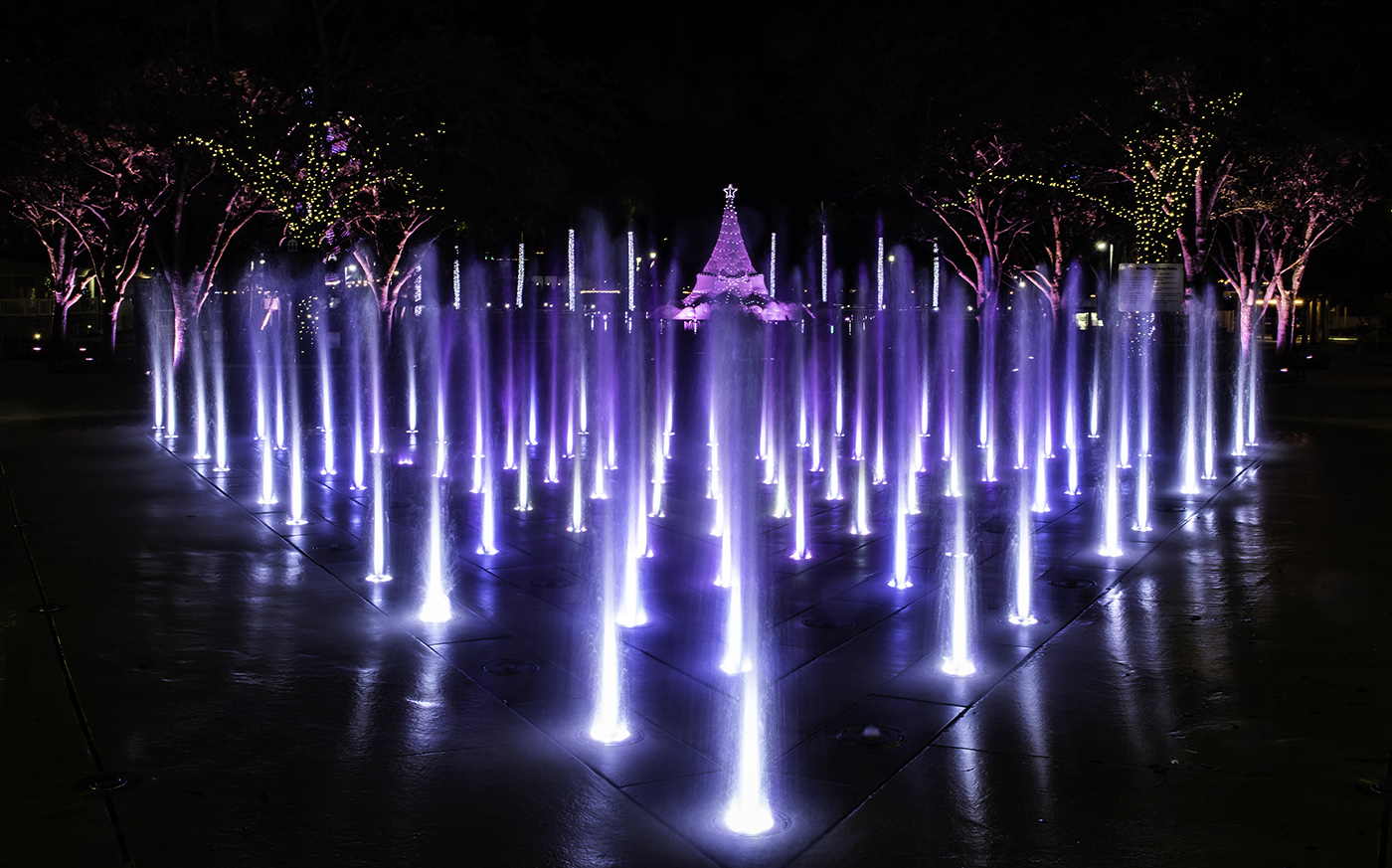
Thanks Diane. I wanted to shoot closer to the actual tree but a series of portable fences around the base made that really impossible. I had to stand close to the fence to be able to shoot over it and keep it out of the frame and this made creativity impossible.(see the close up shot of the tree) I opted to submit this image with the fountains as something more original. I do wish the tree would have been larger. :-( |
Jan 14th |
| 36 |
Jan 23 |
Comment |
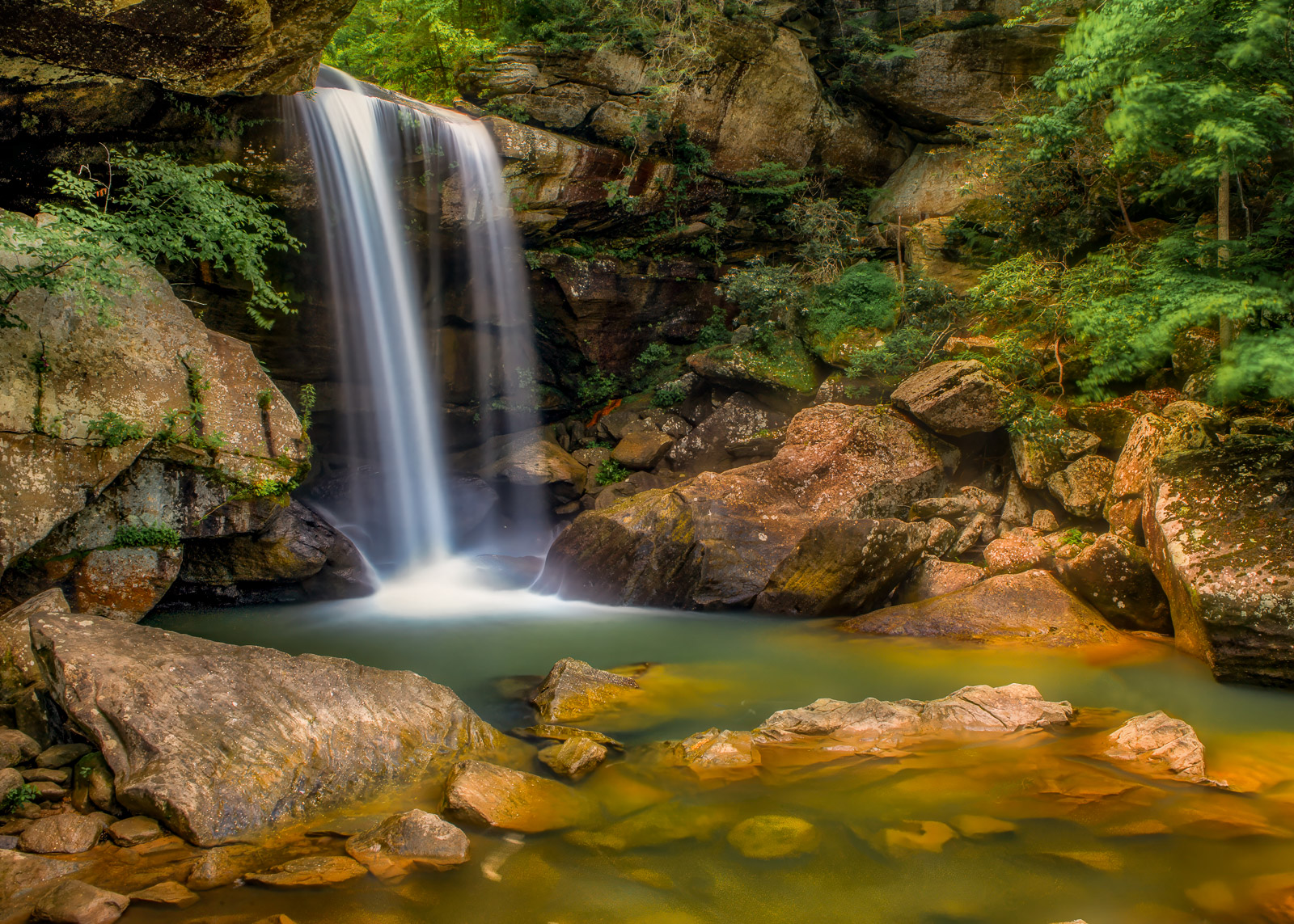
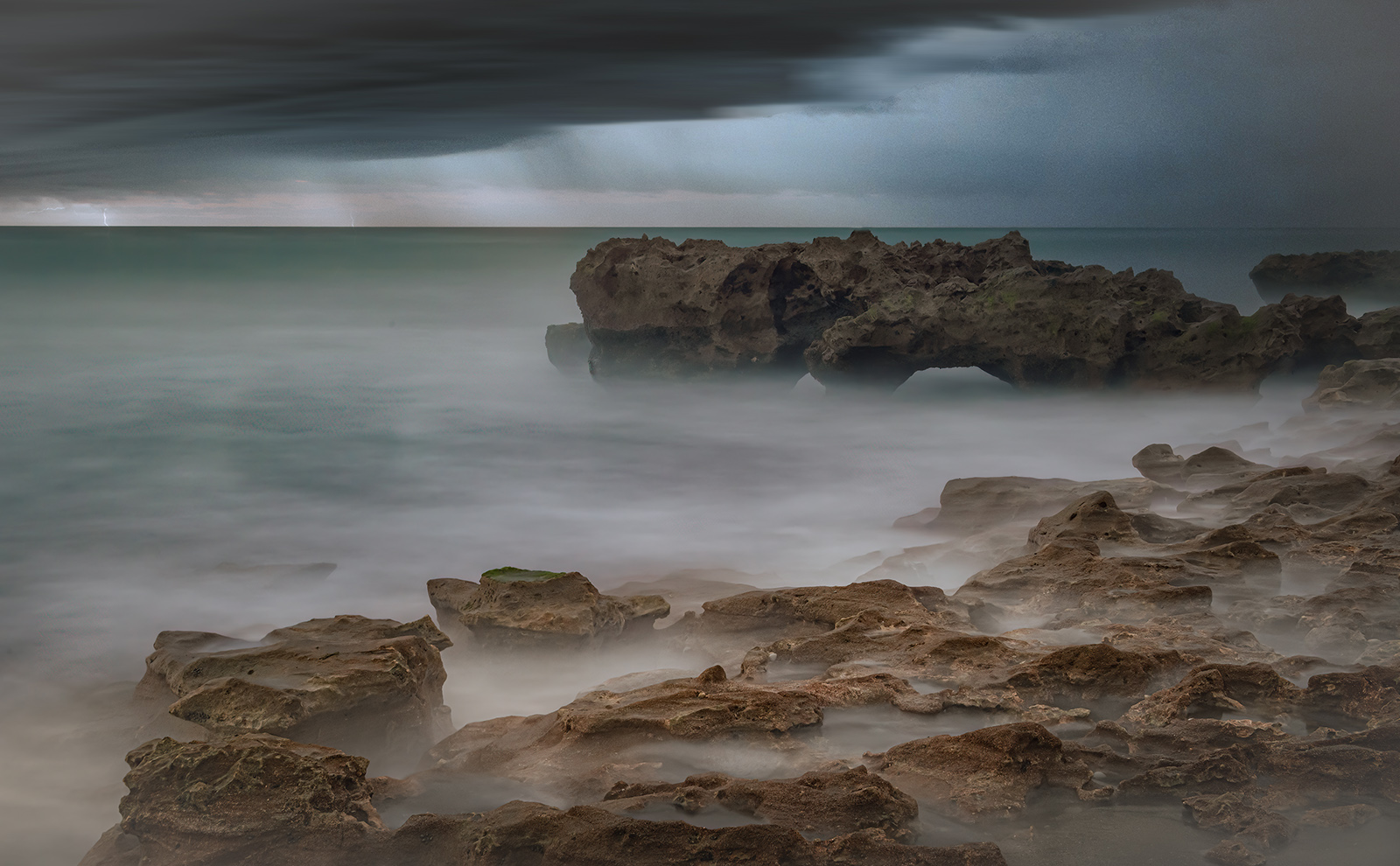
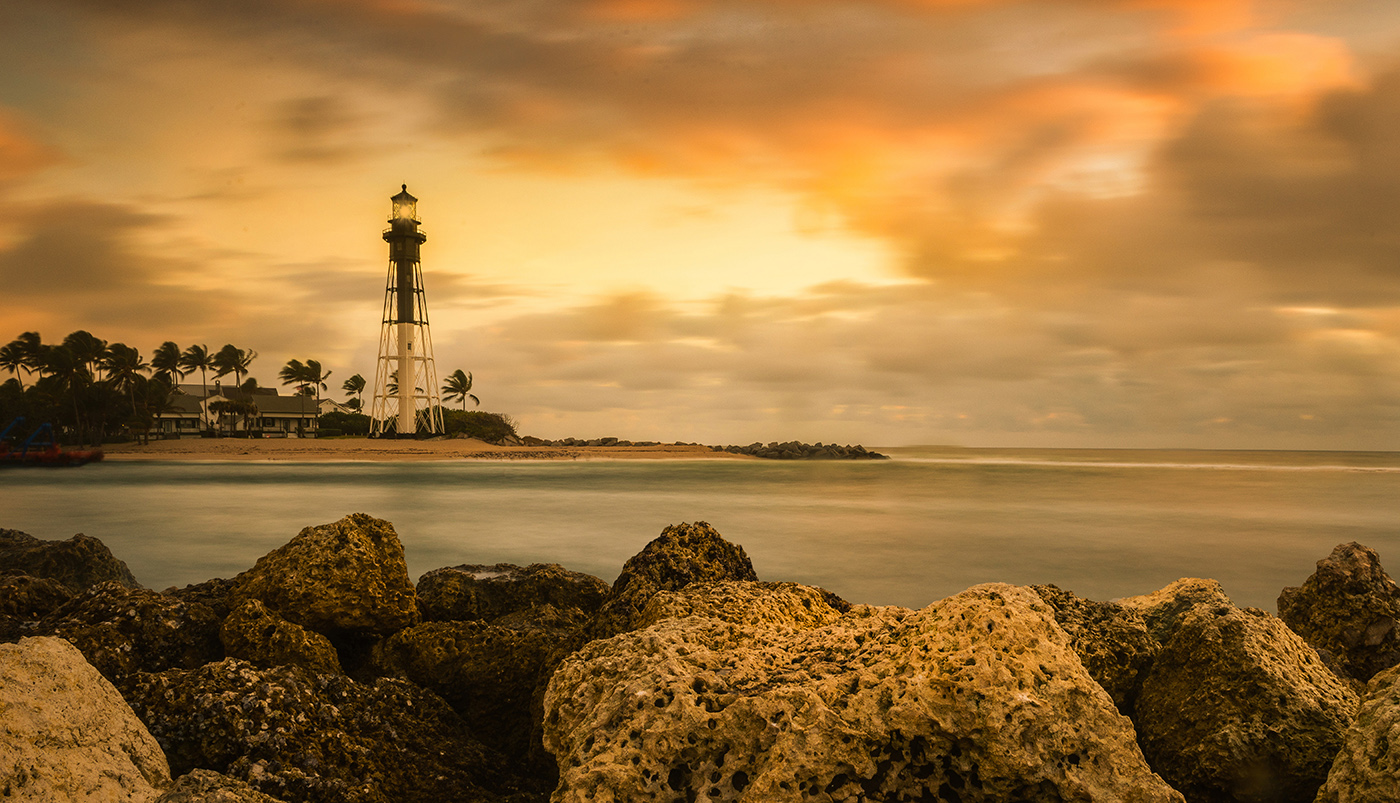
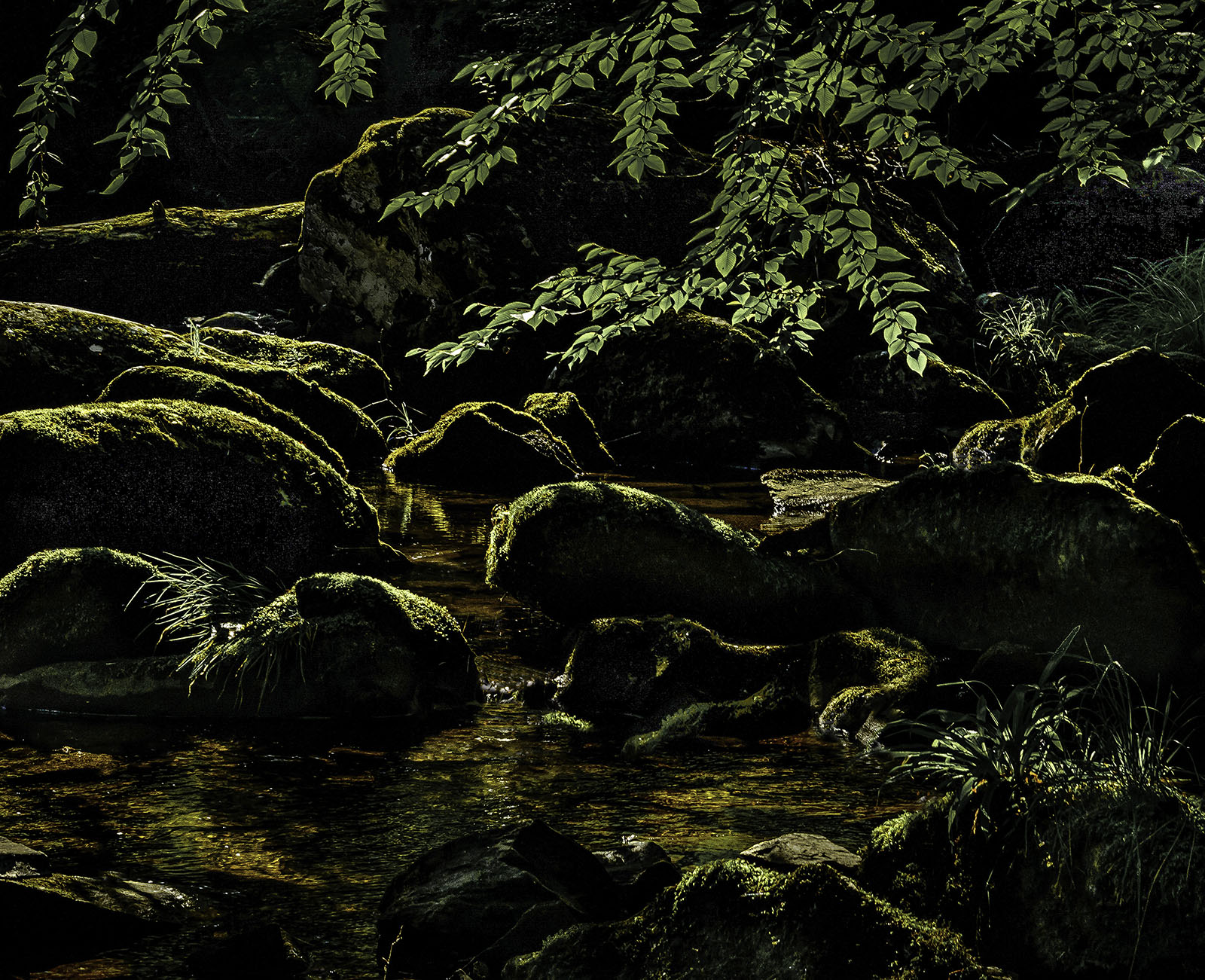
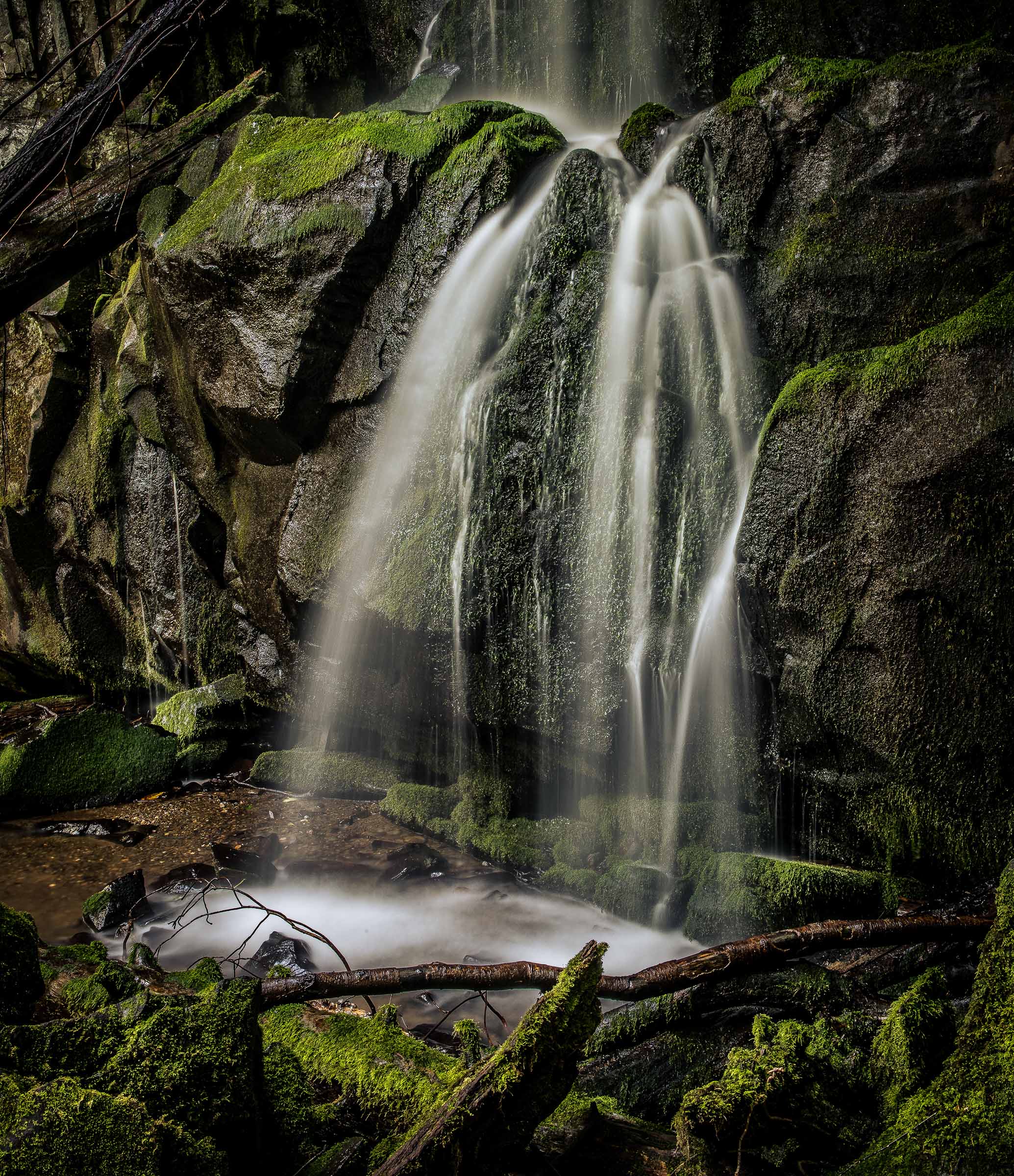
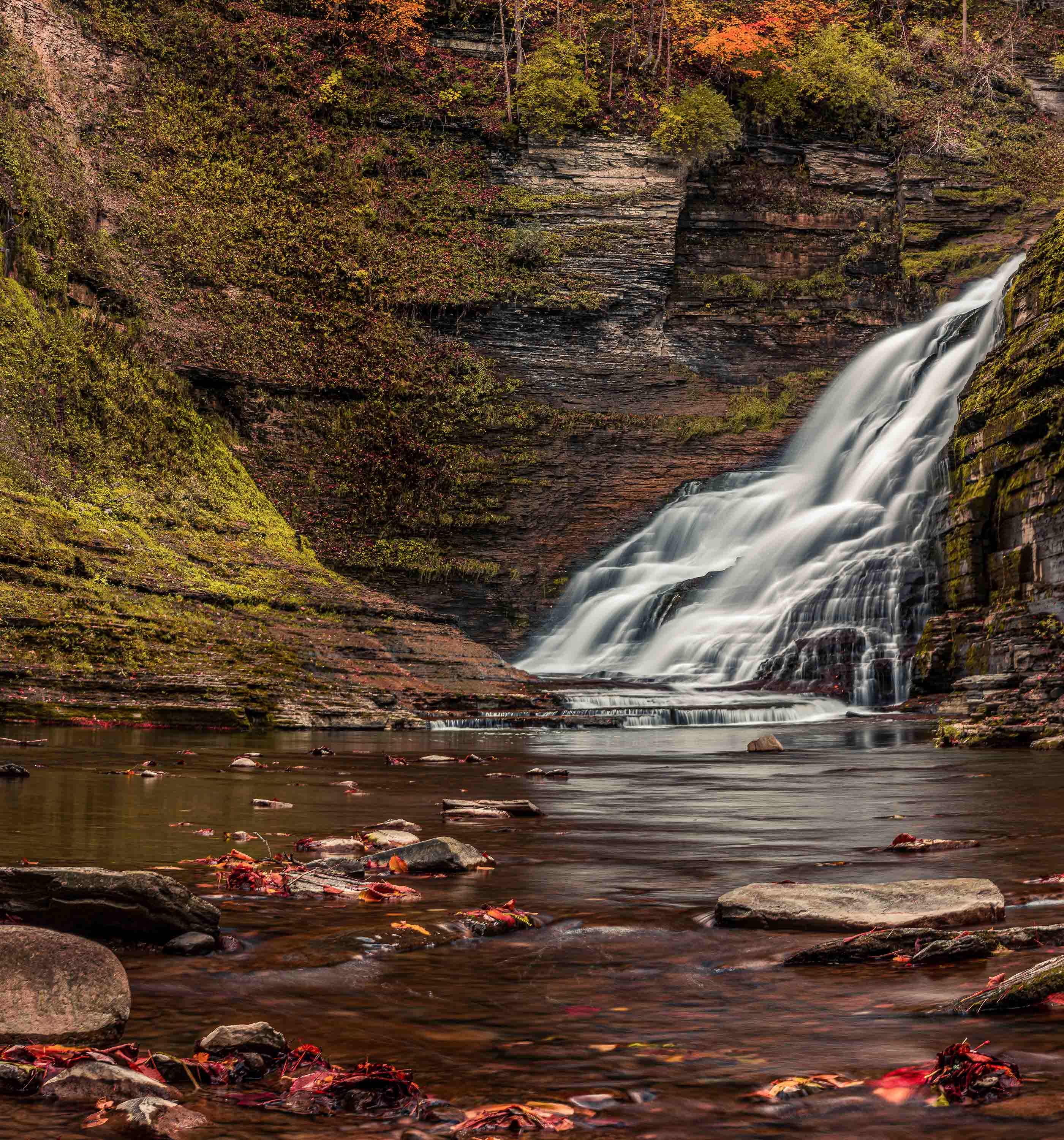
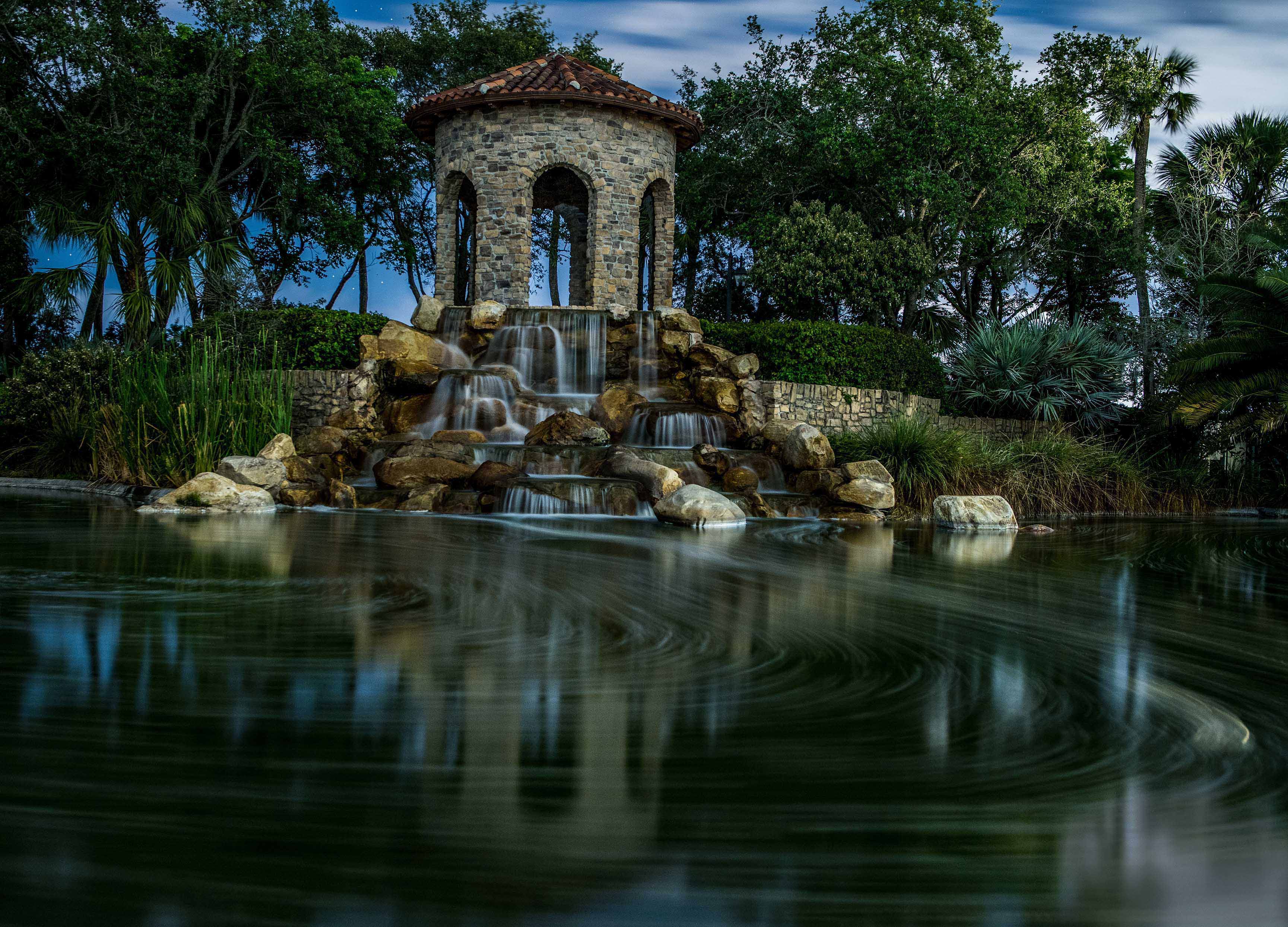
While I really like the composition and the camera angle for this image I end up feeling the image is likely over saturated and over exposed in the processing. Note in the original there is some detail in the water that has been blown out in the processing and the same, to a lesser degree applies to the boulders. I would suggest doing more editing with linear and radial graduated filters and less globally. You might also want to play with the greens in the trees. Perhaps using a color range selection and then making your adjusts. In this way it would only impact the exact color range you are trying to fix. This same technique may also help you get the green water to have the right tint you are looking for. I've provided a link to a Nigel Danson video where he explains this and some other editing techniques.
https://www.youtube.com/watch?v=VOlavBjmDr0&t=913s |
Jan 8th |
| 36 |
Jan 23 |
Reply |
Diane, that is the method I would have used as it is easier to get the blended edge to work. I strongly recommend using the linear and radial gradients in Lightroom for editing. they make the work look much more natural that using the brush. |
Jan 8th |
| 36 |
Jan 23 |
Comment |
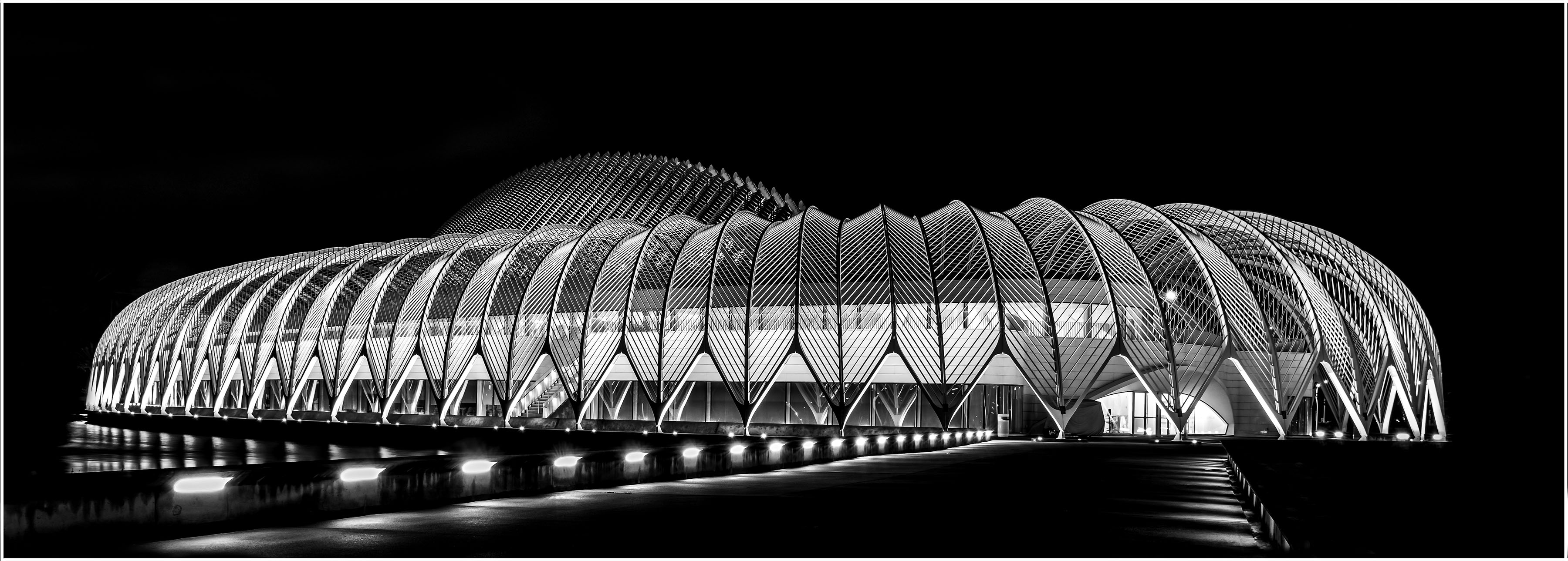
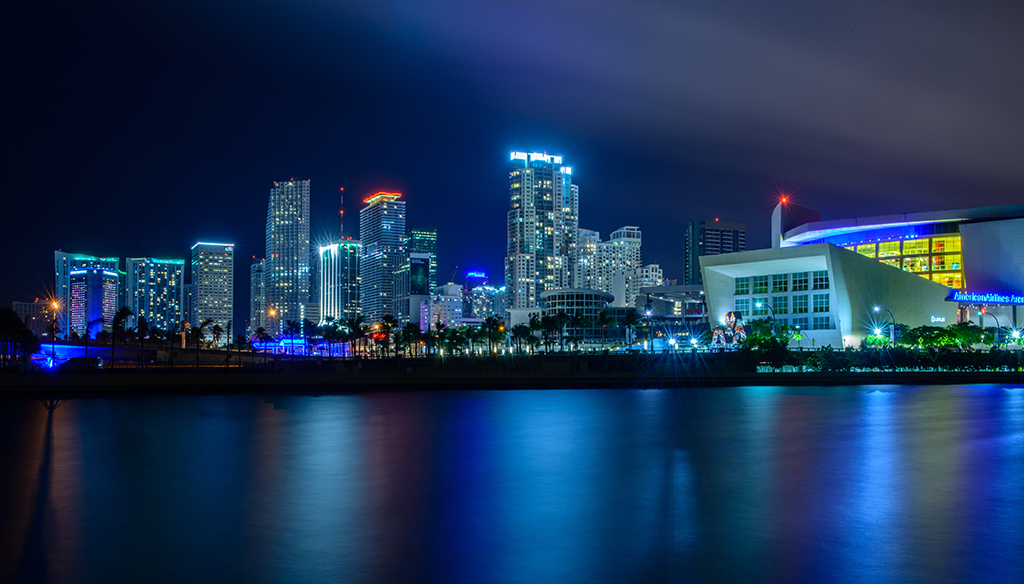
OK, where is the famed traffic??? That roadway is nearly empty. I like the angle of the road and the visual anchor of the round building. However the right side of the image does not seem to add anything to the feeling a a cityscape. My suggestion would be to crop this into more of a square and eliminating the forest in the lower right corner. |
Jan 8th |
| 36 |
Jan 23 |
Comment |
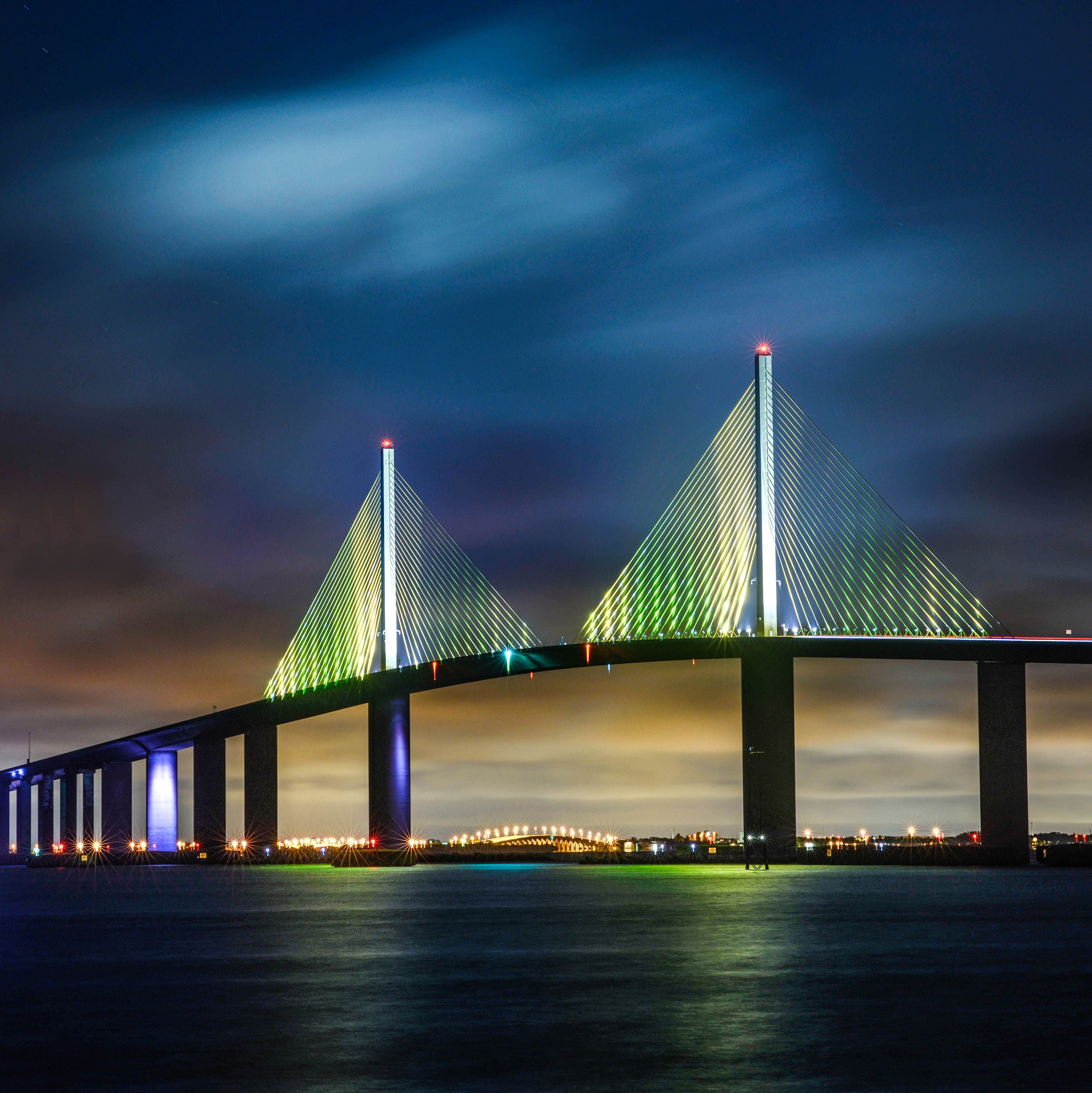
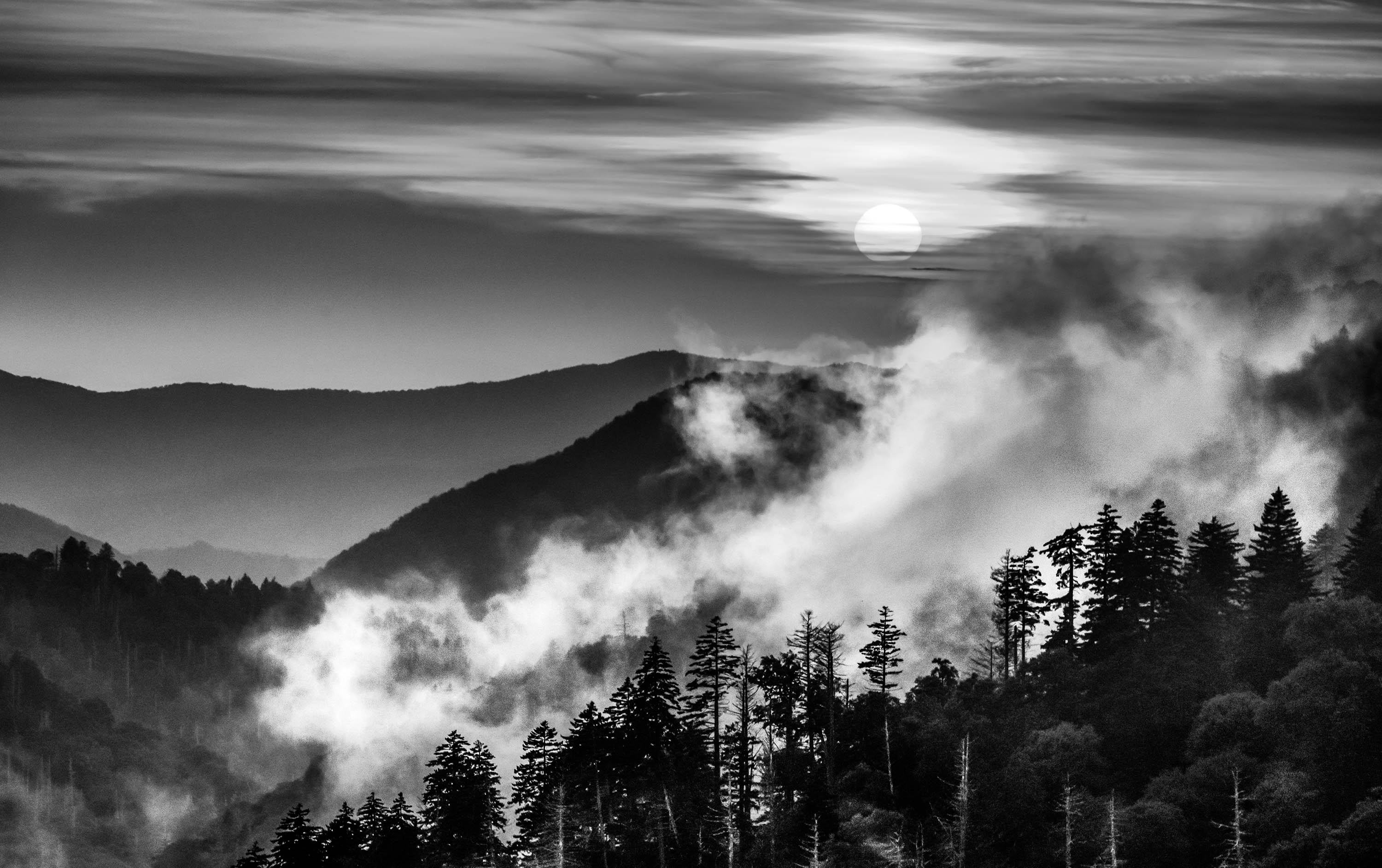
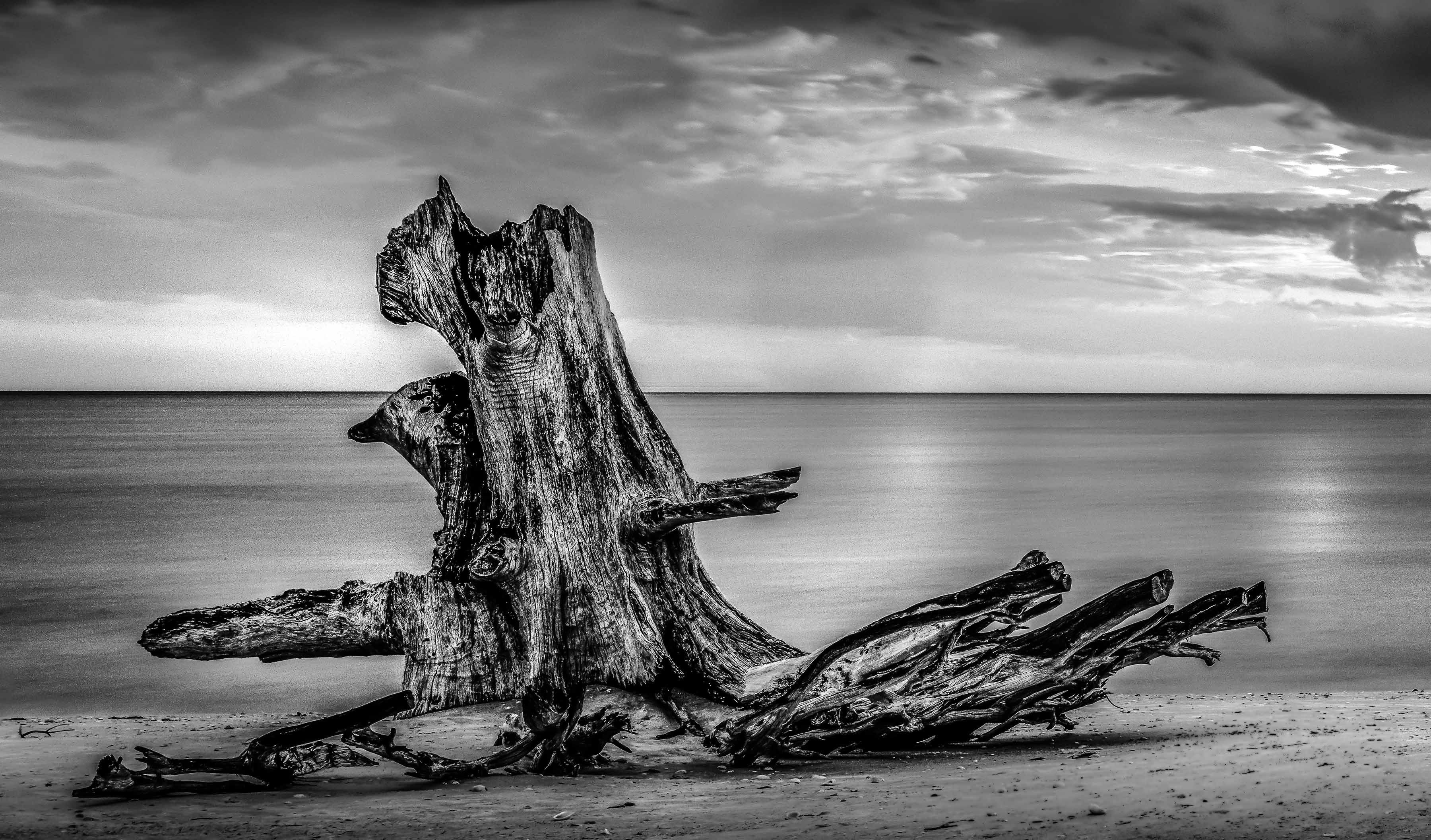
Ahh, once again I get to enjoy the master of the dodge and burn produce a masterpiece. I really do enjoy not just your work but this particular type of image. I appreciate the fact that you have no overexposed areas and the you have used the full tonal range. That along with the long exposure produce such a surreal feeling that , as a viewer, one just wants to linger and enjoy.
I do have one question and one suggestion. As for the question I would love to know HOW you managed to get that ship to be sharp and without blur. I shoot many similar images down at the Port of Miami and the large ships always end up with a bit of blur due to the long exposure and the action of the water. I have resorted to taking 2 images, one to capture the ship clean and without blur and the other the longer exposure and then blending the two. Is this how you managed your shot or do you have a secret technique?
My suggestion would be to crop in from the left edge and eliminate the first building on the left (maybe a bit more). That lower left corner is nearly the brightest portion of the image and it keeps drawing my eye away from the rest of the scene. My suggested crop turns that corner into more of a line joining with the rest of the waterway and seems to make it flow a bit more. |
Jan 8th |
| 36 |
Jan 23 |
Comment |
Adi's fine image has been updated so now we can all enjoy seeing it as it is supposed to be. |
Jan 8th |
| 36 |
Jan 23 |
Reply |
Interesting thought.I actually tried to keep the floor of the fountain dark---never even thought of making it brighter. I'll have to store that in the aging memory banks for next year. Thanks |
Jan 7th |
| 36 |
Jan 23 |
Reply |
I think hand holding a shot at 1/12 of a second would limit sharpness. That is pretty darn slow. Like Michael mentioned I would much prefer to have that walking man be more to the left and not exiting the frame.e
I feel that if you are going to present someone else's art work in your image that the final image has to carry a strong element of creativity on the part of the photographer, otherwise it is just a record of someone else's work. The walking man would work if he was more of a major player in the image. |
Jan 5th |
| 36 |
Jan 23 |
Comment |
Your images have been reversed as per your request. My comments have been deleted they no longer apply. |
Jan 4th |
| 36 |
Jan 23 |
Reply |
The fake sky work quite well and makes the image more interesting. I think the lines of the blurred clouds in the sky line up well with the fences and increase the feeling of violent winds at play. Just don't tell anyone that the sky is fake. :-) |
Jan 4th |
| 36 |
Jan 23 |
Reply |
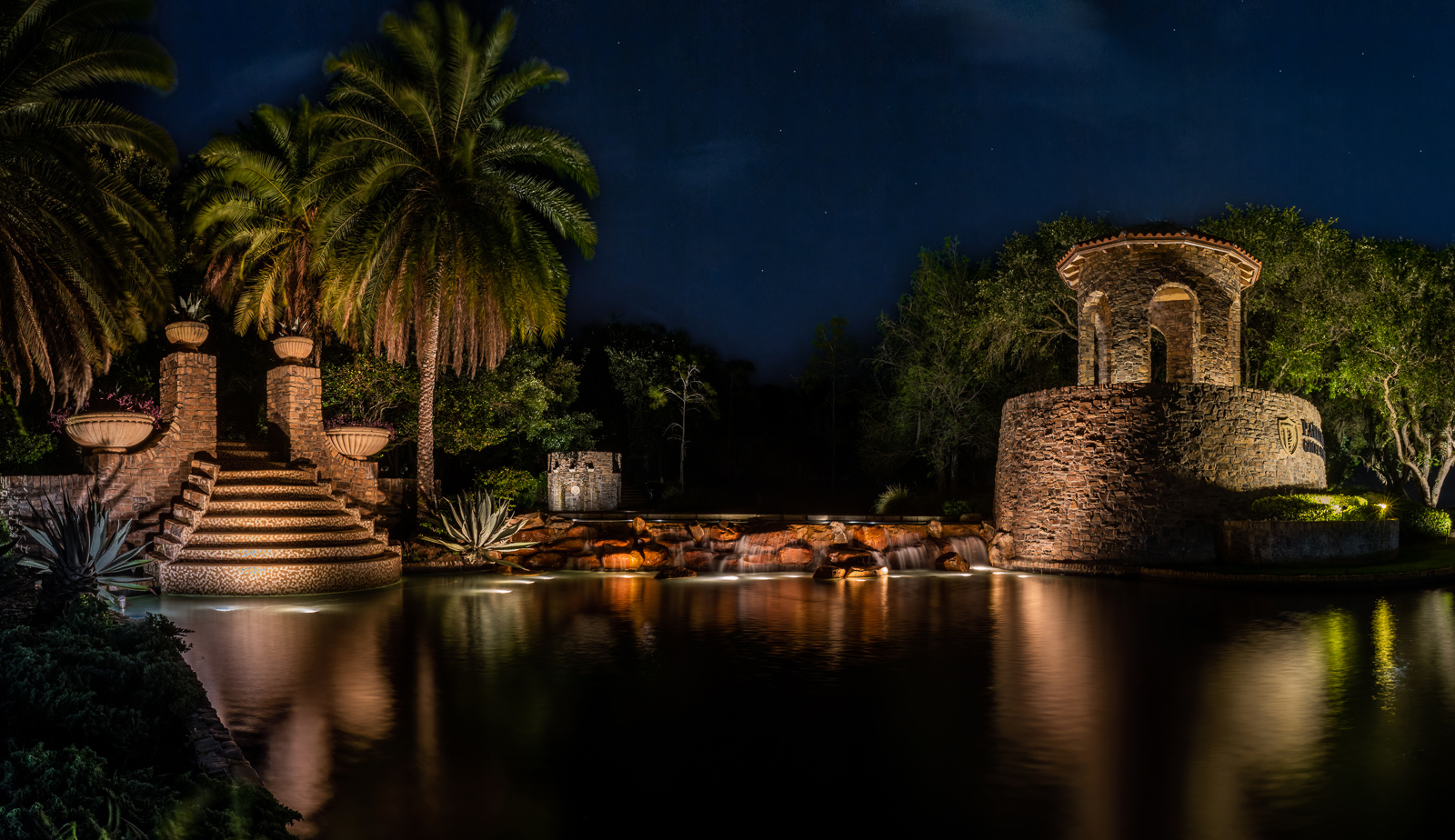
Thanks Michael----I saws exactly what you saw and I really tried to line of that water as you suggest. The sad part is that the tree is NOT properly centered with the line of the fountain waters and if I got the water lined up then the tree was out of center and looked really odd. I reluctantly settled on putting the tree on the center.
|
Jan 4th |
| 36 |
Jan 23 |
Reply |
I wanted this to be more than just a record of the sand sculpting since that is just copying someone else's work. I felt the dancing water provided a "cool setting for the hotter tree. and the lines of the water, especially the diagonals on the edges made a nice frame with the lit trees.
Thanks for commenting. |
Jan 4th |
| 36 |
Jan 23 |
Comment |
What an amazing wall painting! I would love to see that live. I come to this image with a natural bias as my preferred genre of photography is nature and thus I crave sharpness. For me there is just too much that is soft. i could appreciate the man on the right hustling by and thus being blurred, IF the people in the chairs were sharper. Then the sharp lounging people in the chairs would contrast wonderfully with the man hustling by. |
Jan 4th |
| 36 |
Jan 23 |
Comment |
How well I know that road. Your "painterly" rendition works well and gives this a rather classical feeling. I feel the composition and the framing work quite well here and provide that moving on down the road feeling. Like Michael I like your treatment of the greens as it creates a natural fell to the scene. Every fall i mage does not have to have vibrant colors, in fact most of the time the leaves end up looking quite muted, and this is what you have captured Moody images also work.
If I have a suggestion it would be to tone that the bright white portion of the road at the bottom of the frame so that it matches the rest of the road. You really do not need the bright area to be on the edge of the frame. |
Jan 4th |
| 36 |
Jan 23 |
Reply |
Do we get to see the version with the improved sky????? :-) |
Jan 2nd |
| 36 |
Jan 23 |
Reply |
I regularly take my camera into quite strong rain, and blowing sandy, even some hurricane wind and storms along the beach area without a problem. There are two things that make this possible. First and foremost is my Lencoat camera raincoat. This fist my camera with my 24-70 or 70-200 lens attached ( I have a second raincoat that fits my 200-400 f4 lens with tc1.4) the lens hood is attached. I also have a UV filter that I place on the lens to protect the glass. The raincoat has a side sleeve so I can get my hands into work the controls. It also has a hood that lets me get my head covered as well. Besides shooting nature I shoot sports even when the local papers give up. Then I get to sell them my images. :-) |
Jan 2nd |
| 36 |
Jan 23 |
Comment |
Sounds like you had a real battle with the elements. I like the feel of the storm with the wind bent grasses and the blank sky, the you are correct in that it does little for the image. I find it realistic as I have seen many such skies but I think the average viewer may not be thrilled. Fortunately the sky is grey and not white so the dull color shifts the attention back to the foreground that is the brightest part of the scene. I think I would crop down to the horizon line in the upper left corner to make the sky as minimal an element as possible. Pictorially it seems a good winter storm image, but likely not an award winner.
Did you consider trying to do a bit of a sky replacement with something of the same grey and perhaps just a bit of cloud layers to give a hint of something being there? |
Jan 1st |
9 comments - 11 replies for Group 36
|
| 67 |
Jan 23 |
Reply |
You did a pretty good job with the branch removal. The are two little things you might try fixing. on the right side there is a little black area. You could clone that out by using the area right below it. Also on the left leg there is a little bit of the branch crossing the leg. Again using the clone tool and taking some leg from the area just below the branch that can be easily removed.
You did a good job with what you did, so why stop there??
I make these repairs fairly frequently. :-) |
Jan 18th |
| 67 |
Jan 23 |
Comment |
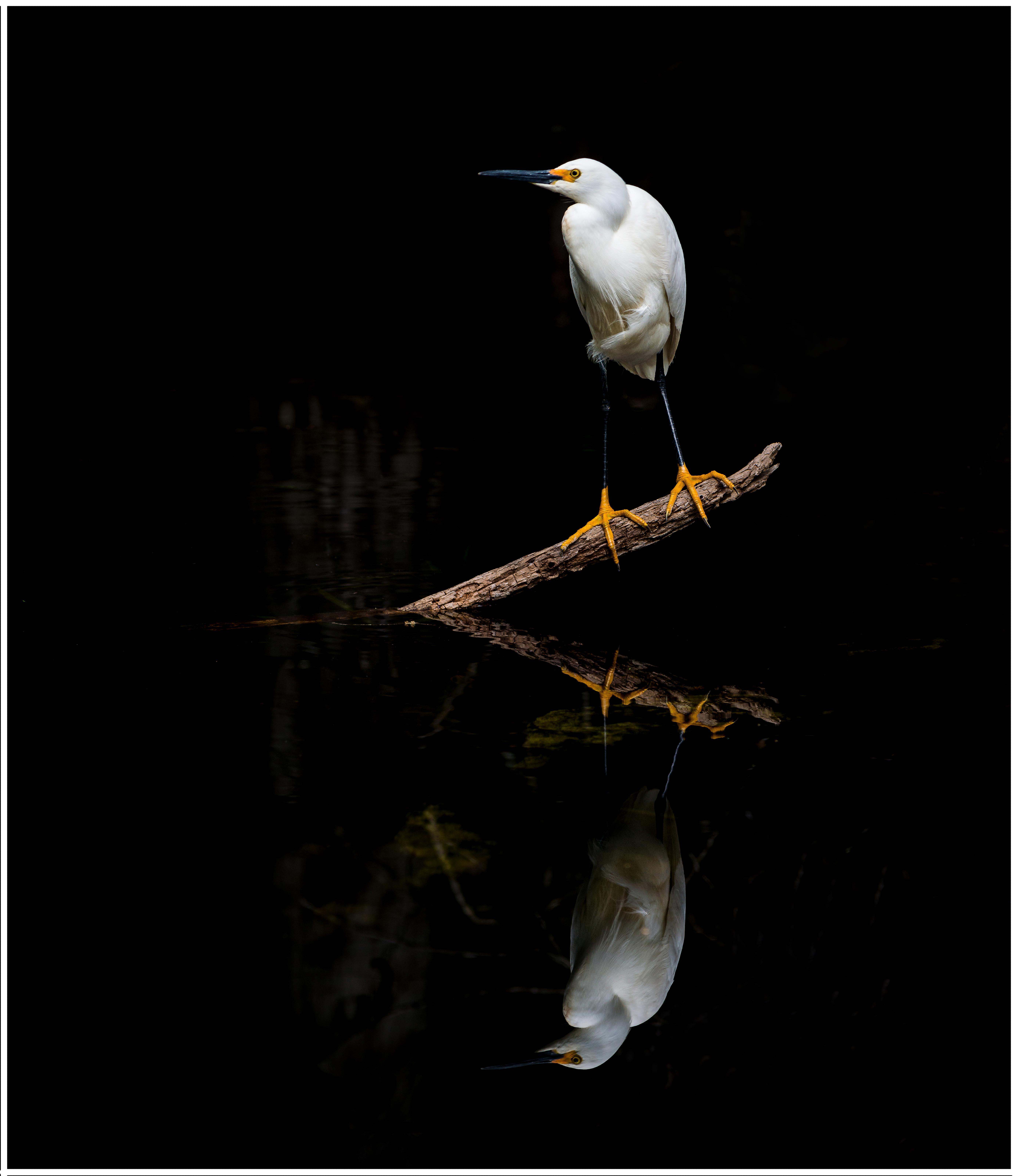
The submitted image as captured using the Nikon gear appears to be quite acceptable. The original image appears to be more contrasty and carries a wider range of tones. All things being considered, I like the original better than the processed. Your crop is clearly done to enlarge the subject from the original and as such the crop is fine. You have created a vertical format and in doing this crop you applied a rule of thirds crop to display the image to its greatest photographic visual potential. In the end you have produced an image of a bird many of us have never seen.
However, at issue this month is then whole concept of processing images. I am going to make my comments working on the assumption that you shot the original in RAW and not in jpeg. You state that you first loaded the image into Nikon's software based on the concept that Nikon knows its gear and thus applied suitable and appropriate algorithms. If I understand what you wrote you then downloaded the image to Lightroom and finished the processing. This you let Nikon do some original processing before you did your own. I would expect that the image you loaded into Lightroom look better than your original RAW because it had already been moved from the RAW format into some sort of Nikon format. Now let's go back to the beginning. Had you taken the RAW file (which has NO processing of any kind applied) and loaded it into Lightroom and open the file I am certain that it will look much worse than the Nikon image that had passed through Nikon software. The RAW file in Lightroom is exactly that---RAW, uncooked, seasoned or anything else. This RAW image will only come to life after it has been processed in some manner. By Nikon, Topaz (if you just click the auto processing) or by you taking the RAW file and applying Lightroom's algorithms as YOU choose. Processing a RAW file is an art unto itself. Many photographers prefer to use PRESETS to either process their images or start the processing of their images. Others like Nigel Danson, Mark Denny, Matt Koskowski start processing their images from the beginning. Some people buy presets from the photographers I've named above. Or some photographers start from the RAW and do everything for themselves. Their individual skills will determine the appearance of the final image. It is not really the software that determines the appearance of the final image, but the skill of the user.
All of the current AI software has severe flaws and limitations to their results at least at this time---who knows what the future holds. In December I attending a meeting of Photographic Judges and we discussed the new AI software. In attendance was a representative from Topaz. The judges were stating that using Topaz AI was leaving "tells" that could be identified. Topaz agreed. But stated that that was because the user did not use the software correctly. This results in artificial looking images.
What this all comes down to is each of us, based on our likes, dislikes, and skills has to decide what we want an image to look like. The result will be a combination of the auto features of the software, our skills in applying the software, and how much time we are willing to spend processing the image.
Personally, I feel the image presented is soft and lacks contrast. But that conclusion is based on how I would process the image. I would bet that every member of this group would process the image differently based on their own bias. However, the only one whose opinion matters is you, it is after all your image. |
Jan 13th |
| 67 |
Jan 23 |
Reply |
I like the crop with the added area on the3 left much better. But ImthinkmI like the originalmbird best because Snowys are white birds. |
Jan 9th |
| 67 |
Jan 23 |
Comment |
Mighty fluffy and kind of cute little critter. After looking at your original I light what you died with the crop as you eliminated the clutter and the manner in which the bird is looking at the camera really requires that he is centered. I sincerely wish the branch was not present. It is really distracting, but at least it is not blocking the face. The 7200 ISO has really produced a considerable amount of noise, especially in the lower half of the image. Most of the noise appears to be color noise and that is pretty easy to remove. |
Jan 9th |
| 67 |
Jan 23 |
Comment |
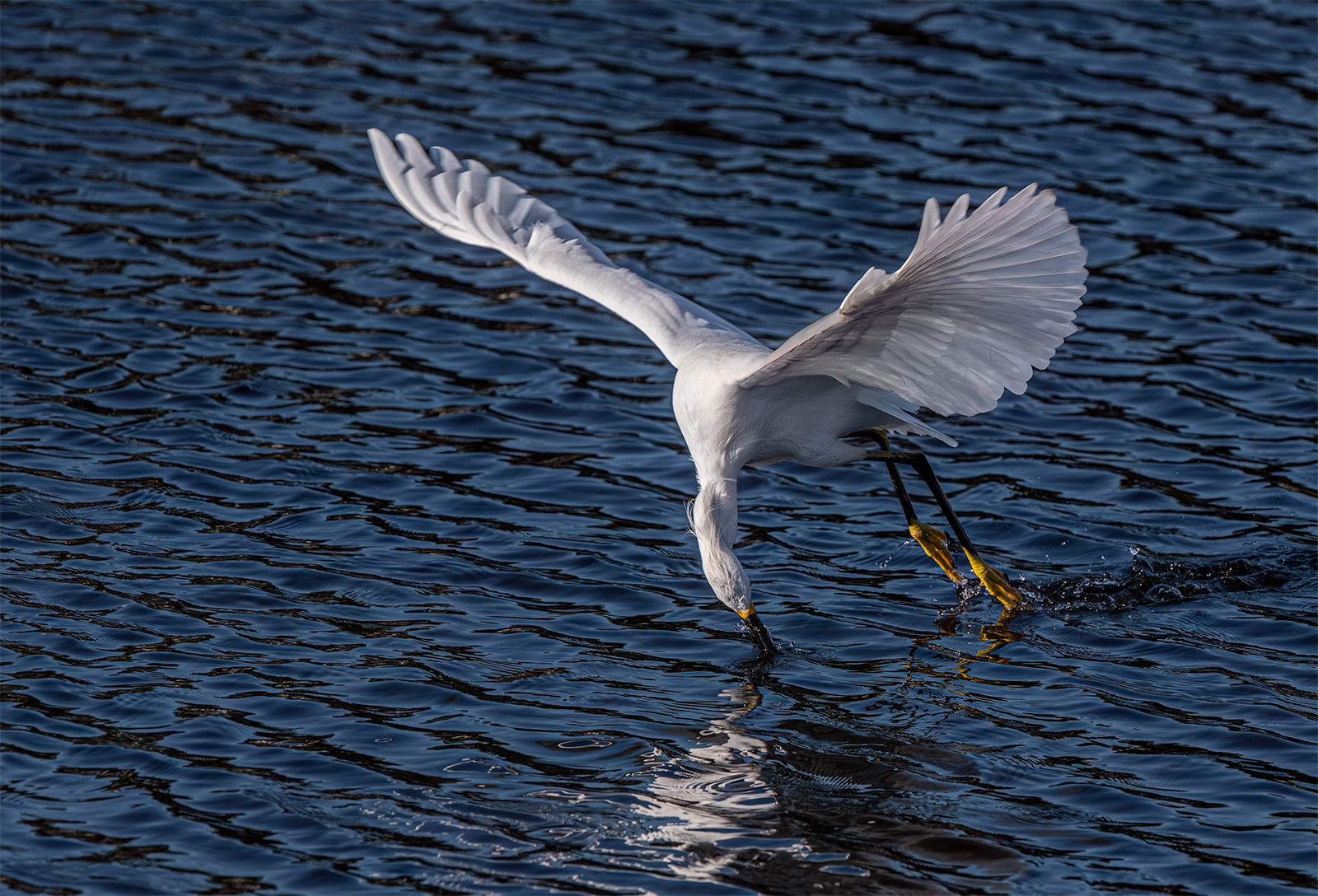
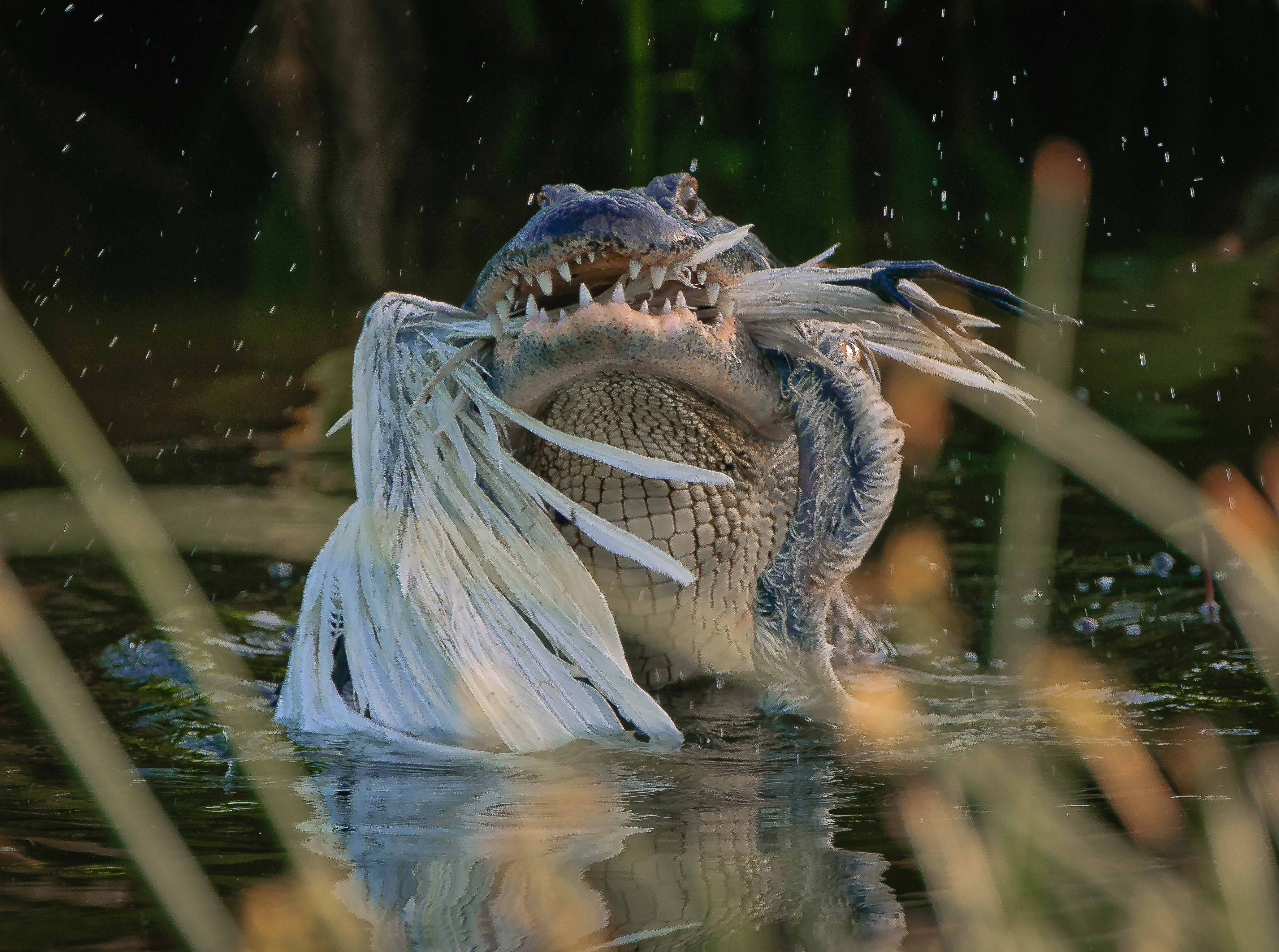
I love to photograph snowy egrets. They are generally such S.O.B.'s. They pester and pick on every bird in the swamp but their antics make for lots of good photographic opportunities. This this shot you really captured a great example. I really love the way the snowy is twisted back to make its attack. This is a wonderful image of interaction between species and is the type of thing that would score well in competition. I like the composition but would like a bit more space on the left to move into. To me the snowy looks a bit hot. Maybe bring those wings down a touch as well. And why is there a grey area on the right wing of the snowy? The sharpness, clarity even down to the water droplets make this a truly one of a kind image. I laud you sticking with this to catch the peak action. This is certainly a 10 in my book. Was this handheld, on a monopod or a tripod? |
Jan 9th |
| 67 |
Jan 23 |
Reply |
Hi David
Capturing a bird in flight is simple enough---co0mes down to shutter speed (really fast), being in the right position (sun behind me) and good camera technique.
I've given up on most camera club judges, as they are very biased and most do not understand nature (especially wildlife) photography. I just shoot to make myself happy. This shot pleases me. |
Jan 9th |
| 67 |
Jan 23 |
Reply |
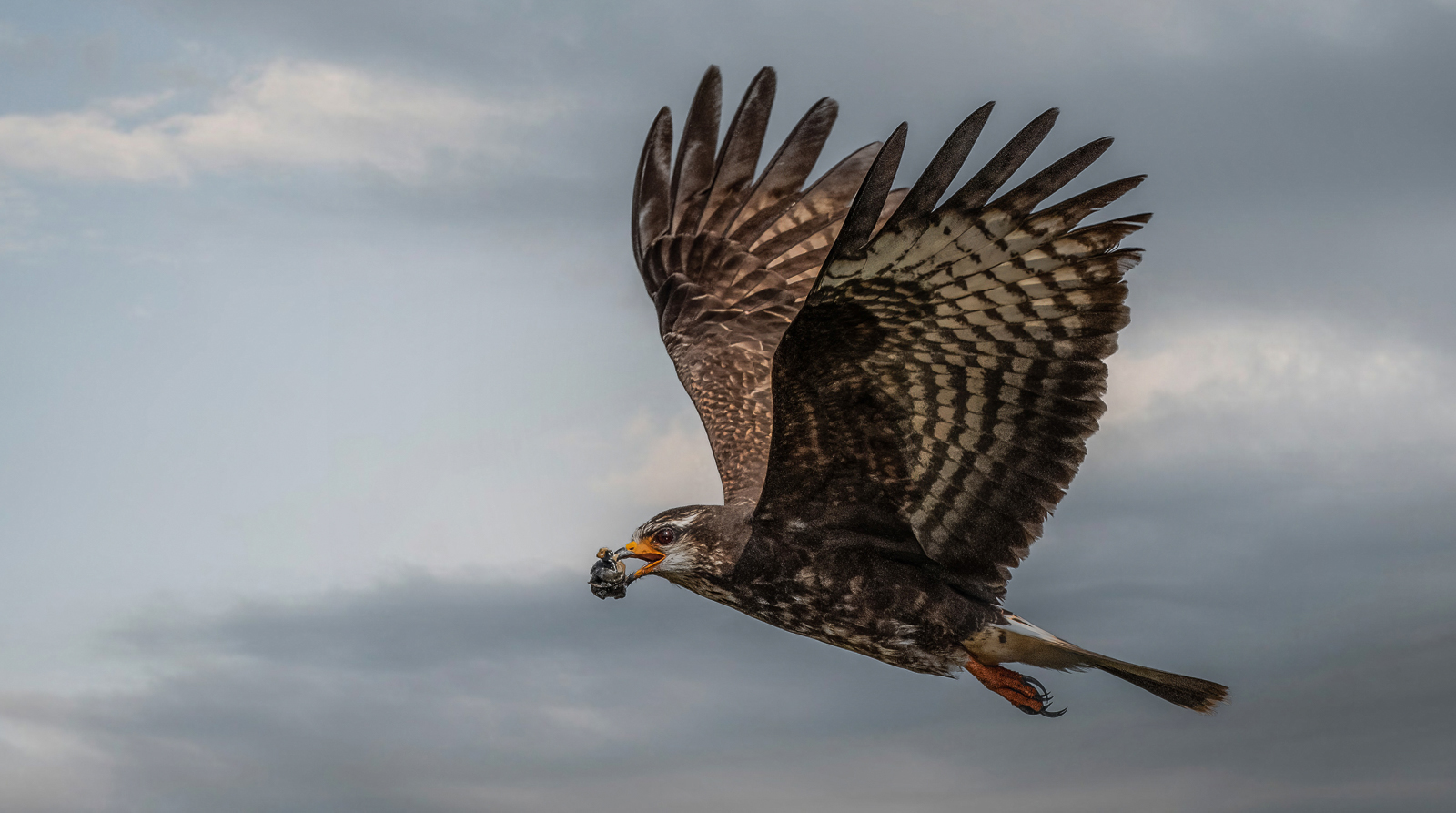
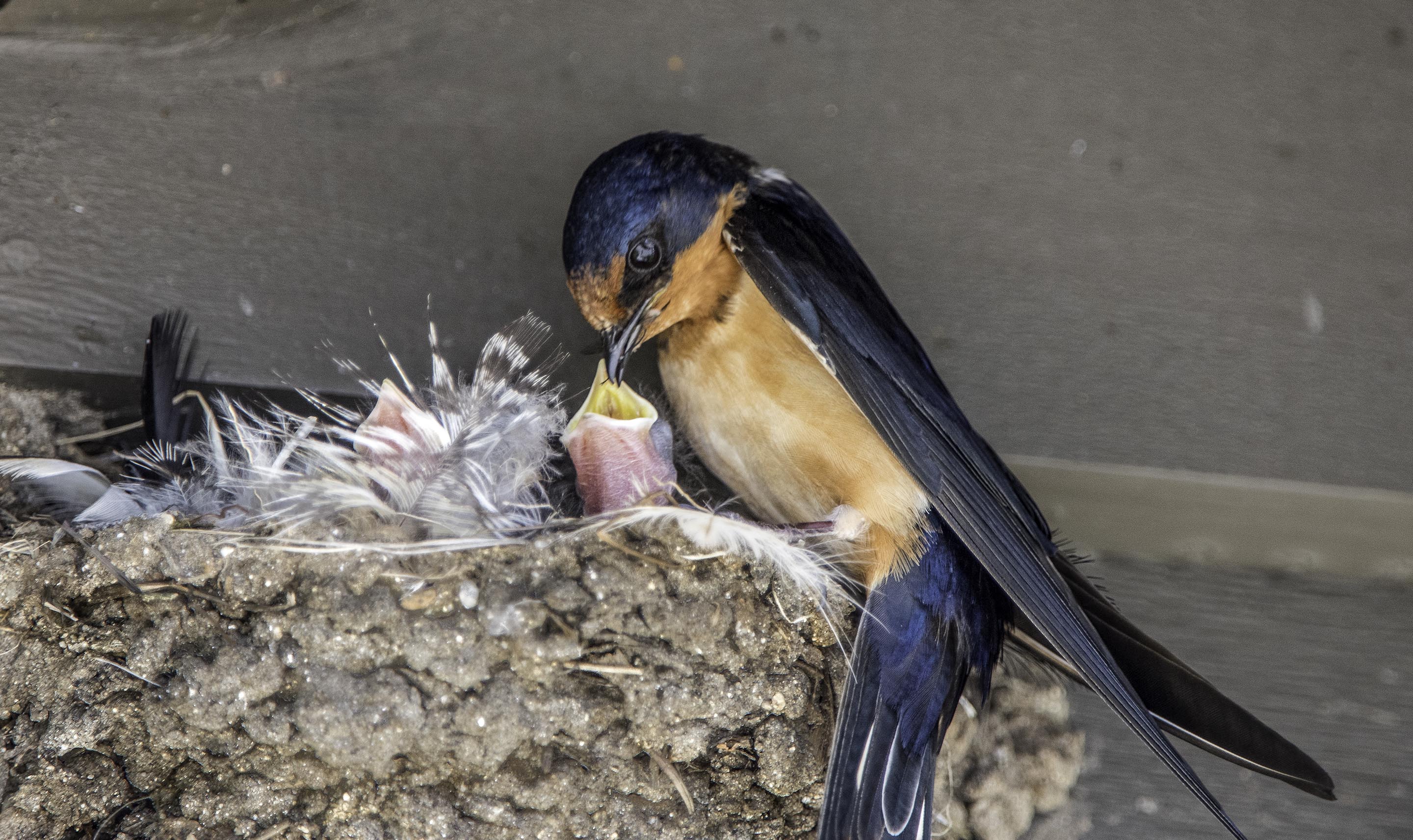
Thanks for the support Cindy. You hit all the bases with my thought process. I have plenty of shots off the in flight shots but it never showed the feeding process is was seeking. This hits the nail on the head so to speak. Since I was cropping I tried to rotate the image to get the most impactful angles. I'm really glad you agree with this decision. I always try to study up onmy subject before shooting---it helps. |
Jan 9th |
| 67 |
Jan 23 |
Reply |
Michael
Actually I shoot for myself. If judges do not like it I just don't care as long as the i mage makes me happy. I wanted to capture the feeding process and that is what I got.
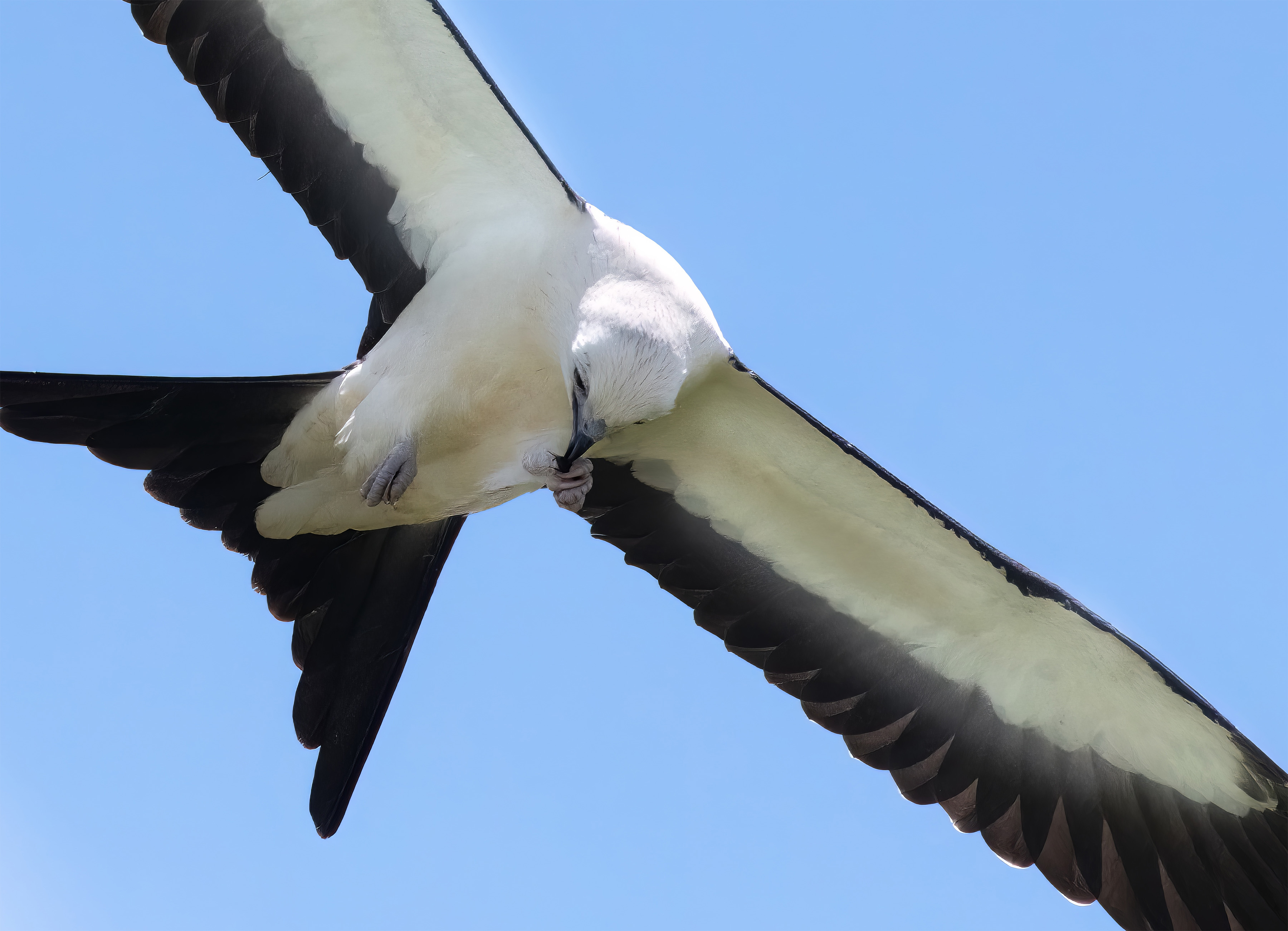
For the record. Most judges in Nature do not like clipped wings (like I did here) and also do not like clipped tails (like I did here) But if the had kept the entire bird the feeding part would be almost invisible, so I cropped to show what I wanted people to see. |
Jan 7th |
| 67 |
Jan 23 |
Reply |
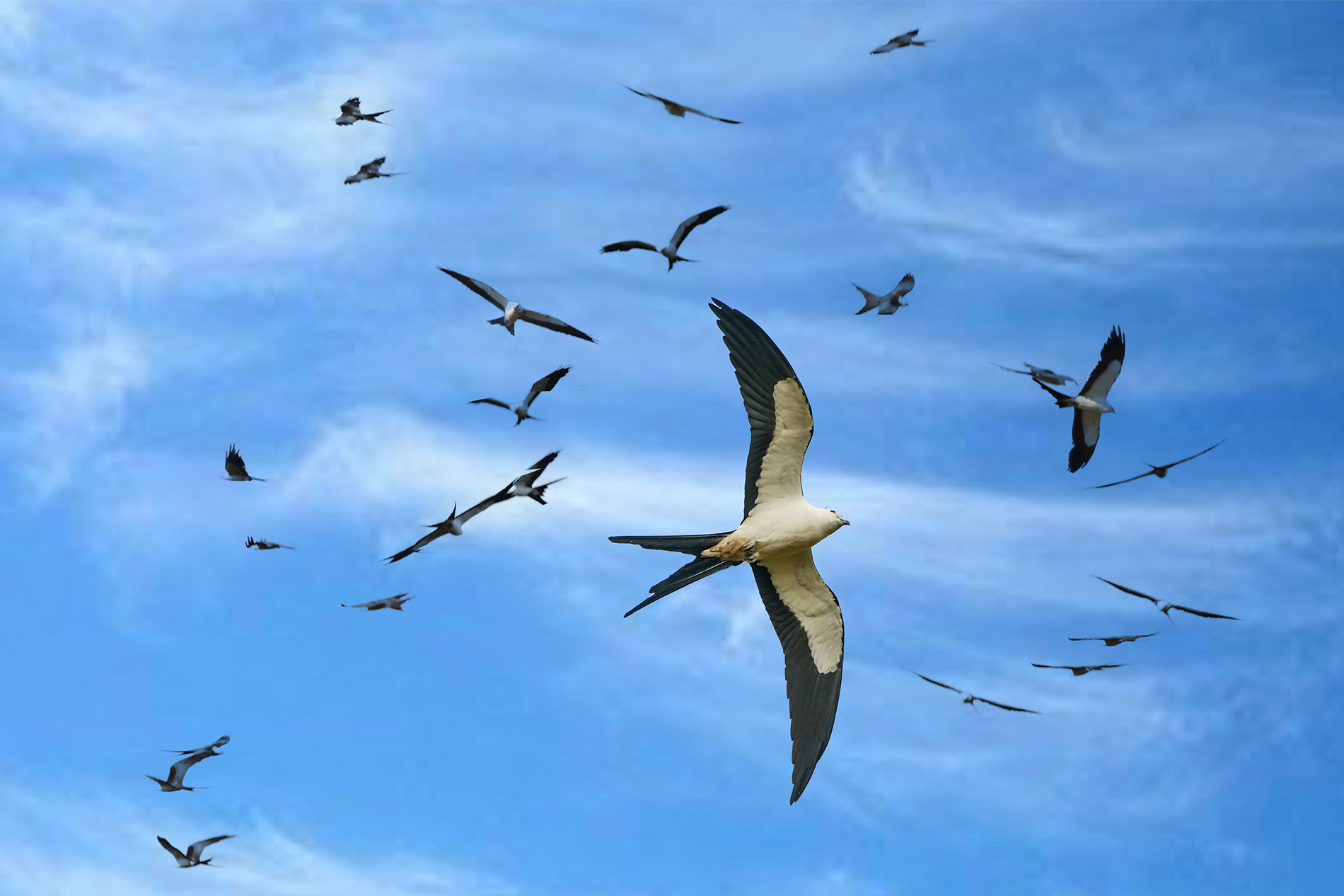
Hi Bud. This is why you have to have excellent camera technique. Yes my camera has lots of pixels, but if those pixels were not in perfect focus they would have have mattered. Judging is always subjective. If judges do not like clipping, well, that is how it goes. I cropped to show the story I wanted to tell. I expect few have seen swallowtails feeding in flight this clearly.
Thanks for your compliment. But I'm running out of wall space. :-) |
Jan 4th |
| 67 |
Jan 23 |
Reply |
Thanks so much Isaac. You are exactly right. This was shot with intent. I wanted a particular thing. And getting the bird to pose correctly, and eat the prey was not easy. But that is what wildlife photography is all about. Getting the RIGHT shot. I think judges at higher level NATURE competitions may appreciate this more than club level judges. Still, this was the image I wanted and I'm the only one that matters. We all shoot for ourselves.
I always appreciate your thoughts. It is great to discuss images with someone who knows what it takes. Thanks for commenting. |
Jan 4th |
| 67 |
Jan 23 |
Comment |
This is a different type of somewhat abstract image. I like the concept and the composition really works well. I did not quite get the feel of the Rescue Me title until you explained it but I do like the addition of the shadow in the upper left. I like seeing photographers try to capture these little intimate moments in nature as they are something original and thus different.
For some reason the ice just doesn't feel like ice. Maybe it is the nearly white color. Probably it is just me but it really didn't hit me as ice until I read your write up. Still even without the title the image carries impact.
|
Jan 1st |
| 67 |
Jan 23 |
Comment |
Wow the study in contrasts is quite powerful. The flowers are sharp and colorful just what is needed to make a shot like this work. I also like that the greens are not over saturated. I think this would be more effective if you either cropped most of that black off the top or included more of the flowers. I've seen some of these sunflower fields out in Colorado and they are really impressive. |
Jan 1st |
5 comments - 7 replies for Group 67
|
14 comments - 18 replies Total
|