|
| Group |
Round |
C/R |
Comment |
Date |
Image |
| 36 |
Feb 22 |
Comment |
Thanks for the thought Bill. See my comment above on the dimming process. Maybe I just don't have the right technique. :-( |
Feb 18th |
| 36 |
Feb 22 |
Reply |
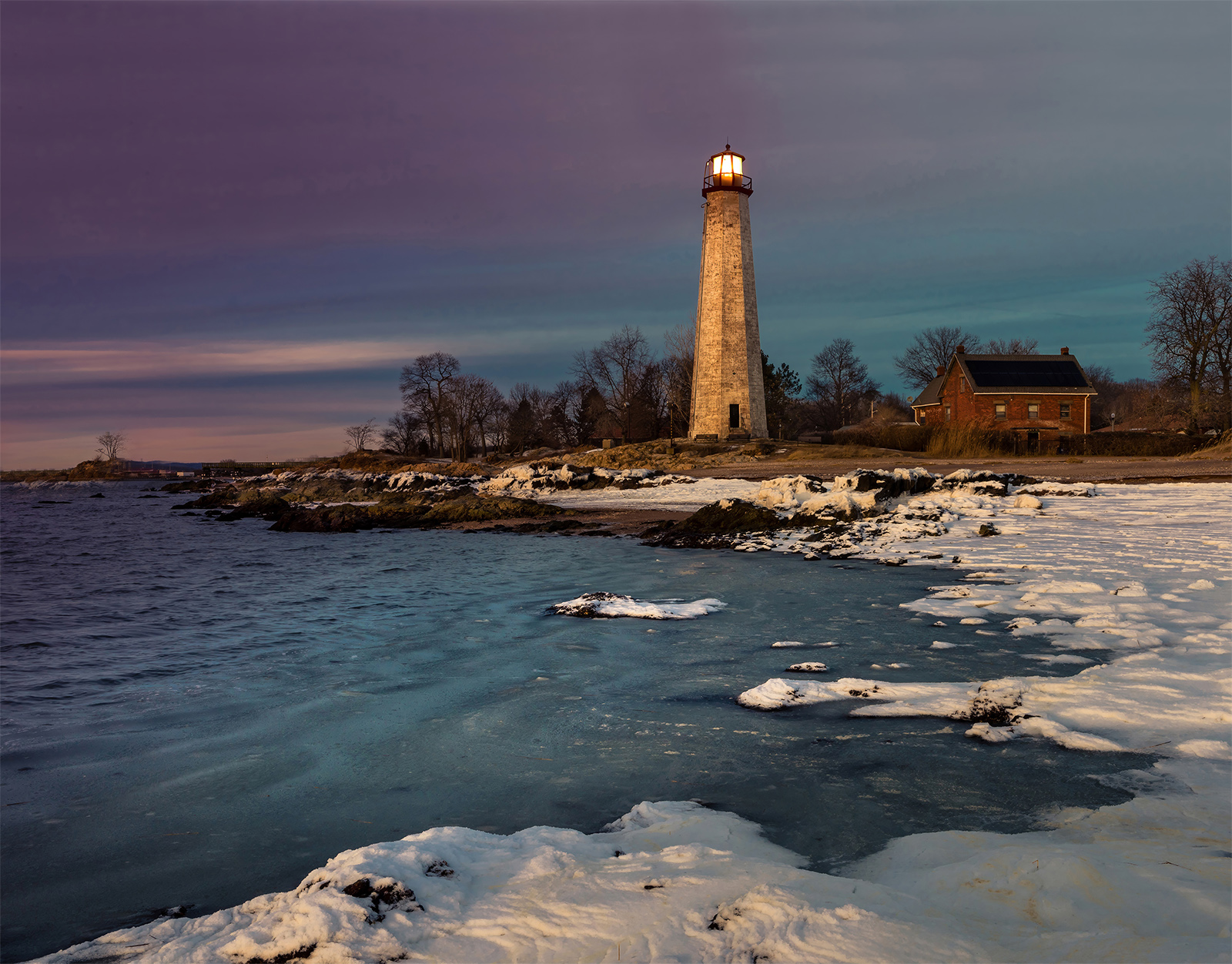
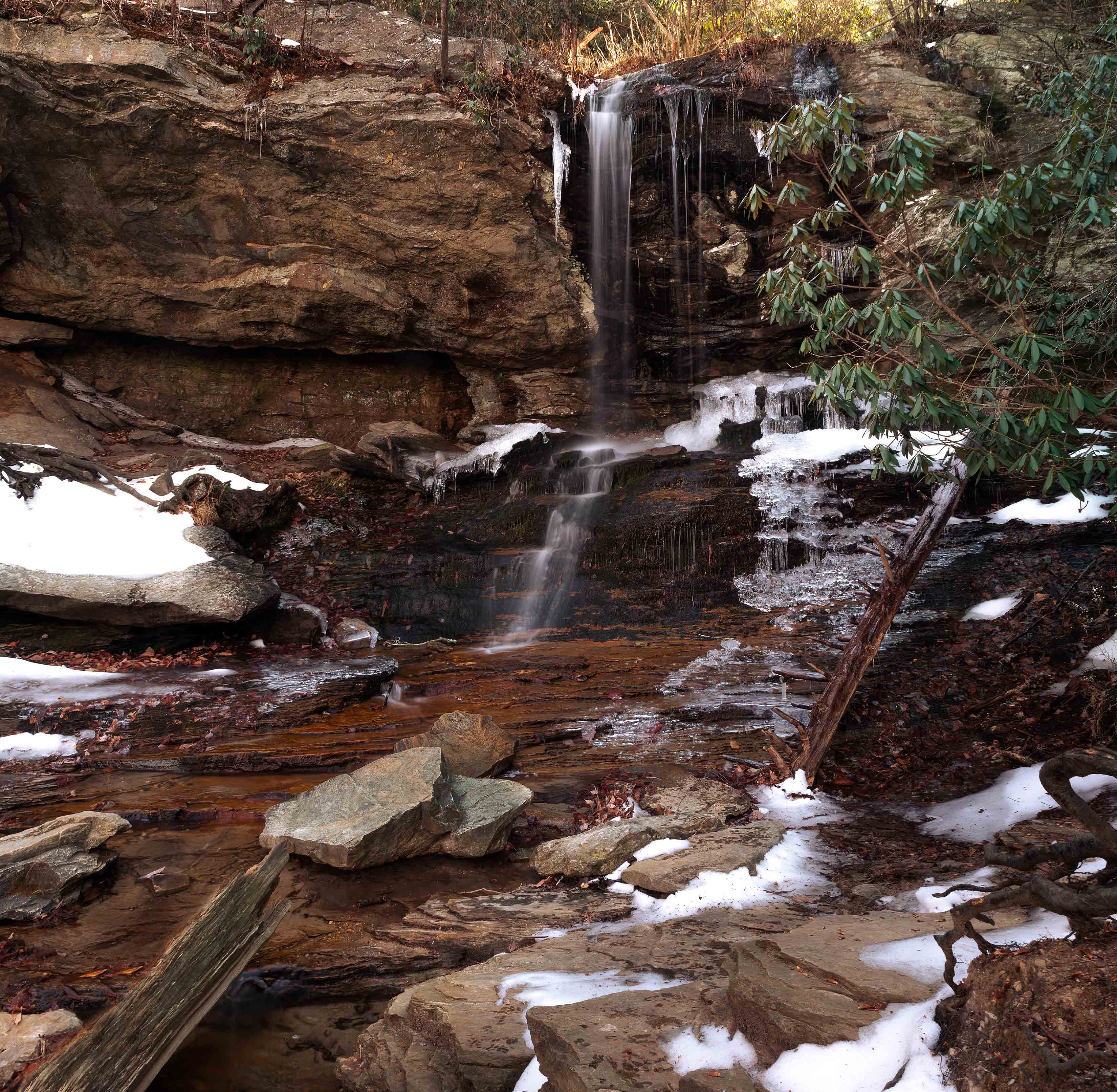
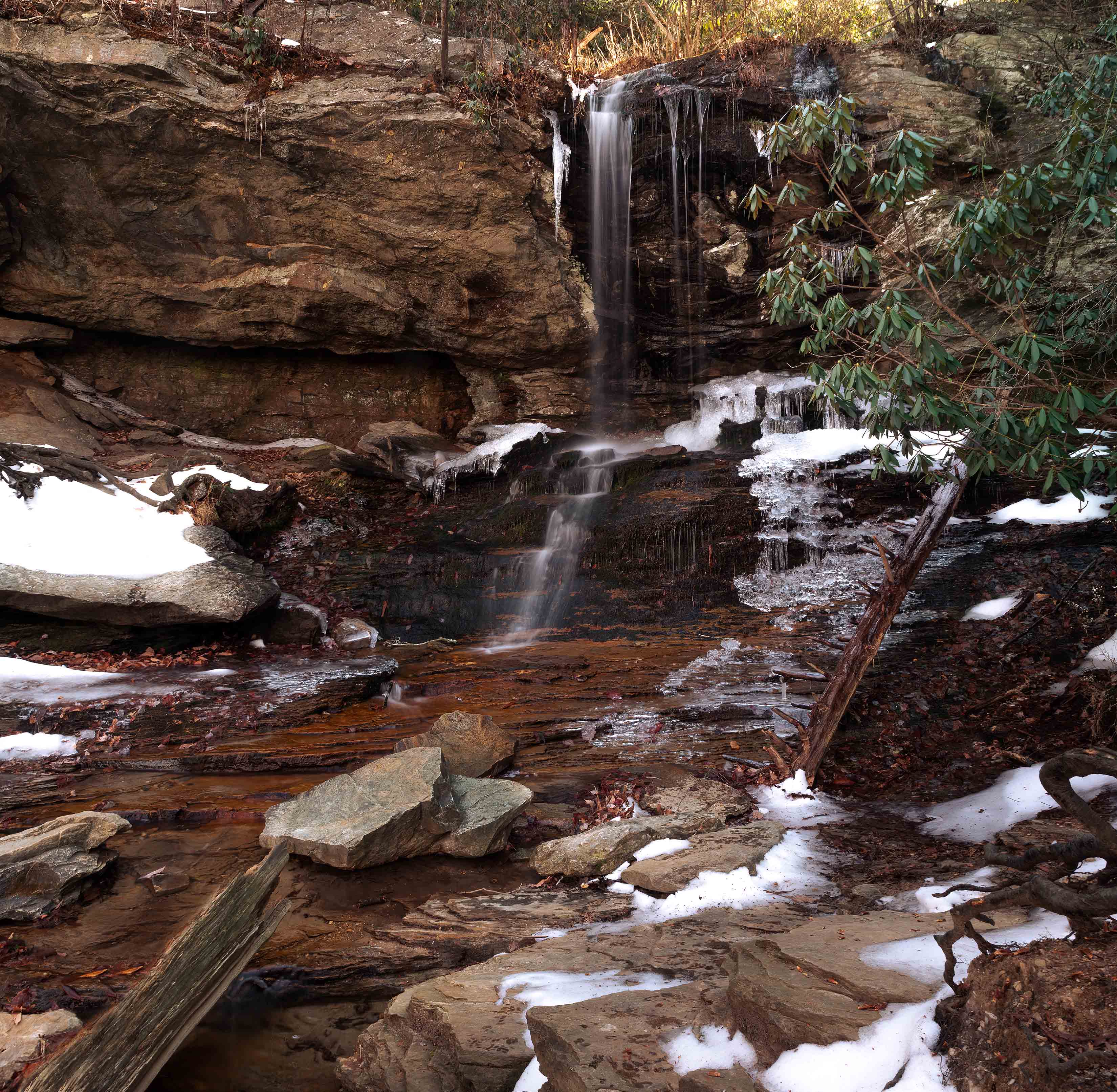
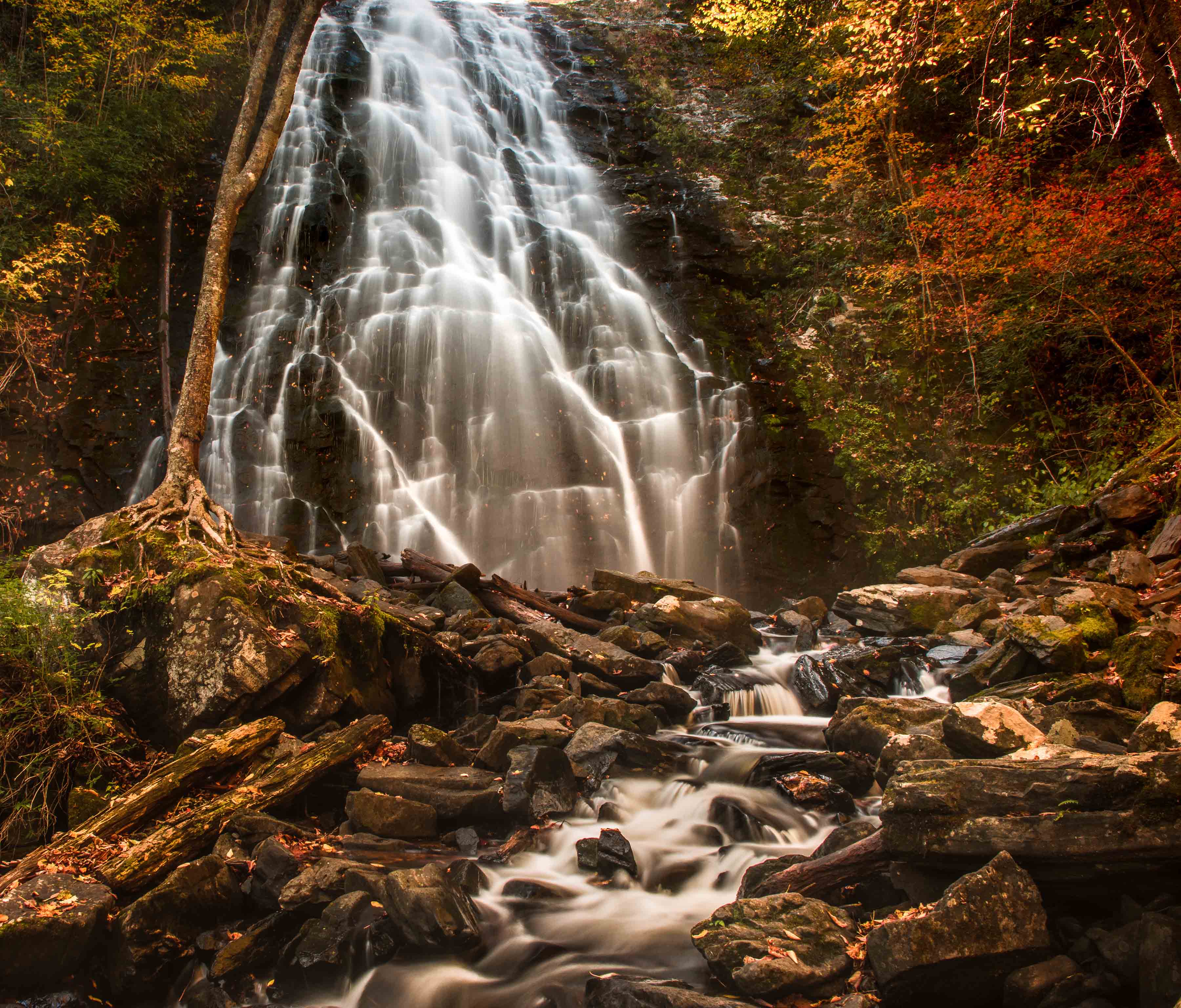
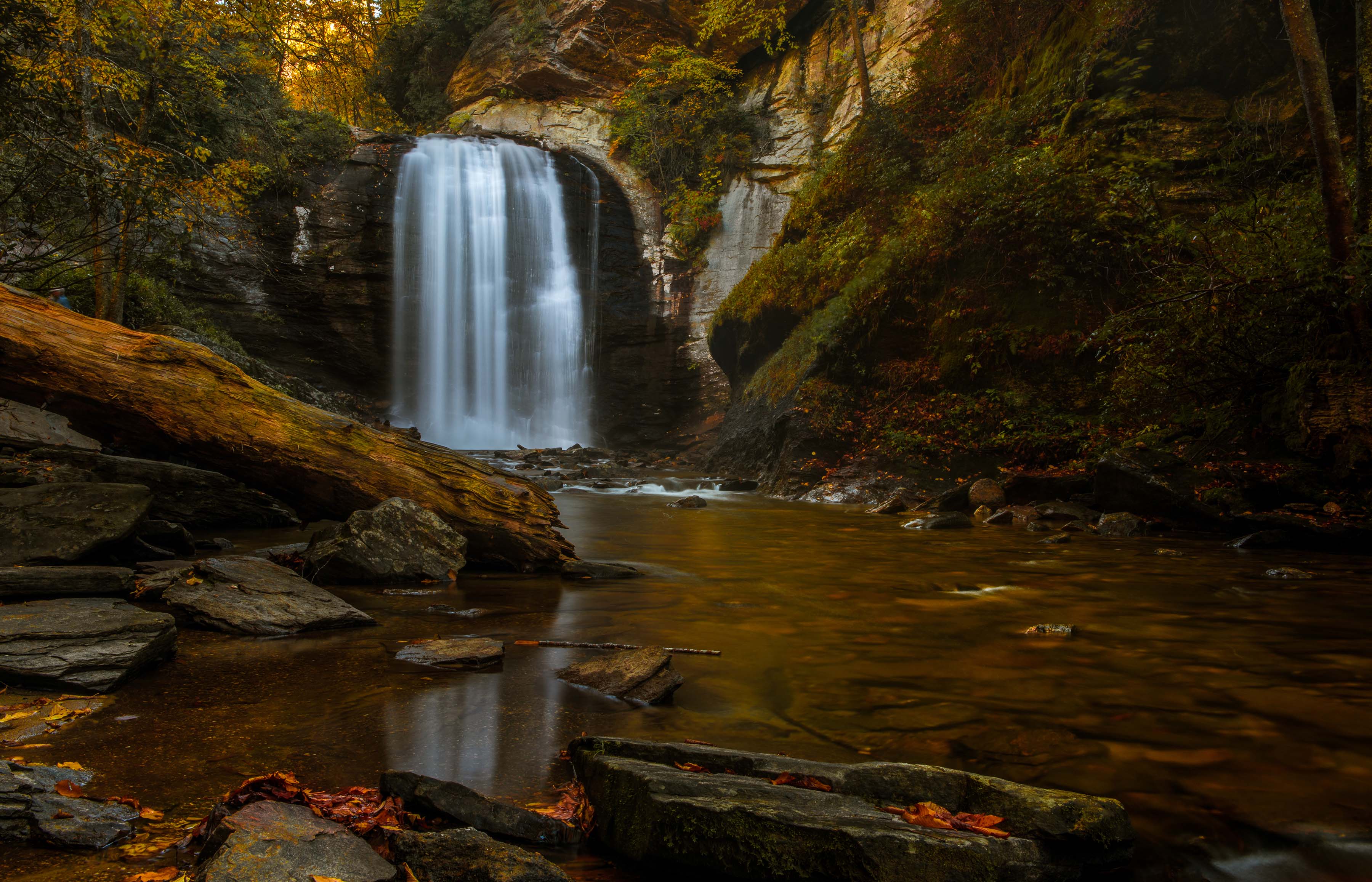
Thanks. I agree that the textures on the left and the ice textures on the right give a visual balance. I had a problem dimming the snowy ice on the left. Every time I try is just gets grey |
Feb 18th |
| 36 |
Feb 22 |
Reply |
Thanks Arne
I tried to be subtle and only use an "arrow" to act as a leading line coming from the lower left corner. :-)
I tried that crop from the right but I kept ending up with bits of white clinging to the right edge and I hated leaving those bright spots along the edge. So I finally just gave up. Where would you actually place the crop?
|
Feb 18th |
| 36 |
Feb 22 |
Comment |
The starburst is the brightest object in the scene and is so dominate that it attracts and holds the eye so that it does not roam to other parts of the scene. The helps to keep the viewer from actually seeing that the objects are cars and not stones. A very neat trick to control the eye of the viewer. All that said, I feel there is just too much grass in the foreground and does nothing to enhance the image. A heavy crop would solve this. |
Feb 18th |
| 36 |
Feb 22 |
Comment |
You managed to get a great deal out of an image that is quite a bit under exposed. For me there seems to be a lack of clarity and some noise in the former shadow areas that are likely the result of the severe under exposure and the subsequent efforts to open the shadows.
All that said it is a pleasing image that serves to draw the viewer into the scene and urges them to follow the trail.
I don't the oranges because I have often been in forests with these hues at the moment of dawn. What does distract is the bright area on the right. The more white color and the brightness take my eye away from the pathway. I would crop that area off. |
Feb 18th |
| 36 |
Feb 22 |
Comment |
Sorry for the delay. My computer has been in the shop for more than a week and I just got it back.
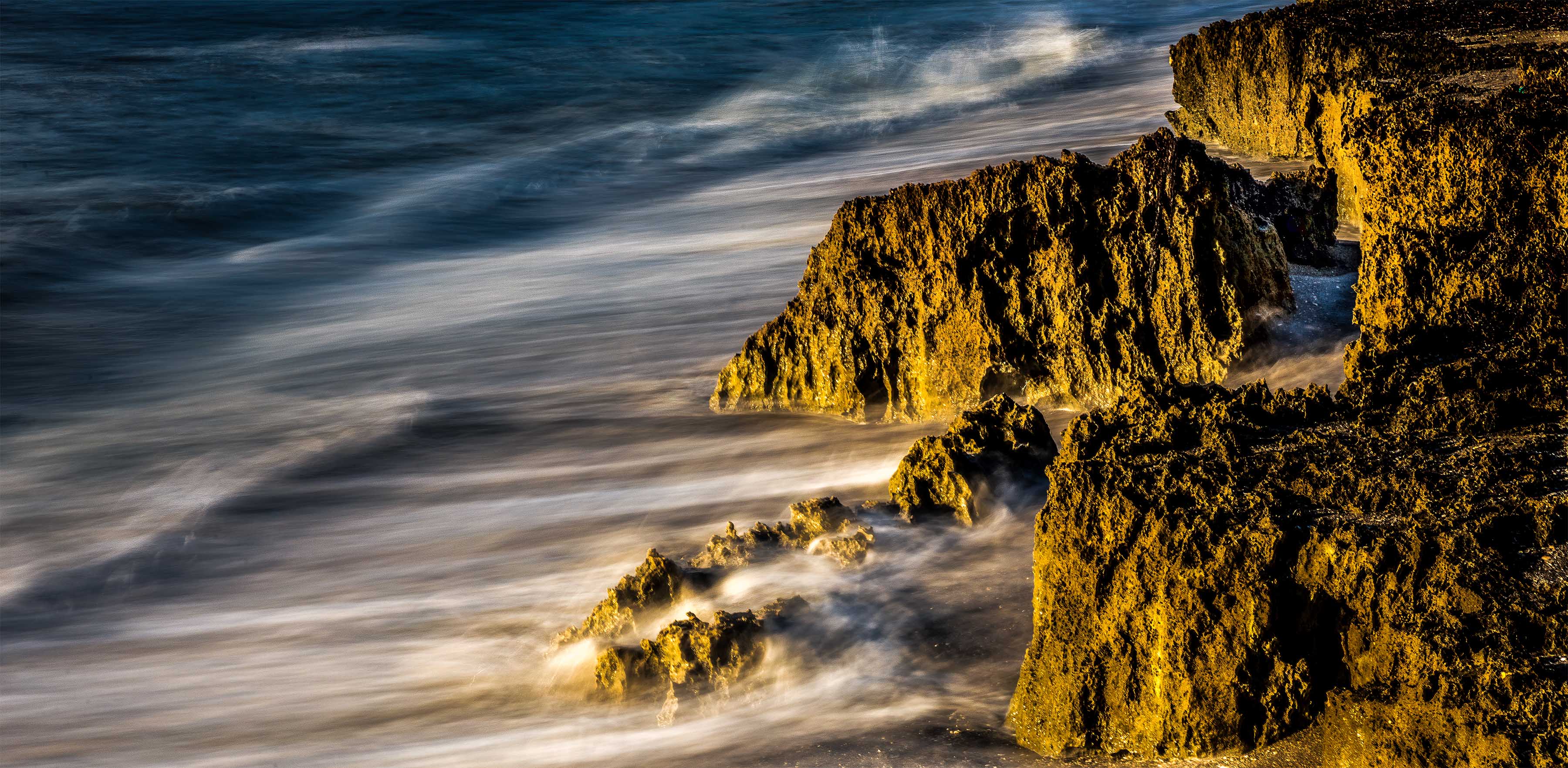
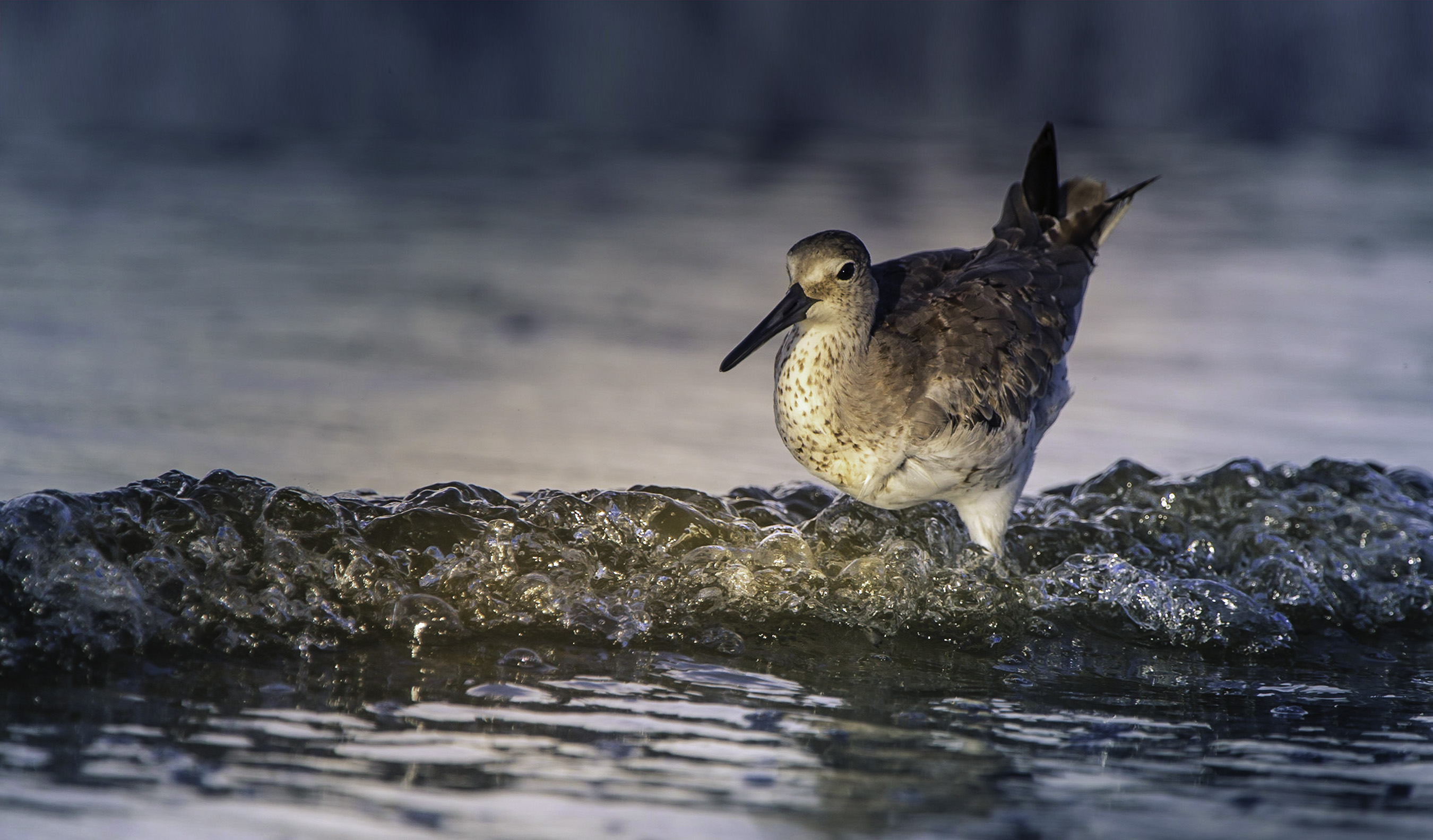
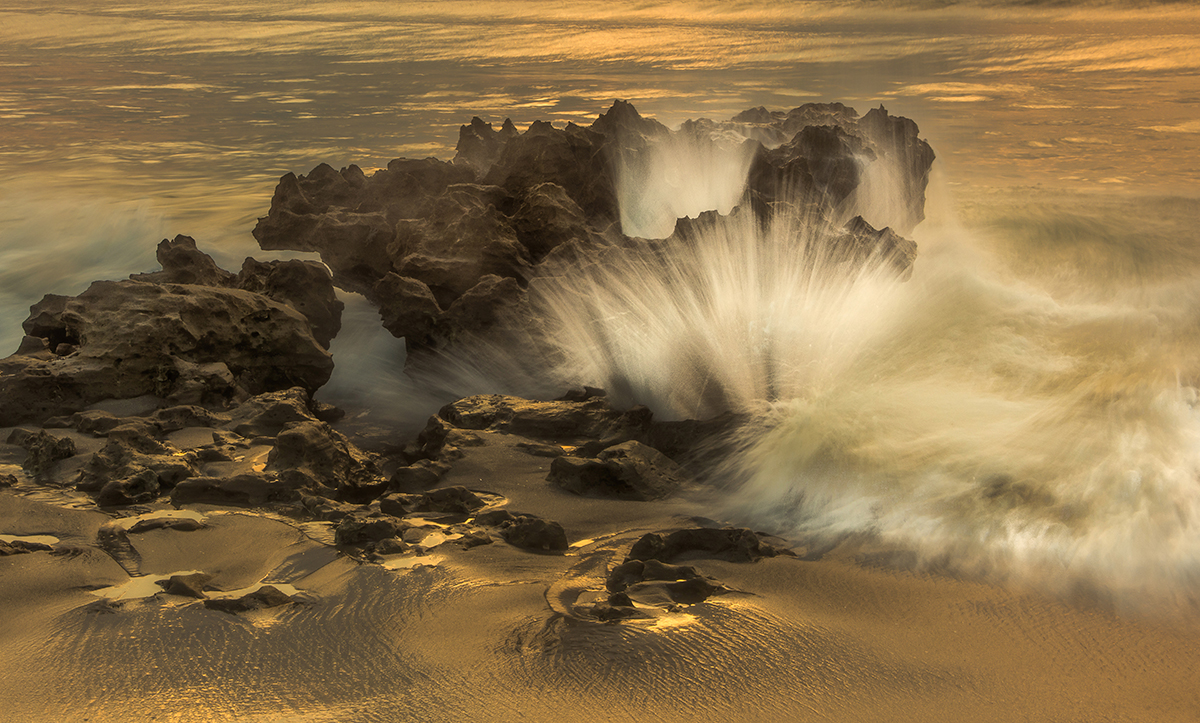
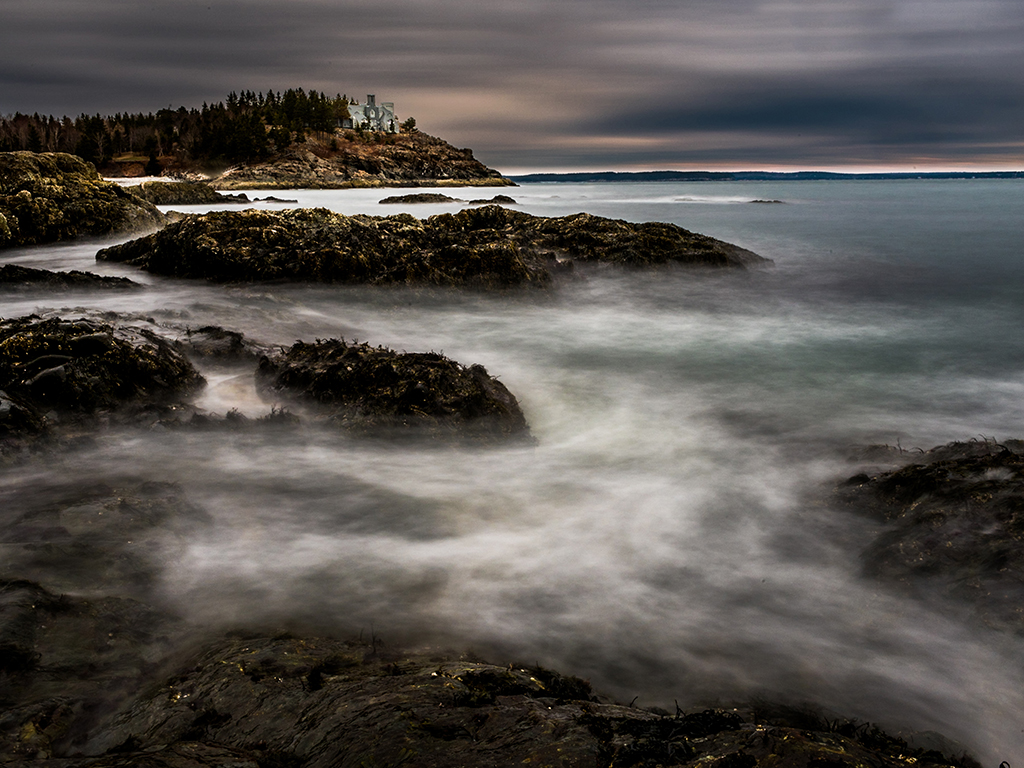
I think you picked the perfect shutter speed as you have both a hint of frozen spray and yet have allowed the upper section of waves to "run" just a bit.
When I evaluate images I keep returning to the fact that the eye is drawn to the light and bright area of the frame. To me this is about the waves. I would crop this into a more panoramic looking image and thus increase the power of the wave since there would be nothing else to really focus on. I also feel that format would increase the feeling of movement since the waves form a diagonal that flows off to the right. |
Feb 18th |
| 36 |
Feb 22 |
Comment |
Sorry for the delay in posting this. My computer has been in the shop for a litle more than a week
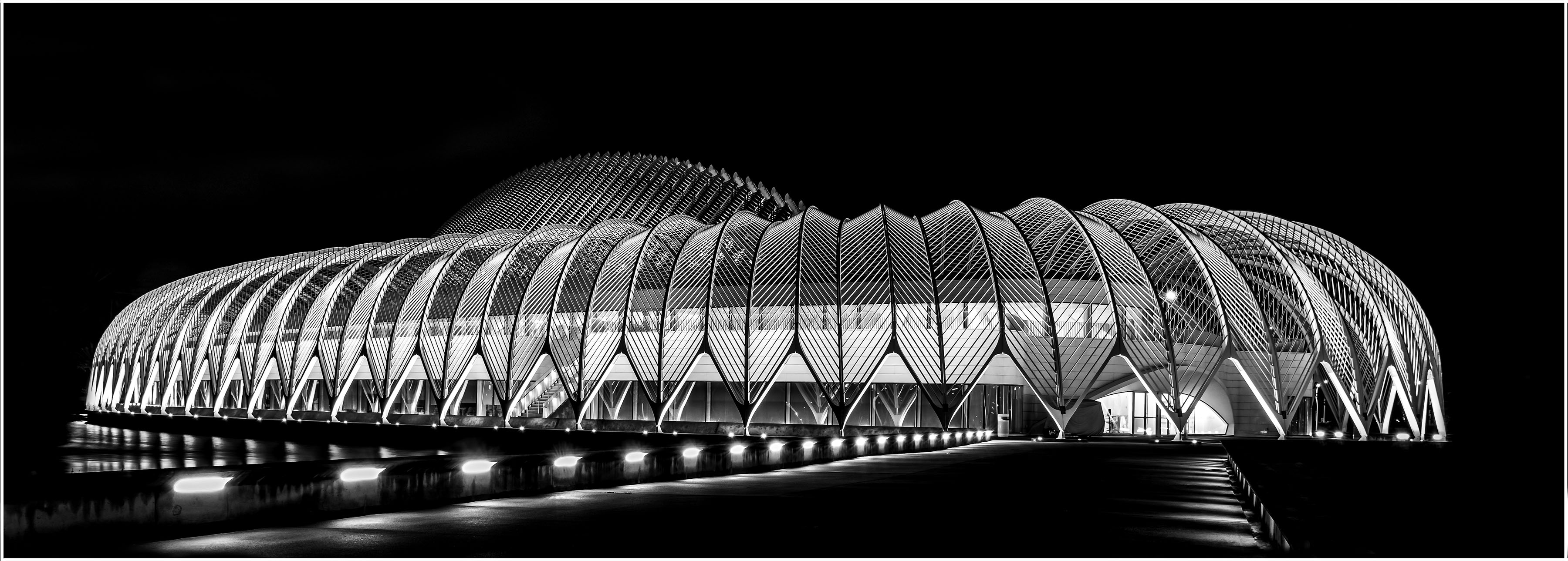
Mono chrome is a great way to show off architectural lines as it eliminates the distraction of color. That said your crop choice simply includes more distractions. You could easily remove some of the empty sky from the top and also the rippled water at the bottom of the frame. This wouod result in a cleaner and more simplistic image. |
Feb 18th |
| 36 |
Feb 22 |
Comment |
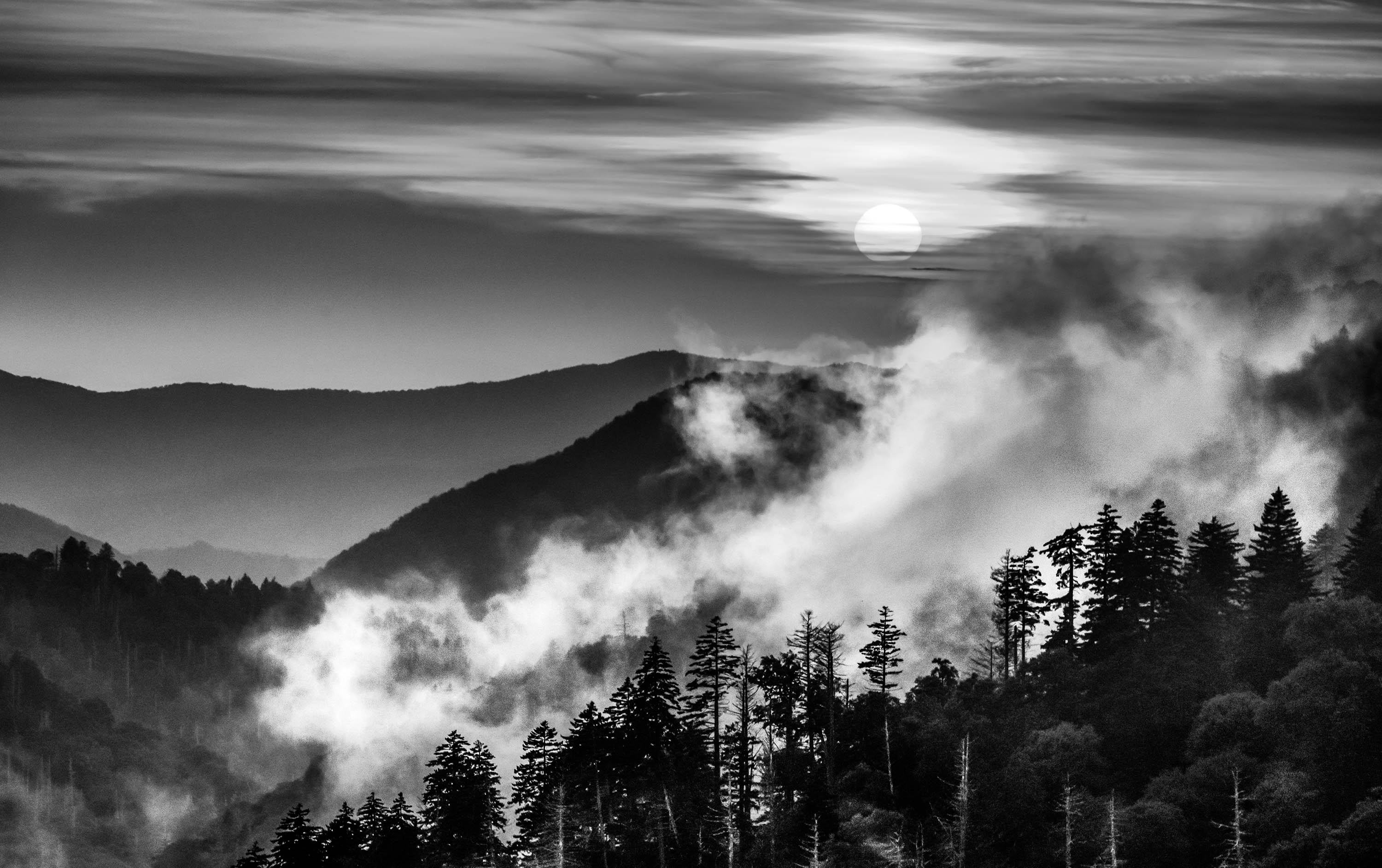
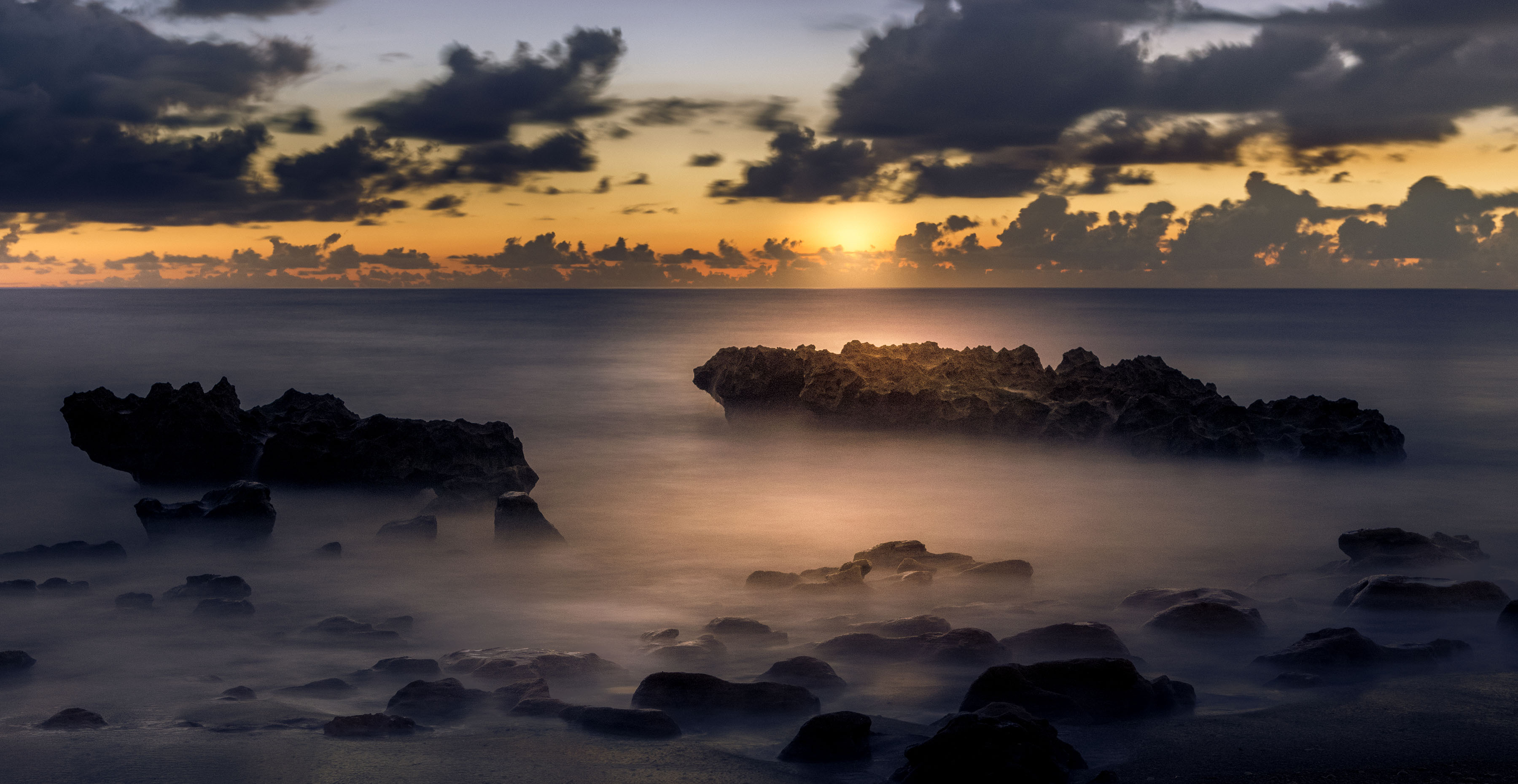
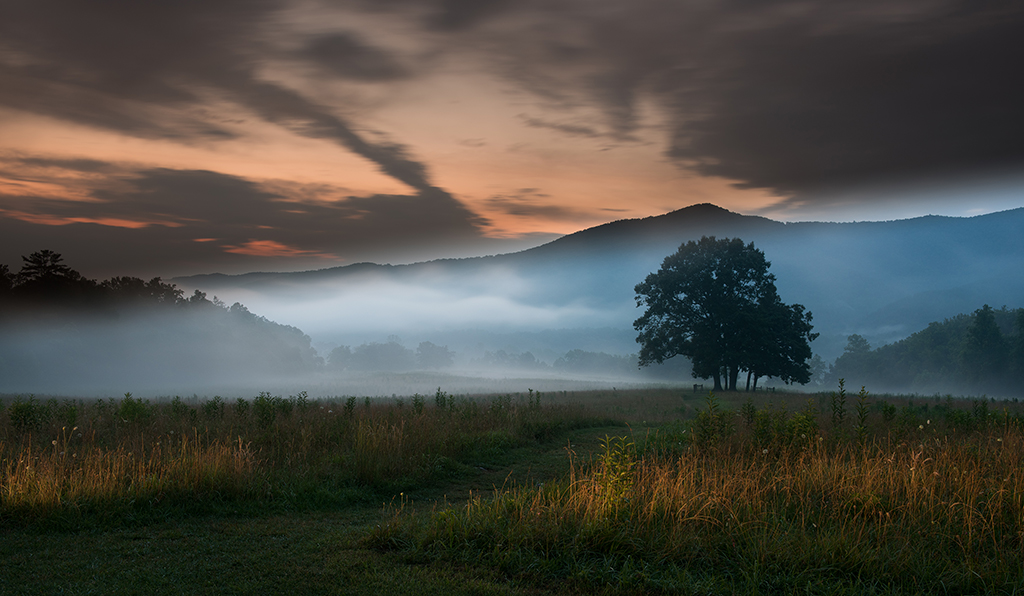
You certainly do have a dream like setting. But I fear your composition does not help the scene. Nearly one third of your image is taken up by the "foggy" sky which in itself is quite nonde. There is no detail in the clouds and thus leaves the upper third of the frame as the brightest area of the scene and thus distracts from the real subject the town. The manner in which the town is displayed you have place a bright partial building on the right edge of the frame. This bright building distracts the eye from the read of the town. Viewed together the two areas of the sky and the building weaken the compositional strength of the image. |
Feb 8th |
| 36 |
Feb 22 |
Comment |
This is a visually stunning image. Normally blank skies do a photographer no favors but in this case it served to draw more attention of the mountain range. The line of white capped peaks become the bright spot in the frame and the whole range seems to just float in the stillness.
Well conceived and executed. |
Feb 5th |
| 36 |
Feb 22 |
Reply |
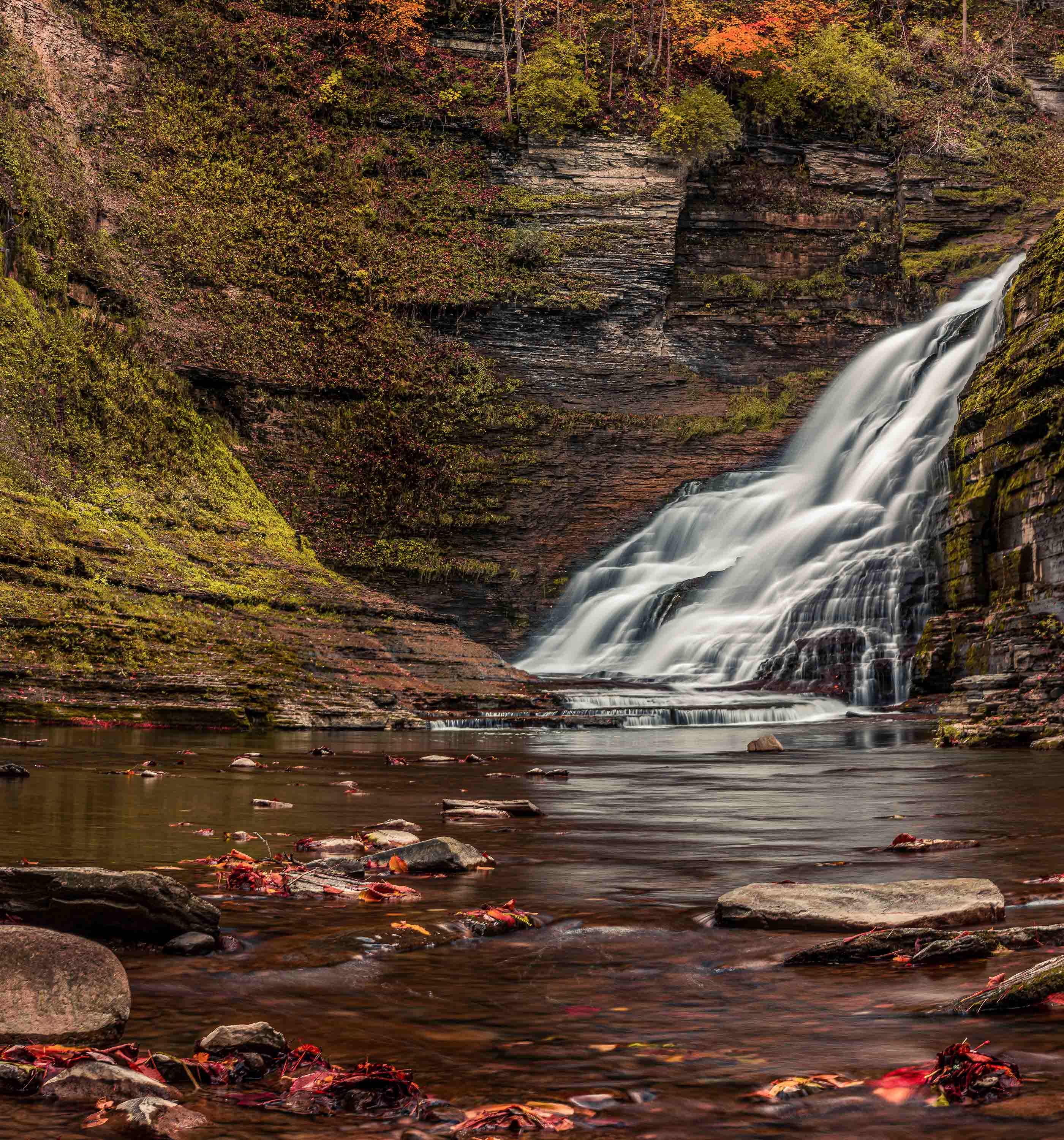
Richard. I just don't know. I thought about cropping the left side snow, but in the end it just seemed like that made the left side look way to warm almost springlike. The right side has all the color (ice and tree) I guess the snow makes for visual balance. |
Feb 2nd |
| 36 |
Feb 22 |
Reply |
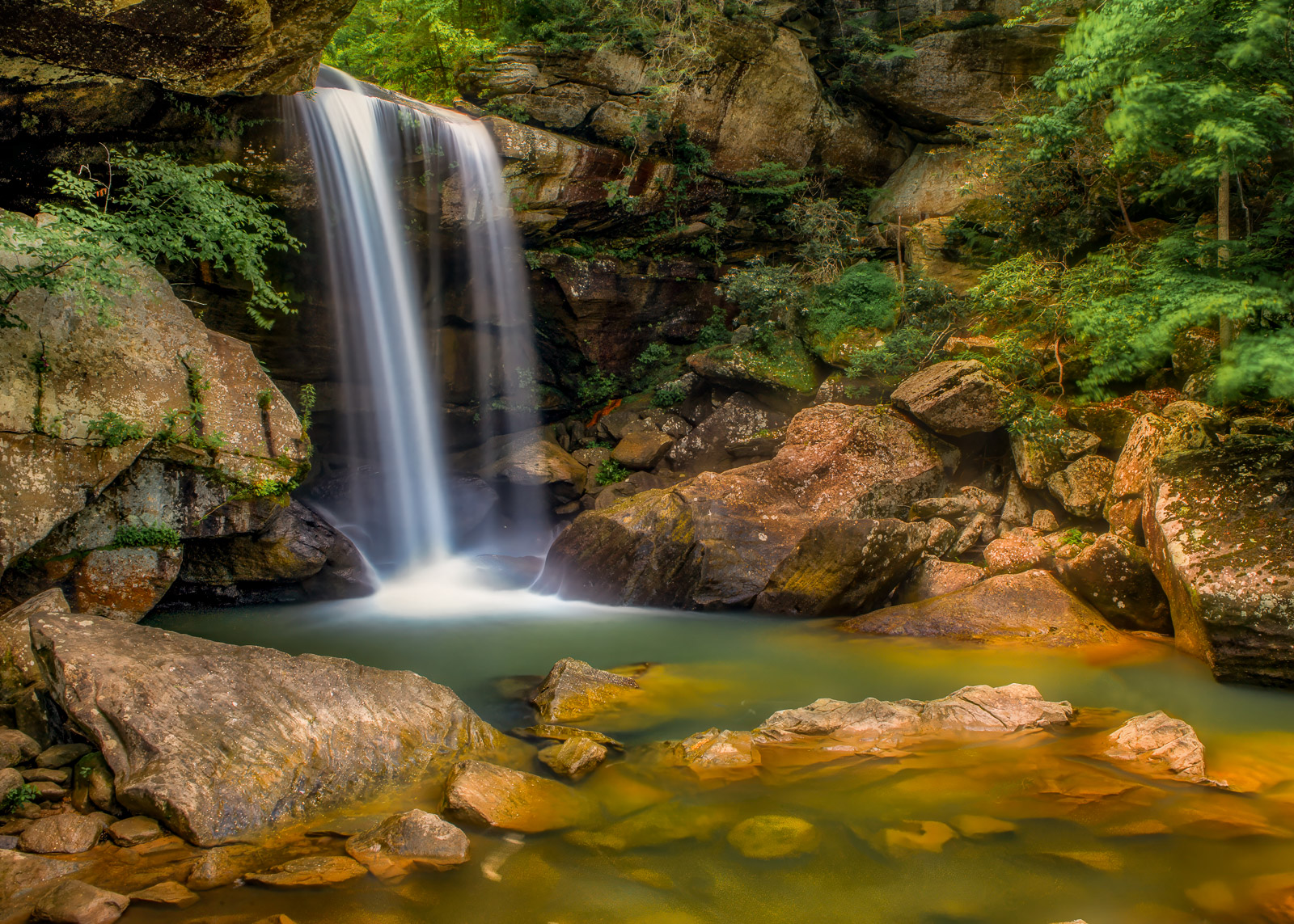
Michael
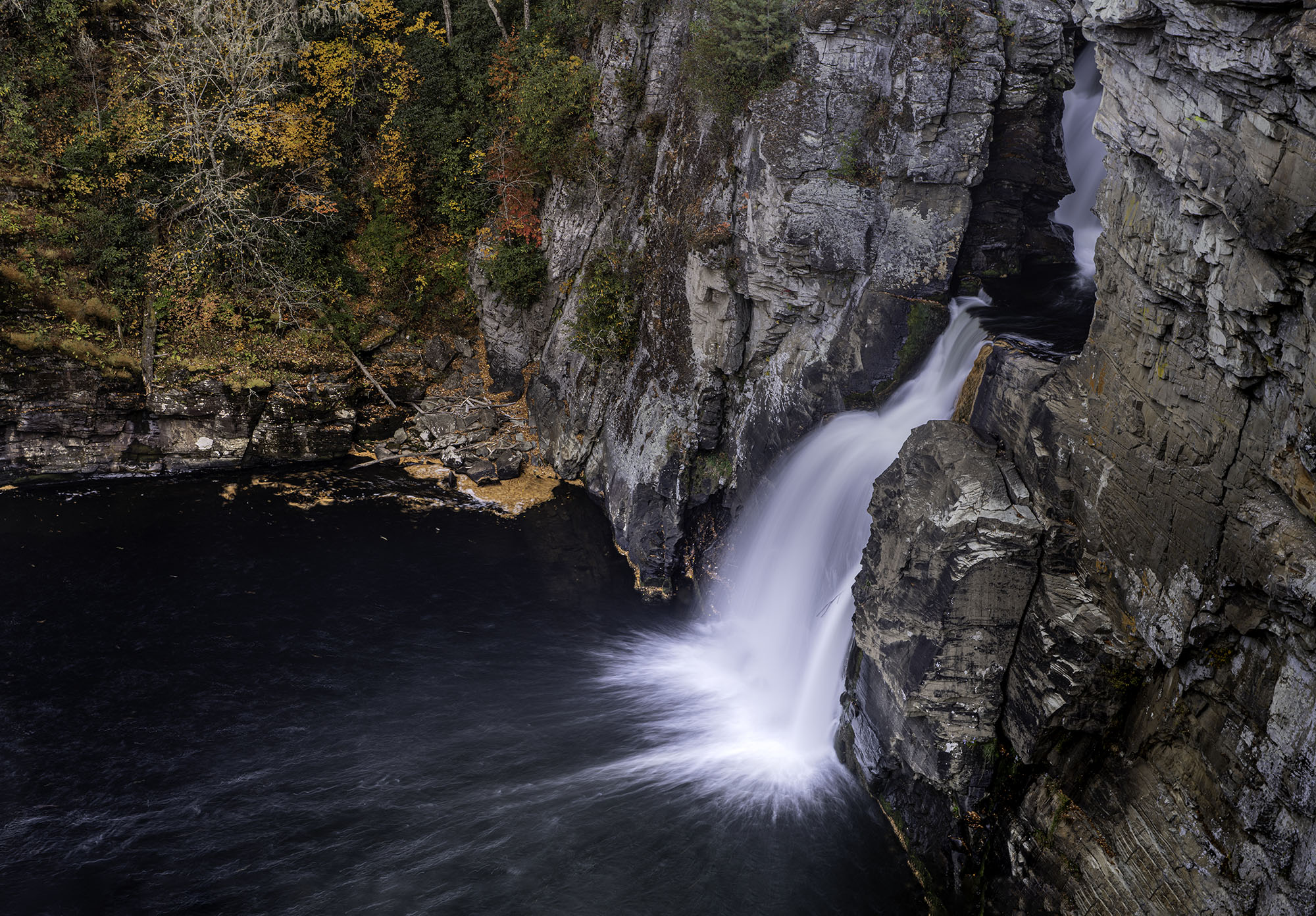
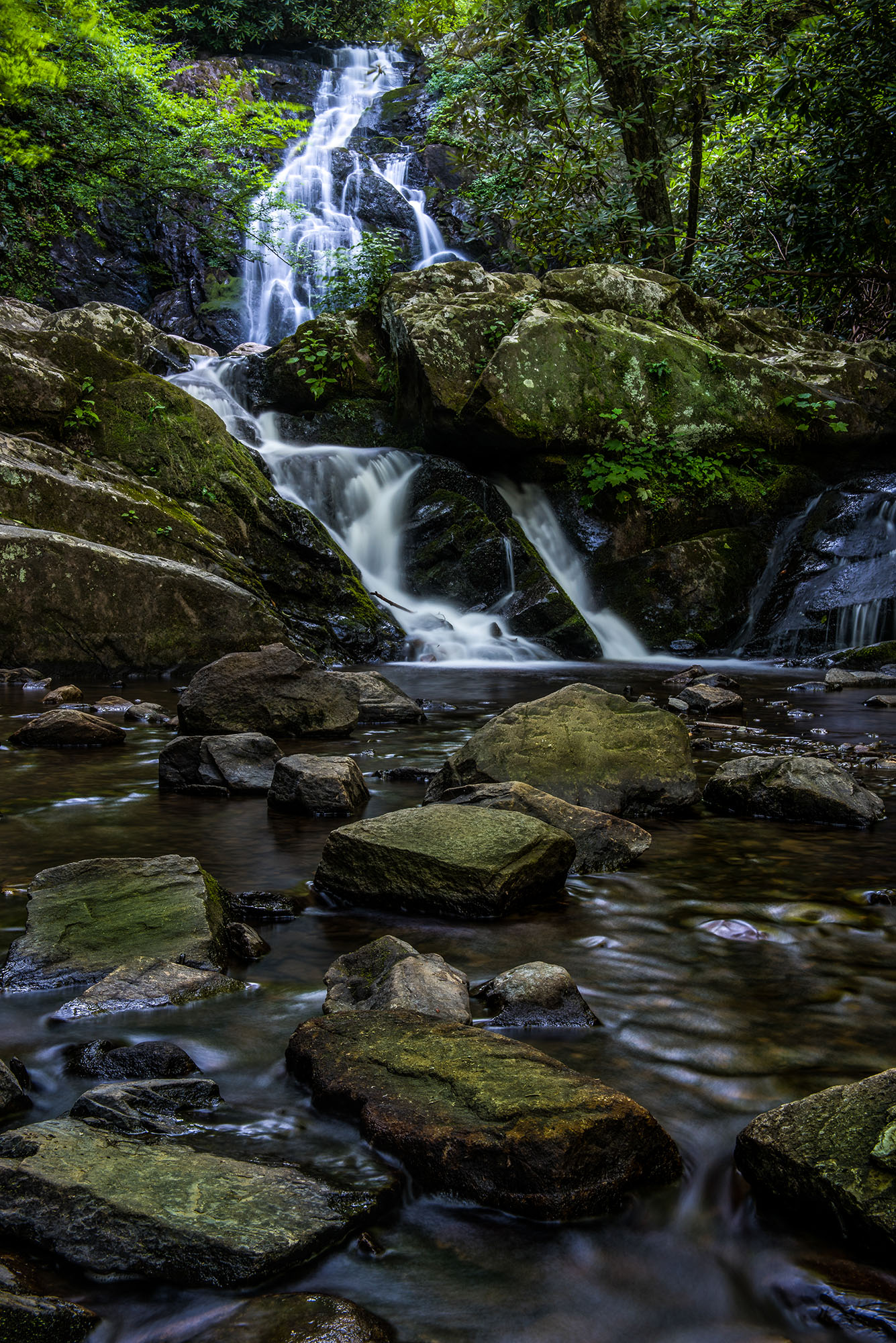
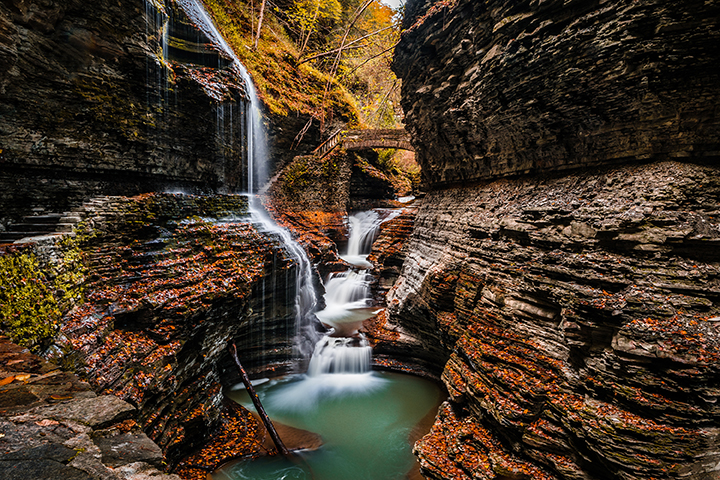
Like you said, the snow on the left I kept because I felt it was part of the story and I really liked the long and the stone "arrow head" that pointed at the falls. Sorry about the setting be omitted--I just forgot. ISO 80, f16 and a shutter of 1.6 seconds. I experimented with several and kept the 1.6 because some of the falling water seemed to look like ice and that was the look I was working on. As for the color--that sort of bothered me but the mud and the rock has a "dirty" red hue to it. The polarizer brought out this hue quite a bit. There are a great many red/brown leaves in the water which only brings out this tint even more. I did try to desaturate it just a bit because it seemed to much. And finally, yes there is some detail in the snow but it is lost in the reduced size. At full resolution it looks much better. There was no direct sunlight but lots of clouds that made a great umbrella and provided diffused light everywhere.
Thanks for commenting, I do appreciate it. |
Feb 2nd |
7 comments - 4 replies for Group 36
|
| 67 |
Feb 22 |
Reply |
Guess I'm snow blind. I went to get an image with snow in it and just couldn't bring myself to crop it out.
I need you guys to keep me straight! :-) |
Feb 19th |
| 67 |
Feb 22 |
Comment |
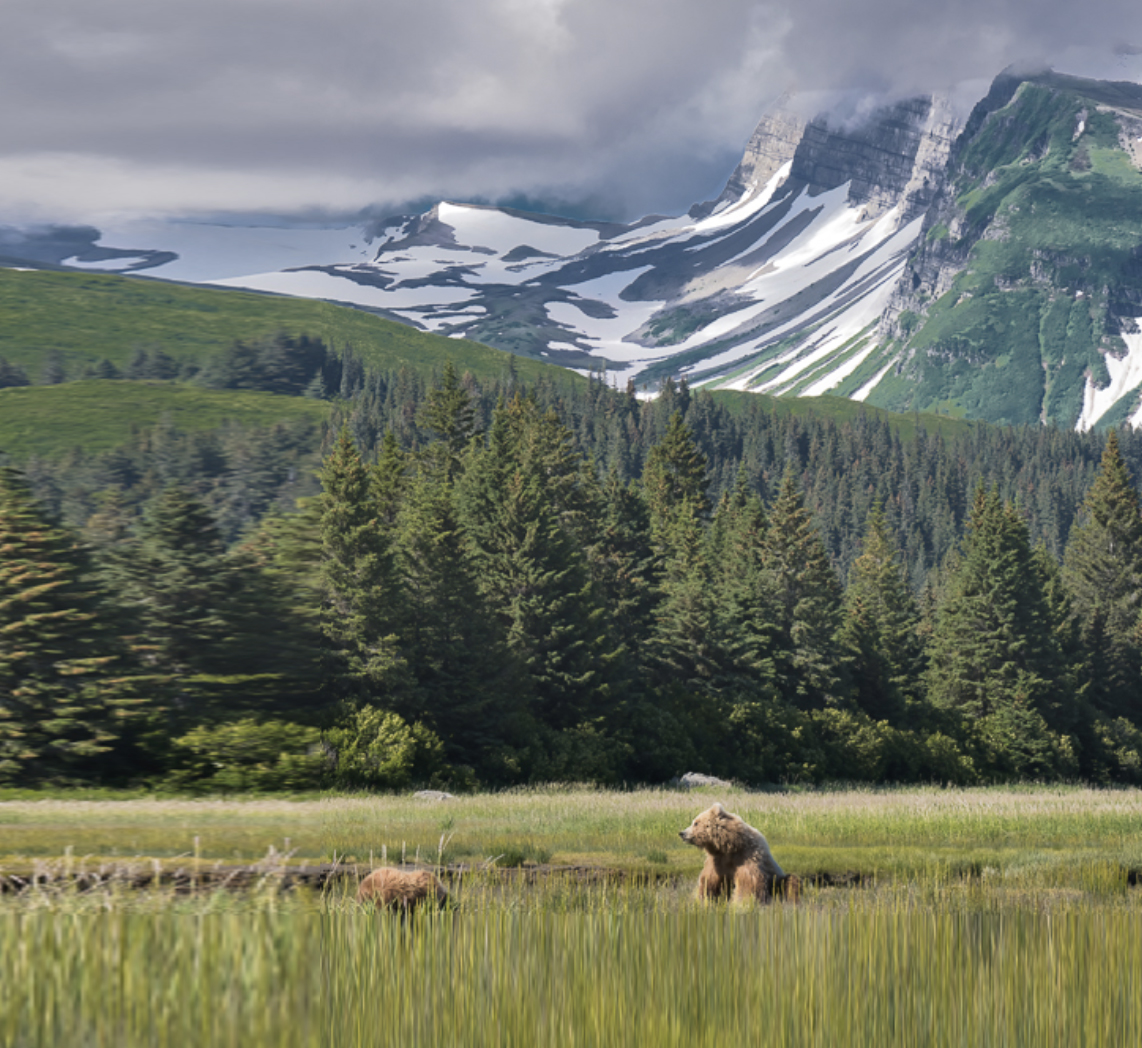
This is a nice environmental scene but I feel you have short changed the importance of the bears. Compositionally they should be facing to the right if they are placed so close to the left corner. Of course if you had simply shifted your camera to the left eliminating the first green mountain slope on the right and adding that space to the left you could have solved that problem. I also feel you placed the bears quite close to the bottom edge of the frame. Moving them higher in the frame would make them more dominate in the frame.
I've attached a quick mock up showing my idea. I know I just expanded the image and the proportions are wrong, but it will serve to show the concept. |
Feb 18th |
 |
| 67 |
Feb 22 |
Comment |
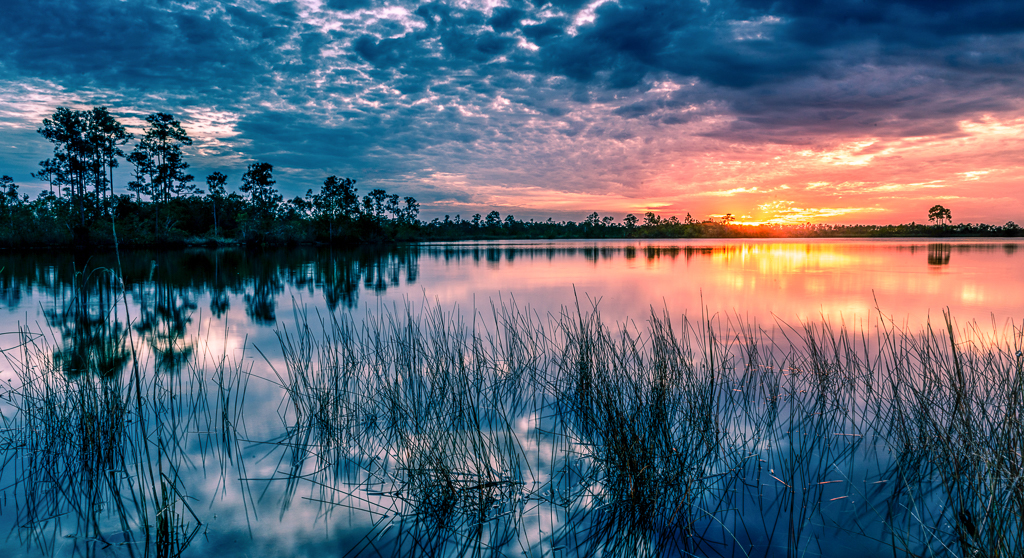
On my recent trips to N.C. to visit my son I seen a lot of these tidal creeks along I-95. I keep thinking that are some good photo opportunities with those creeks. This just proves it. This is a nicely composed image that works quite well in monochrome. I'm also quite impressed with the efforts you put into your post processing.
I agree with much of what Richard said, the scene is way to busy, and for me quite muddy. Good monochrome images make use of the full range of tones. I suggest you get a copy of Ansel Adams' Zone System as it shows the 10 tonal range scale from black to white.d If you lay that scale along side your image you will see that you have used very few of the 10 tones. This gives the image a muddy feel. If you process to bring out the full range the image will become much more lively. Notice also that your adjustments turned the bright spot in the sky to a dirty grey which is what ended Richard's journey through your image.
I would also suggest that you crop some of the clutter from the left side of the image.There is no tonal separation there and it really looks cluttered and muddy. The crop would eliminate that problem area.
There are a lot of possibilities on those tidal creeks---I hope you try a few more of them. |
Feb 6th |
| 67 |
Feb 22 |
Comment |
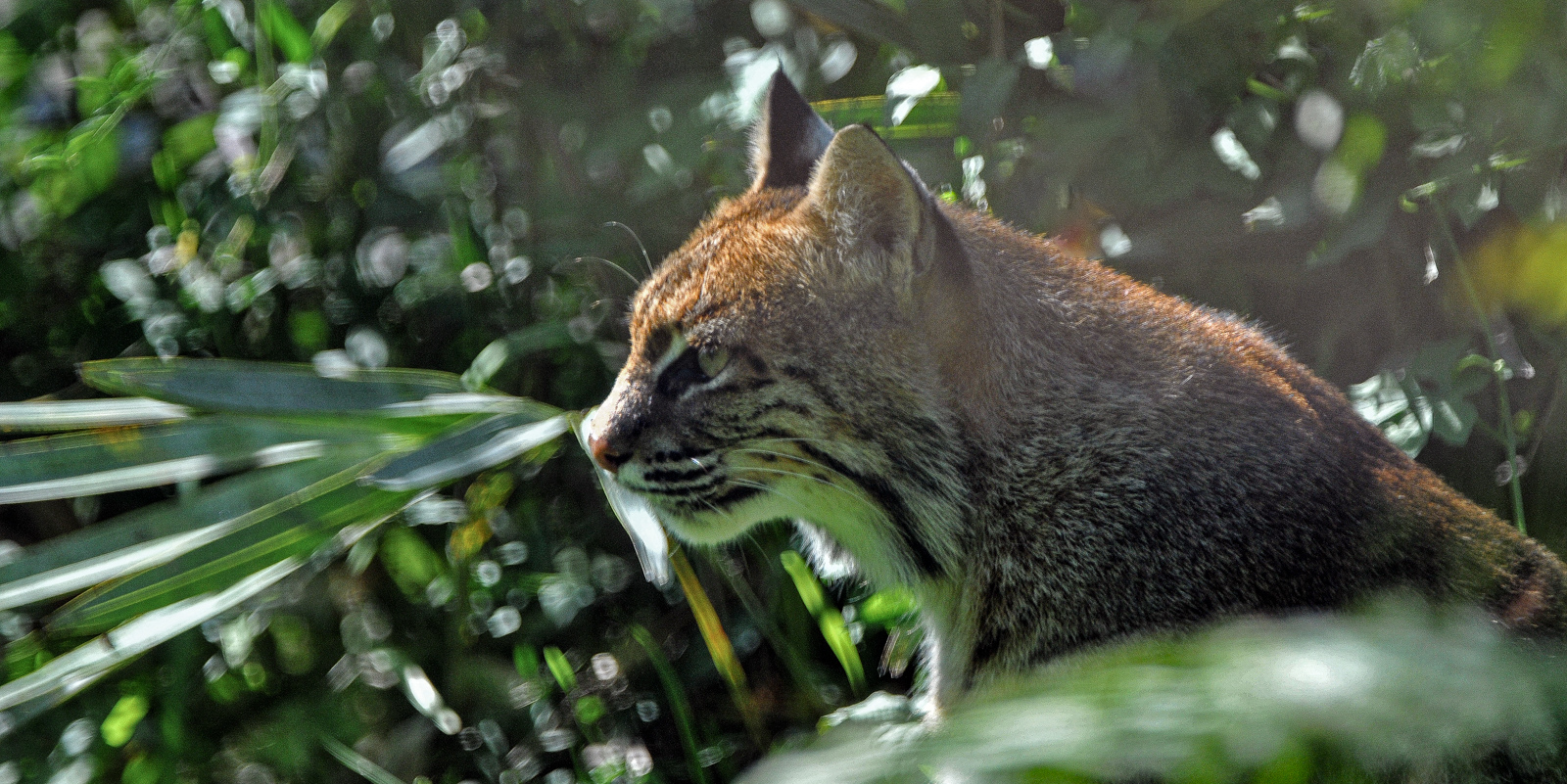
Well, you were quite lucky to find a bobcat at Merit Island. Been there several times but never found the cat. I do understand the fear of blowing an opportunity such as this but 1/6000 may have been a bit of over kill. I shot the Florida Derby a Gulfstream Race Track and froze the race horses at 1/2000. Other than hummingbirds you can probably freeze bird wings at 1/3200. I would think that you couldhave managed this cat at 1/3200 or 1/4000 and brought that ISO back down to 800. To me the cat looks a bit out of focus so I ran it through my Topaz Sharpen.dd The program said the image was noisy and out of focus. The program did sharpen up the cat's eyes quite a bit. So if you have TOPAZ, give it a try. You really have got a good portrait of bobcat to remember your trip. |
Feb 6th |
| 67 |
Feb 22 |
Reply |
Thanks, glad you liked it. |
Feb 6th |
| 67 |
Feb 22 |
Reply |
Thanks for commenting Richard. I ALWAYS use a polarizer for my landscape images other than for night images. Just too many surfaces that glare that are just waiting to ruin an image. Being from Florida I do not have too many chances to shoot ice and snow so I was very careful with my exposures. After a great deal of shooting landscapes over the years I have reached a point where I simply do not even think about exposure compensation any more. There are only three settings on the camera that actually matter--Shutter speed, ISO and Aperture. Dialing in exposure compensation merely changes one of those three. Not to brag, but I'm smarter than my camera. Since my subject is not going anywhere I just meter the scene, take a test shot, then look for overexposed areas and adjust MY CHOICE of one, or more of the three settings. If it does not work, I'll make a second adjustment after another test shot. I never leave a scene until I have a shot with no over exposed areas. I have three graduated neutral density filters in my bag that I can also use to make adjustments if necessary. I will use exposure compensation depending on the light when shooting birds that are rapidly moving about. But that is the only time. I very patient about my photography---I'd rather come home with one good shot than 7-10 crummy shots that I just grabbed and will not end up by keeping or showing to anyone
With this ice and snow shot I was terribly afraid of ending up with blown highlights or grey snow---which is a common exposure problem with snow. So I was careful and took lots of test shots. For the record that white spot on the left is mostly ice but there is some detail in the full side image. I noticed that it is lost when the image is reduced for posting here in this forum.
Like you I do not do a lot of vertical panos, but it is a useful tool on occasion. |
Feb 6th |
| 67 |
Feb 22 |
Comment |
After 3 years of being a PSA instructor, teaching several online courses and serving as a judge for more than 25 camera clubs around the US and Canada I have decided what I want to have engraved on my tombstone. The two things are: The eye always goes to the brightest point in the frame and expose to the right.
Both apply to this image. In your image the sky is the brightest part of the frame---and as you note it is not interesting. Thus reduce it as much as possible. I would suggest turning this into a panorama by applying an extreme crop (see below) The second is always expose a landscape to the right. That is save the highlights. You can always open shadows, you can even do an HDR but you cannot bring back what is not there. Anyway you look at it the sky is overexposed. This is because 2/3 of the image is shady and that is what the camera's meter based its exposure on and so the sky is blown. It is for this reason I always carry a three stop (and a 6 stop---I over do it) Graduated Neutral Density filter and use it on at least 95% of my landscape images. I know I can apply one in processing with either LR or PS but it will not make any difference if the sky is already blown. Thus I apply it when in the field. That filter is ALWAYS in my pocket. Having that would easily have saved this shot.
You ask about the green bushes---frankly I would not have noticed them if you had not said something about them. This is because the sky is the biggest issue. But since you mention it---if the greens are too bright I suggest adding a luminosity mask and target just the greens but do so by reducing the yellow channel. Doing so will take the shine off the green---especially leaves and grass. You can move the slider to maybe -25.
In your attempts to salvage this image (which is well composed and contains an interesting subject) I feel you have increased the saturation to where is has taken on an unnatural hue. Everything seems to my eyes to be over saturated. |
Feb 3rd |
 |
4 comments - 3 replies for Group 67
|
11 comments - 7 replies Total
|