|
| Group |
Round |
C/R |
Comment |
Date |
Image |
| 36 |
Sep 21 |
Reply |
Thanks. I really wanted to see how others felt about my intent. |
Sep 16th |
| 36 |
Sep 21 |
Comment |
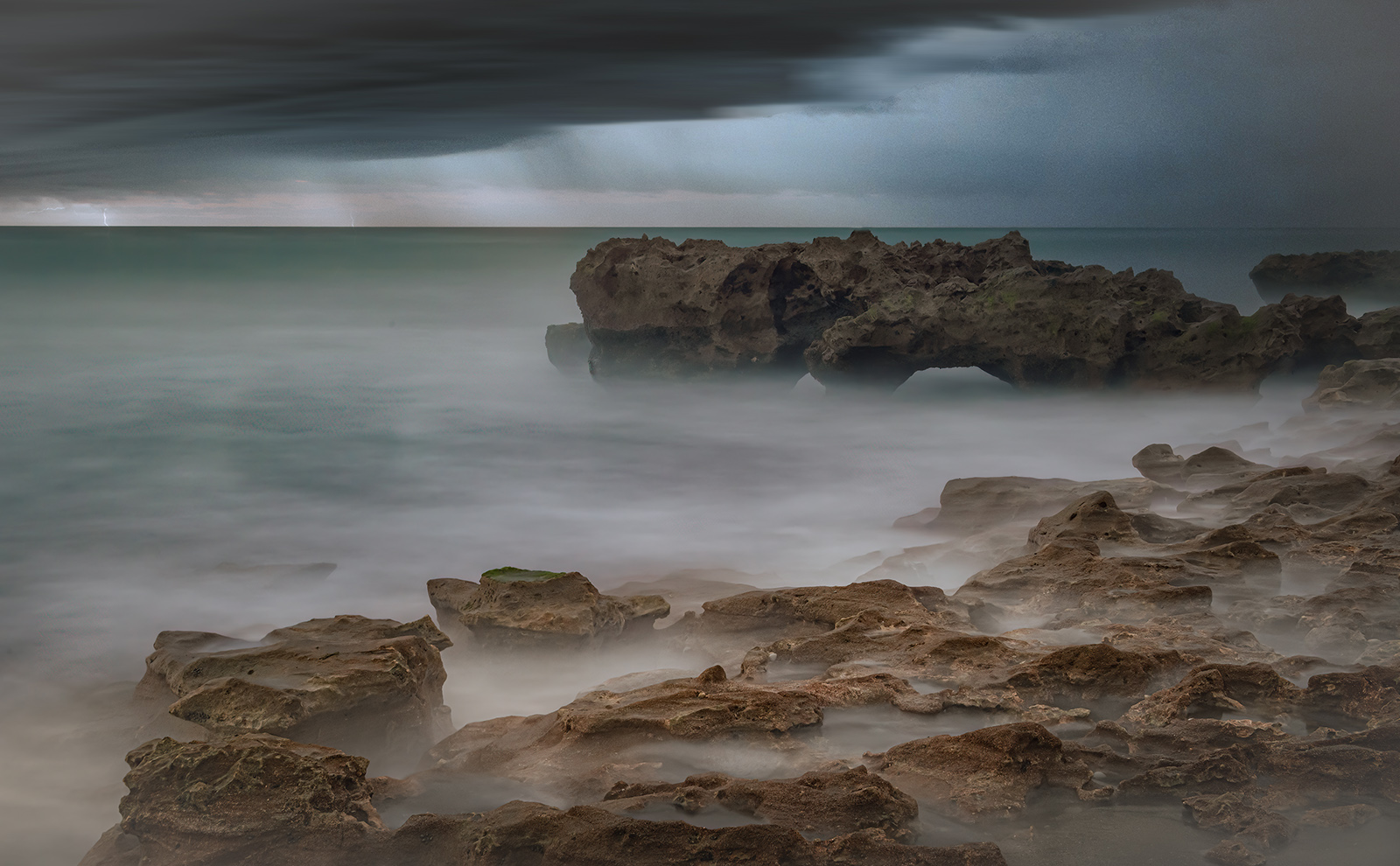
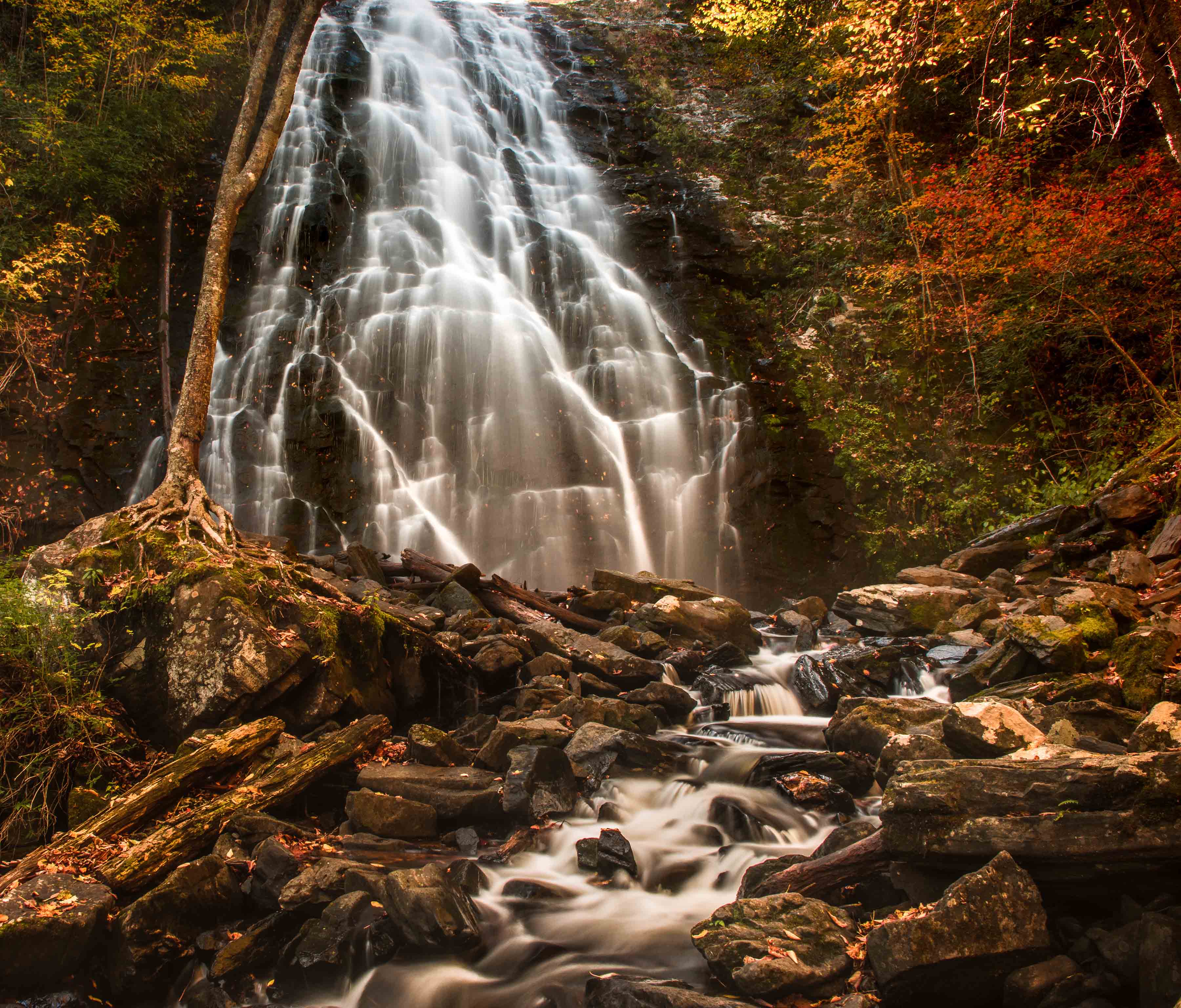
This is a lovely image of the coast line with so much drama. I think you have to decide if it is the coast line you want to bring out or if if it the autumn colors of the land that you want to set forth. For me the bright area in the lower right is just over powering and makes me miss the coast. i put the image in Lightroom and added a gradient to the lower right and muted the bright area. I used an adjustment brush to lighten the colors along the far coast (the yellows and oranges) and also to brighten the whites in the sea. Then I did some selective shading of areas in the sea. I think this brings more attention to the coast line. But the choice is up to you. Finally I cropped some of the former bright area in the lower right so it would not become the subject. |
Sep 16th |
 |
| 36 |
Sep 21 |
Comment |
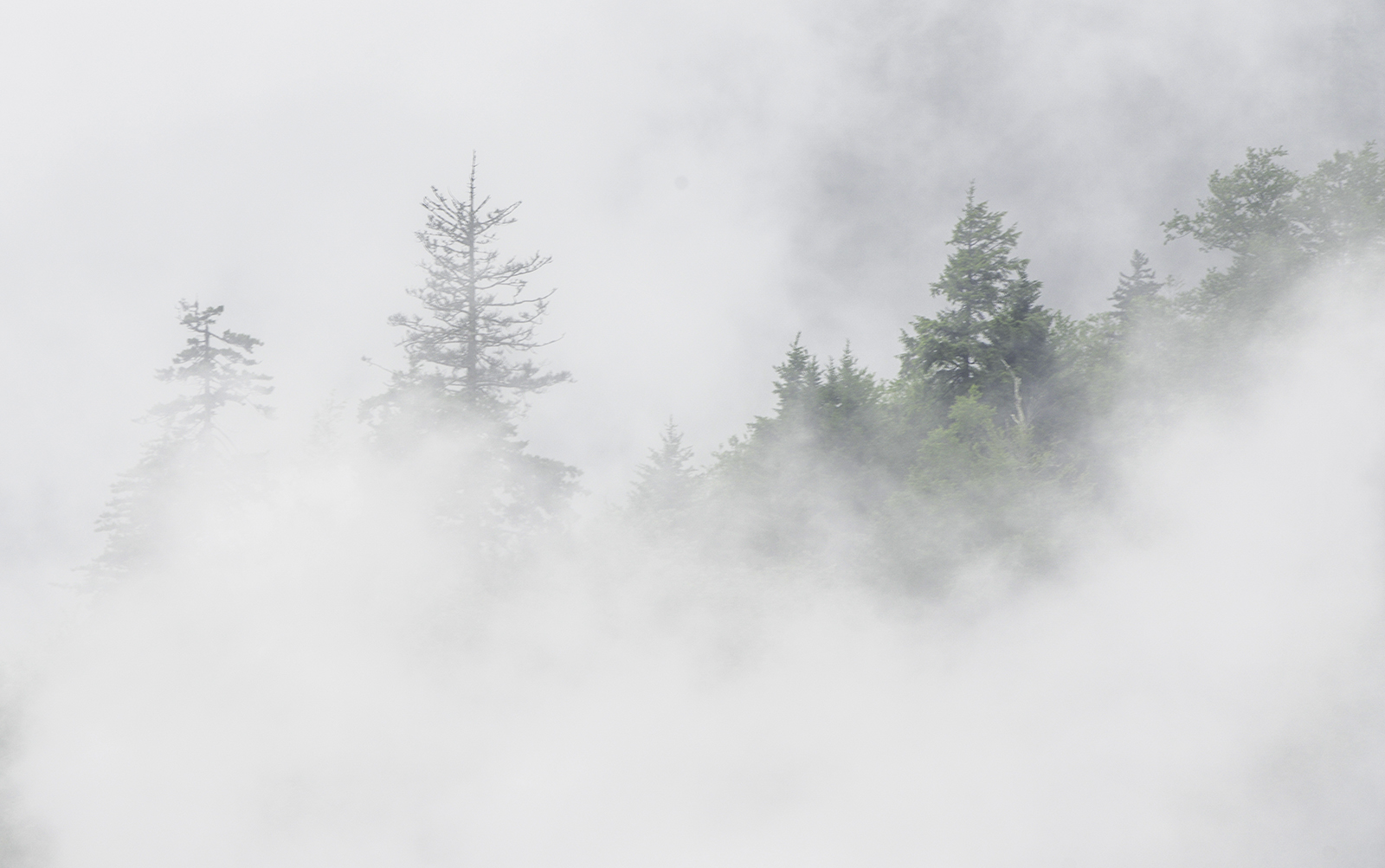
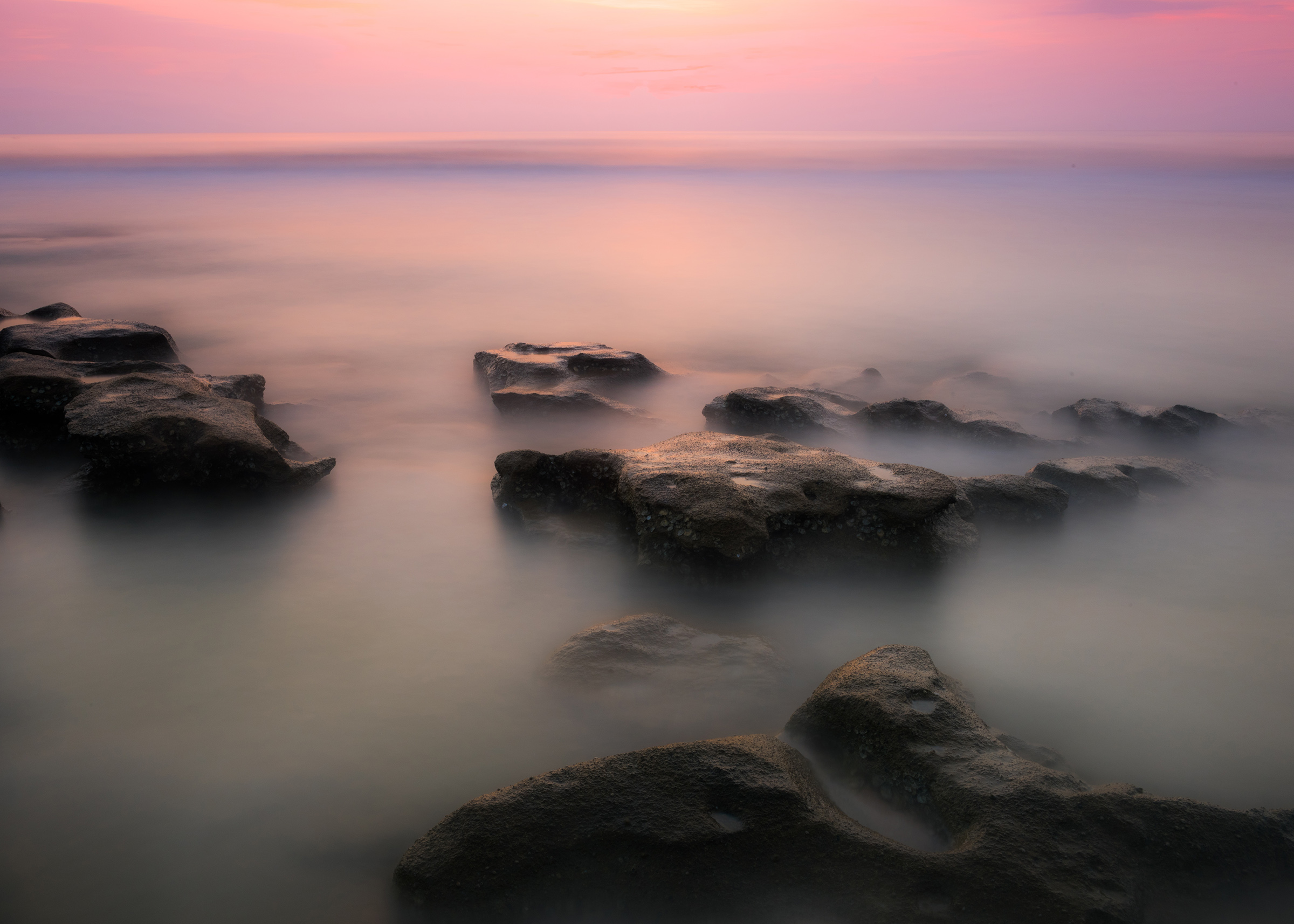
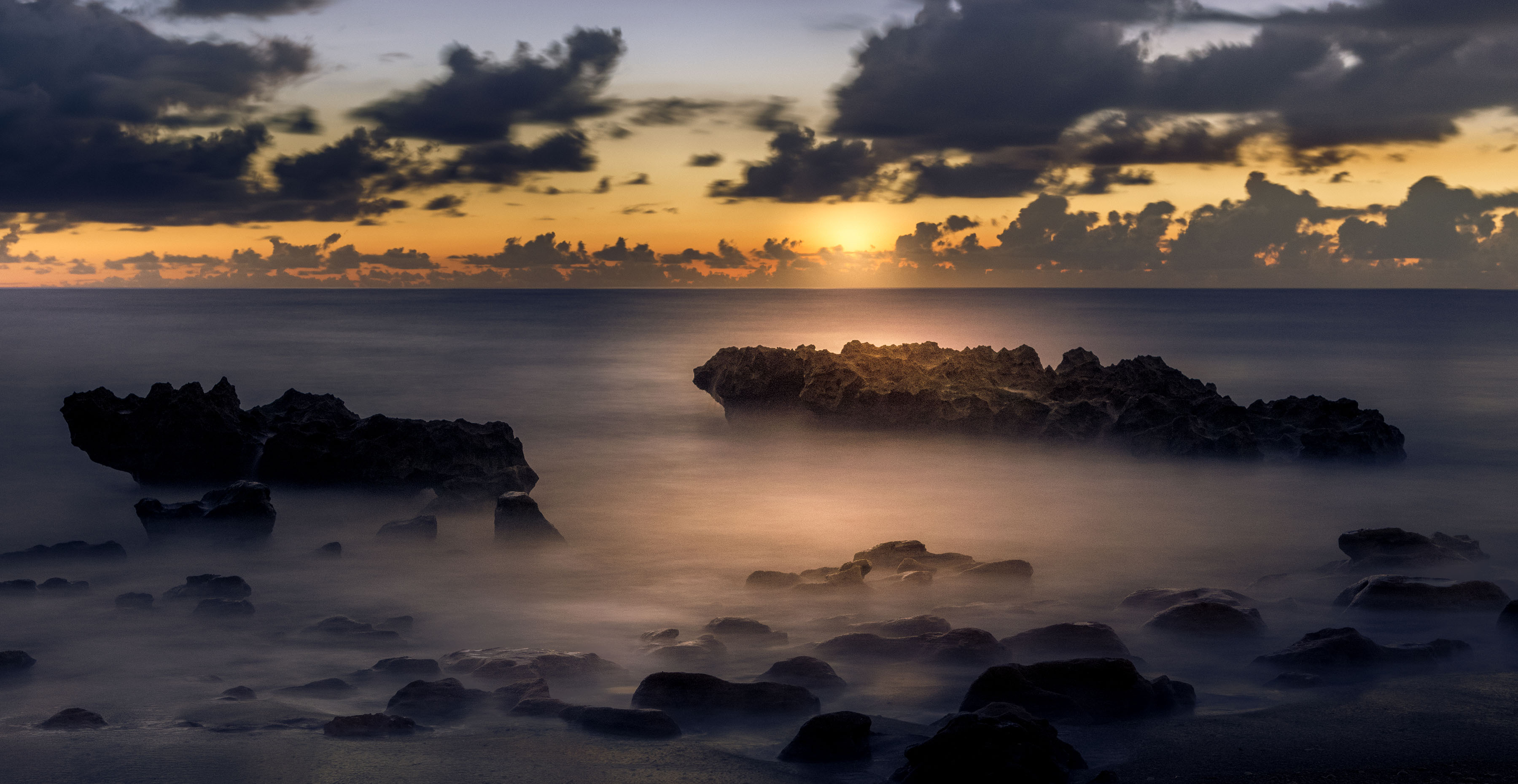
I'm a great fan of the concept that bad weather makes for good pictures. Here it is the fog that lifts this image out of the ordinary and makes it special. The soft and dark color pallet is also in your favor. However, as has been suggested, I would certainly crop heavily from the bottom to eliminate the water. This would just bring greater emphasis to the fog. |
Sep 16th |
| 36 |
Sep 21 |
Comment |
For me there is too kuch going on in this image that is hard to understand. I am first drawn to the white clouds, as they are the brightest part, and then left to discover the rest on my own. While I enjoy the rising diagonal lines that drive the composition the image is far to flat for my tastes. you have such a master's touch with your ability to dodge and burn that perhaps you coud work some magic with this image. Alternatively, perhaps increasing contrast would help. |
Sep 16th |
| 36 |
Sep 21 |
Reply |
Generally in competitions images with clear subjects, separated from the background and down with simplicity score better. So developing a simple style may be to your advantage. |
Sep 16th |
| 36 |
Sep 21 |
Reply |
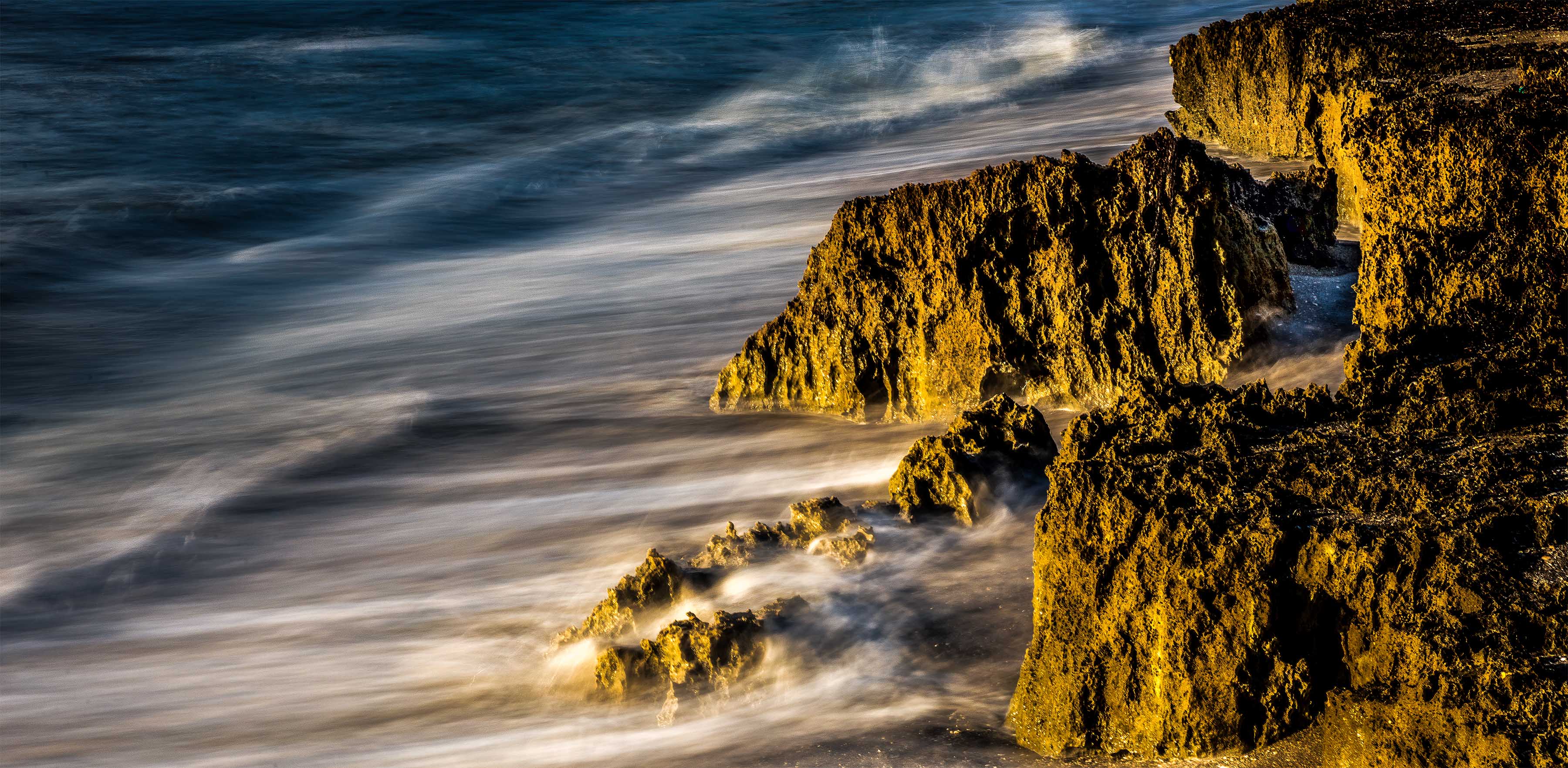
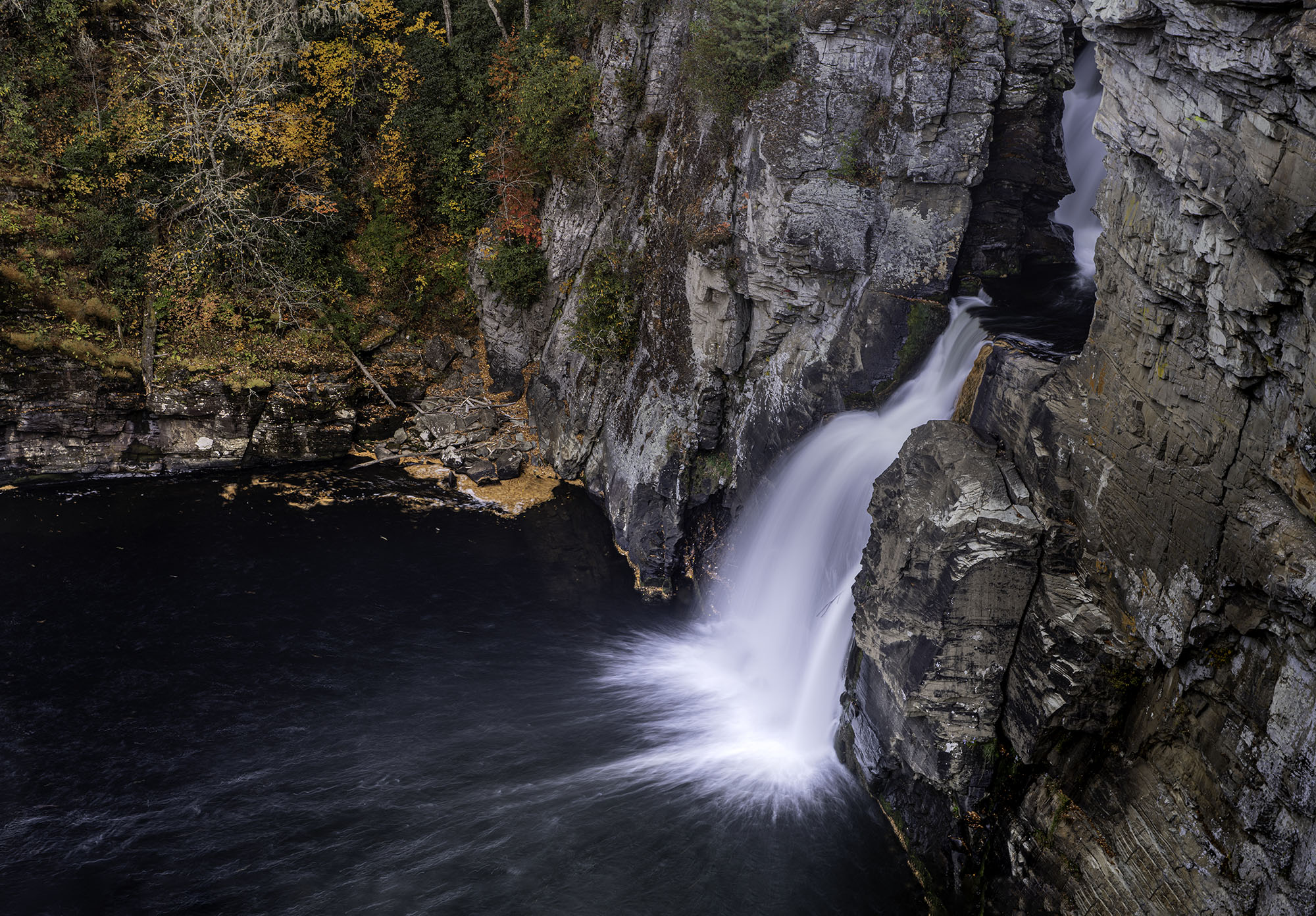
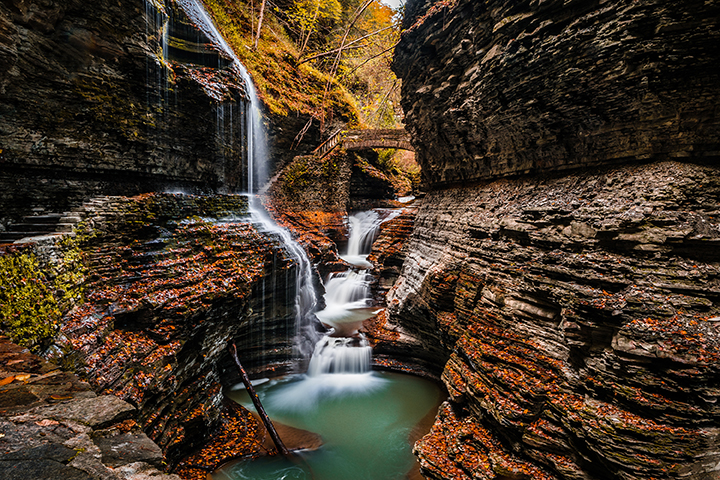
Thanks Nan
I'm not sure if you mean to saturate the rocks with more color or to make the image darker (lower the exposure) which would make the rocks look deeper in color.
My thoughts for the rocks was two fold. First I wanted the rocks to be at the center story. Thus I kept the rock lighter in color. The eye is drawn to the light and the bright so my hope was that the lighter/brighter rocks would drawn the eye. I used the lines of the running water to move the eye to the rocks.
If you give me a better idea of what you are suggesting----I'll be happy to give it a try. |
Sep 10th |
| 36 |
Sep 21 |
Reply |
Thanks Barbara
I try as often as possible to let the image tell a story, that is why I spend time thinking about the shot. The p an is to first identify the story and they to figure out HOW to tell that story so that the viewer can understand it. If I succeed, then the image works. I also consider the light is the most important part of the image. I really try to use the light to advantage. I hate the harsh light in the middle of the day. The light at the beginning of the day and the end is generally softer, and more directional. If I get the blue hour I can make the image cooler,or more mysterious, if the get the golden hour it will be warmer and and more up lifting. I try to work this kind of light into my story.
|
Sep 10th |
| 36 |
Sep 21 |
Comment |
Welcome to Group #36 on behalf of the entire group let me extend to you a hearty greeting. We are here to help each other improve our photographic experience.
Your first image is quite the eye catcher as the image has instant visual impact. D The well captured (well exposed) rising sun is certainly the highlight of the image. Using the flowers in the lower right as a strong foreground element helps to provide depth and interest in the image. D The flowers also add a sense of visual balance when combined with the portion of the wall that shows on the left side. The muted detail of the entire foreground serves to make the sky the real star of the image.
However, for me, that is the problem. As the eye of the viewer is readily drawn to the brightest part of the image and with the lines of the ridge and the upward thrust of the flowers everything leads me to the sunrise. For me, the wall is almost a forgotten part of the image because it blends so nicely in the shadows. I would also consider a composition that would eliminate the detached portion of the wall in the lower left corner as it just appears as something extra. If you look carefully the top of the wall on the left that runs from the foreground bushes to the tower appears to be catching just a bit of the light from the sun. Perhaps if you did a bit of dodging with a Lightroom Adjustment Brush thereby making it brighter it may bring some attention to wall.
|
Sep 5th |
| 36 |
Sep 21 |
Comment |
The first thing about this image that appeals to be is the space. I feel the pano format really sets the stage for the vast expanse of the dunes. This is strongly aided by the lone photographer appearing as such a miniscule figure when placed on nature's stage. If I were to do anything I would darken the background to draw even more attention to the dunes. |
Sep 5th |
| 36 |
Sep 21 |
Comment |
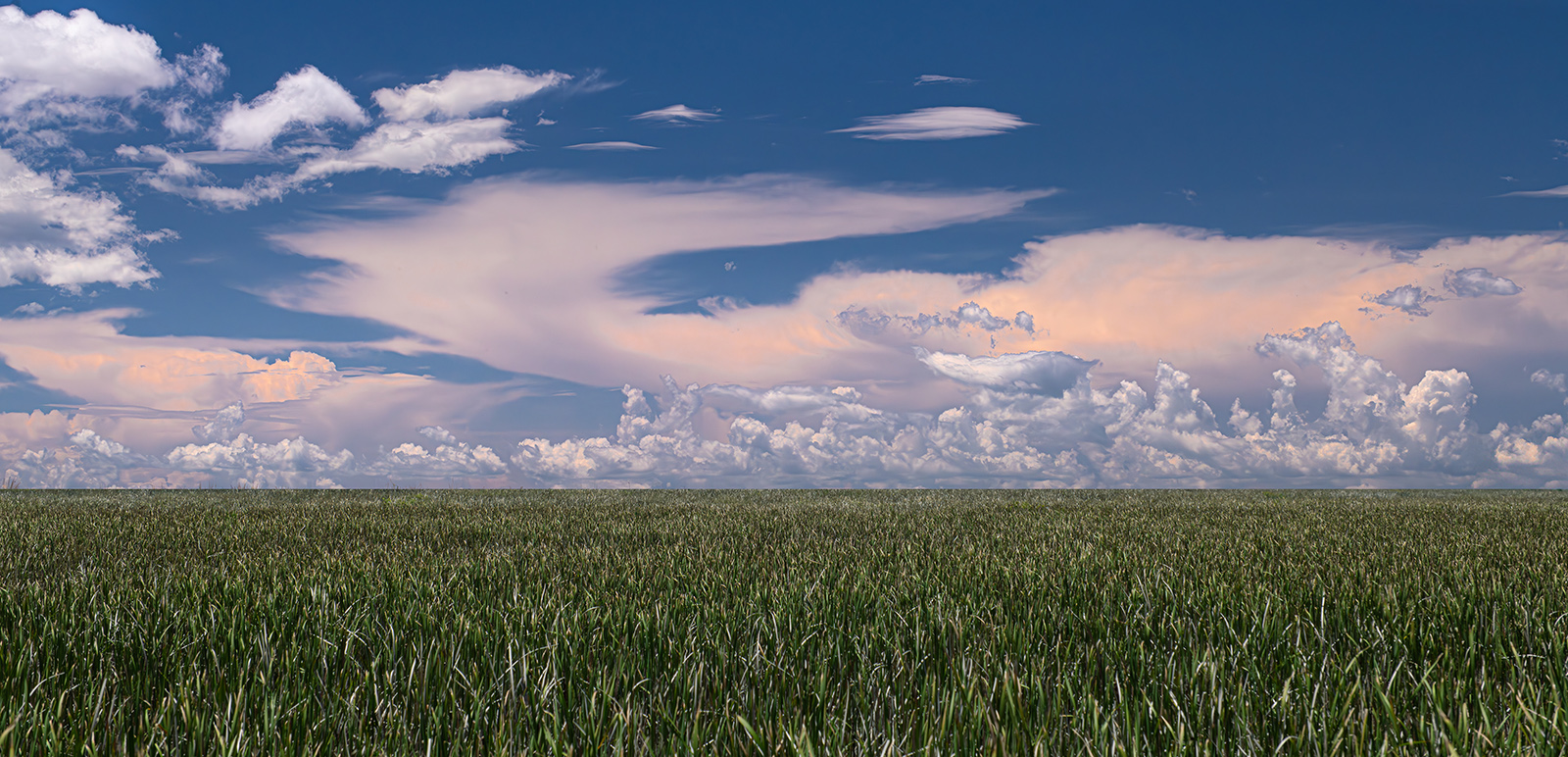
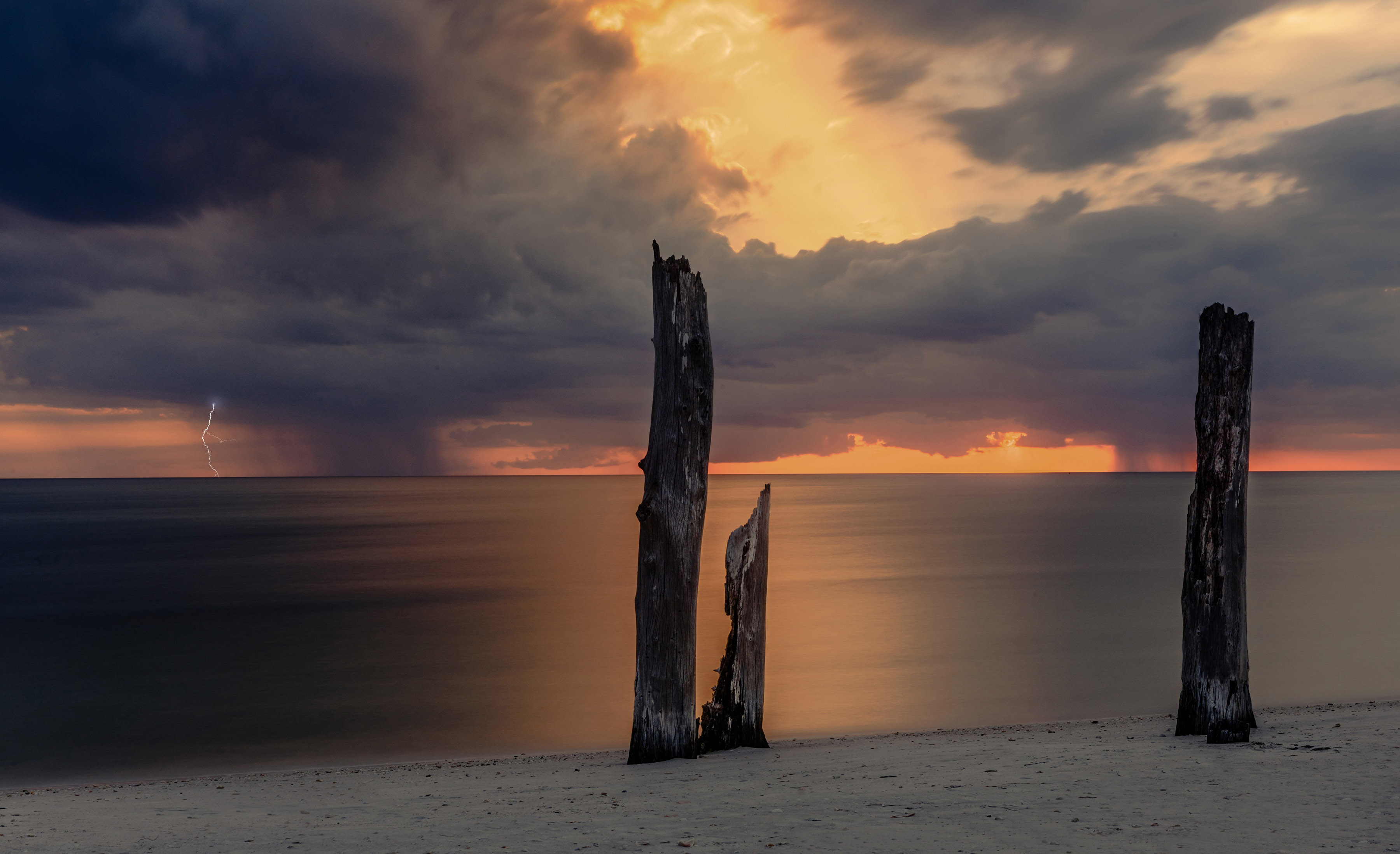
You have created scene that not only captures the coming storm but brings out the innocence of nature. The soft color pallet and the wonderful visual balance make this an impactful image. Simplicity often win photo competition because the viewer doesn't get lost in the clutter and can understand more readily what the artist wants to convey.
You really did a beautiful job with this. |
Sep 5th |
| 36 |
Sep 21 |
Reply |
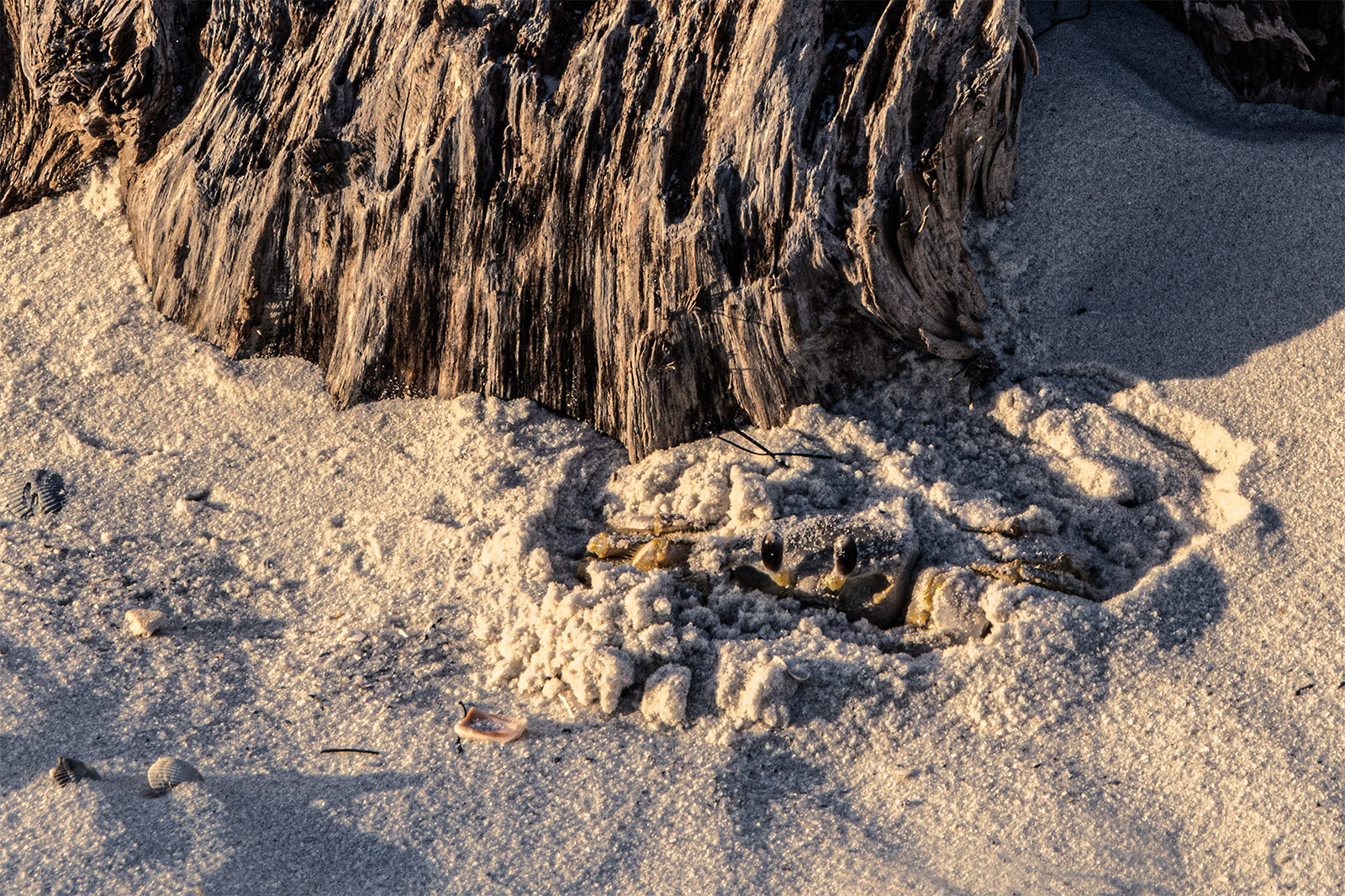
Michael
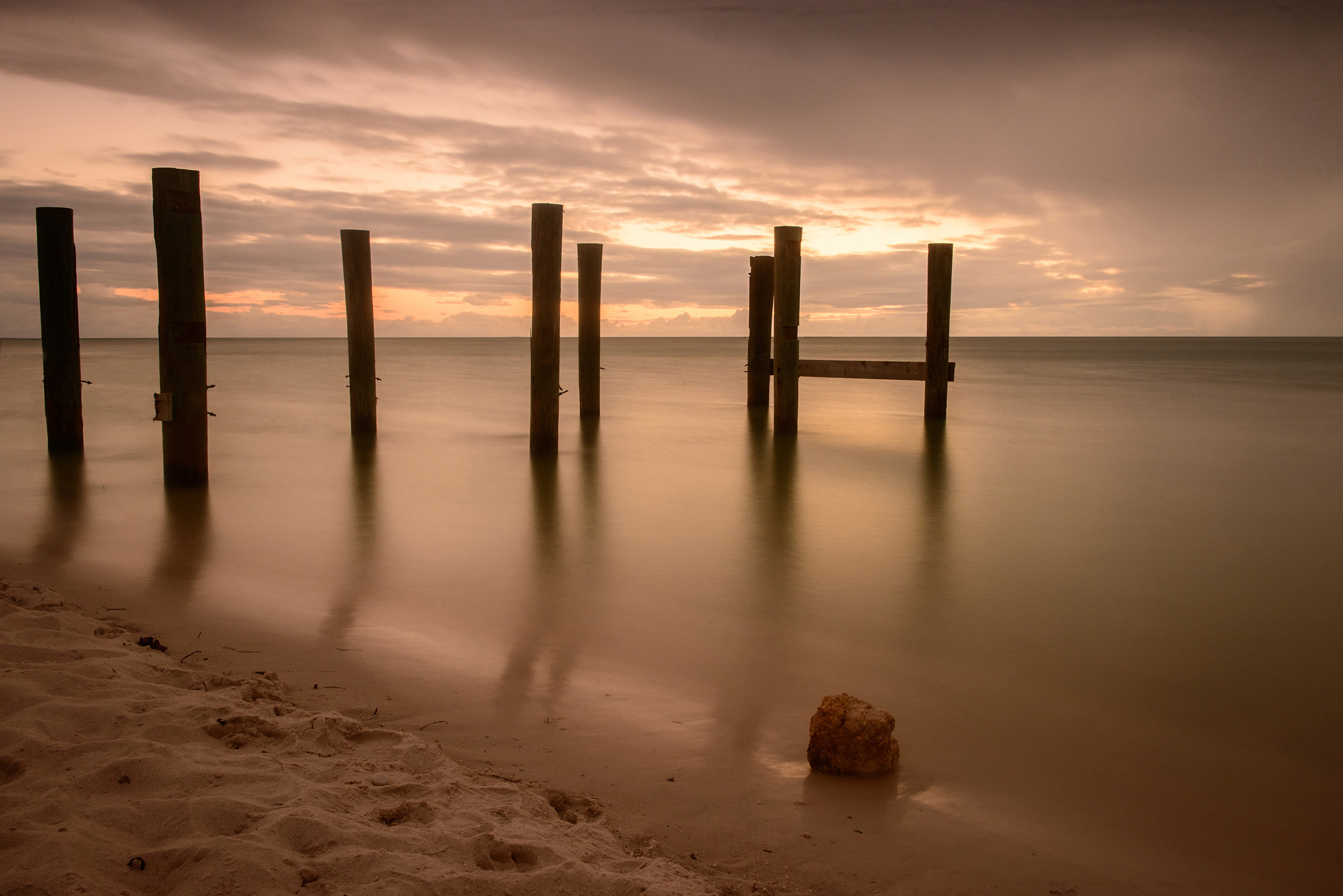
Glad you noticed. We have had a great deal of beach erosion. What you are seeing is the angle of the erosion. In some areas the beach is a full 6 feet lower than the high tide mark. It is almost like a cliff drop off. Some of the boardwalks are falling down because all the sand at the base has been washed out. I wanted to show that dropping angle. That is one of the reasons I chose this spot.
I do think you are on to something about doing this in B/W. Perhaps one month down the line I'll convert it. |
Sep 2nd |
| 36 |
Sep 21 |
Reply |
Thanks for commenting Richard. To me photography is about finding the special angle---the one that tells the story. |
Sep 2nd |
| 36 |
Sep 21 |
Reply |
Thank Paul. I'm fortunate to still be able to do the climbing, crawling and long distance walking that I like to do. This location is only a mile walk down the beach to get to. |
Sep 2nd |
6 comments - 7 replies for Group 36
|
| 67 |
Sep 21 |
Reply |
Davis
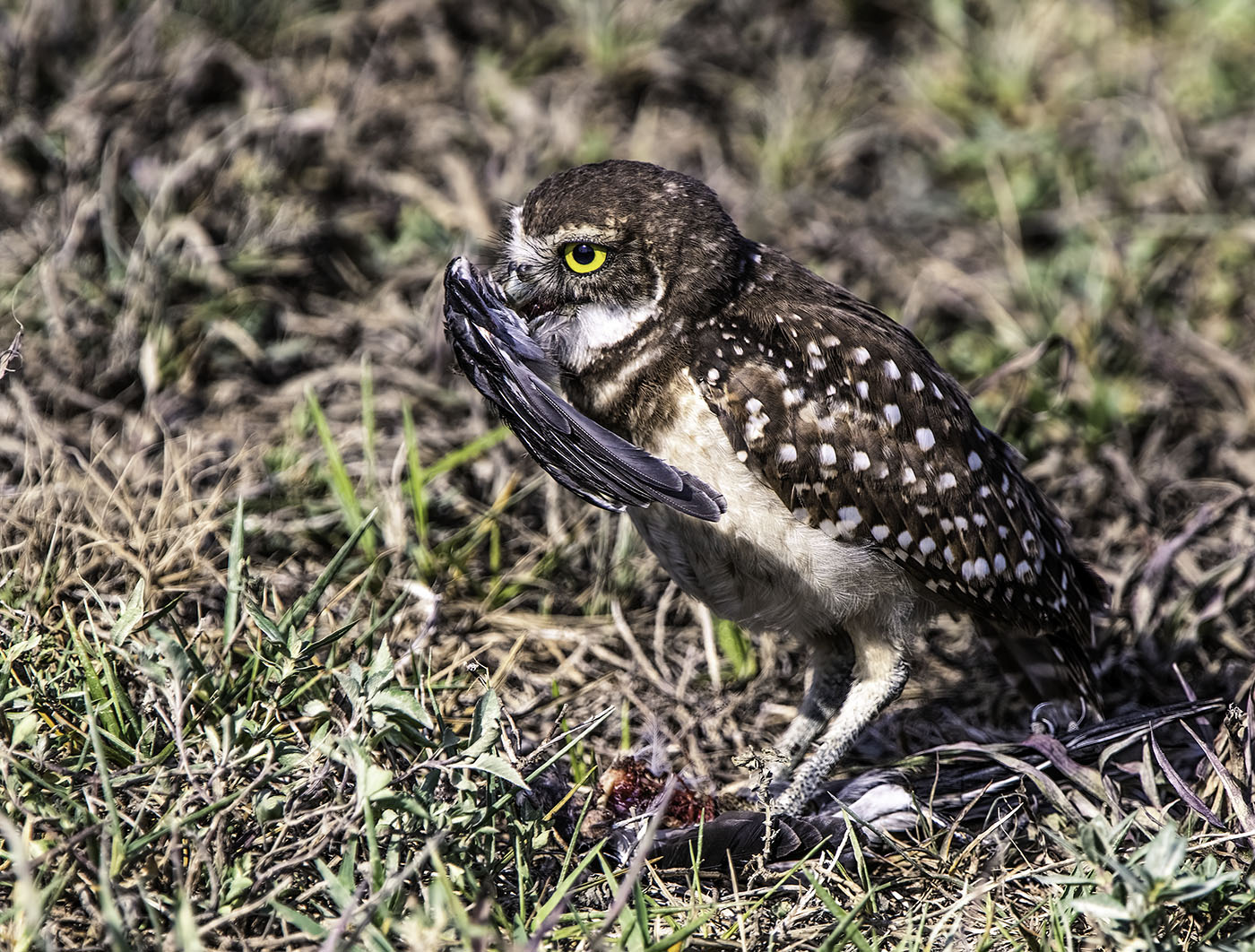
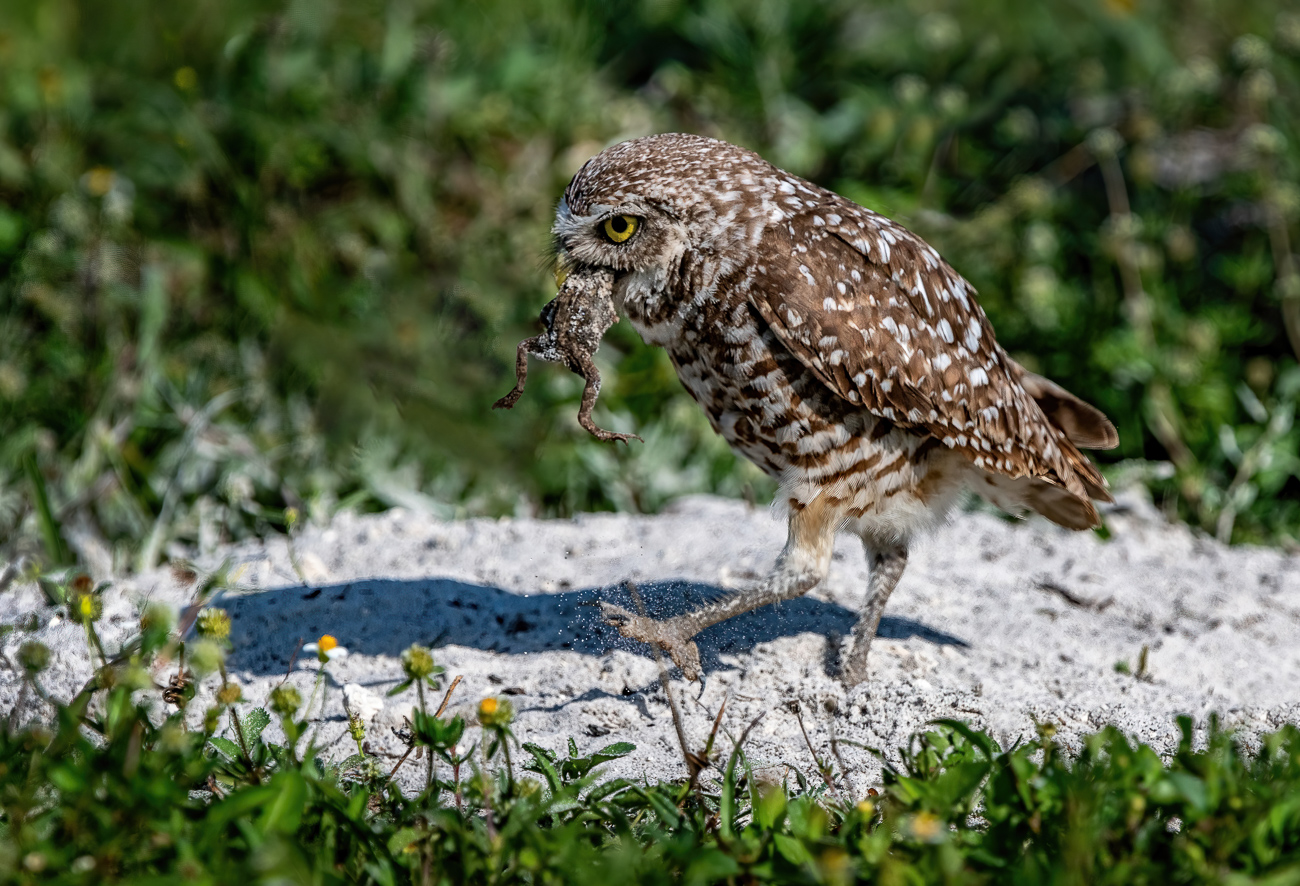
When the burrowing o w l does its manteling behavior it usually tucks its head either under or against the wing. The idea is to disguise itself to a bird flying above cannot recognize the bird or its prey. it I take the shot earlier then there is no raised wing to shield the captured prey. If I shoot later the head is usually completely invisible. |
Sep 21st |
| 67 |
Sep 21 |
Comment |
Jason
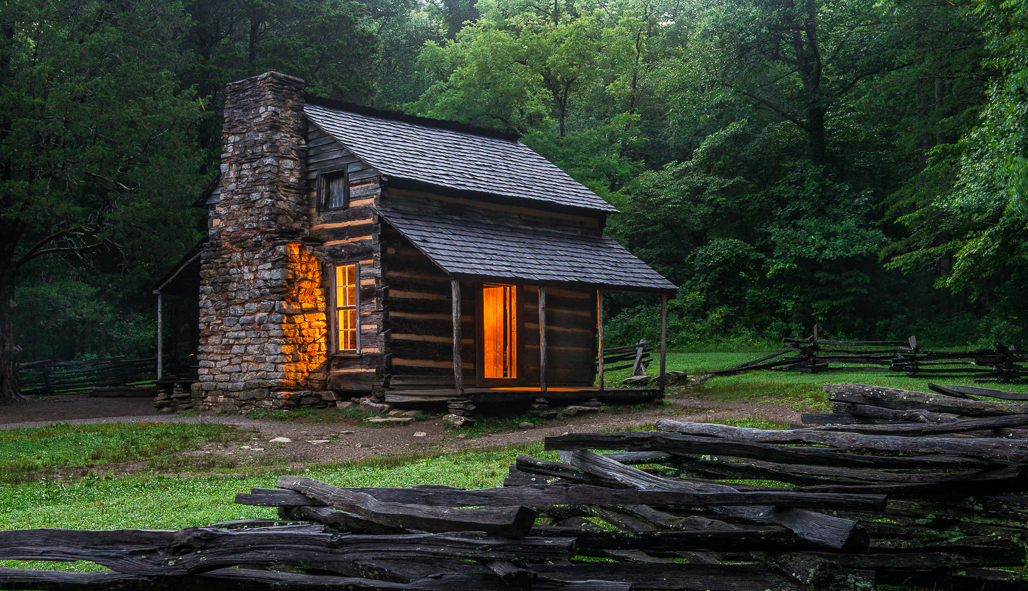
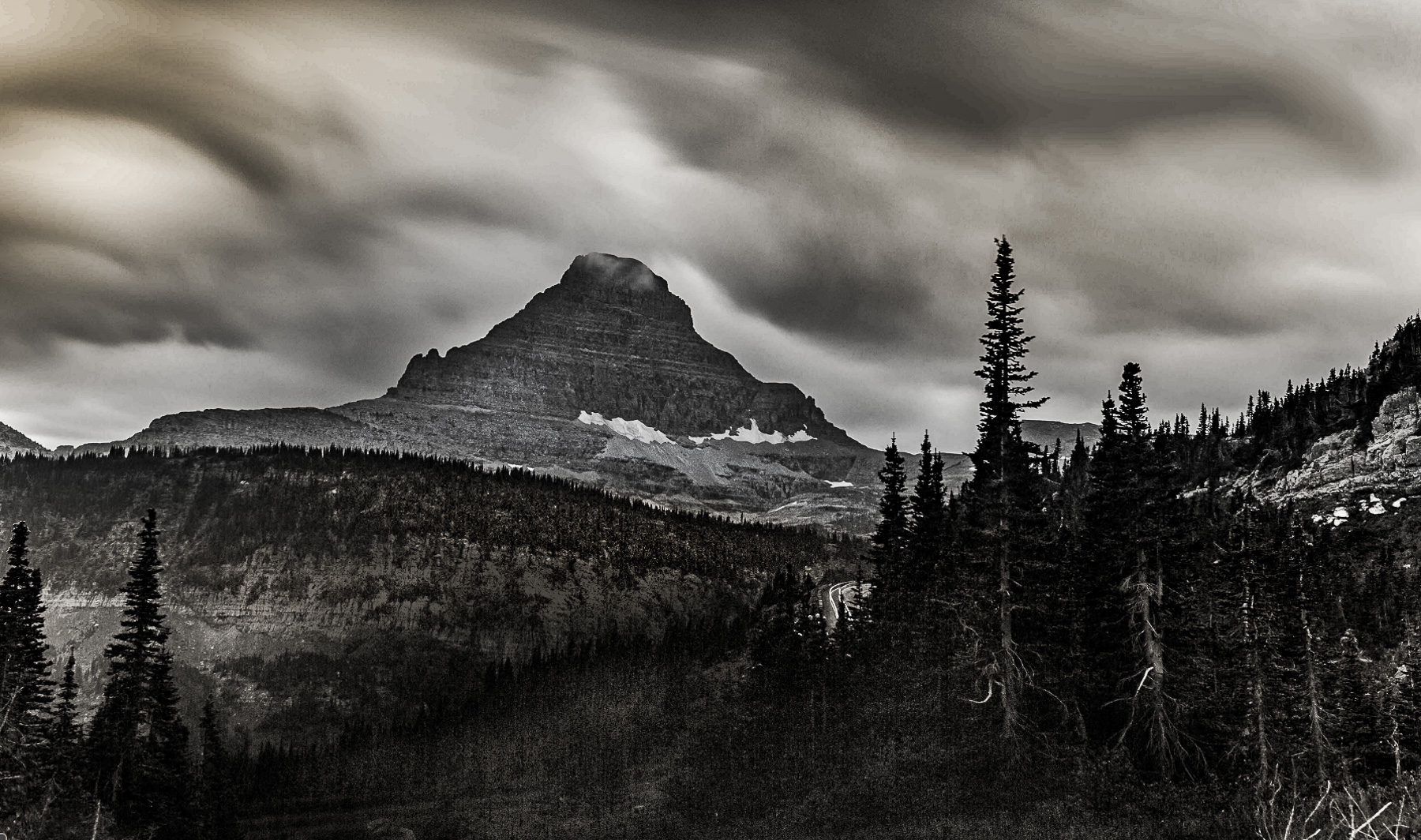
I played around a bit just for fun.
|
Sep 19th |
 |
| 67 |
Sep 21 |
Reply |
Yes,I like this better. The shadows have some detail and that brings some life. |
Sep 19th |
| 67 |
Sep 21 |
Reply |
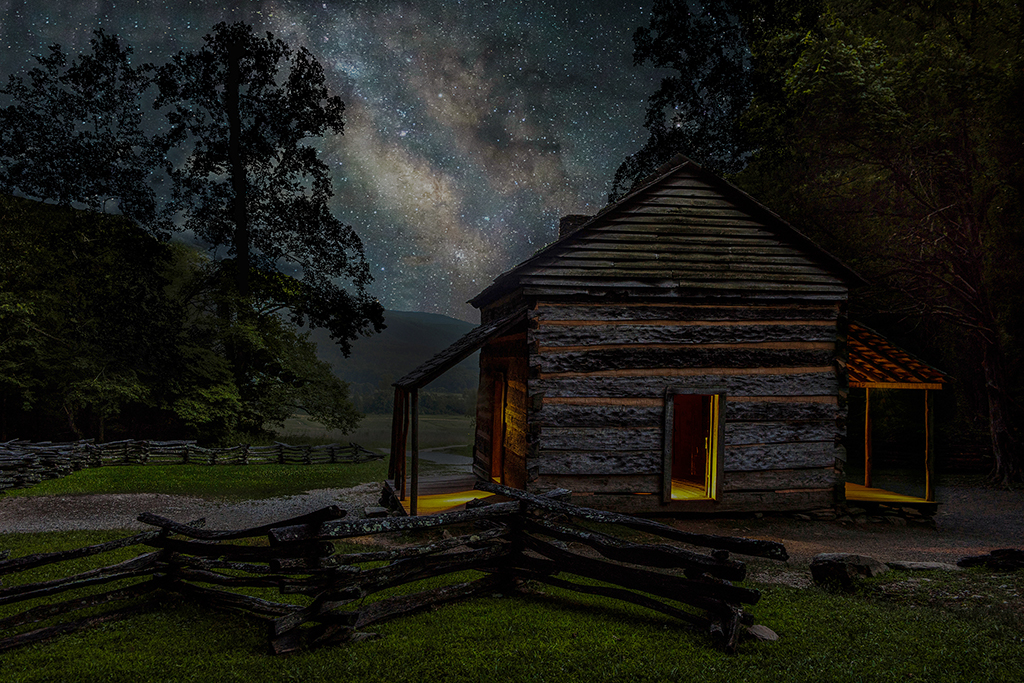
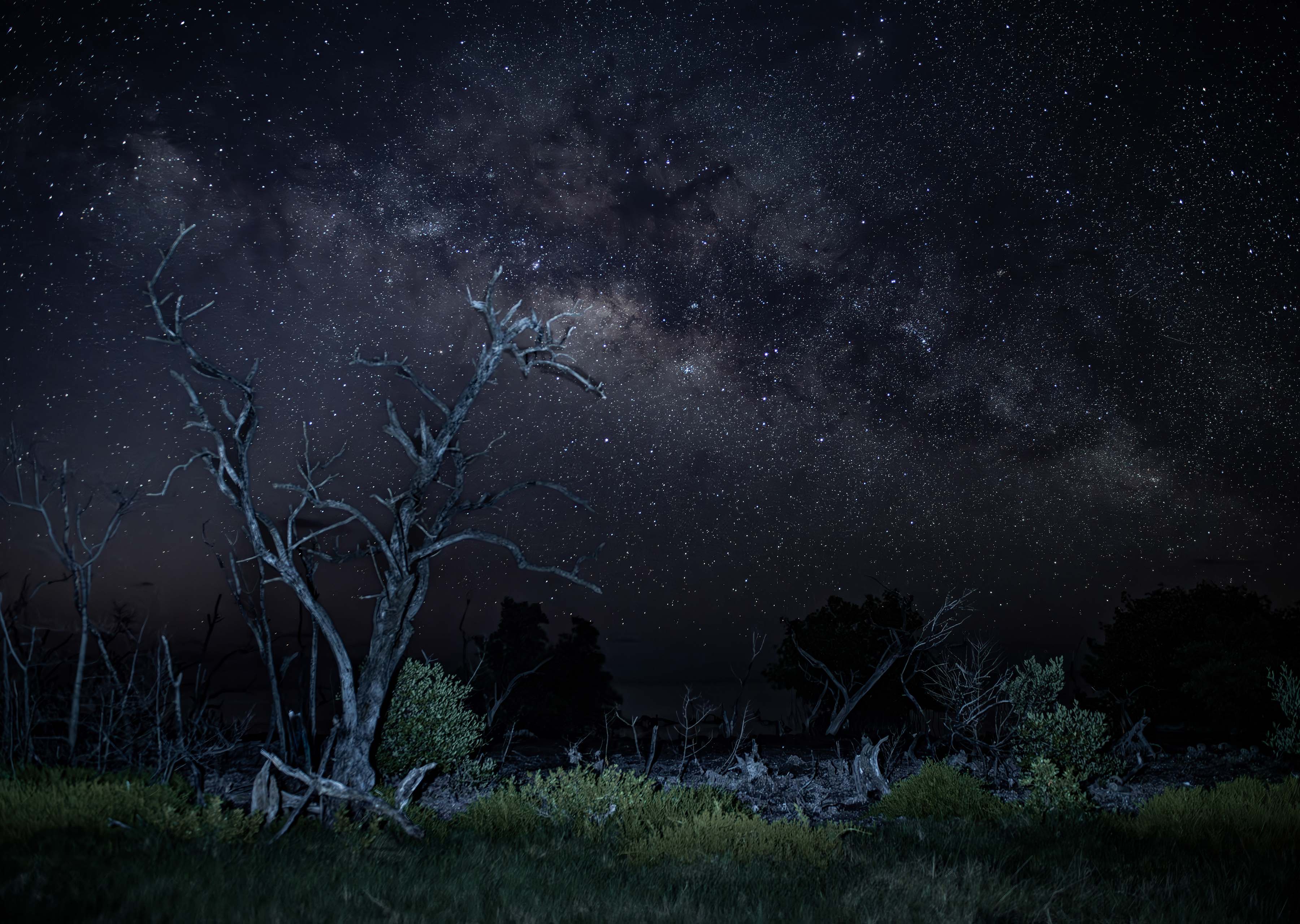
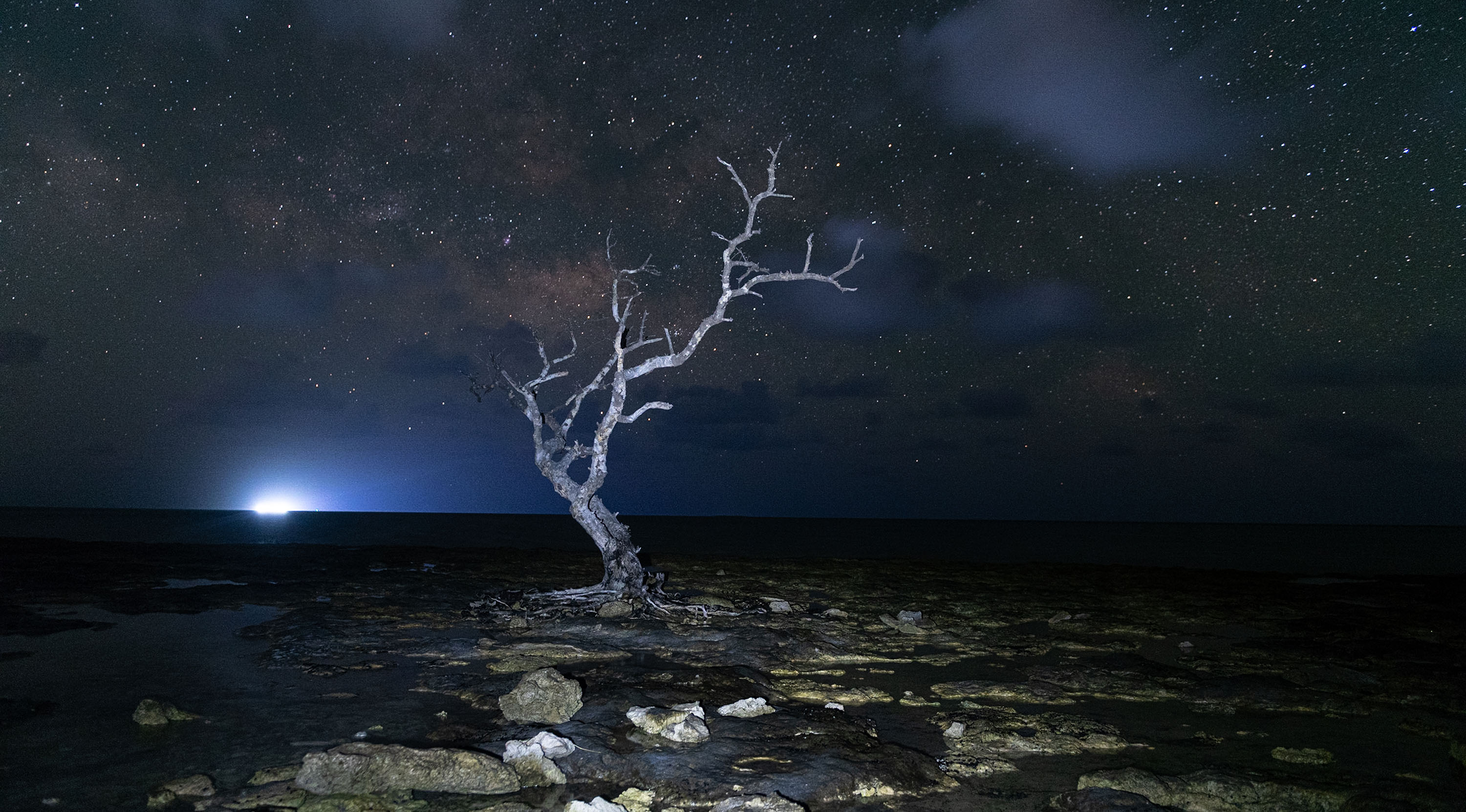
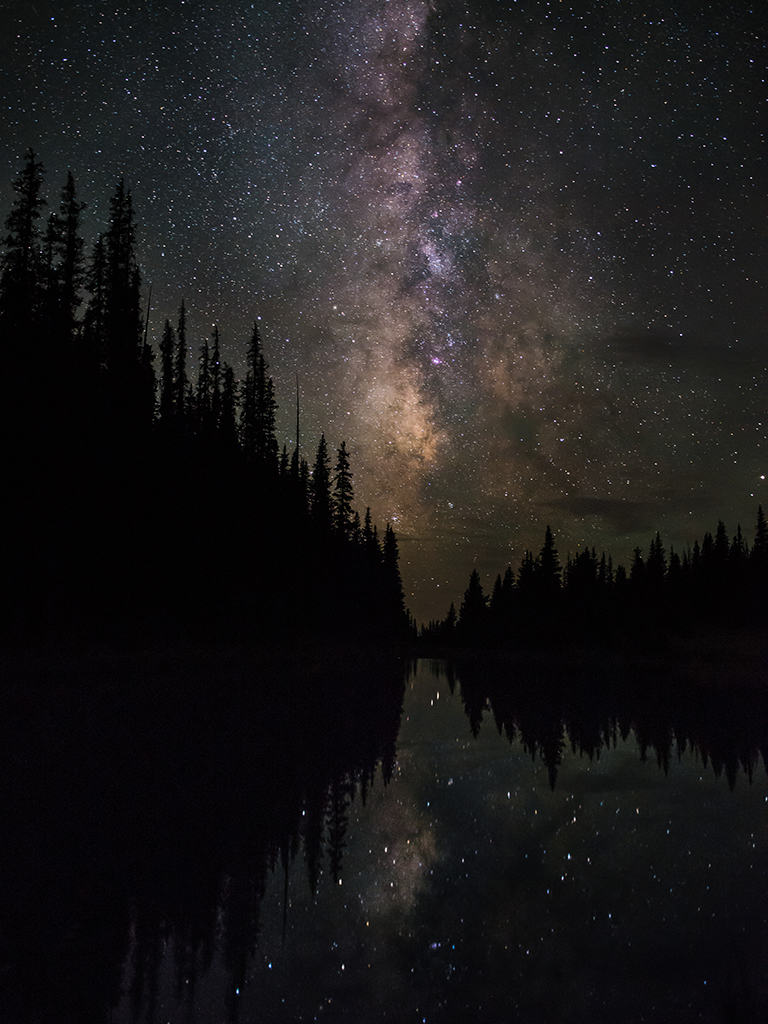
Michael. I'm going to throw my 2 cents into this image. First flipping is becoming a new rage and it seems like everyone is doing it. Flipping works really well if the viewer can;t detect that it has been done. Like flipping an owl on a branch. However when a viewer knows it has been flipped,then it really doesn't work well. Those who shoot the MW know how the core looks and would spot this as being off. I agree the visually it looks better flipped as you did. But I'm an incurable realist and it feel odd. Now I'll crawl back into my world and be quiet. Did I mention I also suffer from hoof in mouth sickness? m:-) |
Sep 19th |
| 67 |
Sep 21 |
Comment |
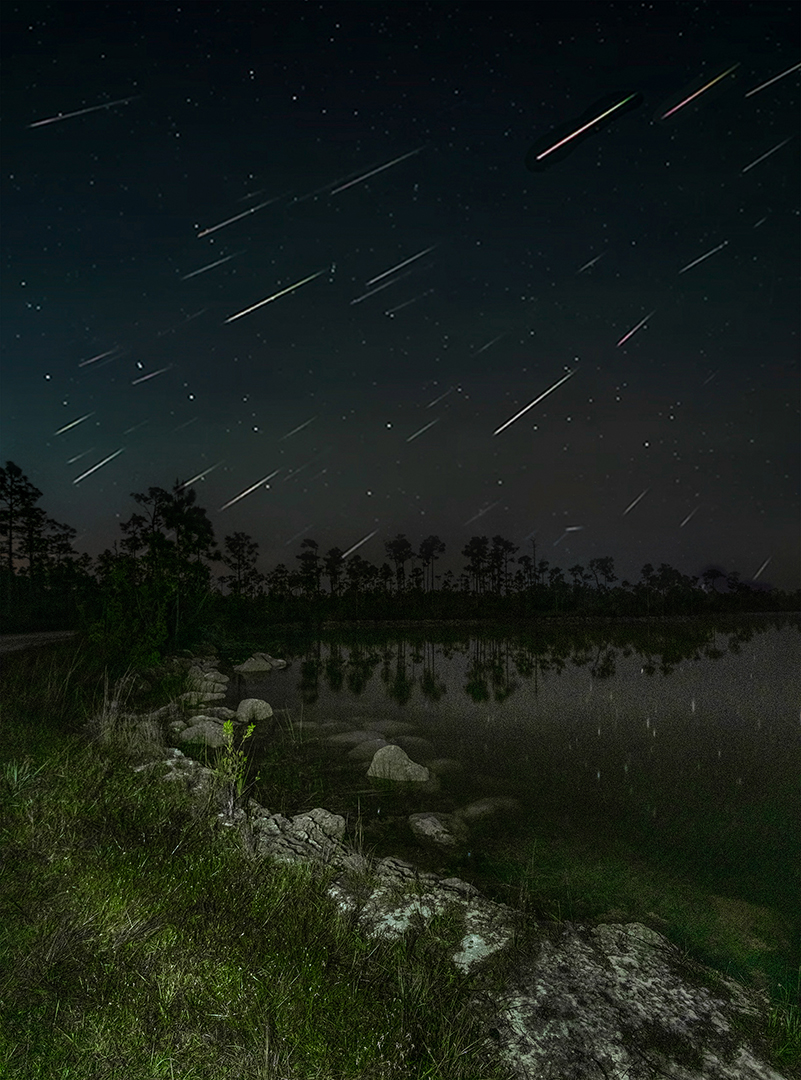
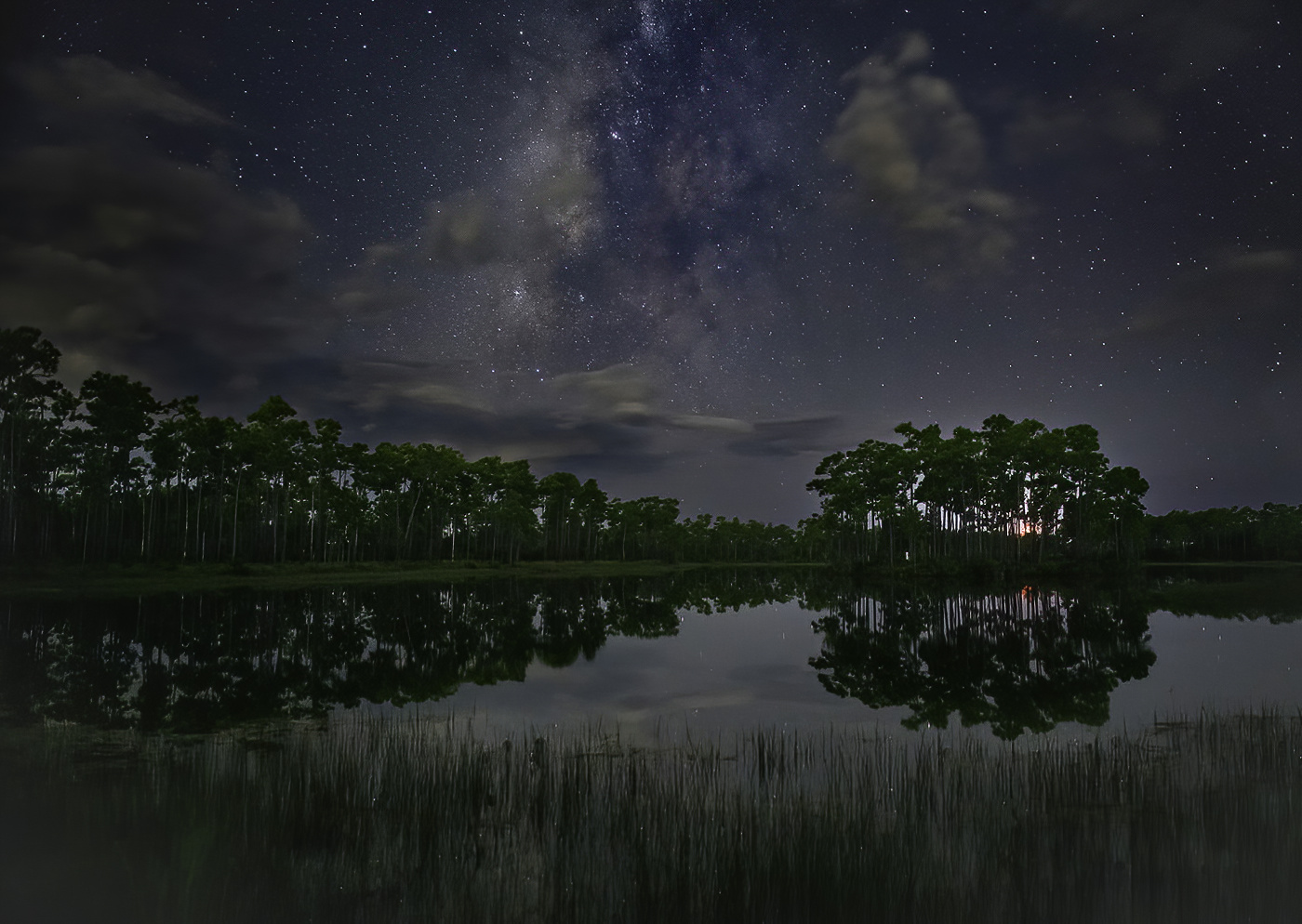
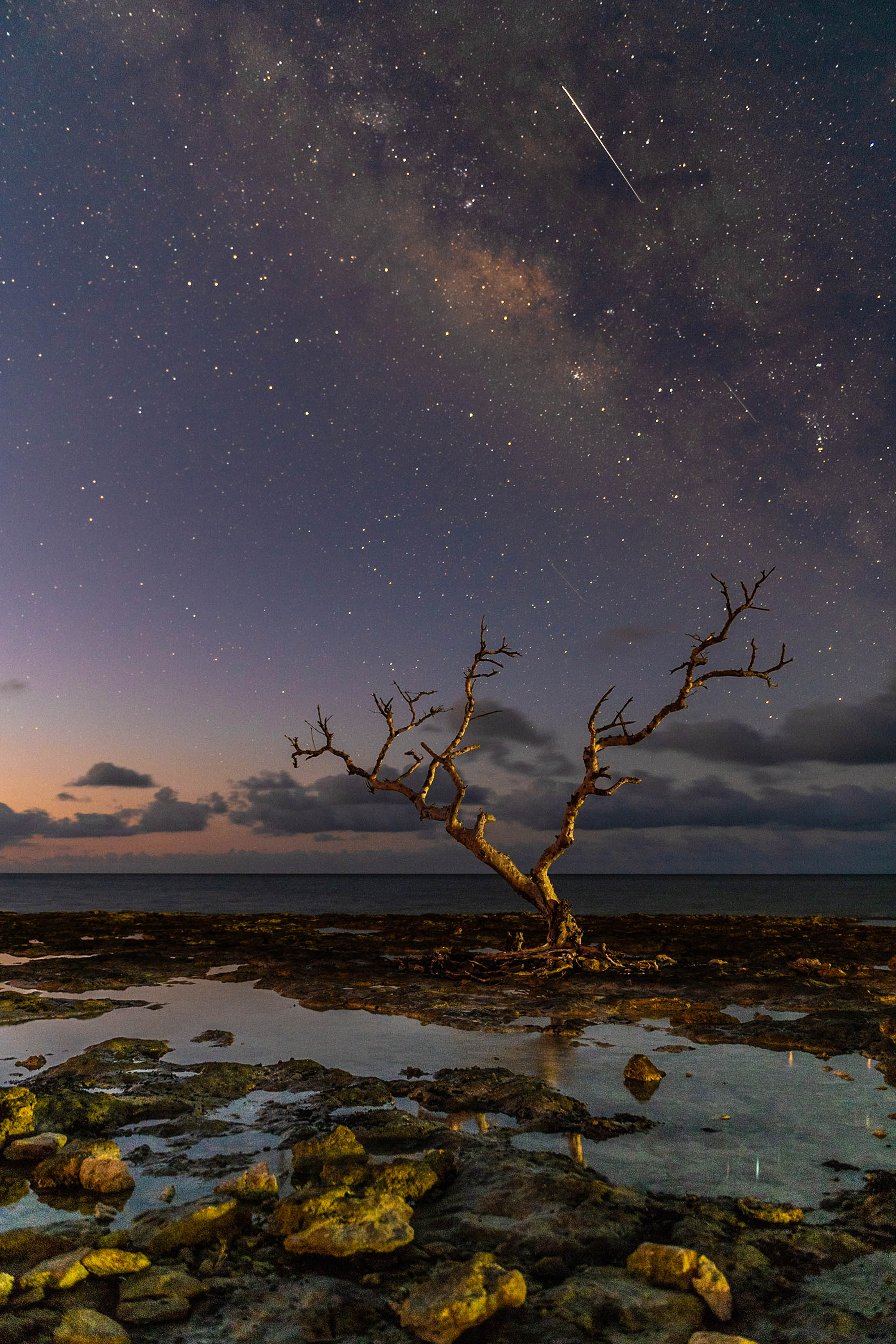
I like the appearance of the MW much better in this image than the one from last month. Here the stars are the stars of the show (no pun intended. I would still suggest that the MW is a bit over exposed as the sky now almost appears like daylight. In my opinion, for what it is worth MW shots should still maintain the feel of night.
When I shoot the MW I always take an exposure before the MW gets into position. Since I'm there early anyway this is no problem. That way I can check for exposure problems and change settings as many times as I need to be certain I get the shot I really want. I mention this because the foreground is so over exposed that you have created daylight. I would urge you bring this exposure way down to create a more realistic.
I say this assuming that you want to have a realistic feeling image. If you are going for a more creative, impressionistic feel, then as the maker you have that right. |
Sep 19th |
| 67 |
Sep 21 |
Comment |
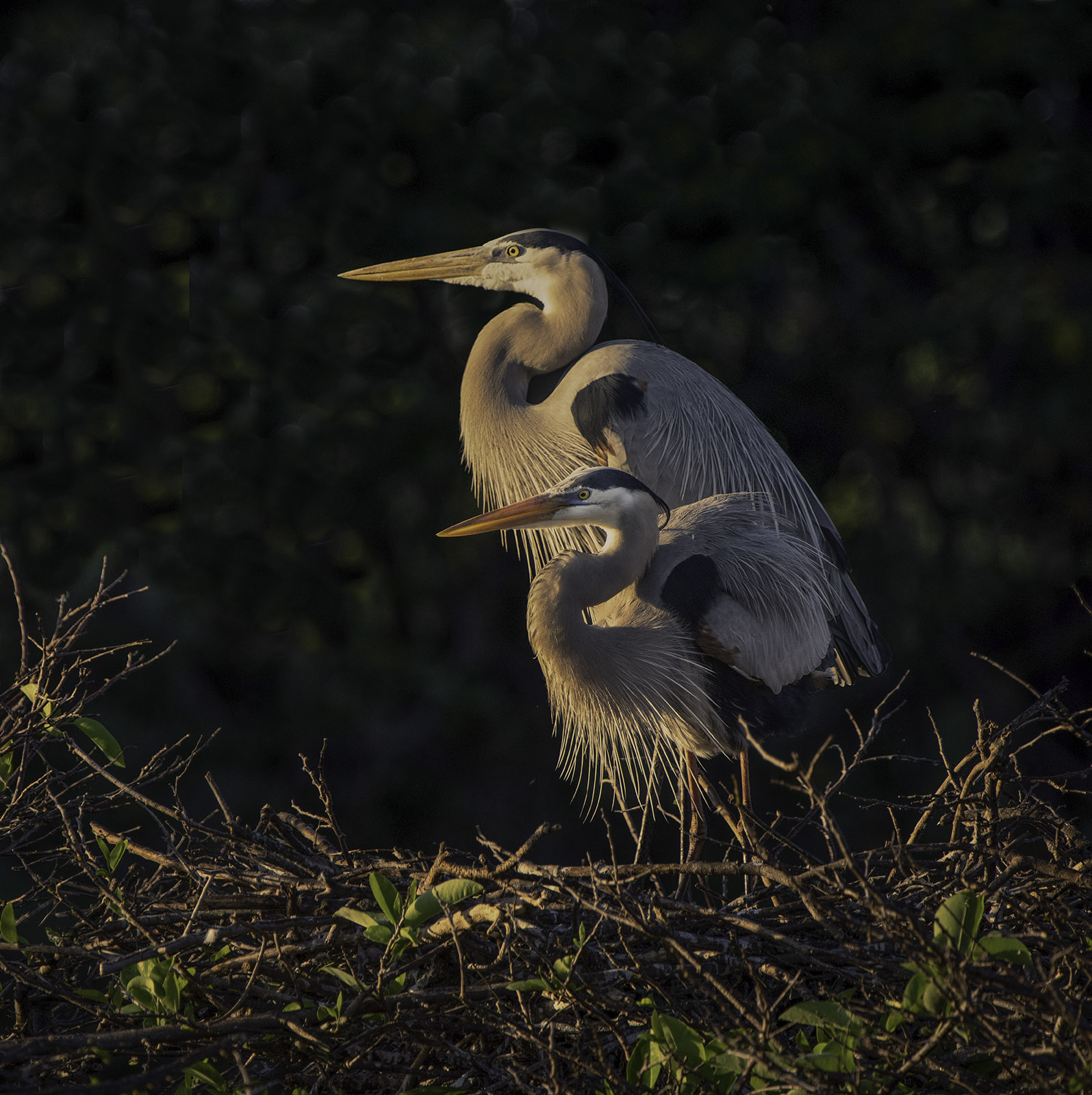
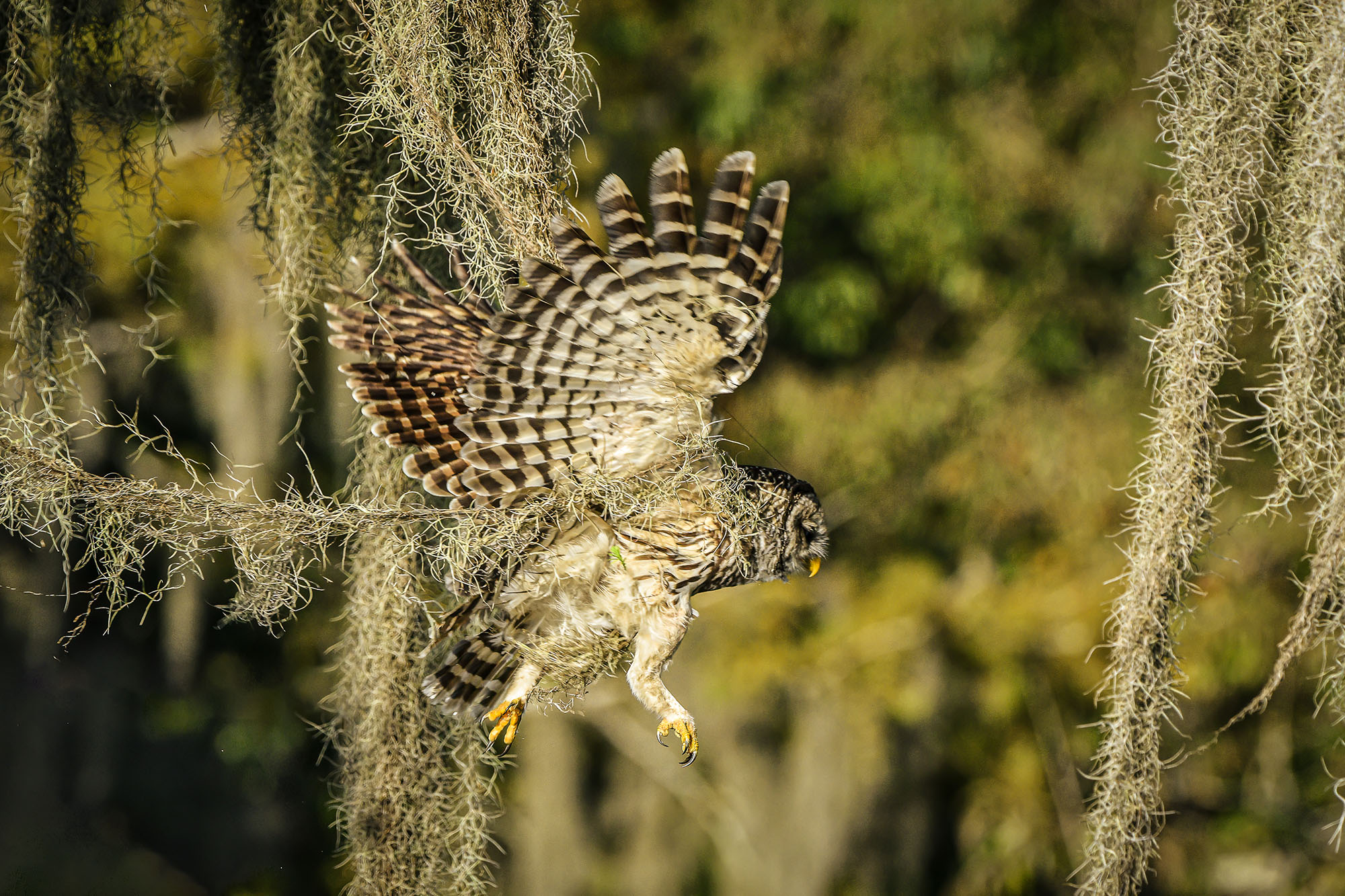
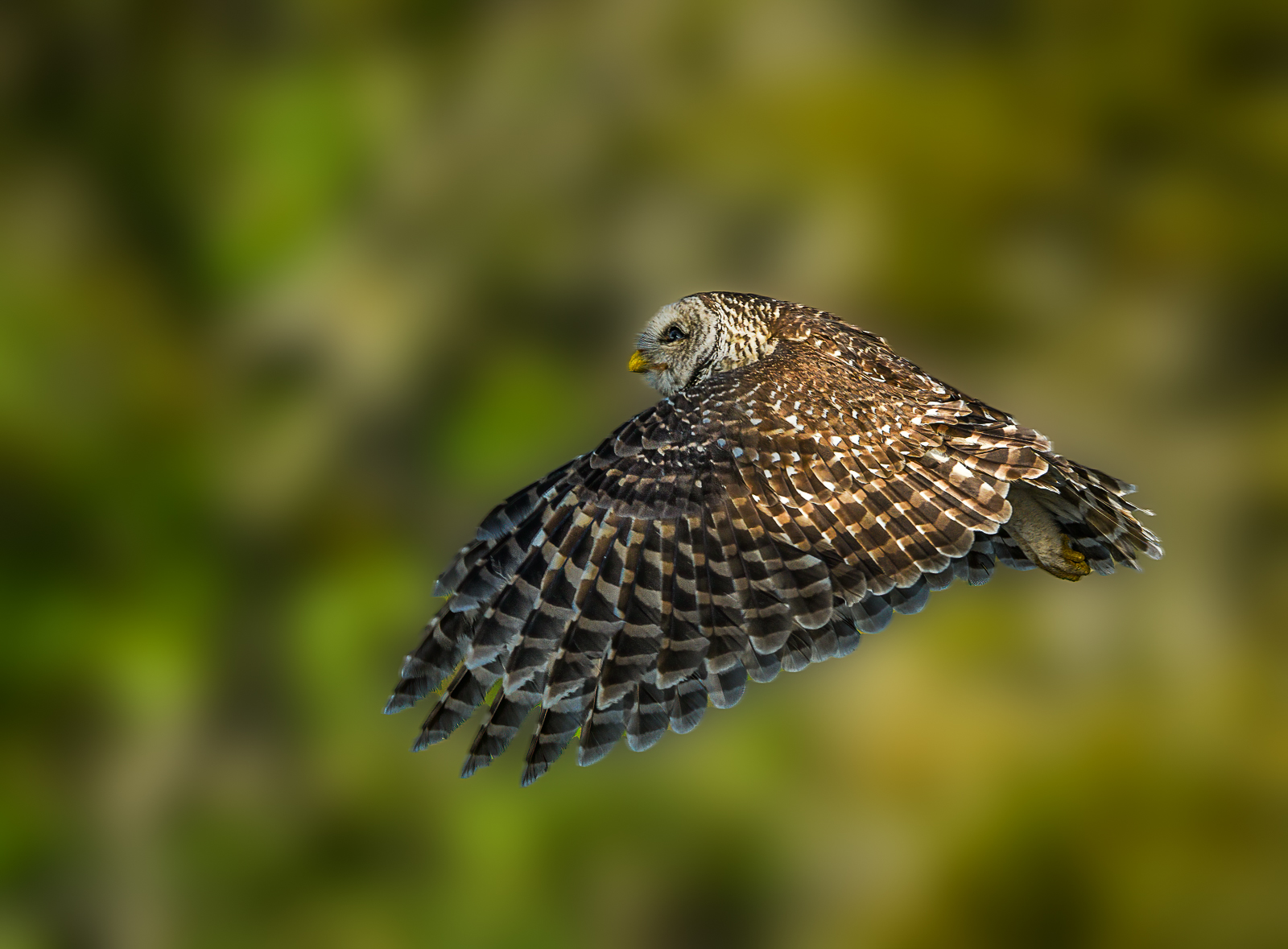
I don't know which shot I should be commenting on, but I like the one posted as the original. I really like the curve and the composition. Plus there there is a real nature story shown here that gives the image a bit of real charactor. The nice background works to bring out the detain in the wings and make this interesting. This would be a good image to enter in a contest. |
Sep 19th |
| 67 |
Sep 21 |
Comment |
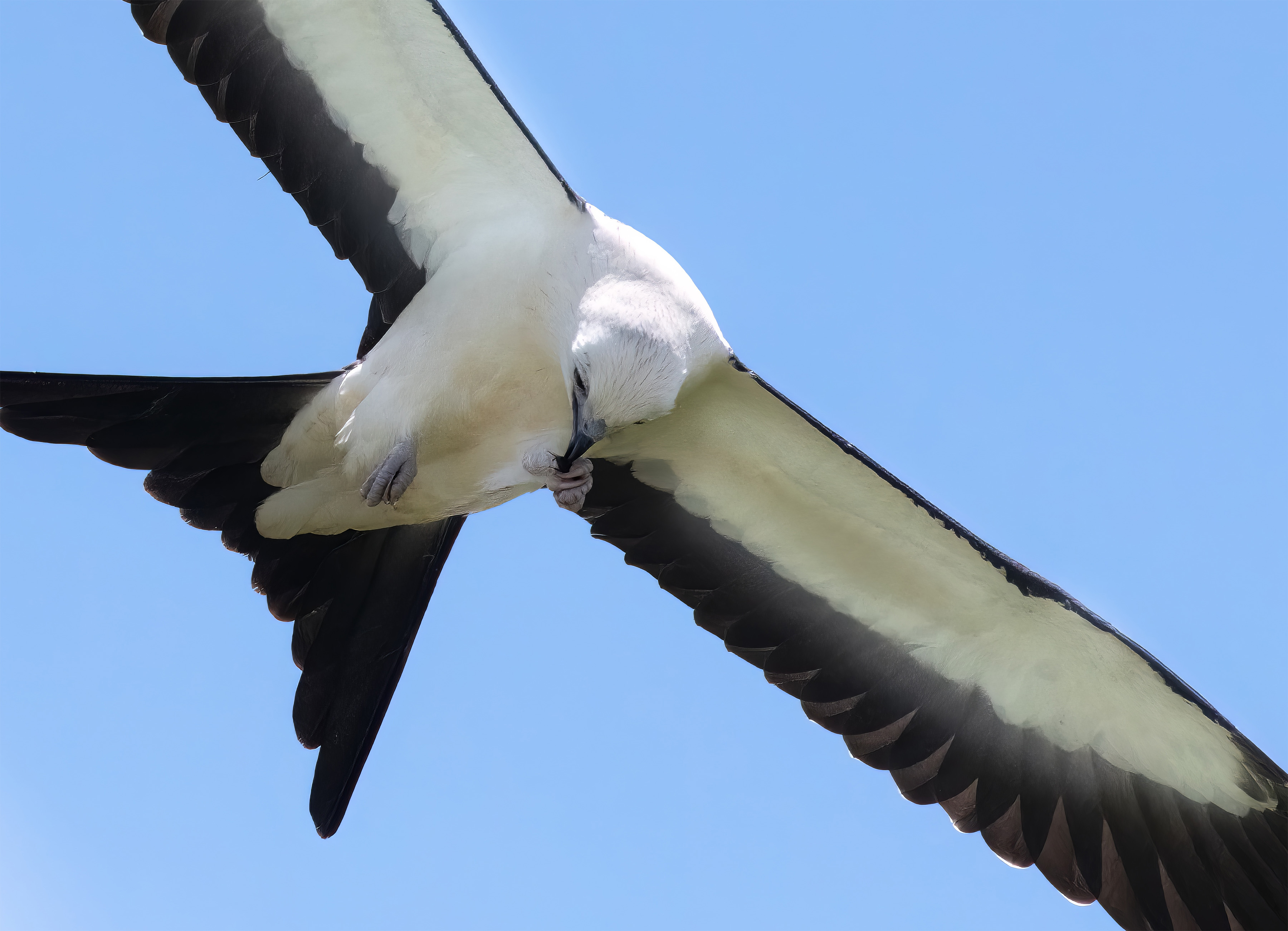
I know this would not work for this forum, but I would certainly try to get a photo of an American Flag rippling in the wind and either super impose or blend this eagle into or on the flag. Could be a really nice image.
Back to the matter at hand. I appreciate the eagle, one of my local pair died and the other left and has not returned so there have been no eagle shots this year. This is a nice full flight shot with no blown highlights and with their white heads in sunlight, that is no mean feat. I like the translucent look of the tail and the detail you hve in the shadows. You have good detail in the shadows and the eye is as sharp as it can be. Thanks for posting. |
Sep 19th |
| 67 |
Sep 21 |
Reply |
If your focus was spot on, then at that distance you could have shot the lens wide open. If you wanted to stop down then even f8 would have been more than enough. From a boat even using a monopod would help to steady the camera. You are fighting three issues. One is the fact that you cannot possibly hold that camera rig still so you have camera shake to contend with. Second, you have boat movement which will be in different directions from you holding your camera.
Third, you have bird movement. Even if that movement is only breathing, it will impact the image. The only real solution is extremely fast shutter speeds---I will push 1/2000. Last spring I shot an eagle in flight fighting another bird whhile in a moving boat, hand held at 1/3200 and got it tack sharp. So the trick is get that shutter speed jacked up!! |
Sep 16th |
| 67 |
Sep 21 |
Comment |
If you are going to use really High ISO levels your exposure has to be dead on or you will generate softness. In this instance you were likely a bit under exposed and opened the shadows in post work. I would suggest that reducing the aperture to f5.6 would have helped with exposure and since the bird is quite still, mounting the camera to a tripod and reducing the shutter to 1600 would have also helped to get better sharpness. Also, when you reduce noise globally in an image all you really do is soften it. Richard is right here--Using Topaz de noise and sharpen is simply using the programs to fight each other- and you just get mush.
Here again I would suggest placing the image in Photoshop, using Subjection Selection and then place the selected subject on a separate layer. Then use denoise on the rest of the image. Use Sharpen on the bird and then just place the bird back onthe original image. Really simple and it will help give you what you are looking for. |
Sep 16th |
| 67 |
Sep 21 |
Comment |
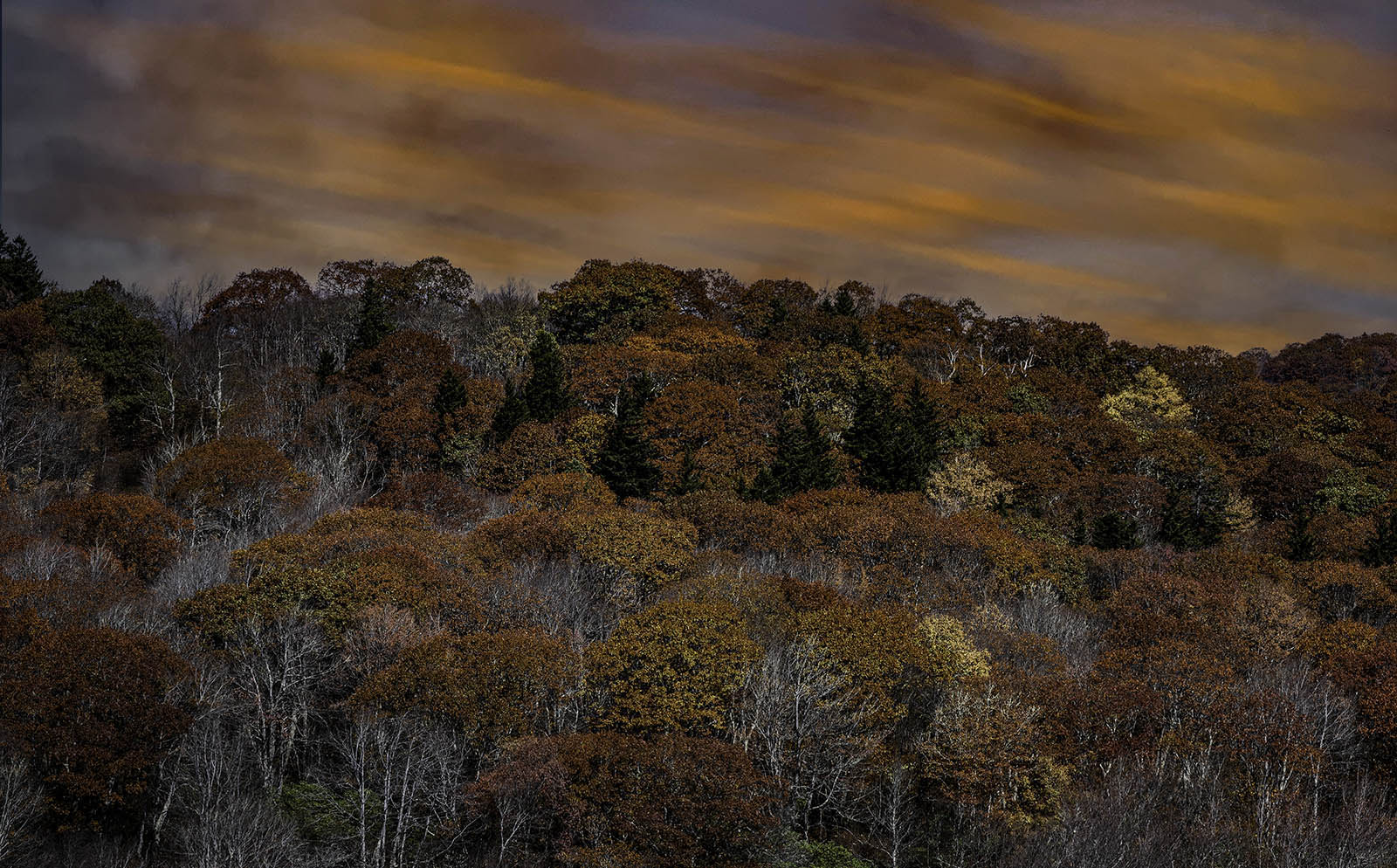
The beauty of B/W is using the full tonal range. In this image you have very few mid tones and that results lost of shadows and highlights. You have several choices to resolve this. You can resort to lots of dodging and burning (in this case dodging mostly) to bring in tones to the forest area. You can also adjust the red and blue color channels in layers. Making those adjustments will bring out quite a bit of detail in the shadows. I'd either crop the bright area on the left, or add a gradient filter to tone it down. |
Sep 16th |
| 67 |
Sep 21 |
Comment |
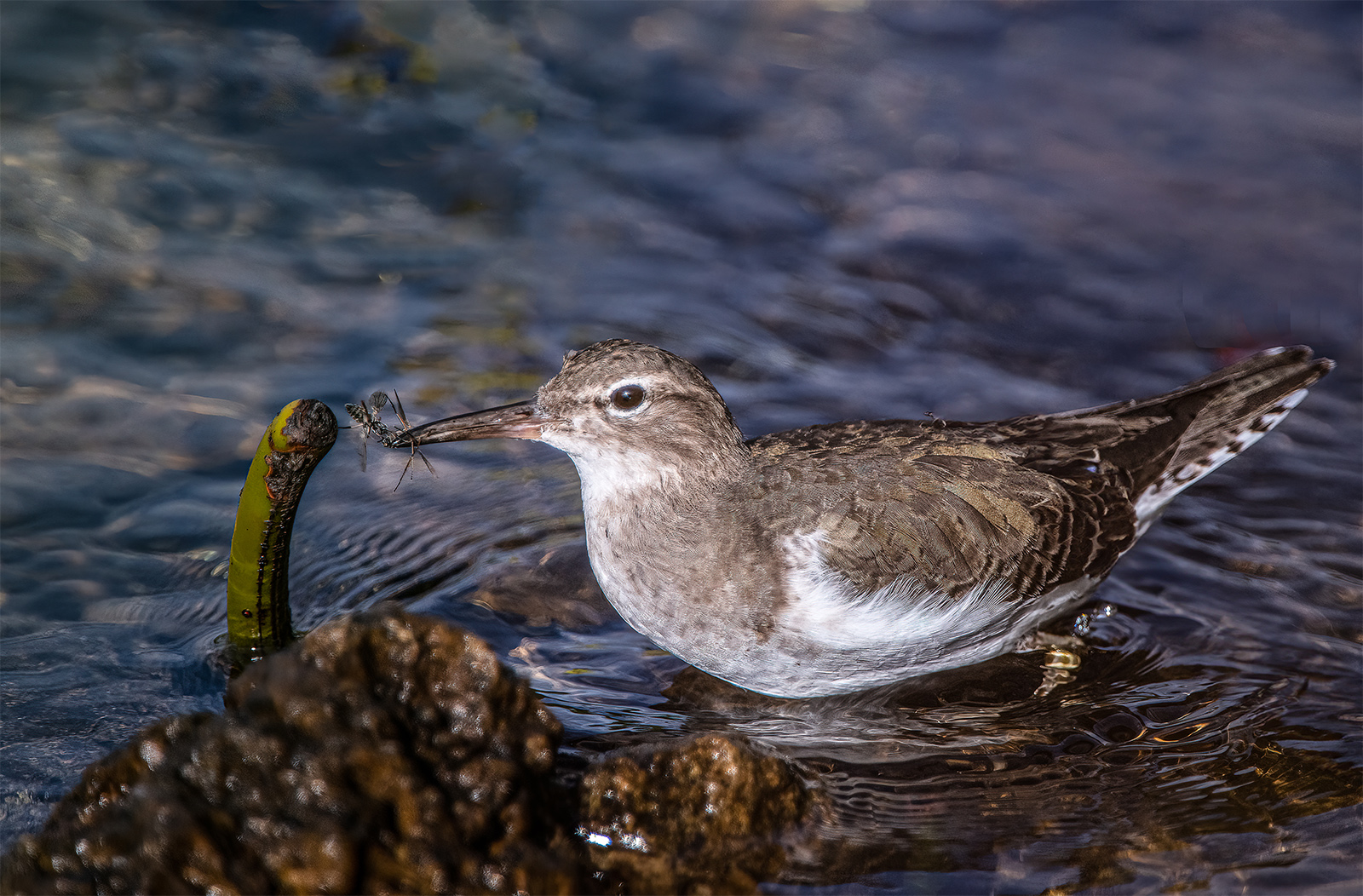
This is really a quite striking image. The subject pops out of the background and the contrasting colors really help that to happen. I like the fact that the background is somewhat understandable and not a total blur. I works to set a stage. I think what looks to be soft are the breast feathers, the moss is quite sharp and so the the bird's eye. Breast feathers are often so fine that it is hard to obtain detail. You might try selecting the subject in PS using the subject selection tool. Then run that selection through Topaz and sharpen the duck. The simply replace the duck in the original picture. OR you could use the secret sharpening code hidden inside Lightroom. Seriously---go to the sharpening panel. Set the Amount to between 40-60 (whatever looks good.) Set the radius to 0.5 and the
Detail to as high as you think looks good--at least go to 67 or more. Then apply the masking tool. You might me surprised to see what it can do. |
Sep 16th |
7 comments - 4 replies for Group 67
|
13 comments - 11 replies Total
|