|
| Group |
Round |
C/R |
Comment |
Date |
Image |
| 1 |
Nov 20 |
Comment |
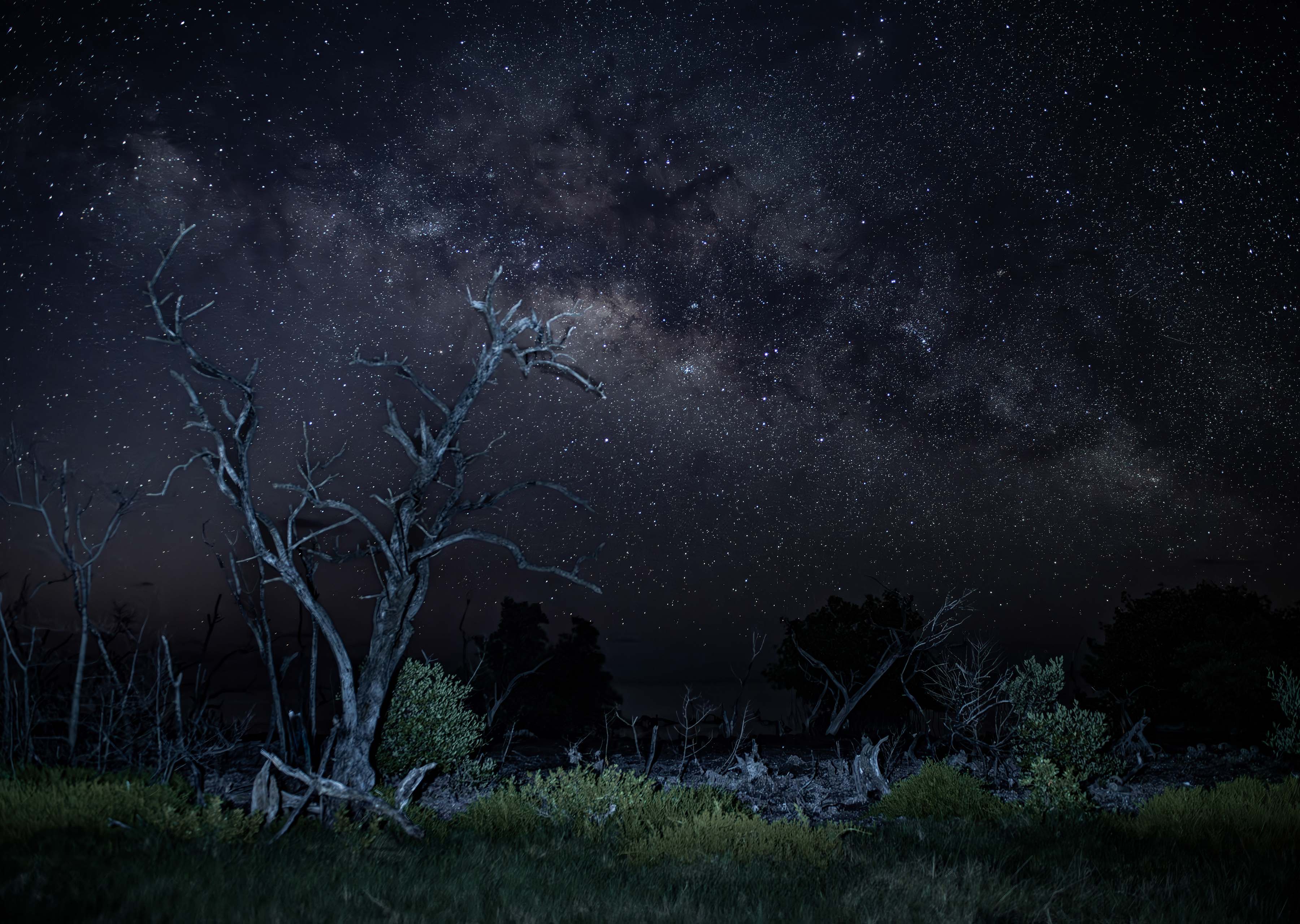
I think the clarity and composition of this image is simply stunning. This is one of the images that will linger in the mind of the viewer for some time. The golden stroke border, in this instance worked quite well.
Is this image photostacked? |
Nov 2nd |
1 comment - 0 replies for Group 1
|
| 4 |
Nov 20 |
Comment |
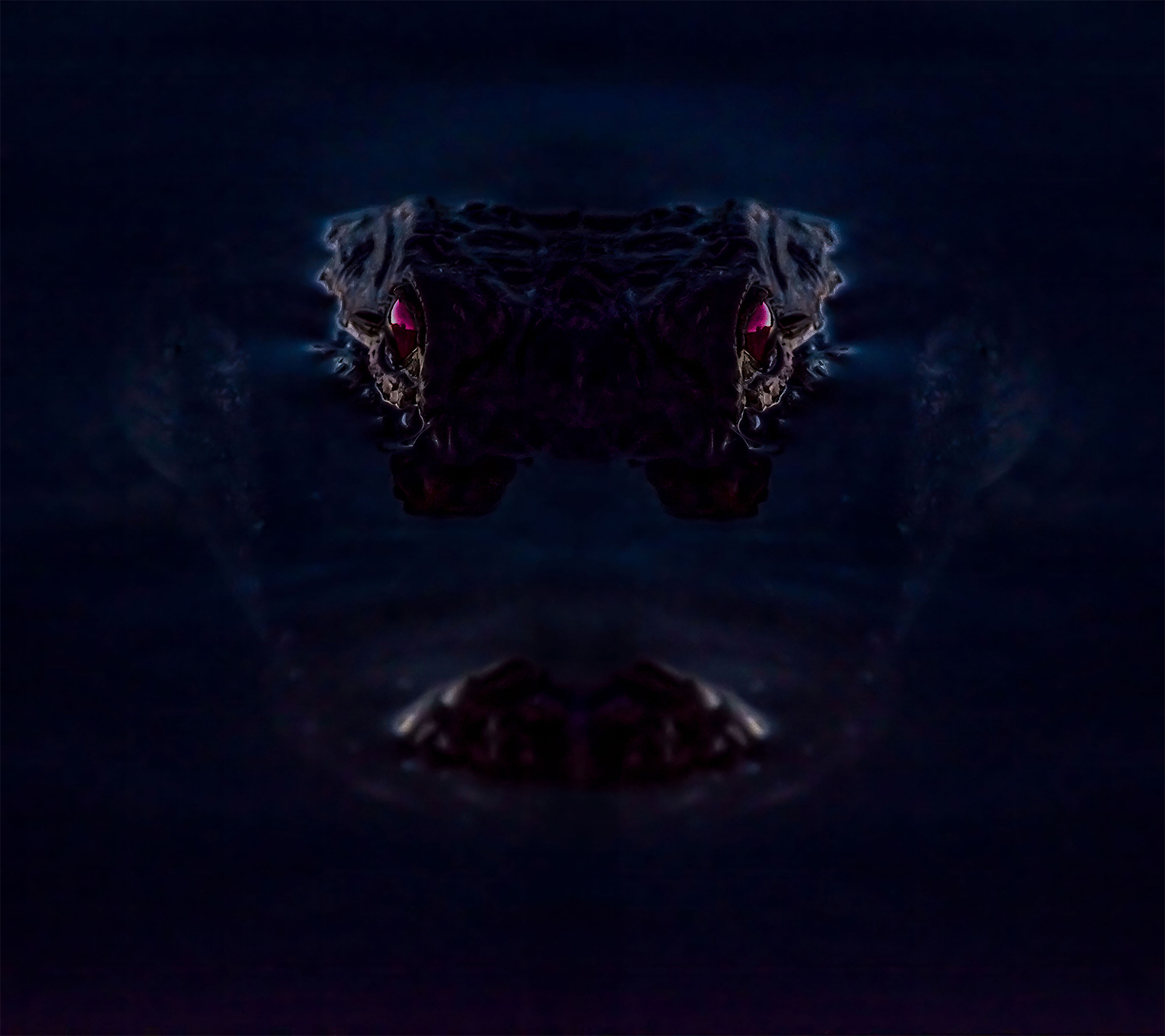
I think you have a very strong composition and the red color certainly anchors the eye
I do wish more of the image was in sharp focus. Perhaps increasing the ISO would have allowed for a faster shutter speed. |
Nov 2nd |
1 comment - 0 replies for Group 4
|
| 7 |
Nov 20 |
Comment |
I really like the composition and the highlighted areas are beautiful.
For me,I feel the foreground is to vast to remain so dark. I wonder if the leading ling formed by the water could be brighten just a little bit to off set the great amount of darkness in the foreground? That is just my thought, you image is beautiful and if the dark version is your preference, then that is the right way to go. Well Done. |
Nov 2nd |
1 comment - 0 replies for Group 7
|
| 14 |
Nov 20 |
Comment |
I will echo the others---the original sky is what catches the eye. Either cropping or a carefully replacement will certainly improve the image. Welcome to the DD Groups, I'll be sure to stop by to see more of your images. |
Nov 2nd |
1 comment - 0 replies for Group 14
|
| 24 |
Nov 20 |
Comment |
It may be an oldie, but the composition is quite good. You have created a memorable road to journey down. |
Nov 2nd |
1 comment - 0 replies for Group 24
|
| 30 |
Nov 20 |
Comment |
Those unusual leaves make for a beautiful and very different image. Well done. |
Nov 2nd |
1 comment - 0 replies for Group 30
|
| 32 |
Nov 20 |
Reply |
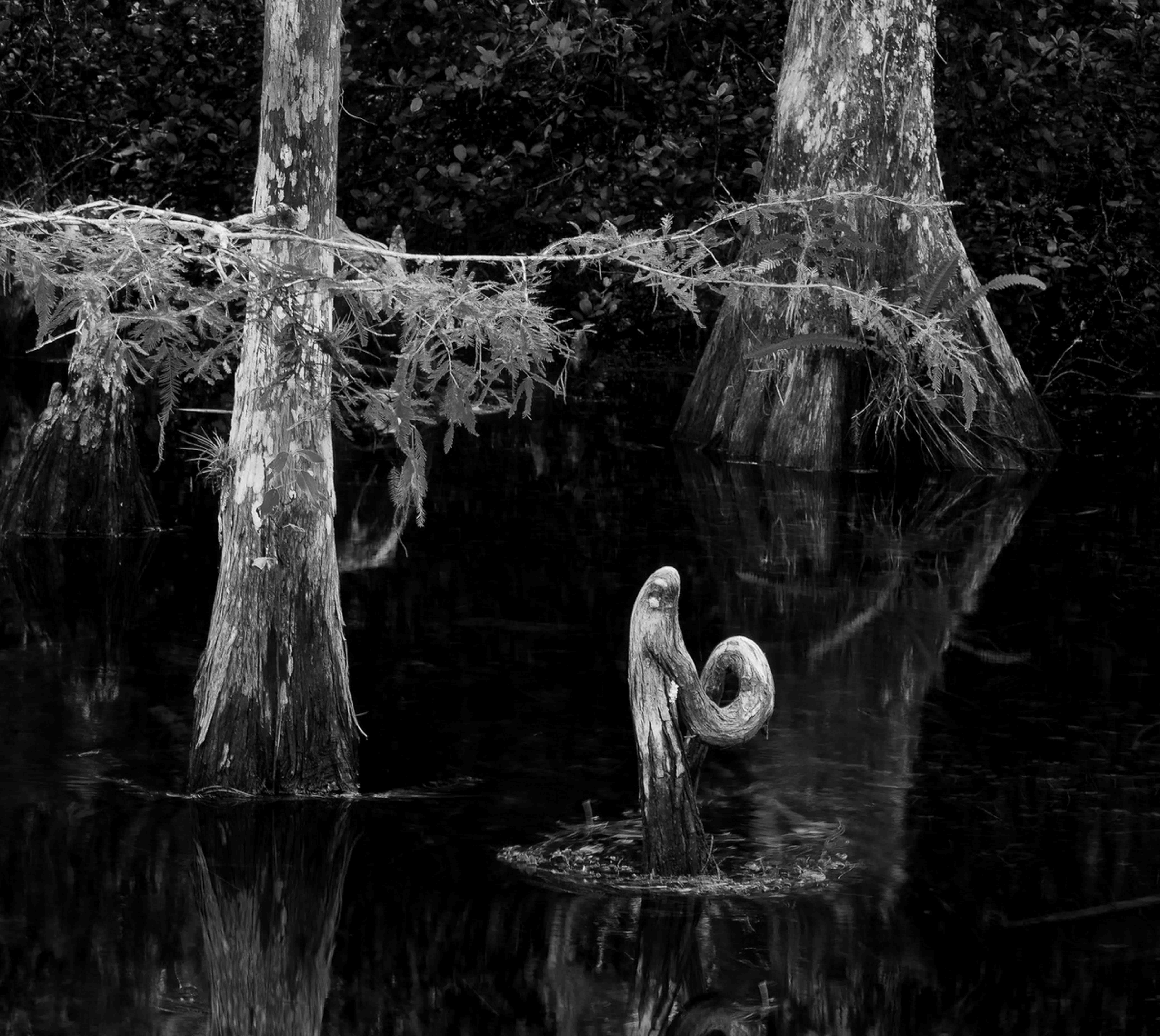
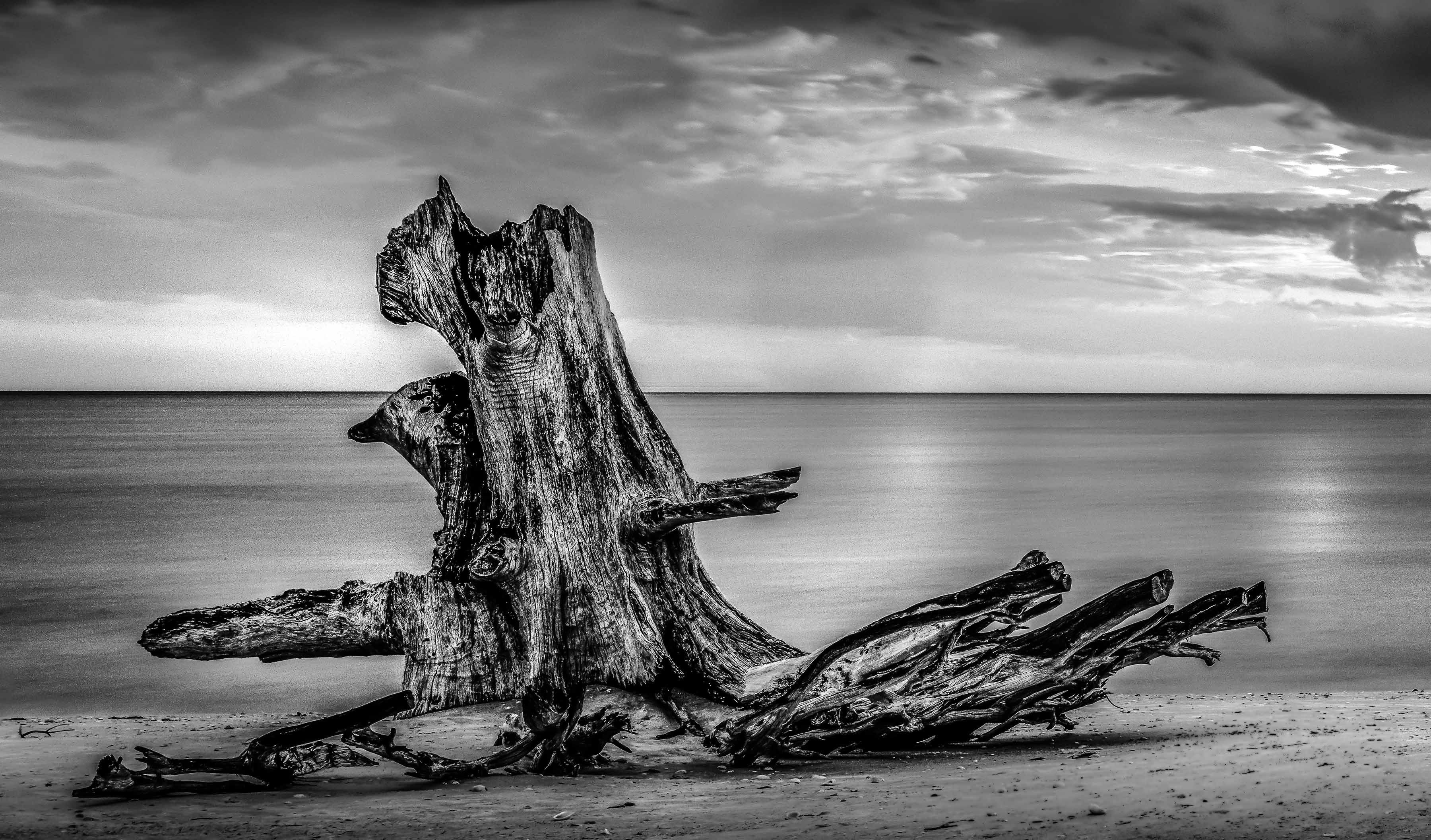
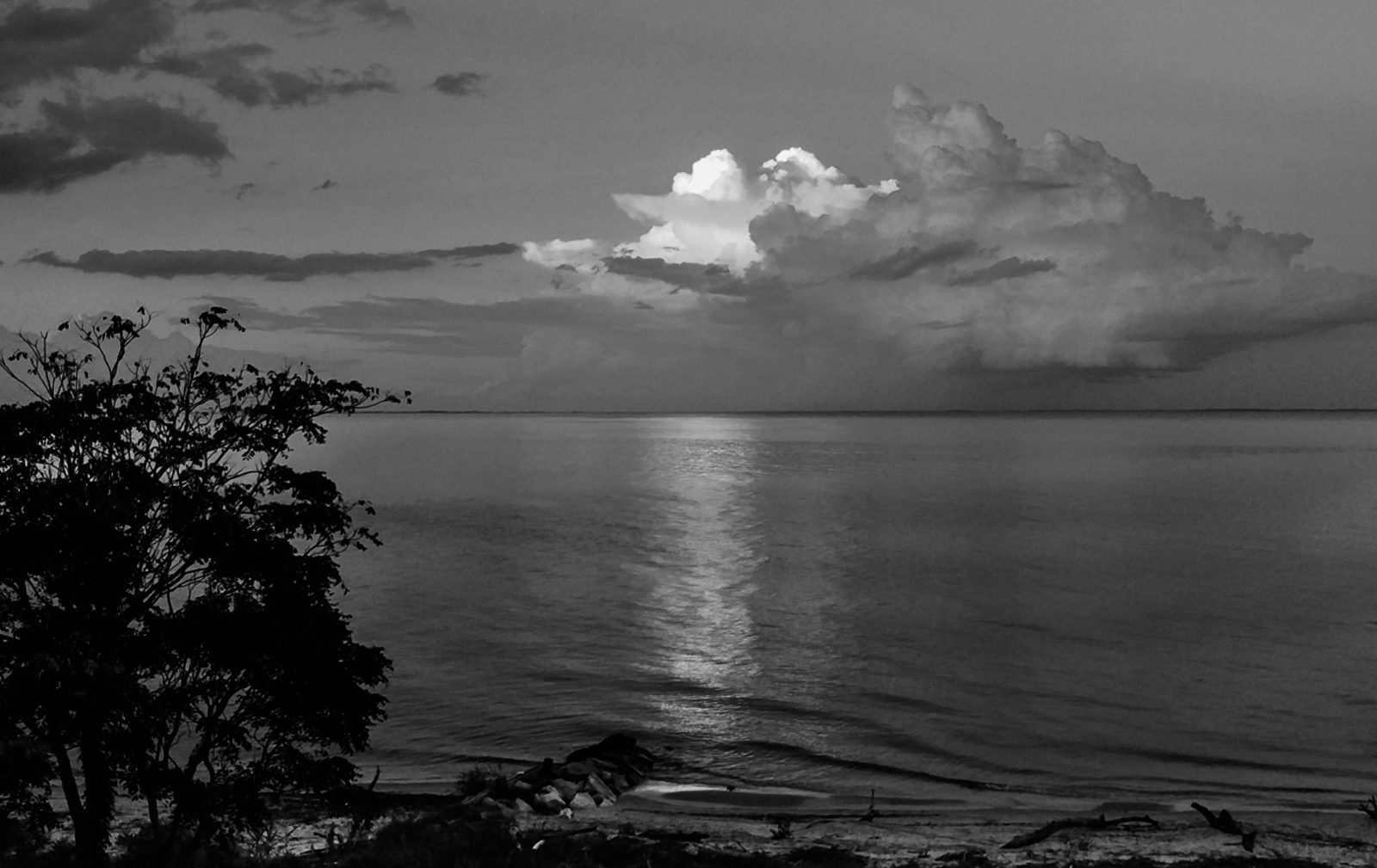
After a basic conversion to B/W done by desaturating everything, I added a Lightroom gradient filter at the top and adjusted exposure, whites and blacks and a bit of contrast.
I added another in reverse at the bottom as well. Then used the adjustment brush to brighten the reflection on the water and did a bit of cropping. That's all folks. :-) |
Nov 11th |
| 32 |
Nov 20 |
Comment |
Hi Stephen
I lovely, restful and secluded bay. I think when you converted to B/W that you lost some detail in the sky.
A few clicks of the mouse in PS and the clouds are back to being magical. |
Nov 8th |
 |
1 comment - 1 reply for Group 32
|
| 36 |
Nov 20 |
Reply |
It is never the camera that takes the photo. It is always the one holding the camera and the skill of that individual that takes the photo. :-) |
Nov 17th |
| 36 |
Nov 20 |
Comment |
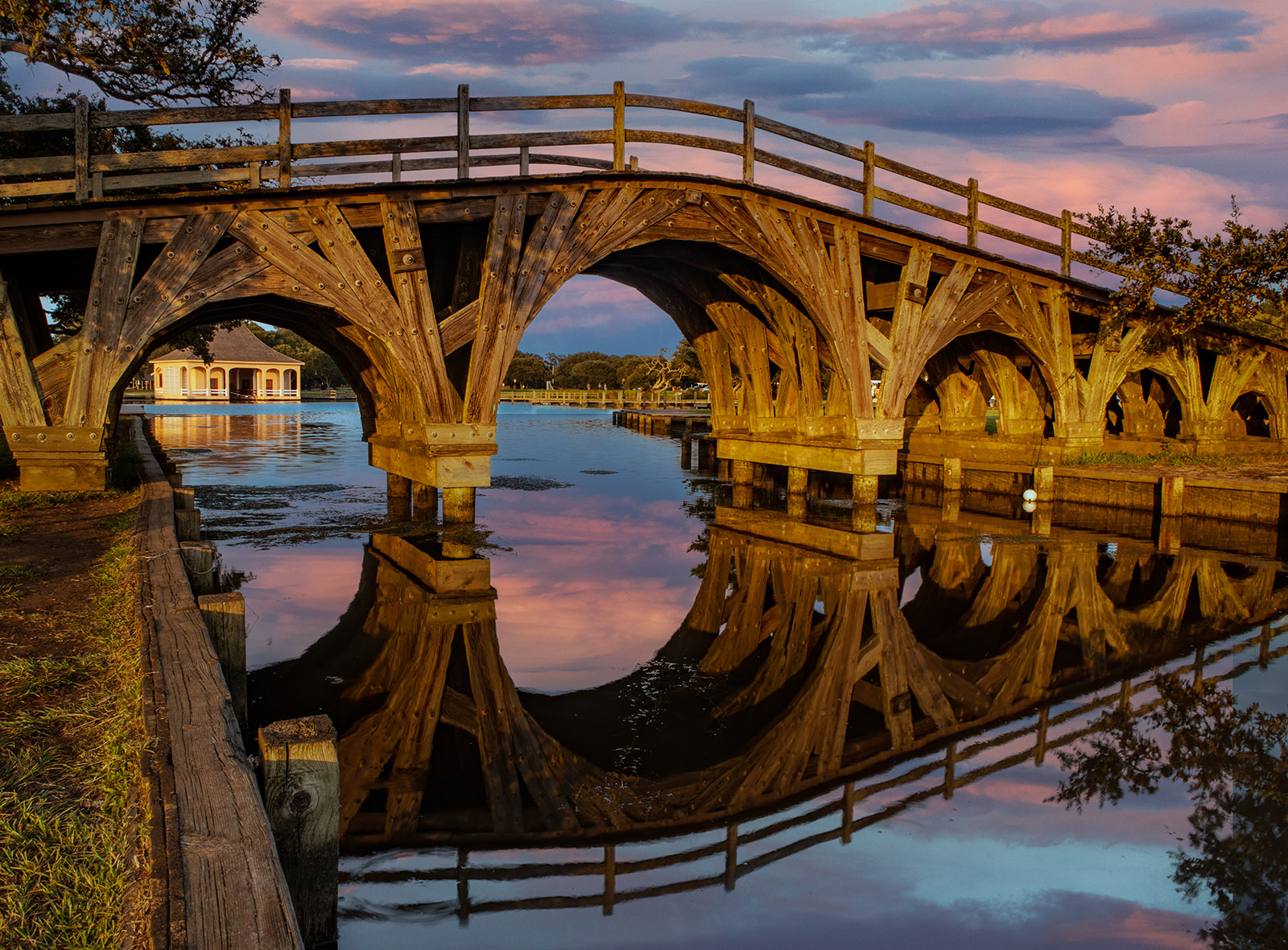
I've always been a fan of covered bridges. I do not know how many people you faded out, but that part looks good. I'm still struggling to learn B/W but to me this seems to have too much grey. The park that bothers me the most is the bright sky in the upper right corner and the overexposed rocks and bank on the far ban under the bridge. I think the far ban could be solved with some dodging and burning and you might be able to save that sky by applying a graduated filter used diagonally. For me, those bright white areas just draw my eye away from the image so I try to avoid them.
However, Bill is right, the composition is lovely and really sets off the bridge. |
Nov 13th |
| 36 |
Nov 20 |
Reply |
I've found in processing an image that quite often less is more. I'm not a big fan of vignettes for nature photos because they so often look fake. But a subtle deft touch can do exactly what you suggest. Applied lightly, so as to be almost not noticed can do exactly lie you say.
Its my little secret, but if I apply a vignette, I never mention it. :-) |
Nov 13th |
| 36 |
Nov 20 |
Reply |
Bill
Thanks for taking the time to explain you process. I thought I might have had the water about right but when others comment that it could be more white, I got to thinking. I'll have to give your method a try. |
Nov 13th |
| 36 |
Nov 20 |
Reply |
Thanks very much. I appreciate your comment. It is nice when viewers comment on the elements I worked hardest to put into the image. Makes me feel like I did something right. |
Nov 13th |
| 36 |
Nov 20 |
Comment |
I've been fixated on this image for quite a while now and finally think I've figured it out.
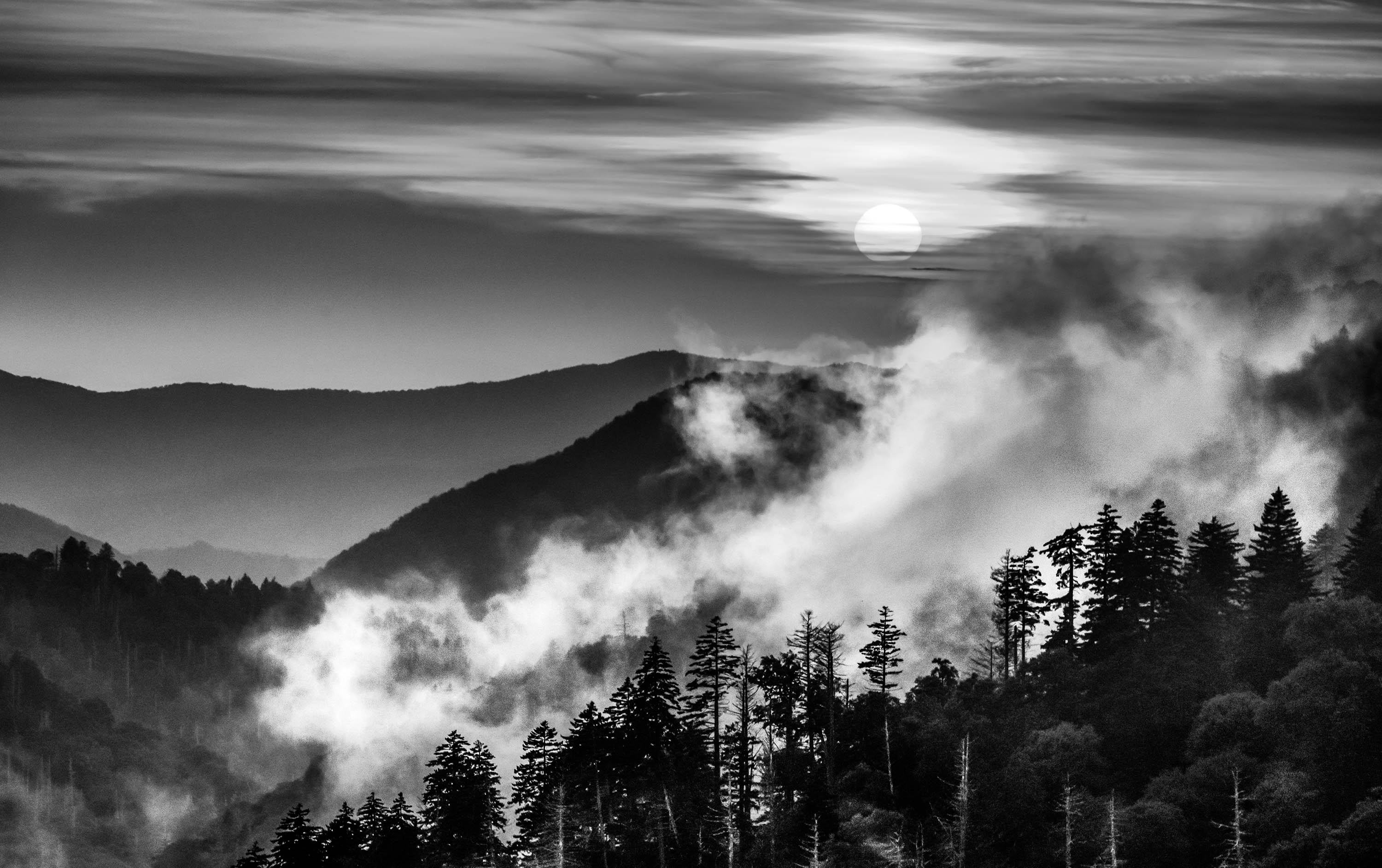
The layers of clouds are incredible--so much so that they are all I look at. Thus my suggestion is crop off the black at the bottom. As I look at the image on the Group page I don't even notice it. (an alternative would be to put a fine white stroke around the image to call attention to the silhouetted land at the bottom) The I would crop of the very dark clouds at the top. You would still have a foreground, a mid ground and background. This would make the entire story about the clouds and that would not be a back thing at all. |
Nov 7th |
| 36 |
Nov 20 |
Comment |
This is a fine composition with strong leading lines that draw the viewer into the frame. I like that you cropped off some of the bottom because the lighter colors moved the eye away from the "river".
I'm going to disagree with Michael regarding the vignette as in landscapes they so often look unnatural. Instead I would suggest using Lightroom's gradient tool and just bring down the entire sky a tiny bit. To me the bigger issue is the almost blue look to the trees in the middle on the right side. Perhaps using an adjustment to take out some of the blue would be a better choice.
What ever you do, you image makes me want to go visit.
|
Nov 7th |
| 36 |
Nov 20 |
Reply |
Actually Stephen I've already been to see Quang's image and left a comment on it.
Thanks for the tip though. |
Nov 6th |
| 36 |
Nov 20 |
Reply |
Stephen
Using a polarizer cuts the glare on the surface of the water and easily reveals the rocks. It is the reason I always use it on photos with water. When you stand at the scene your naked eye can see the rocks beneath the water, so in trying to keep the image looking realistic I fall back on the p0olarizer. The many falls in upstate New York are beautiful I wish I had more time to photograph more of them. I stopped by Ithaca Falls, but it was just too dark and the light was so bad I gave up. I'll just have to go back. :-) |
Nov 6th |
| 36 |
Nov 20 |
Reply |
Michael
First I guess I should explain the story I include with my images. I conduct a number of workshops and also do a lecture series on photographic technique. The participants always ask, how I go about creating my images. So it was from this that the stories developed. The participants seem to enjoy the adventures of photography.
I'm glad to see you liked the triangular shapes I worked to get into the image. Finding a composition to include them was a bit of a challenge so it is gratifying so learn that the idea worked.
You also exactly hit what has been a problem processing the image. This was taken late in the day, and the light was fading rapidly. It you look closely the falls in actually behind all the rock formations on both sides. The gorge of the falls was in really deep shadows and the falls was almost blue from all the shade and shadows. I have lightened the falls considerably and tried to get most of the blue out. As it is the water is starting to become a bit grey from these efforts. I've played with white balance quite a bit and still can't get the falls white. If I increase the whites it just removes detail from the water.
I'm afraid I just do not have the editing skills to solve this issue. :-( I like your suggestion but it seems beyond me. Care to give it a try? |
Nov 6th |
| 36 |
Nov 20 |
Reply |
Hi Richard
I hear what you are saying when I look at your crop. The ore I look at it the more I think you may be right. I thought about darkening the bright rock on the left but left it as a starting place for the leading line. My format make the leading line of rocks diagonal while yours make it more of a straight line and the reflected line also becomes more dominant. The more I look, the more I think you may be right. Thanks for the idea. |
Nov 6th |
| 36 |
Nov 20 |
Reply |
Once again I have to thank you for stopping by. This is an image I enjoyed creating and one I enjoy looking at. I think it is the just result from dreaming up a concept and then making it come to fruition the way I envisioned it. |
Nov 6th |
| 36 |
Nov 20 |
Comment |
Richard
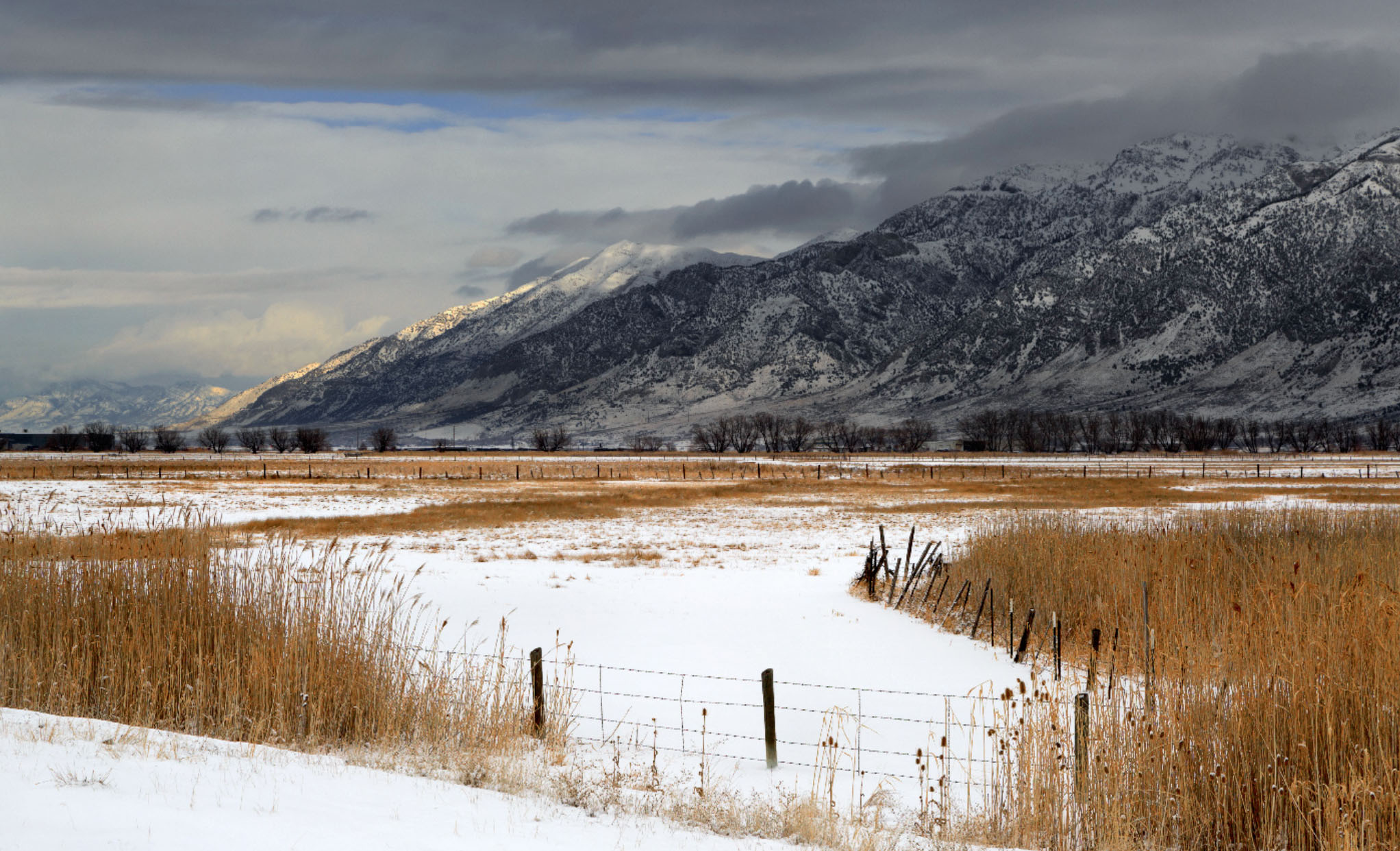
I find the bleak feeling of the hard winter quite enchanting and the sunbeam lighting the tips of the mountain add a special glow to the image.
I think most of the composition works quite well but for me the is just too much white at the bottom that draws the eye away from the mountains. Perhaps using a crop similar to my attached edit will both reduce the amount of snow at the bottom and create a soft "s" curve in the snow that will lead the eye into the frame without reducing the feel of winter. |
Nov 5th |
 |
| 36 |
Nov 20 |
Comment |
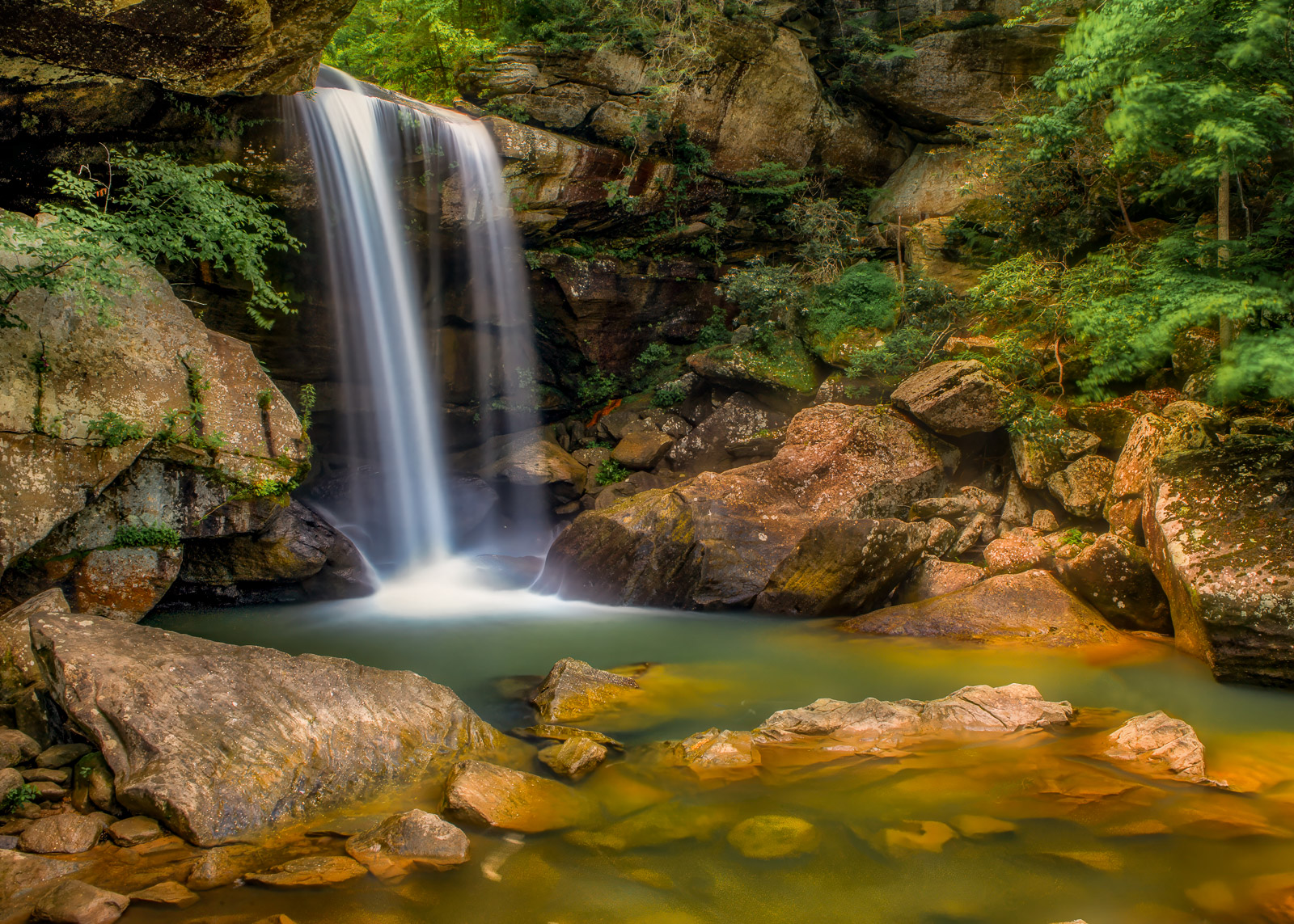
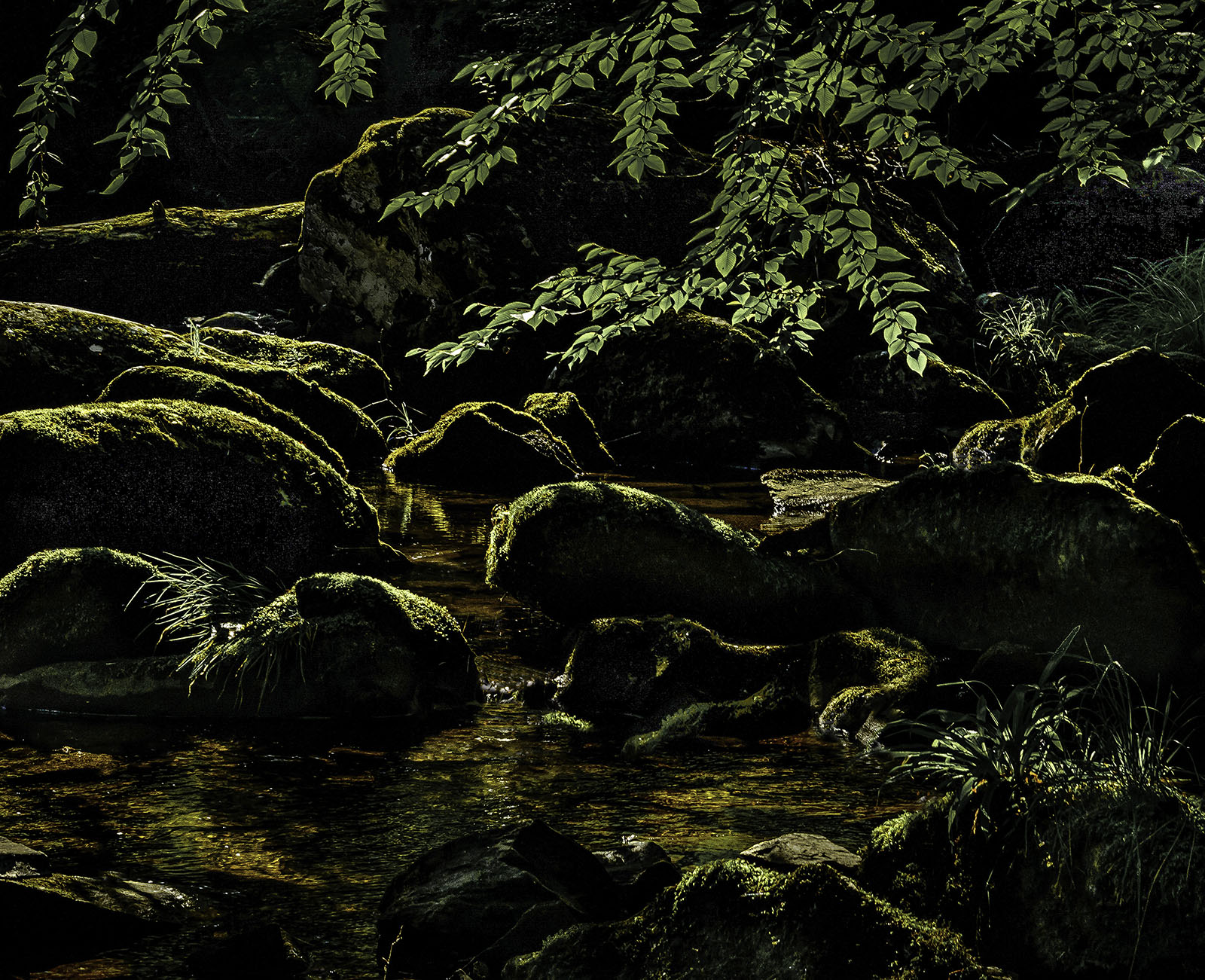
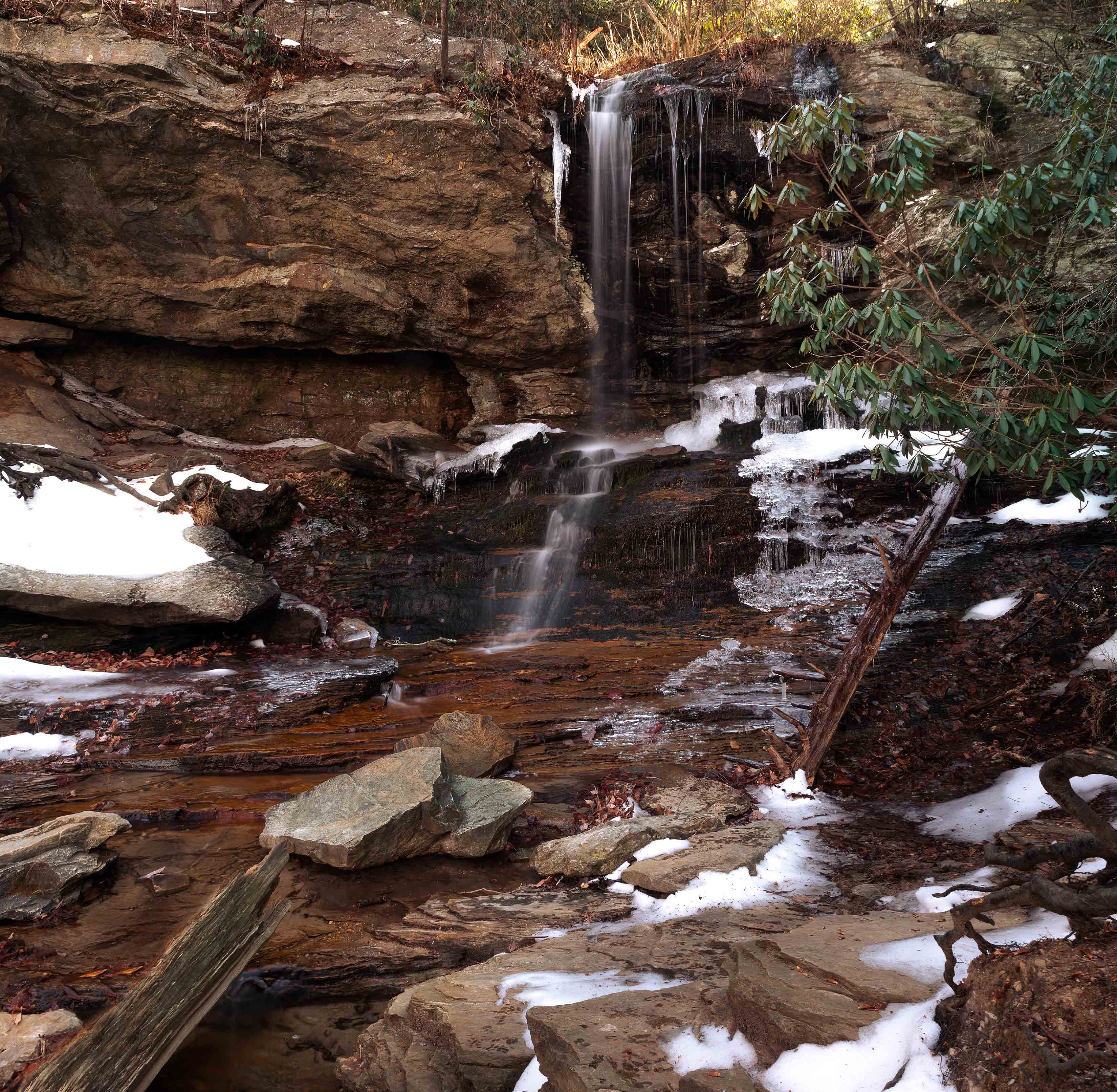
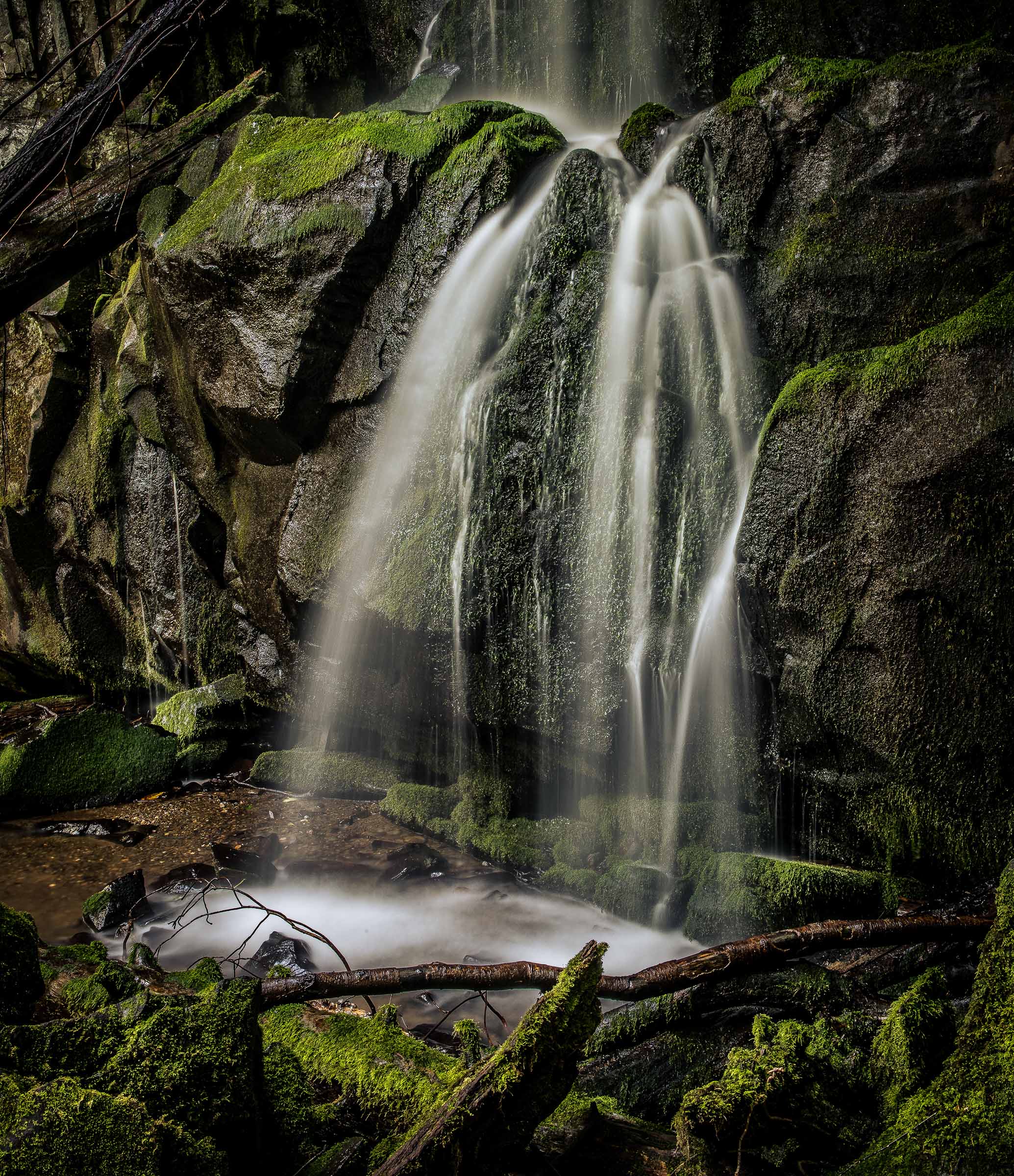
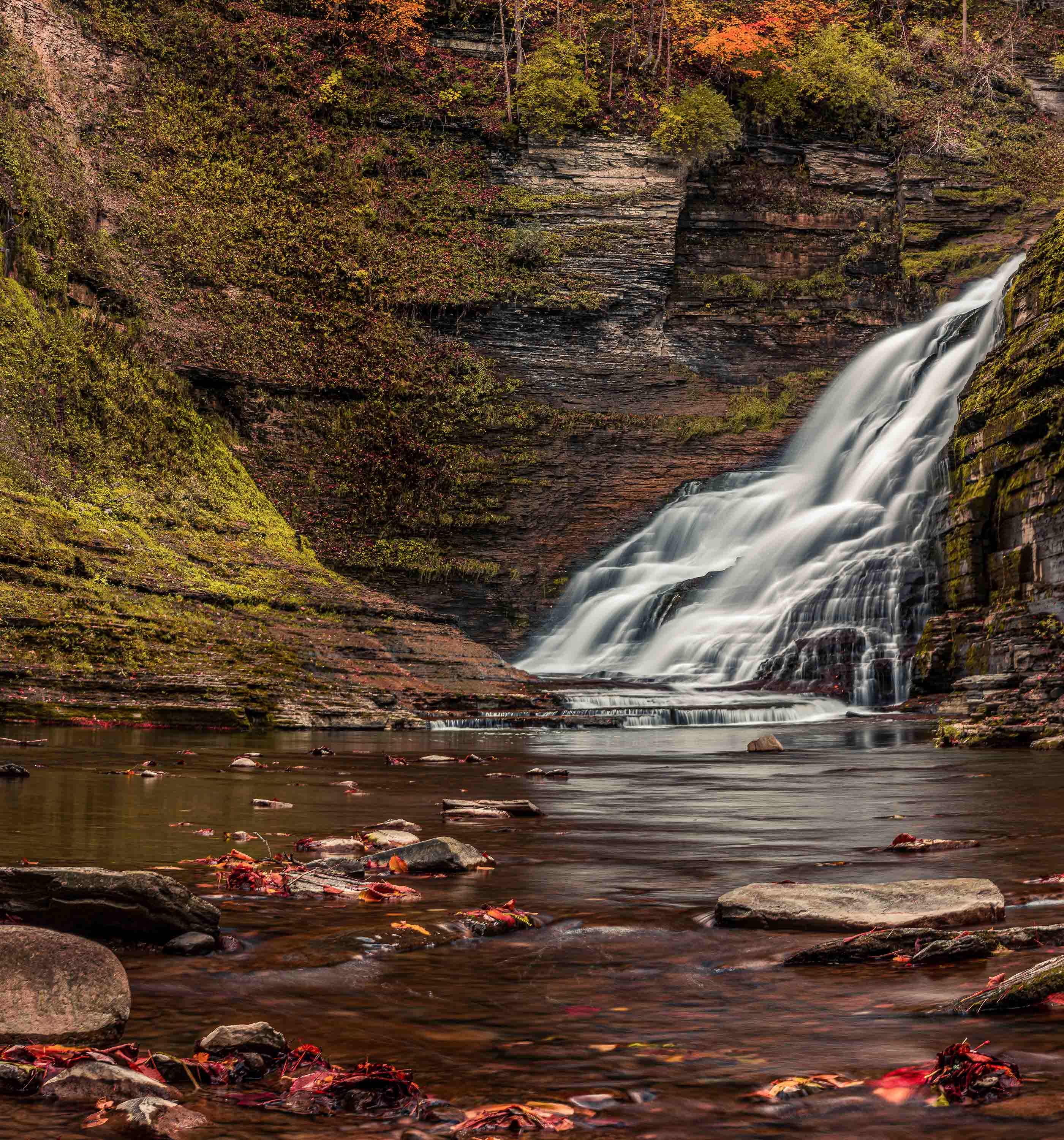
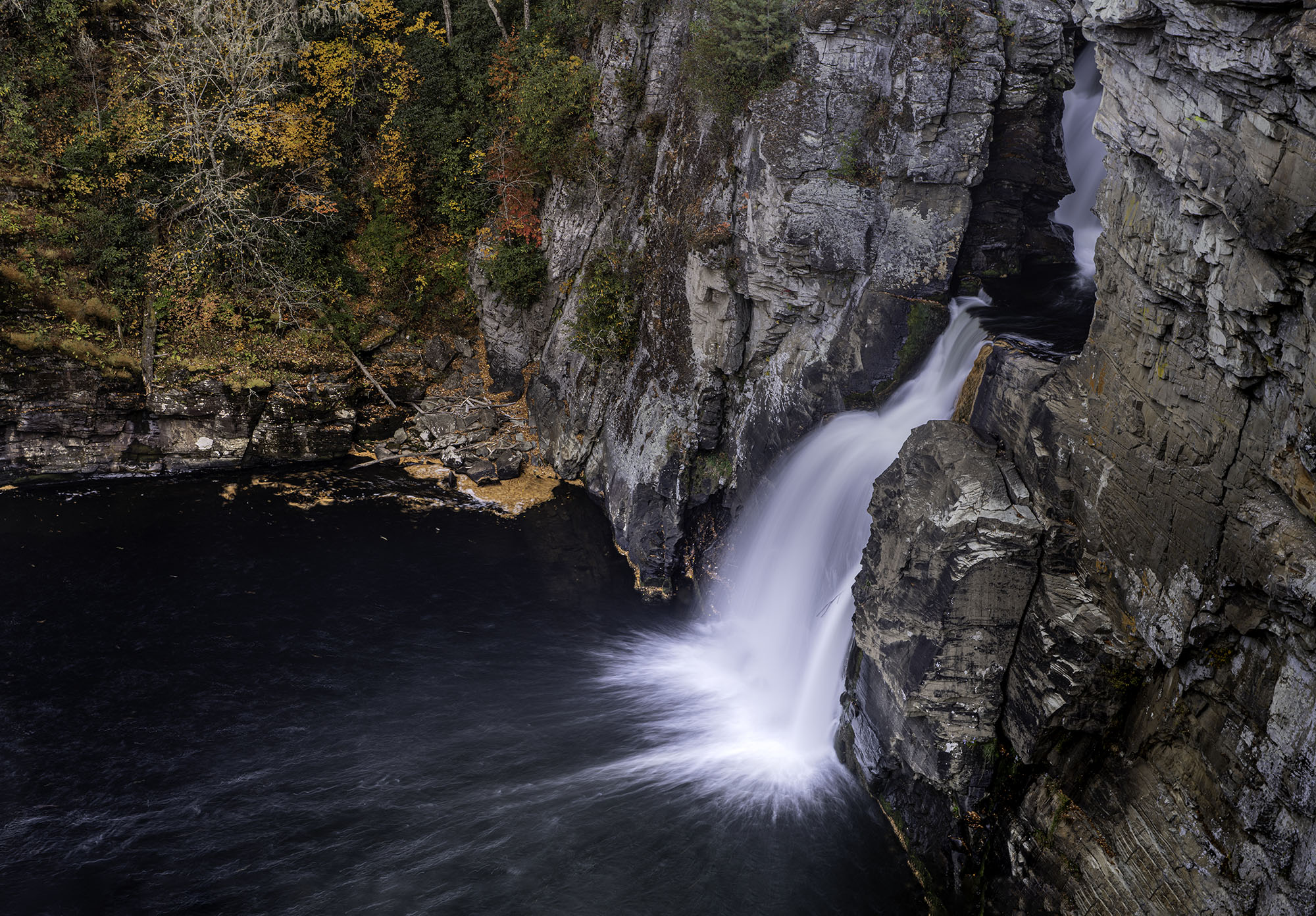
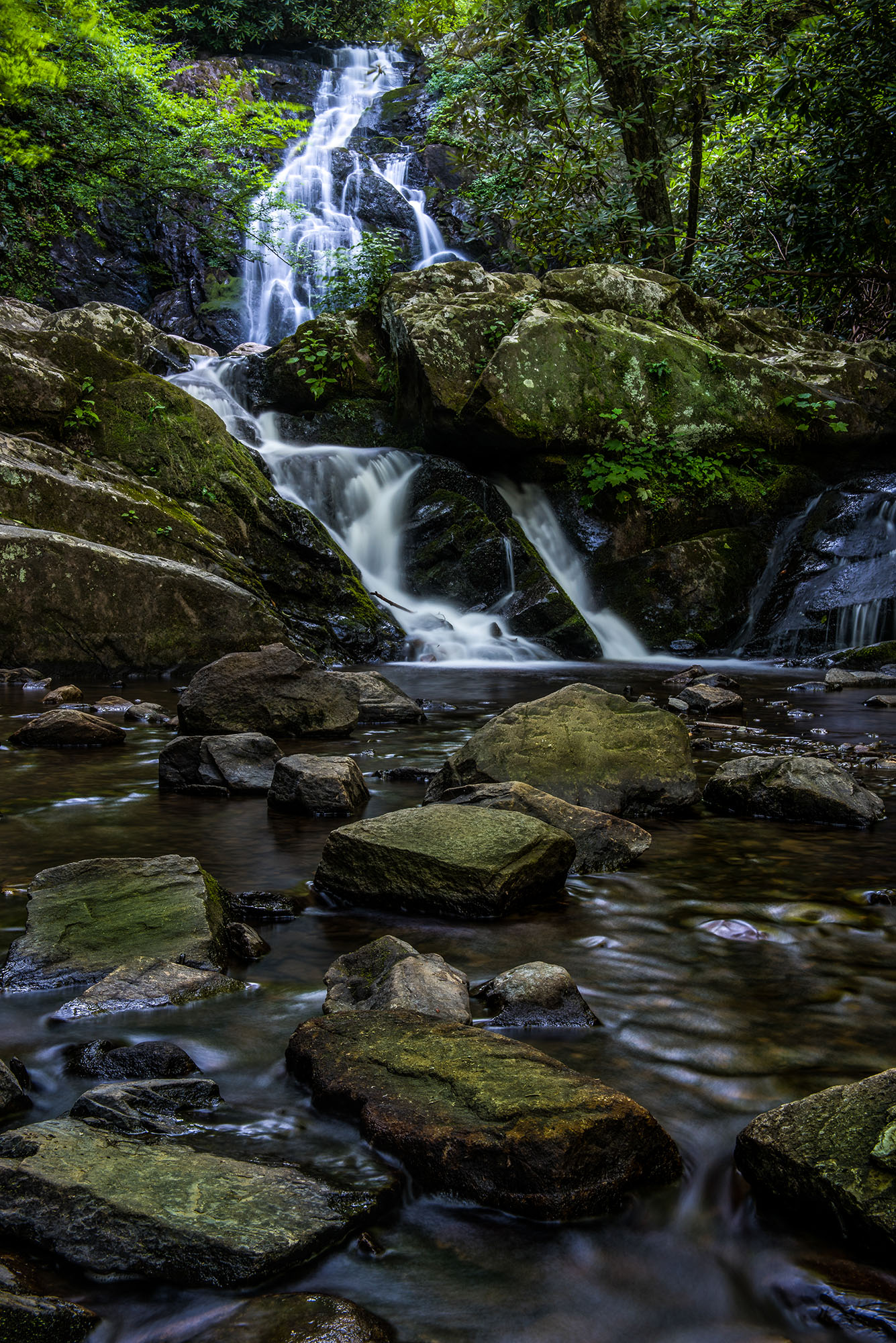
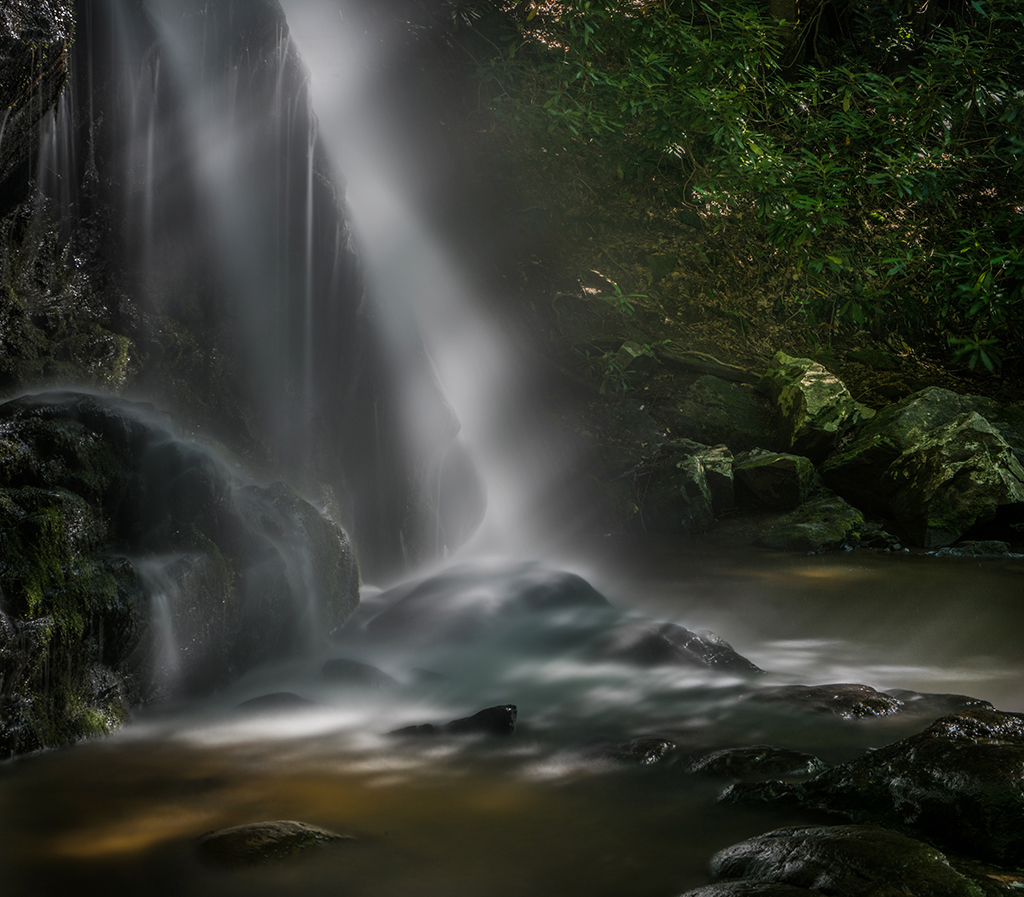
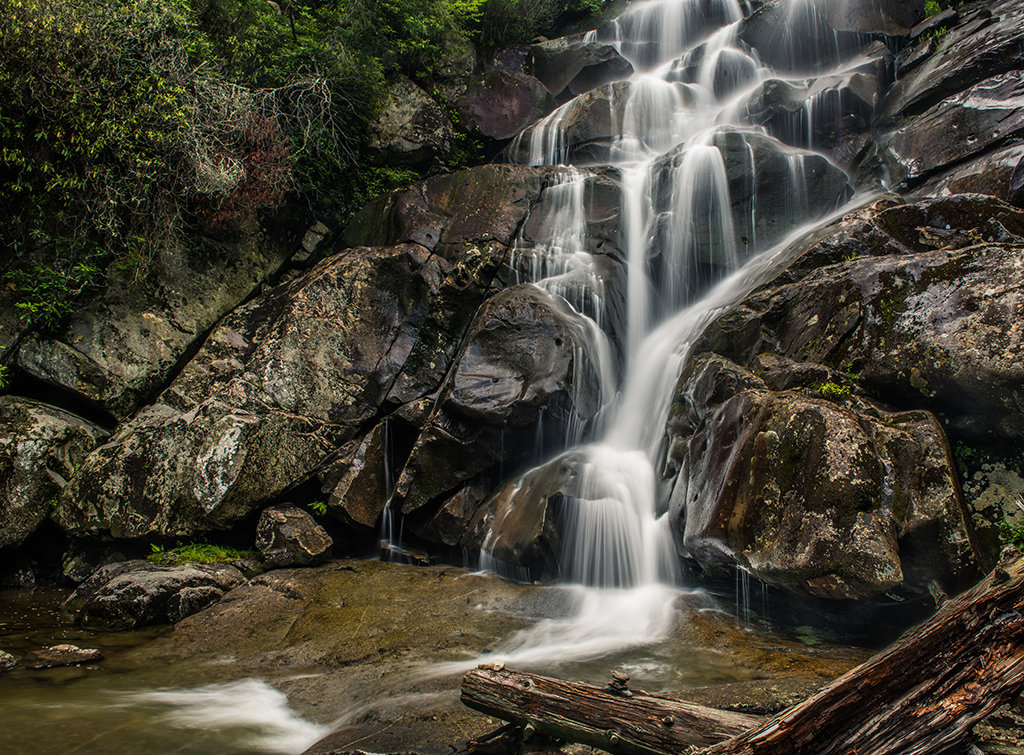
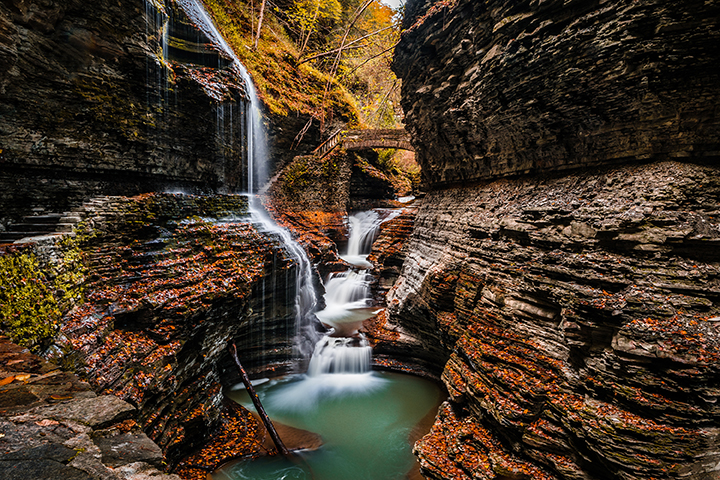
This is quite a dramatic falls image. I think your composition is excellent. I really like the .5 second exposure because it first shows fine detail in the slower parts of the fall but it also give some scale to the amount of rushing water in the more milky areas. This way the viewer can feel get power of the falls. I am fascinated by the green wall of moss in the lower left. The texture looks so smooth compared to the other moss in the photo.
You did a great job with this image. |
Nov 5th |
5 comments - 9 replies for Group 36
|
| 49 |
Nov 20 |
Comment |
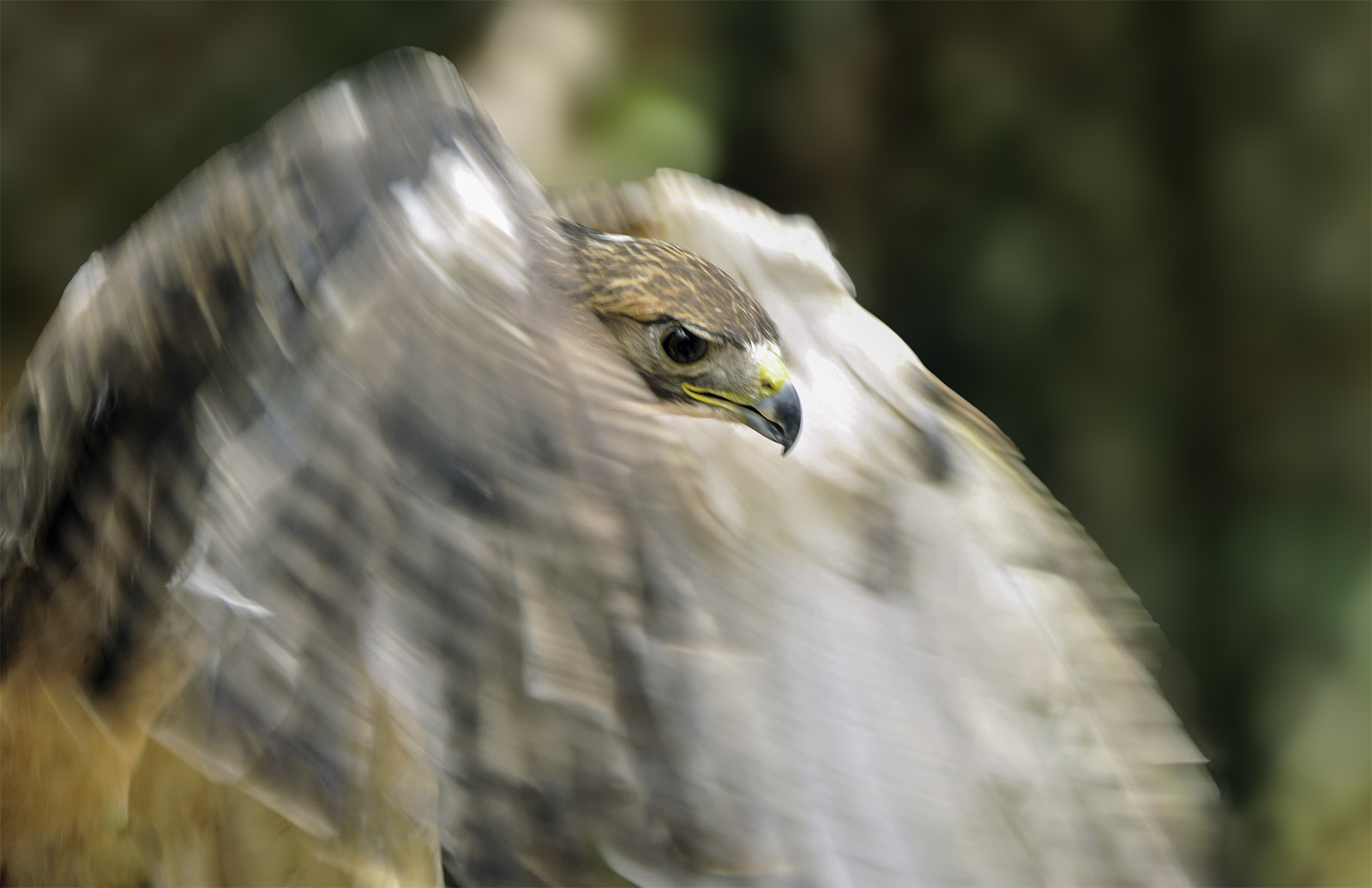
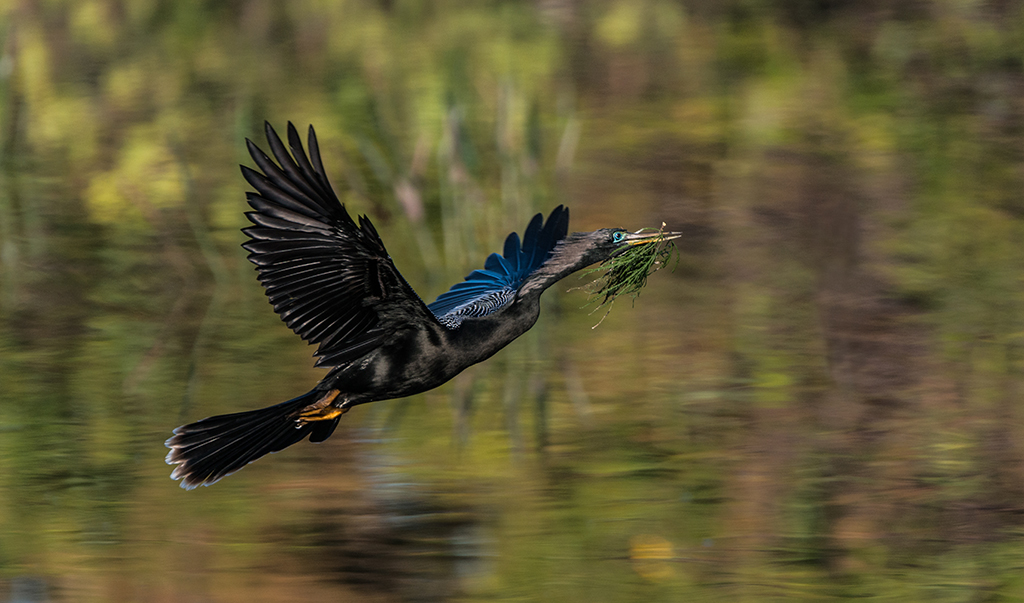
I love the panning---you did it well--something I rarely see.
While I love the shot, would you consider cropping off the black band at the top of the frame? I think it would just clean up the frame a bit. |
Nov 23rd |
1 comment - 0 replies for Group 49
|
| 67 |
Nov 20 |
Reply |
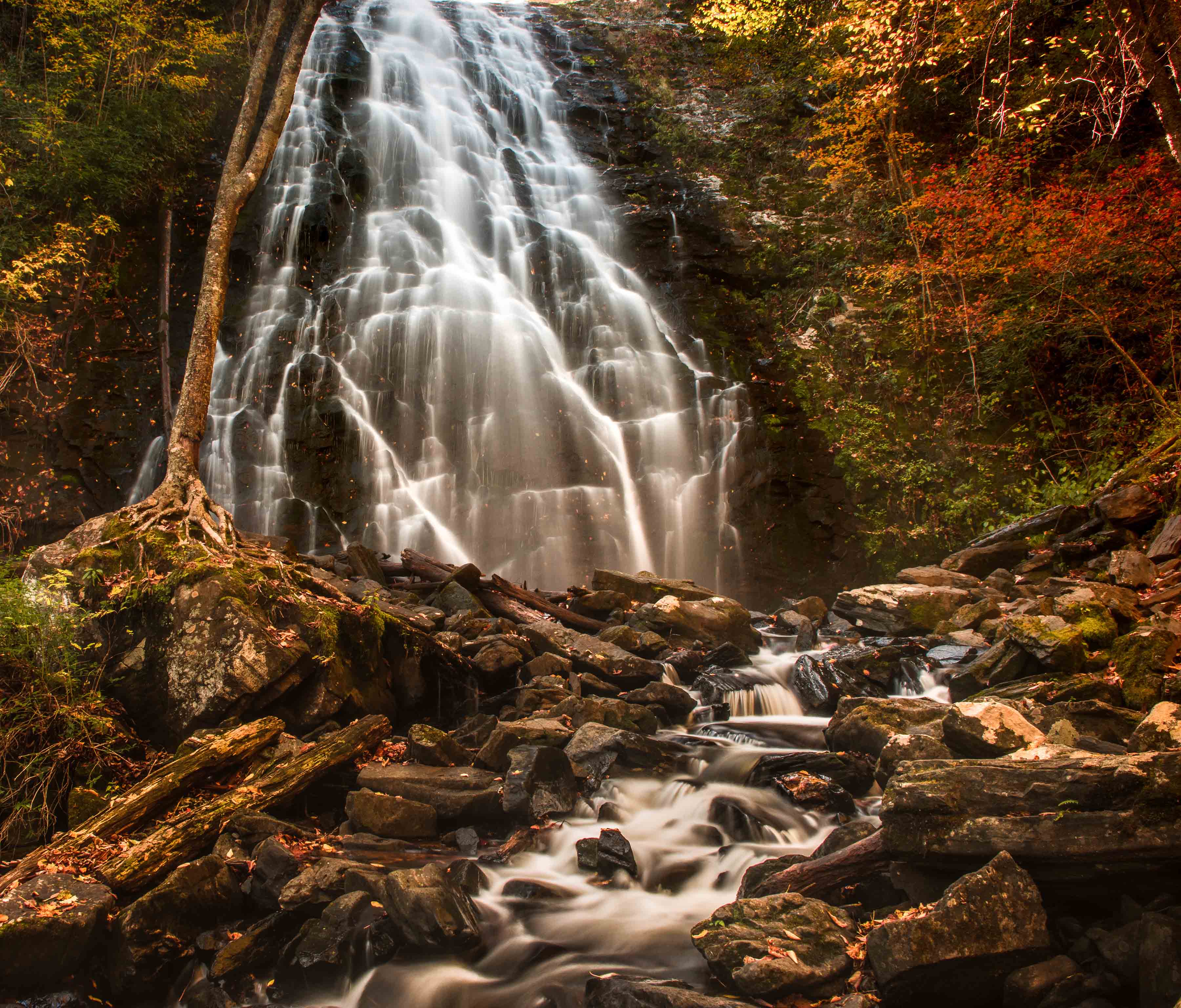
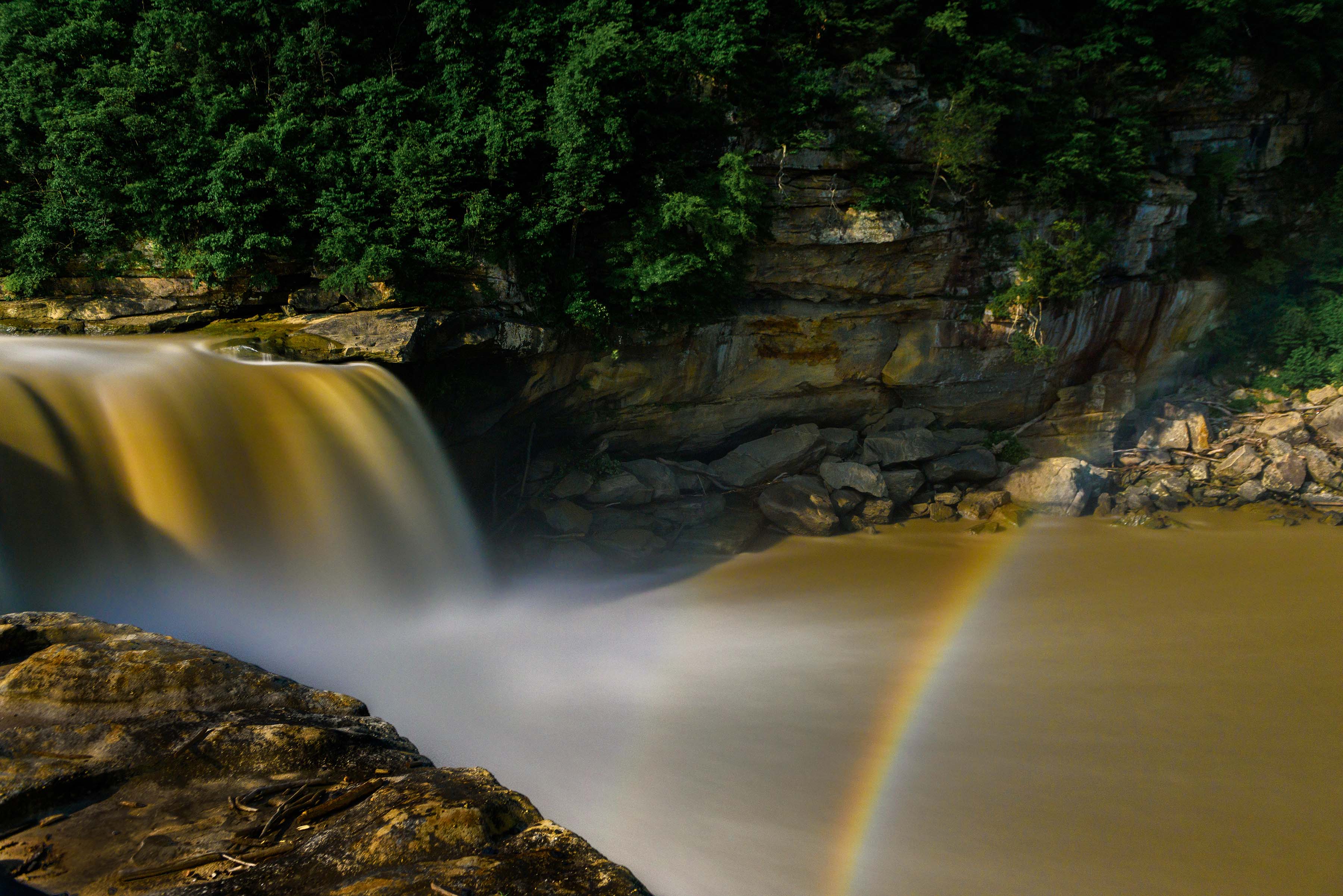
Thanks for commenting. The falls is quite majestic in its fall colors. |
Nov 28th |
| 67 |
Nov 20 |
Reply |
I hated cutting off the top of the falls, but the alternative would have looked so much worse. There just was no other way to photograph the mass of the falls. I could have taken shots of parts of the falls but I felt that would have looked quite odd.
Oh well. I just have to find another falls.... :-) |
Nov 28th |
| 67 |
Nov 20 |
Reply |
Jason,
I could have increased the length of the exposure to as much as 30 seconds had I wanted to. I have both a 6 stop and a 10 stop ND filter in my bag either of which would have extended the necessary exposure time. However, using either of those would have turned the flow of the water coming down the falls into pure milk. What makes the image interesting is the detail in the falls. I tried several exposures some longer and some shorter and found this to be the most interesting.', |
Nov 19th |
| 67 |
Nov 20 |
Reply |
I appreciate the comment. The warmth of the image comes the mist from the falls reflecting all the color from the fall leaves. All that mist simply multiplied the color. The stone walls all around the falls make it almost like walking into a bowl. I'll admit to a slight bump to enhance that colors of the fall leaves. |
Nov 19th |
| 67 |
Nov 20 |
Reply |
Todd
I shoot most of my wildlife using RAW, Manual mode and Auto-ISO.
But with close ups of bald eagles you would have to under expose just a bit so you don't blow the whites. |
Nov 15th |
| 67 |
Nov 20 |
Comment |
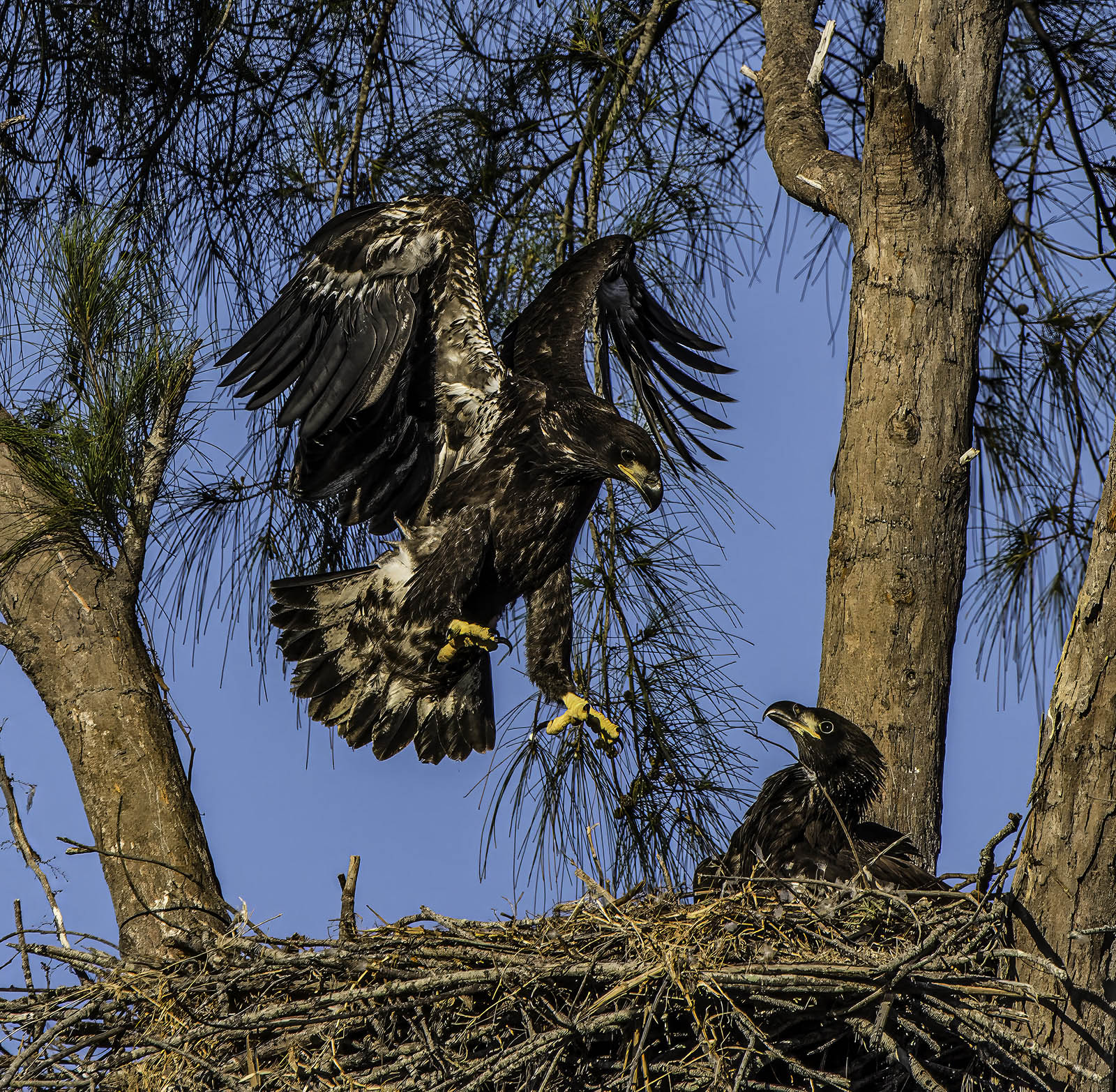
Eagles as such majestic creatures that they make great portraits. I think your composition with the up turned head angle adds to the arrogance of the bird. Your camera settings also created a clean background that separates the subject from the background.
I think the subject is a bit soft and that detracts from image quality. Hand holding a 300mm lens at only 1/500 may well be the problem. When hand holding a rig shutter speed is your best friend. Your ISO is only 200 and that could easily be increased as modern camera can easily handle ISO level of 800. My suggestion would be to bump up the ISO and then increase the shutter speed.
|
Nov 14th |
| 67 |
Nov 20 |
Comment |
Jason
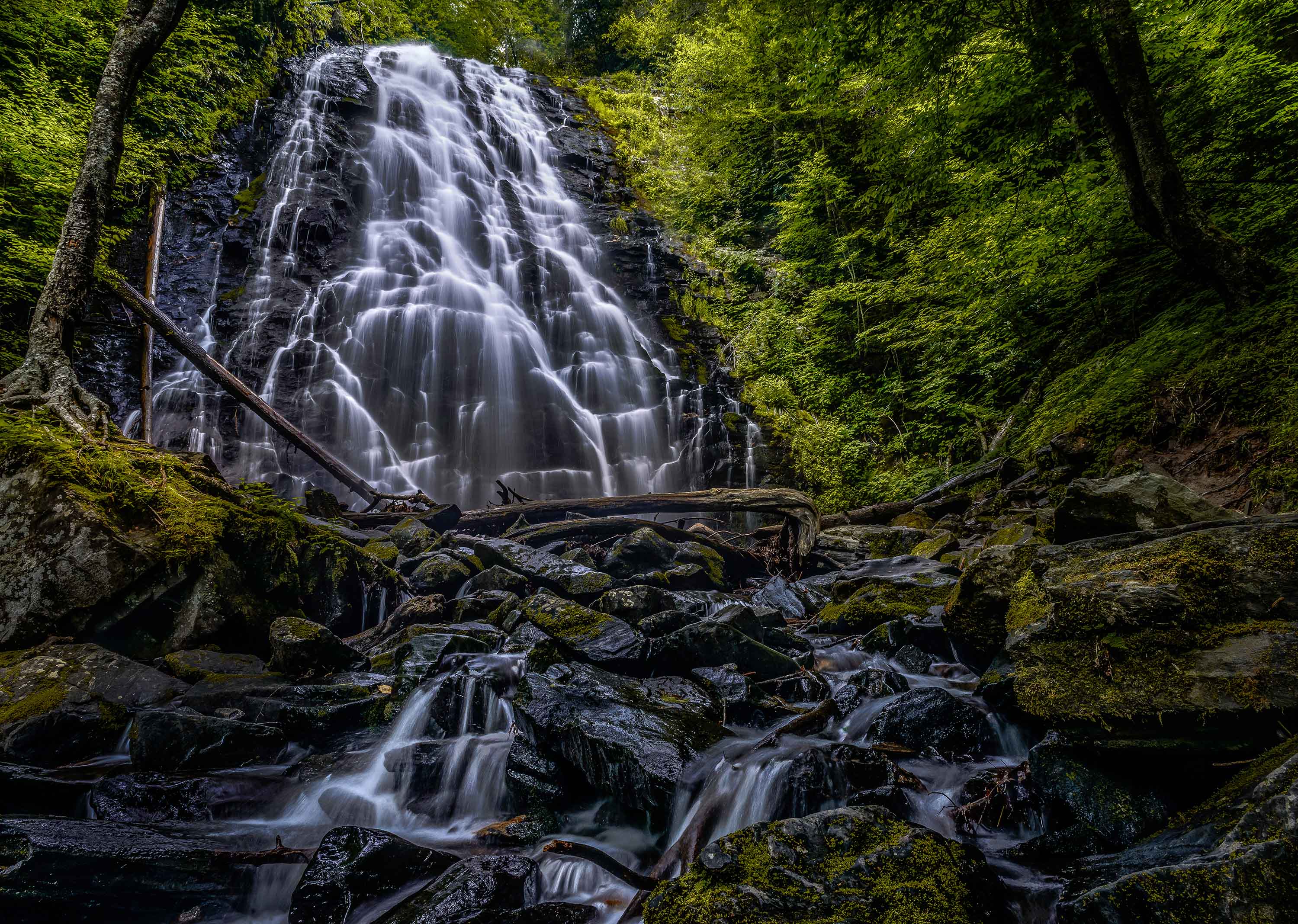
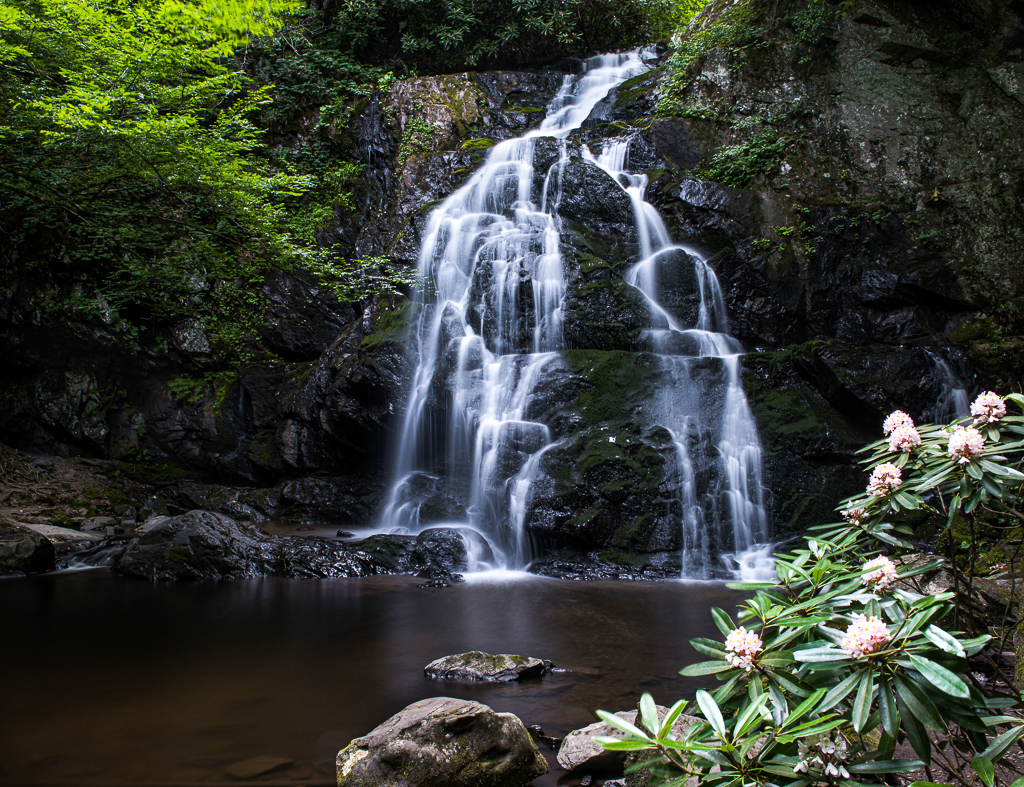
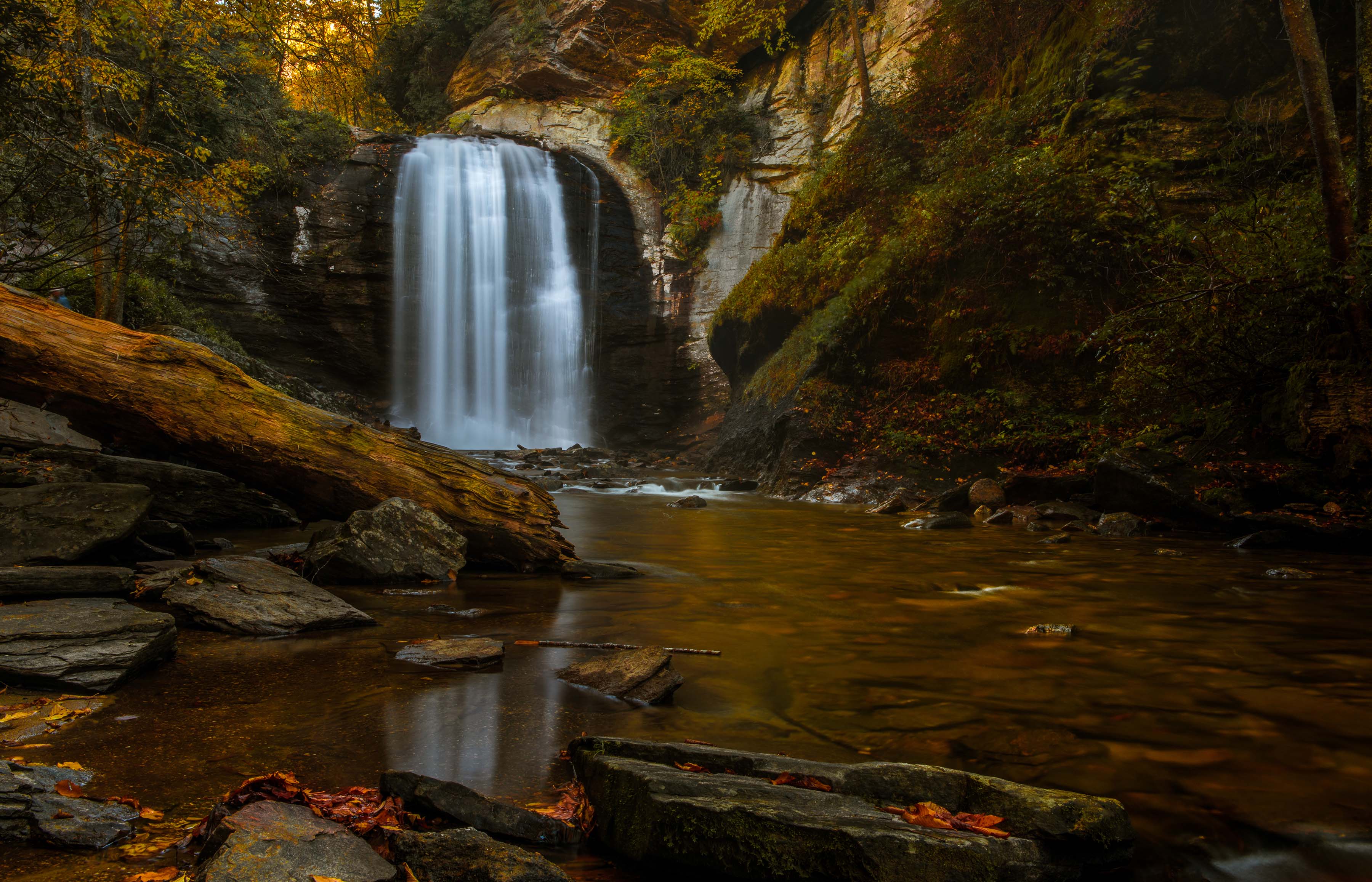
I feel you found a beautiful location and I really like the way the falls reverses direction from the drop to the runoff stream. The stream creates a great leading line back to the falls and the downed log makes a nice frame.
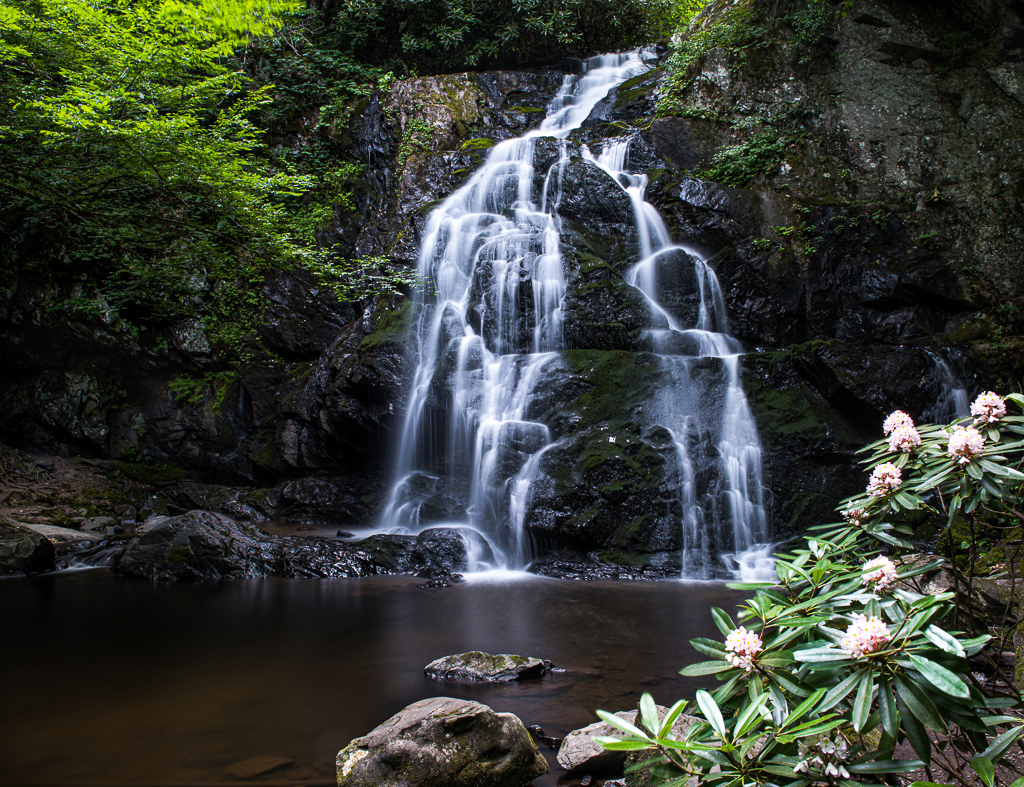
I can tell from your settings that you wanted to blur the water but I would question your actual settings. Waterfalls create their own wind and in your case it appears you also had a bit of breeze as well. The lack of sharpness in the image is caused by the wind moving the leaves on the trees. You selected an aperture of f8 but then added a 10 stop ND filter. That pushed your shutter speed to 20 seconds and you ended up with a great deal of leaf movement. By closing your lens to f20 you could have reduced the length of the shutter and cut down on that blur in the leaves. Is the 10 stop the only NF filter you have? If you have a 6 or a 4 stop ND that would have allow the same exposure you have now, but without as long of a shutter speed and less blue in the trees.
I have two suggestions for getting a cleaner result with less leaf blur. If you notice the area to the right of the falls is overexposed as your camera tried work with the bright area near the falls and the dark shadows everywhere else. First, I would suggest spot metering and set your exposure for the falls area. That would bring the over exposed area into proper exposure. You could bring up the shadows in post processing. It would also reduce your exposure time and cancel the blurred leaves.
You could also do this as two shots and layer the results in Photoshop. Take one image metering and properly exposing the falls. Then take a second image metering and exposing for the shadows. Layer and blend the results in photo shop.
You could also wait for the sun to pass behind a cloud reducing the brightness and then take the image as a single exposure.
|
Nov 5th |
| 67 |
Nov 20 |
Comment |
Until you called it to my attention I had not realized that our entire group had overlooked the significance of mushrooms.
I think you did a great job with the focus stacking. I would like to know if your camera did the focusing as an automated feature or if you refocused each shot yourself manually? I would also like to know if you have Photoshop and chose Helicon Focus for some special reason. Most of my stacking images have been done with Nikon's D850 and it is an automated program. I process in Photoshop and thus far have been satisfied. Several others I have seen at clubs where I judge photos have indicated they use Helicon so I am wondering about the advantages. You also indicate that you moved the stack back to Lightroom for final editing. So, did you shoot the originals in RAW format and if so after stacking what format did you move back to LIghtroom--a jpg or a raw file? I have found that I have to use Lightroom first to edit the images then move the files to photoshop for stacking and back to LIghtroom for final edits. However the final edits are done on a jpg and I lose some quality this way.
I like the photo you submitted and I'm glad you kept the entire family together for the photo for the family portrait. I would offer two thoughts. I would crop the out of focus foreground just to clean up the image and since the eye is drawn to the light and bright portions of the image I would use and adjustment brush in Lightroom and tone down the bright parts of the background and thus leave the mushrooms as the brightest part ofhe photo |
Nov 5th |
3 comments - 5 replies for Group 67
|
| 78 |
Nov 20 |
Comment |
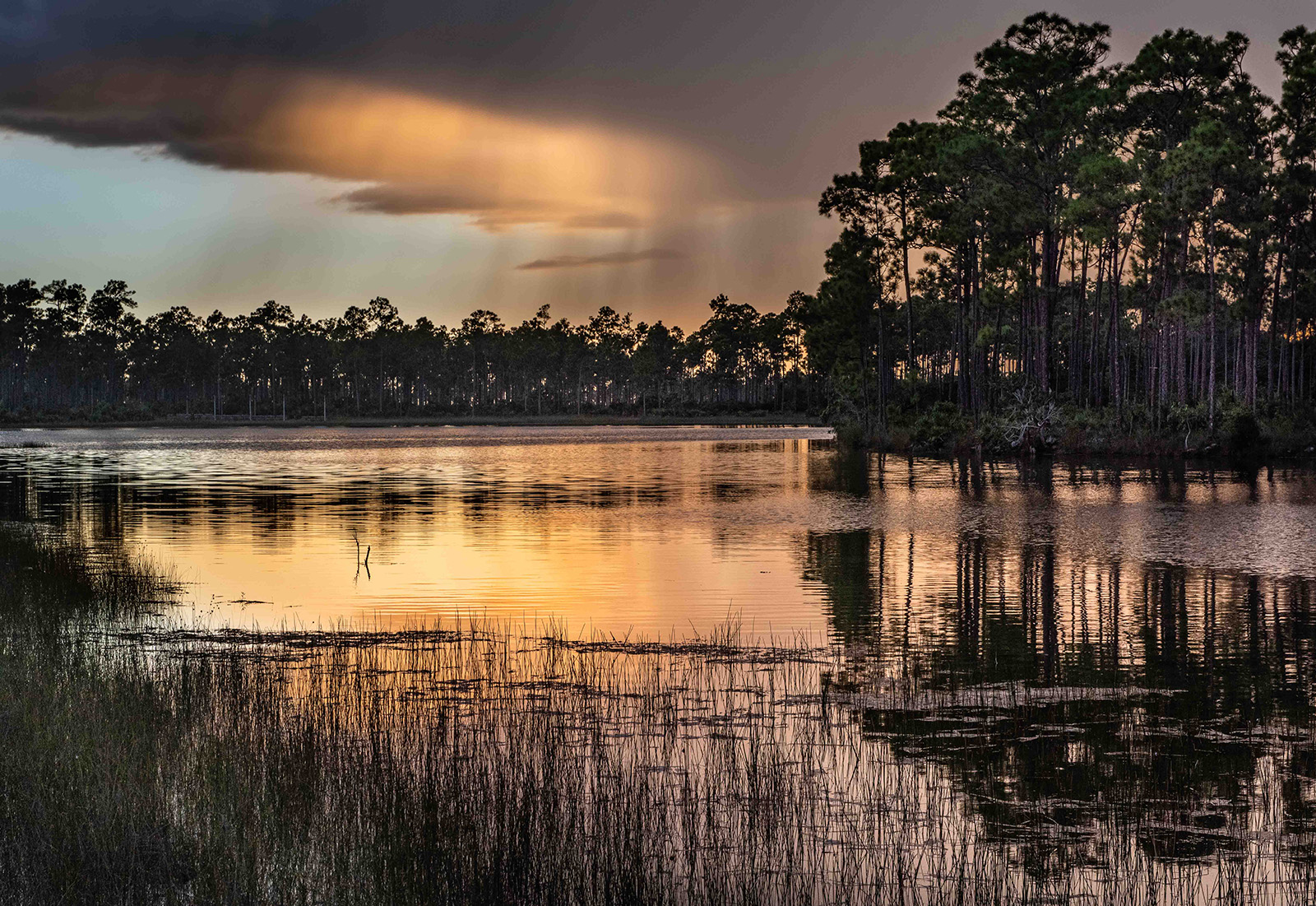
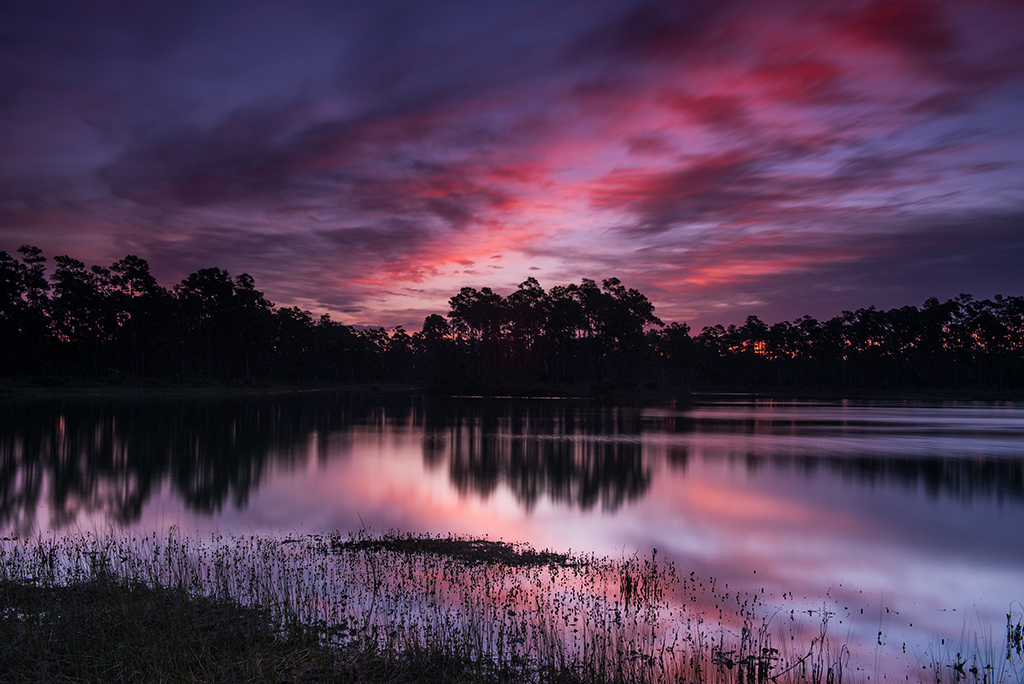
Welcome to Florida. Our mosquitoes think tourists are quite tasty. They hope you will return, assuming they left you enough blood to stay alive.
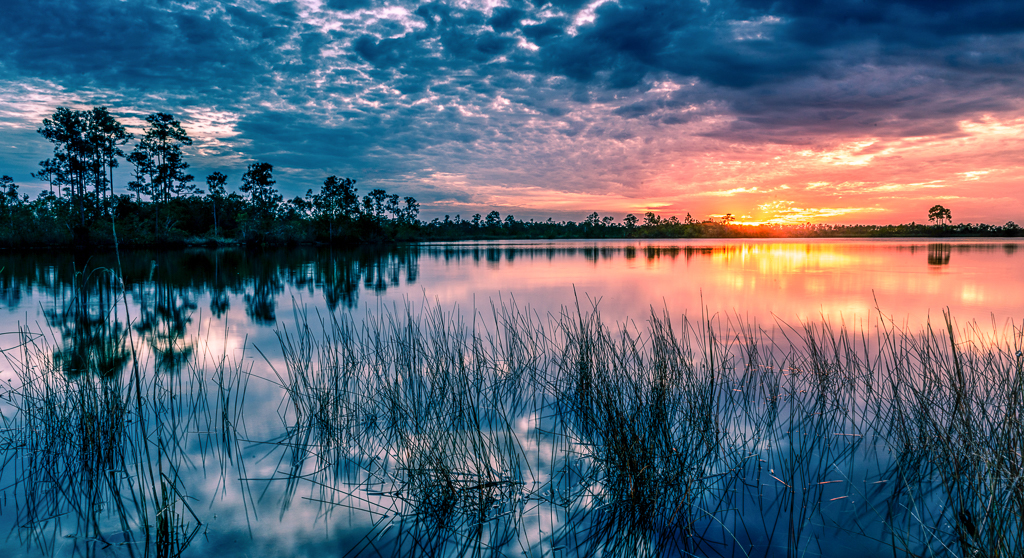
They very unusual clouds made this a striking image. Your exposure really made this image work. Well done. |
Nov 2nd |
1 comment - 0 replies for Group 78
|
| 94 |
Nov 20 |
Reply |
A very interesting comment about the d850 not focusing fast. Last March, just before covid, I was hired by the Florida Wildlife Bureau to photograph eagles nesting on a lake I am not allowed to name. I photographed eagle vs. osprey in flight battles with the D850 and my 200-400 f4. I was chasing diving eagles and had no problem obtaining focus. I did have to hand hold my rig, in a rocking boat for several hours and my arms felt like lead,but the photos were fine. I did use shutter speeds between 1/2000 &1/2500 and shot in burst mode with auto-ISO. When shooting landscapes I'm looking for depth of field and now with the D850 I'm even shooting landscapes using focus stack.
I almost never use my 24-70 lens wide open unless I'm shooting the Milky Way or stars. I generally need more DOF for my subjects. |
Nov 14th |
| 94 |
Nov 20 |
Reply |
Donald.
The reason your image appears so small is the your long side is only 960 pixels. It can be as long as 1400.
When I size my images I take the raw image place it in Photoshop then under image size I make the long side 1400 pixels. Then I go to file>save as and select jpg. Then I click OK and then under image options I check preview and then adjust the sliders until I get a file size under 1MB
Good Luck |
Nov 14th |
| 94 |
Nov 20 |
Reply |
The old Nikkor 24-70 was a very sweet lens and quite sharp. I shot one for years. Personally I like the old lens better than the new. I really have no need for the VR function. If my shutter speed is that slow, I'm on a tripod. But that is just me.
As for submitting images. According to the guidelines you can resize the original image (it must me less than 1MB) and then you can resize your edited version of the original (it must also be less than 1MB) and submit them both with your write up. Sherri will be able to post both. The group admin doesn't do the resizing, that is left to the maker of the image.
The ghosting on your image bothered me because the shutter speed should have frozen movement and out of focus is generally just a continuous blur. That was why I asked about the original. Inquiring minds just want to know.
I found it interesting that you shot at f2.8. That is going to produce shallow DOF something I don't generally do with wildlife unless they are at infinity. I see way too many images with the critter only being partly in focus. Granted if the photographer is being creative that works but generally images need DOF sharpness so my ISO goes up and so does my aperture. Your D750 can certainly handle higher ISO ratings.
Just for discussion purposes I shoot most wildlife on my D810 and D850 in manual mode with auto-ISO set to allow a maximum of 1600. That way I can walk with my preferred shutter speed and aperture for any potential situation that may arise and the camera will adjust the ISO so I can get the shot. Just my approach but to each their own. All that matters is the final image.
You asked to see my images you can drop by Group 36 and 67 and see them their or my website Reminisces.smugmug.com |
Nov 13th |
| 94 |
Nov 20 |
Comment |
First congrats on the capture of your Redwing Blackbird Female. It is always grand when you can check another one off your bucket list. You have taken what could have been just a plain portrait and added two things that elevate the image. One is the head turned back over the shoulder. This type of pose implies motion, and the bird must turn its head back. This alone takes a static portrait to a more active concept. The second plus is the bit of green in the beak. Any time an animal is shown capturing or holding food lifts the quality of the image. I will also offer kudos for toning down the greens. Green is one color that is regularly displayed too brightly and loses the natural look quite easily. In successful competition photos the maker generally tones it down to obtain a more natural look. (Note: if you have not calibrated your monitor you should look into a program to do this. It will improve overall color in your finished works.)
As has been mentioned, that brown weed should be removed as it is a great distraction. Simple and clean works best for backgrounds. That said many competitions will not allow this type of manipulation, however in our DD Groups it is permitted.
I am going to break with the opinion of the majority and suggest that the image is really not tack sharp. You state the use of a 100-400m lens at 400mm. I'll bet you a nickel (that's a big bet for me) that you did not use a tripod. Thus you hve a hosts of things working against you. First note several of the background leaves have double edges, so there was a slight breeze that introduced motion. You were hand holding your camera rig and that also introduces motion as you cannot stand perfectly still if for no other reason other than you were breathing. Your shutter speed is quite slow at 1/160. Small birds twitch constantly and because they are small you tend to be closer to them and this closeness magnifies the movement. Additionally at 400mm and f5.6 you have very shallow DOF. All of this contributes to a soft image. You have a fine camera and that model (I looked it up) can easily handle ISO levels of 800 if shot in good bright light and exposed properly. Raising the ISO to even 4-500 would allow for a faster shutter speed and thus solve all your problems. Shooting wildlife this small I would suggest a shutter of 1/800 or more if you can manage it. A fast shutter speed is your best friend. A tripod or mono pod also really helps. (but a fast shutter will make up for the lack of tripod---most of the time)
Just a little extra note: In the olden days of film there used to be rule that said the minimum shutter speed hand held was 1 over the focal length of the lens. Thus at 400mm lens required a shutter speed of at least 1/400. However, in the digital age cameras are sharper than film used to be. And if you have a full frame camera the image can be sharper yet. Thus I have found that I try to double the old rule. Thus 1/400 becomes 1/800. I get there by raising the ISO.
Sorry, this is long winded, if you have any questions please ask. If I don't know the answer, I'll find it for you. This applies to you and anyone in your group. It will be my pleasure. |
Nov 13th |
| 94 |
Nov 20 |
Comment |
Hi Mark
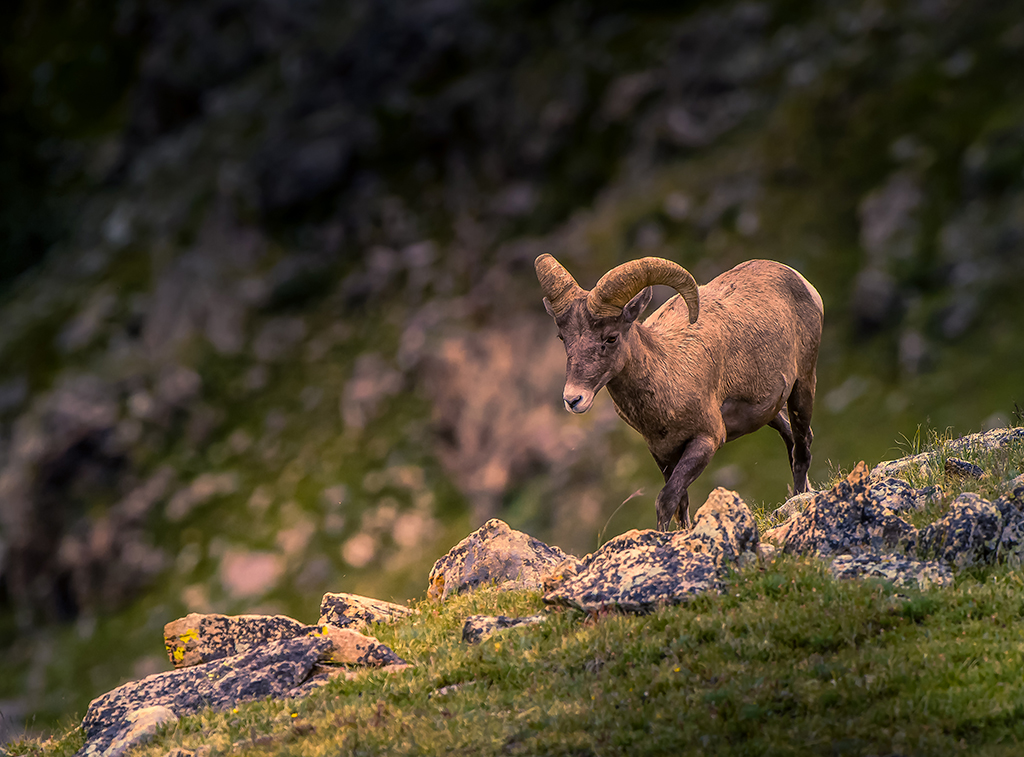
You were most fortunate to get this close to a BHS with a 100mm lens. Your shallow aperture really helped to separate the subject from the background and that separation make the subject look much more majestic.
If I may, I'm going to offer a slightly different point of view on the format of the image. The eye of the viewer is subconsciously drawn to the brightest portion of the image. In this case that bright portion is the background. If you add more space at the top, you are adding more bright area that draws the eye away from the sheep. I don't feel you need the space as the space at the top is about the same as the space on the right so there is balance. You might try bringing down the highlights (the background) and then "slightly" brightening the sheep to keep more attention on the sheep. I'd be interested in hearing your opinion on this.
|
Nov 13th |
| 94 |
Nov 20 |
Comment |
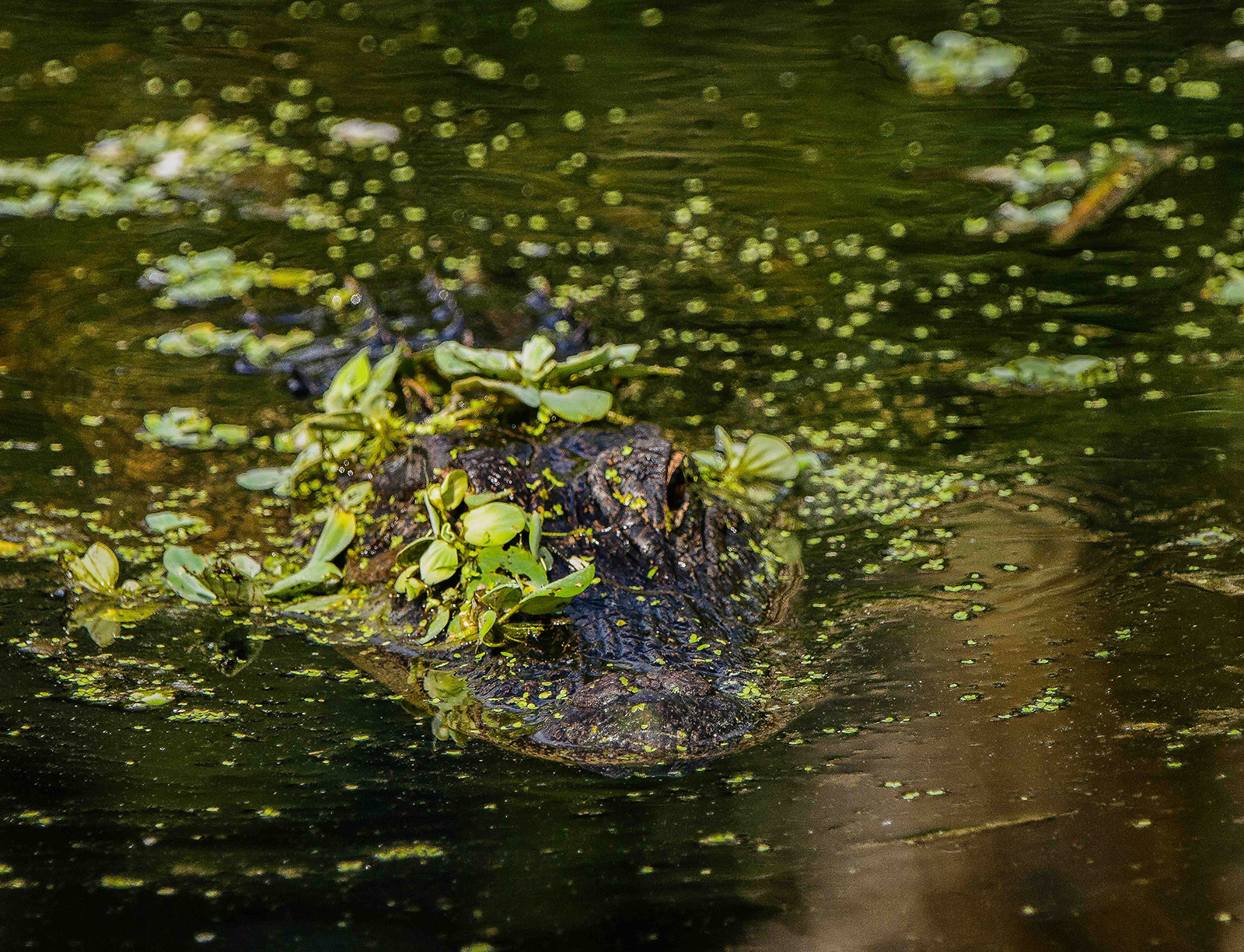
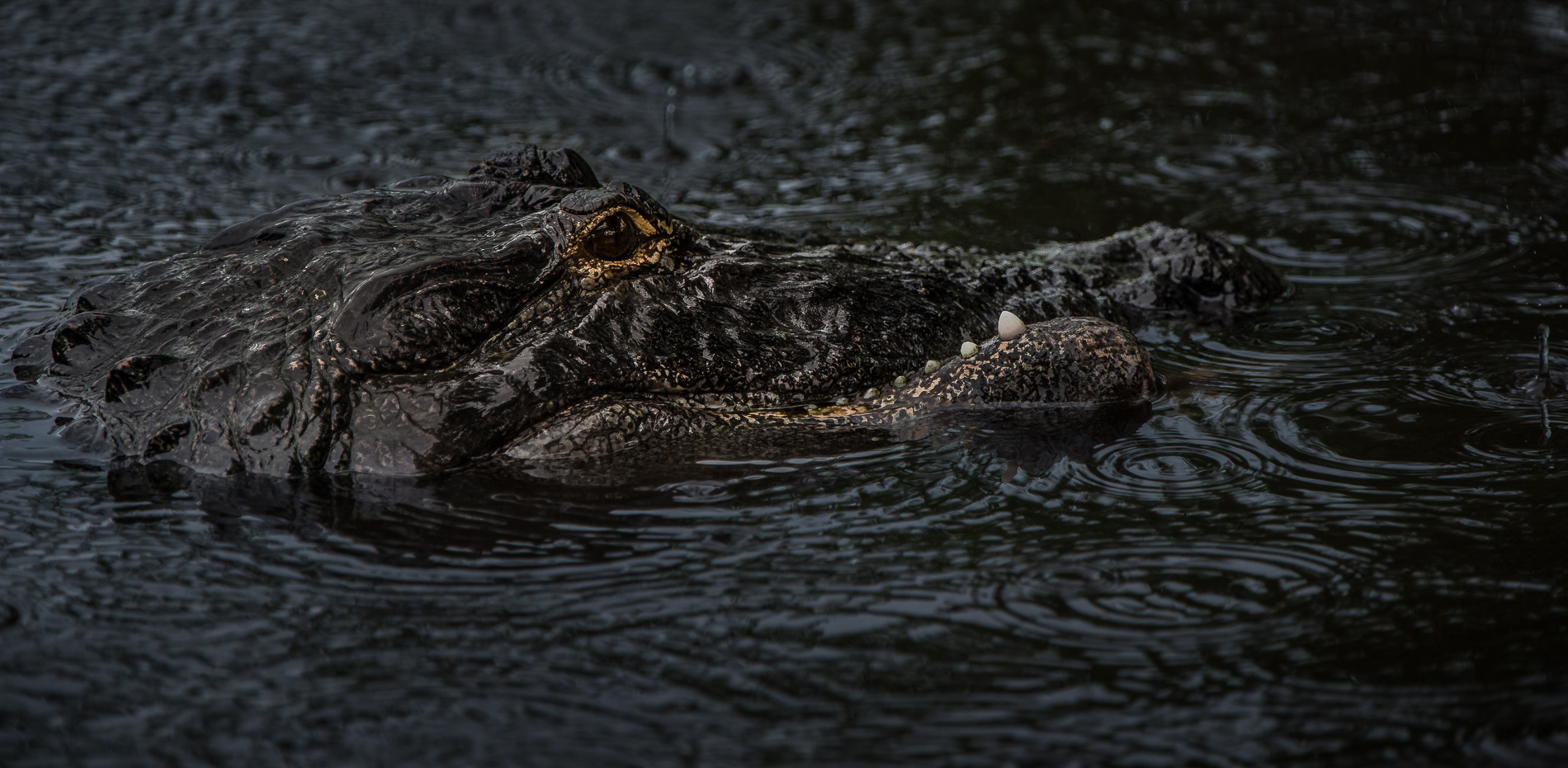
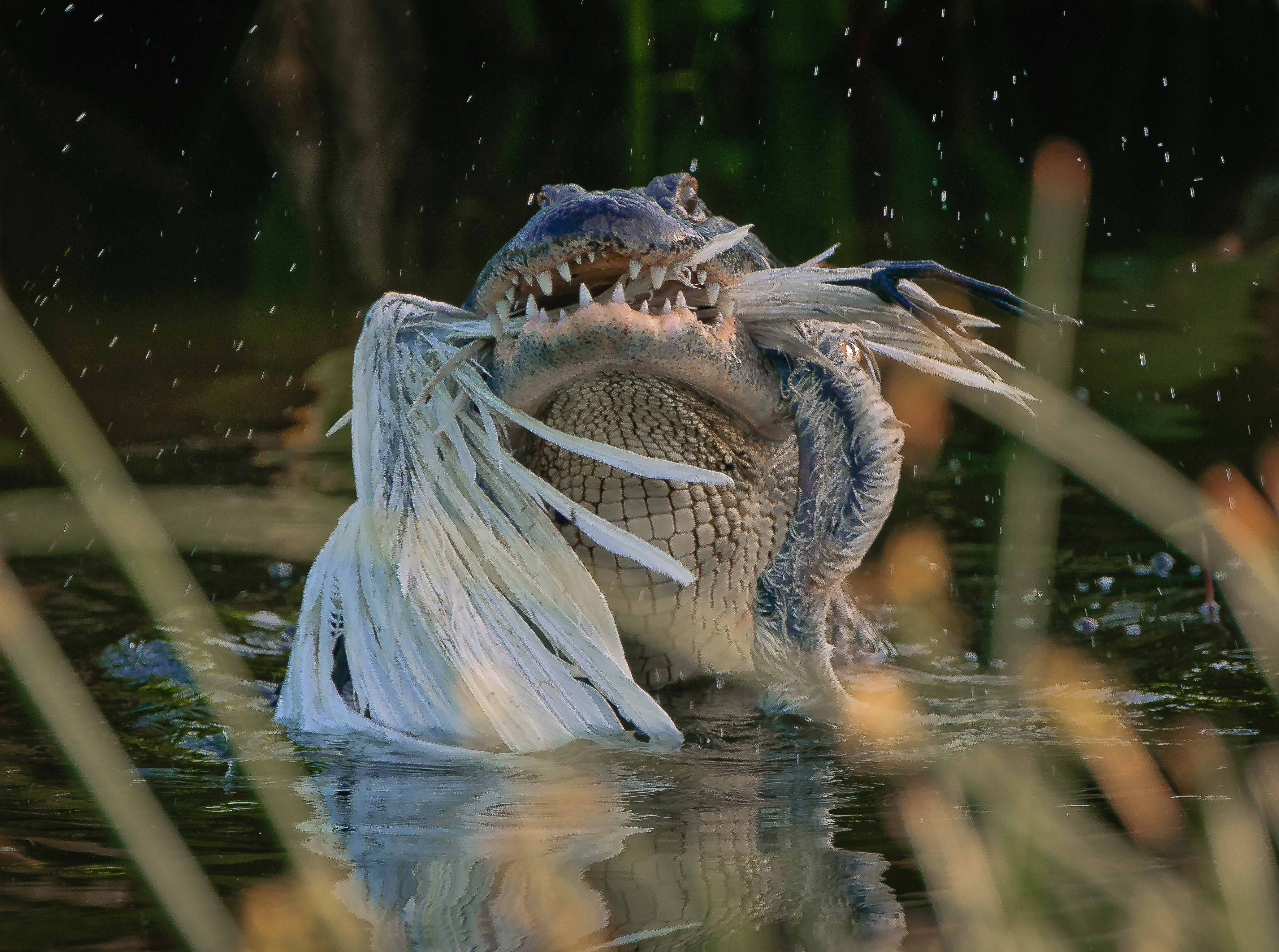
In my opinion you have captured one of those rare, once in a lifetime images with the reptile striking its prey. Capturing this in the wild is not easy. You do not indicate exactly which zoom lens you were working with and I would be interested in knowing as I am a long time Nikon user.
Judging from your settings you seem to have had an issue with light. Your shutter speed is fast enough to freeze the action but your depth of field is so shallow at F2.8 that the tongue is rendered as just a blur. Since it is such a prominent part of the image I feel it is a bit of a distraction. I realize it is hard to make adjustments in the field when action is happening this quickly but for future reference may I suggest trying to capture this type of shot in more of a profile. Doing so would help solve that DOF issue. Of course, if you wanted to capture the reptile coming at the camera, then you did it the right way and the blur will just have to be accepted as part of the action. I would like to hear your thoughts on these angles.
I wish you had included the original image as there appears to be some ghosting on the branch to the left of the reptile that may well be due to some processing issues. |
Nov 13th |
| 94 |
Nov 20 |
Comment |
Hi Donald.
I'm part of the Digital Discussion Management Team and just dropped by so see how the group is doing.
You have a lovely image but may I suggest you check the Guidelines at the top of the page. Your images seems to have been sized incorrectly resulting in such a small image that we cannot really appreciate it. If it were sized correctly we could enjoy it all the more. Just for fun you might check out Group 67, one of the members in that group posted a mushroom "family".
As for your image I feel your crop is not only creative but the square format removed any and all distractions and really gives the image a bit of pop. Using the gill as your subject shows aside of mushroom that is seldom seem and that adds to the overall impact of the image.
May I suggest that you provide just a bit more space on the right edge (you have plenty in your original) as the image feels a bit cramped on the right. And while you are at it, perhaps you could clone out those two black spots that are a bit distracting. Unless of course you are keeping them to serve as mushroom eyes. :-)
By the way, it is not required that you identify the species of mushroom. That sort of identification is not part of the DD Group guidelines. Nor is it required to identify a location of an image. Many photographers leave this sort of thing out to keep crowds of people from going to a location and ruining it.
|
Nov 13th |
| 94 |
Nov 20 |
Comment |
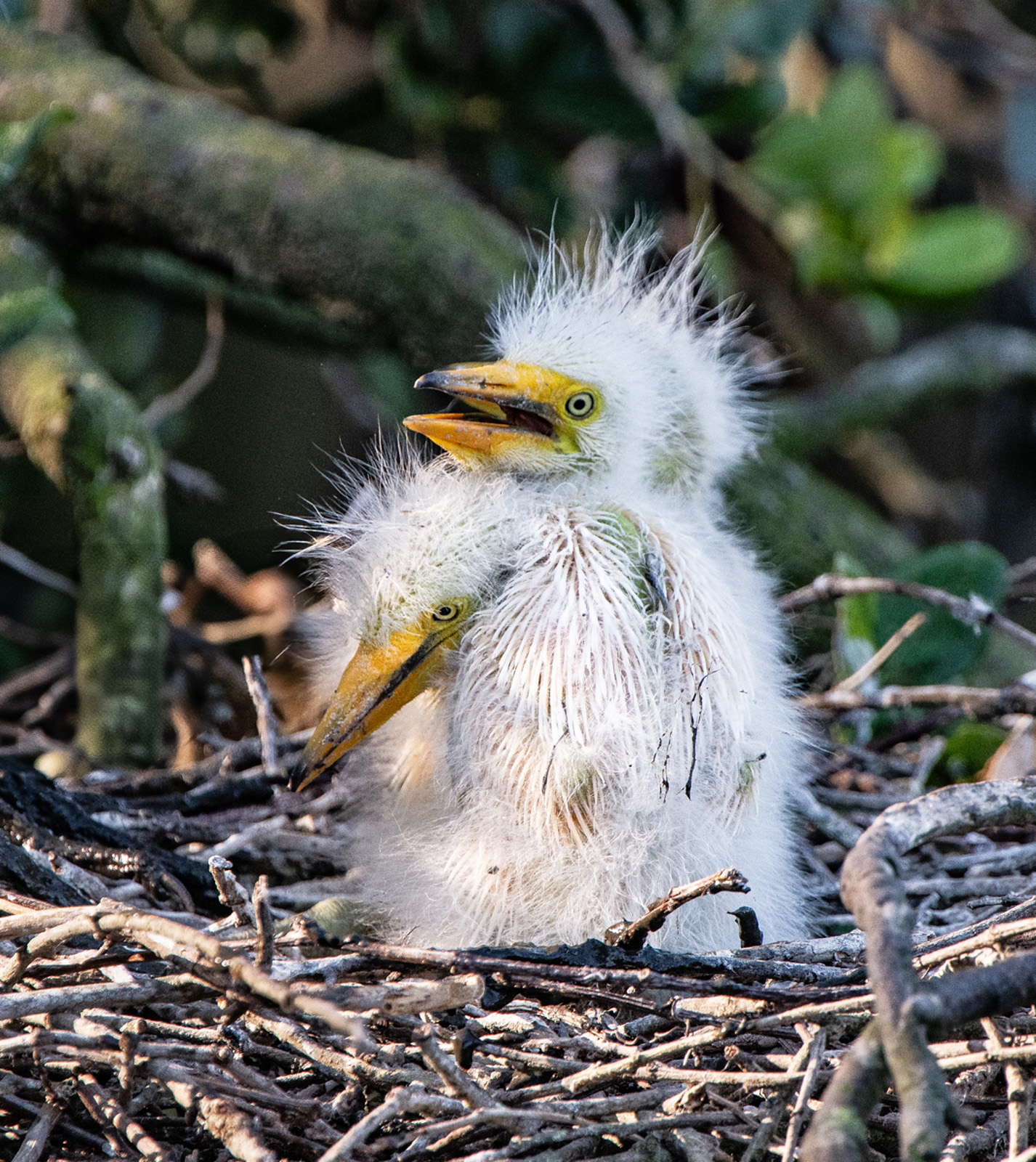
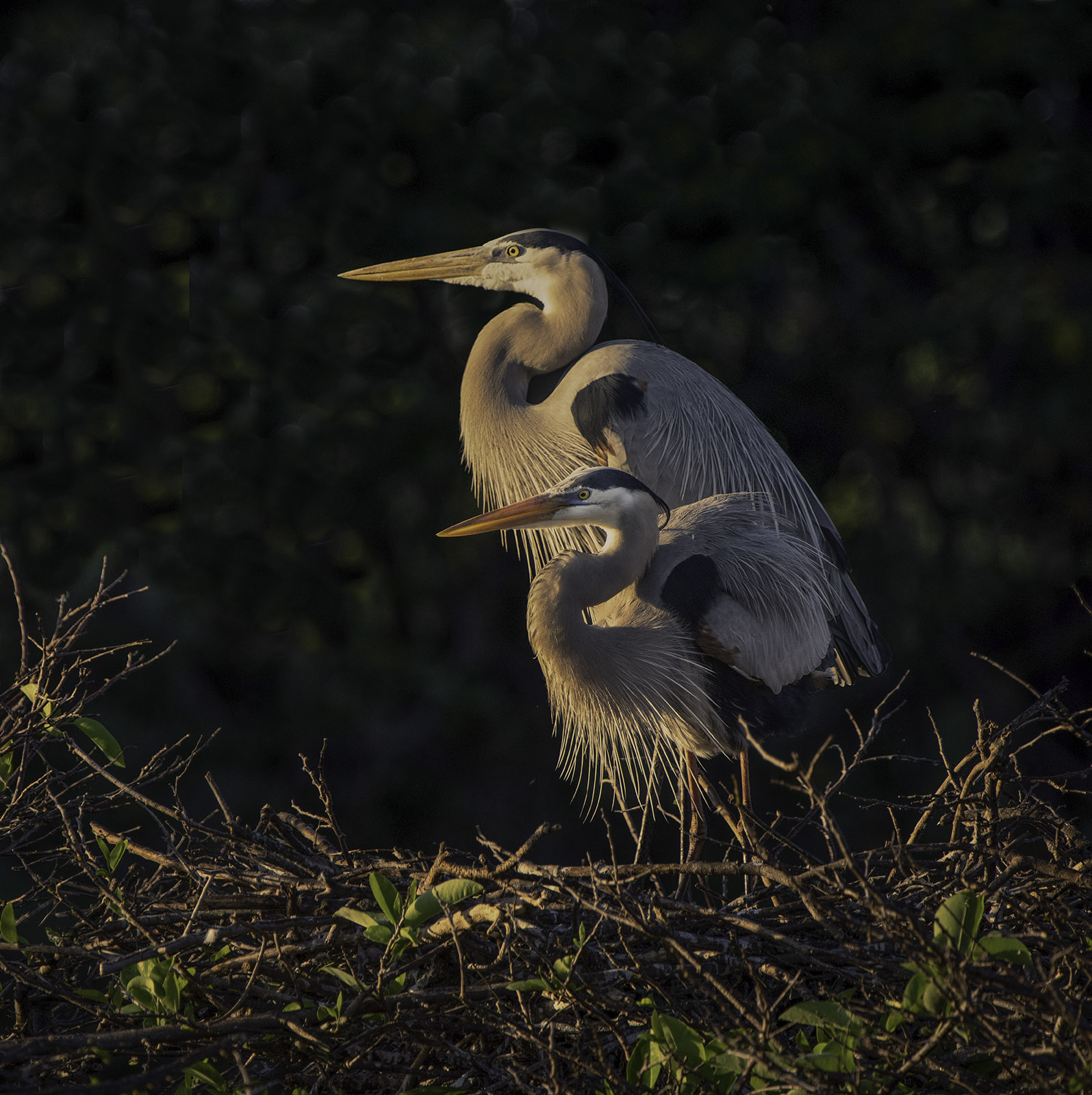
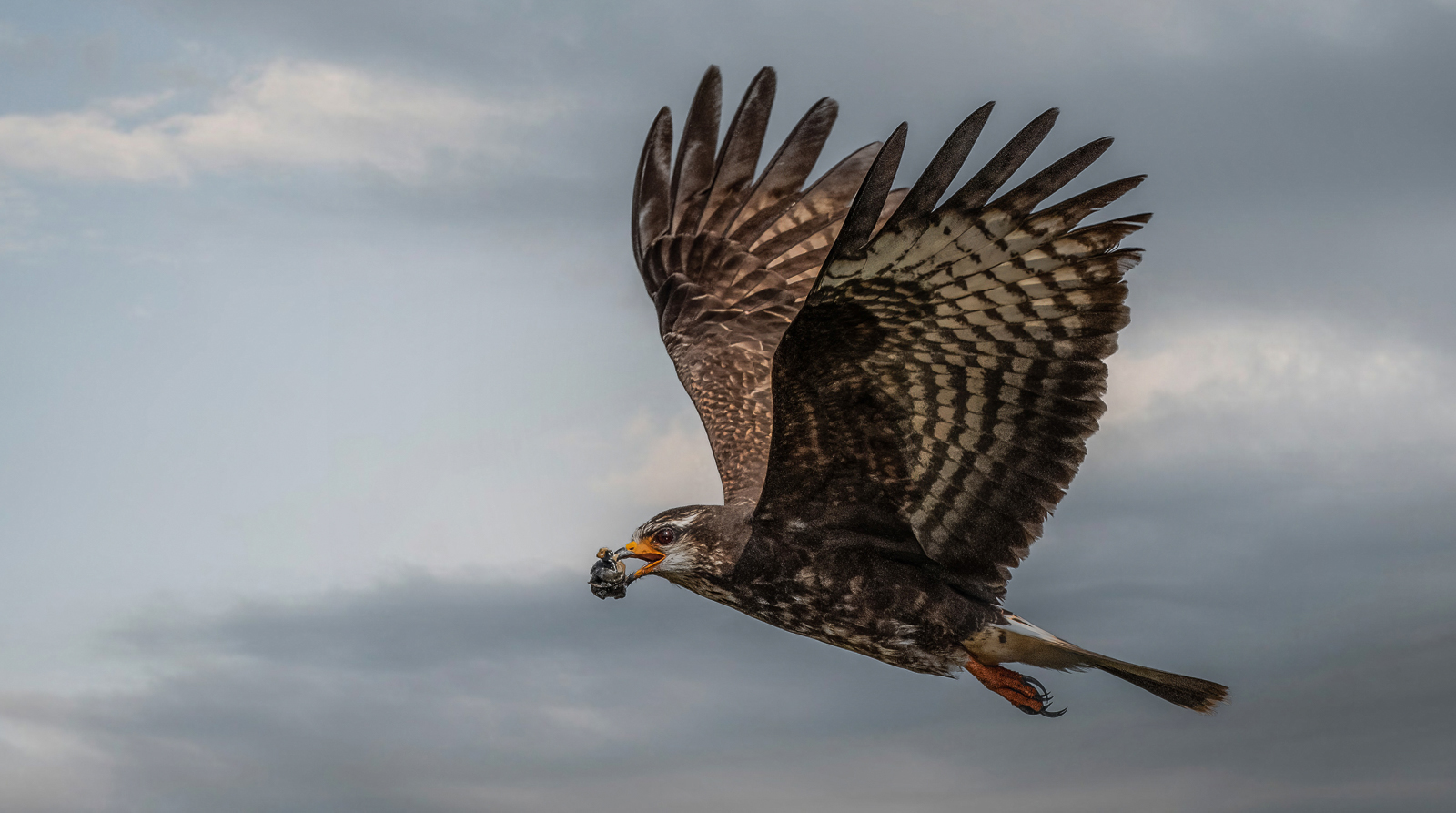
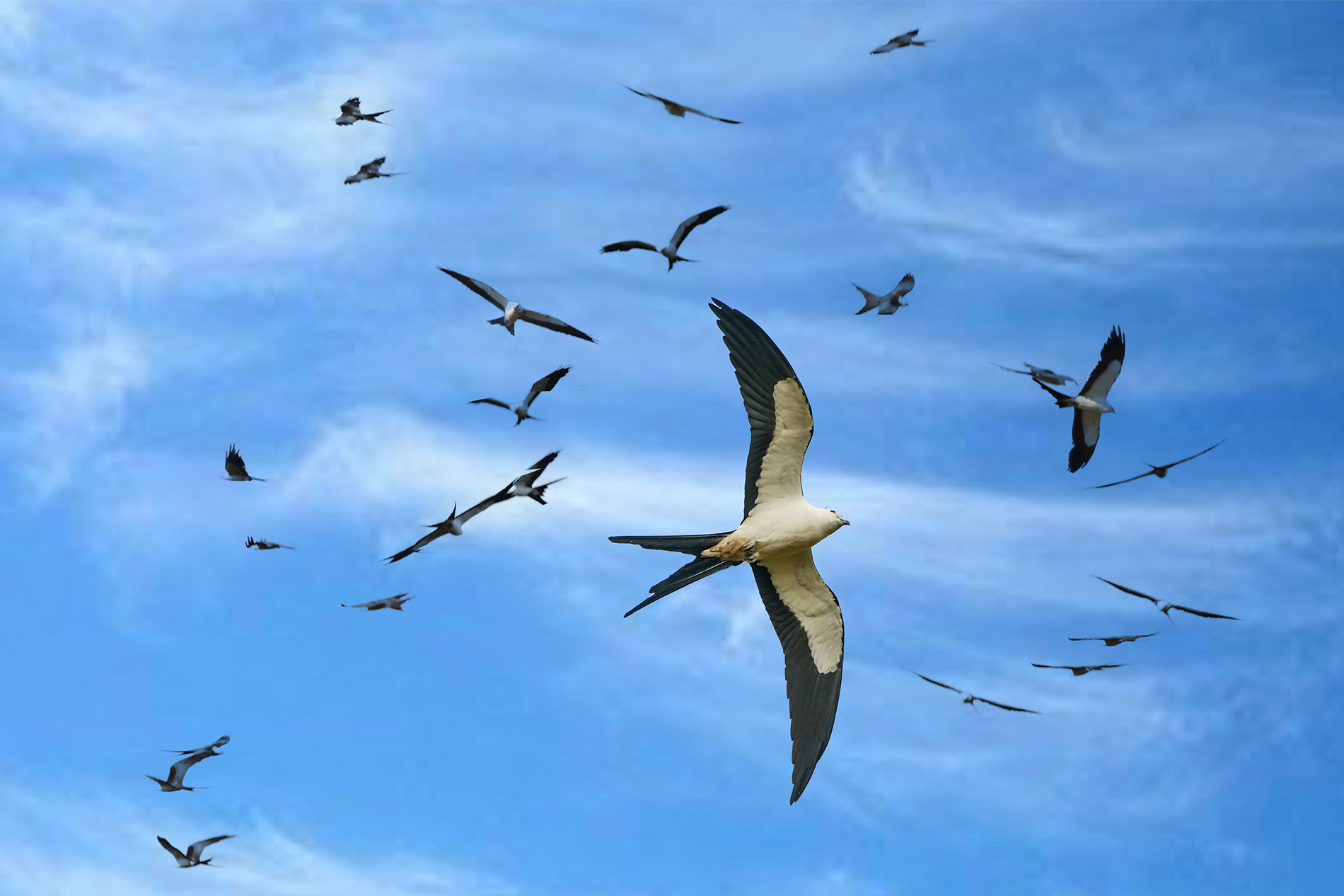
I feel you did a lot of things quite well with this shot. First, and most important with wild life images, you got the eyes of both birds sharp. Having a sharp eye will cover a host of other miscues because we are drawn to the eyes first. You did well in isolating the subjects from the background. One thing that is quite hard to do in the field is to pay as much attention to the background as to the subject. I know these guys live in a very busy environment and getting a clean background is hard. In this image you have several other blurred white birds that are distractions and bring down the quality of the image. May I suggest a couple of potential "fixes"? One easy solution is to change your camera angle By moving yourself either a bit left or right and/or raising or lowering your camera position you could quite possibly hide the other birds behind your subjects, and maybe eliminate them completely. This would strengthen your image. I'm going to bet you took this hand held and thus you may have a bit of motion blur in your image. Shooting at 560mm and with an extender it is hard to keep a rig like yours steady at on 1/640 of a second. May I suggest two fixes? Try using a tripod, or a monopod to hold the weight of your rig. The second since you are shooting at 560mm you are probably shooting at infinity on your focus scale and thus could drop that f8 to f5.6 and that would allow you to bump that shutter speed up a notch. |
Nov 12th |
| 94 |
Nov 20 |
Comment |
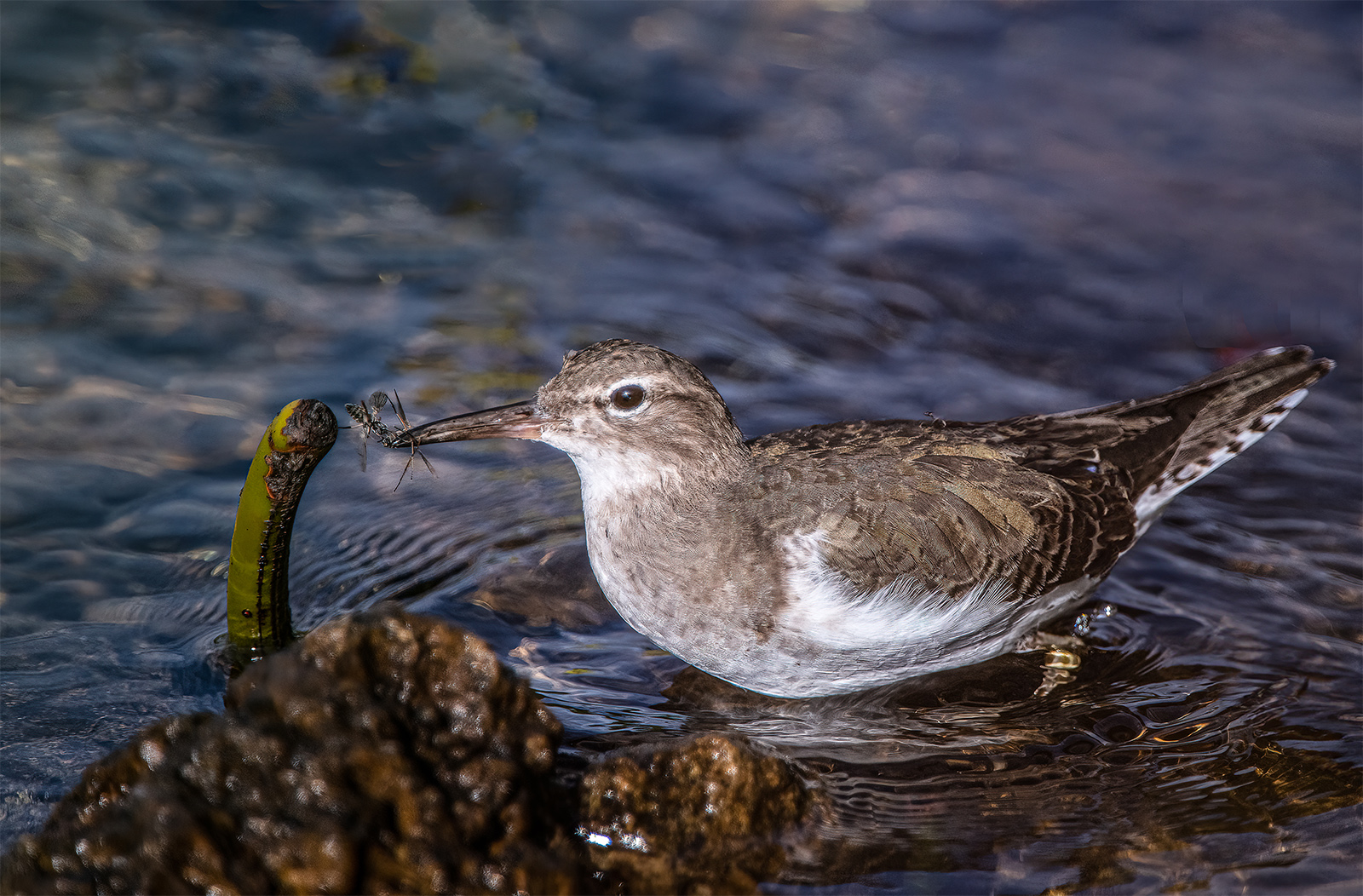
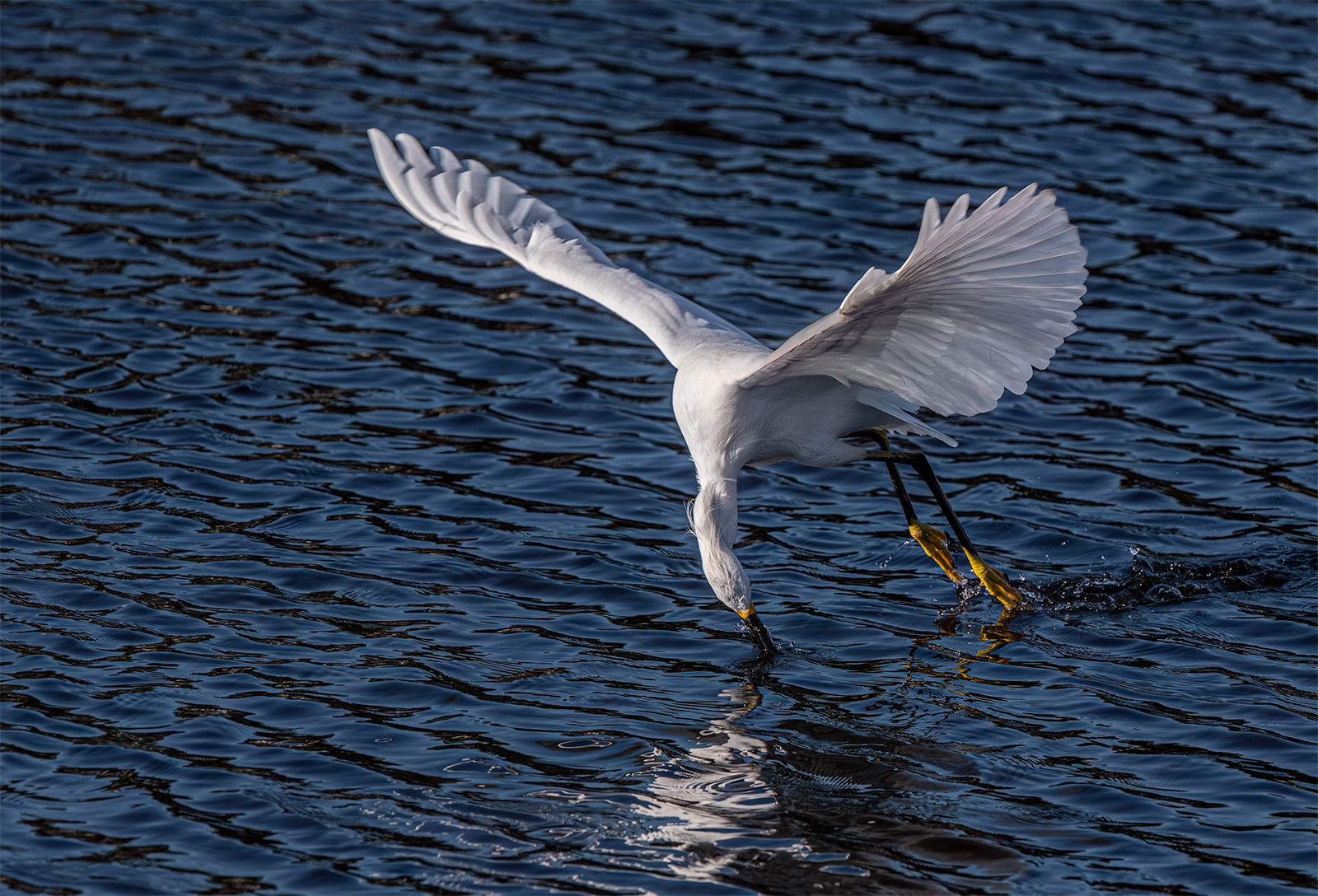
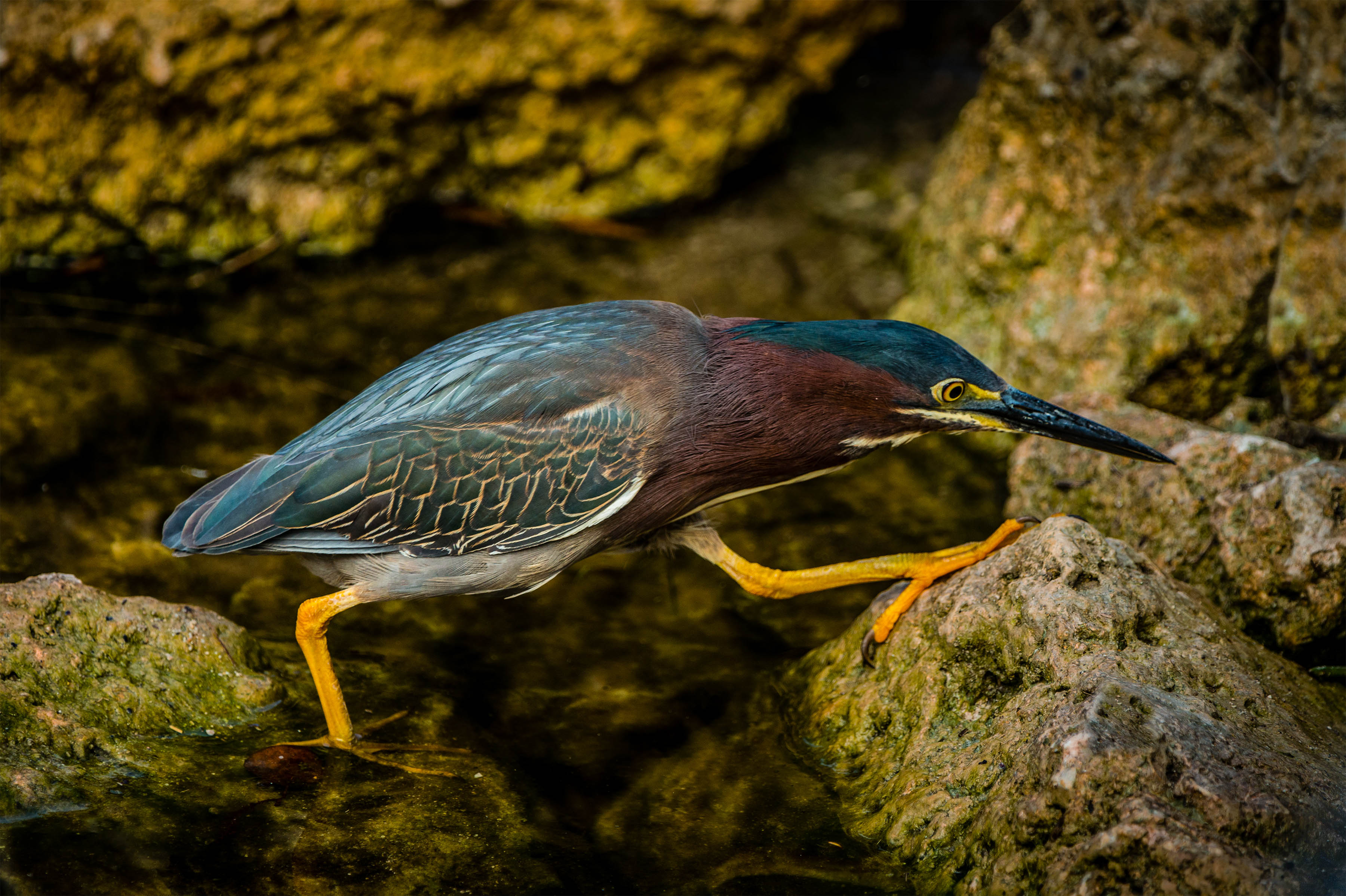
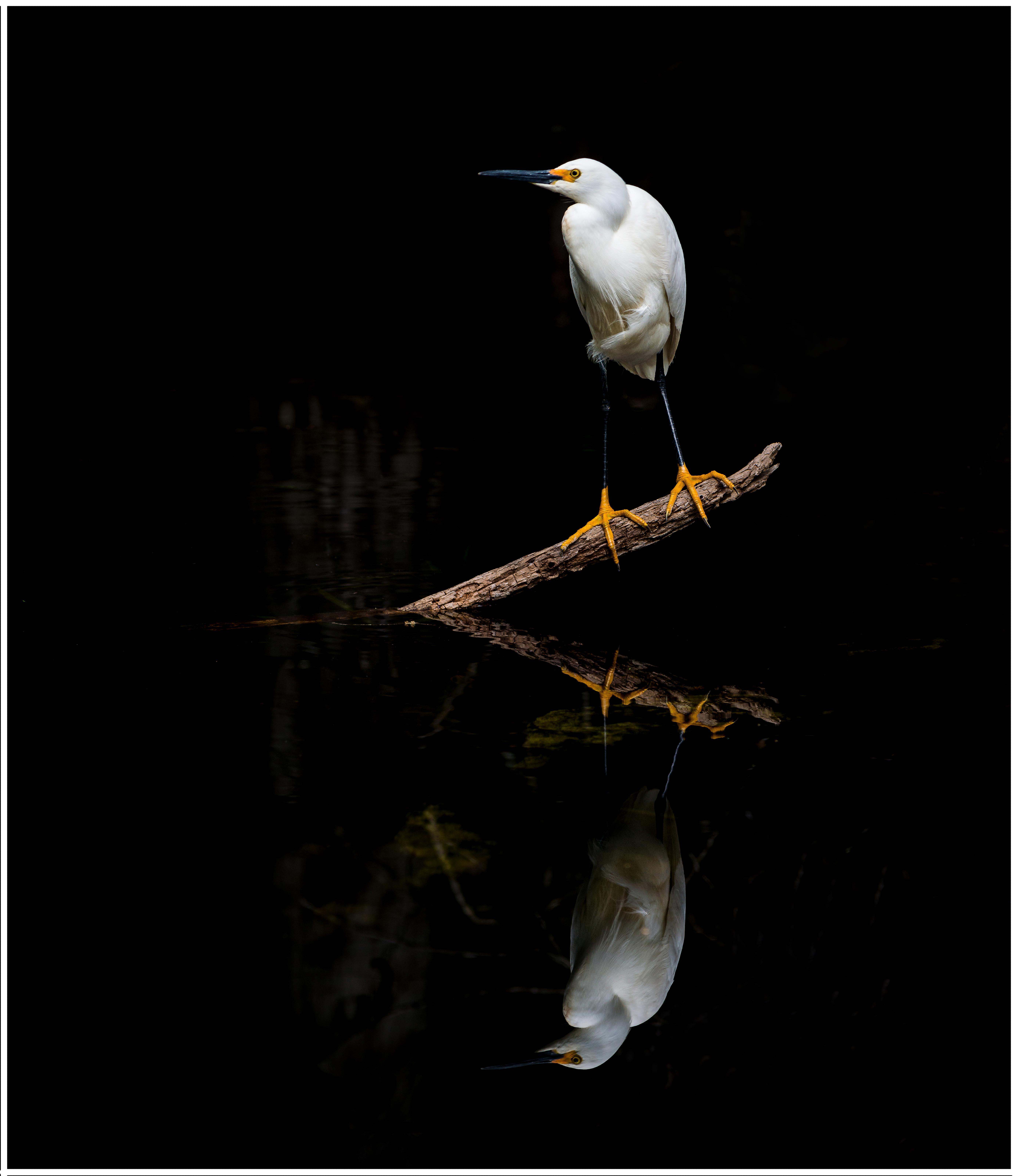
Wow! Talk about getting it sharp, you hit this shot about perfect. You clearly had an abundance of light allowing you to use such an elevated shutter speed. You were right to make that choice. Shooting small birds like this a fast shutter is your best friend for getting sharp images.
Normally a centered image feels a bit static but in this particular composition your composition works. Your subject is not just the bird but the bird AND the reflection. Using a symmetrical composition creates balance and locks the eye of the viewer directly on the subject. You have beautifully eliminated all distraction at either the top or the bottom resulting in a clean simple and effective image. One of the best things you did with this capture was to position yourself at your subject's eye level. This adds the powerful element of intimacy and raises the quality of the image a full notch. That is really well done.
As a note of caution, images such as this fall in the category of being portraits and as such are not always dynamic. You might keep in mind allowing space in front of your subject into which it can move.
Just for fun, have you thought about other formats for this image such a making it square? Inquiring minds want to know.
|
Nov 12th |
6 comments - 3 replies for Group 94
|
| 96 |
Nov 20 |
Comment |
Just visiting
After reading the comments posted I went back and reviewed your images from the last two month---both of which are compositional masterpieces.
While this image is not as stunning as the others it is still a quality image. I was going to suggest a crop to relieve the feeling of being static but Gerard actually has posted my exact suggested crop. This aligns the image more with the rule of thirds, but more important it removes those bushes on the right that just clutter up the scene. As compared to your other images this one lack the drama and that is caused by the light not being a major player in the composition. The overall brightness and the lack of shadows weaken the image.
|
Nov 8th |
1 comment - 0 replies for Group 96
|
| 97 |
Nov 20 |
Reply |
Absolutely better after the adjustments. Especially the crop. |
Nov 8th |
| 97 |
Nov 20 |
Reply |
Nice job on this image review. It is thoughtful and through. You certainly identified all the potential issue. Well done. |
Nov 8th |
| 97 |
Nov 20 |
Comment |
Just dropping by. I really agree with all the suggestions but I've got one more.
Looking at the image I noticed the shadows on the mountain are quite faded (they are a soft grey). However, the scene appears to be taken in bright light, which should yield darker shadows. The more I look at the image I begin to feel the image has been brightened and or the shadow areas opened. This imparts to the image an unnatural aura. As a photo judge one of the things I look for is a realistic feeling and to me it feel missing. Might I suggest bringing down the exposure and slightly increasing the black or contrast? Of course the image is yours and it you refer it this way then this is correct. Your thoughts? |
Nov 8th |
1 comment - 2 replies for Group 97
|
| 98 |
Nov 20 |
Comment |
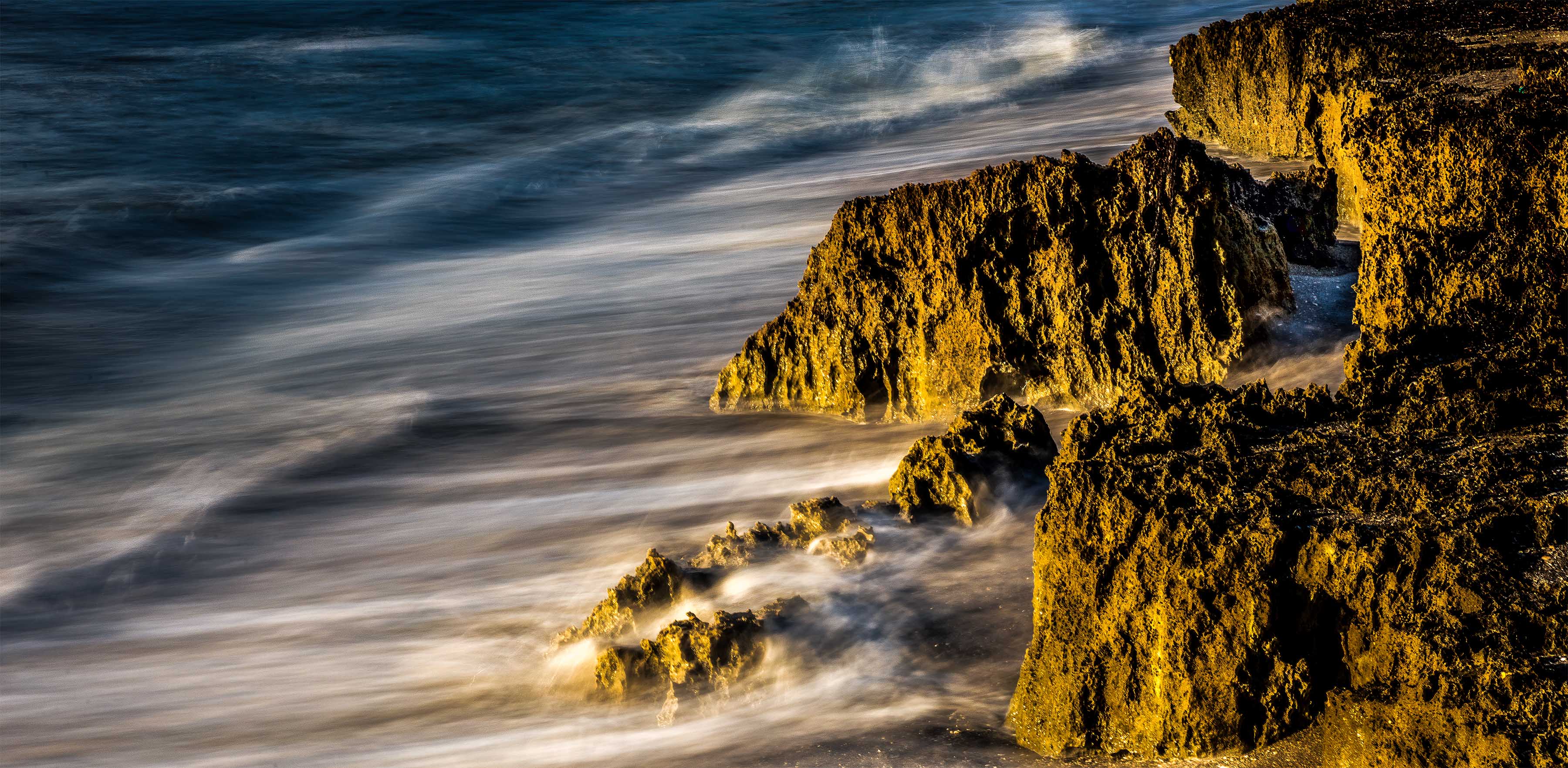
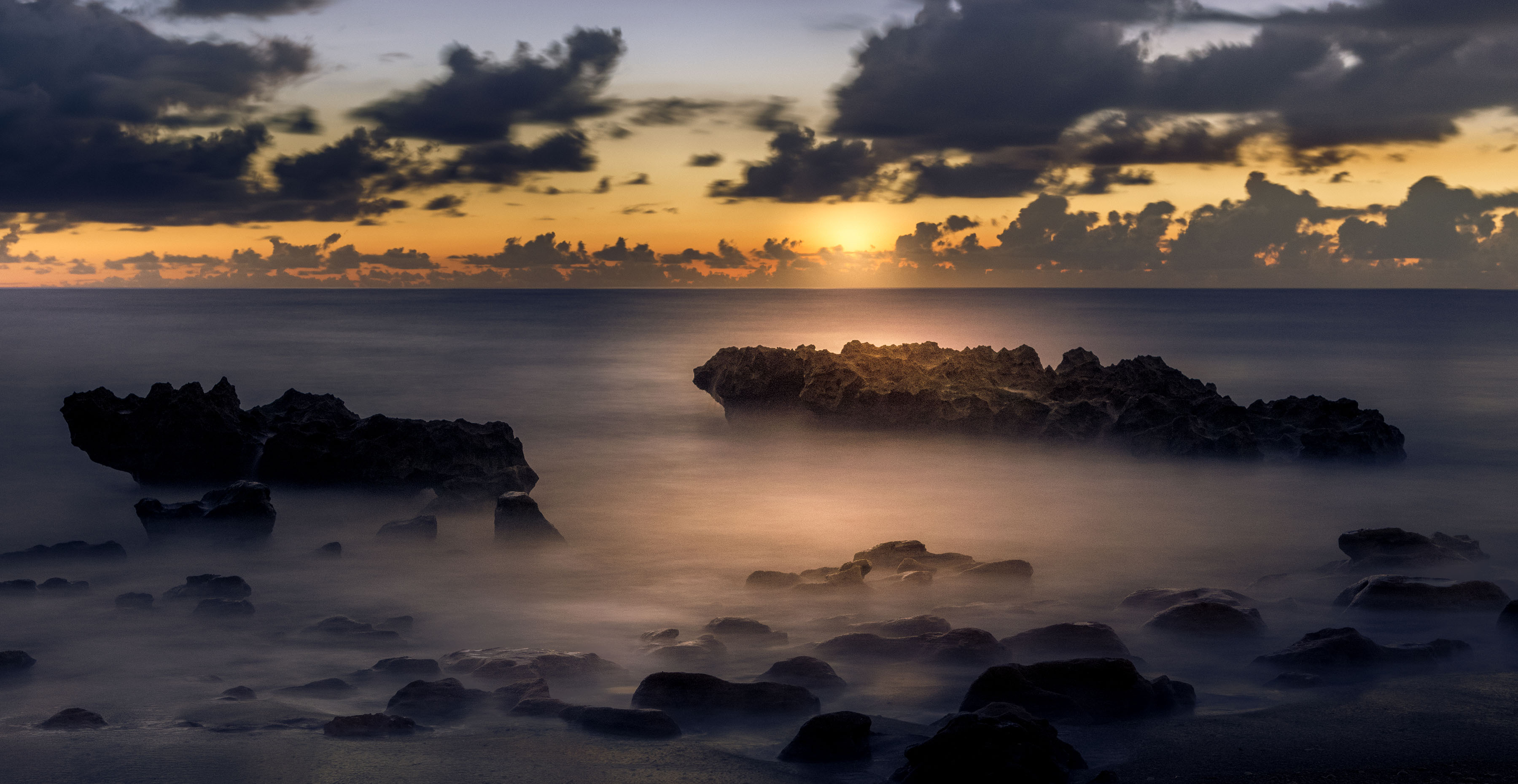
I like the tonal range used in this image and the fact that the sun is not over powering. The handling of the water on the foreground rocks works well.
I feel the addition of the pier in the upper right feels a bit awkward. To me it feels like a bit of after thought.. It is not very large in area and it seems to be squeezed into the upper corner. For me the subject is the rocks, supported by the water and the sun. Is the pier contribution to the composition? Would it be missed if it was not there? Personally I could do without it. I know you included it, but do you still think it is necessary as it is shown here? Your thoughts? |
Nov 8th |
1 comment - 0 replies for Group 98
|
26 comments - 20 replies Total
|