|
| Group |
Round |
C/R |
Comment |
Date |
Image |
| 22 |
Oct 18 |
Comment |
Jerry
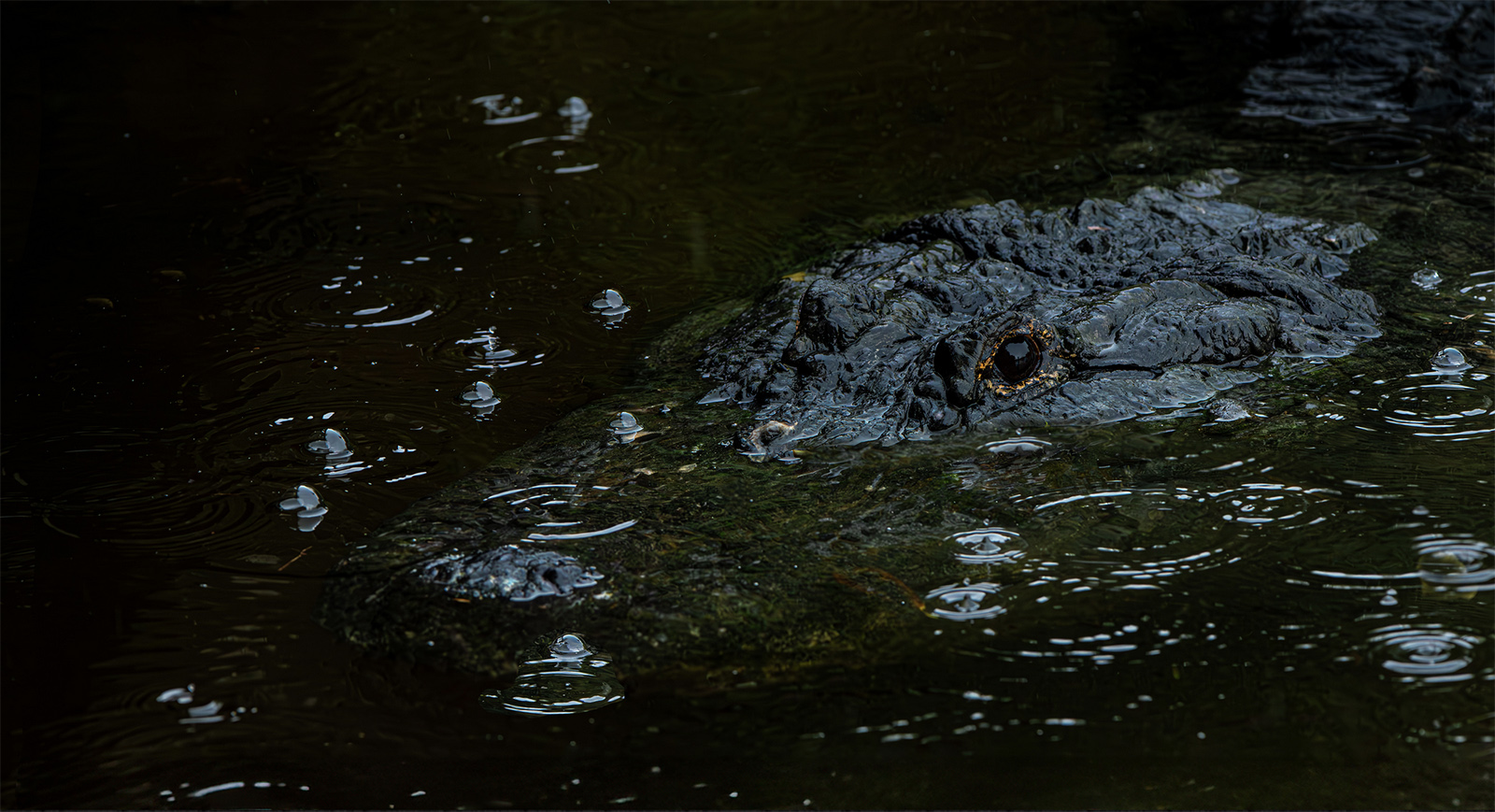
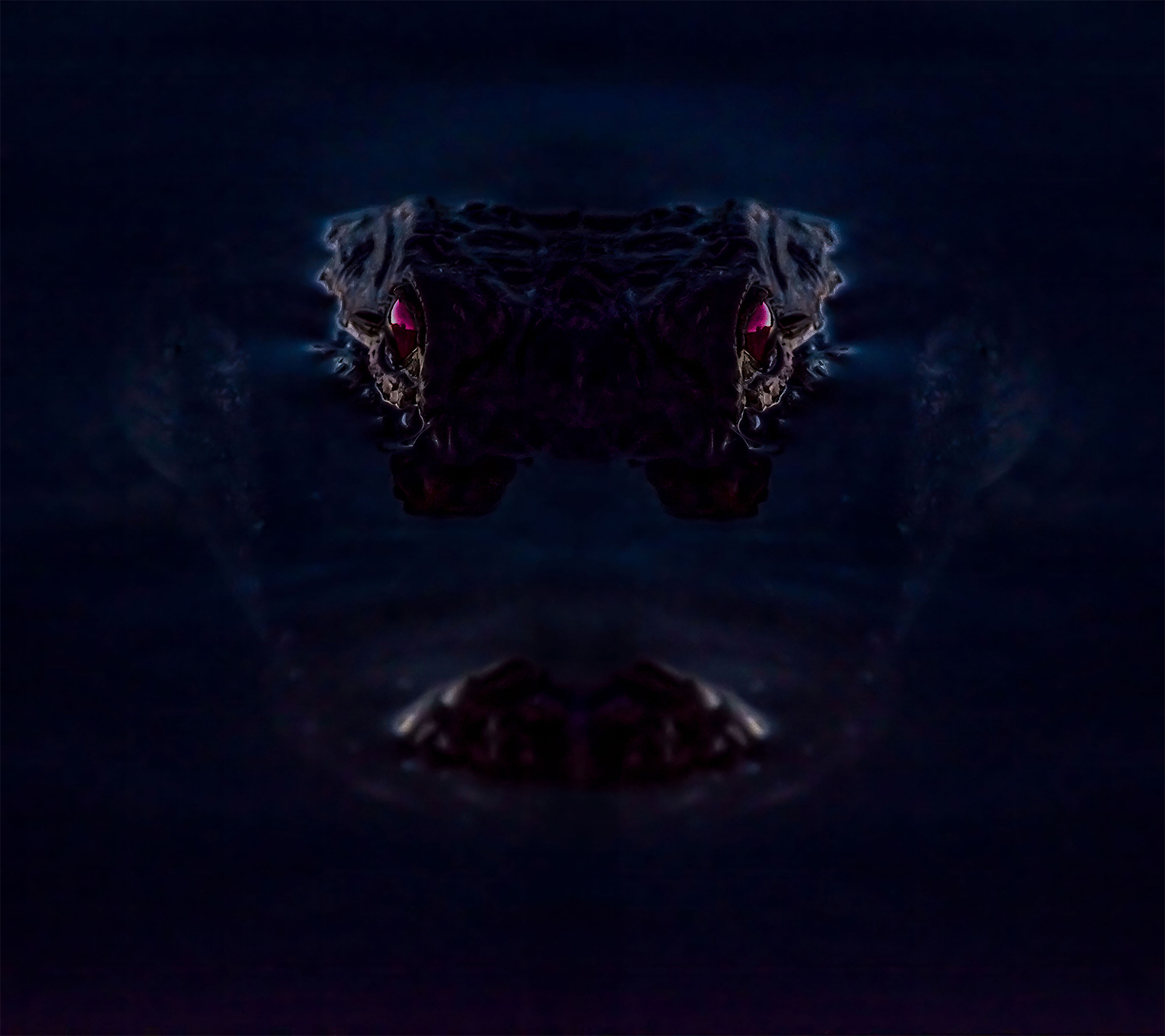
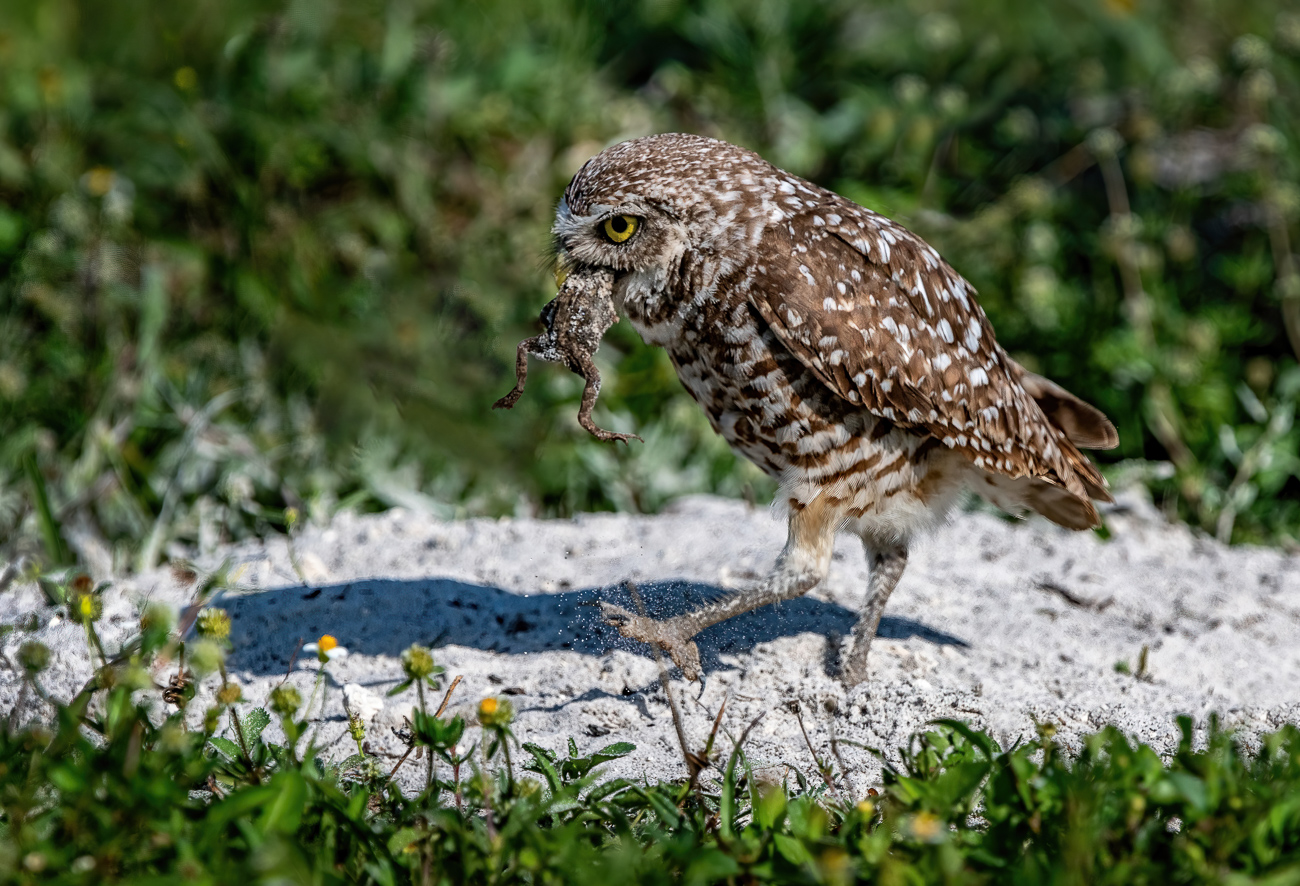
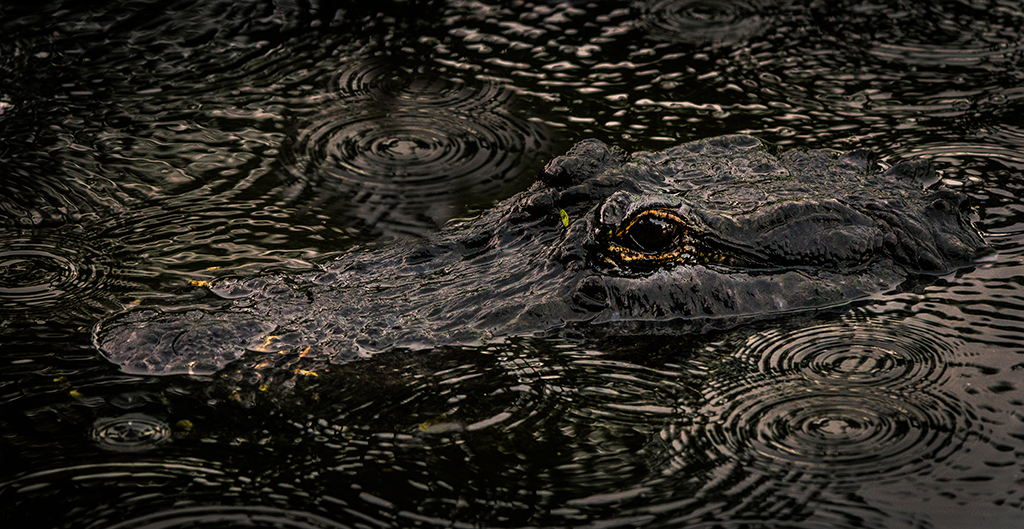
You created a really stunning image. You might not think the eyes are very dramatic but I think they become the focal point of the image and are quite captivating. |
Oct 7th |
1 comment - 0 replies for Group 22
|
| 32 |
Oct 18 |
Comment |
Just a stranger visiting from Group 67. The first thing I thought when I looked at the image was that it greatly reminded me of a favorite painting by Seurat. The painting is Sunday Afternoon on the Isle of Grande Jatte. I like the mood of the image but I concur that something needs to be cropped off the bottom, maybe even with the curb on the right? I do think you made the perfect crop from the top to eliminate the sky and make the scene much more intimate. A most interesting image.
Just an after thought---what would a touch of contrast do to add some definition to the branches of the weeping willows? |
Oct 5th |
1 comment - 0 replies for Group 32
|
| 33 |
Oct 18 |
Comment |
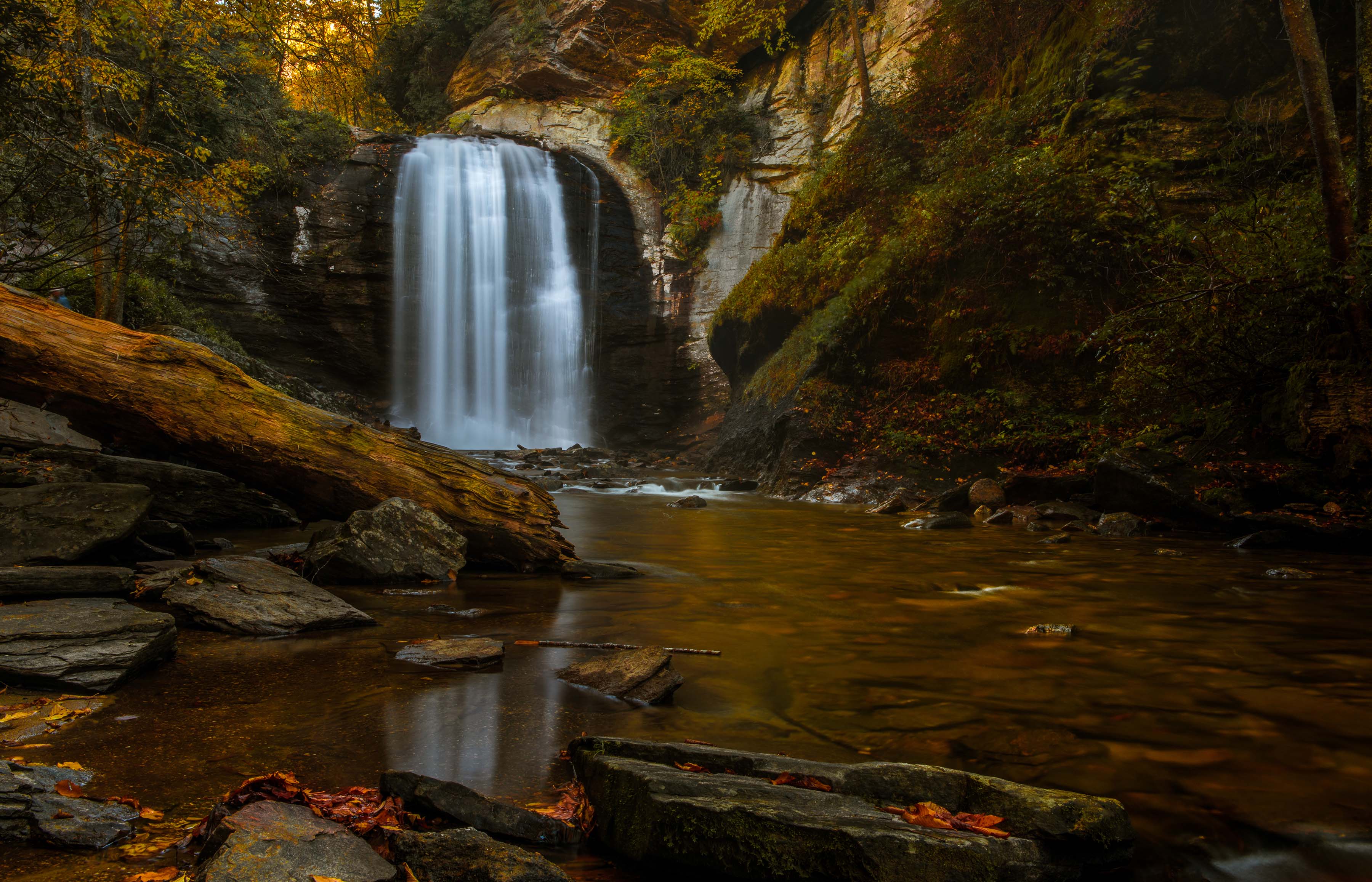
I think the early morning light and the addition of the branches in the foreground makes this delightful. The shadows also make for a more dynamic image. Nice shooting. I hope looking at this makes all your pain seem worth it. |
Oct 7th |
| 33 |
Oct 18 |
Comment |
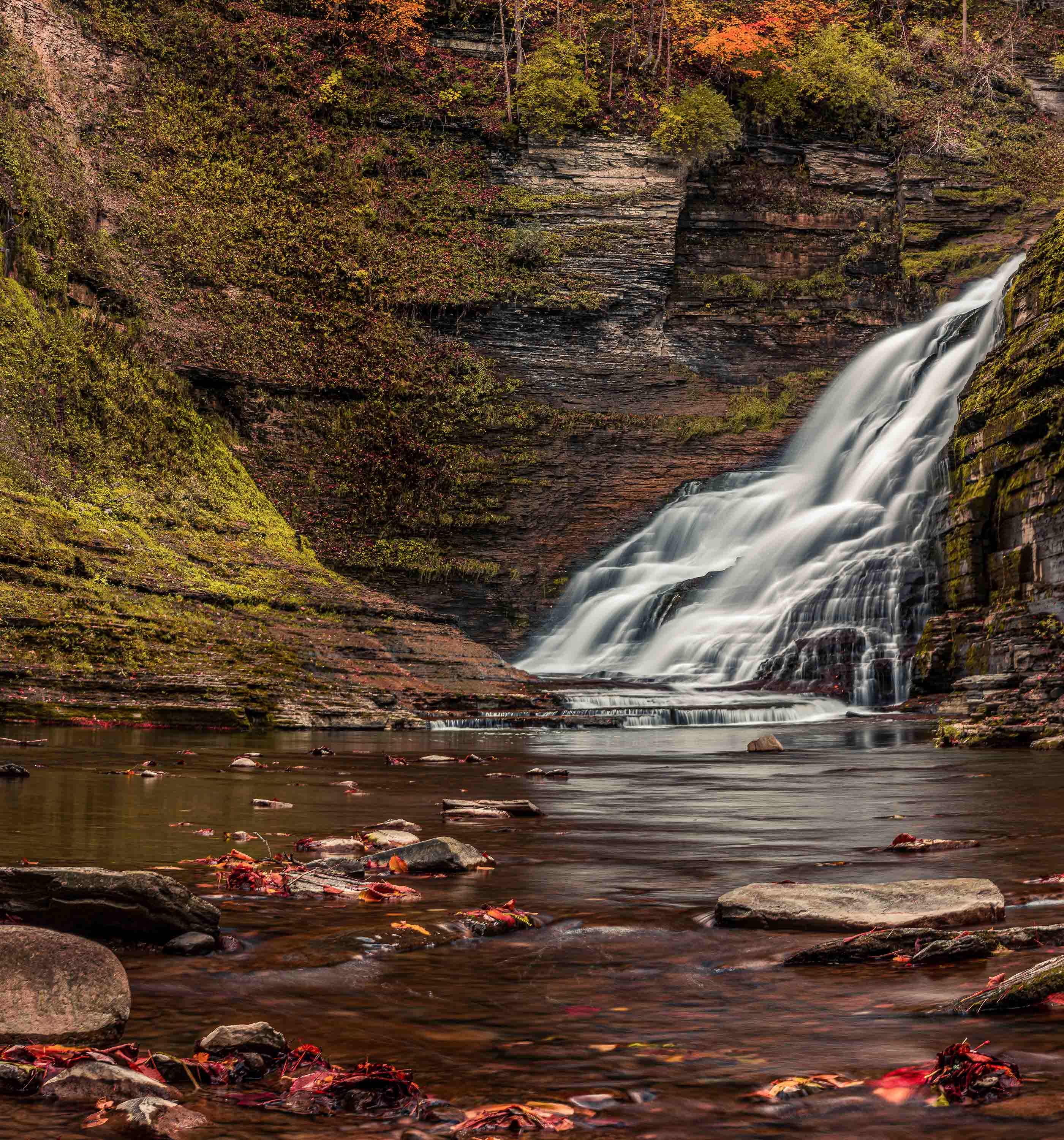
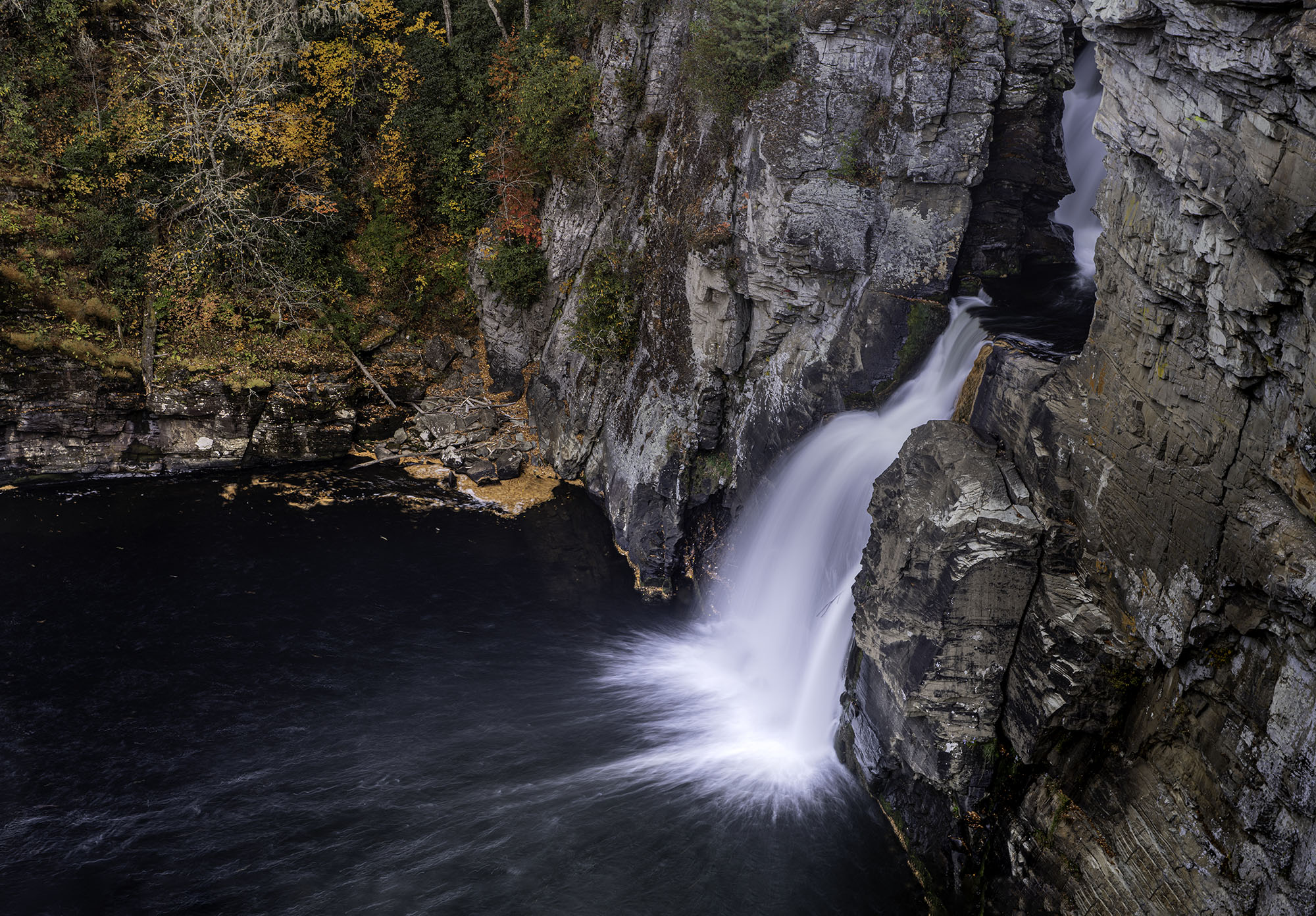
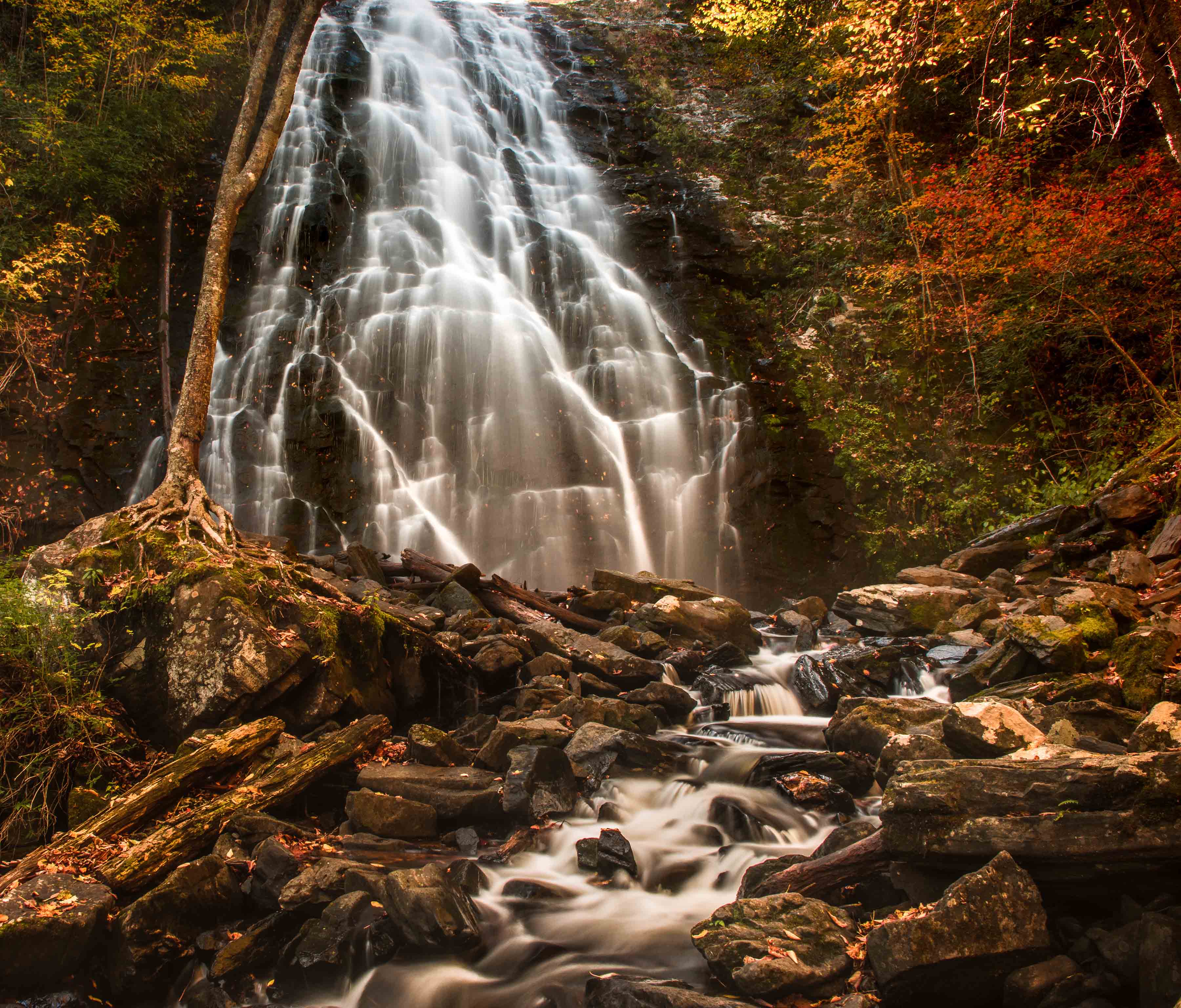
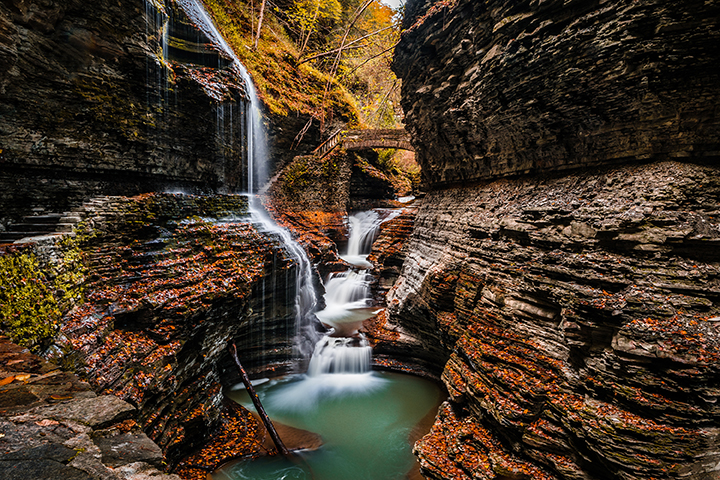
I think all your work paid off and that this is a beautiful image. I especially like the way the river forks and frames the background portion of the image. For fall colors the image does not look to over cooked. (At least on my monitor) |
Oct 7th |
2 comments - 0 replies for Group 33
|
| 52 |
Oct 18 |
Reply |
Thanks so much for getting back to me. I thought it would be a cloudy (overcast) sky but you handled it really well. It is really great to see a master at work on his craft. I'll look forward to dropping by to see more of your work. |
Oct 17th |
| 52 |
Oct 18 |
Comment |
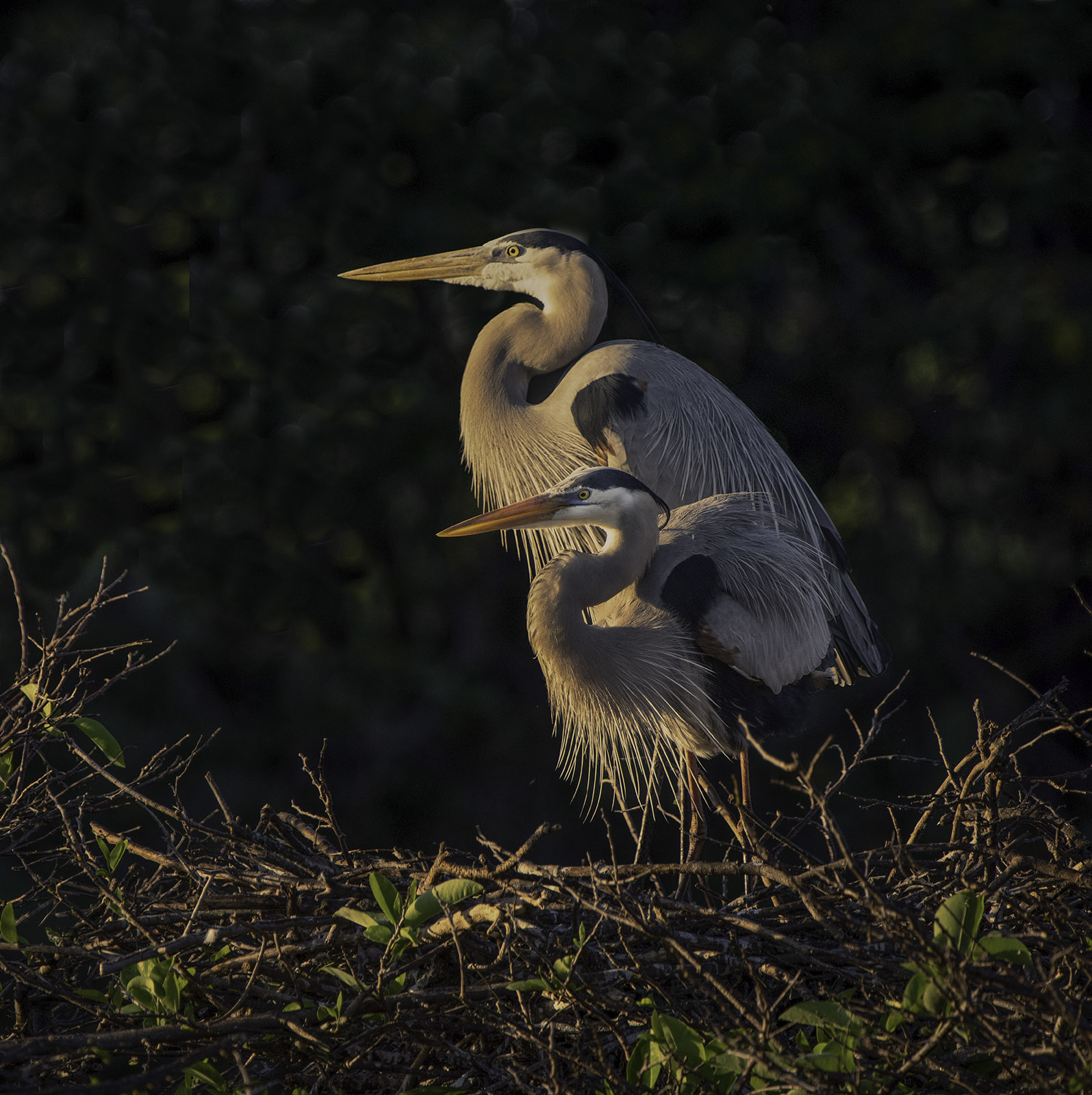
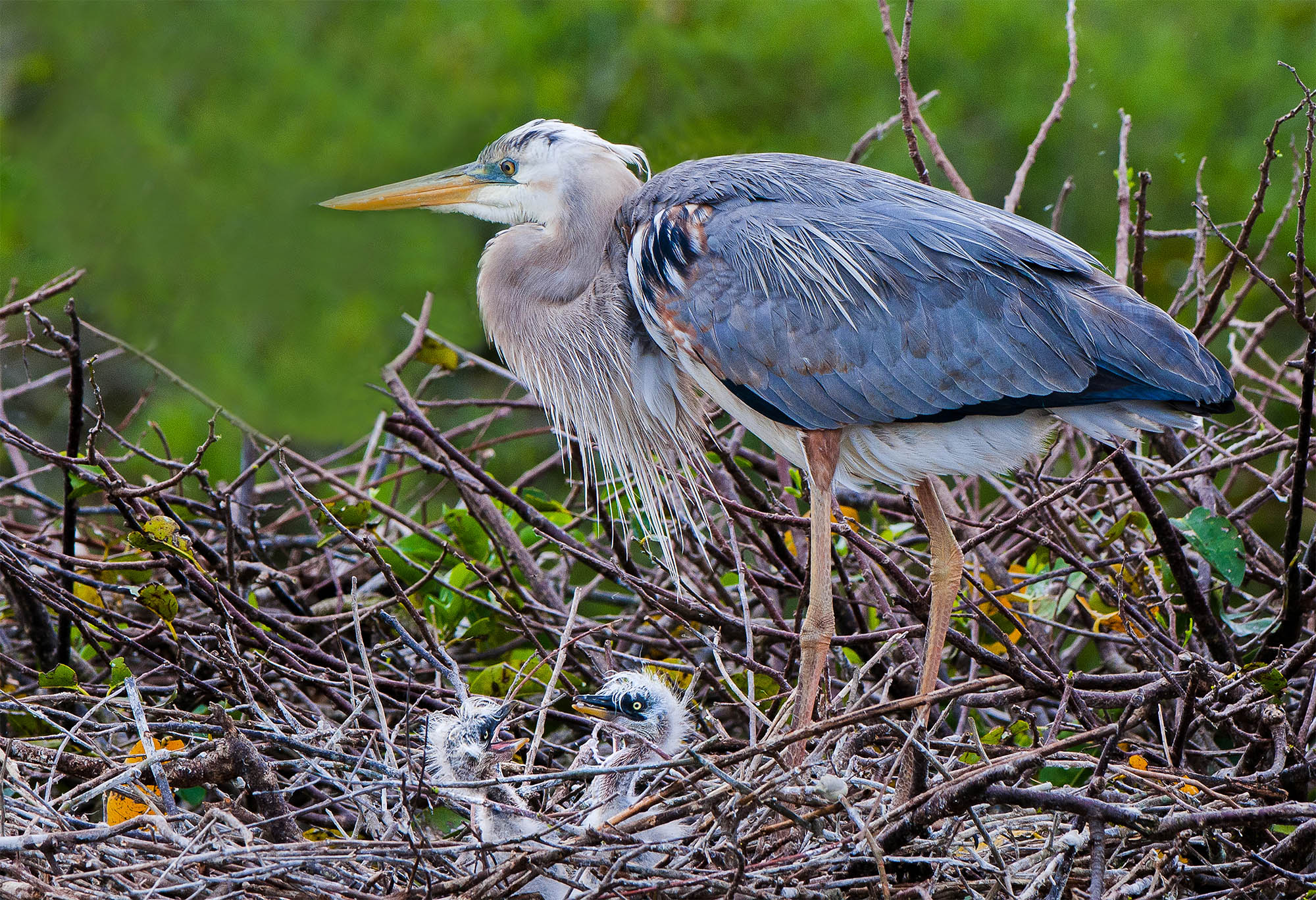
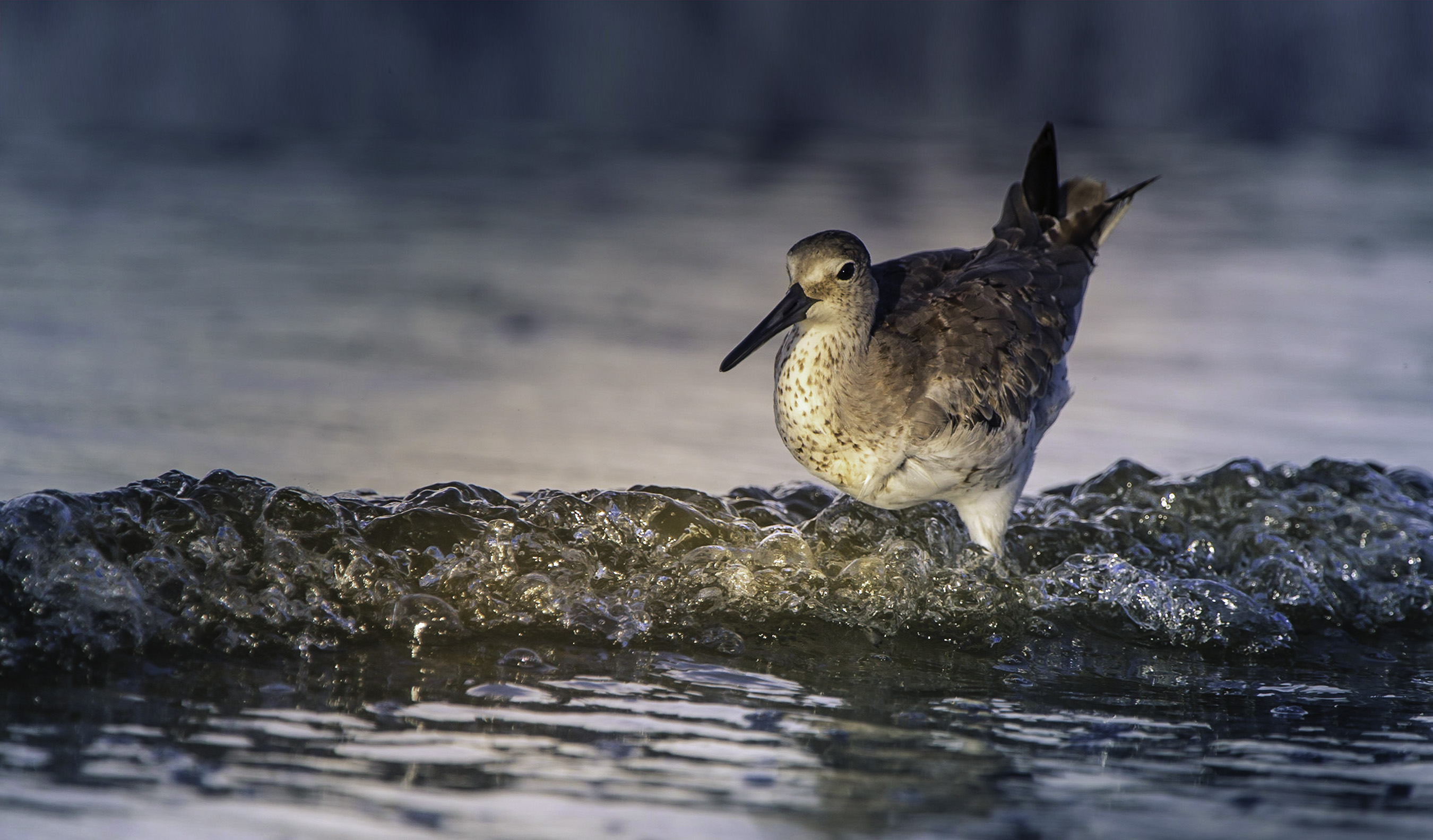
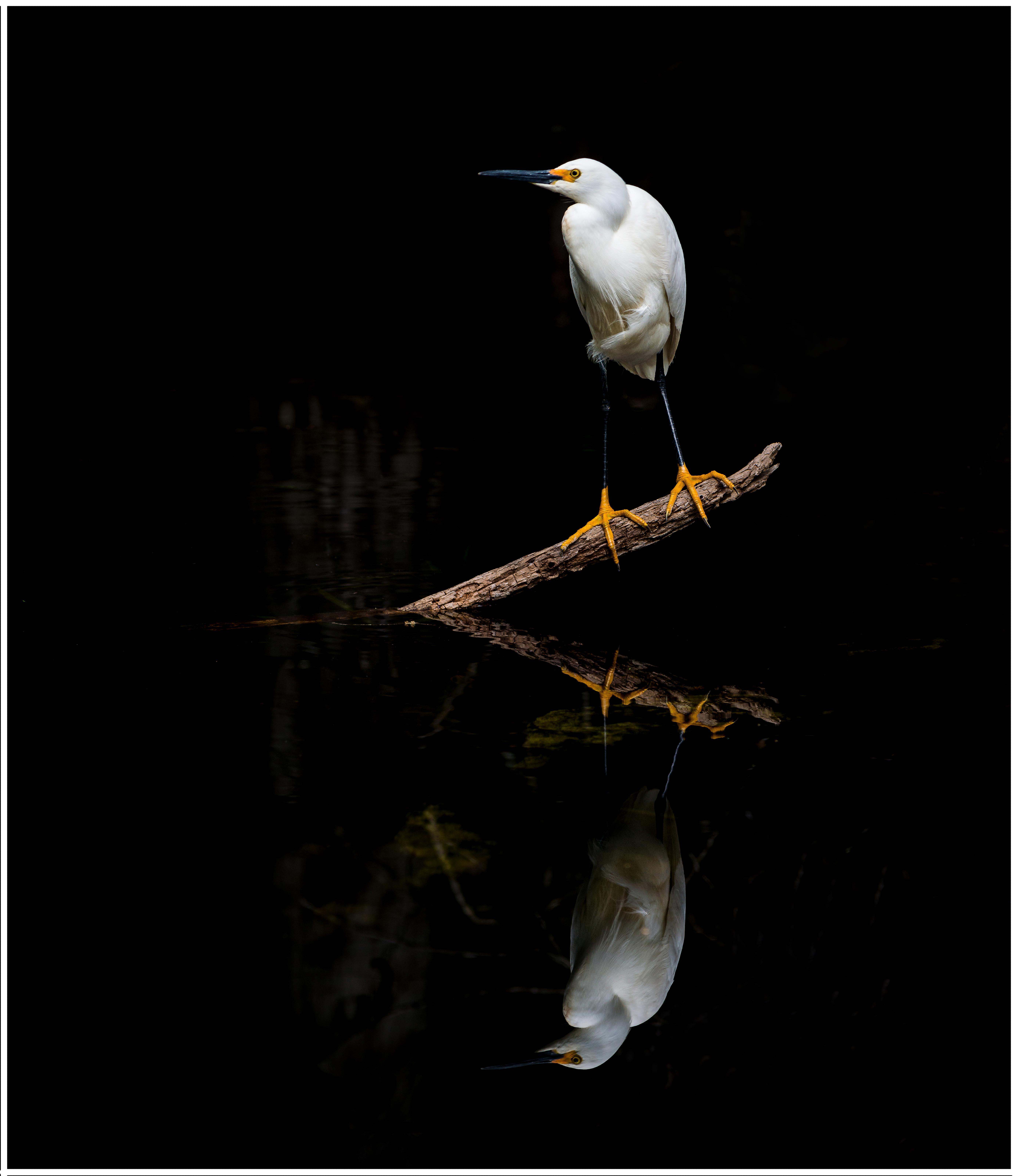
I'm just visiting from Group 67. Let me say I am floored by the simple beauty of this image. It just takes my breath away. I shoot in sunny south Florida (I live in Fort Lauderdale) but what I want to know was just what was your background and how did you get it so white and keep the bird with such nice detail? Would you share your trick or secret? |
Oct 3rd |
| 52 |
Oct 18 |
Comment |
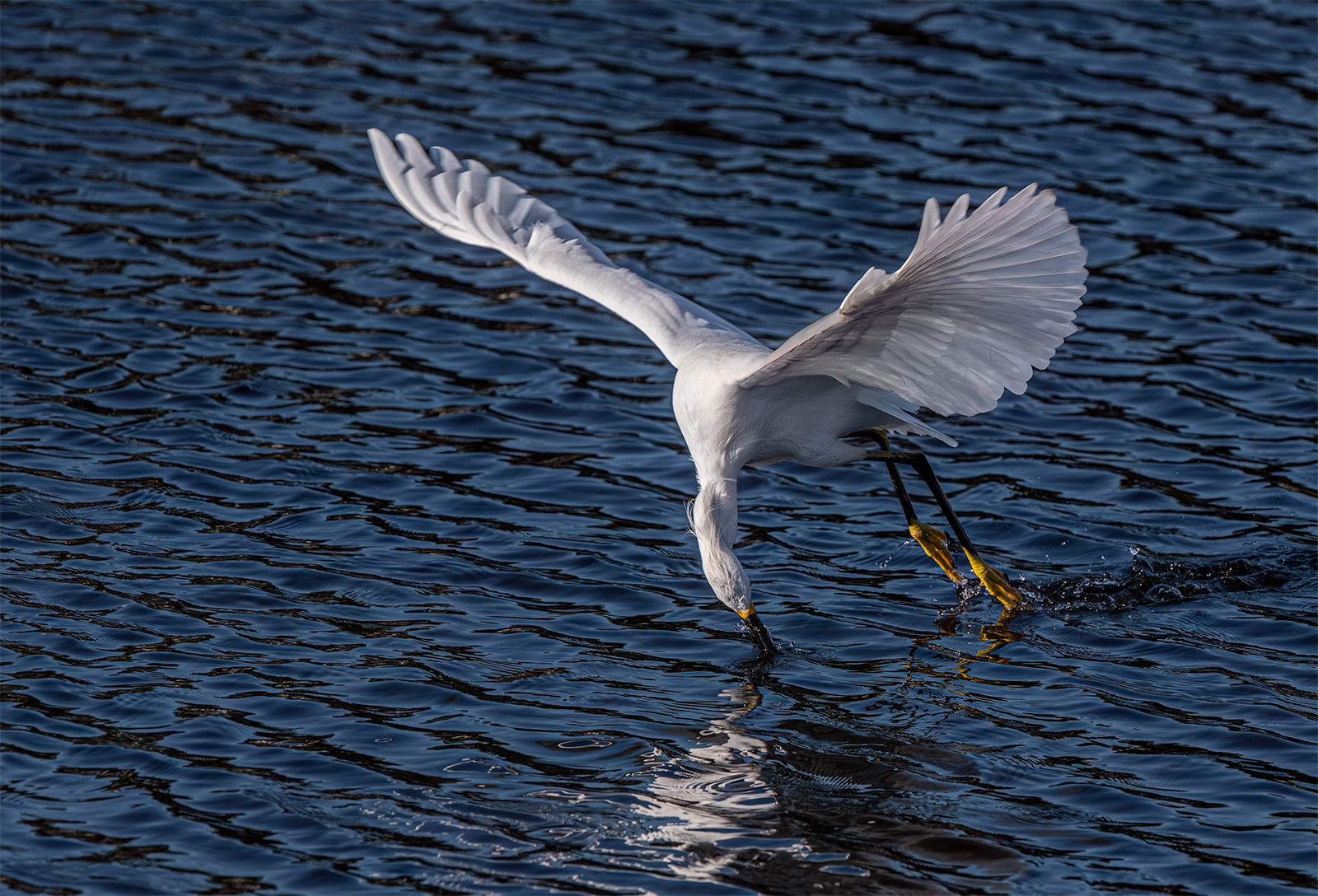
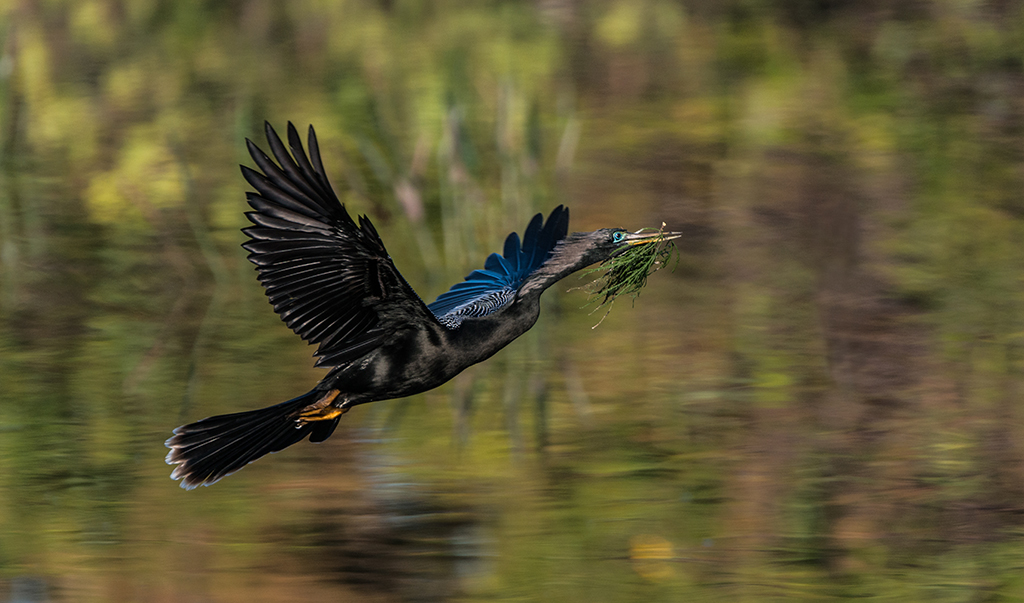
Just visiting from Group 67 (it is a brand new group). I really like the action in this image and the fact that you got both the eye of the bird and the fish to come out so sharp! I also like the crop and how you handled the background. |
Oct 3rd |
2 comments - 1 reply for Group 52
|
| 67 |
Oct 18 |
Comment |
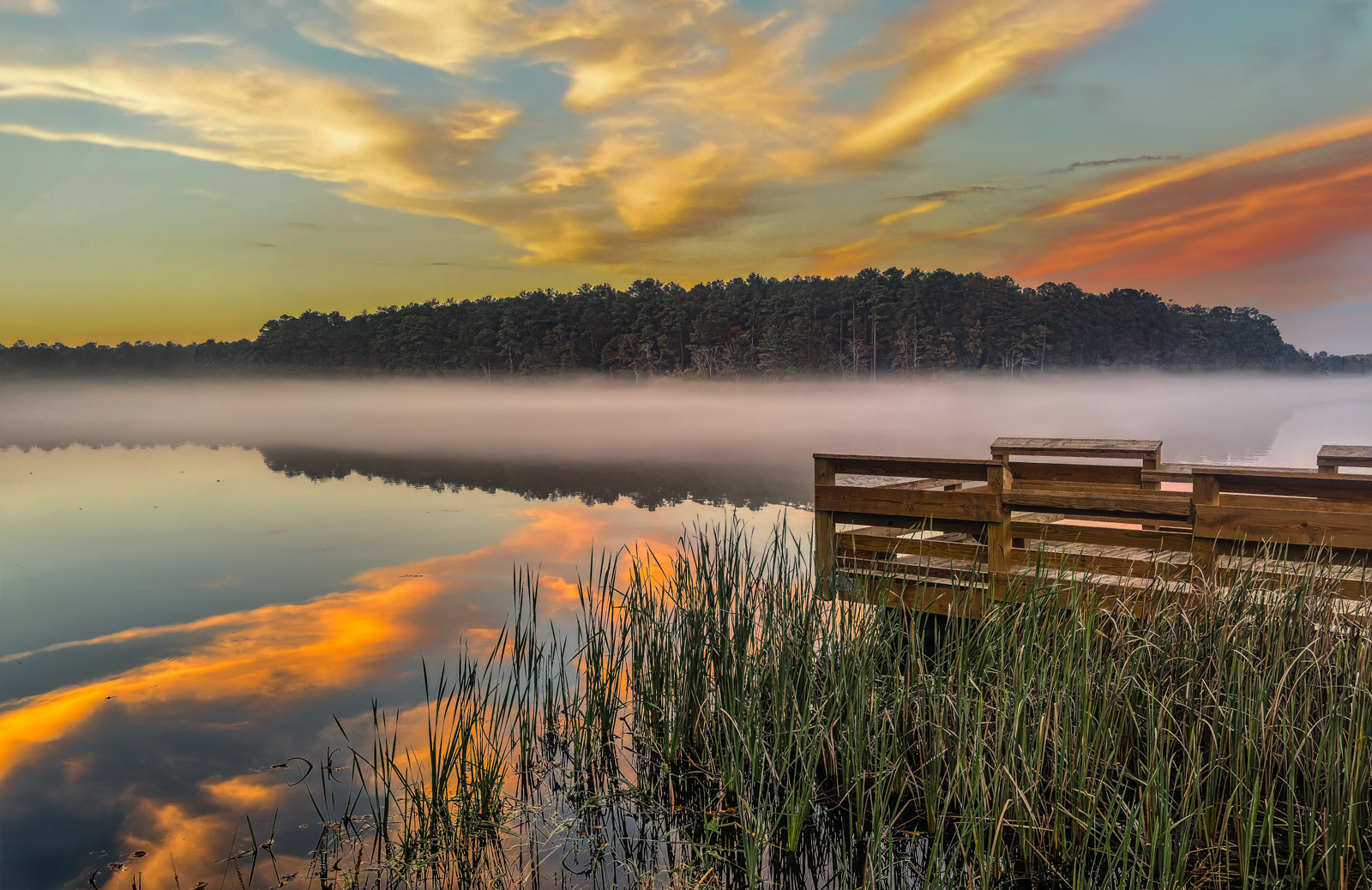
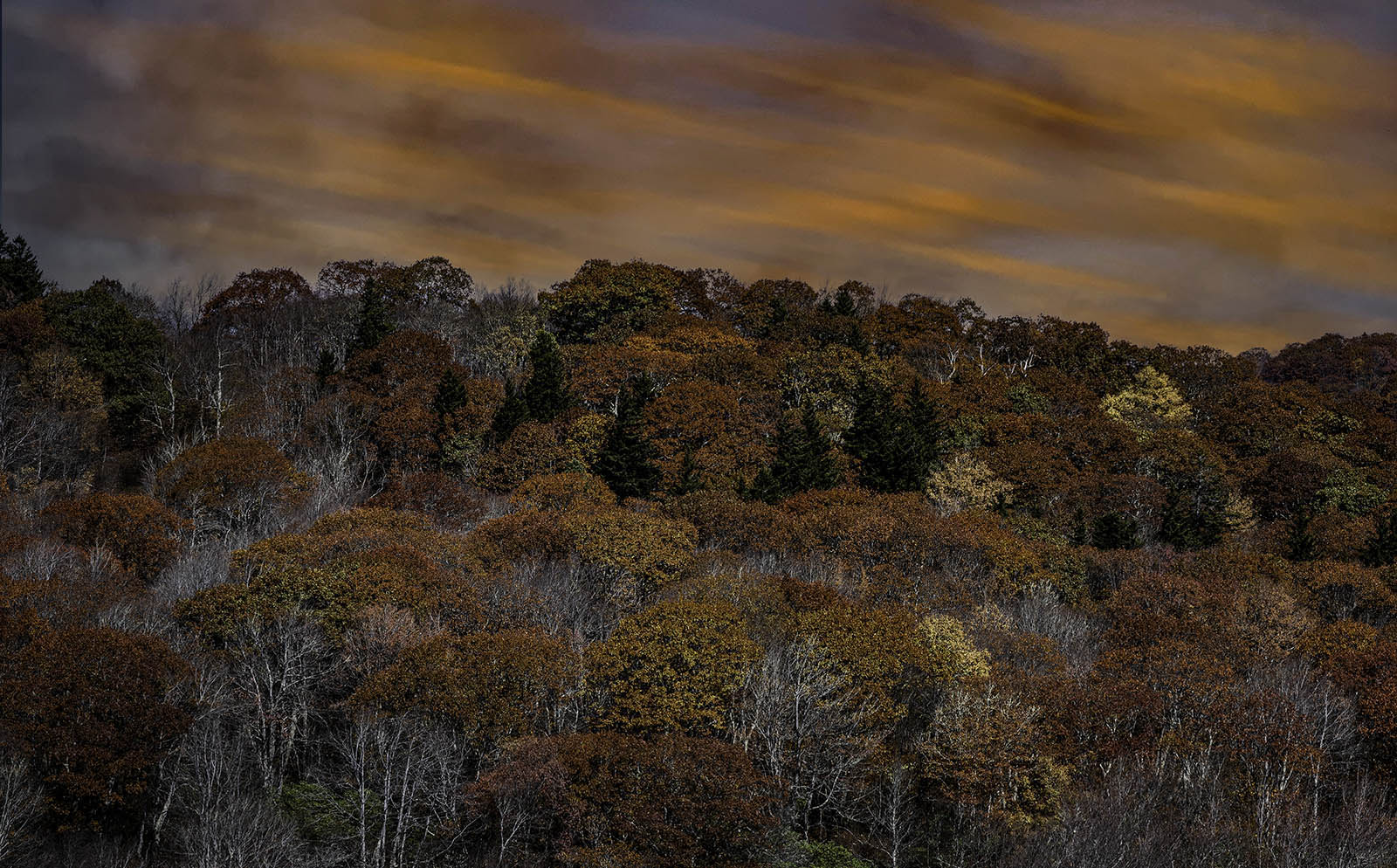
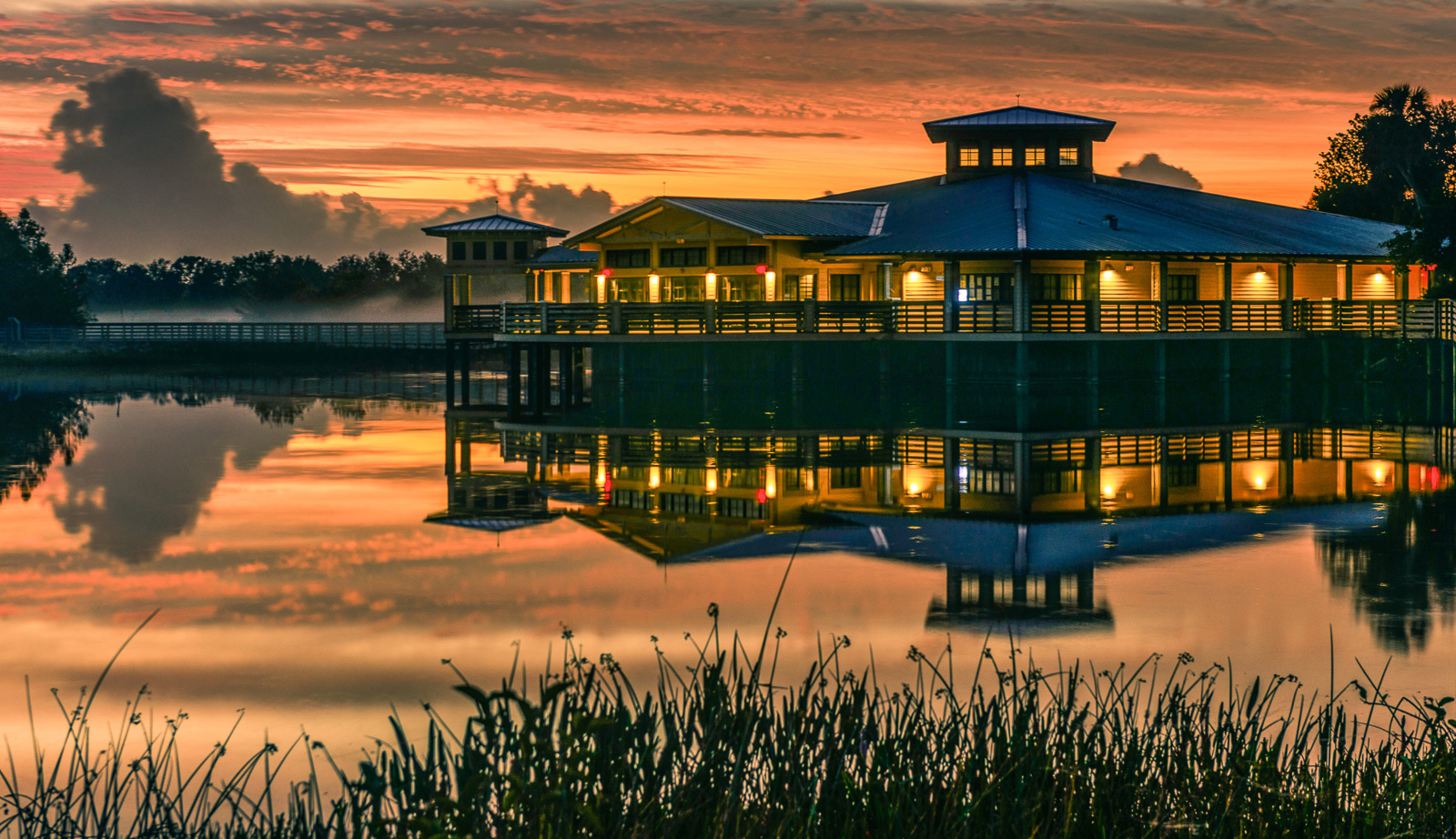
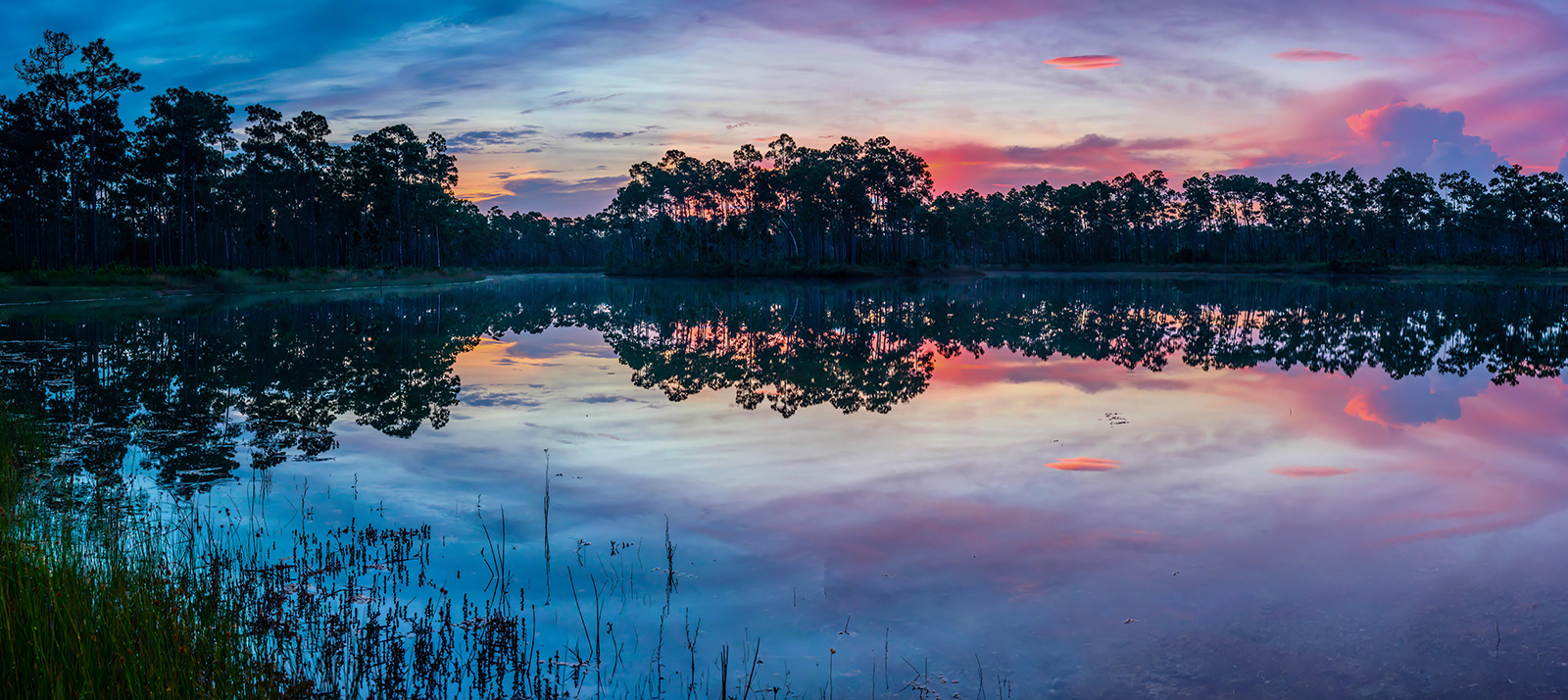
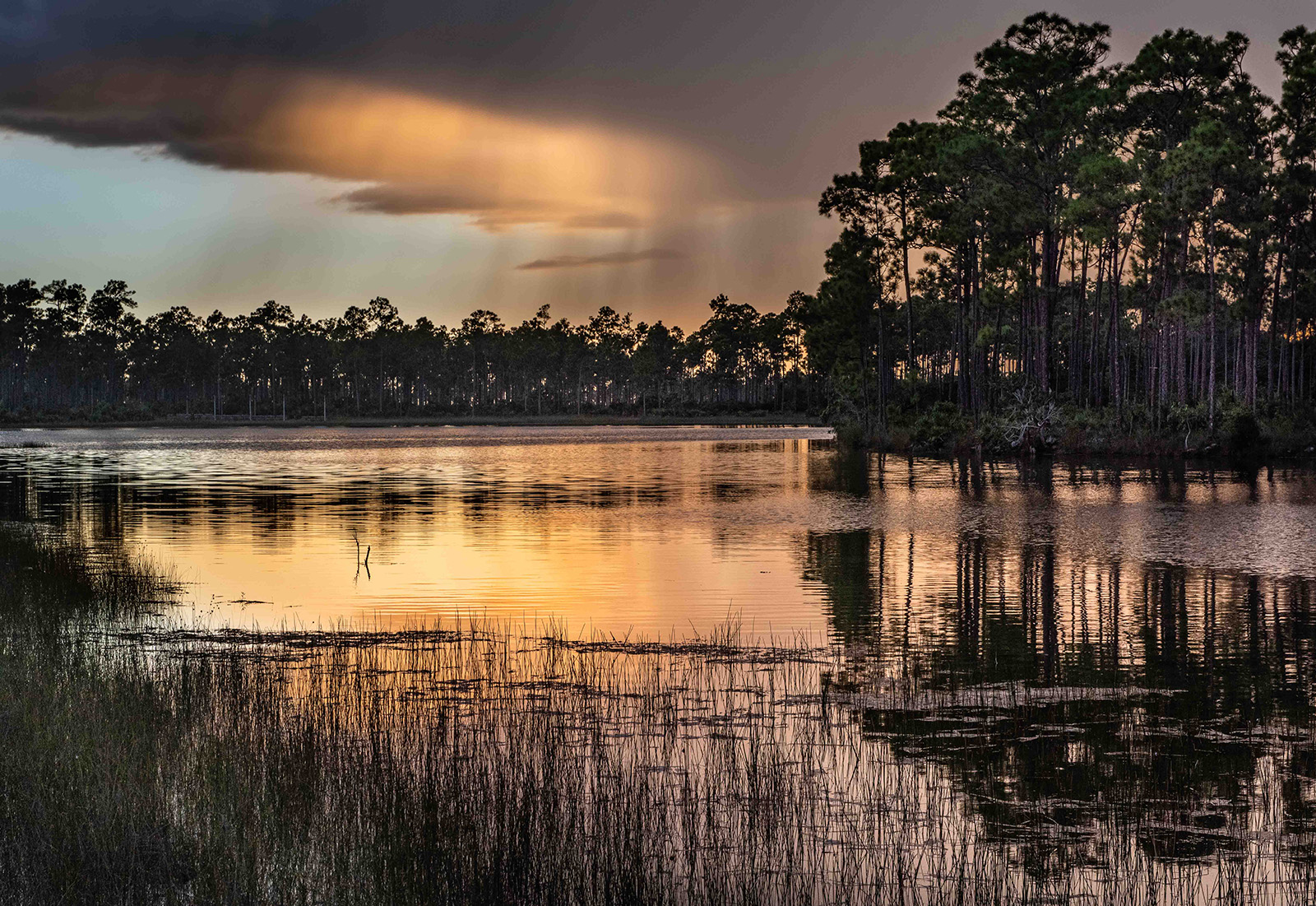
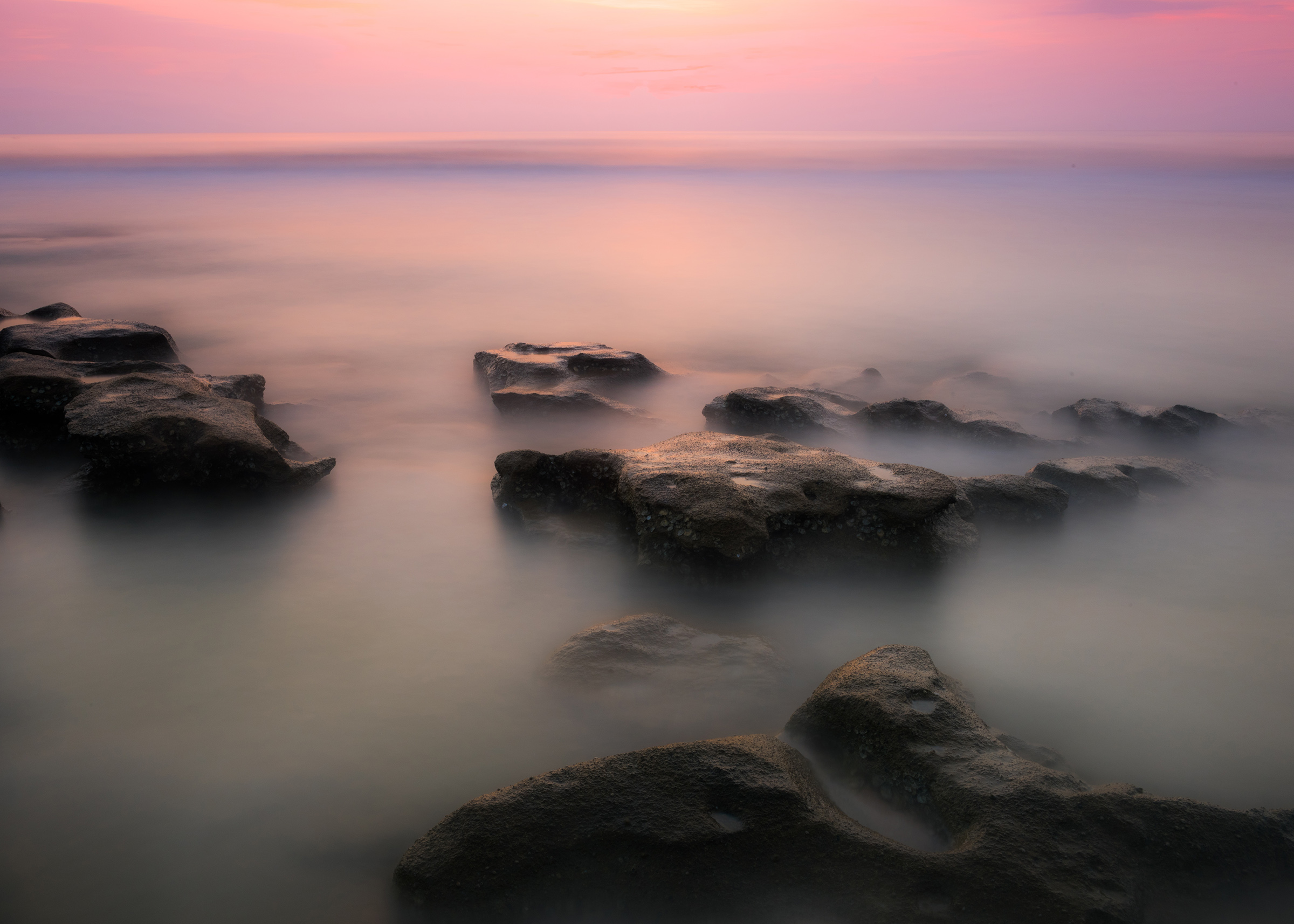
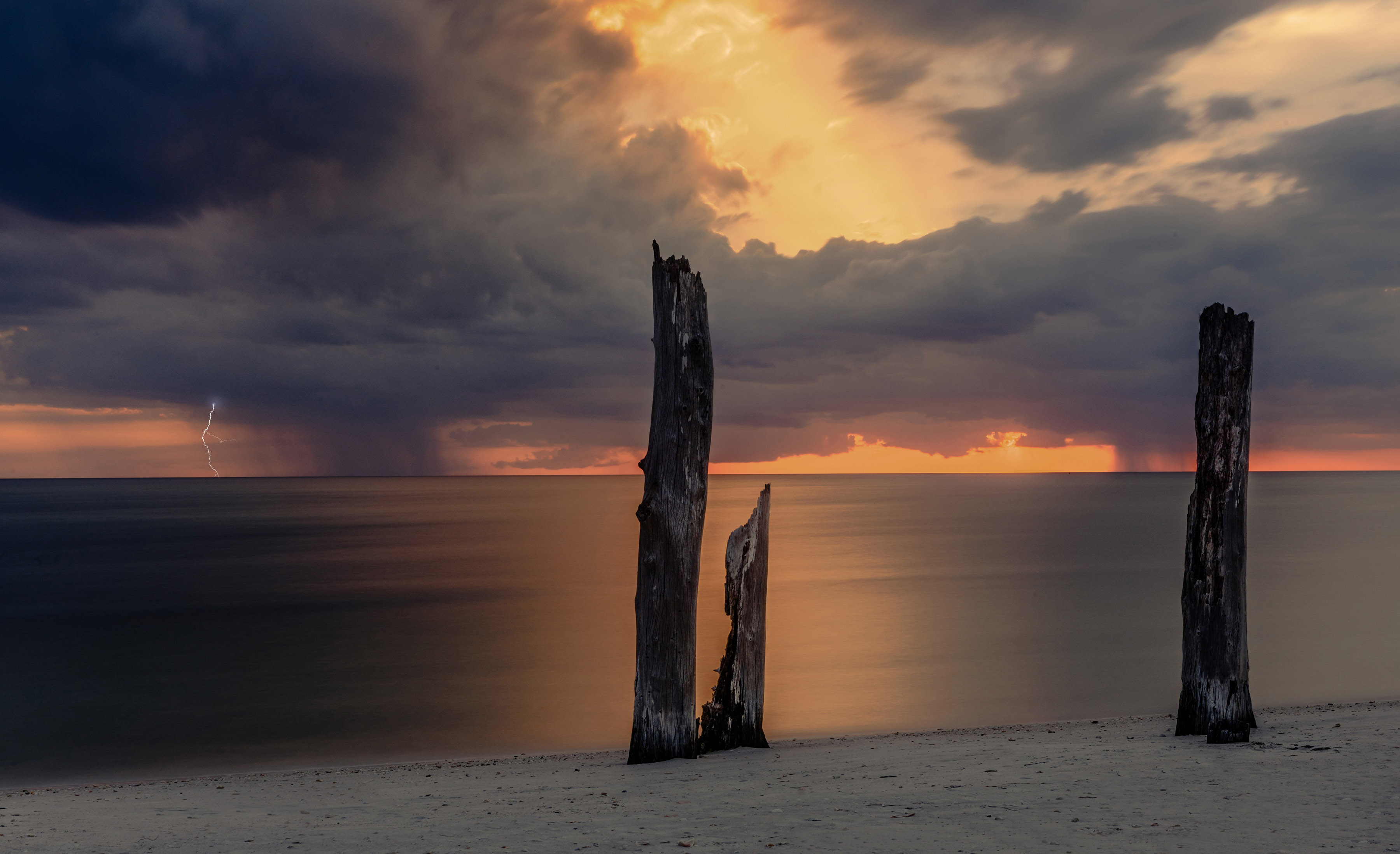
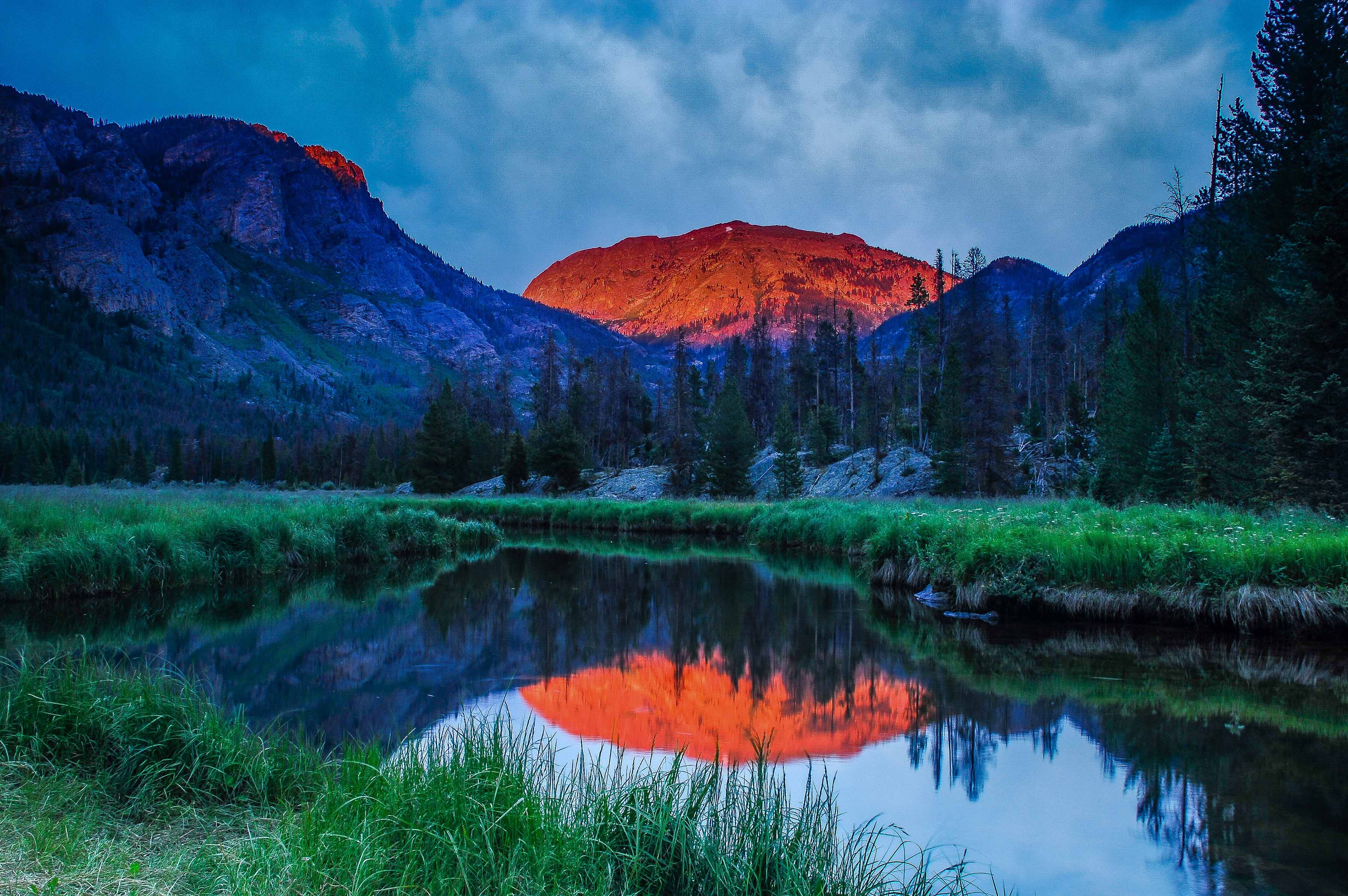
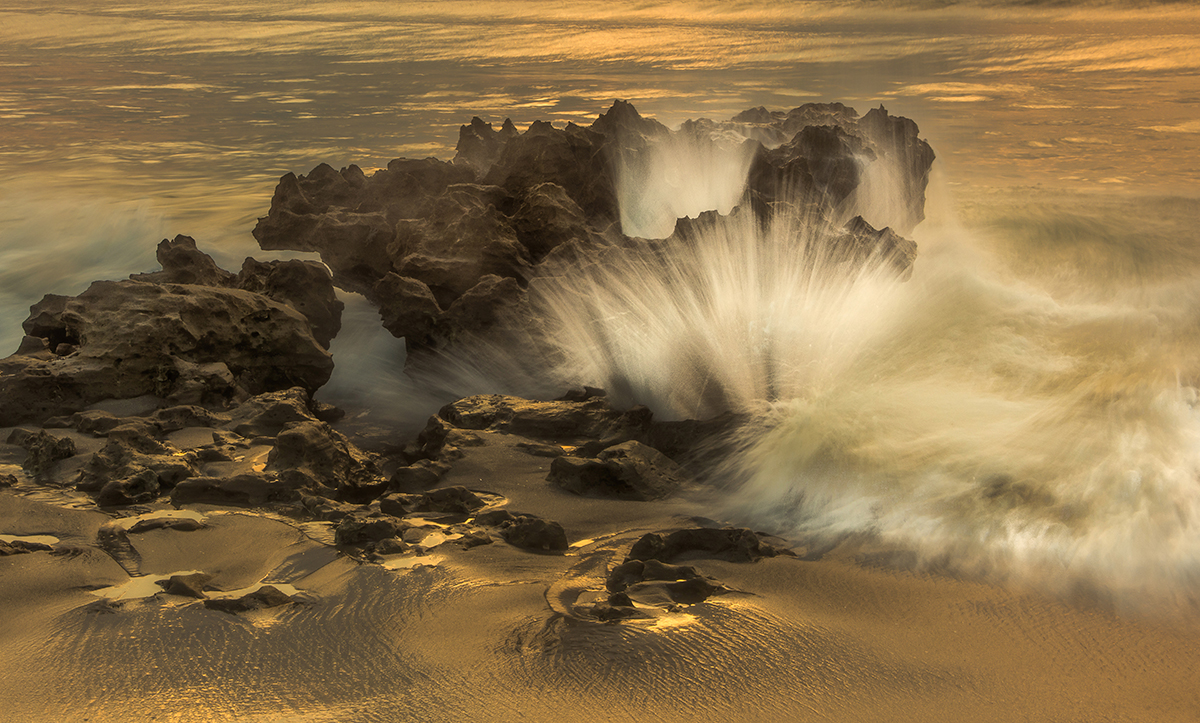
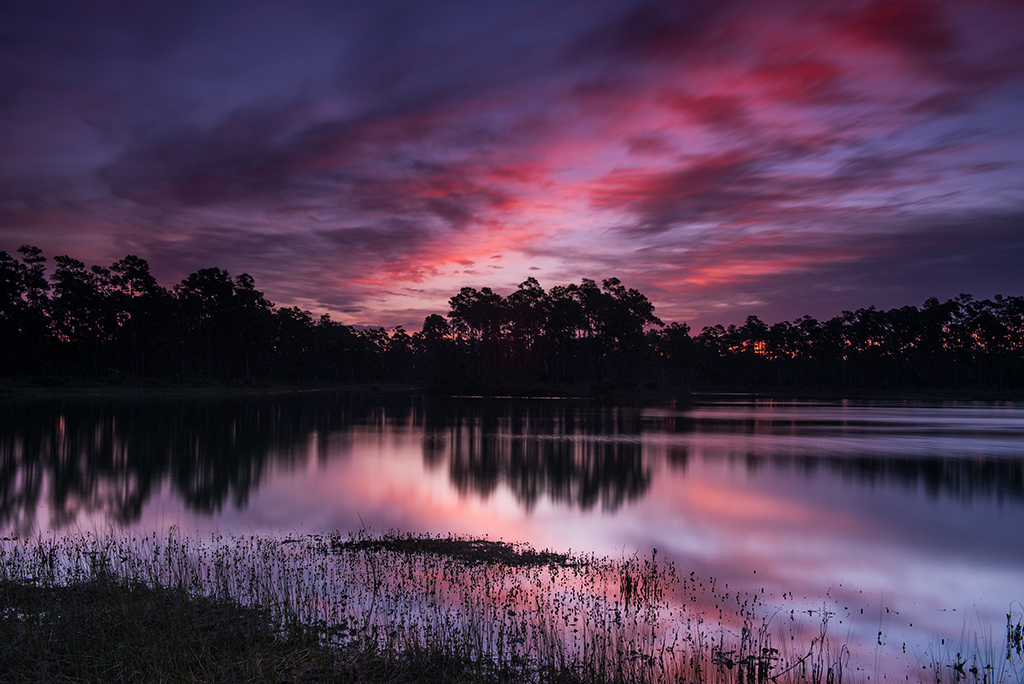
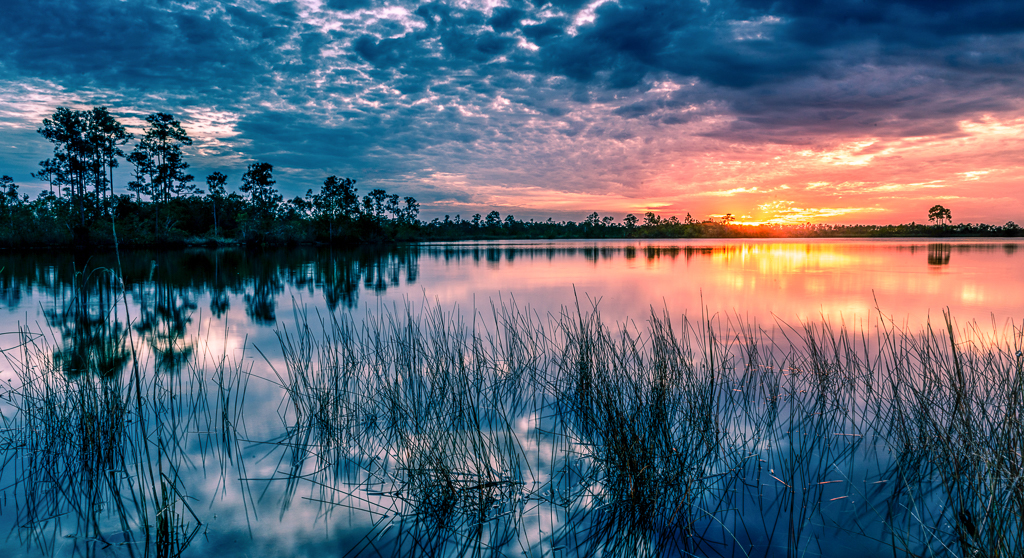
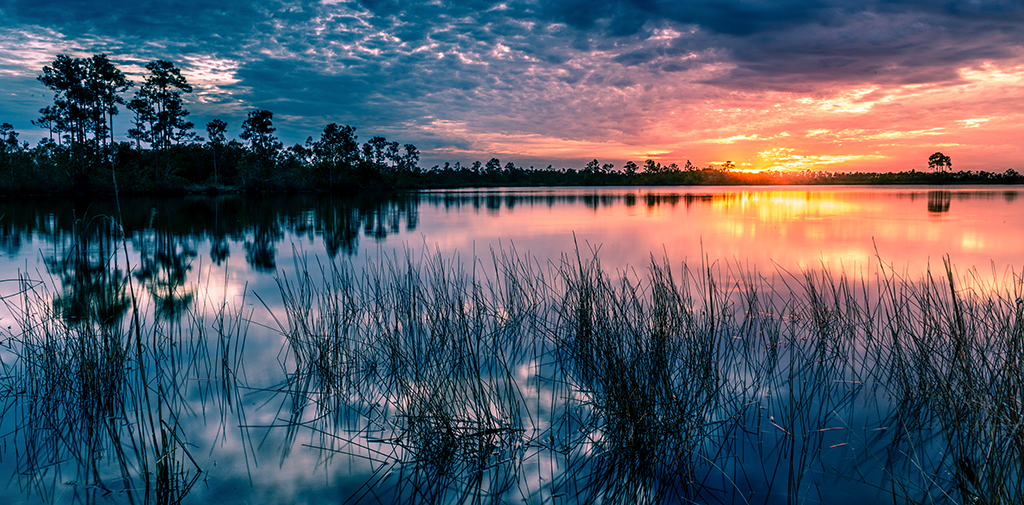
Since so many folks want to see this image cropped more from the top I decided to give it a try. I think this changes the image in that the sunset glow lost its frame of dark clouds along the top edge. I don't think this makes the image bad, just different. How do you all like this crop? |
Oct 5th |
 |
| 67 |
Oct 18 |
Reply |
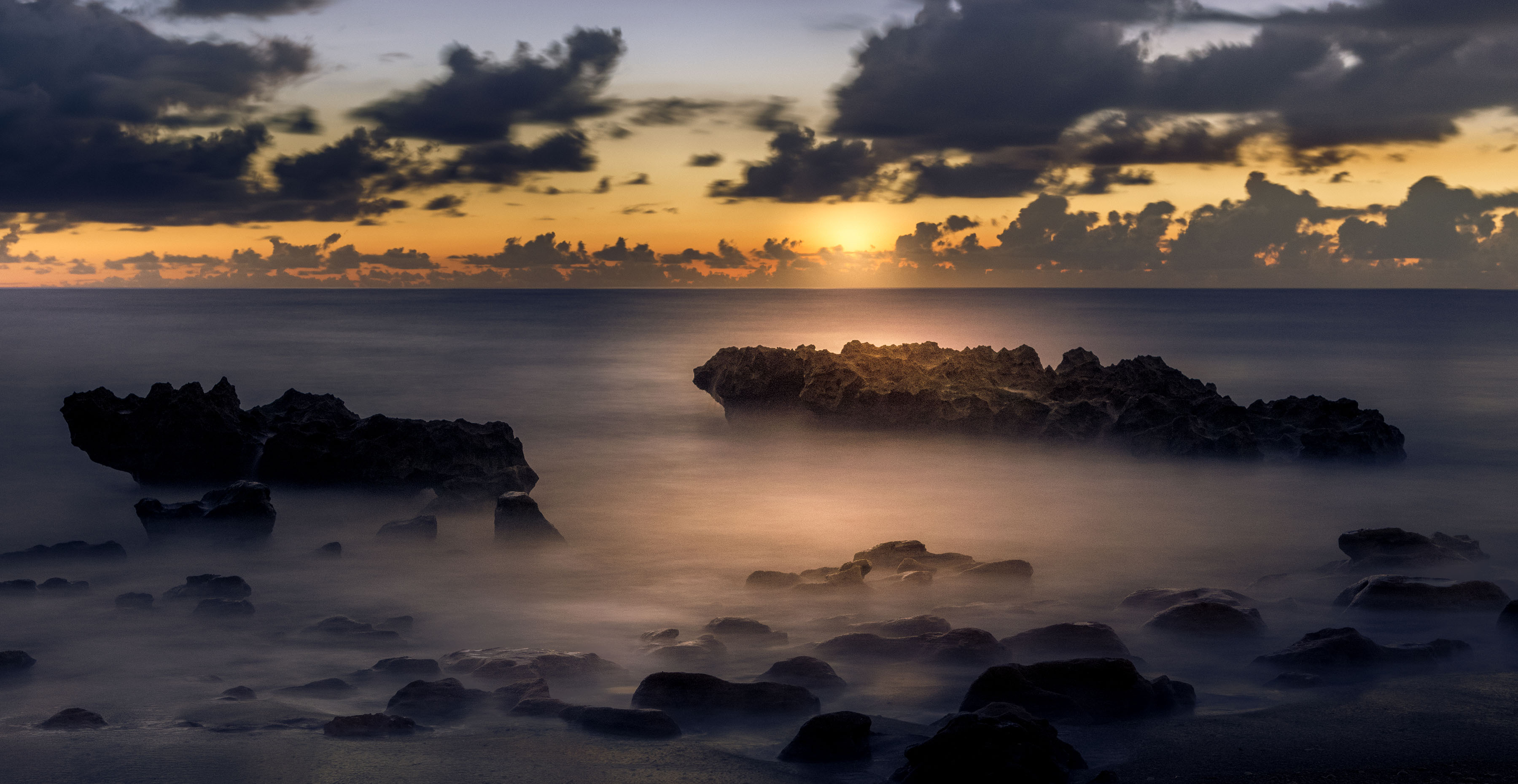
I'm really impressed that you got this down to 100 ISO and at 1/100 on the shutter, you have steady hands. |
Oct 4th |
| 67 |
Oct 18 |
Reply |
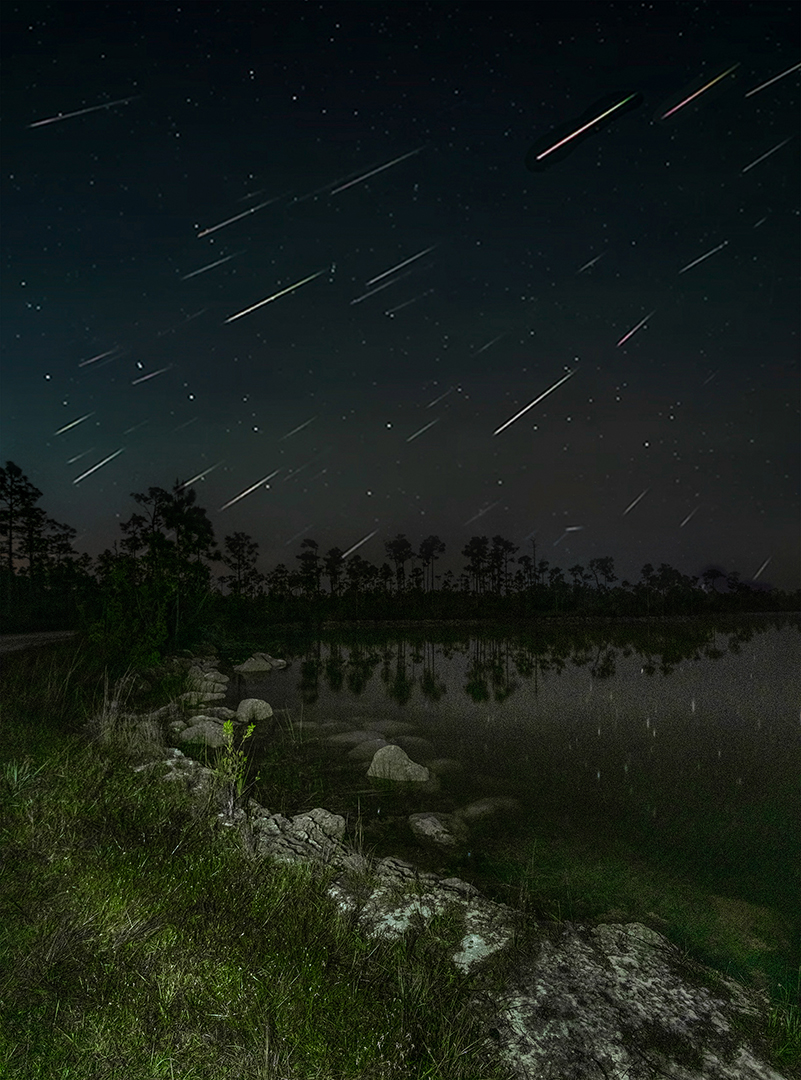
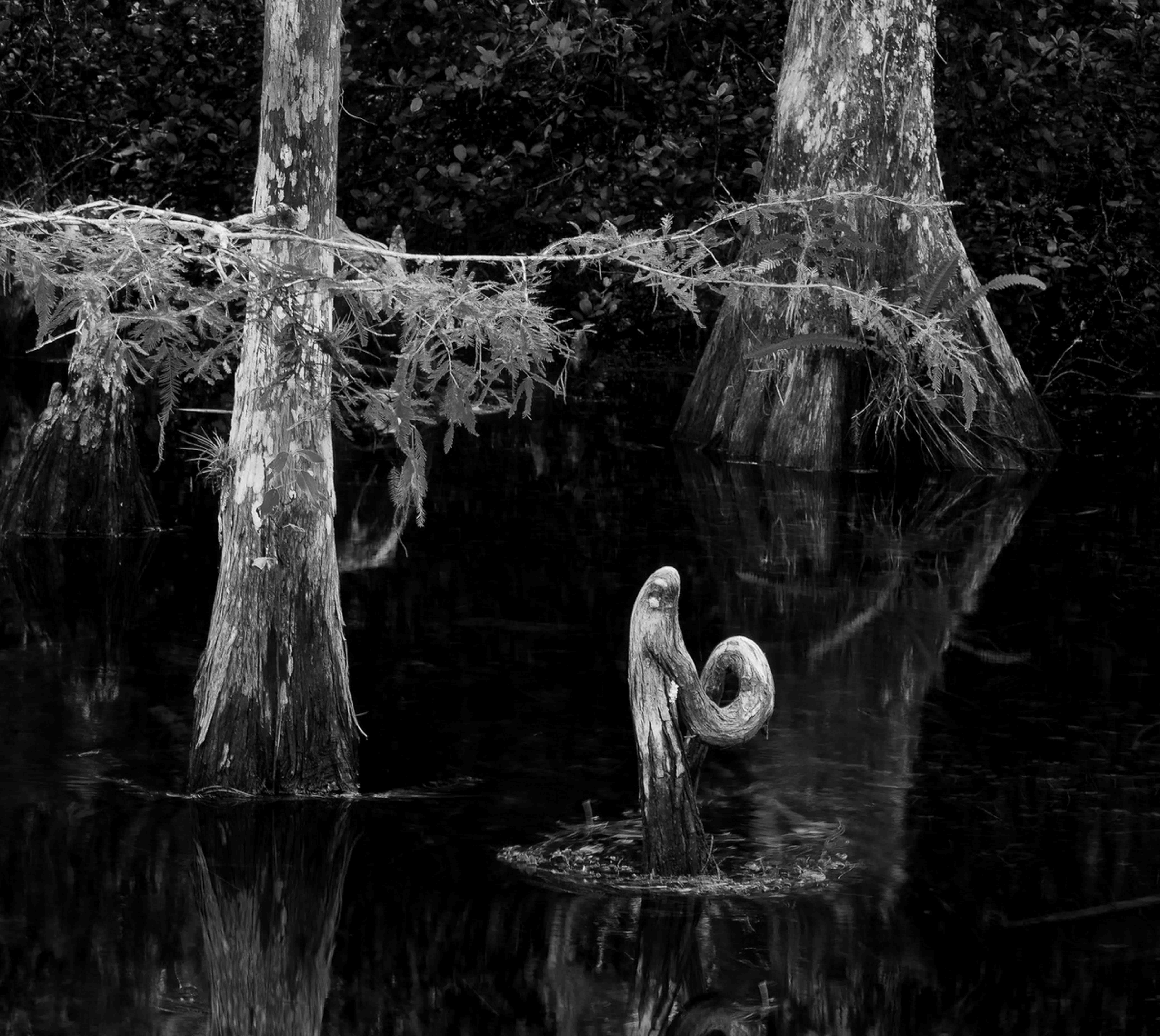
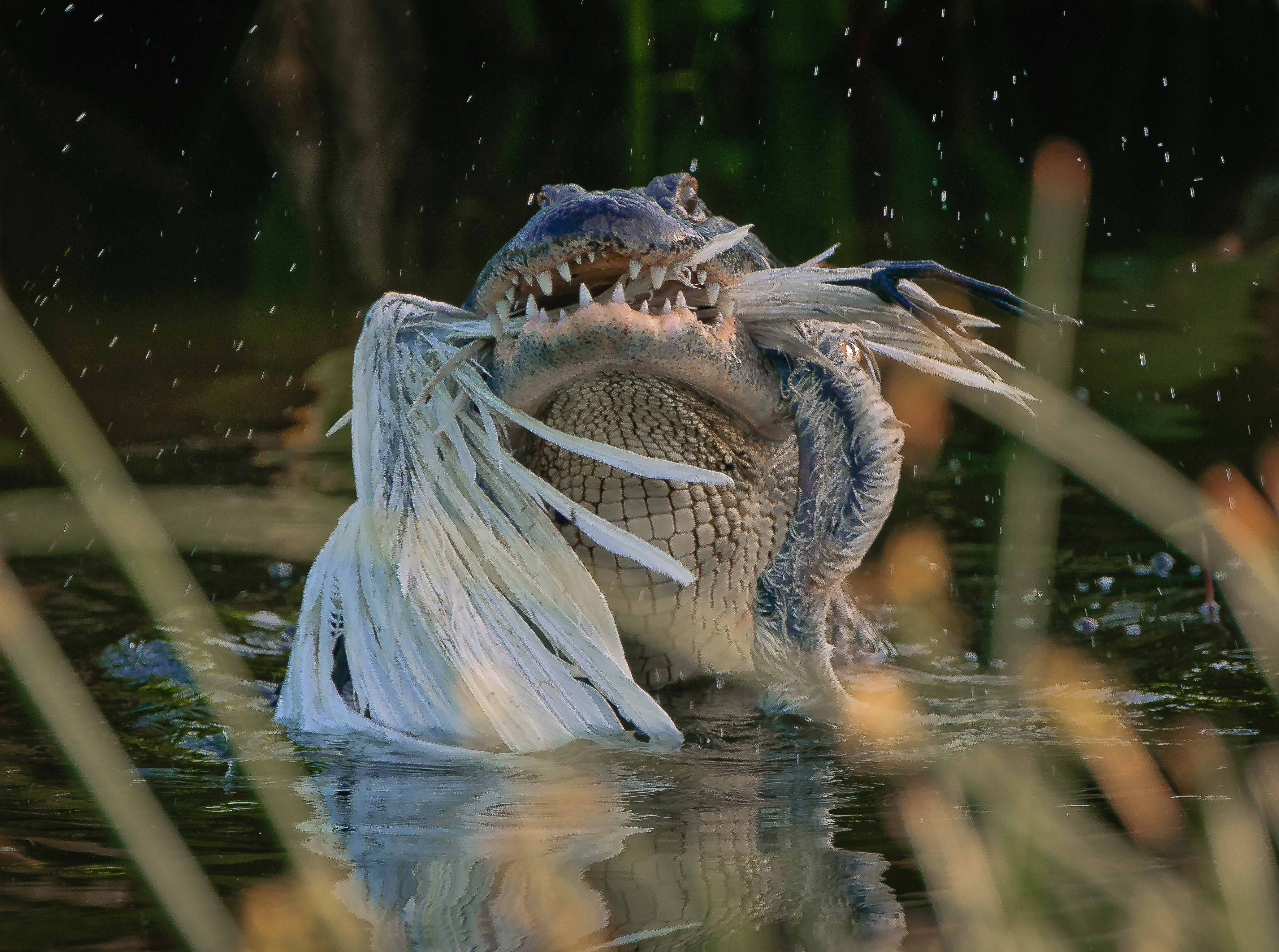
Got to laugh when I saw this version. I am often accused of making my images too dark. But often this is the feel I fine in the everglades so it leaves me feeling confused. With this image I thought I would open some of the shadows (especially on the water) to get rid of some of that "darker" feeling. At first I thought that the water was to glass like, but it sort of grew on me--the lighter version. The you show the darker version that is more in line with my first thoughts. I guess photographers look at things one way, and our audience often wants to see something else. I do agree with your comment "that it is personal" because that is how I often feel about my images. As long as I'm happy...
Thanks for the dialogue---it was fun chatting with a photographer. |
Oct 4th |
| 67 |
Oct 18 |
Reply |
As always, you are most kind. |
Oct 4th |
| 67 |
Oct 18 |
Comment |
Richard
First, it is great to know that there is a Naturalist and a birder here in the group. Now I know where to go when I have questions. I carry a pillow in the car to use as a rest when I shoot through open windows.
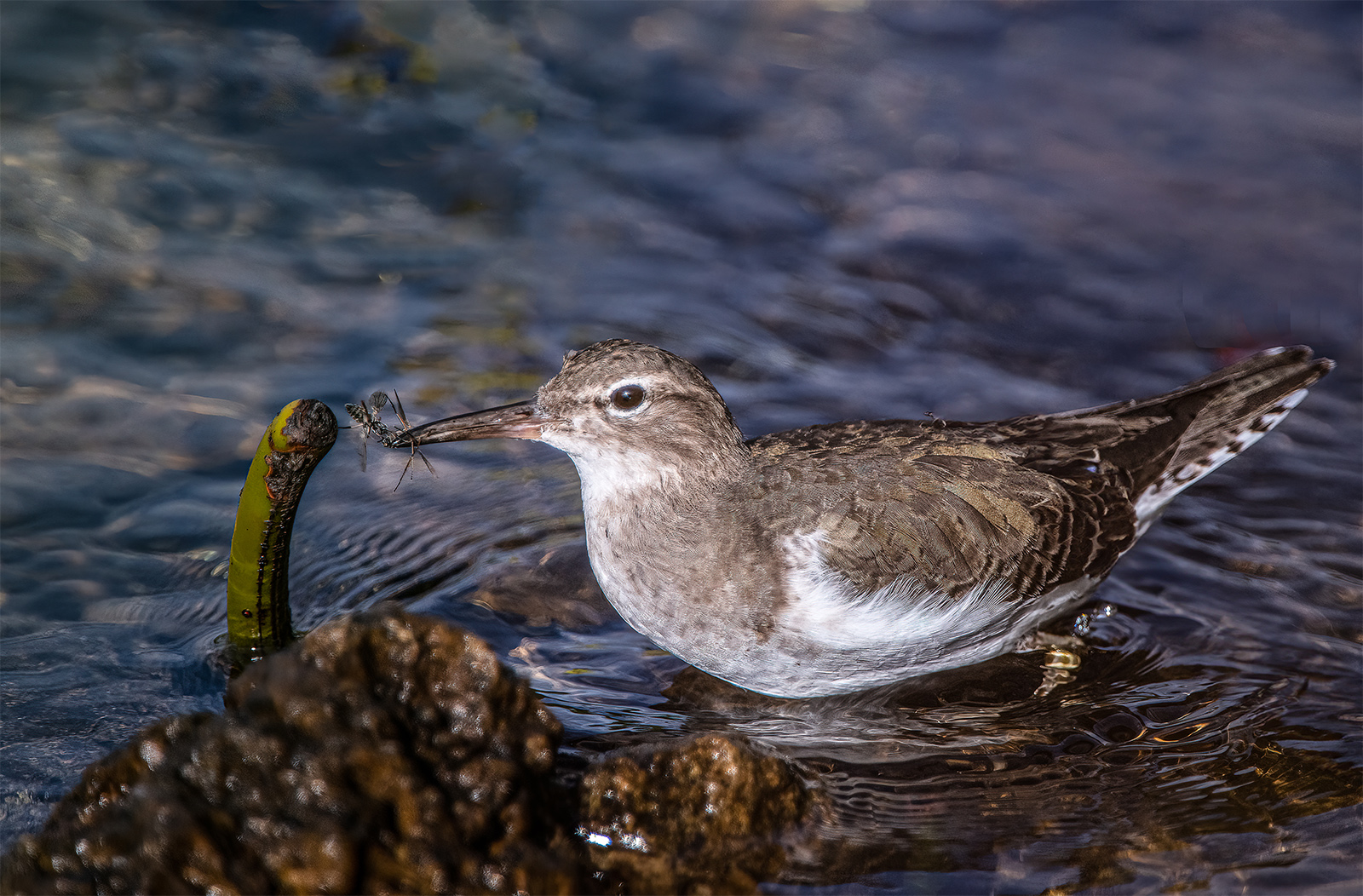
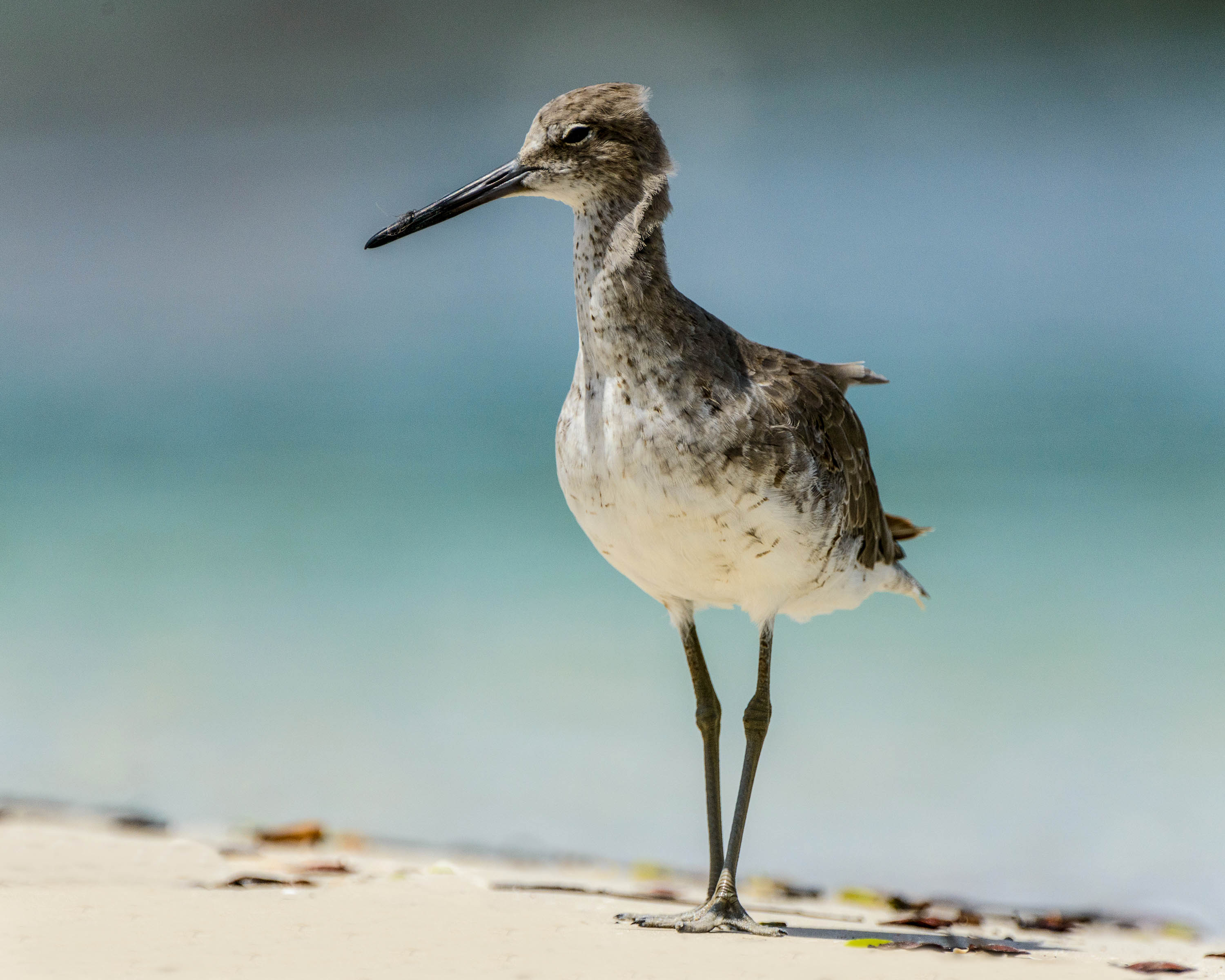
I'd say if you objective was a record of this bird you came up with a great shot. For shooting with 1000 ISO the detail is really good. Did you adjust clarity and sharpness? What accounts for the crispness of the final image? Define 2 seemed to do well in eliminating noise from the 1000 ISO setting. Do you find that works better than the denoise slider in Lightroom?
I don't know how much you cropped this image but could you remove that light branch on the left??
All in all, a great portrait shot of a bird I have not seen. |
Oct 4th |
| 67 |
Oct 18 |
Reply |
Thanks for the idea. :-) |
Oct 4th |
| 67 |
Oct 18 |
Reply |
I had not thought about that. What did you have in mind? |
Oct 4th |
| 67 |
Oct 18 |
Comment |
Hi Wayne
Bryce can be such a magical place to take photos that I've found it can be a bit over whelming. It looks like you found a very colorful location to catch a perfect memory of both your trip and the amazing location. As several others have said I feel the reds on the back ground mountains are a bit much. I've found that red can be a difficult color to work with as it seems they blow out quite easily. You said what captured you was the white layer in the rocks so I gave that some thought. I finally decided just to give it a try so here is my effort. Since you said you use Lightroom I confined my efforts to only that program.
I duplicated the image in Lightroom then darken one and set the white balance on the layer of white rocks. Then I merged the two images in Lightroom's HDR module. The process brought out the trees at the bottom and kept the reds in the rocks without blowing them out while keeping the white a more natural white. Because the file I had to work from was small I wasn't able to bring back the whites in the clouds. Maybe working with the original I could have. I adjusted clarity, and brought down the saturation of the foreground mountain just a bit.
In the end it is my interpretations---your thoughts?
|
Oct 4th |
| 67 |
Oct 18 |
Reply |
I'm not sure where I could crop more without losing part of the mood. If I crop from the bottom it would just move the horizon more into the middle. If I crop from the top (which I already have) then I will lose the dark clouds above the colored part of the sunset. I wanted to keep some dark above the sunset to create the feeling of the sun trying to break or force its way through the gloom. I actually thought about moving the horizon out of the center and did move it just a bit in an attempt to honor the rule of thirds. In your opinion, from which end would you crop more -- bottom or top? |
Oct 4th |
| 67 |
Oct 18 |
Comment |
Max
I am in awe of your post work. Working one image from Digital Photo Professional, to Lightroom and finally to Photoshop is certainly a real labor of love. How long did it take to process this image? What ever you did it looks great. I see you shot this at F13. I'm not trying to be critical just inquiring-- while the Skimmer's body is quite sharp I noticed that the back wing is quite blurred. I do not do very much macro work at all and I am quite impressed with this image so my question is could you have saved more of the back wing with a higher f-stop?? Is the power of your flash unit enough to allow for the higher f-stop or was there a reason you opted for your settings?
I like just about everything in this image---your work here is amazing. Since you cropped this quite a bit (I carefully compared it to the original) may I ask why you didn't just clone out the little piece of detached branch in the upper left corner? I really doesn't bother me a lot, I'm just wondering. Then I have one other question. This image appears to be shot horizontal. I notice that the entire branch is on a downward diagonal to the right. I think this is a powerful image as it stands but I wonder if you have thought of rotating it a quarter turn to the right. This would make the branch into an upward diagonal creating even more power in the image. As I noted I think it is fine as as, I am just musing. Any thoughts? |
Oct 3rd |
| 67 |
Oct 18 |
Reply |
You might consider looking for a Scott Kelby book on Lightroom. His books are really easy to follow and he goes through things step by step.
As an alternative you might look at Youtube and find:
serge ramelli lightroom tutorials
I used some of these for my students when I teach photo editing. He will give you lots of ideas. |
Oct 3rd |
| 67 |
Oct 18 |
Comment |
Hi Michael
First I see we have a very similar plan of attack for how we use Lightroom. You didn't say if you shot this in RAW or in jpeg. I'll assume jpeg since you were so complete with all your information. I would really encourage you to shoot in RAW since then the image will have much more detail when you start the process procedure. You went a long way from the original to the much lighter final image. If you had used the RAW format I think it might have helped the final image quality. Just a thought.
Now for the image itself. Overall I find it to be a very striking image. The irony of the "soft" frog versus the nasty thorns was not lost on me when I viewed the image. I really like the serene expression of the frog in the midst of all the thorns. I think your choice of camera settings worked out quite well and you have enough DOF to handle the from yet wonderfully softened the background and thus set off the from so well. Your use of light shows a sound understanding of the qualities of light and you made good choices in this area.
Do you use back-button-focus or just focus by depressing the shutter button? I ask because your original image is perfectly centered on the frog. Using back button focus makes it easy to obtain focus and then slightly shift the angle of view left or right and thus move the subject out of dead center. Just a thought we can discuss later.
I note your final image has a very heavy crop ratio. Since you have already cropped it so much I would suggest making the image more of a vertical by cropping that branch on the right which I find annoying. An alternative to the crop might be to put the image in Photoshop, then using the lasso tool encircle the offensive branch. Then go under Edit, choose Fill and then choose Content Aware and let Photoshop do its "magic" If you do not like the result. Just use Edit--Step Backward or type Command Z to return to the original. You can then try again this time only using the lasso tool to select a section of the branch. You can then remove the branch section by section using Content Aware. It might take some practice but may be surprised at the results.
That blur on the frog's back leg is probably caused by something being between your lens and the frog. Maybe some weed,leaf or some similar object. I often will take the first image---now I've got something, then may try a little prunning by bending offending stuff out of the way. I carry some strips of velcro in my camera bag for just such purposes. I can often pull a branch out of the field of view and hold it there with the velcro.
Finally, I really like the image. You did a great job and showed a lot of creative thought that was well rewarded. It will also inspire me to try some of this type of photography.
Hope I didn't overdo this comment. |
Oct 3rd |
| 67 |
Oct 18 |
Reply |
When I shoot scenes like this I always error on my exposure on the underexposed side. There is always detail in shadows there is none on blown highlights. Thanks for the compliment. |
Oct 3rd |
| 67 |
Oct 18 |
Reply |
Just a quick response to your note. In Lightroom have you thought about using the adjustment brush? You can use it for a variety of tasks such as brushing on (or off) color, creating shadows, or highlights or even adding contrast. ALso in the Basic Mode you can set white balance by just taking the eyedropper and clicking on an area that should be white and Lightroom will make the adjustment. You can also use the Radial Adjustment tool right next to the adjustment brush to change color, or highlights and shadows. Just something to think about. |
Oct 3rd |
| 67 |
Oct 18 |
Comment |
The recently uploaded original was a raw file. |
Oct 2nd |
6 comments - 9 replies for Group 67
|
| 71 |
Oct 18 |
Comment |
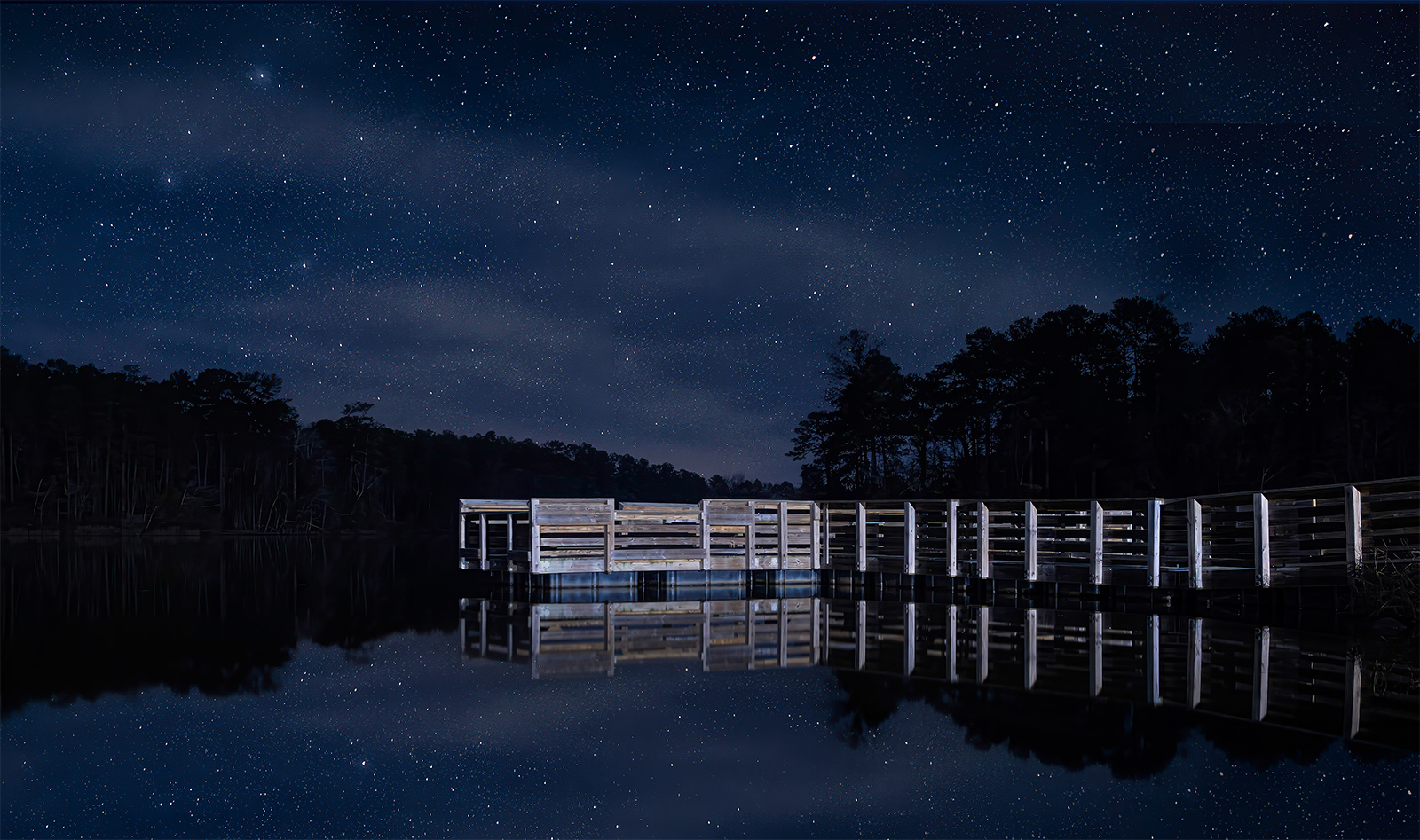
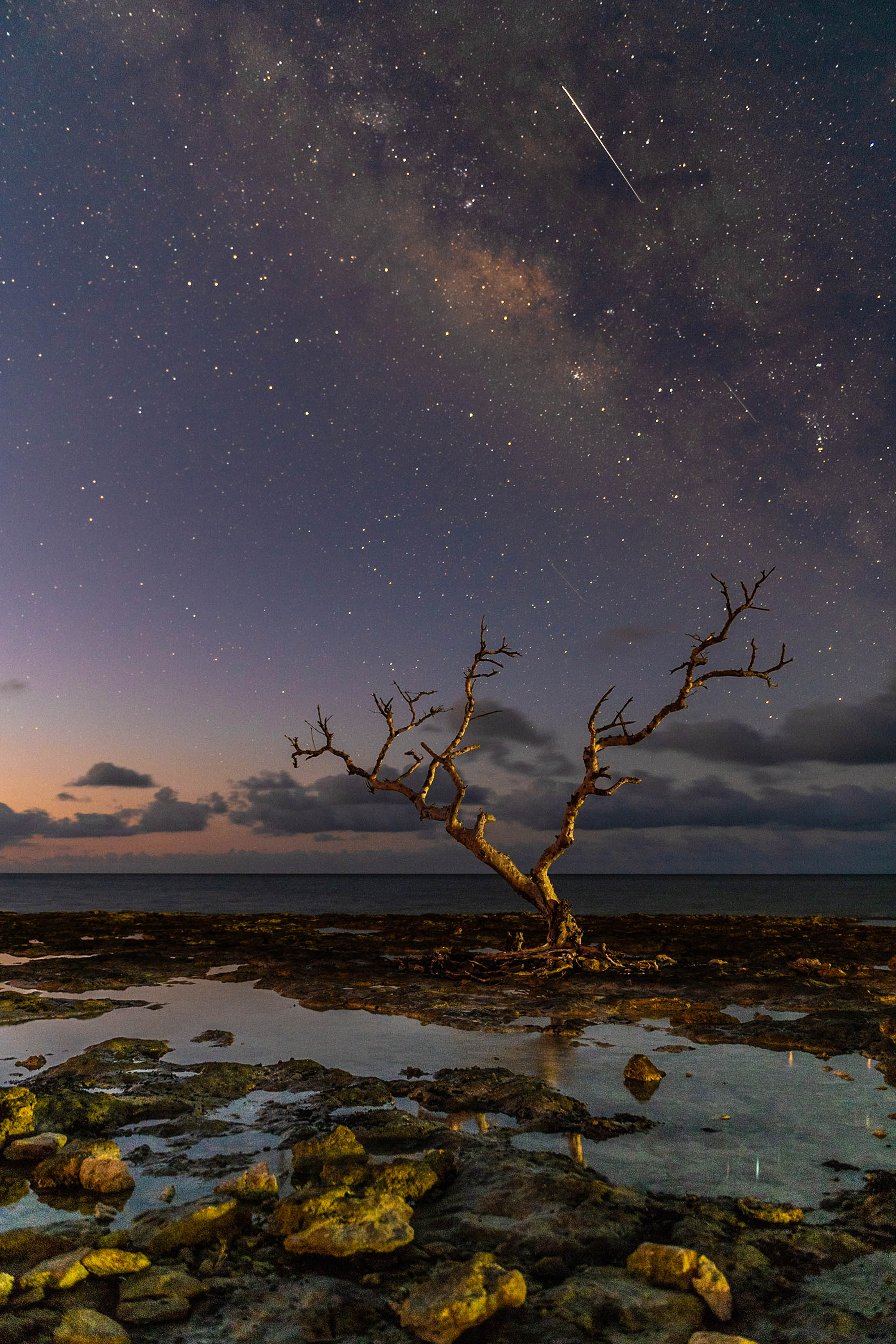
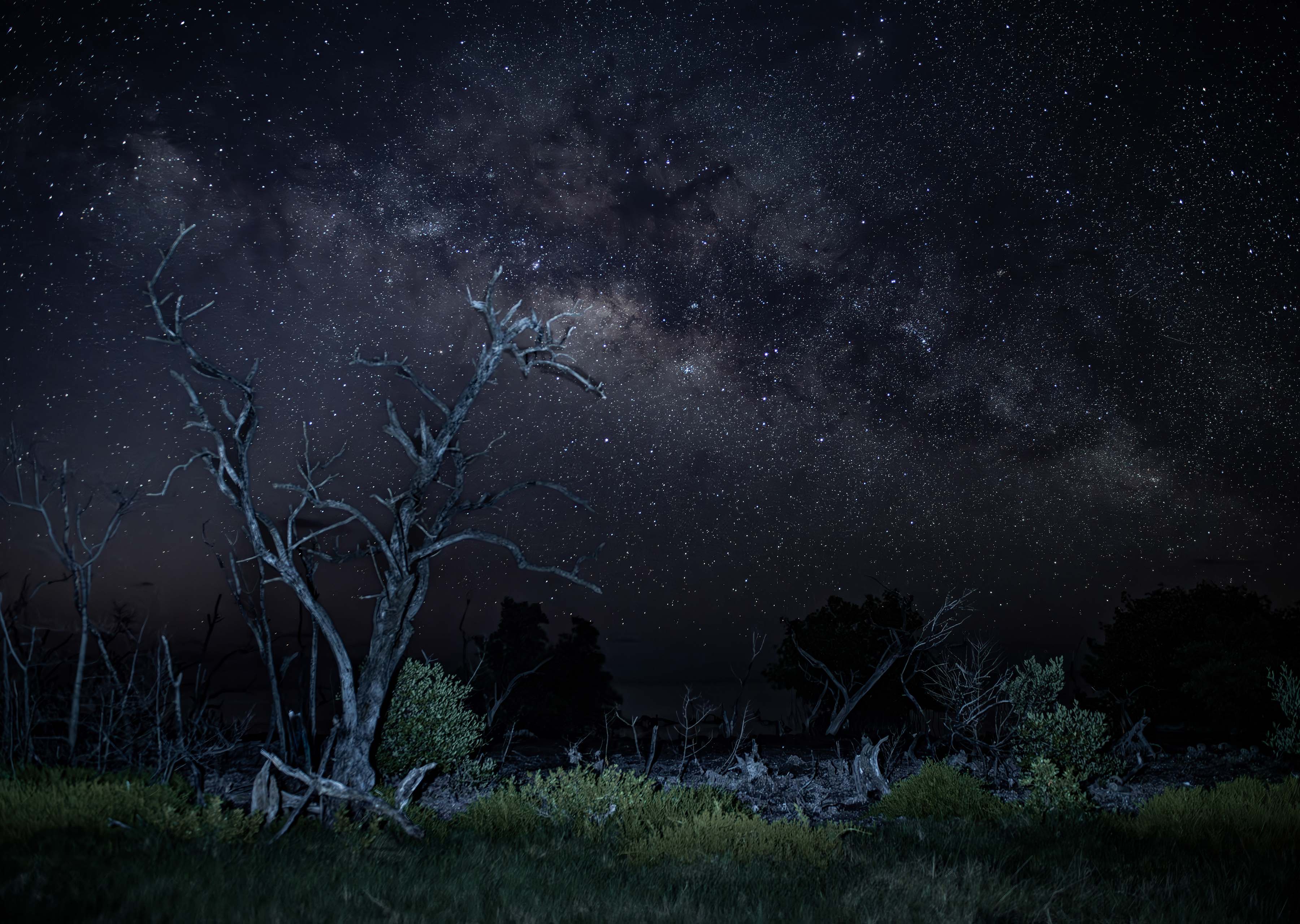
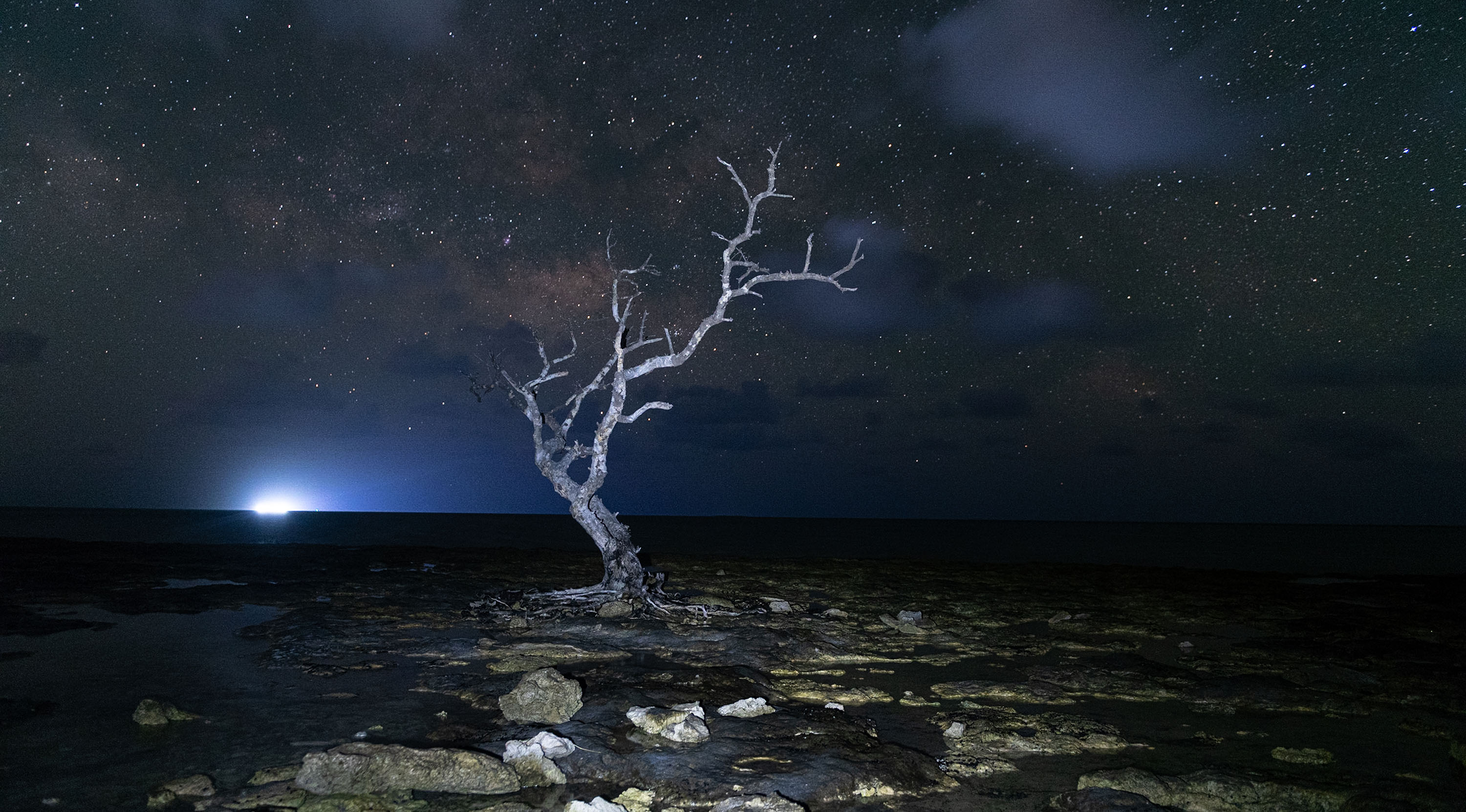
I really enjoy night photography a and this one is a masterpiece. I like your use =of the tree as a main, eye-catching subject and the stars make a perfect compliment. You also seem to have handled the noise quite well. Congratulations. |
Oct 7th |
1 comment - 0 replies for Group 71
|
| 72 |
Oct 18 |
Comment |
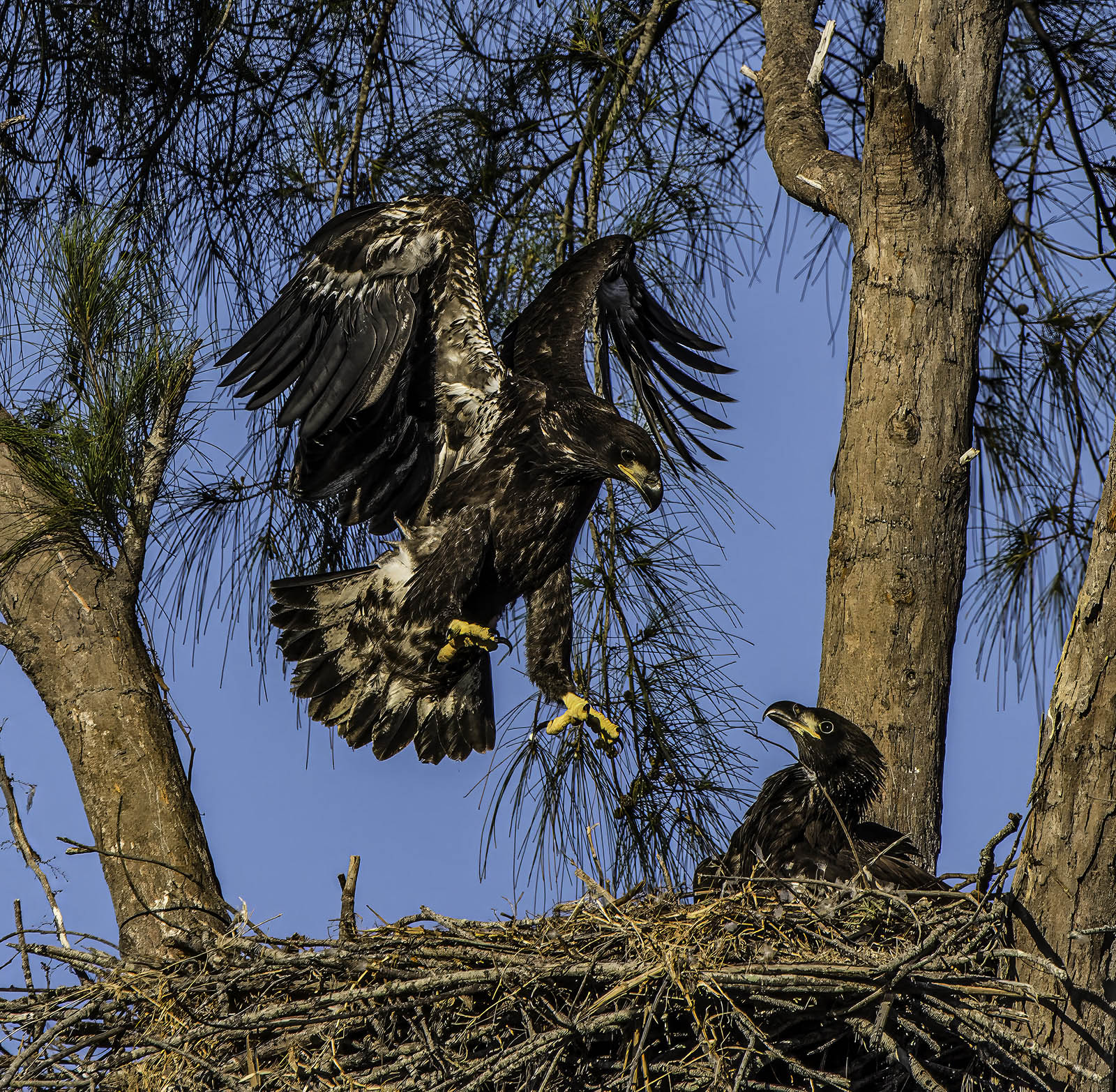
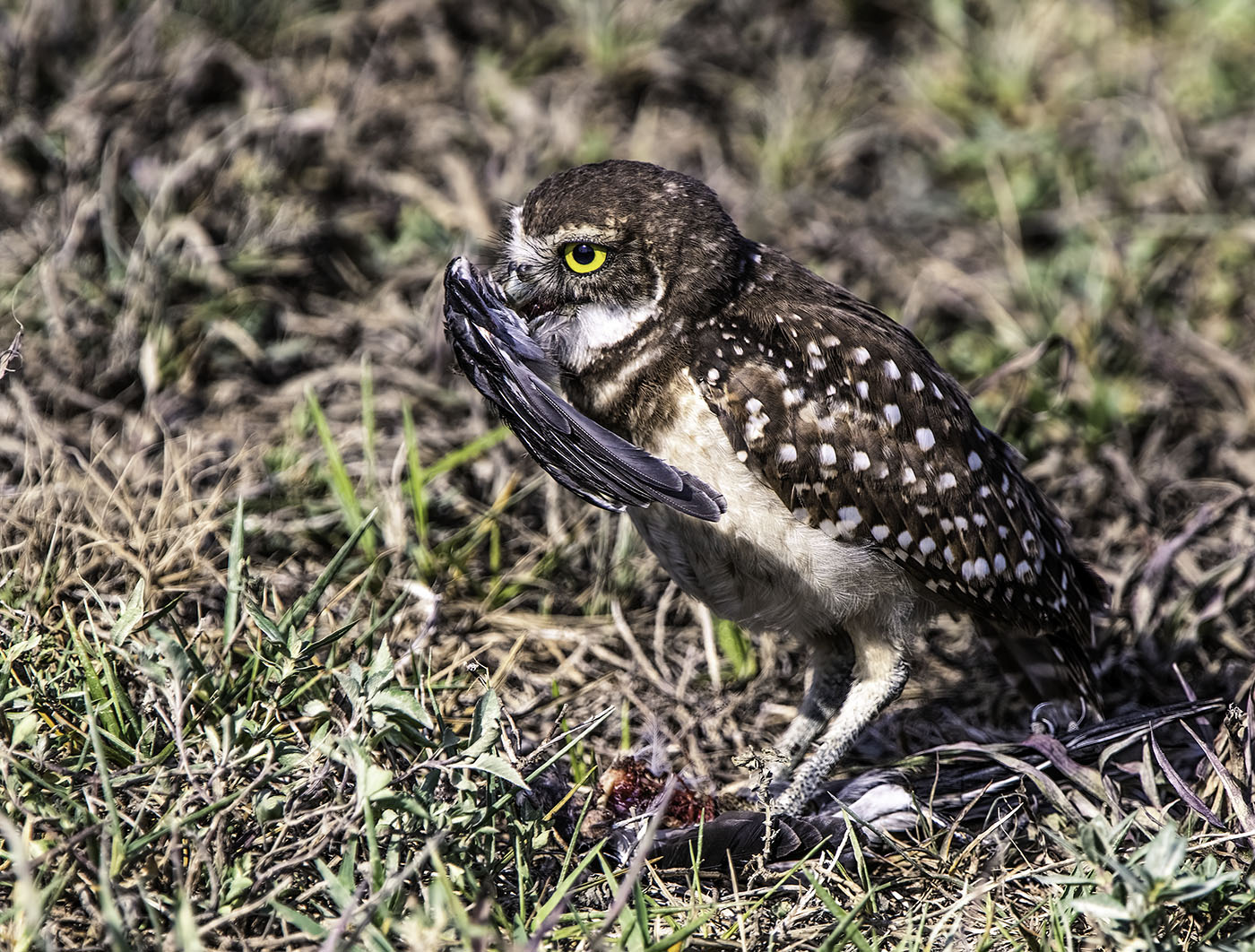
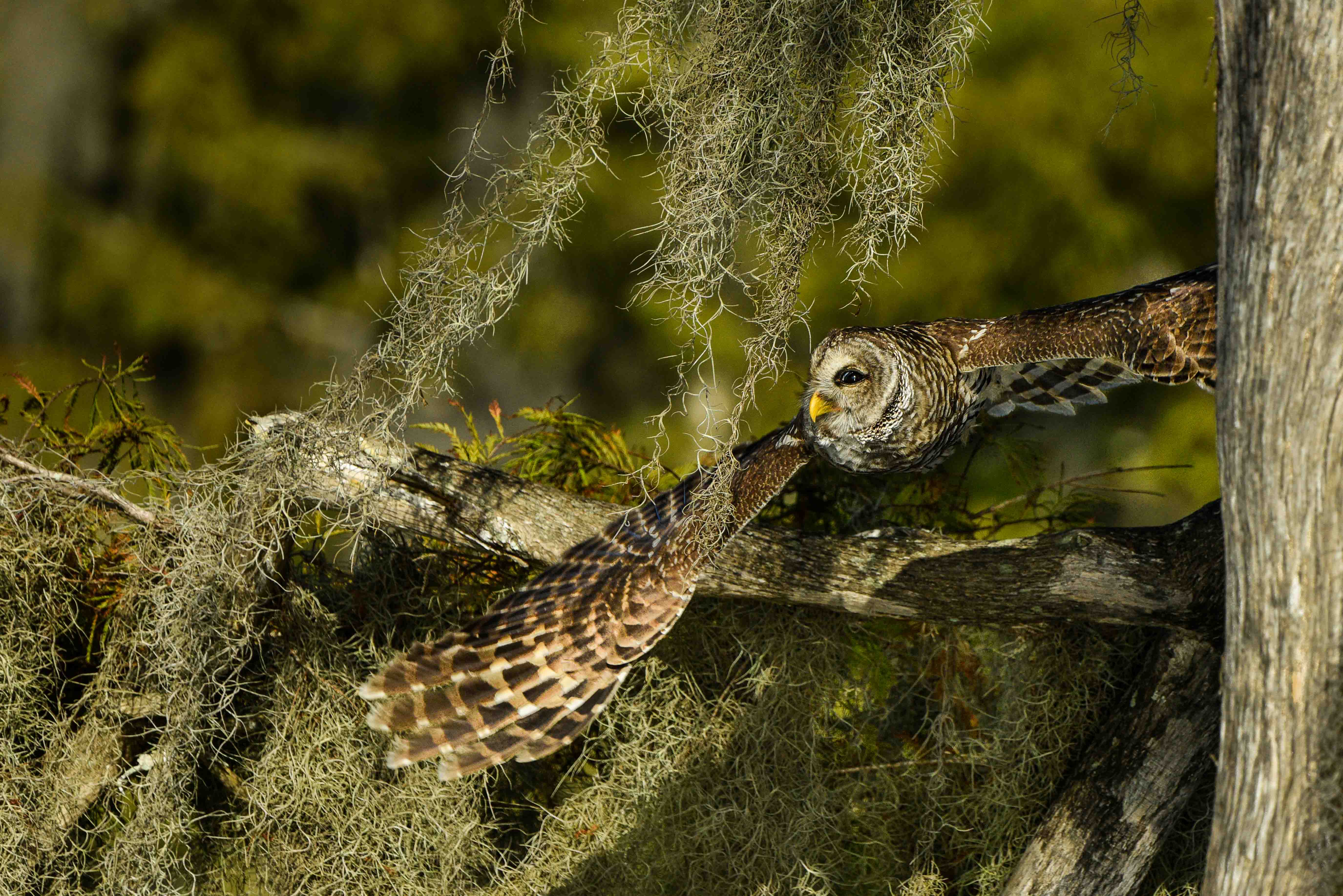
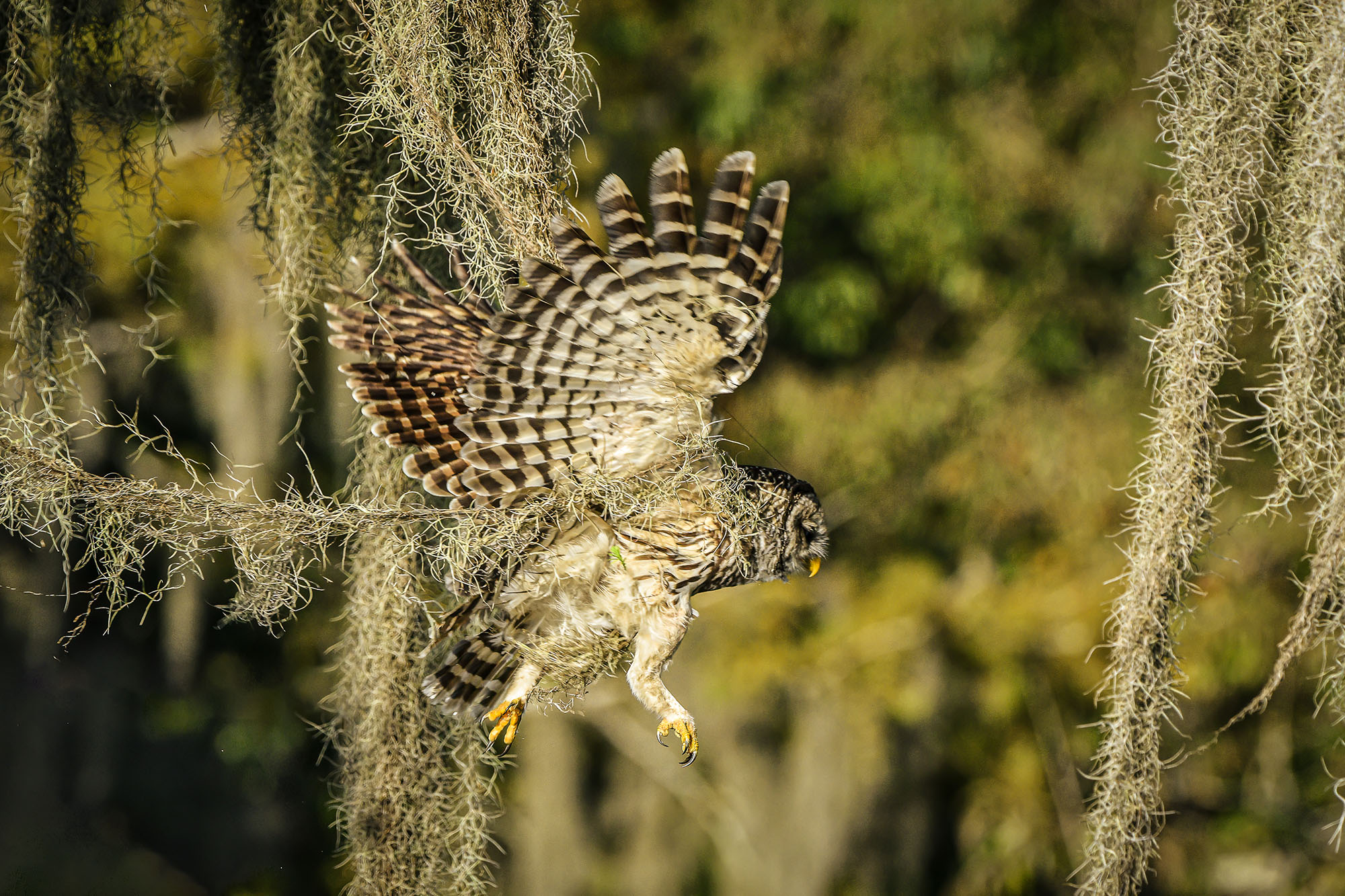
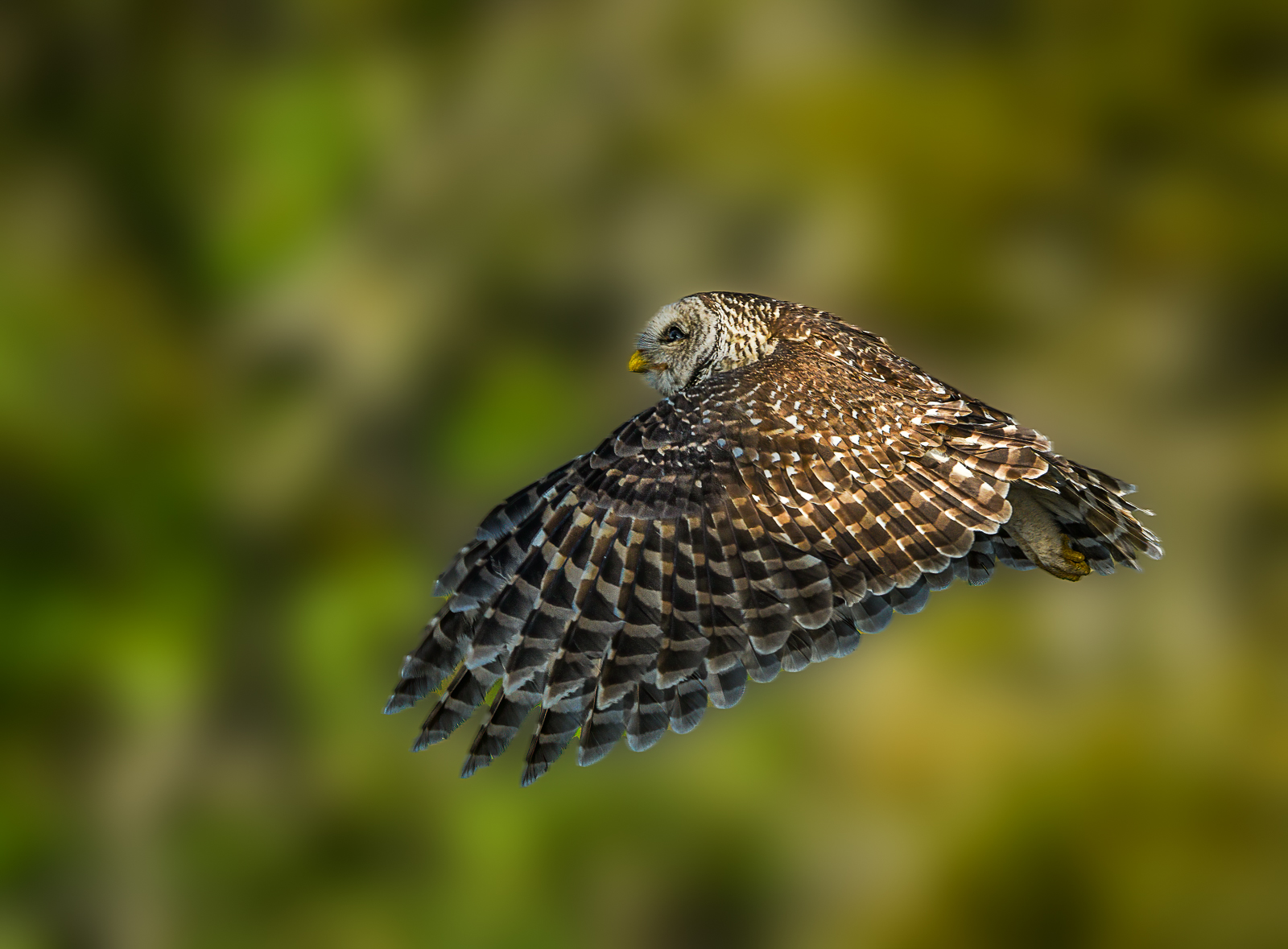
This is certainly a prize winning image. The clarity of the smallest feathers adds so much life to the image. You have the perfect lighting for this with the wonderful soft light that flatters the owl. The yellows of the eyes, beak and talons add just enough color to catch the eyes. (You did enhance the vividness of the yellow right?) This is a great image and you did everything perfectly. |
Oct 14th |
| 72 |
Oct 18 |
Comment |
I like this composition. My eye is immediately drawn to the bird on the left. The fact that he is looking to the right left me follow his gaze to the two sealions. I like their intimate embrace. It adds some warmth to the image. |
Oct 4th |
| 72 |
Oct 18 |
Comment |
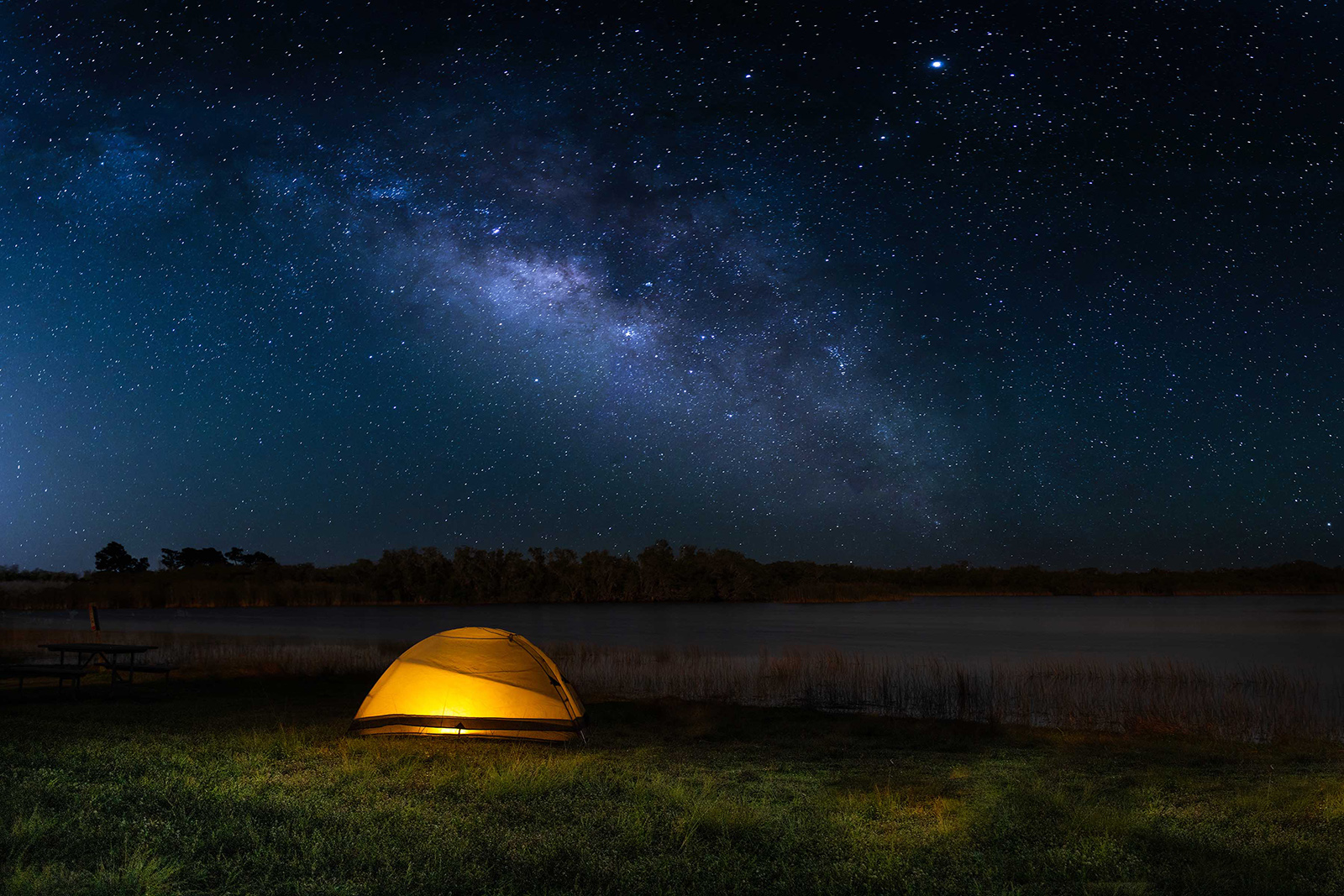
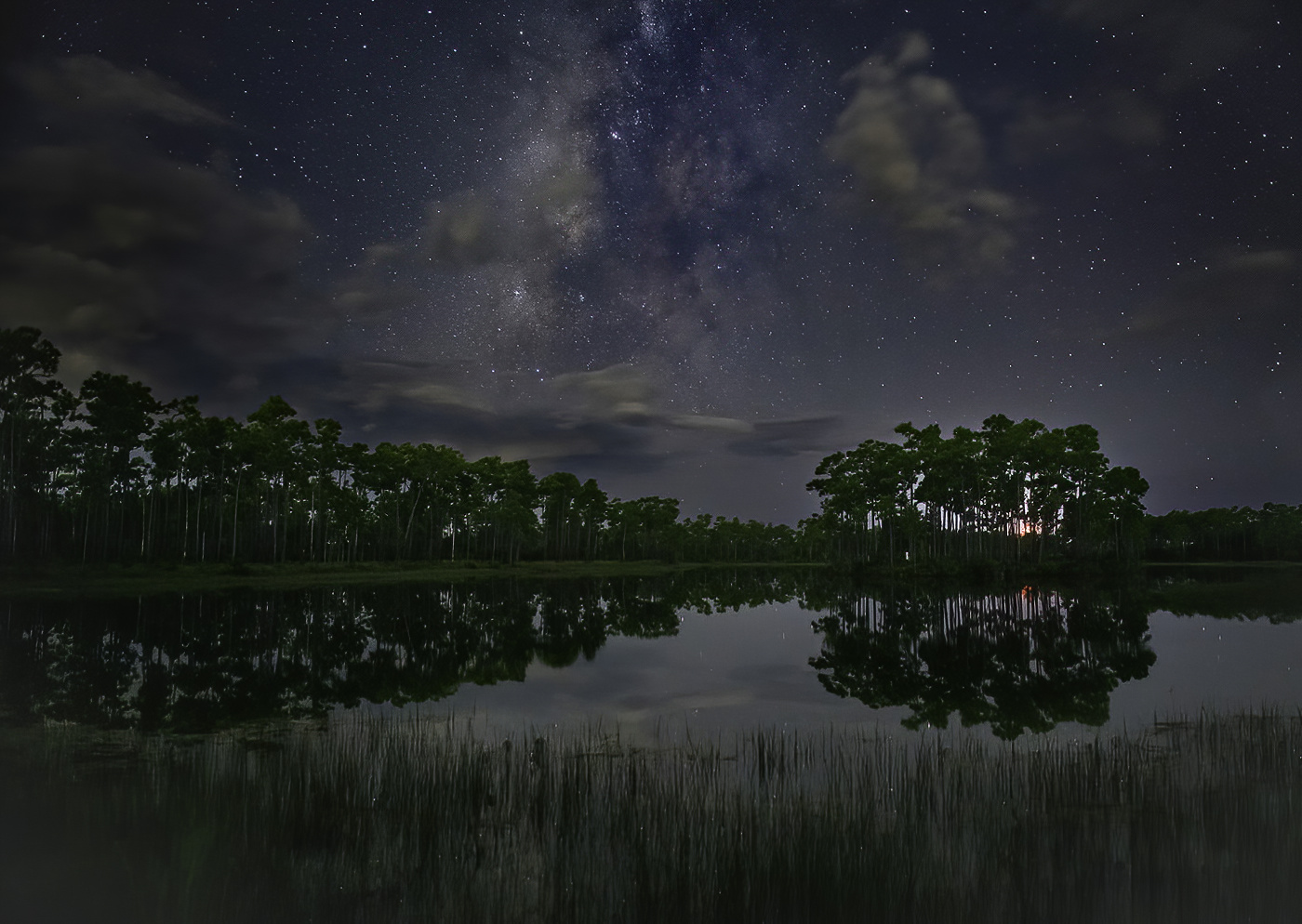
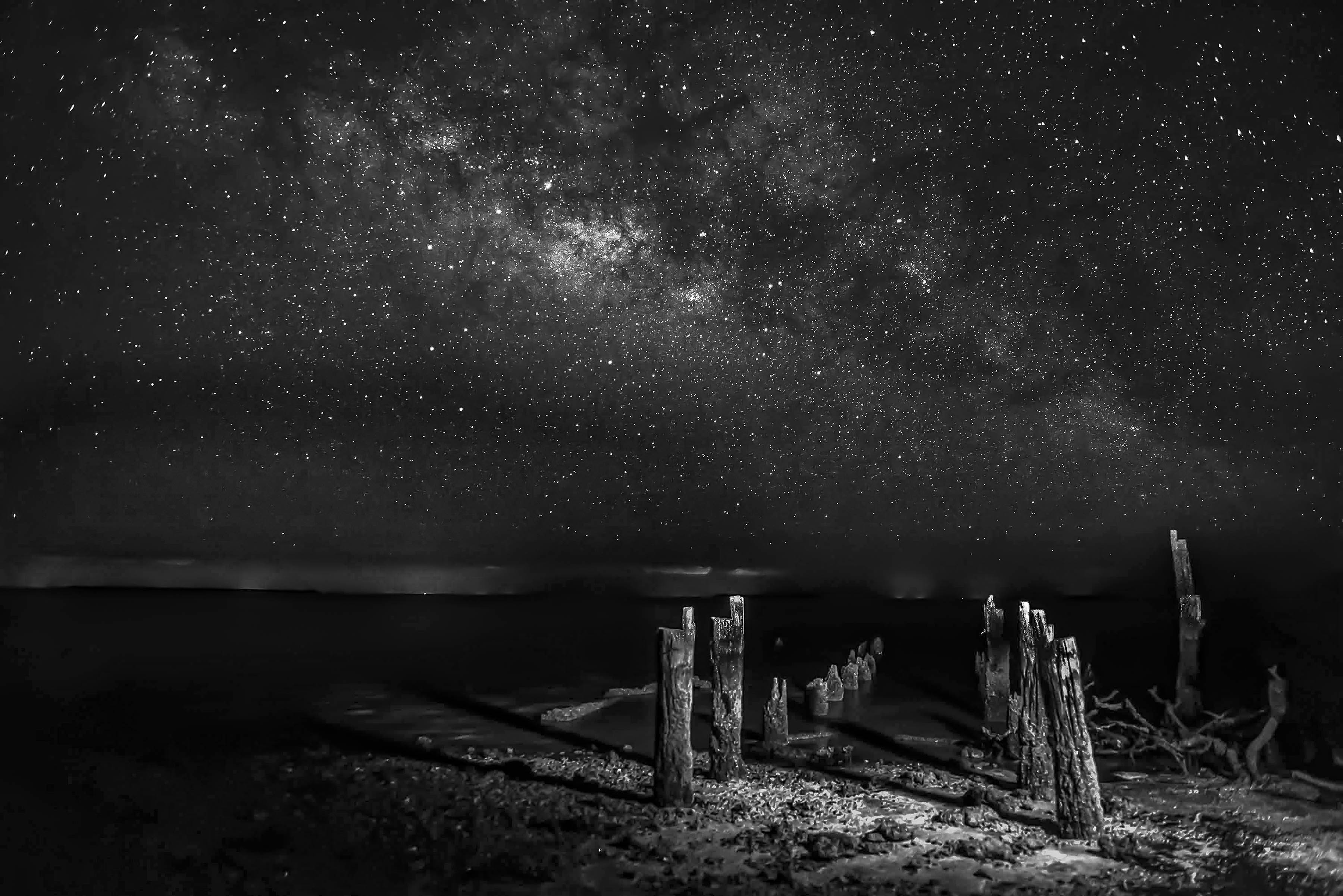
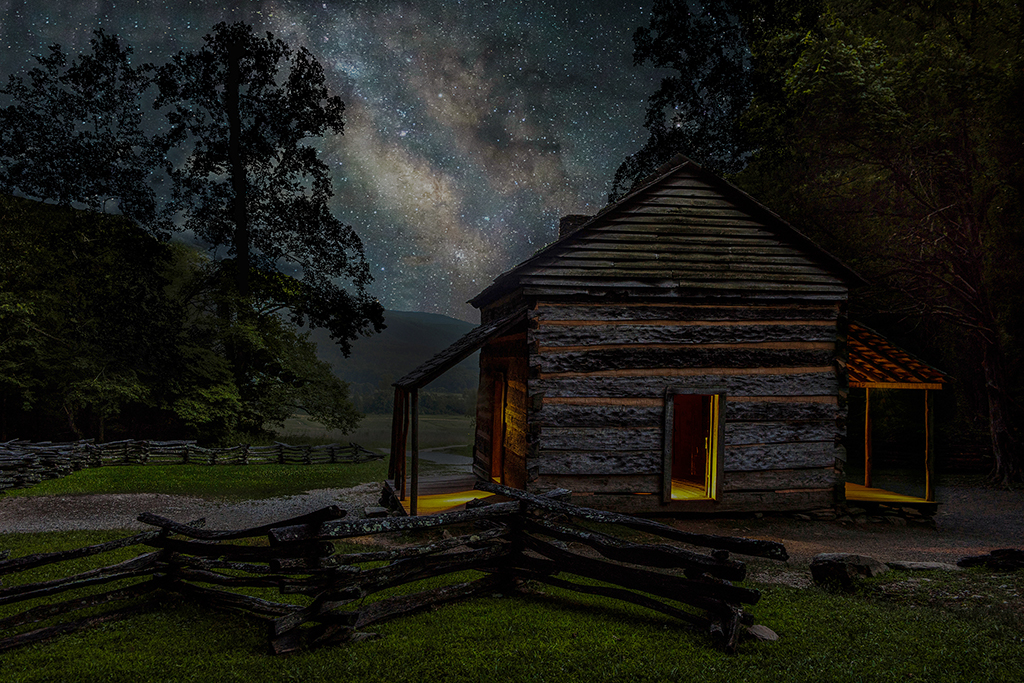
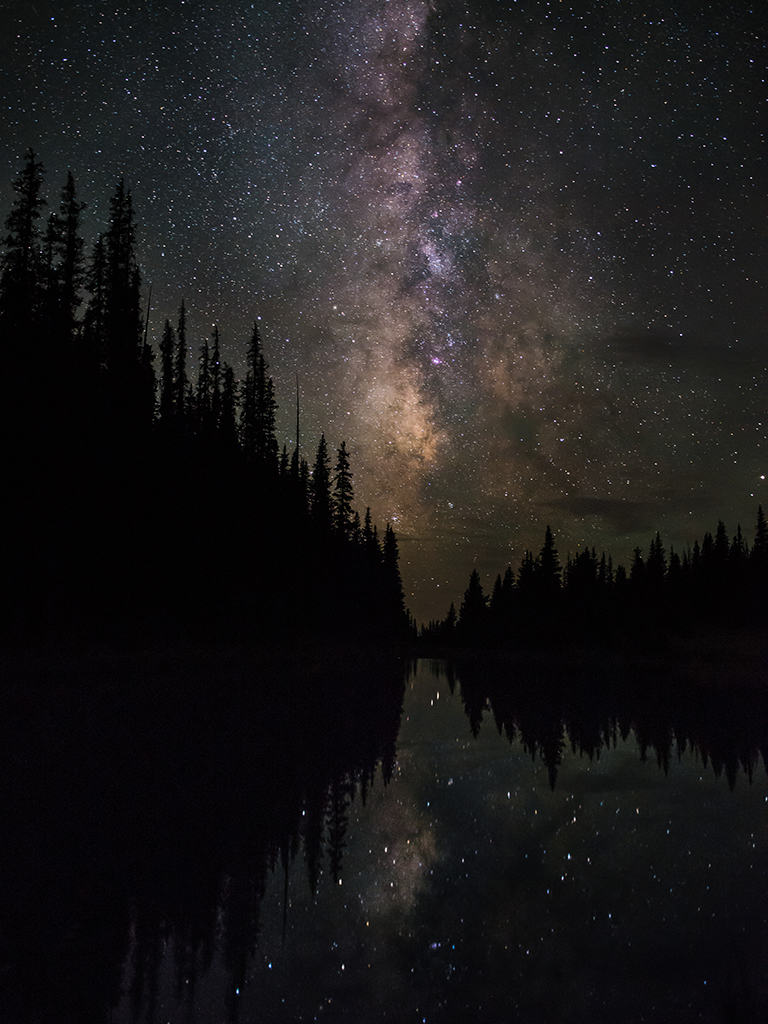
Just visiting from Group 67. This is awesome image. I agree with Kent's comment that this is about composition. You seem to have thought of everything. I love the diagonal of the tree and the way it points to the MW. I think your processing is spot on. I'm impressed. |
Oct 3rd |
3 comments - 0 replies for Group 72
|
16 comments - 10 replies Total
|